Free Tool
Free Alt Text Generator
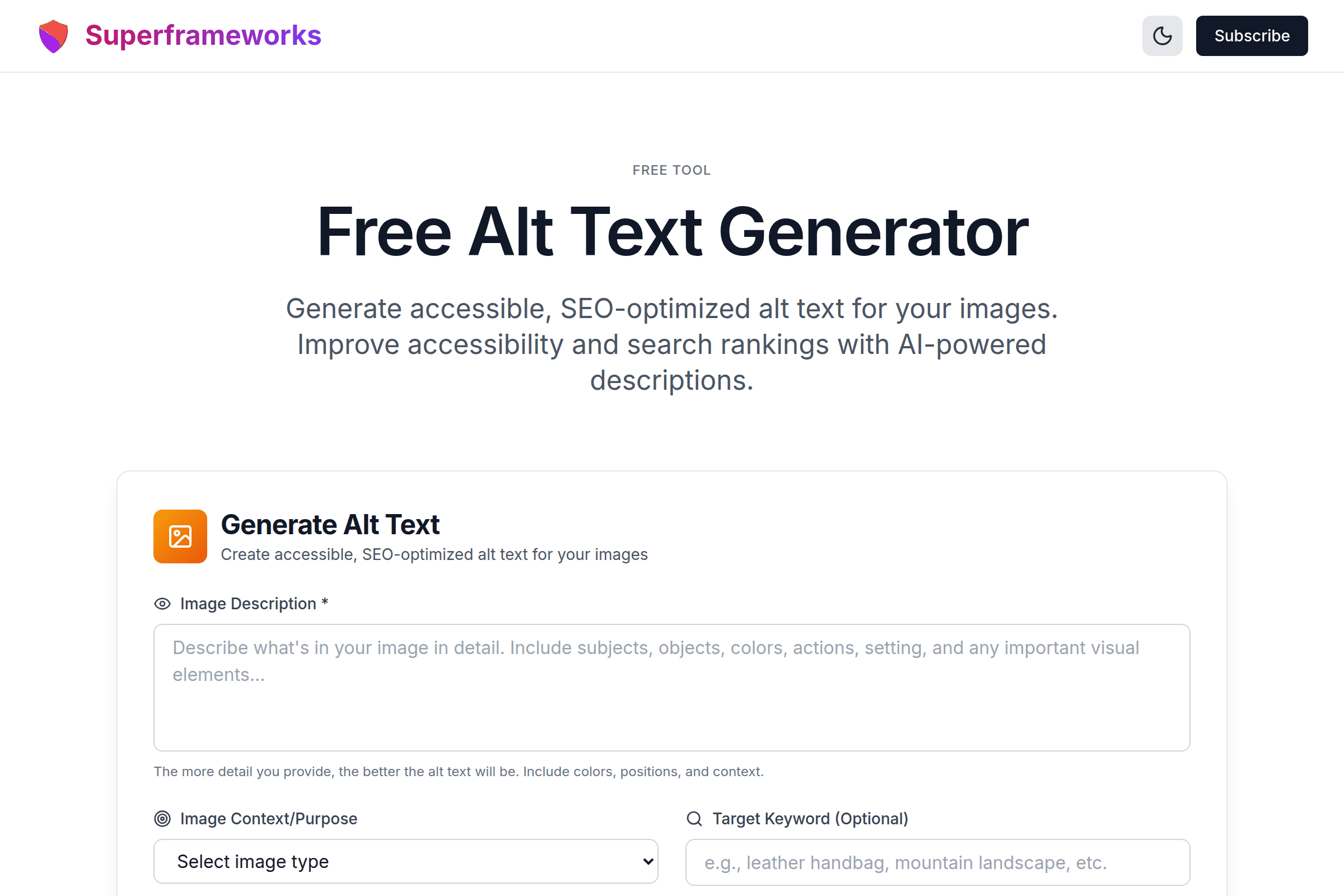
Generate accessible, SEO-optimized alt text for your images. Improve accessibility and search rankings with AI-powered descriptions.
Generate Alt Text
Create accessible, SEO-optimized alt text for your images
WCAG Compliant
Every alt text follows Web Content Accessibility Guidelines for maximum accessibility compliance.
SEO Optimized
Strategic keyword integration helps your images rank in Google Image search results.
Perfect Length
Alt text optimized for the ideal 125-character limit recommended for screen readers.
What You'll Get From Our Alt Text Generator
Descriptive Image Alt Text
Concise, meaningful descriptions that accurately convey image content to screen readers and search engines within the optimal 125-character limit.
Context-Aware Descriptions
Alt text tailored to your image's purpose - whether it's a product photo, infographic, hero banner, or decorative element.
SEO-Optimized Text
Strategic keyword integration that helps your images rank in Google Images while maintaining natural, readable descriptions.
WCAG Compliance Ready
Alt text that meets Web Content Accessibility Guidelines (WCAG) standards, ensuring your website is accessible to all users.
Character Count Validation
Every alt text includes exact character count to ensure optimal length - typically under 125 characters for best screen reader experience.
Multiple Variations
Generate multiple alt text options with different approaches - descriptive, concise, SEO-focused, or accessibility-first - to find the perfect fit.
Example Alt Text Generated by AI
See the quality and variety of accessible, SEO-optimized alt text our AI creates for different image types.
"Black leather crossbody bag with gold chain strap and quilted pattern, displayed on white background"
Product-focused description highlighting key features, materials, and colors for e-commerce SEO.
"Bar chart showing 2024 social media usage statistics with Instagram at 45%, TikTok at 32%, and Facebook at 23%"
Data-focused description conveying key statistics and trends from the infographic for accessibility.
"Team of diverse professionals collaborating around a modern conference table with laptops and tablets"
Contextual description capturing the scene and mood for hero banners and landing pages.
How It Works
Describe Your Image
Tell us what's in your image - the subject, objects, colors, and any important details.
Select Image Context
Choose the image type and purpose - product photo, infographic, hero image, or decorative.
AI Generates Alt Text
Our AI creates multiple accessible, SEO-optimized alt text variations with proper character counts.
Copy & Implement
Choose your favorite alt text and add it to your image's alt attribute in HTML or CMS.
Tips for Writing Effective Alt Text
Keep It Under 125 Characters
Most screen readers cut off alt text around 125 characters. Be concise while still conveying the essential information about the image.
Don't Start With "Image of" or "Picture of"
Screen readers already announce "image" before reading alt text. Starting with these phrases is redundant and wastes characters.
Be Specific and Descriptive
Instead of "dog", write "golden retriever puppy playing with a red ball in a sunny backyard". Details matter for accessibility.
Include Relevant Keywords Naturally
If targeting "leather handbags," include it naturally: "brown leather handbag with brass buckle" - not forced keyword stuffing.
Consider the Image's Purpose
A product image needs different alt text than an infographic. Focus on what information the image is meant to convey to users.
Use Empty Alt for Decorative Images
Purely decorative images (like background patterns) should use alt="" so screen readers skip them entirely.
Include Text That Appears in Images
If your image contains text (like a quote or logo), include that text in the alt attribute so it's accessible to all users.
Don't Include File Names
Never use file names as alt text. "IMG_2847.jpg" provides no value. Describe what's actually in the image.
Perfect for Every Website and Use Case
Whether you're running an e-commerce store, publishing content, or building websites, our alt text generator helps make your images accessible and SEO-friendly.
E-commerce Stores
Generate alt text for thousands of product images that helps them rank in Google Images and improves accessibility compliance.
- Rank product images in Google
- Improve ADA/WCAG compliance
- Scale alt text for large catalogs
Content Creators
Create accessible blog posts and articles with properly described images that all readers can understand.
- Make blog images accessible
- Describe infographics and charts
- Improve content SEO scores
Web Developers
Build accessible websites from the ground up with AI-generated alt text that meets WCAG guidelines.
- Meet WCAG 2.1 standards
- Speed up development workflow
- Pass accessibility audits
Get More SEO & Accessibility Tips
Join our newsletter for weekly insights on SEO, web accessibility, and growing your online presence.
Why Use Our Free Alt Text Generator?
Alt Text Is Essential for Web Accessibility
Over 2.2 billion people worldwide have vision impairments. Alt text is how screen readers describe images to blind and visually impaired users. Without proper alt text, these users miss crucial visual content on your website. Beyond being the right thing to do, accessibility is often legally required - the ADA, Section 508, and WCAG guidelines all mandate accessible web content. Our generator helps you create compliant alt text quickly.
Images With Alt Text Rank Better in Search
Google cannot "see" images - it relies on alt text to understand what an image depicts. Properly optimized alt text helps your images appear in Google Image search results, driving additional organic traffic to your site. For e-commerce sites, this can mean significant additional revenue from image search. Our AI generates alt text that balances accessibility with SEO best practices.
Save Hours of Manual Work
Writing unique, descriptive alt text for every image on a large website is incredibly time-consuming. Our AI-powered generator creates multiple high-quality options in seconds, following both accessibility and SEO best practices. Whether you have 10 images or 10,000, you can generate professional alt text at scale, freeing your team to focus on other priorities.
Learn Alt Text Best Practices
Each generated alt text comes with character counts and follows proven guidelines for accessibility and SEO. By using our tool, you'll naturally learn what makes effective alt text - the right length, how to be descriptive without being verbose, when to include keywords, and when to use empty alt attributes for decorative images. This knowledge transfers to all your future work.
Frequently Asked Questions
What is alt text and why is it important?
Alt text (alternative text) is a written description of an image that appears when the image cannot be displayed and is read by screen readers for visually impaired users. It's essential for web accessibility, helps with SEO by telling search engines what images contain, and provides context when images fail to load.
What is the ideal length for alt text?
The optimal length for alt text is under 125 characters. Most screen readers cut off or pause at around 125-150 characters, so keeping descriptions concise ensures the full text is conveyed. Our generator creates alt text within this ideal range while still being descriptive enough to be useful.
Should I include keywords in my alt text?
Yes, but naturally! Including relevant keywords helps with image SEO and can help your images rank in Google Image search. However, keyword stuffing hurts both accessibility and SEO. Our generator integrates keywords naturally while keeping the primary focus on accurately describing the image.
When should I use empty alt text?
Use empty alt text (alt="") for purely decorative images that don't convey meaningful content - like background patterns, spacer images, or decorative flourishes. This tells screen readers to skip the image entirely, preventing unnecessary interruption for users.
How does this alt text generator work?
Our generator uses advanced AI to create accessible, SEO-optimized alt text based on your image description and context. You describe what's in the image, select the image type (product, infographic, etc.), and our AI generates multiple variations following accessibility guidelines and SEO best practices.
Does alt text affect my search rankings?
Yes! Alt text is one of the key factors Google uses to understand and index images. Well-optimized alt text can help your images appear in Google Image search results, driving additional traffic. It also contributes to overall page relevance for your target keywords.
What is WCAG and how does alt text relate to it?
WCAG (Web Content Accessibility Guidelines) are international standards for web accessibility. WCAG requires that all meaningful images have text alternatives (alt text) that convey the same information. Our generator creates alt text that meets WCAG 2.1 Level A and AA requirements.
How do I add alt text to my images?
In HTML, add alt text using the alt attribute: <img src="image.jpg" alt="Your alt text here">. Most CMS platforms like WordPress, Shopify, and Squarespace have built-in fields for alt text in the image upload interface. Simply paste your generated alt text into the appropriate field.
Should every image have alt text?
Every image should have an alt attribute, but not all need descriptive text. Meaningful images (products, infographics, photos) need descriptive alt text. Decorative images should have empty alt text (alt=""). Linked images should describe the link destination. Never omit the alt attribute entirely.
Is this alt text generator really free?
Yes! Our alt text generator is completely free to use with no hidden costs, subscriptions, or usage limits. Generate as much alt text as you need for your website. We provide this tool as a free resource for developers, content creators, and anyone who wants to make their website more accessible.
See the Alt Text Generator in action
Explore Related Tools
Discover more tools to help you build and grow your business
Domain Rating (DR) Checker
Check any website's Ahrefs Domain Rating (DR) for free. See backlink authority on a 0–100 scale and compare competitors.
Schema Markup Generator
Generate JSON-LD structured data for rich snippets and better search visibility with schema.org markup.
Open Graph Generator
Generate Open Graph and Twitter Card meta tags for better social media sharing and engagement.
Robots.txt Generator
Generate optimized robots.txt files to control search engine crawlers and protect sensitive directories.