Free Tool
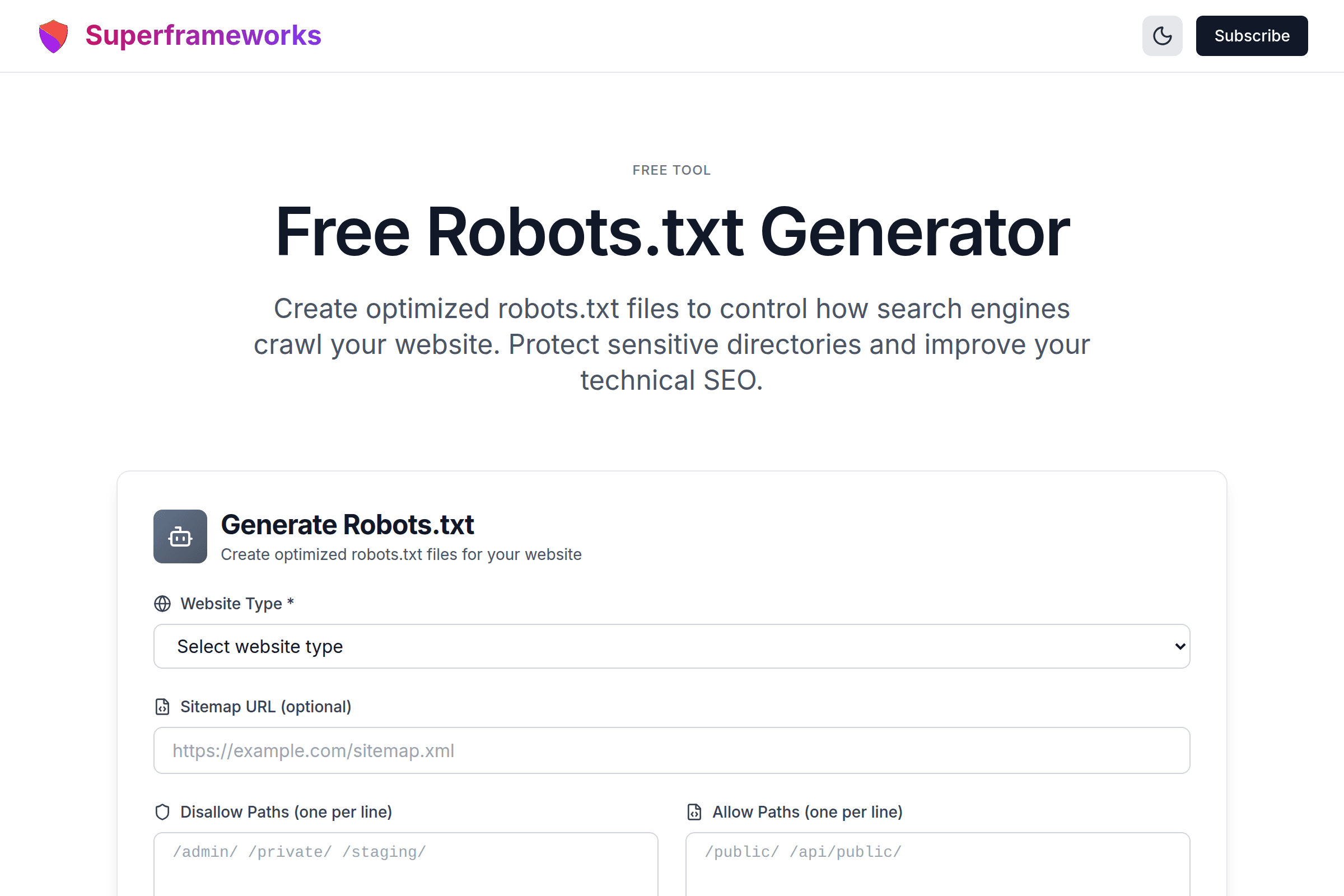
Free Robots.txt Generator
Create optimized robots.txt files to control how search engines crawl your website. Protect sensitive directories and improve your technical SEO.
Generate Robots.txt
Create optimized robots.txt files for your website
Crawler Control
Define exactly which pages search engine bots can and cannot access on your website.
AI Bot Blocking
Protect your content from being scraped by AI training bots like GPTBot and Google-Extended.
Valid Syntax
Get properly formatted robots.txt files that follow industry standards and best practices.
What You'll Get From Our Robots.txt Generator
Proper User-Agent Directives
Correctly formatted User-agent directives for all major search engines including Googlebot, Bingbot, and more.
Protected Directories
Properly disallow sensitive paths like admin panels, private folders, and staging environments from being crawled.
Valid Syntax Format
Industry-standard robots.txt syntax that all search engines understand, with proper formatting and comments.
Sitemap Integration
Automatic sitemap URL inclusion to help search engines discover and index your important pages faster.
Crawl-Delay Settings
Optional crawl-delay directives to control how frequently bots access your site and reduce server load.
AI Bot Blocking
Block AI training bots like GPTBot, Google-Extended, and CCBot from scraping your content for training data.
Example Robots.txt Files Generated by AI
See examples of properly formatted robots.txt files for different website types and use cases.
User-agent: *
Allow: /
Disallow: /admin/
Disallow: /private/

Sitemap: https://example.com/sitemap.xml
Simple robots.txt for small websites with basic crawl control and sitemap reference.
User-agent: *
Allow: /
Disallow: /cart/
Disallow: /checkout/
Disallow: /account/
Disallow: /search?*
Disallow: /*?sort=*
Disallow: /*?filter=*

Sitemap: https://store.com/sitemap.xml
E-commerce optimized to prevent duplicate content from filters and protect user sessions.
User-agent: *
Allow: /

User-agent: GPTBot
Disallow: /

User-agent: Google-Extended
Disallow: /

Sitemap: https://blog.com/sitemap.xml
Content site with AI bot blocking to protect original content from training data scraping.
How It Works
Select Website Type
Choose your website type (blog, e-commerce, SaaS) for tailored recommendations.
Configure Settings
Add your sitemap URL, disallow paths, and select which AI bots to block.
AI Generates File
Our AI creates an optimized robots.txt with best practices for your specific needs.
Copy & Deploy
Copy the generated file and upload it to your website's root directory.
Tips for Robots.txt Best Practices
Place at Root Directory
The robots.txt file must be placed at your domain root (e.g., example.com/robots.txt) for crawlers to find it.
Use Specific User-Agents
Target specific bots with their exact User-agent names for precise control over different crawlers.
Always Include Sitemap
Reference your XML sitemap in robots.txt to help search engines discover your important pages.
Test Before Deploying
Use Google Search Console's robots.txt tester to validate your file before going live.
Don't Block CSS/JS Files
Allow Googlebot access to CSS and JavaScript files for proper page rendering and indexing.
Block Duplicate Content Paths
Prevent crawling of URL parameters, filters, and sorting options that create duplicate content.
Protect Sensitive Directories
Block admin panels, staging environments, and private content from being discovered by crawlers.
Consider AI Bot Blocking
Block AI training bots if you want to protect your content from being used to train AI models.
Perfect for Every Website Owner
Whether you're managing a personal blog, e-commerce store, or enterprise website, our robots.txt generator helps you control crawler access.
Website Owners
Easily create robots.txt files without technical knowledge. Protect your site and improve SEO with proper crawler control.
- No coding required
- Best practices built-in
- Quick and easy setup
SEO Professionals
Generate optimized robots.txt files for client websites. Ensure proper crawl control and technical SEO implementation.
- Industry-standard syntax
- Duplicate content prevention
- Crawl budget optimization
Developers
Quickly generate robots.txt files for new projects. Get properly formatted directives with comments and documentation.
- Copy-ready syntax
- AI bot blocking options
- Instant generation
Get More Technical SEO Tips
Join our newsletter for weekly insights on technical SEO, crawl optimization, and website performance.
Why Use Our Free Robots.txt Generator?
Control How Search Engines Access Your Website
The robots.txt file is your first line of communication with search engine crawlers. It tells bots which pages they can and cannot access, helping you control your site's crawl budget and prevent indexing of sensitive or duplicate content. A properly configured robots.txt file is essential for any website that wants to maintain control over its search presence.
Protect Your Content from AI Training
With the rise of AI language models, many website owners are concerned about their content being scraped for training data. Our generator includes options to block popular AI bots like GPTBot, Google-Extended, and CCBot. While robots.txt is not a guarantee against all scraping, it sends a clear signal about your content usage preferences and is respected by major AI companies.
Optimize Your Crawl Budget
Search engines allocate a limited crawl budget to each website. By blocking unnecessary pages like admin panels, duplicate content from URL parameters, and internal search results, you help search engines focus on your most important content. This can lead to faster indexing of new pages and better overall visibility in search results.
Website-Type-Specific Recommendations
Different websites have different crawl control needs. An e-commerce site needs to block faceted navigation URLs, a SaaS application needs to protect user dashboards, and a content site may want to block AI crawlers. Our generator provides tailored recommendations based on your specific website type, ensuring you get the most relevant robots.txt configuration for your needs.
Frequently Asked Questions
What is a robots.txt file and why do I need one?
A robots.txt file is a text file placed at your website's root that tells search engine crawlers which pages or directories they can and cannot access. While it's optional, having one helps you control how search engines crawl your site, protect sensitive areas, and prevent duplicate content issues.
Where should I place my robots.txt file?
Your robots.txt file must be placed in the root directory of your domain. For example, if your website is www.example.com, the file should be accessible at www.example.com/robots.txt. Search engines only look for the file at this specific location and won't find it in subdirectories.
Can robots.txt completely block crawlers from accessing my site?
No. Robots.txt is a guideline, not a security mechanism. Well-behaved crawlers like Googlebot will respect your directives, but malicious bots may ignore them. For true access control, use authentication, IP blocking, or other security measures. Never use robots.txt to hide sensitive information.
What is the difference between Disallow and Allow directives?
Disallow tells crawlers not to access specific paths, while Allow explicitly permits access. Allow is useful when you want to block a directory but allow specific files within it. For example, you might Disallow /private/ but Allow /private/public-page.html.
Should I block AI crawlers like GPTBot?
This depends on your content strategy. If you don't want your content used to train AI models, you can block bots like GPTBot (OpenAI), Google-Extended (Google AI), and CCBot (Common Crawl). However, this may affect AI features that use your content. Consider your business goals before blocking AI crawlers.
How do I include my sitemap in robots.txt?
Add a Sitemap directive at the end of your robots.txt file with the full URL to your XML sitemap: "Sitemap: https://example.com/sitemap.xml". You can include multiple sitemap URLs if needed. This helps search engines discover and index your pages more efficiently.
What is crawl-delay and should I use it?
Crawl-delay tells crawlers how many seconds to wait between requests. While some search engines honor this directive, Google ignores it and recommends using Search Console's crawl rate settings instead. Use crawl-delay only if your server struggles with bot traffic, as it can slow down your indexing.
How do I test if my robots.txt is working correctly?
Use Google Search Console's robots.txt Tester tool to validate your file and see how Googlebot interprets your directives. You can test specific URLs to see if they would be blocked or allowed. Always test changes before deploying to ensure you don't accidentally block important content.
Can I use wildcards in robots.txt?
Yes, most modern crawlers support wildcards. The asterisk (*) matches any sequence of characters, and the dollar sign ($) indicates the end of a URL. For example, "Disallow: /*.pdf$" blocks all PDF files. However, wildcard support varies by crawler, so test your patterns.
Is this robots.txt generator really free?
Yes! Our robots.txt generator is completely free to use with no hidden costs, subscriptions, or usage limits. Generate as many robots.txt files as you need for your websites. We provide this tool as a free resource for website owners, SEO professionals, and developers.
See the Robots.txt Generator in action
Explore Related Tools
Discover more tools to help you build and grow your business
Domain Rating (DR) Checker
Check any website's Ahrefs Domain Rating (DR) for free. See backlink authority on a 0–100 scale and compare competitors.
Schema Markup Generator
Generate JSON-LD structured data for rich snippets and better search visibility with schema.org markup.
Open Graph Generator
Generate Open Graph and Twitter Card meta tags for better social media sharing and engagement.
Alt Text Generator
Generate accessible, SEO-optimized alt text for images to improve accessibility and search rankings.