Free Tool
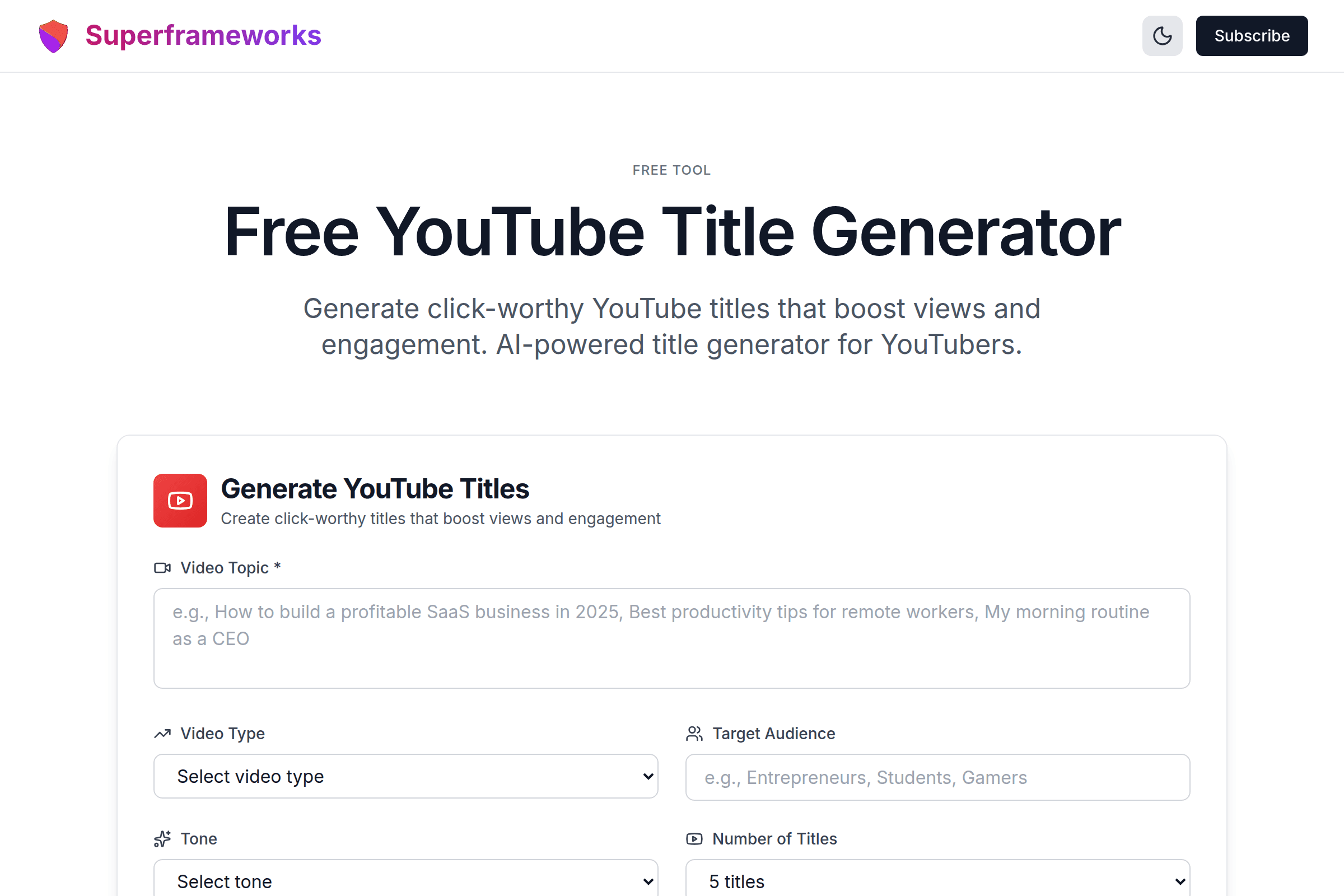
Free YouTube Title Generator
Generate click-worthy YouTube titles that boost views and engagement. AI-powered title generator for YouTubers.
Generate YouTube Titles
Create click-worthy titles that boost views and engagement
Click-Worthy Titles
Generate titles that grab attention and make viewers want to click on your videos.
SEO Optimized
Titles designed to rank well in YouTube search and suggested videos.
Multiple Options
Get multiple title variations to choose from for each video topic.
What You'll Get From Our YouTube Title Generator
Click-Worthy Titles
Titles optimized for maximum click-through rates with proven psychological triggers and power words.
SEO-Optimized Keywords
Strategic keyword placement to rank higher in YouTube search and suggested videos.
Engagement Hooks
Curiosity gaps and value propositions that make viewers want to click and watch.
Target Audience Match
Titles tailored to your specific audience with language and hooks that resonate.
Multiple Variations
5-15 different title options to choose from, each with unique angles and approaches.
CTR Optimization
Each title includes analysis of what makes it effective and why it drives clicks.
Example YouTube Titles Generated by AI
See the quality and variety of titles our AI creates for different video types and topics.
"How to Grow Your YouTube Channel to 100K Subscribers in 2025 (Step-by-Step)"
Specific goal, current year, and clear structure promise. Uses numbers and brackets for clarity.
"7 YouTube Algorithm Secrets That Will 10x Your Views (Nobody Talks About #4)"
Odd number list with curiosity gap about secret #4. Promises specific outcome.
"I Quit My $200K Job to Start a YouTube Channel - Here's What Happened"
Personal story with specific details creates curiosity. Relatable journey format.
How It Works
Describe Your Video
Enter your video topic, type, target audience, and preferred tone.
AI Analyzes Context
Our AI analyzes trends, keywords, and proven title patterns for your niche.
Get Multiple Titles
Receive 5-15 unique title options, each optimized for clicks and SEO.
Pick & Upload
Choose your favorite title and use it for your YouTube video upload.
Tips for Creating High-CTR YouTube Titles
Keep It Under 60 Characters
Titles longer than 60-70 characters get cut off on most devices. Keep your most important words at the beginning.
Use Numbers and Lists
Titles with numbers (especially odd numbers) perform better because they promise specific, organized content.
Include Power Words
Words like "Ultimate," "Proven," "Secret," "Easy," and "Fast" trigger emotional responses and increase clicks.
Create Curiosity Gaps
Hint at valuable information without revealing everything. Make viewers curious enough to click and watch.
Front-Load Keywords
Put your main keyword at the beginning of the title for better SEO and clearer viewer expectations.
Be Specific and Clear
Vague titles don't perform well. Tell viewers exactly what they'll learn or see in your video.
Use Brackets and Parentheses
Adding [Tutorial] or (2025 Update) provides context and makes titles stand out visually in feeds.
Test Different Angles
Try different title styles for similar content to see what resonates best with your audience.
Perfect for Every YouTube Creator
Whether you're just starting out or growing an established channel, our title generator helps you create click-worthy titles.
New YouTubers
Start strong with titles that get clicks from day one. Learn what works as you grow your channel.
- Avoid common title mistakes
- Learn SEO best practices
- Build click-worthy habits
Growing Channels
Scale your content creation with titles that consistently drive views and engagement.
- Optimize for YouTube algorithm
- Test multiple title variations
- Maintain consistent quality
Content Teams
Generate titles faster and maintain brand consistency across multiple channels and creators.
- Speed up content production
- Ensure brand voice consistency
- Manage multiple channels
Get More YouTube Growth Tips
Join our newsletter for weekly insights on YouTube strategy, content creation, and growing your channel.
Why Use Our YouTube Title Generator?
Your Title is Your First Impression
On YouTube, your title is the difference between getting clicked and getting ignored. With millions of videos competing for attention, a mediocre title means your content never gets seen, no matter how good it is. Our AI-powered title generator analyzes patterns from top-performing videos to create titles that grab attention and drive clicks.
Save Hours on Every Video
Stop staring at blank screens trying to come up with the perfect title. Creators often spend 30-60 minutes brainstorming titles for a single video. Our generator gives you 5-15 optimized options in seconds, complete with explanations of why each title works. Use that saved time to create more content or engage with your audience.
Master YouTube SEO Without Being an Expert
YouTube's algorithm is complex, but your titles don't have to be. Our generator automatically incorporates SEO best practices: keyword placement, optimal length, search intent matching, and psychological triggers that improve both rankings and click-through rates. You get titles that perform well in search and suggested videos without needing to study YouTube SEO.
Learn What Makes Titles Work
Each generated title comes with detailed explanations of the strategy behind it. Learn about curiosity gaps, power words, keyword optimization, and psychological triggers. Over time, you'll develop an intuition for what makes titles successful and be able to craft winning titles on your own.
Frequently Asked Questions
How does the YouTube title generator work?
Our AI analyzes your video topic, type, target audience, and tone preferences to generate optimized titles. It uses patterns from successful YouTube videos, SEO best practices, and psychological triggers to create titles that get clicks.
What makes a good YouTube title?
A good YouTube title is 50-70 characters, includes relevant keywords early, creates curiosity without being misleading, clearly communicates value, uses power words, and is specific rather than vague. It should work well with your thumbnail and accurately represent your content.
Should I include keywords in my YouTube titles?
Yes! Keywords help YouTube understand what your video is about and match it to search queries. Place your main keyword near the beginning of the title for best SEO results. However, make sure the title still reads naturally and appeals to humans, not just algorithms.
How long should a YouTube title be?
Aim for 50-70 characters (about 8-12 words). Titles longer than 70 characters get cut off on most devices, especially mobile. The most important information should be in the first 50 characters to ensure it's visible everywhere.
Can I use clickbait titles?
While curiosity-driven titles work well, avoid misleading clickbait that doesn't deliver on its promise. YouTube's algorithm penalizes videos with high click-through rates but low watch time. Create compelling titles that are exciting but honest about your content.
Should I use numbers in YouTube titles?
Numbers are highly effective in YouTube titles. They make your content seem organized and specific. Odd numbers (7, 9, 11) tend to perform better than even numbers. Years (2025) work well for tutorials and guides, showing your content is current.
How often should I test different titles?
It's okay to change your title within the first 48 hours if it's underperforming. After that, frequent title changes can hurt your SEO. Use our generator to create multiple options before uploading, then pick the strongest one from the start.
What are power words for YouTube titles?
Power words trigger emotional responses: Ultimate, Proven, Secret, Easy, Fast, Complete, Essential, Amazing, Perfect, Simple. These words make titles more compelling. However, only use them when they accurately describe your content.
Should my title match my thumbnail?
Yes! Your title and thumbnail should work together to tell a cohesive story. They shouldn't repeat the same information but should complement each other. Together, they should make viewers want to click and watch your video.
Is this YouTube title generator free?
Yes! Our YouTube title generator is completely free to use with no limits. Generate as many titles as you need to find the perfect one for each video. We provide this tool free to help creators succeed on YouTube.
See the YouTube Title Generator in action
Explore Related Tools
Discover more tools to help you build and grow your business
YouTube Description Generator
Generate SEO-optimized YouTube descriptions with timestamps, CTAs, and keywords.
YouTube Script Generator
Generate engaging YouTube scripts with hooks, transitions, and CTAs for any video type.
Business Ideas Generator
Generate profitable business ideas tailored to your interests, skills, and market trends.
Business Plan Generator
Create comprehensive business plans with market analysis, financial projections, and growth strategies.