Free Tool
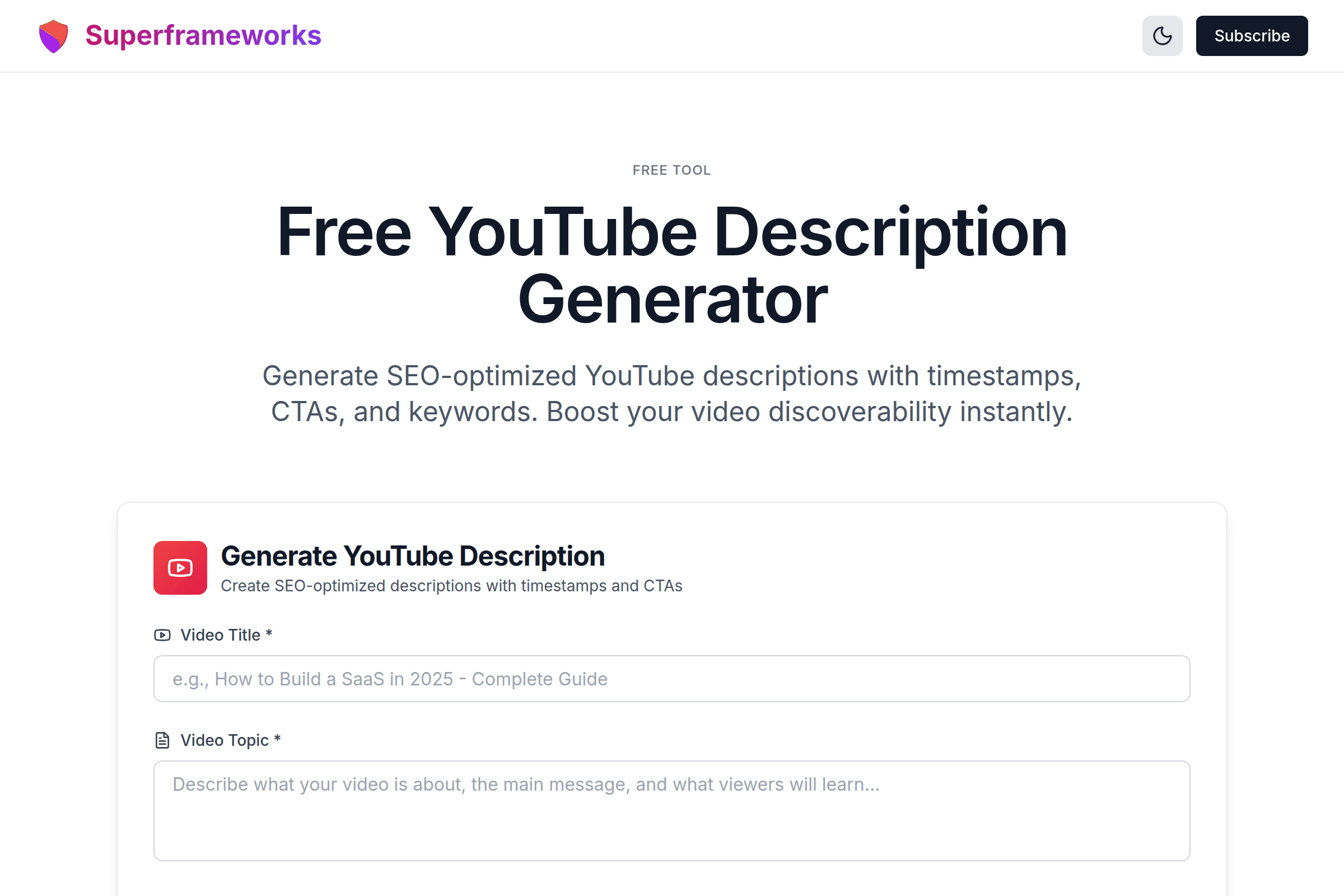
Free YouTube Description Generator
Generate SEO-optimized YouTube descriptions with timestamps, CTAs, and keywords. Boost your video discoverability instantly.
Generate YouTube Description
Create SEO-optimized descriptions with timestamps and CTAs
SEO Optimized
Descriptions with keywords that help your videos rank higher in search results.
Smart Timestamps
Automatically generated timestamps that improve viewer experience and retention.
Engaging CTAs
Compelling calls-to-action that drive subscriptions, likes, and comments.
What You'll Get From Our Description Generator
SEO-Optimized Content
Descriptions with strategically placed keywords that help your videos rank in YouTube search.
Smart Timestamps
Automatically generated chapter timestamps that improve viewer experience and retention rates.
Engaging CTAs
Compelling calls-to-action that drive subscriptions, likes, comments, and engagement.
Strategic Hashtags
Relevant hashtags that increase discoverability without looking spammy or overdone.
Link Organization
Professional formatting for social links, resources, and related content.
Keyword Strategy
10-15 relevant keywords naturally incorporated to maximize search visibility.
Example YouTube Descriptions
See how our AI creates comprehensive, SEO-optimized descriptions for different video types.
Comprehensive Tutorial Description
Full description with step-by-step overview, timestamps for each section, required tools list, social links, and strong CTAs for engagement.
Engaging Vlog Description
Personal story format with key moments highlighted, chapter timestamps, gear links, social media handles, and community engagement prompts.
Product Review Description
Structured review format with pros/cons sections, timestamps for different features, affiliate links, comparison mentions, and purchase recommendations.
How It Works
Enter Video Details
Provide your video title, topic, key points, and any links you want to include.
Choose Options
Select whether to include timestamps, CTAs, and other elements in your description.
AI Generates Description
Our AI creates a comprehensive, SEO-optimized description with all requested elements.
Copy & Use
Copy the description and paste it directly into your YouTube video upload.
Tips for Effective YouTube Descriptions
Front-Load Important Information
The first 2-3 sentences (about 157 characters) appear in search results. Make them compelling and include your main keyword.
Include Timestamps
Timestamps improve user experience and can appear as chapters in YouTube's player, increasing engagement and watch time.
Use All 5,000 Characters
YouTube gives you 5,000 characters - use them! Longer descriptions with relevant keywords rank better in search.
Add Clear CTAs
Tell viewers exactly what you want them to do - subscribe, like, comment, or visit your website. Make it easy and specific.
Include Relevant Keywords
Naturally incorporate 10-15 relevant keywords throughout your description to help YouTube understand your content.
Link to Your Content
Add links to your other videos, playlists, social media, and website. Keep viewers in your ecosystem.
Use Strategic Hashtags
Add 3-5 relevant hashtags at the end of your description. The first 3 appear above your video title.
Be Specific and Detailed
Don't be vague. Explain exactly what viewers will learn, see, or gain from watching your video.
Perfect for Every Video Creator
Whether you're creating educational content, vlogs, or reviews, our description generator helps you craft SEO-optimized descriptions.
Educational Creators
Create detailed descriptions with timestamps, resources, and learning outcomes that help students find your content.
- Organize content with chapters
- Link to additional resources
- Improve course discoverability
Vloggers
Engage your audience with descriptions that highlight key moments and encourage community interaction.
- Showcase daily life moments
- Connect with your audience
- Share social media links
Reviewers
Write comprehensive review descriptions with product specs, pros/cons, and affiliate links properly formatted.
- Detail product features
- Include purchase links
- Add comparison timestamps
Get More YouTube SEO Tips
Join our newsletter for weekly strategies on YouTube optimization, SEO, and growing your channel.
Why Use Our YouTube Description Generator?
Descriptions Drive Discoverability
Your description is one of YouTube's primary tools for understanding your video content. A well-optimized description with relevant keywords, timestamps, and links helps YouTube recommend your video to the right audience. Our AI generator ensures every description follows SEO best practices without requiring you to be an expert.
Save Time on Every Upload
Writing comprehensive descriptions is time-consuming. Most creators spend 15-30 minutes per video crafting descriptions that include all the necessary elements. Our generator creates complete, professional descriptions in seconds - including timestamps, CTAs, keyword integration, hashtags, and formatted links. That's hours saved every week.
Never Miss Important Elements
Great YouTube descriptions have many components: engaging opening, timestamps, keyword placement, social links, CTAs, hashtags, and disclaimers. It's easy to forget something when manually writing descriptions. Our generator includes a structured template that ensures you never miss crucial elements that drive views and engagement.
Improve Your SEO Without Guesswork
YouTube SEO requires strategic keyword placement, proper formatting, and understanding search intent. Our AI automatically incorporates 10-15 relevant keywords naturally throughout your description, optimizes the critical first 157 characters for search results, and structures content for maximum algorithm friendliness. Get professional-level SEO without spending hours learning the ins and outs of YouTube's algorithm.
Frequently Asked Questions
How does the YouTube description generator work?
Enter your video title, topic, and key points. Our AI analyzes your content and generates a comprehensive, SEO-optimized description with timestamps, CTAs, keywords, hashtags, and properly formatted links based on YouTube best practices.
Why are YouTube descriptions important?
Descriptions help YouTube understand your content for search and recommendations. They also appear in search results, provide context to viewers, improve SEO rankings, and give you space to add links, CTAs, and timestamps that enhance viewer experience.
How long should a YouTube description be?
YouTube allows up to 5,000 characters. Aim for at least 200-300 words (about 1,000-1,500 characters) to provide enough context for both viewers and the algorithm. Longer, detailed descriptions generally perform better in search.
Should I include keywords in my description?
Yes! Include 10-15 relevant keywords naturally throughout your description. Place your primary keyword in the first 25 words. However, avoid keyword stuffing - the description should read naturally and provide value to viewers.
Do timestamps help with YouTube SEO?
Yes! Timestamps improve user experience by letting viewers jump to specific sections. They can also appear as chapters in the video player. This increases watch time and engagement, which are important ranking factors.
How many hashtags should I use on YouTube?
Use 3-5 relevant hashtags. The first 3 hashtags appear above your video title, making them highly visible. More than 15 hashtags causes YouTube to ignore all of them. Focus on a mix of popular and niche tags relevant to your content.
What should the first 157 characters include?
The first 157 characters appear in search results and must grab attention. Include your primary keyword, clearly explain what the video offers, and create curiosity. This is your chance to convince searchers to click.
Should I include links in my description?
Yes! Include links to your website, social media, related videos, products, affiliate links, and resources. Organize them clearly with labels. Links provide value to viewers and keep them engaged with your content ecosystem.
How do I format timestamps correctly?
Use the format "0:00 - Chapter Title" starting from 0:00. Each timestamp should be on its own line. YouTube will automatically convert these to clickable chapters. Make chapter titles descriptive and keyword-rich.
Is this YouTube description generator free?
Yes! Our YouTube description generator is completely free with no limits. Generate as many descriptions as you need for all your videos. We built this tool to help creators optimize their content and grow their channels.
See the YouTube Description Generator in action
Explore Related Tools
Discover more tools to help you build and grow your business
YouTube Title Generator
Generate click-worthy YouTube titles that boost views and engagement with AI-powered optimization.
YouTube Script Generator
Generate engaging YouTube scripts with hooks, transitions, and CTAs for any video type.
Business Ideas Generator
Generate profitable business ideas tailored to your interests, skills, and market trends.
Business Plan Generator
Create comprehensive business plans with market analysis, financial projections, and growth strategies.