Free Tool
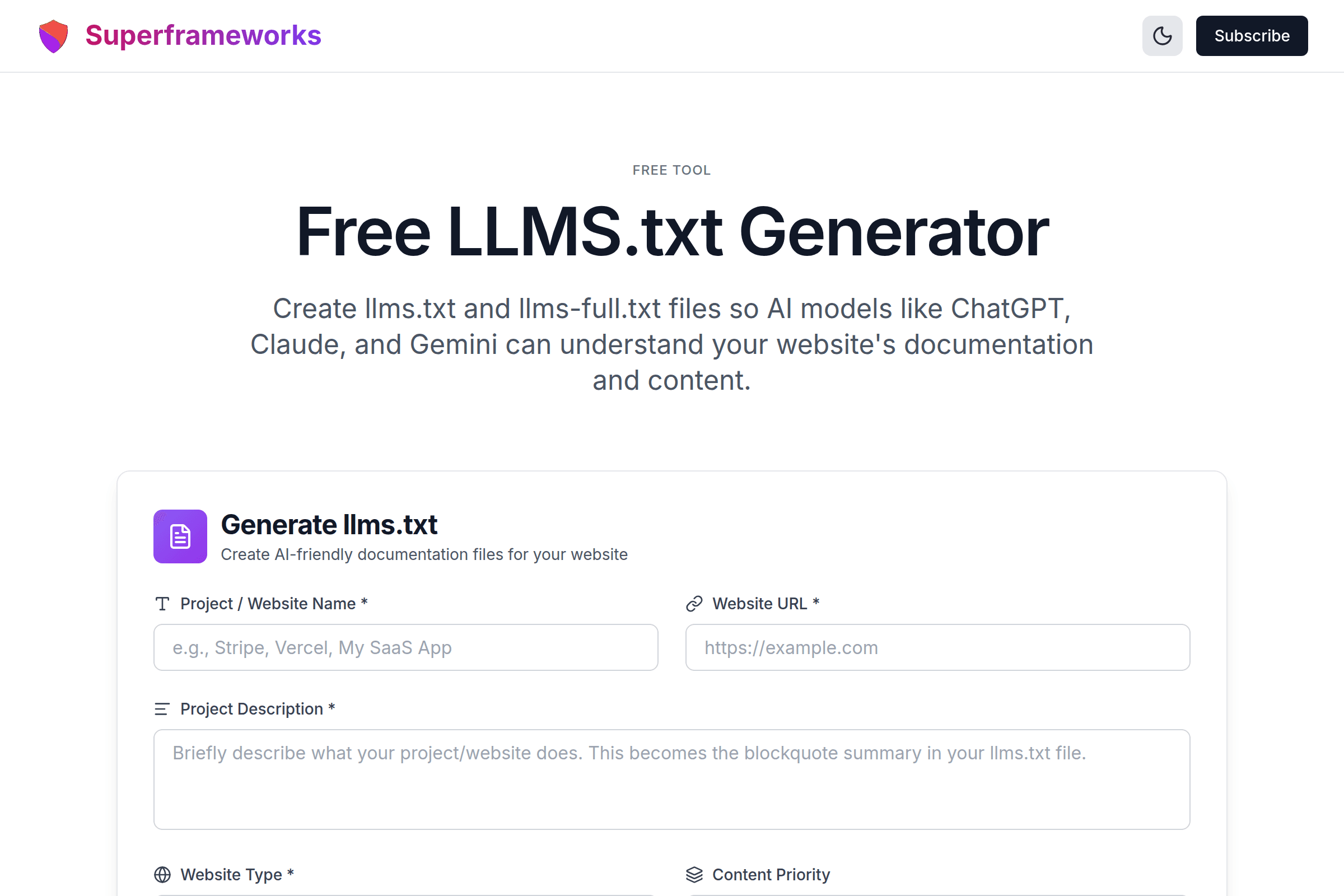
Free LLMS.txt Generator
Create llms.txt and llms-full.txt files so AI models like ChatGPT, Claude, and Gemini can understand your website's documentation and content.
Generate llms.txt
Create AI-friendly documentation files for your website
AI-Friendly Format
Structured markdown that LLMs can parse to understand your website's content, documentation, and capabilities.
Standard Spec
Follows the llms.txt specification used by Anthropic, Vercel, Stripe, Cloudflare, and hundreds more.
Dual Output
Generate both a slim llms.txt for quick AI lookups and a comprehensive llms-full.txt for deep ingestion.
What You'll Get From Our LLMS.txt Generator
Spec-Compliant Format
Properly structured llms.txt files following the official specification with H1 titles, blockquote descriptions, and H2 sections with curated links.
Dual File Output
Generate both a slim llms.txt for real-time AI assistants and a comprehensive llms-full.txt for deep ingestion pipelines.
AI-Optimized Content
Links organized by priority and frequency of use, not alphabetically. Descriptive text helps LLMs understand what each page covers.
Website-Type Tailored
Custom sections based on your website type: SaaS, API platforms, documentation sites, e-commerce, blogs, and open source projects.
Copy-Ready Markdown
Syntax-highlighted preview with one-click copy and direct download. Drop the file into your project's public directory and deploy.
Instant Generation
AI-powered generation creates your llms.txt in seconds. No manual formatting or spec-reading required.
Example llms.txt Files
See how properly formatted llms.txt files look for different types of websites and projects.
# Acme Analytics

> Acme Analytics is a real-time
> analytics platform for web and
> mobile applications.

## Docs
- [Getting Started](https://acme.com/docs/quickstart): Set up tracking in 5 minutes
- [SDKs](https://acme.com/docs/sdks): JavaScript, Python, Ruby, Go

## API
- [REST API](https://acme.com/docs/api): Endpoints and authentication
- [Webhooks](https://acme.com/docs/webhooks): Real-time event delivery
Concise llms.txt for a SaaS product with docs, API reference, and getting started guides.
# FastDB Docs

> FastDB is an open-source,
> distributed database optimized
> for time-series data.

## Getting Started
- [Installation](https://fastdb.dev/docs/install): Docker, binary, source
- [Quickstart](https://fastdb.dev/docs/quickstart): Your first query

## Reference
- [SQL Syntax](https://fastdb.dev/docs/sql): Query language reference
- [Configuration](https://fastdb.dev/docs/config): Server settings
Documentation-focused llms.txt with installation, quickstart, and reference sections.
# TechCorp Solutions

> TechCorp provides enterprise
> cloud infrastructure and
> managed hosting services.

## Products
- [Cloud Hosting](https://techcorp.com/hosting): Managed servers
- [CDN](https://techcorp.com/cdn): Global content delivery

## Resources
- [Case Studies](https://techcorp.com/cases): Customer success stories
- [Blog](https://techcorp.com/blog): Industry insights
Corporate llms.txt highlighting products, services, and resources for potential customers.
How It Works
Describe Your Project
Enter your website name, URL, description, and select your website type for tailored output.
Add Key Pages
List your important pages, documentation sections, and API endpoints for the AI to organize.
AI Generates Files
Our AI creates properly formatted llms.txt (and optionally llms-full.txt) following the specification.
Download & Deploy
Download the files and drop them into your website's root directory. Verify at yourdomain.com/llms.txt.
What is llms.txt? The Complete Guide
Understanding the llms.txt Specification
The llms.txt file is a proposed standard for providing AI-friendly documentation about your website or product. Just as robots.txt tells search engine crawlers how to interact with your site, llms.txt tells AI language models what your site is about and where to find key information. The file uses a simple Markdown format that's easy for both humans and machines to read.
The llms.txt File Format
A well-formed llms.txt file follows this structure:
- H1 Heading (#) — Your project or product name
- Blockquote (>) — A brief description of what your product does
- H2 Sections (##) — Category headings like "Docs", "API", "Guides"
- Link Lists — Markdown links with descriptions:
- [Title](URL): Description
Why llms.txt Matters for Your Website
As AI assistants become the primary way people discover and interact with software products, having a well-structured llms.txt file ensures your product is accurately represented in AI-generated responses. Without it, AI models may hallucinate incorrect information about your product, miss key features, or fail to guide users to the right documentation. Companies like Stripe, Vercel, Anthropic, and Cloudflare have already adopted llms.txt to improve their AI discoverability.
Three Common llms.txt Patterns
Based on how leading companies structure their files, there are three main patterns:
- Catalog Pattern (used by Stripe, Cloudflare) — Group links by product or feature area with descriptive text. Best for companies with multiple products or complex feature sets.
- Workflow Pattern (used by Cursor, Windsurf) — Organize around user workflows like setup, configuration, and troubleshooting. Best for developer tools and applications.
- Index + Export Pattern (used by Anthropic, Vercel) — Maintain a slim llms.txt for quick lookups and a comprehensive llms-full.txt for deep ingestion. Best for documentation-heavy products.
Best Practices for llms.txt Files
Prioritize links by frequency of use rather than importance. Include section introductions that provide context. Order links as priority signals for AI models. Keep the slim version under 50 lines and focus on answering "what does my user need to accomplish right now?" For the full version, be comprehensive and include all documentation, API references, guides, examples, and community resources.
Tips for Creating Effective llms.txt Files
Prioritize by Usage Frequency
Order links based on how often users need them, not alphabetically. Getting started guides and API docs should come before legal pages.
Write Descriptive Link Text
Don't just list page titles. Add brief descriptions that tell AI models what each page covers and when to recommend it.
Keep the Slim Version Focused
Your llms.txt should contain only the highest-value links. Save comprehensive listings for llms-full.txt to keep token counts low.
Include a Clear Description
The blockquote at the top should concisely explain what your product does. This is the first thing AI models read about you.
Use Meaningful Section Names
H2 headings should clearly indicate what type of content is in each section. Use names like "API Reference" not "Section 3".
Segment by Audience
If you serve different user types (developers, marketers, admins), consider organizing sections by audience to help AI route users correctly.
Update With Your Docs
Regenerate your llms.txt whenever you make major documentation changes, add features, or restructure your site.
Test With AI Models
After deploying your llms.txt, ask ChatGPT or Claude about your product. Check if responses improve with the file in place.
Perfect for Every Website and Product
Whether you're building a SaaS product, maintaining open source, or running a documentation site, our llms.txt generator helps AI models understand your content.
Developers
Help AI coding assistants like Cursor, GitHub Copilot, and Claude understand your API docs and libraries.
- API documentation discovery
- SDK and library references
- Code examples and quickstarts
SaaS Founders
Ensure AI search engines and assistants accurately represent your product features and capabilities.
- Product feature discovery
- Pricing and plan information
- Onboarding and setup guides
Technical Writers
Make your documentation the authoritative source that AI models reference when answering user questions.
- Documentation structure mapping
- Tutorial and guide organization
- Version and changelog tracking
Stay Ahead of AI-Era SEO
Join our newsletter for weekly insights on AI documentation, technical SEO, and building AI-friendly websites.
Why Use Our Free LLMS.txt Generator?
Make Your Website AI-Discoverable
AI assistants are becoming the primary way people find and evaluate software products. When someone asks ChatGPT "what's the best analytics platform?" or asks Claude "how do I set up Stripe payments?", the AI needs to understand your product to recommend it accurately. An llms.txt file gives AI models a curated, authoritative source of information about your product, reducing hallucinations and improving accuracy.
Follow the Industry Standard
The llms.txt specification is gaining rapid adoption across the tech industry. Our generator follows the exact patterns used by Stripe, Vercel, Anthropic, and Cloudflare. You get a properly formatted file that works with all major AI models without needing to read the spec yourself or worry about formatting errors.
Save Time With AI-Powered Generation
Manually creating an llms.txt file requires understanding the specification, deciding on sections, organizing links by priority, and writing descriptive text. Our generator handles all of this automatically based on your inputs, producing both slim and comprehensive versions tailored to your specific website type.
Prepare for AI-Powered Search
As AI search engines like Perplexity, Google AI Overviews, and ChatGPT Search become more prevalent, having structured AI-readable documentation becomes a competitive advantage. Companies that adopt llms.txt early are positioning themselves to be accurately represented in AI-generated search results, recommendations, and coding assistant suggestions.
Frequently Asked Questions
What is llms.txt and why does my website need one?
llms.txt is a standardized markdown file placed at your website's root (e.g., yoursite.com/llms.txt) that helps AI language models like ChatGPT, Claude, and Gemini understand your website's structure, content, and documentation. Think of it as robots.txt but for AI assistants. As AI-powered search and coding assistants become mainstream, having an llms.txt file ensures AI models can accurately represent your product, answer questions about your documentation, and guide users to the right resources.
What is the difference between llms.txt and llms-full.txt?
llms.txt is the slim, concise version designed for real-time AI assistants that need quick context about your site. It contains a curated list of the most important links organized by priority. llms-full.txt is the comprehensive version meant for deep AI ingestion pipelines, containing detailed documentation links, API references, guides, and more. Companies like Anthropic and Vercel recommend maintaining both files. Our generator can create both versions for you.
What is the correct format for an llms.txt file?
The llms.txt specification follows a simple Markdown structure: an H1 heading with your project name, a blockquote describing your product, then H2 sections containing curated lists of links with descriptions. Each link uses standard Markdown format: - [Page Title](URL): Brief description. The key is organizing links by priority and including descriptive text that helps AI models understand what each page covers.
Which companies already use llms.txt?
Many major tech companies have adopted llms.txt including Anthropic, Vercel, Stripe, Cloudflare, Cursor, Mintlify, Supabase, and hundreds more. The specification is gaining rapid adoption as companies recognize the importance of making their documentation AI-friendly. Our generator follows the same patterns used by these industry leaders.
Where do I place the llms.txt file on my website?
Place your llms.txt file in the root directory of your domain so it's accessible at yourdomain.com/llms.txt. For Next.js projects, put it in the /public folder. For other frameworks, place it wherever your static files are served from. If you also generate llms-full.txt, place it in the same root directory at yourdomain.com/llms-full.txt.
How is llms.txt different from robots.txt and sitemap.xml?
robots.txt controls which pages search engine crawlers can access. sitemap.xml lists all your pages for search engine indexing. llms.txt is specifically designed for AI language models - it provides curated, prioritized documentation links with context that helps AI assistants understand and accurately represent your product. While robots.txt and sitemaps are for crawlers, llms.txt is for AI comprehension.
Does llms.txt help with SEO or AI search?
While llms.txt doesn't directly affect traditional search engine rankings, it significantly improves how AI-powered tools represent your product. As AI search engines (like Perplexity, ChatGPT Search, and Google AI Overviews) become more prevalent, having a well-structured llms.txt helps ensure your content is accurately cited and recommended. It's an investment in AI-era discoverability.
Can I customize which sections appear in my llms.txt?
Yes. Our generator lets you specify your key pages and sections, choose your website type for tailored recommendations, set content priority, and define your target audience. You can provide specific page paths and descriptions, and the generator will organize them into a properly formatted llms.txt following the official specification.
How often should I update my llms.txt file?
Update your llms.txt whenever you make significant changes to your documentation, add new features, launch new products, or restructure your website. A good practice is to update it alongside major releases or documentation overhauls. Some companies automate this by generating llms.txt from their documentation system during the build process.
Is this llms.txt generator free to use?
Yes, our llms.txt generator is completely free with no hidden costs, subscriptions, or usage limits. Generate as many llms.txt and llms-full.txt files as you need for your websites and projects. We provide this tool as a free resource for developers, founders, and technical teams.
See the LLMS.txt Generator in action
Explore Related Tools
Discover more tools to help you build and grow your business
Domain Rating (DR) Checker
Check any website's Ahrefs Domain Rating (DR) for free. See backlink authority on a 0–100 scale and compare competitors.
Schema Markup Generator
Generate JSON-LD structured data for rich snippets and better search visibility with schema.org markup.
Open Graph Generator
Generate Open Graph and Twitter Card meta tags for better social media sharing and engagement.
Alt Text Generator
Generate accessible, SEO-optimized alt text for images to improve accessibility and search rankings.