Cursor vs Claude Code (2026): Which AI Coding Tool Should You Use?
Cursor is an AI-first IDE. Claude Code is an agentic CLI from Anthropic. Honest head-to-head on pricing, autonomy, model flexibility, and when to pick each — or run them together.

Quick Verdict
Best for editor-centric workflows
Cursor
Multi-model, best tab completion, familiar VS Code UX
Best for agentic / scriptable work
Claude Code
CLI + IDE extensions, hooks, skills, long-running agents
Best combined setup
Both
Cursor for daily edits, Claude Code for long agent runs
By early 2026, Cursor and Claude Code are the two AI coding tools most indie hackers end up evaluating. They look like competitors, but they optimize for different jobs.
Cursor is an AI-first IDE: a VS Code fork with tab completion, Composer, and Agent mode built into the editor. Claude Code is Anthropic’s agentic tool: it started as a CLI for long multi-step runs, and now ships as VS Code and JetBrains extensions too, with hooks, skills, and subagents as first-class primitives.
This comparison covers where each tool wins, where they overlap, and how to decide — or run both.
The two tools, head to head
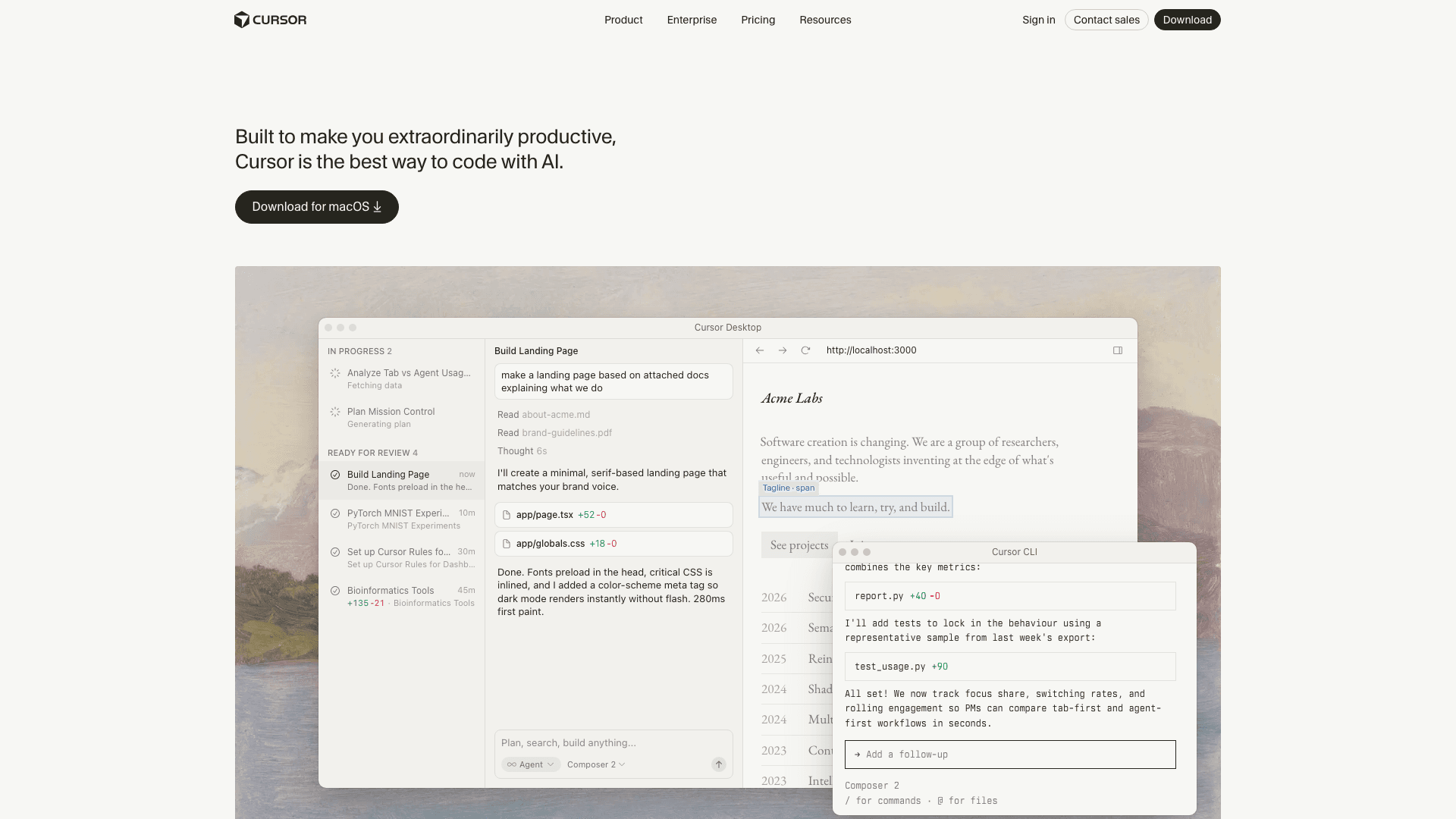
An AI-first IDE forked from VS Code. Keeps the familiar editor surface but layers inline completions, a conversational Composer, and an Agent mode that can edit files, run terminals, and execute multi-step tasks.
Best for: Developers who want AI embedded in a familiar IDE
Pros
- Feels like VS Code — near-zero onboarding cost for most developers
- Model-agnostic: switch between Claude Opus, GPT-5, Gemini, or local models per task
- Tab completion is the category leader for inline AI suggestions
- Composer and Agent mode operate inside the editor — no context switching
Cons
- IDE-only — not designed for headless or CI automation
- Usage-based pricing on Pro can burn through credits on agentic work
- Fork lag: occasionally trails VS Code upstream on new features
- Privacy mode available but the default telemetry is broader than Claude Code
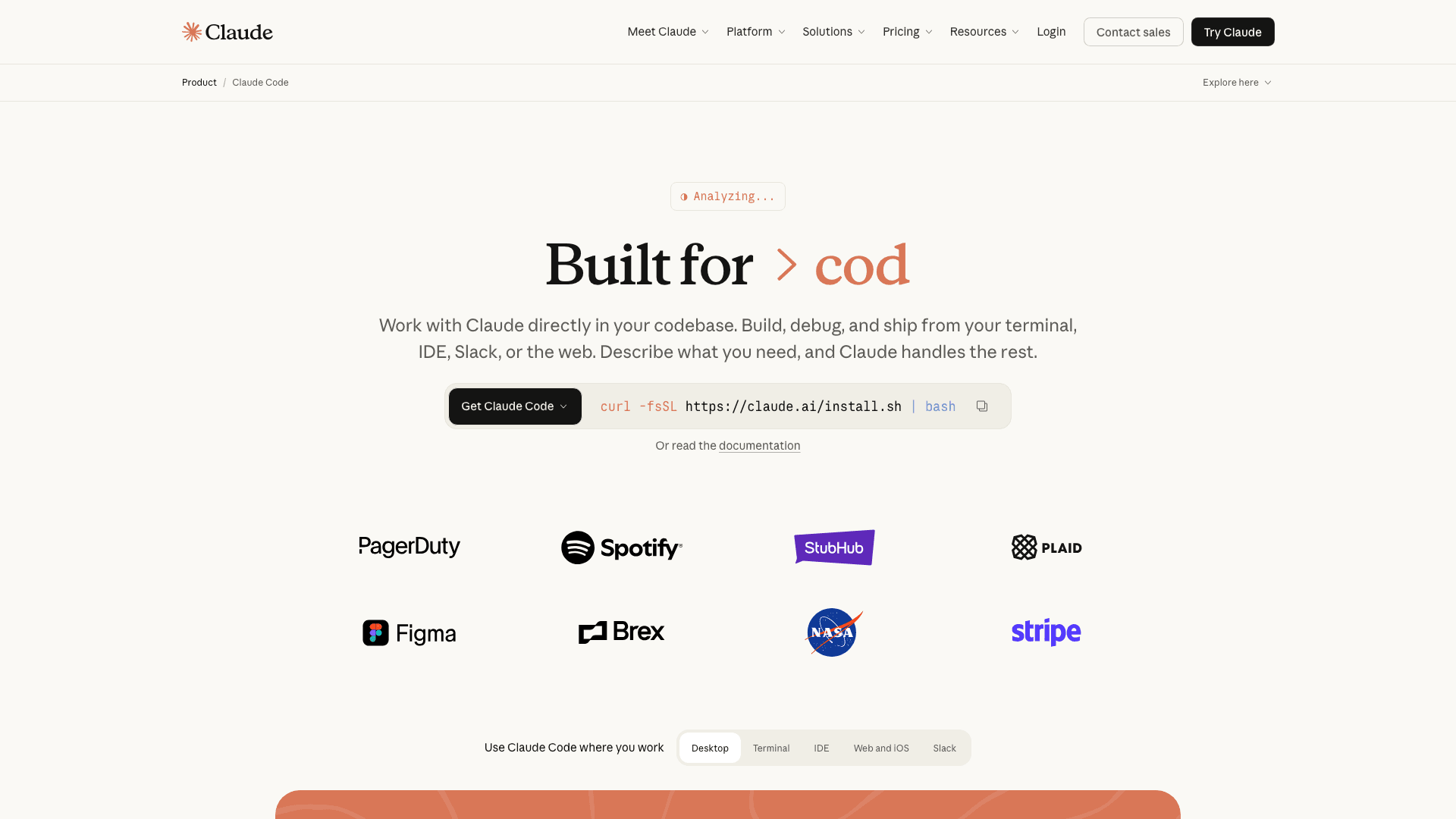
Anthropic's agentic coding tool. Started as a terminal-first CLI for engineers who wanted Claude running multi-step tasks in the shell; now also ships as VS Code and JetBrains extensions with the same agent loop underneath.
Best for: Power users who want an agentic, scriptable coding loop
Pros
- Genuinely agentic: runs long, multi-step tasks autonomously with strong tool use
- Runs in the terminal, in CI, or inside VS Code / JetBrains — same agent, many surfaces
- Hooks, skills, subagents, and MCP give you deep, scriptable customization
- Max plan ($200/mo) effectively uncaps usage for heavy agentic workloads
Cons
- Single-model: locked to Claude (no GPT / Gemini fallback)
- CLI-first surface has a steeper learning curve than Cursor’s in-editor UX
- Inline completion is not the primary interaction model — Cursor’s tab UX is smoother
- Requires a comfort level with terminals, permissions, and project-level config
Feature-by-feature comparison
| Capability | Cursor | Claude Code |
|---|---|---|
| Runs inside VS Code | Native | |
| Runs inside JetBrains IDEs | ||
| Runs headless in a terminal / CI | ||
| Multi-model support (Claude, GPT, Gemini) | ||
| Inline tab completion | ||
| Agent mode (multi-step autonomous tasks) | ||
| Background / async agents | ||
| MCP (Model Context Protocol) support | ||
| Hooks / lifecycle automation | ||
| Subagents and skill composition | Partial | |
| Free tier | ||
| Team / enterprise plans | ||
| Scriptable from the command line | ||
| Starting price | Free / $20 Pro | $20 Pro |
Get weekly AI coding tool breakdowns
Cursor, Claude Code, and the rest of the AI coding stack move fast. Get a weekly digest of what actually matters for solo founders and indie hackers.
How to decide between Cursor and Claude Code
You live in an IDE and want AI embedded in it
Cursor is the default choice. It’s a VS Code fork, so your keybindings, extensions, and workflows carry over on day one. Tab completion is the smoothest in the category, and you get multi-model support (Claude, GPT-5, Gemini) in the same editor.
You want agents running long, scripted tasks
Claude Code is purpose-built for this. Hooks, skills, subagents, and slash commands make repeatable agentic workflows first-class. The CLI runs in terminals, CI, or inside VS Code / JetBrains via official extensions — same agent, wherever you put it.
Budget is your first filter
Cursor has a free tier — the easiest zero-cost way to trial AI coding. If you know you’ll run heavy agentic workloads, Claude Code Max at $200/mo is often cheaper than Claude API pay-as-you-go at the same volume, and effectively uncaps usage.
You’re a solo founder building a micro-SaaS
Start with Cursor for the shortest path to productive AI coding. Add Claude Code when you hit migrations, repo-wide refactors, or CI-triggered work that doesn’t fit an in-editor flow. Most solo founders end up using both.
Frequently Asked Questions
What is the main difference between Cursor and Claude Code?
Cursor is an AI-first IDE forked from VS Code — the AI lives inside a visual editor. Claude Code is Anthropic’s agentic coding tool that started as a CLI and now also ships as VS Code and JetBrains extensions. Cursor optimizes for a familiar editor experience with multi-model support; Claude Code optimizes for long-running, scriptable agent workflows with deep customization via hooks and skills.
Can I use Cursor and Claude Code together?
Yes, and a lot of developers do. A common pattern: use Cursor as your day-to-day editor (fast tab completion, inline edits), and invoke Claude Code from the terminal or its VS Code extension for longer agentic tasks — large refactors, test generation, migrations, or background work. They don’t conflict; they target different jobs.
Does Cursor use Claude?
Yes — Cursor supports Claude (Opus, Sonnet, Haiku) alongside GPT-5, Gemini, and other models. You can pick the model per request. Claude Code only uses Anthropic’s Claude models; there’s no option to route to a third-party LLM.
Is Claude Code free?
No. Claude Code requires a Claude subscription ($20/mo Pro, $100 or $200/mo Max) or API pay-as-you-go. Cursor has a free tier with limited AI usage, which makes it easier to trial. For heavy agentic workloads, Claude Code Max ($200/mo) is usually cheaper than API usage at the same volume.
Which has better agent capabilities in 2026?
Claude Code has the more mature agentic primitives — hooks, skills, subagents, slash commands, and a well-documented harness built around long multi-step tasks. Cursor’s Agent mode and Background Agents have closed a lot of the gap, and its in-editor UX is smoother. If you want the editor experience, Cursor. If you want to orchestrate long autonomous runs and script them, Claude Code.
Which is better for a solo founder or indie hacker?
Start with Cursor if you’re coming from VS Code and want the shortest path to productive AI coding. Add Claude Code when you hit tasks that are too long for an in-editor workflow — large migrations, repo-wide refactors, CI-triggered work. Most solo founders end up running both once their projects grow past a single-file scope.
Related reading
Claude Code Hits $2.5B ARR: Is “Software Engineer” About to Become an Obsolete Title?
What Claude Code’s adoption curve means for indie hackers and solo founders.
Read articleThe Solopreneur AI Stack Costs Under $200/Month in 2026
The full breakdown of the AI stack solo founders are running today.
Read articleNeed help choosing?
Cursor has a free tier — start there if you’re new to AI coding. Add Claude Code when your tasks outgrow the editor. Or subscribe for weekly breakdowns of the AI coding stack.