
Best OpenClaw Alternatives in 2026: Safer Options That Still Deliver
OpenClaw has 9 CVEs, 1,184 malicious skills on ClawHub, and 135,000 instances exposed to the internet. Here are the best alternatives and wrappers that give you agent power without the danger.
Key Takeaways
- OpenClaw has 9 disclosed CVEs, including a CVSS 8.8 one-click RCE (CVE-2026-25253). CrowdStrike, Cisco, and Microsoft have all published security advisories.
- The ClawHavoc supply chain attack planted 1,184 malicious packages on ClawHub — roughly 1 in 5 skills. 9,000+ installations were compromised.
- NanoClaw (7K+ stars) and IronClaw solve the core problem: every session runs in an isolated container or WASM sandbox. Your agent can’t touch your filesystem.
- For non-technical founders, managed platforms like Lindy AI and TrustClaw offer agent automation with zero self-hosting risk.
- If you’re already on OpenClaw, Composio replaces the most dangerous part — unvetted skill authentication — without rebuilding anything.
OpenClaw is the most powerful open-source AI agent available today. 200,000+ GitHub stars. 13,700+ skills on ClawHub. Founders are using it to automate marketing, CRM, analytics, and entire business operations from their phones. The power is real.
So is the danger. OpenClaw has 9 disclosed CVEs, including a CVSS 8.8 one-click RCE that lets attackers steal your auth token and execute arbitrary commands. The ClawHavoc supply chain attack planted 1,184 malicious packages on ClawHub \u2014 roughly 1 in 5 of all skills. SecurityScorecard found 135,000 OpenClaw instances exposed to the public internet with insecure defaults. CrowdStrike, Cisco, Microsoft, and Kaspersky have all published security advisories.
Here's the thing: you don't have to choose between power and safety. A growing ecosystem of security-hardened alternatives, managed platforms, and complementary tools gives you agent automation with proper guardrails. We ranked the 9 best options by safety, capability, and value.
Why Raw OpenClaw Is a Liability
9 CVEs Disclosed
Including CVE-2026-25253 (CVSS 8.8): one-click RCE through auth token exfiltration. Three CVEs have public exploit code. The initial patch had a bypass (CVE-2026-24763).
ClawHavoc Attack
1,184 malicious packages uploaded to ClawHub (1 in 5 skills). Distributed Atomic Stealer macOS infostealer. 9,000+ installations compromised.
135K Exposed Instances
SecurityScorecard found 135,000 instances on the public internet. 5,194 actively vulnerable. 93.4% had authentication bypass.
Plaintext Credentials
API keys stored in plaintext config files. RedLine, Lumma, and Vidar infostealers have added OpenClaw file paths to their collection targets.
Quick Comparison
| # | Tool | Type | Security Model | Price |
|---|---|---|---|---|
| 1 | NanoClaw | Reimplementation | Container isolation | Free and open source (MIT License) |
| 2 | IronClaw | Reimplementation | WASM + TEE vault | Free and open source. One-click deploy on NEAR AI Cloud available. |
| 3 | NanoBot | Reimplementation | Small codebase | Free and open source |
| 4 | ClawTrust | Managed Hosting | Isolated servers | $5/mo (basic), $15/mo (pro), $30/mo (business) — hard caps, not soft limits |
| 5 | n8n | Platform | Audited integrations | Free (self-hosted), Cloud from $24/mo |
| 6 | Composio | SDK/Layer | Managed OAuth | Free (1,000 actions/mo), Pro $29/mo, Team $99/mo |
| 7 | Lindy AI | Platform | SOC 2 cloud | Free tier (400 credits/mo), Pro $49/mo, Business $199/mo |
| 8 | TrustClaw | Platform | Cloud sandbox | Free/open-source core + API costs for LLM usage |
| 9 | Taskade AI Agents | Platform | Workspace RBAC | Free tier, Pro $8/user/mo, Business $16/user/mo |

NanoClaw
Best Overall — OpenClaw Rebuilt With Container Isolation
NanoClaw is a security-hardened reimplementation of OpenClaw built on Anthropic’s Claude Agent SDK. At ~3,900 lines of code across 15 files (vs. OpenClaw’s 430,000+), it’s small enough to audit in an afternoon. Every agent session runs inside an isolated Linux container with its own filesystem, IPC namespace, and process space.
OpenClaw’s fundamental flaw is that every skill runs with your user permissions — full access to filesystem, network, and credentials. NanoClaw fixes this at the OS level. Each session gets a fresh container. No ambient system access. No leftover state. If a skill tries something malicious, it’s contained. VentureBeat called it the project that "solves one of OpenClaw’s biggest security issues."
Key Features
- Container-level OS isolation — Docker or Apple Container per session
- ~3,900 lines of code (99% smaller than OpenClaw) — fully auditable
- Agent swarm support for multi-agent workflows
- Built on Anthropic Claude Agent SDK
- Mandatory permission gates for filesystem and network access
- Built-in audit logging of all agent actions
Pricing
Free and open source (MIT License)
Best For
Technical founders who want OpenClaw-level automation with proper OS-level isola...
Pros
- Container isolation solves OpenClaw’s #1 security flaw
- Small codebase means faster security audits and fewer bugs
- Built on Claude Agent SDK — backed by Anthropic’s safety research
- Agent swarm support for complex multi-agent workflows
Cons
- Newer project — smaller ecosystem than OpenClaw’s 13,700+ skills
- Requires Docker knowledge for self-hosting
- Claude-first design means less flexibility with other LLM providers
IronClaw
Best for Security — Rust + WASM Sandboxing + Encrypted Credential Vault
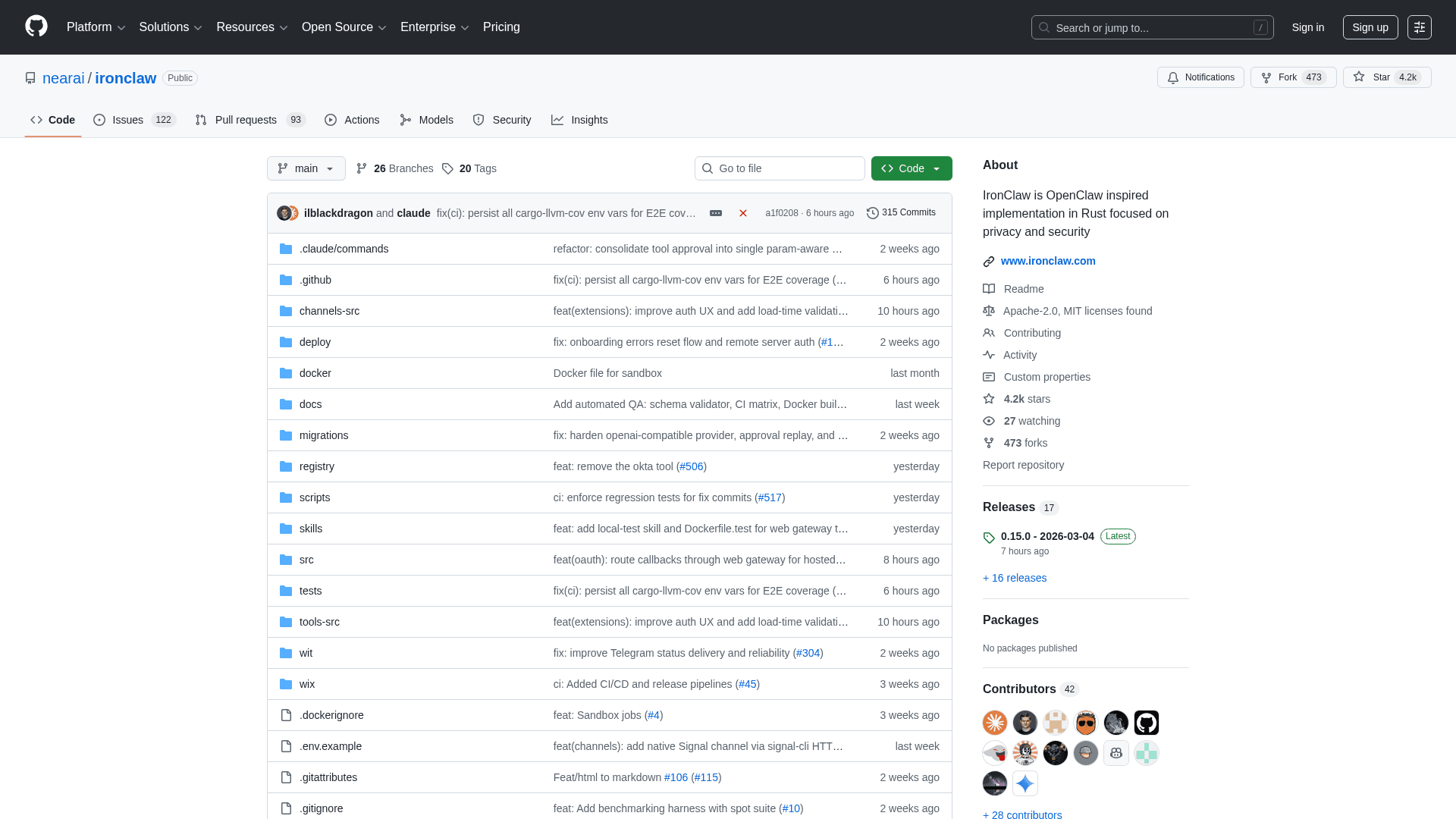
IronClaw is a Rust-based AI agent built by NEAR AI that takes security to another level. All untrusted tools run inside isolated WebAssembly (WASM) sandboxes with capability-based permissions. Credentials are stored in an encrypted vault inside a Trusted Execution Environment (TEE) — the AI model literally never sees your actual secret keys.
OpenClaw stores API keys in plaintext config files. RedLine, Lumma, and Vidar infostealers have already added OpenClaw file paths to their collection targets. IronClaw separates credentials from the AI entirely. The agent gets access tokens scoped to specific actions, but never the underlying secrets. Even if the agent is compromised, your credentials are safe.
Key Features
- WASM sandbox isolation for all untrusted tool execution
- Encrypted credential vault in Trusted Execution Environment (TEE)
- Rust memory safety — no buffer overflows or use-after-free vulnerabilities
- Outbound traffic scanning blocks credential exfiltration in real-time
- Pattern detection for prompt injection attacks
- MCP protocol support for tool interoperability
Pricing
Free and open source. One-click deploy on NEAR AI Cloud available.
Best For
Security-conscious developers and teams handling sensitive credentials.
Pros
- WASM sandbox + TEE vault is the most secure architecture on this list
- Rust eliminates entire categories of memory-safety vulnerabilities
- Real-time exfiltration blocking catches attacks in progress
- Prompt injection detection is built-in, not an afterthought
Cons
- Rust toolchain has a steeper learning curve for contributors
- Smaller integration ecosystem compared to OpenClaw or n8n
- TEE features require compatible hardware for full security benefits
NanoBot
Best Lightweight Alternative — 26K+ Stars, 4K Lines of Code
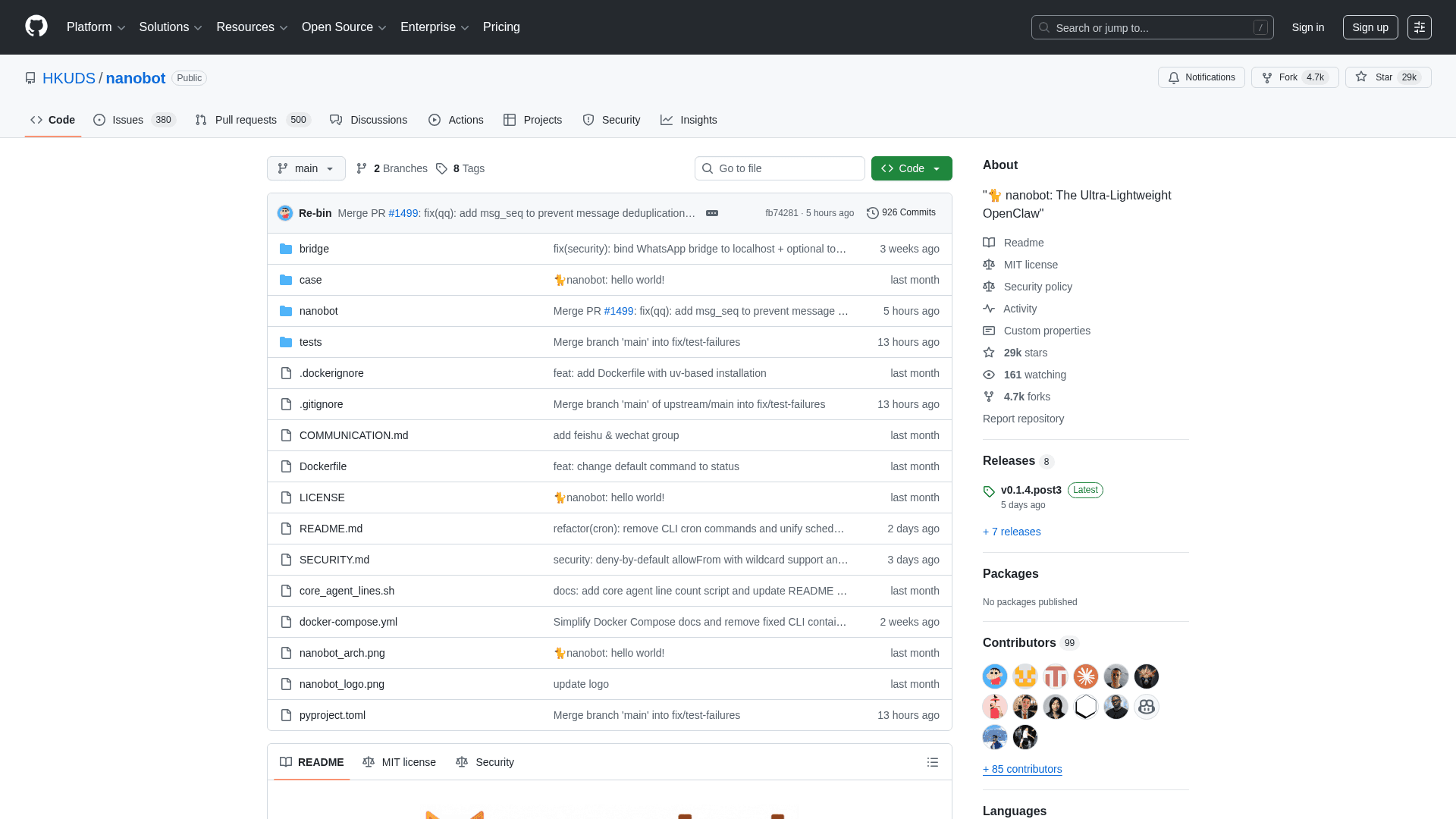
NanoBot is an ultra-lightweight AI agent from the University of Hong Kong that’s become the most popular OpenClaw alternative by stars. At 4,000 lines of Python (99% smaller than OpenClaw), it delivers the core agent experience — persistent memory, web search, background agents, scheduled tasks — without the attack surface.
OpenClaw’s 430,000+ lines of code is a massive attack surface. NanoBot proves you don’t need all that complexity for powerful agent automation. It supports 11+ LLM providers, persistent Markdown memory, and multi-channel messaging. The small codebase means you can read the entire source in a few hours and know exactly what it’s doing.
Key Features
- 4,000 lines of Python — readable and auditable in hours
- Persistent Markdown memory (same approach as OpenClaw)
- Background agents for long-running tasks
- Scheduled task automation
- 11+ LLM provider support (Claude, GPT, Gemini, DeepSeek, Ollama, etc.)
- Web search and browsing capabilities
Pricing
Free and open source
Best For
Founders who want a simple, auditable agent without OpenClaw’s complexity.
GitHub
26,800+ starsPros
- Most popular OpenClaw alternative by GitHub stars (26K+)
- 99% smaller codebase = 99% smaller attack surface
- Model-agnostic — works with 11+ LLM providers
- Active academic backing from University of Hong Kong
Cons
- Fewer integrations than OpenClaw’s 13,700+ ClawHub skills
- No built-in container isolation (you should add Docker yourself)
- Python-based — doesn’t have Rust/WASM-level memory safety
ClawTrust
Best Managed Hosting — Hardened OpenClaw With Budget Caps
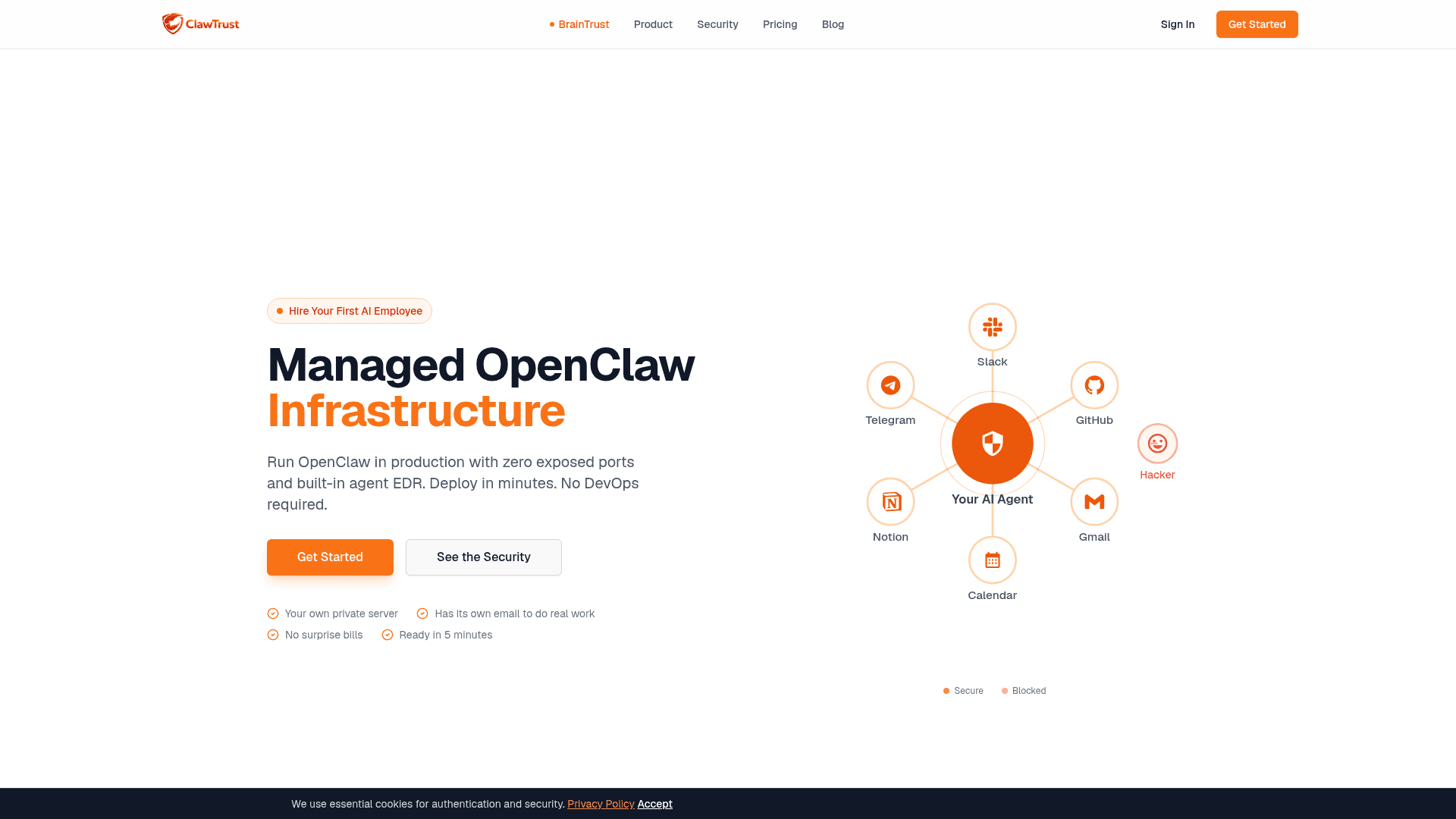
ClawTrust is a managed OpenClaw hosting service that handles all the security hardening you’d otherwise spend 4–8 hours configuring manually. Each agent runs on an isolated server with encrypted storage, private networking, and a vetted-skills-only policy. Budget hard caps at $5, $15, or $30/month prevent runaway API costs.
Microsoft’s security advisory for OpenClaw recommends deploying only in "fully isolated VMs with non-privileged credentials and non-sensitive data." ClawTrust does exactly this as a service. You get OpenClaw’s full power without needing to be a DevOps engineer. The budget caps alone save founders from the $500+ surprise API bills that are common with uncapped OpenClaw usage.
Key Features
- Isolated server per agent — no shared tenancy
- Encrypted storage and private networking
- Vetted skills only — no unreviewed ClawHub installs
- Runtime monitoring at kernel level
- Credentials stored in separate encrypted vault
- Hard budget caps: $5, $15, or $30/month tiers
Pricing
$5/mo (basic), $15/mo (pro), $30/mo (business) — hard caps, not soft limits
Best For
Founders who want OpenClaw without the DevOps burden or security risk.
Website
Visit sitePros
- Saves 4–8 hours of manual security hardening per deployment
- Budget hard caps prevent surprise API bills
- Vetted skills policy eliminates supply chain risk
- Kernel-level monitoring catches threats faster than application-level tools
Cons
- Limited to vetted skills — can’t install any ClawHub skill freely
- Monthly cost adds up vs. free self-hosted alternatives
- You’re trusting ClawTrust’s vetting process for skill safety
Want More Recommendations?
Subscribe for curated tool picks every week.
n8n
Best Battle-Tested Platform — 4+ Years of Security Hardening
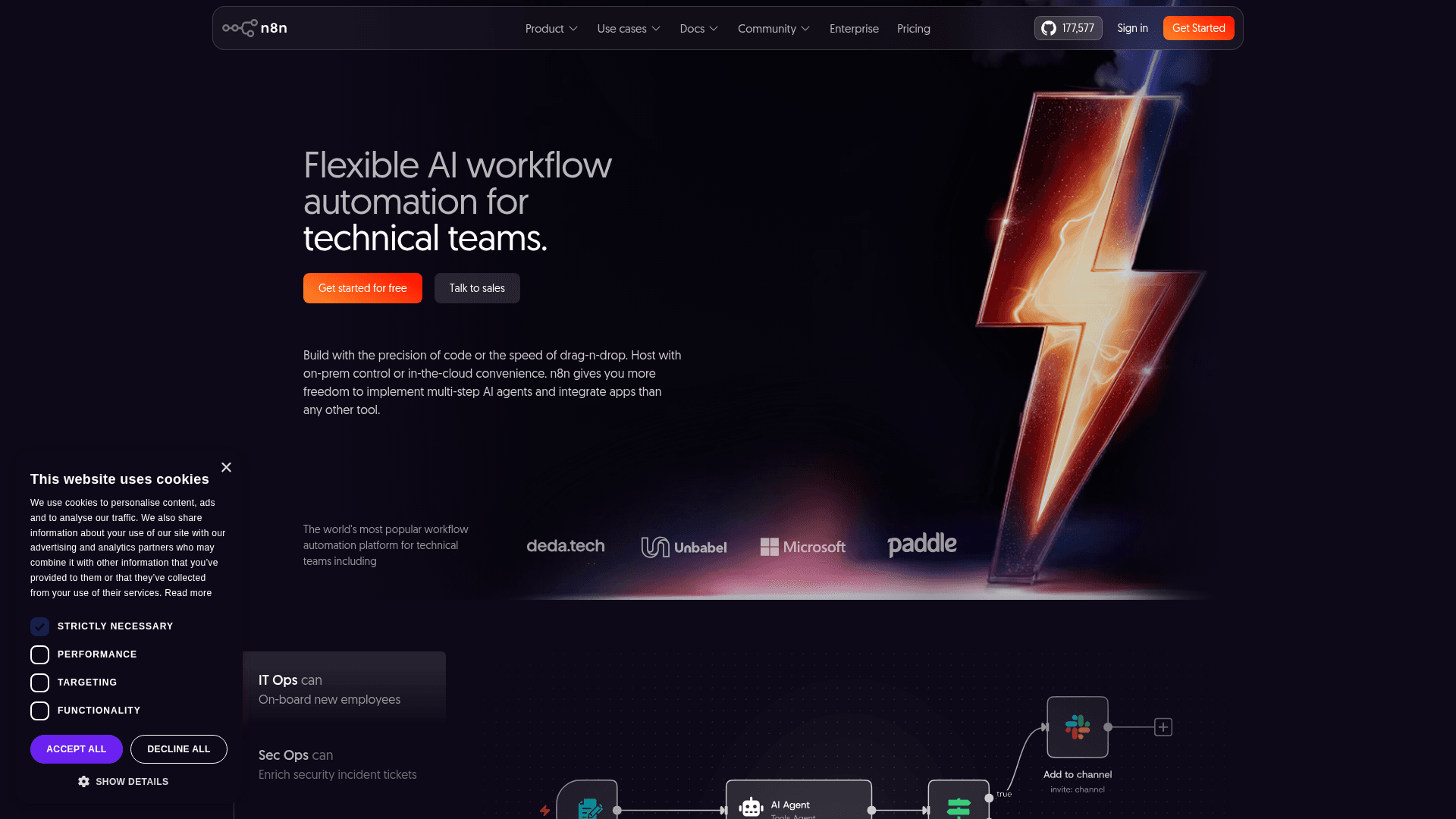
n8n is an open-source workflow automation platform with 60,000+ GitHub stars and a security track record measured in years, not months. Its AI Agent node supports tool calling, memory, and multi-step reasoning — the same core capabilities that make OpenClaw useful. The difference: n8n’s 400+ integrations are curated, audited, and maintained by the core team.
OpenClaw is 4 months old. n8n is 4+ years old. That maturity difference shows up in security: n8n has encrypted credential storage, vault integration, proper RBAC, and a team of security engineers reviewing every integration. There’s no equivalent of the ClawHavoc attack because there’s no open marketplace where anyone can upload unreviewed code.
Key Features
- AI Agent node with tool calling and memory support
- 400+ built-in, audited integrations (no community-uploaded skills)
- Visual workflow builder with code fallback for power users
- Self-hosted or cloud — you choose where your data lives
- Credential encryption and vault integration
- Community of 60K+ GitHub stars and active enterprise users
Pricing
Free (self-hosted), Cloud from $24/mo
Best For
Technical founders who want agent automation on a mature, battle-tested platform...
GitHub
60,000+ starsPros
- 4+ years of security hardening vs. OpenClaw’s 4 months
- All integrations audited by core team — no supply chain risk
- Credential vault keeps API keys encrypted at rest
- Massive community and extensive documentation
Cons
- AI Agent node is newer and less flexible than OpenClaw’s skill system
- No equivalent to ClawHub’s community skill ecosystem
- Visual builder has a learning curve for complex agent logic
Composio
Best Security Upgrade — Replace OpenClaw’s Most Dangerous Layer

Composio provides managed authentication and tool calling infrastructure for AI agents. Instead of trusting random ClawHub skills to handle your credentials, you use Composio’s SDK to give your agent secure, authenticated access to 250+ tools. It works alongside OpenClaw, LangChain, CrewAI, and other frameworks.
The biggest security risk in OpenClaw isn’t the agent — it’s the skills. ClawHub skills handle authentication with zero standardization, and 7.1% of them leak credentials. Composio replaces that entire layer. Your agent calls tools through Composio’s SDK, which handles OAuth, automatic token rotation, and credential encryption. You keep OpenClaw but eliminate its most dangerous component.
Key Features
- Managed OAuth for 250+ tools — no raw API keys in your agent
- Works alongside OpenClaw, LangChain, CrewAI, and custom agents
- Automatic token rotation and credential encryption
- Granular permission scoping per tool per agent
- Audit logging for all tool calls
- SDK for Python, TypeScript, and REST API
Pricing
Free (1,000 actions/mo), Pro $29/mo, Team $99/mo
Best For
Developers who want to keep OpenClaw but fix its credential handling.
GitHub
Active developmentPros
- Eliminates the #1 OpenClaw risk — unvetted credential handling
- Non-destructive — works alongside your existing OpenClaw setup
- Token rotation prevents stale credential exposure
- Framework-agnostic — switch between agent frameworks freely
Cons
- Requires developer knowledge to implement the SDK
- 250 tools is smaller than ClawHub’s 13,700+ skills
- Adds a dependency on Composio’s uptime for all tool calls
Lindy AI
Best No-Code Option — Agent Automation Without the Terminal
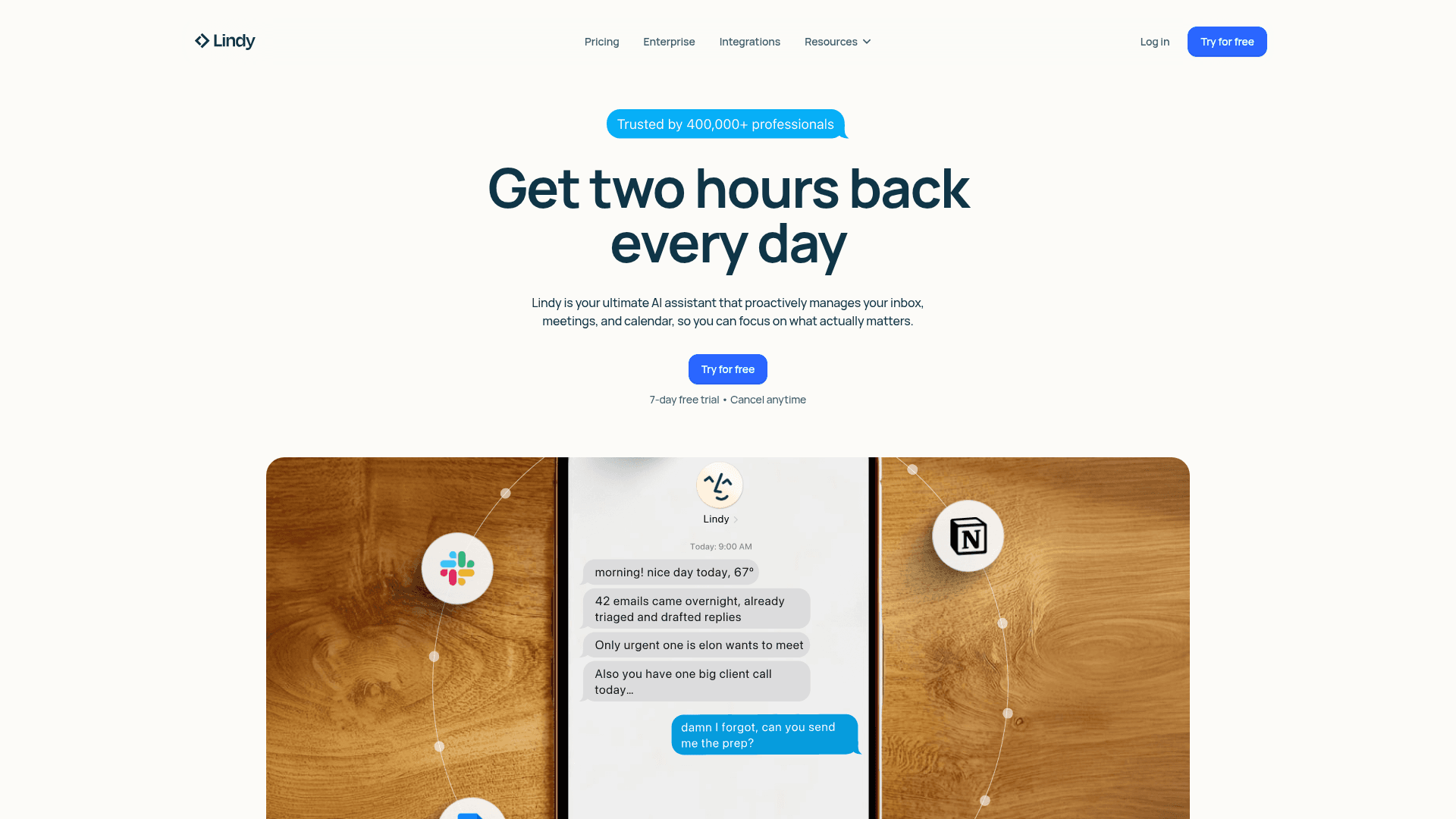
Lindy AI is a standalone agent platform that offers multi-step workflows, API integrations, and AI-powered automation through a visual drag-and-drop builder. No Docker, no CLI, no ClawHub skills. Everything runs on Lindy’s managed cloud with SOC 2 Type II compliance.
For founders who want agent automation but don’t want to manage infrastructure or worry about supply chain attacks from community-uploaded skills, Lindy removes the entire self-hosting burden. You connect integrations through OAuth (not raw API keys), build workflows visually, and everything runs on managed infrastructure.
Key Features
- Visual drag-and-drop workflow builder
- Pre-built integrations with 3,000+ apps via OAuth
- Human-in-the-loop approval for sensitive actions
- Fully managed cloud infrastructure — no self-hosting
- Team collaboration with role-based access control
- SOC 2 Type II compliant infrastructure
Pricing
Free tier (400 credits/mo), Pro $49/mo, Business $199/mo
Best For
Non-technical founders who want agent automation without managing servers.
Website
Visit sitePros
- Zero setup time — build workflows in minutes, not hours
- No supply chain risk — all integrations are first-party verified
- SOC 2 compliant — safe for handling customer data
- Non-technical team members can create and manage agents
Cons
- Less flexible than OpenClaw for custom, code-heavy skills
- Vendor lock-in — workflows don’t export to other platforms
- Credit-based pricing can get expensive at scale
TrustClaw
Best Cloud-Native Agent — 1,000+ Tools With No Local Access
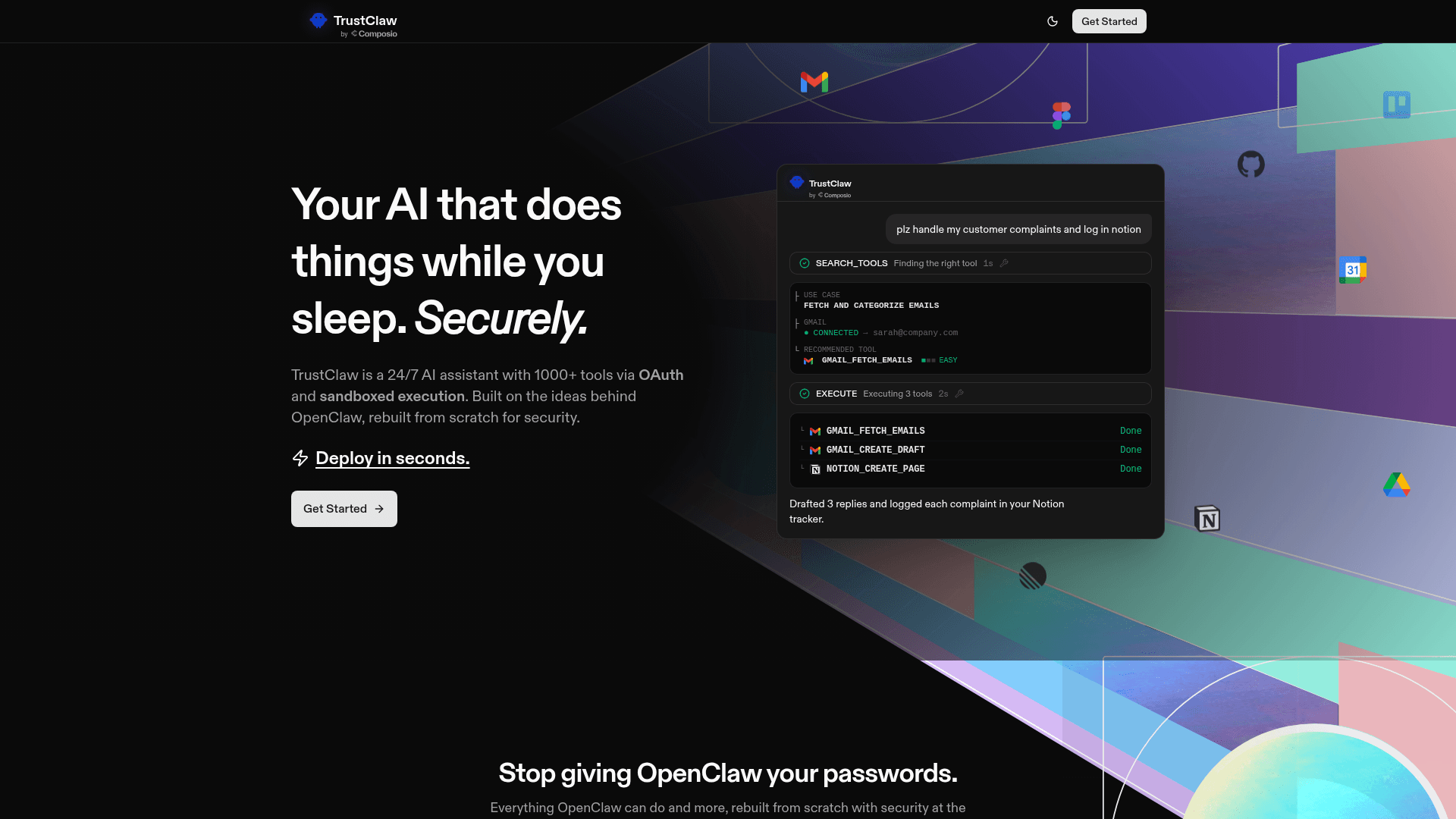
TrustClaw is a cloud-native agent platform with 1,000+ tools that never touches your local machine. All execution happens in sandboxed cloud environments. OAuth-based authentication means no plaintext credentials. It handles common agent tasks — Gmail monitoring, web scraping, Slack summarization, competitor analysis — without any local code execution.
The core risk with OpenClaw is that it runs on your machine with your permissions. TrustClaw flips this model completely. Nothing runs locally. There’s no skill marketplace with unvetted code. There’s no filesystem access. The agent lives in the cloud and interacts with your services through secure OAuth connections.
Key Features
- 1,000+ tools with sandboxed cloud execution
- No local code execution — nothing touches your machine
- OAuth-based authentication — no plaintext credentials anywhere
- Gmail monitoring, web scraping, Slack integration
- Competitor analysis and data extraction workflows
- Free and open-source core
Pricing
Free/open-source core + API costs for LLM usage
Best For
Founders who want zero local risk and don’t need offline agent capabilities.
GitHub
Open-source corePros
- Zero local attack surface — nothing runs on your machine
- OAuth everywhere — no plaintext credential storage
- 1,000+ tools without a community skill marketplace
- Free core makes it accessible for experimentation
Cons
- Requires internet connection — no offline agent capabilities
- Less customizable than self-hosted alternatives
- Dependent on cloud availability for all operations
Taskade AI Agents
Best for Teams — AI Agents Inside Your Project Management Tool
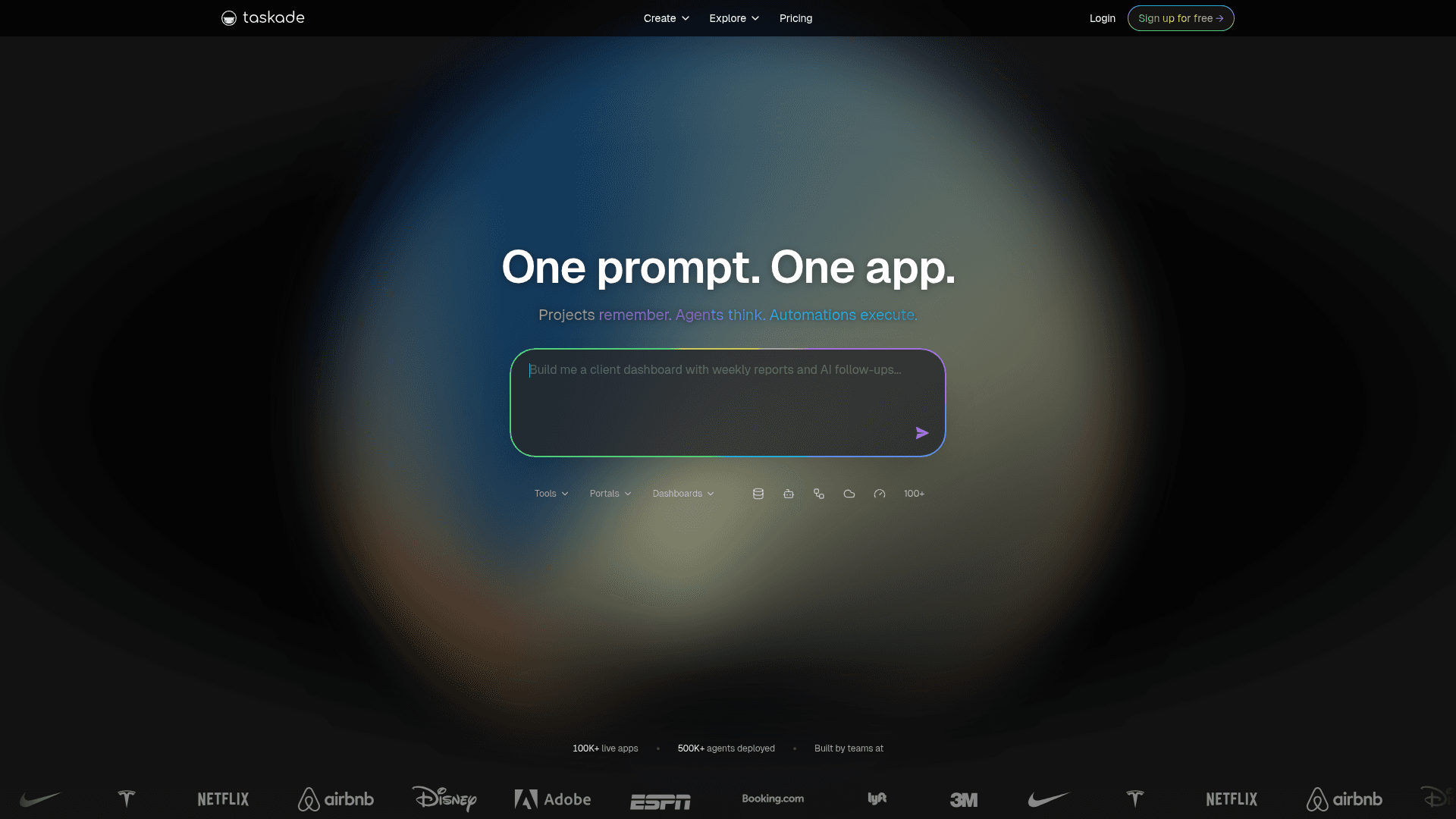
Taskade combines AI agents with project management, letting teams create custom agents that work within structured workspaces. Agents inherit the workspace’s permission model — they can only access projects and data they’re assigned to. No risk of an agent reading credentials from another team member’s workspace.
OpenClaw is a single-player tool trying to become multi-player. When teams share an OpenClaw instance, credentials get mixed, there’s no audit trail, and one bad skill can compromise everyone. Taskade was built for teams from day one. AI agents live inside workspaces with proper permission boundaries and end-to-end encryption.
Key Features
- Custom AI agents with workspace-scoped permissions
- Built-in project management — tasks, docs, mind maps
- Team collaboration with real-time editing
- Agent templates for common workflows
- End-to-end encryption on all workspace data
- Available on web, desktop, and mobile
Pricing
Free tier, Pro $8/user/mo, Business $16/user/mo
Best For
Small teams who want AI agents integrated into their project management workflow...
Website
Visit sitePros
- Workspace-scoped permissions prevent cross-project data leaks
- Built-in project management eliminates tool sprawl
- End-to-end encryption on all data
- Most affordable team option on this list ($8/user/mo)
Cons
- Agent capabilities are less powerful than OpenClaw for complex automation
- Limited third-party integrations compared to dedicated automation tools
- Best for project management workflows, not general-purpose agent tasks
How to Choose the Right Option
Your choice depends on where you fall on the power-vs-safety spectrum. Here's the decision framework:
If security is your #1 priority...
Go with IronClaw. WASM sandboxing + TEE credential vault + Rust memory safety. It's the most secure architecture on this list, period.
If you want the simplest OpenClaw replacement...
Choose NanoClaw. Same agent experience, container isolation by default, and small enough to audit yourself. It's OpenClaw done right.
If you're non-technical...
Pick Lindy AI. Visual builder, managed cloud, SOC 2 compliant. No Docker, no CLI, no terminal. Build workflows in minutes.
If you already have OpenClaw running...
Add Composio to replace unsafe credential handling without rebuilding. Or migrate to ClawTrust managed hosting for full security with budget caps.
Stay Ahead of the Tool Curve
We research dozens of tools so you don't have to. Get our top picks and insider insights delivered weekly.
Frequently Asked Questions
Is OpenClaw actually dangerous?
Yes, in its default configuration. OpenClaw has 9 disclosed CVEs, including CVE-2026-25253 (CVSS 8.8) which enables one-click remote code execution. SecurityScorecard found 135,000 OpenClaw instances exposed to the public internet with insecure defaults. The ClawHavoc supply chain attack compromised 9,000+ installations through 1,184 malicious ClawHub skills. CrowdStrike, Cisco, Microsoft, and Kaspersky have all published security advisories. The tool is powerful, but it needs guardrails.
Can I use OpenClaw safely without switching to an alternative?
Yes, but it requires significant hardening. Microsoft recommends running OpenClaw only in fully isolated VMs with non-privileged credentials and non-sensitive data. At minimum: use Docker isolation, only install skills from the vetted awesome-openclaw-skills list, check VirusTotal reports before every install, use Composio for credential management, and set hard API spending limits. Or use ClawTrust which handles all of this for $5–$30/month.
What is the best free OpenClaw alternative?
NanoClaw is the best free alternative for security-focused users — it’s MIT-licensed with container isolation built in. NanoBot (26K+ stars) is the most popular free alternative with the largest community. For managed free tiers, Lindy AI offers 400 credits/month and TrustClaw has an open-source core. n8n is the best free option for self-hosted workflow automation with 60K+ stars.
Which OpenClaw alternative is best for non-technical users?
Lindy AI is the clear winner for non-technical users. It offers a visual drag-and-drop builder, managed cloud infrastructure, and 3,000+ pre-built integrations that don’t require coding. Taskade is another strong option if you also need project management. Both eliminate the Docker, CLI, and API key management that make raw OpenClaw inaccessible to non-developers.
What happened in the ClawHavoc supply chain attack?
In January 2026, attackers uploaded 1,184 malicious packages to ClawHub — roughly 1 in 5 of all skills at the time. A single user ("hightower6eu") uploaded 354 packages in an automated blitz. The malicious skills distributed Atomic Stealer (AMOS), a macOS infostealer, via fake "Prerequisites" download instructions. 9,000+ installations were compromised before the attack was detected.
How much does it cost to run OpenClaw vs alternatives?
Raw OpenClaw is free but API costs average $100–$500/month depending on usage, with no built-in spending controls. Add VPS hosting ($5–20/month) and you’re at $105–$520/month with zero security guardrails. Managed alternatives range from free (NanoClaw, NanoBot) to $5–$30/month (ClawTrust with hard caps). The real cost difference is risk: Meta AI safety researcher Summer Yue’s OpenClaw agent mass-deleted her inbox. One credential leak can cost far more than any subscription.
The Bottom Line
OpenClaw isn't going anywhere. It's too powerful and too popular. But running it raw in 2026 is like running a server without a firewall — technically possible, professionally irresponsible. CrowdStrike, Cisco, and Microsoft aren't publishing security advisories for fun.
NanoClaw is our top pick for founders who want the OpenClaw experience rebuilt with proper isolation. IronClaw is the choice when credentials are on the line. For non-technical users, Lindy AI delivers agent automation without any self-hosting risk. And if you're already on OpenClaw, Composio + ClawTrust is the fastest path to making it safe.
The power-safety tradeoff isn't binary anymore. Pick the option that matches your risk tolerance and stop running unguarded agents on machines with production credentials.
For more on the OpenClaw ecosystem, check out our 10 Best OpenClaw Skills for Founders and 5 Profitable Business Ideas to Build Around OpenClaw.
Sources
- CrowdStrike: What Security Teams Need to Know About OpenClaw
- Cisco: Personal AI Agents Like OpenClaw Are a Security Nightmare
- Microsoft Security Blog: Running OpenClaw Safely
- VentureBeat: NanoClaw Solves OpenClaw’s Biggest Security Issues
- SOCRadar: CVE-2026-25253 — One-Click RCE in OpenClaw
- 1Password: From Magic to Malware — OpenClaw’s Attack Surface
- Composio: Top 5 Secure OpenClaw Alternatives
- KDnuggets: 5 Lightweight and Secure OpenClaw Alternatives
- NanoClaw GitHub Repository
- IronClaw GitHub Repository
- NanoBot GitHub Repository (26K+ Stars)
- Bitsight: 135,000 OpenClaw Instances Exposed to the Internet
Stay Ahead of the Tool Curve
We research dozens of tools so you don't have to. Get our top picks and insider insights delivered weekly.
Trusted by indie hackers and startup founders
Keep Reading
OpenClaw Side Hustle Ideas: Start Earning This Weekend
The best OpenClaw side hustle ideas for 2026. From selling ClawHub skills to freelance agent builds, these AI agent side hustles can start generating income in days, not months.
10 Best OpenClaw Skills for Founders and Entrepreneurs in 2026
The 10 must-have OpenClaw skills every founder needs. From email automation and SEO to CRM and analytics, these ClawHub skills replace entire teams for solo founders.
10 Best AI Tools for Internal Workflow Management in 2026
Compare the 10 best AI tools for internal workflow management in 2026. Self-hostable automation, AI agents for approvals, knowledge Q&A, and team coordination — with real pricing, trade-offs, and the right pick for your stack.