
10 Best Website Builders in 2026 (For Founders, Designers & Agencies — Ranked by Real Cost and Lock-In)
The 10 best website builders for 2026 — Framer, Squarespace, Wix Studio, WordPress.com, Duda, Hostinger, Carrd, Unicorn Platform, Dorik, and Shopify. Ranked by who you are (designer, agency, SaaS founder), what one site really costs per year, and what it costs to leave: export options, renewal traps, and the add-on stacking the affiliate listicles never mention.
In 2026, you are choosing what leaving costs before you are choosing a builder.
The cautionary anchor is Webflow: two price increases in six months, capped by the May 2026 overhaul that merged plans, cut Premium's included bandwidth to 50 GB (from the old Business plan's 400 GB), and introduced a $2,500/mo Team tier. Stacked pricing — per-site plan + workspace plan + $39/mo full seats + per-locale and bandwidth add-ons — can put one agency-managed CMS site near $1,476/year, and documented user bills jumped 300%+. Every builder below is evaluated the way the affiliate listicles won't: real per-site annual cost, renewal-price behavior, and whether your site can leave — full export (WordPress, Unicorn Platform), partial (Squarespace, Shopify, Hostinger), or none (Wix, Framer, Duda).
Key Takeaways
- Pick by who you are, then check the exit. Designers and SaaS founders: Framer. Solo founders who want polish without decisions: Squarespace. Agencies: Wix Studio or Duda (white-label). Content-heavy sites: WordPress.com. Landing pages on a shoestring: Carrd at $19/year. Selling products: Shopify, full stop.
- Lock-in is the ranking factor nobody publishes. Full export: Unicorn Platform (HTML) and WordPress (the whole point of it). Partial: Squarespace (content XML, not design), Shopify (CSV data, not theme), Hostinger (content-to-WordPress only). Effectively none: Wix Studio, Framer, Duda — leaving means rebuilding.
- The excluded incumbent anchor: Webflow raised prices twice in six months (the May 2026 overhaul merged plans, cut Premium's included bandwidth to 50 GB, and added a $2,500/mo Team tier), and stacked pricing — site plan + workspace + $39/mo full seats + per-locale add-ons — can put one agency-managed CMS site near $1,476/year. The Reddit exodus threads name Framer as destination #1.
- Watch renewal pricing, not intro pricing. Hostinger's builder is ~$42 for year one and ~$132/year on renewal — a 3x jump. Squarespace, Framer, Carrd, and Duda bill flat; Wix Studio and WordPress.com discount year one via the free domain.
- Every high-ranking "best website builders" listicle is affiliate-funded, and it shows: discount codes in the article, Wix or Hostinger at #1, and zero words on export, renewal pricing, or agency per-site math. We don't run affiliate links for any builder here.
- The 2026 AI-search wrinkle: most AI crawlers (GPTBot, Claude, Perplexity) don't execute JavaScript, so a builder that ships server-rendered HTML is what keeps your site quotable in AI answers. Before committing, curl your template's URL and check the content is in the raw HTML.
Search for the best website builders and the top results follow a pattern: affiliate discount codes in the second paragraph, Wix or Hostinger at #1, and not one word about what happens when you want to leave. This list is different: no affiliate links, real per-site annual costs including renewal jumps, and a lock-in verdict for every pick — because in 2026, with Webflow's repricing fresh in everyone's memory, the exit door matters as much as the entrance.
We also rank by who you are, because "best website builder" is three different questions. A designer shipping a SaaS marketing site (Framer), an agency running 15 client sites (Wix Studio, Duda), and a founder betting on content SEO (WordPress) should not buy the same product. And a new 2026 consideration threads through all of it: most AI crawlers don't execute JavaScript, so whether your builder serves real HTML now affects whether ChatGPT and Claude can quote your site at all.
Every entry covers verified official pricing (fetched July 2026), transaction-fee and renewal gotchas, export/lock-in facts from official documentation, and verified review data with sample sizes flagged. Webflow is deliberately absent from the ranking — it's the incumbent this market is currently fleeing, and its add-on stacking is the cautionary tale in the callout above.
Quick Comparison
| # | Builder | Best For | Can You Leave? | Rating |
|---|---|---|---|---|
| 1 | Framer | Best for Designers & SaaS Marketing Sites | No export | 4.5 |
| 2 | Squarespace | Best All-Around for Solo Founders | Content XML only | 4.4 |
| 3 | Wix Studio | Best for Agencies on Client Work | No export | 4.2 |
| 4 | WordPress.com | Best for Content & Ownership | Full export | 4.4 |
| 5 | Duda | Best White-Label Platform | No export | 4.6 |
| 6 | Hostinger Website Builder | Best Budget Multi-Site | Content-to-WP only | 4.4 |
| 7 | Carrd | Best $19/Year on the Internet | Site files (Pro Plus) | 4.6 |
| 8 | Unicorn Platform | Best for Indie SaaS Landing Pages | Full HTML export | 4.7 |
| 9 | Dorik | Best White-Label Value | Code export (paid) | 4.6 |
| 10 | Shopify | Best When the Site's Job Is Selling | Data CSV, not theme | 4.4 |
Framer
Best for Designers & SaaS Marketing Sites — The Webflow-Exodus Destination
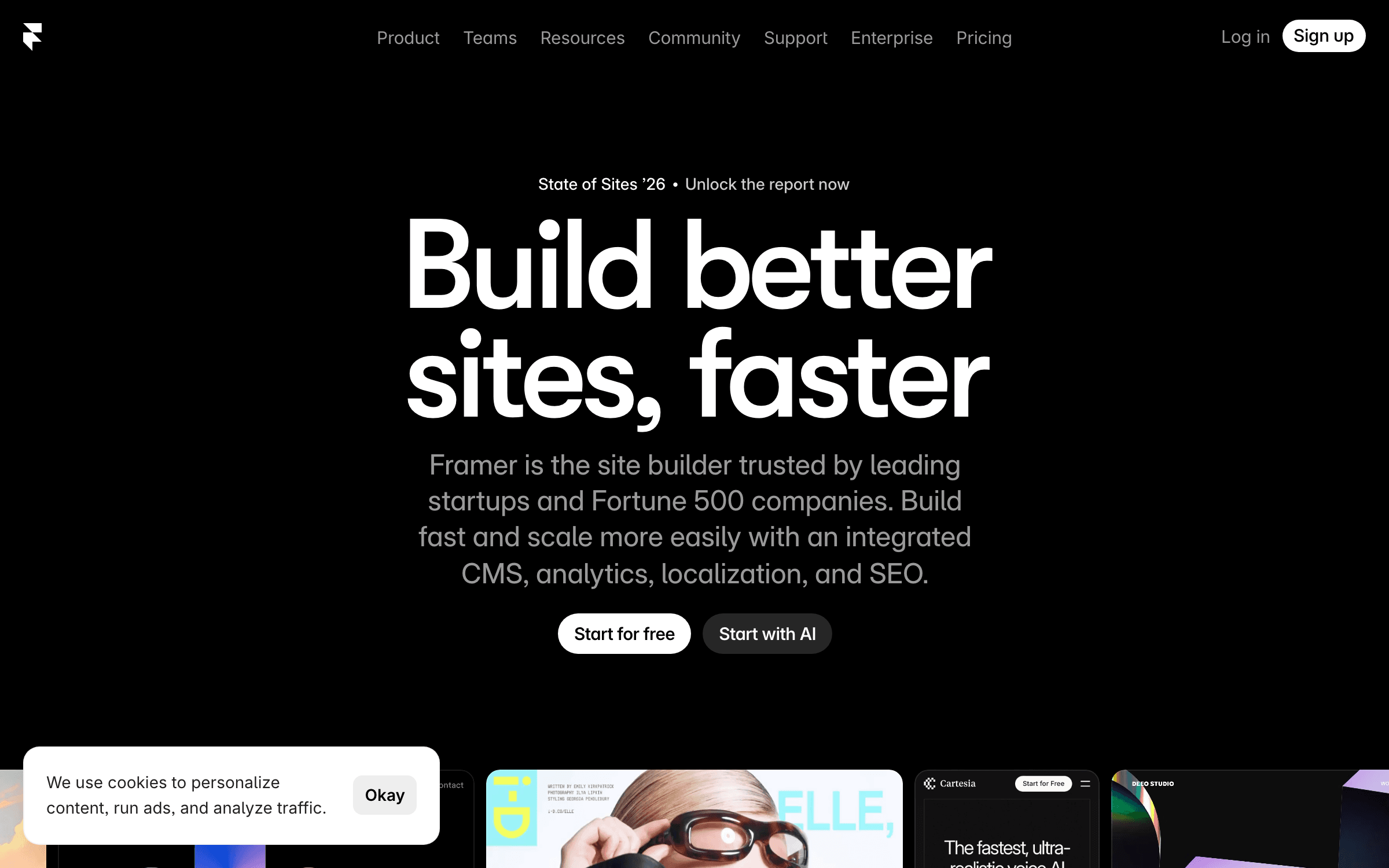
Framer is the design-first website builder that won the post-Webflow moment: a canvas that feels like Figma, production sites that ship with animations and interactions baked in, and pricing that starts at $10/mo for a real site with a custom domain. The 2026 platform adds AI agents and features on a credit system (500-3,000 credits/mo by tier), CMS collections, localization, A/B testing, and staging. When Webflow's May 2026 repricing sent agencies and freelancers looking for the exit, Framer was the alternative named first in the migration threads.
For a SaaS founder or designer, Framer is the fastest path from "design in my head" to "live marketing site that doesn't look like a template" — and at $10-30/mo per site it undercuts what Webflow's stacked site + workspace + seat pricing now costs by a wide margin. The honest trade-offs: there is no code export, so leaving Framer means rebuilding (the mirror image of Webflow's lock-in); tier limits are real upgrade levers (30 pages and 2 CMS collections on Basic, 150 pages and 10 collections on Pro); and extra editors bill $20/mo each. Treat it as a place you'll happily stay, not a place you can easily leave.
Key Features
- Figma-like canvas with production-grade animations, interactions, and effects
- Real starter pricing: $10/mo Basic with custom domain, 50 GB bandwidth, built-in SEO
- AI features on credits (500 free/mo; 1,000 Basic; 3,000 Pro) including AI agents
- CMS, localization (add-on per locale), A/B testing, staging, and redirects on Pro
- Free plan publishes a real site on a framer.app domain — prototype before paying
Pricing
Free (framer.app domain, 500 AI credits/mo). Basic $10/mo (30 pages, 2 CMS collections, 50 GB bandwidth). Pro $30/mo (150 pages, 10 collections, 100 GB, staging, 10 editors). Enterprise custom. Extra editors $20/mo; locales $20 each; A/B testing $50 per 500K events.
Rating
4.5/5 — G2 (142+ reviews)
Best For
Designers, SaaS founders, and marketing teams who want a striking marketing site...
Pros
- Best design-to-live-site speed in the category — Figma users feel at home immediately
- $10/mo entry undercuts Webflow's stacked pricing dramatically for single sites
- Modern marketing-site features (A/B tests, localization, staging) without plugins
Cons
- No code export — leaving Framer means rebuilding the site elsewhere
- Page/CMS/bandwidth tier limits and per-editor, per-locale add-ons stack as you grow
Squarespace
Best All-Around for Solo Founders — Polish Without Decisions
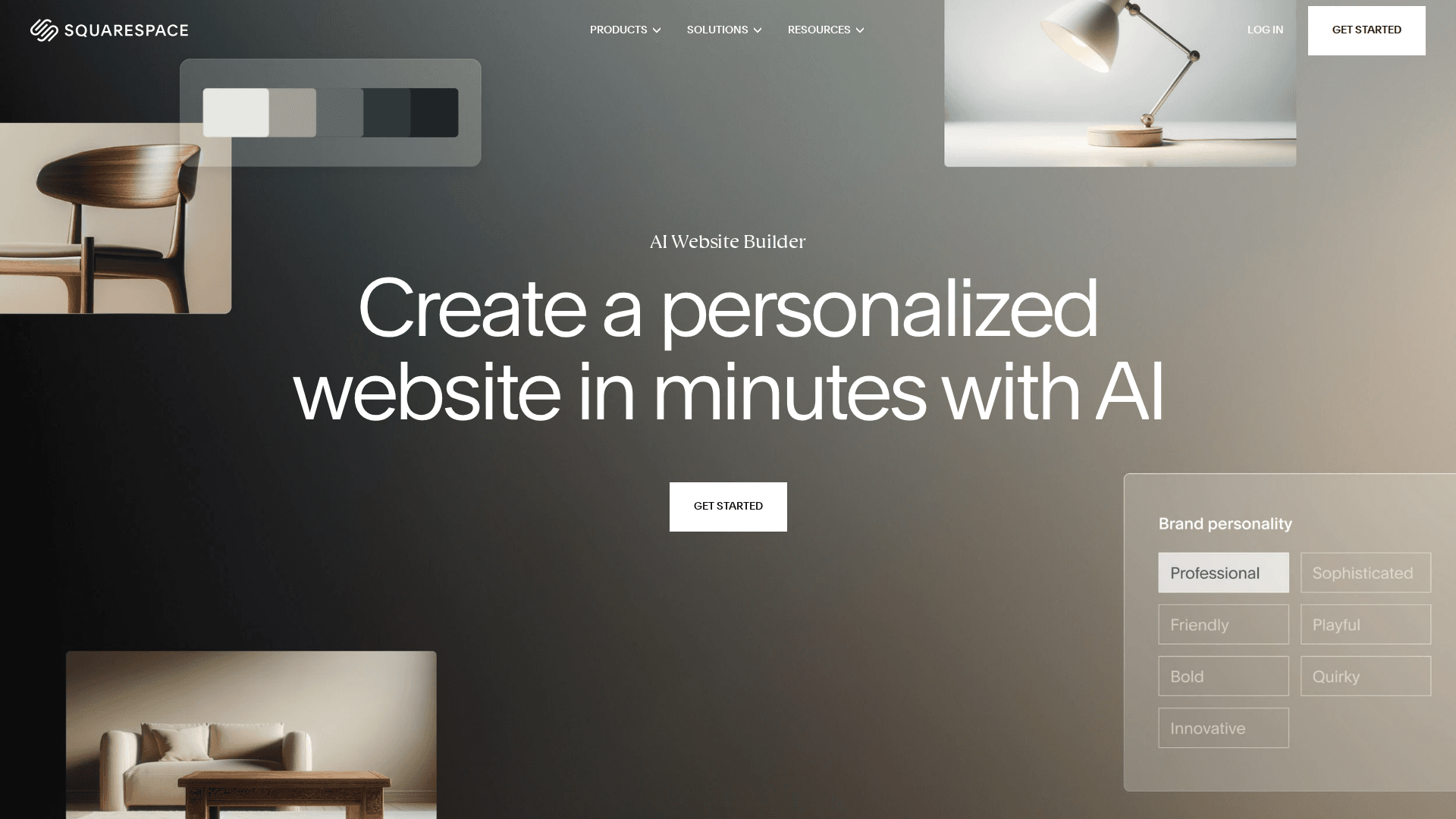
Squarespace remains the "it just looks good" builder: award-winning templates, editing that non-designers can't break, and everything — hosting, domain, email campaigns, scheduling, commerce, AI copy — under one bill. The 2026 lineup runs Basic $16 to Advanced $99/mo (annual), with Squarespace AI on every tier and a 14-day trial instead of a free plan. Its 4.4/5 G2 rating across 1,100+ reviews makes it one of the most-validated products in the category.
If you want a credible site this weekend and never want to think about plugins, updates, or design systems, Squarespace is still the safest yes. The pricing ladder is the thing to read closely: Basic at $16 takes a 2% transaction fee on store sales and 7% on digital products; Core at $23 drops store fees to 0% but keeps 5% on digital; only Advanced at $99 zeroes out digital-goods fees. So a founder selling courses or downloads on Basic is quietly paying a revenue tax. Export is partial — blog and page content leave via WordPress-format XML, but the design, commerce data, and member areas don't port. Great home; mediocre exit.
Key Features
- Best template quality in mainstream building — hard to make an ugly site
- All-in-one: hosting, domains, email marketing, scheduling, invoicing, commerce
- Squarespace AI on all tiers for copy and design assistance
- Transaction-fee ladder: store 2%/0%; digital goods 7%/5%/1%/0% by tier
- 14-day free trial, no credit card; free domain year one on annual plans
Pricing
Basic $16/mo annual ($25 monthly). Core $23/mo ($36). Plus $39/mo ($56). Advanced $99/mo ($139). Store transaction fees: 2% on Basic, 0% above. Digital products: 7%/5%/1%/0% by tier. 14-day trial.
Rating
4.4/5 — G2 (1,133+ reviews)
Best For
Solo founders, creators, and service businesses who want maximum polish for mini...
Pros
- The most reliably beautiful output per hour of effort in the category
- One bill covers site, domain, email campaigns, scheduling, and commerce
- Big verified review base (1,100+ on G2) and a stable, profitable company
Cons
- Digital-goods transaction fees on lower tiers quietly tax course/download sellers
- Partial export only: content XML leaves, design and commerce data don't
Wix Studio
Best for Agencies on Client Work — Wix's Pro Product Is Not Your Cousin's Wix
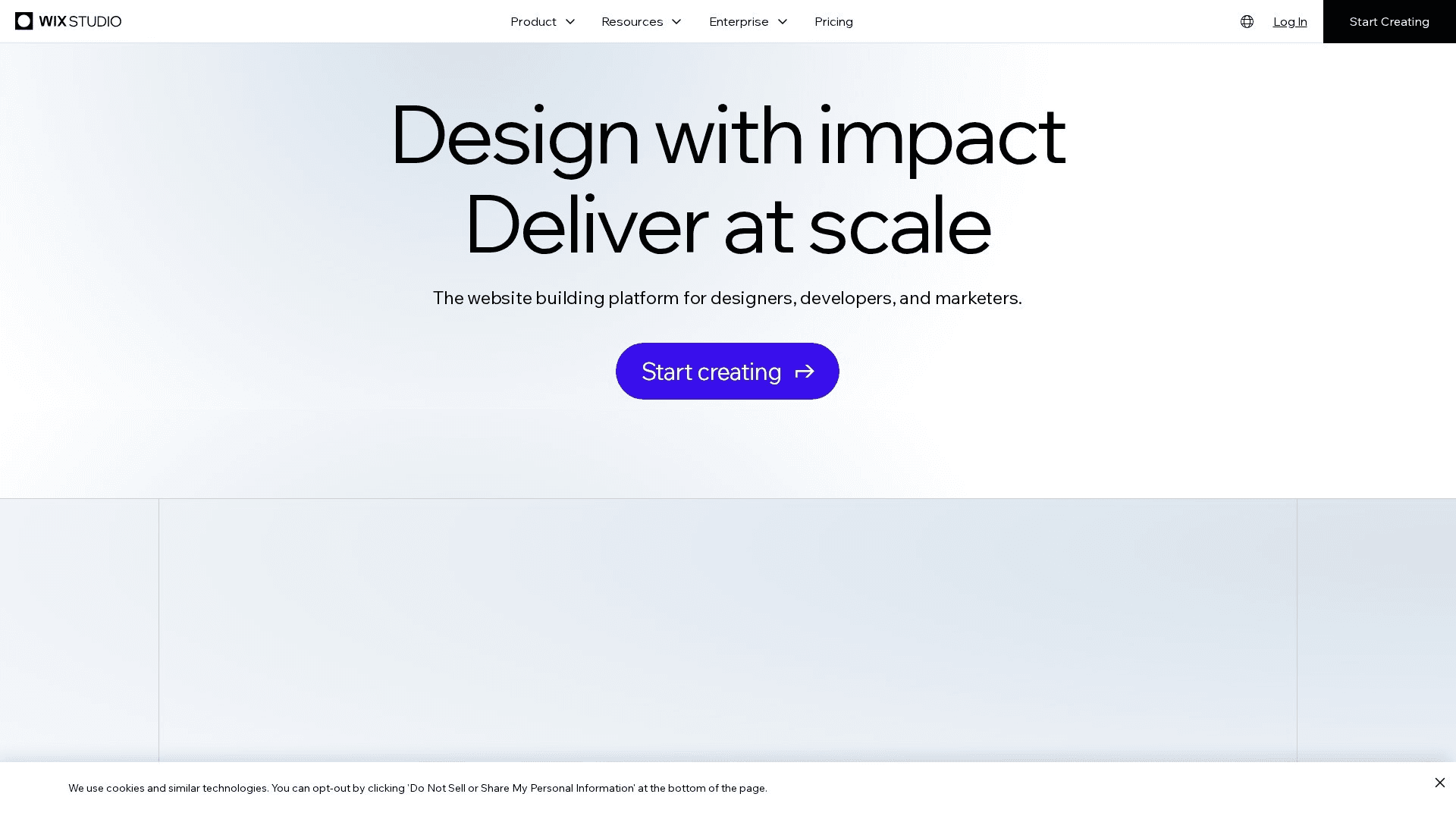
Wix Studio is Wix's designer/agency platform — a separate product from classic Wix, with responsive-by-default layouts, reusable design assets across client sites, a client-billing handover flow, and a workspace built for managing dozens of projects. Site plans run $19 to $159/mo with roughly 50% off on annual billing, and agencies managing many sites can negotiate volume pricing. It inherits Wix's 3,000+ integrations, commerce stack, and infrastructure.
For an agency or freelancer running client sites, Studio fixes most of what made classic Wix unserious: real responsive behavior, shared component libraries, per-client workspaces, and a clean "transfer to client billing" motion. The two structural cautions: per-site plan costs add up at scale (10 client sites on mid tiers is $2,000-$4,000/year before negotiating agency rates), and Wix's lock-in is total — there is no site export of any kind, so a client who wants to leave Wix is buying a rebuild. That's arguably fine for client work (recurring hosting margin is the agency business model), but go in knowing it. The G2 rating below is Wix-wide; Studio's own listing is newer.
Key Features
- Responsive-by-default editor with breakpoint control — no more pixel-fixed layouts
- Agency workspace: reusable assets, templates, and team roles across client sites
- Client billing handover — clients pay Wix directly, you keep design control
- Full Wix commerce, bookings, and 3,000+ app market under the hood
- Volume/agency pricing negotiable past ~10 sites
Pricing
Site plans $19-$159/mo (roughly 50% off annual). Free tier for building/staging; publishing needs a plan per site. Agency volume discounts negotiable. Ecommerce on upper tiers.
Rating
4.2/5 — G2 (1,880+ reviews, Wix-wide)
Best For
Agencies and freelancers building and hosting client sites who want one platform...
Pros
- The strongest client-work tooling of any mainstream builder (handover, billing, asset reuse)
- Responsive editor finally competitive with design-first tools
- Wix-scale infrastructure, apps, and commerce behind an agency-grade workspace
Cons
- Zero export — no HTML, no content dump; leaving Wix means rebuilding from scratch
- Per-site plans get expensive across a client portfolio until you negotiate agency rates
WordPress.com
Best for Content & Ownership — The Only Big Builder Where Leaving Is Easy
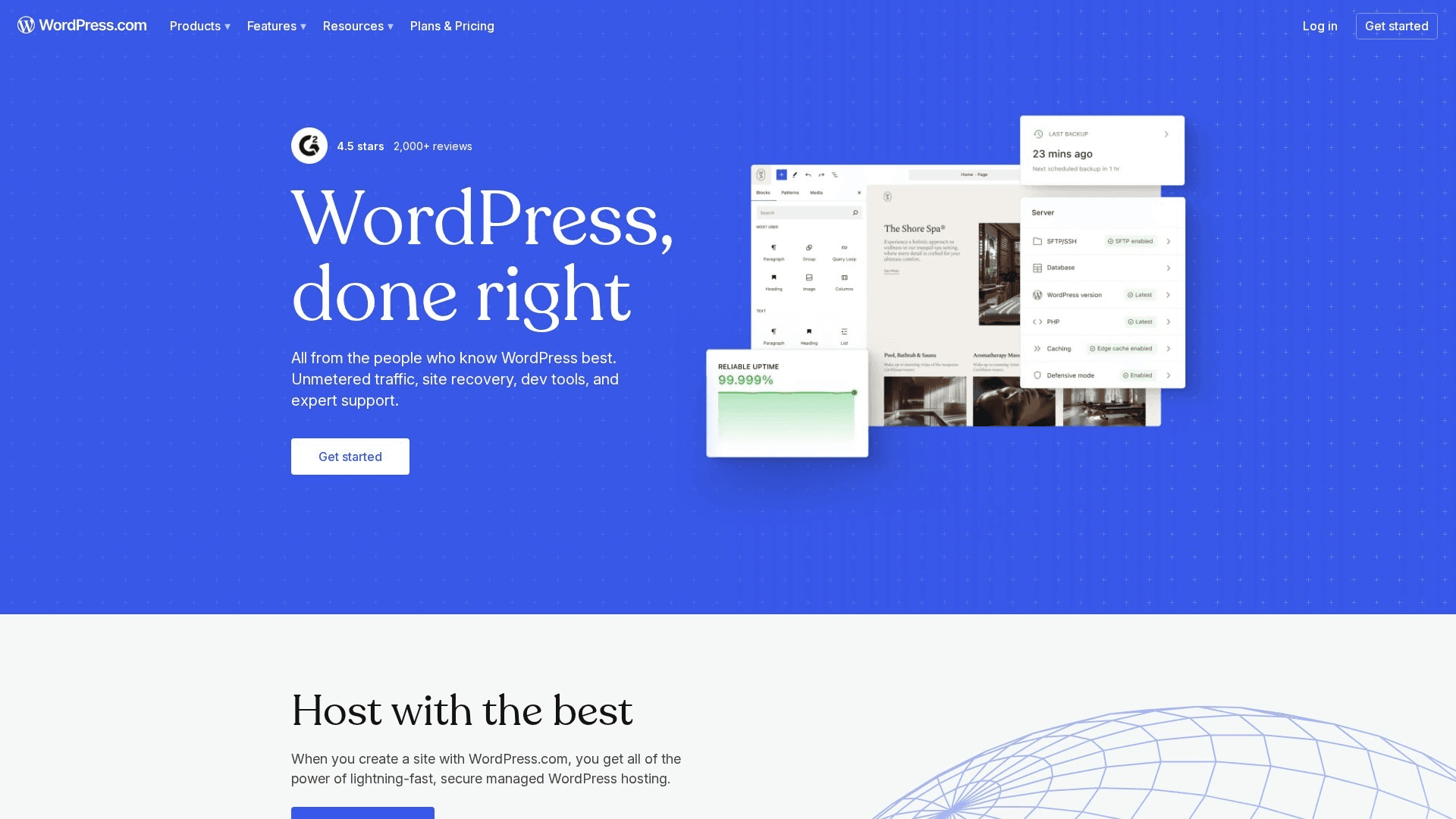
WordPress.com is Automattic's hosted version of the software that still runs roughly 40% of the web. The 2026 plans run free (WordPress subdomain, ads) to Personal $4/mo annual, Premium $8, Business $25, and Commerce $45 — with the Business tier unlocking the thing that makes WordPress WordPress: installing any plugin and theme from the open ecosystem. Because it's standard WordPress under the hood, your content exports completely and re-imports anywhere — self-hosted, another host, anywhere WordPress runs.
For content-heavy sites — blogs, documentation, editorial SEO plays — nothing else here matches WordPress's combination of publishing workflow, plugin depth, and genuine portability: it is the only mainstream option where "what if I want to leave?" has a boring, complete answer. Server-rendered HTML output also makes it a safe choice for AI-search visibility (most AI crawlers don't execute JavaScript). The honest trade-offs: the free and cheap tiers are locked down (no plugins until the $25 Business plan), the block editor is functional rather than delightful next to Framer or Squarespace, and the .com vs. self-hosted .org distinction still confuses everyone. Buy it for the content engine and the exit door, not the design experience.
Key Features
- Complete content export/import — the lowest lock-in of any major builder
- Business tier unlocks the full plugin/theme ecosystem (60,000+ plugins)
- Best-in-class publishing: scheduling, revisions, multi-author, categories/tags
- Server-rendered HTML — reliably crawlable by AI answer engines and search
- Free plan is a real (ad-supported) site; Personal starts at $4/mo annual
Pricing
Free (subdomain, ads, 1 GB). Personal $4/mo annual ($9 monthly). Premium $8/mo ($18). Business $25/mo ($40) — plugins/themes unlock here. Commerce $45/mo ($70) — full WooCommerce, 0% transaction fees. Enterprise (WordPress VIP) custom.
Rating
4.4/5 — G2 (2,700+ reviews)
Best For
Founders betting on content/SEO who want maximum ownership and a guaranteed exit...
Pros
- Portability is the feature: full export, standard format, zero rebuild to migrate
- Unmatched publishing workflow and plugin ecosystem for content operations
- Cheapest credible paid entry on this list at $4/mo annual
Cons
- Plugins and themes are locked until the $25/mo Business tier — the cheap tiers are a walled garden
- Design experience trails Framer/Squarespace; .com vs .org confusion persists
Want More Tool Recommendations?
Subscribe for curated indie hacker tool picks every week. No sponsored content, no fluff.
Duda
Best White-Label Platform — Built for Agencies That Resell Websites
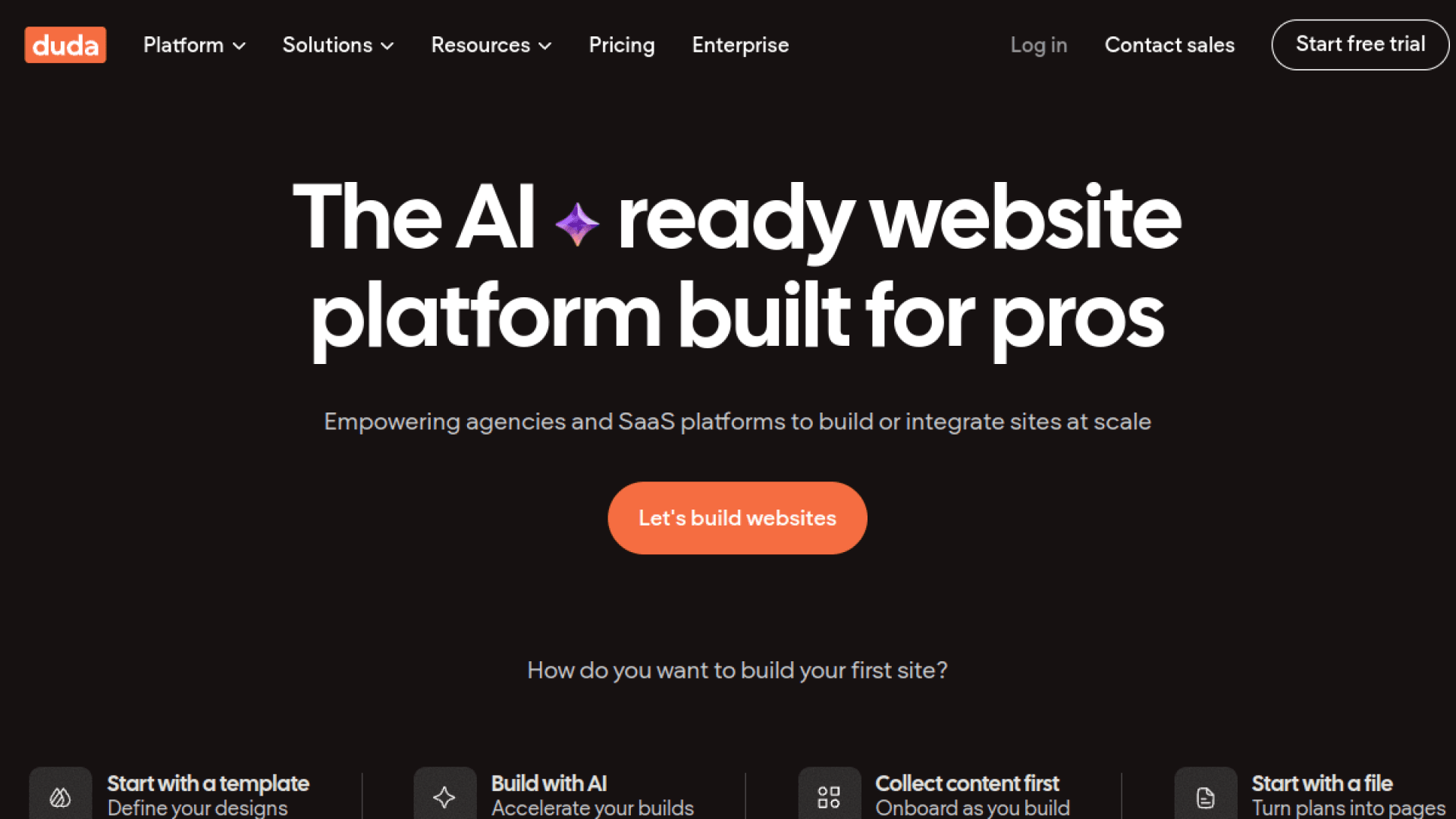
Duda is the builder built almost entirely for agencies and SaaS companies that deliver websites to clients: white-label everything (your logo on the editor, dashboard, and client emails), client management and permissions, team collaboration, and widget-level design control. Plans run Basic $19/mo (one site) to Agency $59/mo (four sites included, extra sites ~$17/mo each) and White Label at $149/mo. Its 4.6/5 G2 rating across 785+ reviews is the strongest verified agency-platform track record in the category.
If your business is selling websites — an agency, a vertical SaaS bundling sites for dentists or restaurants — Duda is the platform that treats you, not the end client, as the customer. Client-proof editing permissions alone ("client can edit text, cannot touch layout") save real support hours, and the white-label tier makes the platform invisible under your brand. The trade-offs: per-site economics matter at scale (4 sites in, ~$17/mo each after), the template and app ecosystem is smaller than Wix's, and like most hosted builders there's no meaningful site export — the platform is the product. For one-off personal sites, cheaper picks above make more sense.
Key Features
- True white-label: your brand on the editor, dashboard, previews, and client emails
- Granular client permissions — stop clients from breaking their own sites
- Agency plan: 4 sites included, team collaboration, priority support
- Widget builder and developer mode for custom functionality
- Strong core-web-vitals/performance reputation for SMB client sites
Pricing
Basic $19/mo ($14 annual, 1 site). Team $29/mo ($22 annual). Agency $59/mo ($44 annual, 4 sites). White Label $149/mo. Additional sites ~$17-19/mo each. Ecommerce add-on tiers extra.
Rating
4.6/5 — G2 (785+ reviews)
Best For
Agencies and SaaS platforms reselling websites under their own brand, with clien...
Pros
- The most complete white-label and client-management stack in the category
- 4.6/5 across 785+ G2 reviews — agencies genuinely like living in it
- Client-proof permissions save support hours every month
Cons
- Per-site pricing compounds across a portfolio (~$17-19/mo per extra site)
- Smaller template/app ecosystem than Wix, and no real export path off-platform
Hostinger Website Builder
Best Budget Multi-Site — 50 Websites on One Plan, If You Survive the Renewal
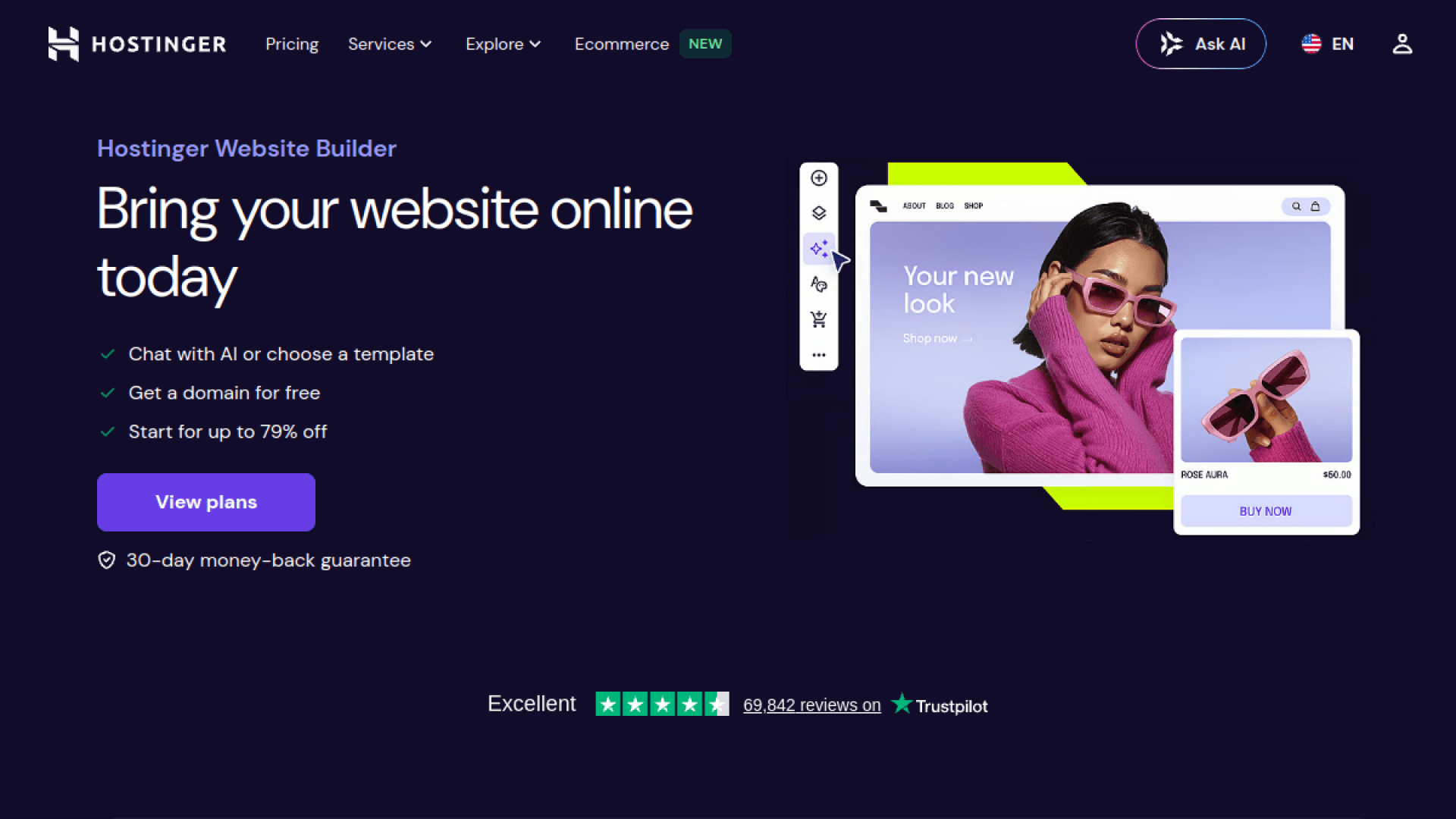
Hostinger's builder (the drag-and-drop product formerly Zyro, distinct from its Horizons AI app builder) is the price outlier: the Business tier costs about $4/mo on promotional terms and covers up to 50 websites with ecommerce (1,000 products, 0% transaction fees), AI copy/image/SEO tools, and hosting included. One plan, dozens of sites — no mainstream competitor prices multi-site anywhere near this. Trustpilot sentiment for Hostinger overall is strong (4.7 across ~40,000+ reviews), though that covers the hosting business broadly.
For a budget agency or a founder running a portfolio of simple sites — local-business brochure sites, niche landing pages, microsites — one ~$54/year plan hosting 10+ sites is math nothing else on this list touches. Two warnings earn their capital letters. RENEWALS: intro pricing roughly triples at renewal (Premium ~$42 year one → ~$132/year after; Business higher) — the most-cited complaint on G2. LOCK-IN: there's no full site export; official docs confirm only partial content-to-WordPress migration (text and images — not design, store, forms, or SEO settings). Cheap to enter, sticky to leave, and the second year costs 3x the first. Budget accordingly and it's still a bargain.
Key Features
- Business plan covers up to 50 websites — unmatched multi-site economics
- Ecommerce included: 1,000 products, 0% transaction fees, 100+ payment methods
- AI toolkit: site generation, copy, images, logo, SEO assistant
- Hosting, SSL, and free domain (year one) bundled — one bill
- 30-day money-back guarantee; no free plan (14-day trial)
Pricing
Premium ~$2.99/mo on 48-month term (~$3.49/mo on 12-month; renews ~$10.99/mo) — 3 sites. Business ~$3.99/mo intro (renews ~$16.99/mo) — 50 sites, ecommerce, full AI. Real year-one cost ~$42-54; renewal ~$132-204/yr.
Rating
4.4/5 — G2 (792+ reviews, Hostinger-wide)
Best For
Budget-conscious founders and agencies running many simple sites who will set a ...
Pros
- Cheapest credible builder per site, and per 50 sites, on the market
- 0% transaction fees on ecommerce at a sub-$5/mo intro price
- Massive Trustpilot base (4.7, ~40K+ reviews company-wide) for a budget brand
Cons
- Renewal pricing roughly triples after the intro term — the defining complaint
- No full export: content-to-WordPress only; design, store, and SEO settings stay behind
Carrd
Best $19/Year on the Internet — One-Page Sites Done Perfectly
Carrd builds one-page sites — landing pages, link-in-bio, profiles, waitlists — and prices like a rounding error: Pro Standard is $19 a year for up to 10 sites with custom domains, forms, and integrations (Stripe, Gumroad, Mailchimp, Typeform). Pro Plus at $49/year raises it to 25 sites and adds password protection, redirects, and downloadable site files. It's famously a solo-founder product (built and run by AJ), lean by design, and beloved by the indie community for exactly that.
Every founder needs throwaway-cheap pages constantly — waitlists, launch pages, side-project homes, event pages — and Carrd is the only tool where 10 of them cost $1.58 a month total. The constraint is the product: one page per site (sections, not pages), no CMS, no blog, minimal SEO controls. The risk profile is honest too: it's a one-person company (bus factor, and support capacity to match — Trustpilot sits at 3.4 on a tiny ~57-review sample, mostly support-speed gripes), though Pro Plus's downloadable site files give you a real exit hatch. For validating ideas before investing in a "real" site, nothing touches it.
Key Features
- Pro Standard: $19/YEAR for 10 sites, custom domains, forms, and widgets
- Stripe/Gumroad/Typeform/Mailchimp embeds — sell and capture leads on a one-pager
- Pro Plus ($49/yr): 25 sites, password protection, redirects, downloadable site files
- Fast, lightweight output — one-page sites load instantly
- Generous free tier (3 sites on carrd.co subdomains) to learn the tool
Pricing
Free (3 sites, carrd.co subdomain). Pro Lite $9/yr. Pro Standard $19/yr (10 sites, custom domains, forms). Pro Plus $49/yr (25 sites, advanced forms, password protection, site file downloads).
Rating
4.6/5 — Capterra (28+ reviews)
Best For
Indie hackers and founders shipping landing pages, waitlists, and link-in-bio si...
Pros
- Unbeatable price-to-usefulness: 10 custom-domain sites for $19/year
- Perfect scope for landing pages — fast to build, fast to load
- Pro Plus site-file downloads provide a genuine export/exit option
Cons
- One-page only, no CMS/blog — it's not for content sites and doesn't pretend to be
- Solo-operator platform: support is one person, and review volume is tiny across platforms
Unicorn Platform
Best for Indie SaaS Landing Pages — Startup Blocks + an HTML Exit Door
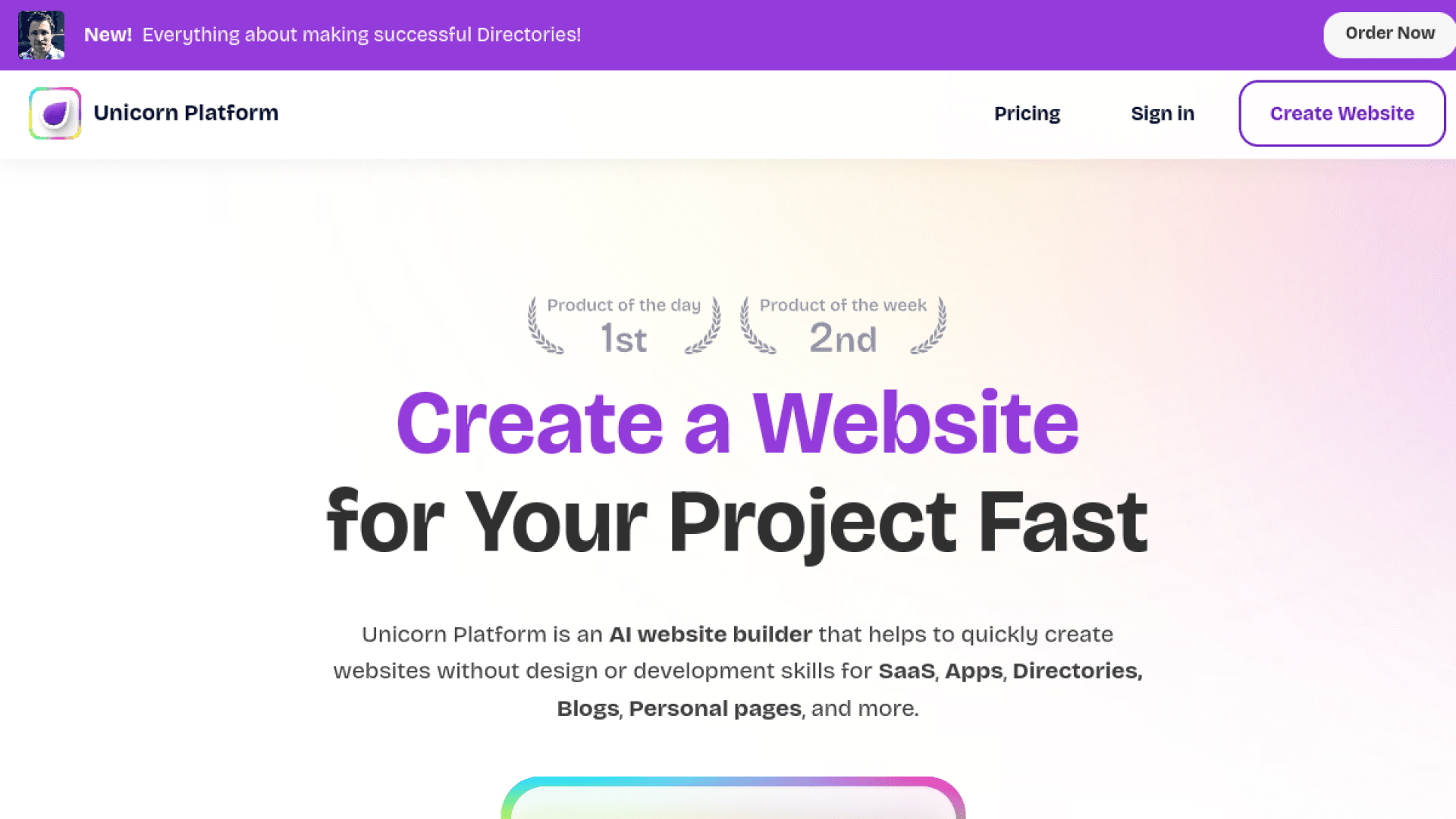
Unicorn Platform is the landing-page builder made by and for indie hackers: prebuilt startup-styled blocks (hero, features, pricing tables, testimonials, FAQs), a simple blog, AI page generation, and — rare in this category — HTML export on every paid plan. Owned and run by serial indie hacker John Rush (who bought it for $0.8M in 2022 and grew it from ~25K to ~250K users), it prices from $9/mo annual for one site up to multi-site tiers for freelancers and agencies.
If you're shipping a SaaS and want a credible marketing page in an hour without design decisions, Unicorn's block library is purpose-built for exactly the sections your competitors' sites have. Its killer differentiator at this price is the exit: HTML export means you can take the static site to Netlify, Vercel, or your own server whenever you want — the lowest lock-in on this list after WordPress. Trade-offs are the flip side of the templates: sites look startup-shaped (designers will feel boxed in), the blog is basic rather than a real CMS, and it's a solo-operator platform whose founder famously runs 24+ products at once — mitigated precisely by that export button. G2 has it at 4.7 from a small (36-review) sample.
Key Features
- Startup-native block library: heroes, pricing tables, testimonials, FAQ, waitlists
- HTML export on all paid plans — take your site and leave anytime
- AI page generation and editing for fast first drafts
- Custom code allowed on every tier, including free
- Multi-site tiers for freelancers (8 sites, $79/mo annual) and agencies (20 sites, $139/mo)
Pricing
Free sandbox (build, can't publish). Maker $9/mo annual ($14 monthly, 1 site). Startup $29/mo annual. Business $49/mo annual (3 sites). Freelancer $79/mo annual (8 sites). Agency $139/mo annual (20 sites). All paid tiers: unlimited pages, custom domain, HTML export.
Rating
4.7/5 — G2 (36+ reviews)
Best For
Indie hackers and bootstrapped SaaS founders who want a launch-ready marketing s...
Pros
- HTML export = real ownership; the anti-lock-in pick among hosted builders
- Startup-block library ships a credible SaaS page in under an hour
- Founder-run with famously personal support
Cons
- Design ceiling: every Unicorn site looks like a startup landing page
- Basic blog, small review base, and solo-operator bus factor (offset by the export)
Dorik
Best White-Label Value — Agency Features at Indie Prices (Plus a Lifetime Deal)
Dorik packs a surprising amount of Duda's playbook — white-label CMS, client billing, code export, membership sites — into indie-friendly pricing: a generous free plan (1 custom domain, 25 pages, AI site generation), Personal around $10/mo (billed 2-yearly), Business around $21/mo with 3 domains and 10 collaborators, an $79/mo Agency tier, and lifetime deals from $249 one-time. Its 4.6/5 G2 rating across 255+ reviews is remarkably strong for a young platform.
For a freelancer or micro-agency that wants white-label client sites without Duda's $149/mo White Label tier, Dorik is the arbitrage: client billing, your-brand dashboards, and code export at a tenth of the price — or a one-time $249-$599 if the lifetime deal fits your risk appetite. That risk appetite is the honest caveat: Dorik is a small young company, lifetime deals are a bet on its longevity, and the template/integration ecosystem is thinner than the incumbents'. Code export meaningfully de-risks the bet. AI site generation is genuinely useful for first drafts; treat the LTD math the way you'd treat any LTD — pay only what you'd happily lose.
Key Features
- White-label CMS and client billing at indie pricing — the budget Duda
- Code export on paid plans de-risks the platform bet
- Free plan includes a custom domain and AI site generation — rare combination
- Membership sites (gated content, up to 10K members on Business)
- Lifetime deals: Personal $249, Business $599 one-time
Pricing
Free (1 custom domain, 25 pages, AI generation). Personal ~$10/mo (billed 2-yearly). Business ~$21/mo (3 domains, 10 collaborators). Agency $79/mo annual. Lifetime: $249 Personal / $599 Business one-time.
Rating
4.6/5 — G2 (255+ reviews)
Best For
Freelancers and micro-agencies who want white-label client sites and export free...
Pros
- White-label + client billing + code export at a fraction of Duda's price
- The most generous free plan here (custom domain included)
- 4.6/5 across 255+ G2 reviews — well-liked for its age
Cons
- Young, small company — lifetime deals are a longevity bet (export mitigates)
- Thinner templates and integrations than Wix/Squarespace/Duda
Shopify
Best When the Site's Job Is Selling — Commerce Infrastructure, Not a Site Builder
Shopify is on this list for one reason: if your website's primary job is selling products, no general-purpose builder's bolted-on store competes with real commerce infrastructure — checkout that converts, inventory, payments, POS, and an 8,000-app ecosystem. Basic runs $29/mo annual ($39 monthly) plus payment processing (2.9% + 30¢ online), with the aggressive 2026 AI rollout (Sidekick agent, agentic storefronts) shipping to all tiers. As a brochure-site or blog builder, it's mediocre — that's not the job.
The buying logic is binary: selling physical or serious digital product volume → Shopify; everything else → something above. The cost story to model honestly: $348/year Basic annual + processing + a realistic $20-100/mo in apps (reviews, email, subscriptions all cost extra), and a 2% penalty fee on top of your processor's cut if you don't use Shopify Payments. Lock-in is moderate and well-understood — products, customers, and orders export cleanly to CSV; your Liquid theme and app data don't. Its 1.3 Trustpilot score (against a 4.4/5 G2 across ~5,000 reviews) reflects payout-hold horror stories from the merchant long tail — real, but not the typical founder experience. The safest platform bet in this article regardless.
Key Features
- Best-converting checkout in commerce, plus Shop Pay and full payment stack
- 8,000+ app ecosystem covering every commerce workflow imaginable
- 2026 AI: Sidekick agent for store management, agentic storefront features
- Clean CSV export of products/customers/orders — data leaves, theme doesn't
- Scales from side hustle to 8 figures without replatforming
Pricing
Basic $29/mo annual ($39 monthly). Grow $79/$105. Advanced $299/$399. Plus from $2,300/mo (3-yr term). Shopify Payments: 2.9% + 30¢ online (Basic). Third-party gateway penalty: +2%/1%/0.6% by tier. Trial: 3 days free, then $1/mo for 3 months. Apps typically add $20-100+/mo.
Rating
4.4/5 — G2 (4,900+ reviews)
Best For
Anyone whose website exists to sell products — from first store to established D...
Pros
- Purpose-built commerce beats every general builder's store bolt-on
- Massive validated track record and zero platform risk
- Data exports cleanly to CSV if you ever migrate
Cons
- Real cost = subscription + processing + app stack + 2% third-party-gateway penalty
- Weak as a general site builder: blogs and content pages are an afterthought
What We Cut — And Why
Three notable platforms didn't make the ten, and each cut is a buying signal of its own:
- Weebly — verified dying. Square has it in managed decline: mobile apps pulled from app stores (December 2025), feature development frozen for over a year, support committed only "through at least July 2026," and new users steered to Square Online — with no migration path between the two. If you have a Weebly site, export the ZIP archive now (blog and store pages are excluded from it) and rebuild elsewhere on your schedule, not Square's.
- Wix (classic) — still fine for hobby sites, but for this audience Wix Studio is the same company's strictly better product: real responsive editing, agency workspaces, and client billing at comparable prices. We covered classic Wix's AI-generation angle in our AI website builders roundup; there's no reason to start a new professional site on the consumer editor today.
- Tilda — a genuinely designer-loved builder ($10-20/mo annual, with its Zero Block freeform editor and code export on the Business plan), but its ecosystem, integrations, and review footprint are a fraction of the ranked picks', and everything it does well for this audience, Framer now does with more momentum. Worth a look for editorial/longread design specifically.
How We Chose These Builders
We evaluated 17 website builders in July 2026 against five criteria the affiliate-funded listicles skip. No builder here paid for placement, and we run no affiliate links for any of them.
- Real per-site annual cost — verified from official pricing pages, including renewal-price jumps (Hostinger 3x), transaction-fee ladders (Squarespace digital goods), and add-on stacking
- Lock-in and exit paths — what exports (HTML, content XML, CSV, code) and what stays behind, verified against official documentation
- Audience fit — designer, agency, SaaS founder, content operator, and merchant are different buyers; every pick declares whose tool it is
- Verified review data — G2/Capterra/Trustpilot ratings with review counts shown, tiny samples flagged rather than hidden
- Platform risk — pricing-change history (Webflow), managed decline (Weebly), solo-operator bus factor (Carrd, Unicorn), and whether an export hatch offsets it
How to Choose by Who You Are
Match the builder to your job and your exit tolerance — a rebuild every few years is fine for a marketing site and fatal for a 500-post content site.
SaaS founder, marketing site...
Framer Basic ($10/mo) for design impact, or Unicorn Platform ($9/mo annual) if you want HTML export and startup blocks over pixel control.
Solo founder / service business...
Squarespace Core ($23/mo annual) — the 0% store-fee tier. Selling courses/downloads? Price the digital-goods fee ladder first.
Agency running client sites...
Wix Studio for design + client billing; Duda when white-label matters; Dorik for the same playbook at indie prices.
Betting on content & SEO...
WordPress.com Business ($25/mo annual) — plugins, publishing workflow, full portability, and server-rendered HTML AI crawlers can read.
Landing pages by the dozen...
Carrd Pro Standard ($19/yr, 10 sites) for one-pagers; Hostinger Business (~$4/mo intro, 50 sites) for full sites — with a renewal-date calendar reminder.
The site's job is selling...
Shopify Basic ($29/mo annual) and stop comparing — budget the app stack and use Shopify Payments to dodge the gateway penalty.
Stay Ahead of the Tool Curve
We research dozens of tools so you don't have to. Get our top picks and insider insights delivered weekly.
Frequently Asked Questions
What is the best website builder in 2026?
Depends on who you are, not which ad you saw. Designers and SaaS founders building a marketing site: Framer ($10-30/mo, best design output). Solo founders who want polish with zero decisions: Squarespace ($16-99/mo). Agencies on client work: Wix Studio, or Duda if you need white-label. Content and SEO plays: WordPress.com (only big builder with a real exit path). Landing pages on a budget: Carrd at $19/year or Unicorn Platform with HTML export. Selling products: Shopify. The affiliate listicles that crown one universal winner are optimizing for their commission, not your use case.
What is the cheapest website builder that actually works?
Carrd at $19/YEAR (10 one-page sites, custom domains, forms) is the outright value king if one-page sites fit the job. For full multi-page sites: WordPress.com Personal at $4/mo annual, Hostinger's builder at ~$3-4/mo intro (with the renewal tripling to ~$11-17/mo after the first term — budget for that), Unicorn Platform at $9/mo annual with HTML export, or Dorik's free plan, which unusually includes a custom domain. Free plans elsewhere (Framer, Wix) are real but keep you on a branded subdomain — fine for validating, not for launching.
Which website builders let you export your site if you leave?
Ranked by exit friendliness: WordPress.com exports everything in a standard format that re-imports anywhere WordPress runs — portability is the product. Unicorn Platform and Dorik offer HTML/code export on paid plans; Carrd Pro Plus offers downloadable site files. Partial exits: Squarespace exports content XML (not design), Shopify exports products/customers/orders as CSV (not your theme), Hostinger migrates text and images to WordPress (not design, store, or SEO settings). Effectively no exit: Wix/Wix Studio (no export of any kind), Framer, and Duda — leaving those means rebuilding. If lock-in worries you, decide before you build, not after.
What is the best Webflow alternative after the 2026 price changes?
Framer is the destination named most in the migration threads, and for good reason: comparable design power, radically simpler pricing ($10-30/mo per site versus Webflow's site plan + workspace plan + $39/mo full seats + per-locale and bandwidth add-ons, which can stack past $1,400/year for one agency-managed CMS site after the May 2026 changes cut Premium's included bandwidth to 50 GB). If you left Webflow over cost rather than design ambition, Wix Studio (agencies) and Squarespace (solo) are gentler landings. If you left over lock-in, note Framer doesn't export either — WordPress or Unicorn Platform are the ownership picks.
Website builder or WordPress — which should a founder choose in 2026?
Choose by the site's job and your time budget. Marketing site for a product, needs to look great, updated occasionally: a builder (Framer, Squarespace) wins on speed and polish, and the lock-in rarely bites because marketing sites get rebuilt every few years anyway. Content engine — blog, docs, programmatic SEO, 100+ pages: WordPress wins on publishing workflow, plugins, and portability, and its server-rendered HTML is reliably visible to AI crawlers. The trap to avoid is the middle: forcing a builder to be a CMS at scale, or forcing WordPress to be a design tool. Many SaaS founders run both — Framer for the marketing site, WordPress for the blog subdomain.
Do website builders hurt your visibility in AI search (ChatGPT, Claude, Perplexity)?
They can. Most AI crawlers — GPTBot, Claude's crawlers, PerplexityBot — do not execute JavaScript, so content that only appears after client-side rendering is invisible to them; among major crawlers, effectively only Google's renders JS. What this means practically: prefer builders that serve your content as server-rendered or static HTML, and verify rather than assume — load your published site with JavaScript disabled (or curl the URL) and check your actual copy appears in the raw HTML. WordPress and static-export builders are safe by construction; for any hosted builder, test your specific template before betting your AI-search visibility on it.
Is Weebly still safe to use in 2026?
No — don't start anything new on it, and migrate if you're on it. Square (Block) has Weebly in managed decline: the mobile apps were pulled from app stores in December 2025, no meaningful features have shipped in over a year, support is committed only "through at least July 2026," and new users are actively steered to Square Online — which has no migration path from Weebly either. Existing owners should export the ZIP backup now (Settings → General → Archive; note blog and store pages are excluded) and rebuild on something from this list before support lapses rather than after.
The Bottom Line
Website builders in 2026 are a two-axis decision wearing a template gallery as a disguise: who the tool is really for, and what it costs to leave. The affiliate listicles answer neither — which is how founders end up selling digital products on a 7%-fee tier, agencies end up owning unexportable client sites, and everyone ends up surprised by a renewal invoice.
The short version: Framer for design-forward marketing sites, Squarespace for effortless polish, Wix Studio or Duda for client work, WordPress.com when content and ownership matter, Carrd and Unicorn Platform for cheap fast landing pages, Dorik for white-label on a budget, Hostinger for multi-site economics, and Shopify the moment real selling starts.
Whatever you pick: check the renewal price before the intro price, curl your published page to confirm the content is in the HTML, and know your export story on day one. The builders aren't hiding any of this — they're just not putting it in the comparison table.
Related Reading
- 10 Best Webflow Alternatives — The same market ranked by exit path for people already on Webflow, plus what its code export actually leaves behind
- Onepage Review — A hands-on look at the AI builder that tops that list, including what its design ceiling actually costs you
- 10 Best AI Website Builders for 2026 — The prompt-to-website generation angle: Lovable, Durable, 10Web, and more
- Lovable vs Bolt vs v0: AI App Builders Compared — When you need an app, not a website
- Best AI Landing Page Builders for SaaS Founders — Landing-page-specific tools, ranked for conversion work
- Google's May 2026 Core Update: SEO, GEO & AEO for Indie Hackers — Why AI-crawlability now belongs in your builder decision
Sources
- Framer — Official Pricing
- Squarespace — Official Pricing
- Wix Studio — Official Plans
- WordPress.com — Official Pricing
- Duda — Official Pricing
- Hostinger Website Builder — Official Pricing
- Carrd — Pro Plans
- Unicorn Platform — Official Pricing
- Dorik — Official Pricing
- Shopify — Official Pricing
- Webflow — Updated Pricing and Simplified Plans for May 2026 (official help center)
- NoCode.tech — Webflow's New Pricing Went Live and Reddit Is in Meltdown
- Hostinger — Website Builder Content Export Limitations (official docs)
- Square Community — Official Statement on Weebly's Gradual Transition
- Hall — Which AI Crawlers Render JavaScript? (June 2025)
- Mordor Intelligence — Website Builders Market ($3.57B in 2026, 16.6% CAGR)
Stay Ahead of the Tool Curve
We research dozens of tools so you don't have to. Get our top picks and insider insights delivered weekly.
Trusted by indie hackers and startup founders
Keep Reading
10 Best Webflow Alternatives in 2026 (Ranked by What You Can Actually Take With You)
The 10 best Webflow alternatives in 2026 — Framer, Webstudio, WordPress.com, Wix Studio, Duda, Squarespace, Dorik, Unicorn Platform, Hostinger, and Carrd. Ranked by exit path rather than feature grid, with the May 2026 repricing and what Webflow's code export actually leaves behind.
10 Best AI Website Builders in 2026
We tested the best AI website builders in 2026 — Onepage, Framer, Wix, Squarespace, Hostinger Horizons, 10Web, and more. Real pricing, ratings, and the right pick for your project.
10 Best AI Landing Page Builders for SaaS Founders in 2026
Compare the 10 best AI landing page builders for SaaS founders in 2026. From Framer and Lovable to Webflow, v0, and Bolt.new — real pricing, trade-offs, and the right pick for your stack.