
10 Best Webflow Alternatives in 2026 (Ranked by What You Can Actually Take With You)
The 10 best Webflow alternatives in 2026 — Framer, Webstudio, WordPress.com, Wix Studio, Duda, Squarespace, Dorik, Unicorn Platform, Hostinger, and Carrd. Ranked by exit path rather than feature grid, with the May 2026 repricing, the pay-twice seat math, and what Webflow's code export actually leaves behind.
You are not choosing a builder. You are choosing your next lock-in.
Search “Webflow alternatives” and the results are published by Elementor, Wix, Pixpa, Emergent and — in one case — a Webflow agency. Every one of them has a product in its own ranking. We sell no website builder and took no placement fees, so this list ranks on the question those pages have no incentive to ask: when you eventually want to leave this platform too, what can you take with you? Every entry below is labelled with its exit path — full, partial, or none — including the ones we rank highly.
Key Takeaways
- Every page ranking for "Webflow alternatives" is published by a company that sells one — Elementor, Wix, Pixpa, Emergent, and in one case a Webflow agency. We sell no website builder and took no placement fees, which is why this list ranks by exit path instead of by whichever platform is paying the writer.
- Webflow's code export is real but partial, and this is the single most misunderstood thing about leaving. You get HTML, CSS, JS and assets. You do not get CMS content as anything but per-collection CSV exports, one collection at a time, and forms, site search, ecommerce checkout and CMS functionality have to be rebuilt on the other side.
- The May 2026 repricing is what sent people looking. Webflow merged plans into a $25/mo Premium tier (300 static pages, 20,000 CMS items, 40 Collections), cut included bandwidth from 100 GB to 50 GB, and introduced a Team tier at $2,500/mo — the second increase in six months.
- You pay twice on Webflow, and this is structural rather than incidental: Site plans and Workspace plans are separate purchases. Past the single full seat your Workspace includes, each additional full seat is $39/mo and each content-editor seat is $15/mo.
- Webstudio is the pick nobody selling a builder will rank highly: open source under AGPL-3.0 with 8,500+ GitHub stars, self-hostable via Docker, CLI export of any project as a standard Remix/React app, and project export available on the free tier. Its $35/mo Team plan includes five seats — Webflow charges $39/mo for one additional seat.
- Framer is the destination named most often in the migration threads and deserves it on design power at $10/mo, but be clear-eyed: it has no code export, so choosing it means trading Webflow's lock-in for a mirror image of it. If never being locked in again is the actual goal, WordPress.com or Webstudio are the honest answers.
The search for Webflow alternatives spiked in May 2026 for a specific reason. Webflow merged its CMS and Business plans into a single Premium tier at $25/mo billed yearly, cut included bandwidth from 100 GB to 50 GB, and introduced a Team tier at $2,500/mo — the second price change in six months. Reddit reacted the way you would expect.
But the tier list was never the real cost driver. Webflow charges you twice by design: Site plans and Workspace plans are separate purchases, and past the single full seat your Workspace includes, each additional full seat is $39/mo and each content-editor seat is $15/mo. Stack a site plan, a workspace, two seats and a locale add-on and one agency-managed CMS site lands near $1,476 a year.
So people started looking for the exit — and found that the exit is narrower than they assumed. Webflow's code export is real but partial. It gives you HTML files, CSS, JavaScript including webflow.js for animations, and your image and font assets, and it requires a paid Workspace plan from $16/mo or a Site plan with Code Export enabled. What it does not give you is CMS content in any usable form — collections export as CSV, one collection at a time — nor ecommerce data, form handling, site search, or checkout. Those get rebuilt wherever you land.
That is why this list is ordered by exit path rather than by feature grid. If you are going to rebuild anyway, the question worth answering is not “which platform is cheapest” but “which platform will let me leave next time”. Two entries here answer that properly. Most do not, and we say so in their entries.
Webflow Alternatives Compared by Exit Path
| # | Platform | Entry price | Exit path | Rating |
|---|---|---|---|---|
| 1 | Framer | From $10/mo Basic (custom domain, 50 GB bandwidth, built-in SEO) | None — no code export | 4.5/5 |
| 2 | Webstudio | Free $0 (wstd | Full — open source, CLI export, self-host | — |
| 3 | WordPress.com | Free (subdomain, ads, 1 GB) | Full — complete content export, open-source core | 4.4/5 |
| 4 | Wix Studio | Site plans $19-$159/mo (roughly 50% off on annual billing) | None — content export only, no code export | 4.2/5 |
| 5 | Duda | Basic $19/mo ($14 annual, 1 site) | None — platform-managed, no code export | 4.6/5 |
| 6 | Squarespace | Basic $16/mo annual ($25 monthly) | Partial — content export, no code export | 4.4/5 |
| 7 | Dorik | Generous free plan (1 custom domain, 25 pages, AI site generation) | None — platform-managed | 4.6/5 |
| 8 | Unicorn Platform | Free sandbox (build, cannot publish) | Partial — HTML export available | 4.7/5 |
| 9 | Hostinger Website Builder | Premium roughly $2 | Partial — content export, hosting is portable | 4.4/5 |
| 10 | Carrd | Free (3 sites, carrd | Partial — site file downloads on Pro Plus | 4.6/5 |
Exit path describes what you can take with you when you leave that platform. Ratings are cited only where a real review base exists; a dash means we found none worth citing and invented nothing.
What Actually Changed, and What Export Really Gives You
The May 2026 repricing
CMS and Business merged into Premium at $25/mo yearly (300 static pages, 20,000 CMS items, 40 Collections). Bandwidth cut 100 GB → 50 GB. New Team tier at $2,500/mo. Second increase in six months.
Why you pay twice
Site plans and Workspace plans are separate purchases. Past the one full seat your Workspace includes, each full seat is $39/mo and each content-editor seat is $15/mo.
What code export gives you
HTML files, CSS, JavaScript (including webflow.js for animations), and image and font assets. Requires a paid Workspace plan from $16/mo or a Site plan with Code Export enabled.
What it leaves behind
CMS content (CSV only, one collection at a time), ecommerce data, form submission handling, site search and checkout. All of it gets rebuilt on the other side, whichever platform you pick.
Webflow is deliberately absent from the ranking below — it is the incumbent this market is currently leaving. To be fair to it: nothing here matches Webflow's combination of design precision and CMS depth in a single product, which is exactly why the lock-in worked.
Framer
Best for Designers — The Exodus Destination, With Its Own Lock-In
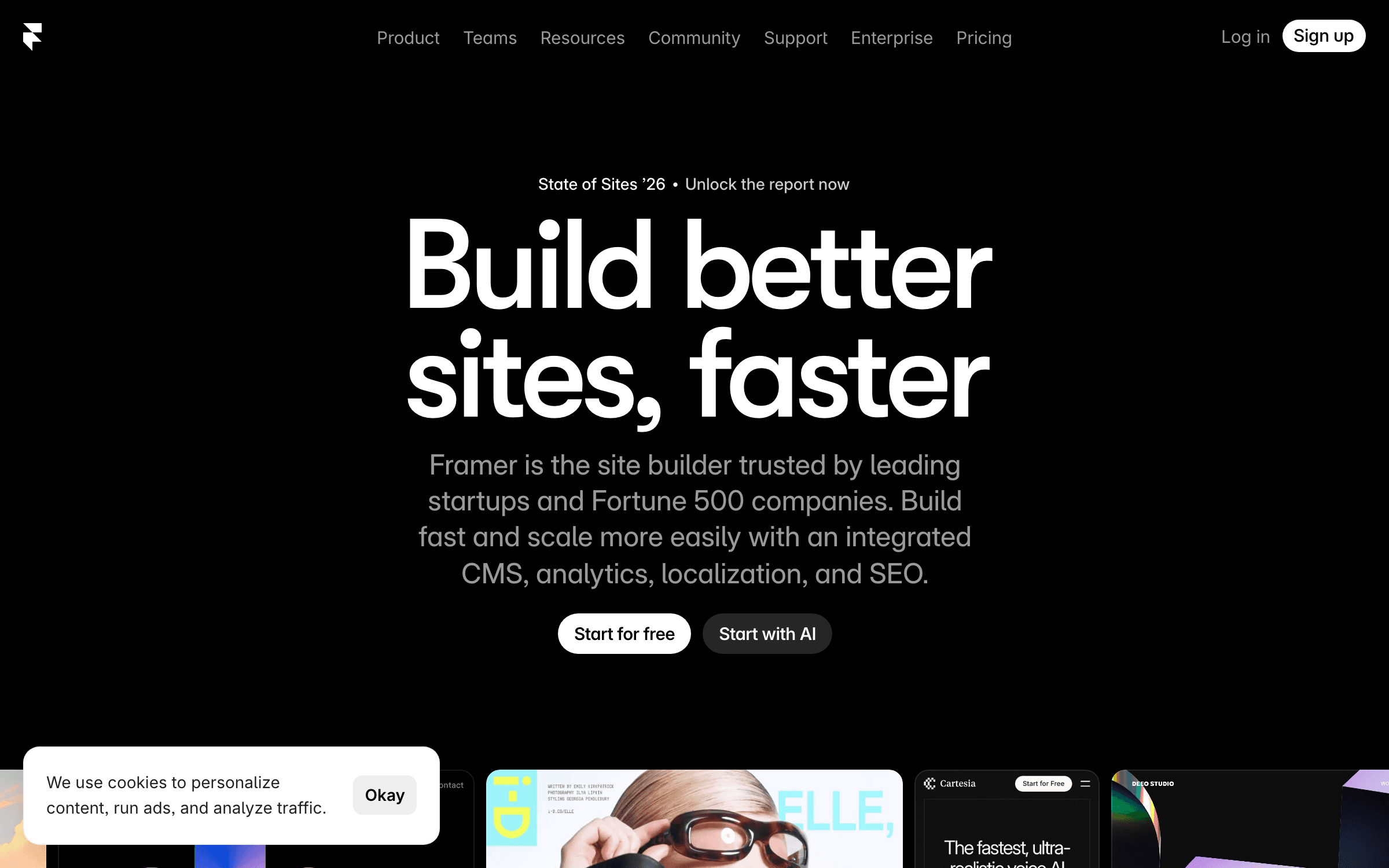
Framer is where most Webflow refugees actually land, and the design case is genuine: a canvas that behaves like Figma, production sites that ship with animations and interactions baked in, and modern marketing-site features — A/B tests, localization, staging — without plugins. Pricing starts at $10/mo for a real site with a custom domain, 50 GB bandwidth and built-in SEO, against Webflow's $25/mo Premium plus a separate Workspace plan.
Framer ranks first because it is the only alternative that matches Webflow on design ambition without asking you to become a developer, and its single-purchase pricing avoids the pay-twice structure entirely. It is also the honest answer to "I want the same thing, cheaper". But this list ranks on exit path, and Framer has none: there is no code export, so leaving Framer means rebuilding the site from scratch — the exact lock-in that made Webflow's repricing hurt. Tier limits are real upgrade levers too (30 pages and 2 CMS collections on Basic, 150 pages and 10 collections on Pro), and extra editors bill $20/mo each. Choose Framer knowing you are choosing a new landlord, not buying your own house.
What Framer does well
- Figma-like canvas with production animations and interactions built in
- $10/mo entry with custom domain, 50 GB bandwidth and built-in SEO
- A/B tests, localization and staging without plugins
- One purchase per site — no separate workspace plan to stack on top
Pricing
From $10/mo Basic (custom domain, 50 GB bandwidth, built-in SEO). Tier limits: 30 pages and 2 CMS collections on Basic, 150 pages and 10 collections on Pro. Additional editors $20/mo each.
Best for
Designers and SaaS founders who want Webflow-grade design control at a fraction of the stacked cost, and who are comfortable with a platform they cannot export from.
Pros
- Closest match to Webflow on pure design capability
- Single per-site purchase avoids Webflow's site-plan-plus-workspace stacking
- Modern marketing features included rather than sold as add-ons
- The destination with the most migration precedent — plenty of shared experience
Cons
- No code export — leaving Framer means rebuilding, the same trap you are escaping
- Page and CMS collection limits are deliberate upgrade levers; editors are $20/mo each
Webstudio
Best Anti-Lock-In Pick — Open Source, Self-Hostable, Export Included Free
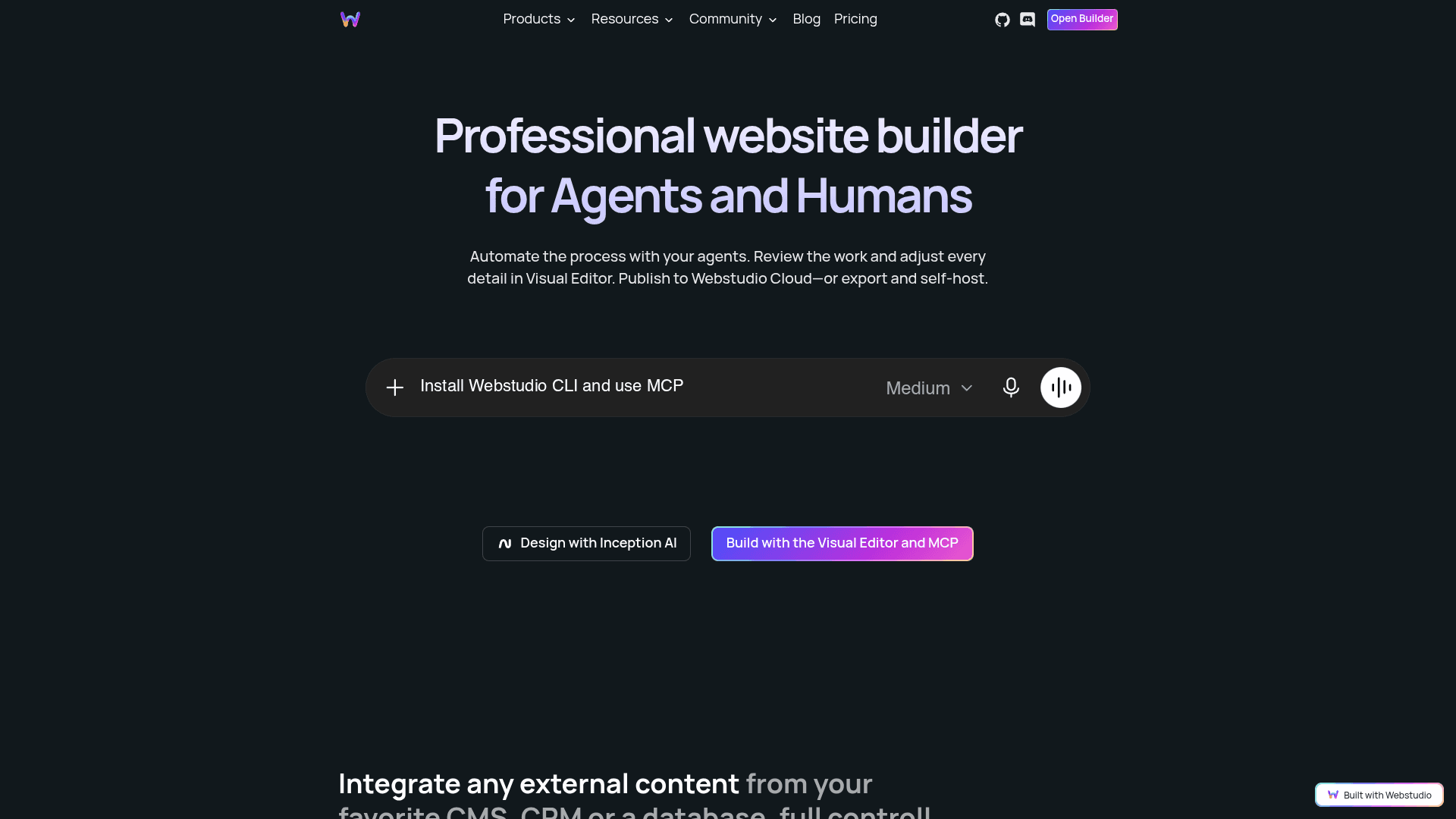
Webstudio is a visual builder in the Webflow mould that is open source under AGPL-3.0 with more than 8,500 GitHub stars, and it is structured to make leaving a non-event. The builder is decoupled from hosting and content: any project exports via CLI as a standard Remix/React application, the builder itself is self-hostable via Docker, and its own homepage leads with "publish to Webstudio Cloud — or export and self-host". Content comes from whatever CMS, CRM or database you already use rather than a proprietary collection system.
Webstudio is the answer to the question the repricing actually raised, which was not "what is cheaper" but "how do I never be here again". Project export is available on the free tier, not gated behind a paid plan the way Webflow gates code export. The seat comparison is the sharpest number on this page: Webstudio Team is $35/mo billed yearly and includes five seats, while Webflow charges $39/mo for a single additional full seat past the one your Workspace includes. Pro is $15/mo yearly with unlimited custom domains, 100,000 page views, 20 GB assets and overage capped at $20 per 100,000 views. The honest caveats: this is a developer-shaped product, the Remix/React export presumes someone on your team can host and maintain it, there is no meaningful G2 base to check, and the project has recently pivoted its positioning hard toward AI agents and MCP — a direction you may or may not want.
What Webstudio does well
- Open source (AGPL-3.0) with 8,500+ GitHub stars — the builder itself is self-hostable via Docker
- CLI export of any project as a standard Remix/React app, available on the free tier
- Team plan at $35/mo yearly includes 5 seats — Webflow charges $39/mo per extra seat
- Content from your own CMS, CRM or database rather than a proprietary collection system
- Overage protection: capped at $20 per 100,000 page views on Pro
Pricing
Free $0 (wstd.io subdomain, unlimited projects and pages, project export, 250 MB assets, 300 form submissions/mo — no custom domain). Pro $15/mo billed yearly (unlimited custom domains, 100,000 page views/mo, unlimited forms, Content Mode, staging, backups, CMS integrations, 20 GB assets). Team $35/mo billed yearly (workspaces, member roles, 5 seats). Self-hosting available separately.
Best for
Teams with developer capacity whose real objection to Webflow was lock-in rather than price, and agencies managing many client sites who want portable output.
Pros
- The only genuinely portable option here — open source, self-hostable, export on the free tier
- Five seats for $35/mo against Webflow's $39/mo for one extra seat
- Decoupled architecture means your CMS choice is not the builder's decision
- Published overage caps rather than surprise bandwidth charges
Cons
- Developer-shaped — the Remix/React export needs someone who can host and maintain it
- No review base to check, and a recent hard pivot in positioning toward AI agents and MCP
WordPress.com
Best for Content and Ownership — The Big Builder Where Leaving Is Easy
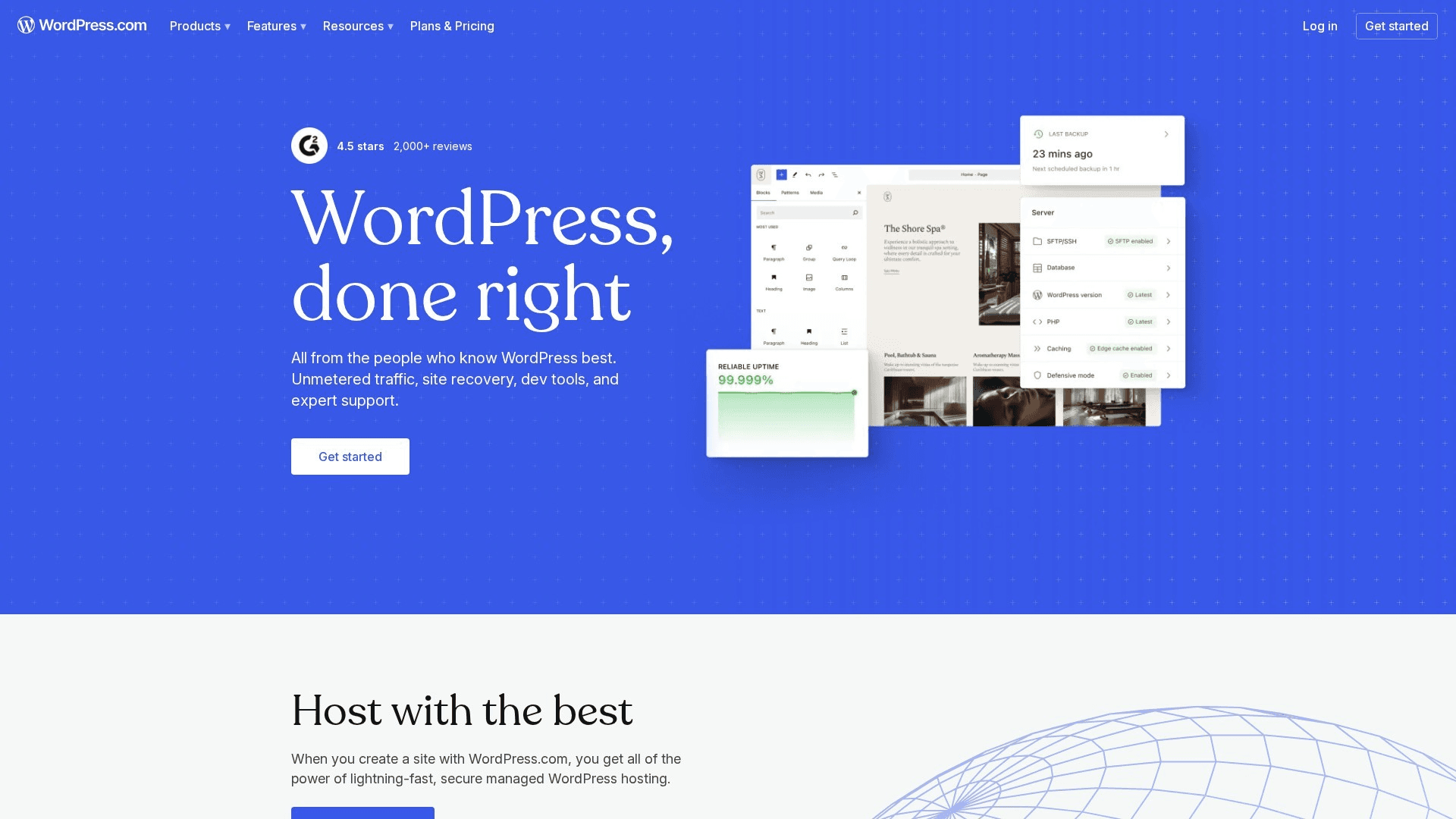
WordPress.com is the mainstream platform with the cleanest exit in this category: the underlying software is open source, your content exports in full rather than one CSV collection at a time, and a WordPress site can be moved to any host on earth. Plans run free (subdomain, ads, 1 GB), Personal $4/mo annual, Premium $8/mo, Business $25/mo — where plugins and themes unlock — and Commerce $45/mo with full WooCommerce and 0% transaction fees.
WordPress.com is the right migration when your Webflow site was fundamentally a content site — a blog, a resource library, a marketing site with a real CMS behind it — and the CMS export limitation is precisely what makes leaving Webflow painful. Everything Webflow gates behind Premium's 20,000 CMS items and 40 Collections, WordPress does without a ceiling, and the Business plan at $25/mo matches Webflow Premium's price while adding the entire plugin ecosystem. The trade-off is aesthetic and operational rather than financial: you will not get Webflow's design precision out of the box, plugin sprawl is a genuine maintenance tax, and the freedom only becomes real at the $25/mo Business tier where plugins unlock.
What WordPress.com does well
- Complete content export — not per-collection CSV files
- Open-source core: a WordPress site can move to any host, ever
- Business at $25/mo unlocks the full plugin and theme ecosystem
- No CMS item or collection ceiling of the kind Webflow Premium imposes
- Commerce at $45/mo includes full WooCommerce with 0% transaction fees
Pricing
Free (subdomain, ads, 1 GB). Personal $4/mo annual ($9 monthly). Premium $8/mo ($18). Business $25/mo ($40) — plugins and themes unlock here. Commerce $45/mo ($70) — full WooCommerce, 0% transaction fees.
Best for
Content-heavy Webflow sites — blogs, resource libraries, documentation-adjacent marketing sites — where the CMS is the point and portability matters more than pixel precision.
Pros
- Best portability of any mainstream builder — full export, open-source core
- No CMS item ceiling, against Webflow Premium's 20,000 items and 40 collections
- Enormous review base (2,700+) and the deepest ecosystem in the category
- Price ladder starts at $4/mo, far below Webflow's stacked entry
Cons
- Design precision out of the box does not match Webflow or Framer
- Plugins only unlock at the $25/mo Business tier, and plugin sprawl is a real maintenance cost
Wix Studio
Best for Agencies — The Closest Match to Webflow's Client Workflow
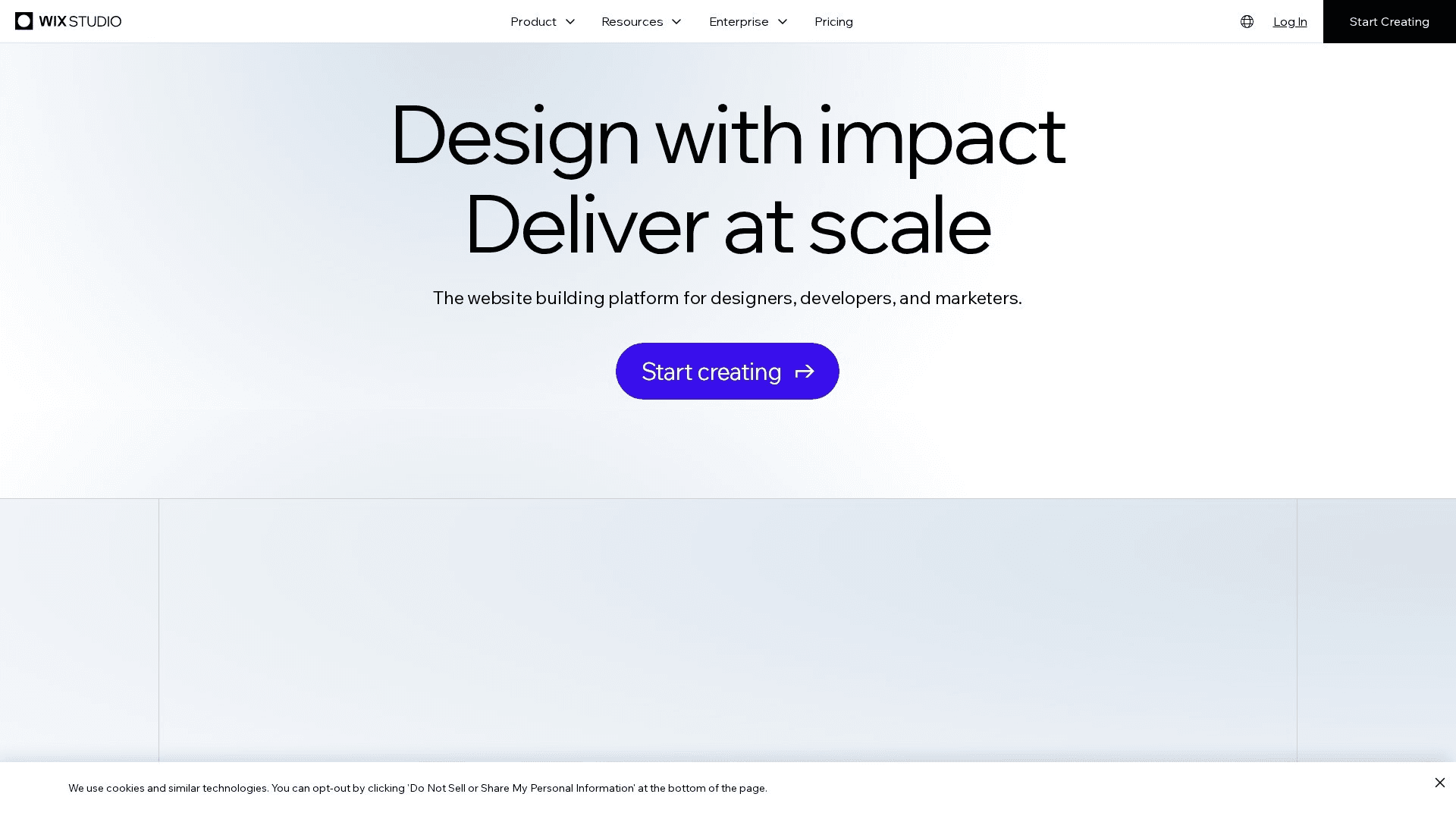
Wix Studio is Wix's professional tier, built specifically for agencies and freelancers doing client work, and it is the closest structural match to how Webflow agencies actually operate: a free tier for building and staging, then a published site plan per project, running $19-$159/mo with roughly 50% off on annual billing and volume discounts negotiable at agency scale.
Wix Studio matters to the exact group the May 2026 repricing hit hardest — agencies carrying multiple client site plans plus workspace seats. Being able to build and stage for free and only pay when a site publishes maps directly onto client-project cash flow, and client handoff and billing transfer are first-class rather than bolted on. The honest limits: the exit path is content export only with no code export, the G2 rating shown here (4.2 across 1,880+ reviews) is Wix-wide rather than Studio-specific, and designers coming from Webflow generally report Studio's canvas as capable but less precise.
What Wix Studio does well
- Free tier for building and staging — you pay only when a site publishes
- Site plans $19-$159/mo with roughly 50% off annual; agency volume discounts negotiable
- Client handoff and billing transfer designed in rather than bolted on
- Ecommerce available on the upper tiers
Pricing
Site plans $19-$159/mo (roughly 50% off on annual billing). Free tier for building and staging; publishing requires a plan per site. Agency volume discounts negotiable. Ecommerce on upper tiers.
Best for
Agencies and freelancers managing multiple client sites who need per-project billing and a real handoff story.
Pros
- Build-and-stage-free model fits agency project cash flow better than Webflow's
- Purpose-built client handoff and billing transfer
- Very large review base and a mature platform behind it
Cons
- No code export — content export only, so the lock-in question is unresolved
- Rating is Wix-wide, not Studio-specific; canvas precision trails Webflow and Framer
We Read the Pricing Pages So You Do Not Have To
Webflow raised prices twice in six months and most “best of” pages still quote the old numbers. We re-check ours and tell you when they move — one honest email a week, no sponsored placements.
Duda
Best White-Label Platform — Built for Agencies That Resell Websites
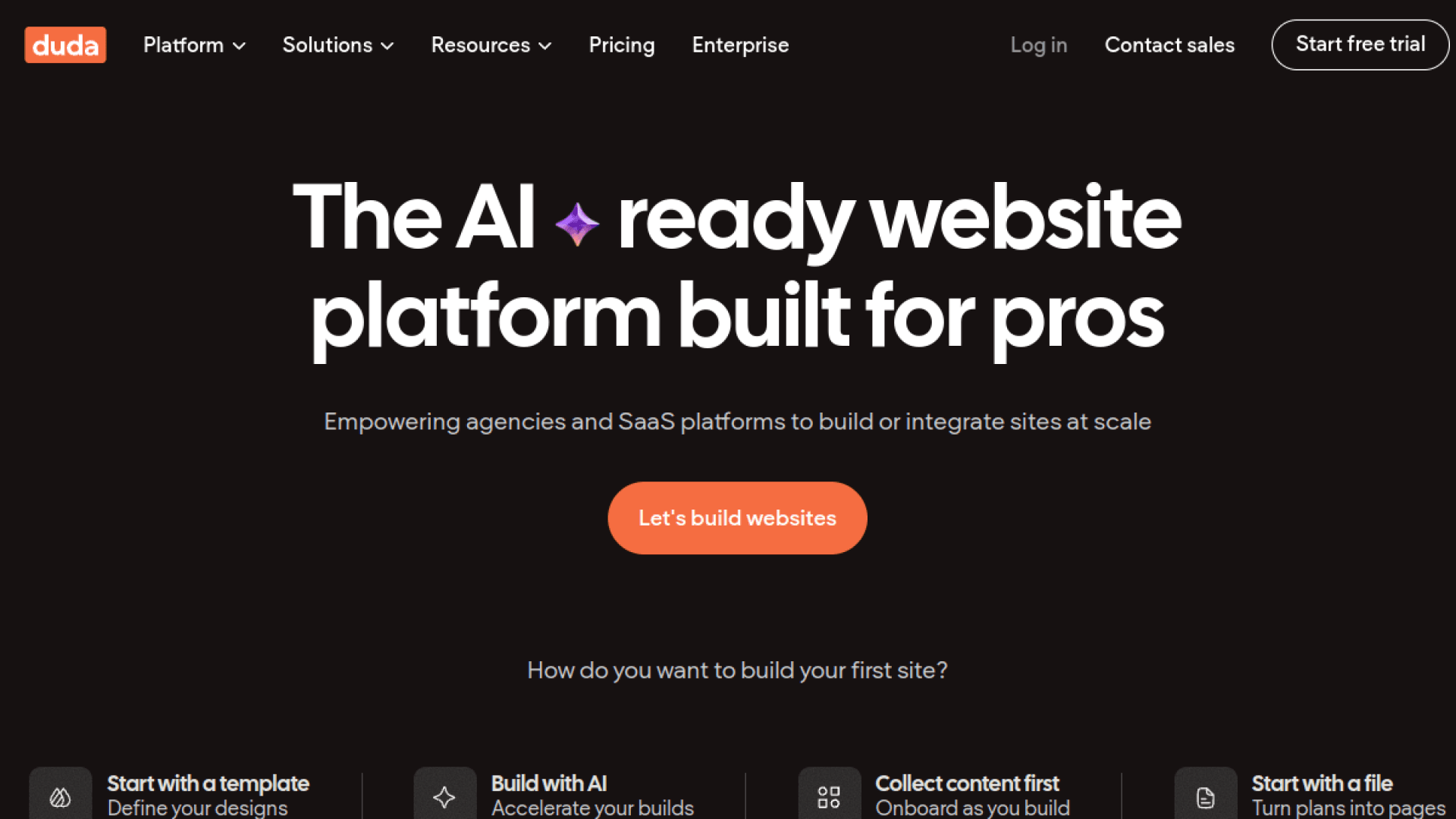
Duda is the platform for agencies whose product is the website itself: white-labelling is the core feature rather than an enterprise upsell, so client-facing dashboards, emails and domains all carry your brand. Plans run Basic $19/mo ($14 annual, 1 site), Team $29/mo ($22 annual), Agency $59/mo ($44 annual, 4 sites) and White Label $149/mo, with additional sites at roughly $17-19/mo each.
Duda earns its place for agencies that were using Webflow as a delivery vehicle and getting hurt by per-site plans plus $39/mo workspace seats. At $44/mo annual for four sites, the Agency tier changes the unit economics of a small web shop outright, and the white-label tier means clients never see a third-party brand. Its 4.6/5 across 785+ G2 reviews is the strongest verified satisfaction on this list. The trade-offs are that there is no code export, per-site costs still accumulate beyond the bundled allowance, and ecommerce sits behind separate add-on tiers.
What Duda does well
- White-labelling as a core feature — client dashboards, emails and domains carry your brand
- Agency tier at $44/mo annual covers 4 sites
- Client management and billing built for resale rather than internal use
- Strongest verified satisfaction here: 4.6/5 across 785+ G2 reviews
Pricing
Basic $19/mo ($14 annual, 1 site). Team $29/mo ($22 annual). Agency $59/mo ($44 annual, 4 sites). White Label $149/mo. Additional sites roughly $17-19/mo each. Ecommerce add-on tiers extra.
Best for
Agencies and freelancers who resell websites as a productised service and need the platform to disappear behind their own brand.
Pros
- Best white-label story of anything on this list
- Four sites for $44/mo annual transforms small-agency unit economics
- Highest verified rating here (4.6) on a substantial review base
Cons
- No code export — you are trading one managed platform for another
- Per-site costs still stack past the bundled allowance; ecommerce is a separate add-on
Squarespace
Best for Solo Founders — Polish Without Decisions
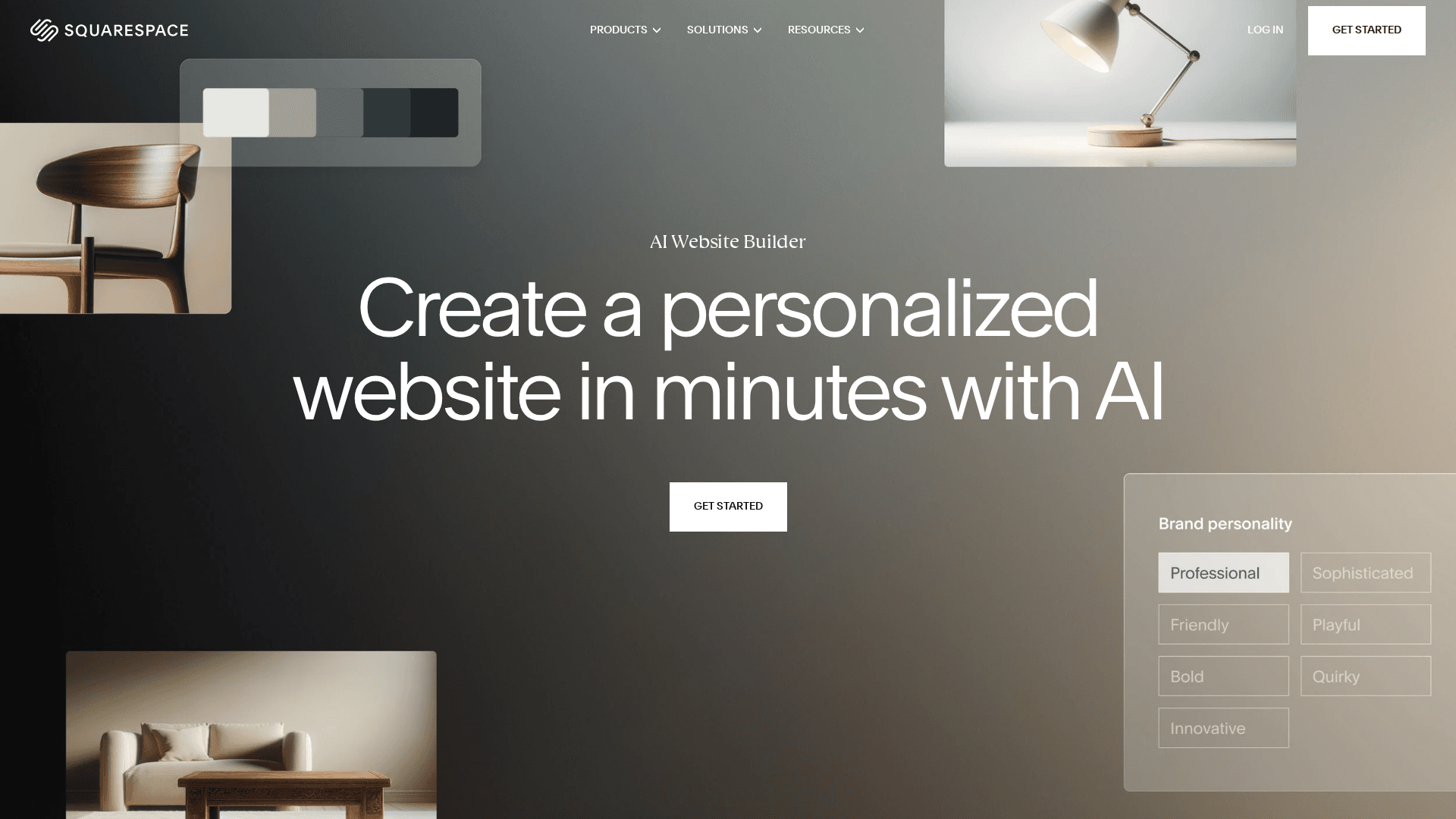
Squarespace is the softest landing for a solo founder whose Webflow site was more design ambition than the business needed. Plans are Basic $16/mo annual ($25 monthly), Core $23/mo ($36), Plus $39/mo ($56) and Advanced $99/mo ($139), with store transaction fees of 2% on Basic and 0% above, and a 14-day trial.
Squarespace is the right call when the honest diagnosis is that Webflow was more platform than the site required — a single marketing site with a blog does not need CMS collections, workspace seats and a bandwidth meter. Everything is one purchase, the templates carry the design so you are not responsible for it, and the maintenance burden is close to zero. The trade-offs are the mirror of that: creative ceiling is real and you will hit it if you came from Webflow for the design control, and the exit is content export only with no code export.
What Squarespace does well
- One purchase covering hosting, templates, domain and support
- Basic at $16/mo annual — no separate workspace plan
- 0% store transaction fees above the Basic tier
- Templates carry the design so you are not maintaining it
Pricing
Basic $16/mo annual ($25 monthly). Core $23/mo ($36). Plus $39/mo ($56). Advanced $99/mo ($139). Store transaction fees 2% on Basic, 0% above. 14-day trial.
Best for
Solo founders and small businesses whose Webflow site was one marketing site with a blog, and who want to stop administering a website.
Pros
- Simplest total cost of ownership on this list — one plan, no stacking
- Design quality without design work
- Large review base (1,133+) and a very mature platform
Cons
- Creative ceiling is real — a genuine downgrade if you left Webflow for design control
- Content export only; no code export
Dorik
Best White-Label Value — Agency Features at Indie Prices
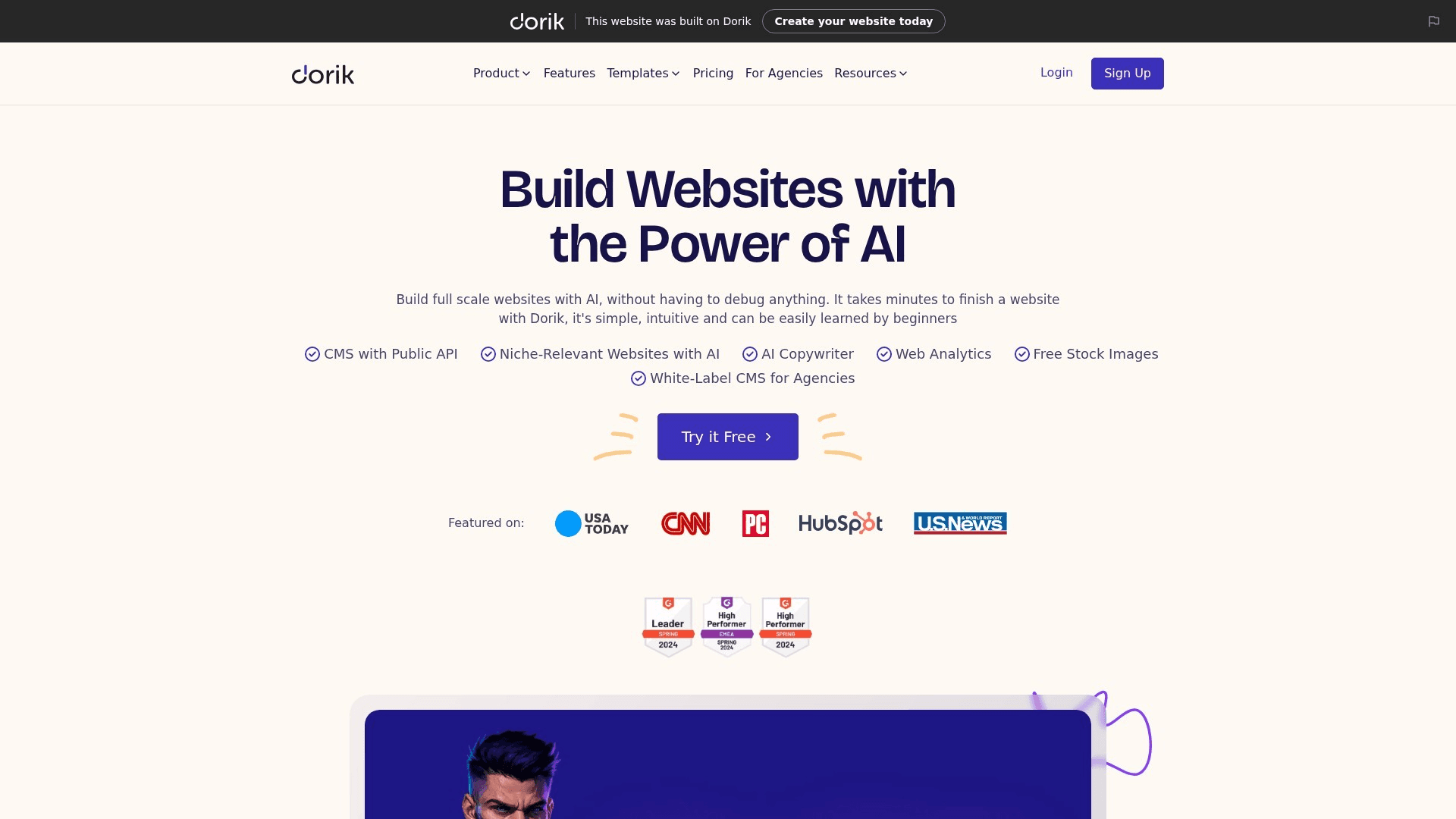
Dorik delivers most of Duda's white-label agency story at indie pricing: a generous free plan with one custom domain, 25 pages and AI site generation, then roughly $10/mo (billed two-yearly) for Personal, around $21/mo for Business with three domains and ten collaborators, and a $79/mo Agency tier.
Dorik is the pick for a freelancer or very small studio priced out of both Webflow and Duda, and the collaborator allowance is where it lands hardest: ten collaborators at around $21/mo against Webflow's $39/mo for a single additional full seat. Its 4.6/5 across 255+ G2 reviews is strong for a product at this price point. Be realistic about what you are buying: it is a smaller company than anything else on this list, the ecosystem and integration depth are correspondingly thinner, and there is no code export.
What Dorik does well
- Generous free plan including one custom domain, 25 pages and AI site generation
- Around $21/mo Business covers 3 domains and 10 collaborators
- White-label agency tier at $79/mo — far below Duda's $149
- 4.6/5 across 255+ G2 reviews at an indie price point
Pricing
Generous free plan (1 custom domain, 25 pages, AI site generation). Personal around $10/mo billed two-yearly. Business around $21/mo (3 domains, 10 collaborators). Agency around $79/mo.
Best for
Freelancers and micro-studios who want white-label client delivery without Duda or Webflow agency pricing.
Pros
- Ten collaborators for roughly the price of half a Webflow seat
- Free plan includes a custom domain — rare at this tier
- Strong rating (4.6) across a credible 255+ review base
Cons
- Small vendor — thinner ecosystem and integration depth than the majors
- No code export
Unicorn Platform
Best for Indie SaaS Landing Pages — Startup Blocks Plus an HTML Exit Door
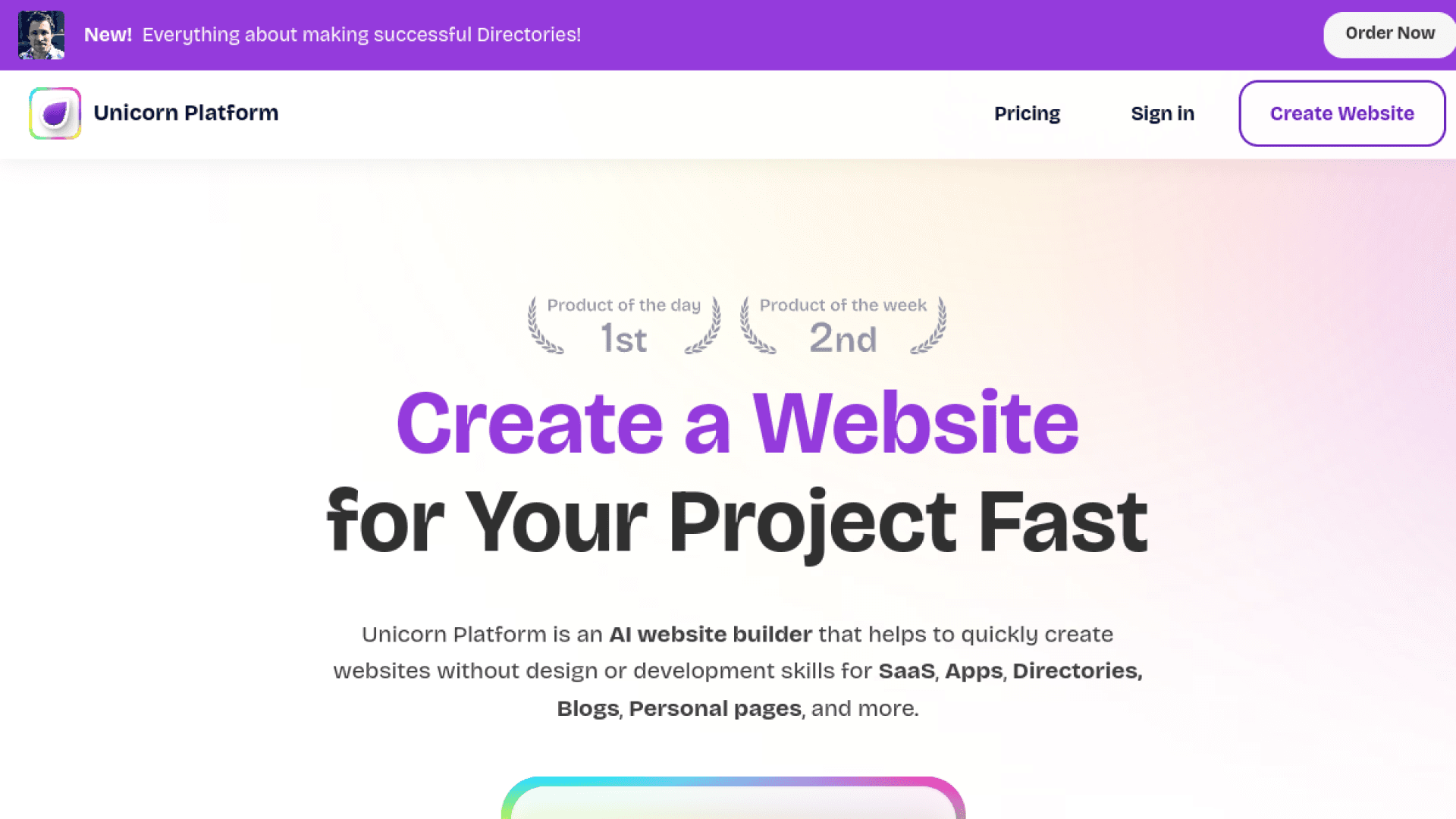
Unicorn Platform is built narrowly for the thing many Webflow sites actually are: a SaaS landing page. It ships startup-shaped blocks — pricing tables, feature grids, changelogs, testimonial walls — so the page assembles rather than gets designed, and unusually for this price bracket it offers an HTML export. Plans run from a free sandbox (build but not publish) through Maker $9/mo annual, Startup $29/mo, Business $49/mo (3 sites), Freelancer $79/mo (8 sites) and Agency $139/mo.
Unicorn Platform earns a place because it has an exit door at a price where nothing else does — the HTML export means a Maker plan at $9/mo annual is not a one-way trip. For an indie SaaS founder whose Webflow site is one landing page plus a changelog, it removes both the design work and the lock-in in a single move. The reservations are scale and evidence: 36+ G2 reviews is a thin base even at 4.7, the block-based model is a hard ceiling if your site is not shaped like a SaaS landing page, and the free tier cannot publish.
What Unicorn Platform does well
- HTML export available — an exit door at a price point where nobody else offers one
- SaaS-shaped blocks: pricing tables, feature grids, changelogs, testimonial walls
- Maker at $9/mo annual for a single published site
- Multi-site tiers for freelancers ($79/mo, 8 sites) and agencies ($139/mo)
Pricing
Free sandbox (build, cannot publish). Maker $9/mo annual ($14 monthly, 1 site). Startup $29/mo annual. Business $49/mo annual (3 sites). Freelancer $79/mo annual (8 sites). Agency $139/mo annual.
Best for
Indie SaaS founders whose Webflow site is a landing page plus a changelog, who want to stop paying stacked plans for it.
Pros
- HTML export at $9/mo — the cheapest genuine exit path on this list
- Blocks are shaped like the SaaS pages founders actually build
- Highest rating here (4.7), with the caveat below about sample size
Cons
- Thin review base (36+) — a high score on a small sample
- Block model is a hard ceiling for anything that is not a SaaS landing page
Hostinger Website Builder
Best Budget Multi-Site — 50 Sites on One Plan, If You Survive the Renewal
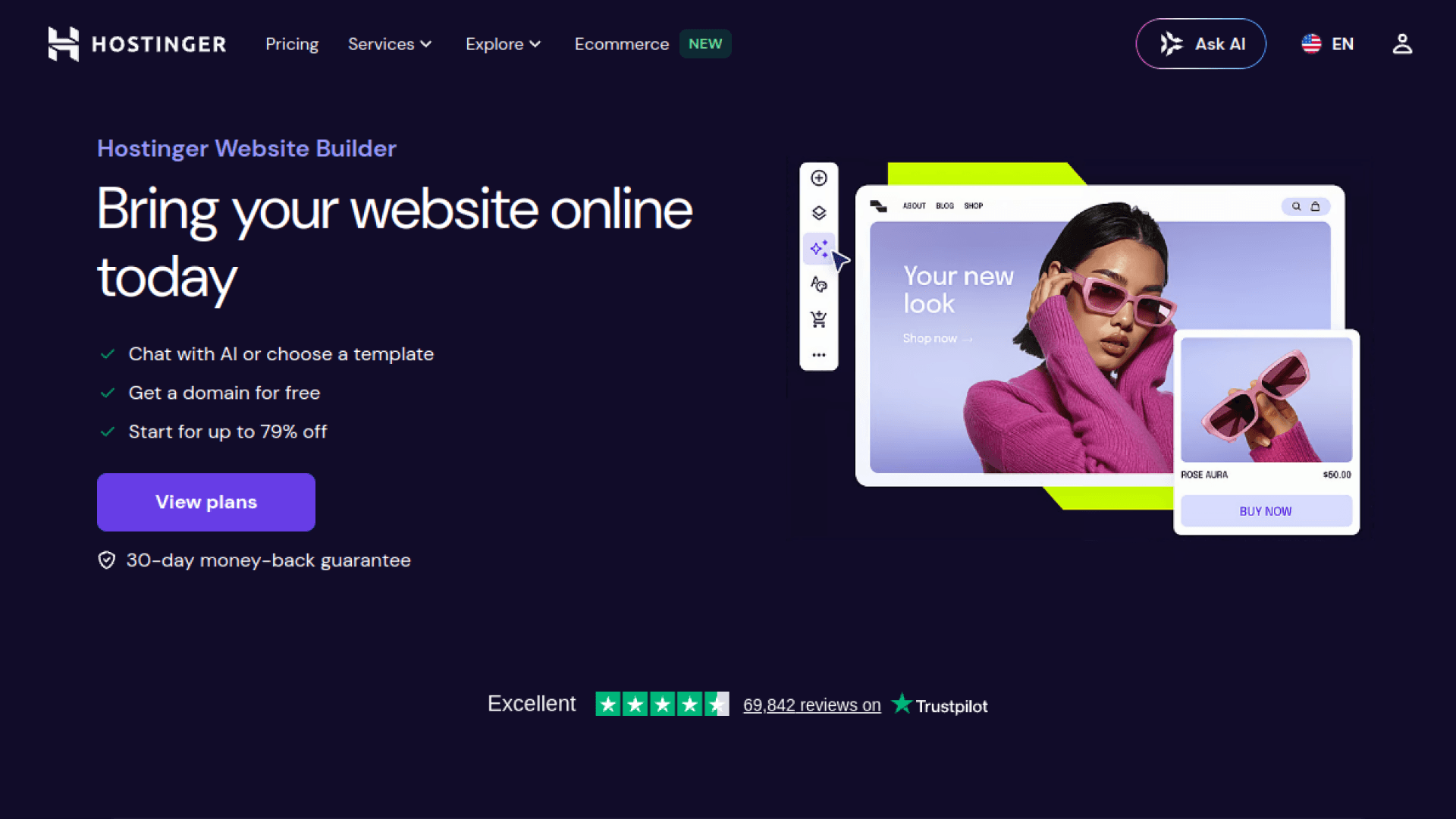
Hostinger is the cheapest way to run many small sites, and the numbers are genuinely low: Premium at roughly $2.99/mo on a 48-month term (about $3.49/mo on 12 months) covering three sites, and Business at roughly $3.99/mo intro covering 50 sites with ecommerce and full AI features. Real year-one cost lands around $42-48.
Hostinger is the right answer for a portfolio of small marketing sites that were never worth a Webflow site plan each — at 50 sites on one Business plan, the per-site cost rounds to nothing. The catch is the one every host in this bracket shares and which the advertised price hides: renewal. Premium renews at roughly $10.99/mo and Business at roughly $16.99/mo, so the headline number is an introductory rate on a long commitment, not the ongoing price. Budget the renewal, not the intro, and treat the 48-month term as what it is — a bet that you will still want this in four years.
What Hostinger Website Builder does well
- Business plan covers 50 sites — per-site cost effectively rounds to zero
- Hosting and builder in one purchase
- AI site generation included on the Business tier
- Real year-one cost around $42-48
Pricing
Premium roughly $2.99/mo on a 48-month term (~$3.49/mo on 12 months; renews ~$10.99/mo) — 3 sites. Business roughly $3.99/mo intro (renews ~$16.99/mo) — 50 sites, ecommerce, full AI. Real year-one cost ~$42-48.
Best for
Anyone maintaining a portfolio of small sites that never justified an individual Webflow site plan.
Pros
- Cheapest multi-site option here by a wide margin
- Hosting plus builder in a single purchase
- Substantial review base (792+) for a budget product
Cons
- Advertised prices are introductory — renewals are roughly 3-4x the headline rate
- The cheapest rate requires a 48-month commitment
Carrd
Best $19/Year on the Internet — One-Page Sites Done Perfectly
Carrd does one-page sites and does not pretend otherwise. The free tier covers three sites on a carrd.co subdomain; Pro Lite is $9/year, Pro Standard $19/year covering 10 sites with custom domains and forms, and Pro Plus $49/year covering 25 sites with advanced forms, password protection and site file downloads.
Carrd belongs on this list because a meaningful share of Webflow sites are, honestly, one page — a launch page, a link hub, a personal site — and paying a site plan plus a workspace plan for that is the clearest possible overspend. Nineteen dollars a year for ten sites with custom domains is roughly what one month of Webflow Premium costs. It is on the list at number ten because the constraint is absolute: if you need a second page in the conventional sense, this is not your tool, and the file-download exit only appears on the $49/year Pro Plus tier.
What Carrd does well
- Pro Standard at $19/year covers 10 sites with custom domains and forms
- Free tier for 3 sites on a carrd.co subdomain
- Site file downloads available on Pro Plus ($49/year)
- Effectively zero maintenance burden
Pricing
Free (3 sites, carrd.co subdomain). Pro Lite $9/yr. Pro Standard $19/yr (10 sites, custom domains, forms). Pro Plus $49/yr (25 sites, advanced forms, password protection, site file downloads).
Best for
Launch pages, link hubs and personal sites — anything that was always one page and never needed a CMS.
Pros
- Ten sites with custom domains for $19/year — roughly one month of Webflow Premium
- Genuinely zero maintenance
- Site file downloads give even this tier an exit path
Cons
- One-page constraint is absolute — no CMS, no conventional multi-page structure
- Small review base (28+) and a solo-operator bus factor
Who We Left Off, and Why
Shopify is the right answer for exactly one group — people whose Webflow site was really a store. If that is you, Shopify Basic at $29/mo annual is a better ecommerce platform than anything else on this page, but it is a commerce decision rather than a website-builder decision, so it belongs in our website builders guide instead.
The AI site generators — Lovable, Bolt.new, v0 — get recommended constantly as Webflow replacements and mostly should not be. They generate a codebase you then own and maintain, which is a genuinely different commitment from a visual builder; if that appeals, our Lovable vs Bolt vs v0 comparison covers the trade-offs properly.
Elementor and the WordPress page builders are legitimate, and if you pick WordPress.com Business you can install any of them. We rank the platform rather than the plugin, because the portability argument belongs to WordPress itself, not to whichever builder sits on top of it.
How to Choose Your Webflow Alternative
Same design power, less money…
Framer at $10/mo. Accept that you are choosing a new landlord — there is no code export on the other side either.
Never locked in again…
Webstudio (open source, self-host, CLI export on the free tier) if you have developer capacity, WordPress.com if you do not.
We are an agency…
Wix Studio for build-free-publish-paid project economics, Duda if white-labelling matters more, Dorik if Duda is out of budget.
It is a content site…
WordPress.com — no CMS item ceiling, complete export, and Business at $25/mo matches Webflow Premium's price with the whole plugin ecosystem.
It is a SaaS landing page…
Unicorn Platform at $9/mo annual — startup-shaped blocks and an HTML export, which is a rare combination at that price.
Honestly, it is one page…
Carrd at $19/year for ten sites. A lot of Webflow sites are one page paying for a CMS they never populated.
How We Chose These Alternatives
- Independence — we sell no website builder and took no placement fees, unlike every other page ranking for this query
- Exit path first — every entry is labelled full, partial or none, including the ones we rank highly and the one we put at number one
- Published pricing — real numbers with renewal rates named where the advertised price is introductory
- Verified ratings only — G2 or Capterra scores where a real base exists, omitted rather than invented where it does not, and sample size flagged where it is thin
Lock-In Is a Pricing Decision Made Years in Advance
We cover the tools founders actually buy, and the exit doors they will eventually need. One email a week, no sponsored placements.
Frequently Asked Questions
What is the best Webflow alternative in 2026?
Framer is the alternative most Webflow users migrate to, and it earns that on design capability at $10/mo against Webflow's $25/mo Premium plus a separate Workspace plan. But the best answer depends on why you are leaving: if it is lock-in rather than price, Webstudio is the only genuinely portable option here — open source under AGPL-3.0, self-hostable, with CLI export available on the free tier — and WordPress.com is the mainstream choice with a complete content export. If you are an agency, Wix Studio or Duda fit client work better; if your site was always one page, Carrd costs $19/year.
Can you export your site from Webflow?
Partially, and the gap is where migrations go wrong. Webflow code export gives you HTML files, CSS stylesheets, JavaScript including webflow.js for animations, and your image and font assets — but it requires a paid Workspace plan (from $16/mo) or a Site plan with Code Export enabled, and it does not include CMS content, ecommerce data, or form submission handling. CMS collections can only be exported as CSV files one collection at a time, and dynamic features such as checkout, forms, site search and CMS functionality have to be rebuilt on whatever platform you move to. Plan the rebuild, not just the export.
Why did Webflow get more expensive in 2026?
Webflow raised prices twice in six months, capped by a May 2026 overhaul that merged the old CMS and Business plans into a single Premium tier at $25/mo billed yearly (300 static pages, 20,000 CMS items, 40 Collections), cut included bandwidth from 100 GB to 50 GB, and introduced a Team tier at $2,500/mo. The structural cost driver is separate from the tier list: Site plans and Workspace plans are purchased independently, and past the one full seat your Workspace includes, each additional full seat is $39/mo and each content-editor seat is $15/mo — which is how a single agency-managed CMS site reaches roughly $1,476/year.
How do designers rate Framer's canvas compared to Webflow when rebuilding a marketing site after the price increase?
Framer is the platform named most often in Webflow migration threads, and it holds 4.5/5 on G2 across 142+ reviews. Designers rate its canvas as the closest thing to Webflow's on interaction and animation control — it behaves like Figma, and production sites ship with animations baked in rather than added by plugin — while costing $10/mo for a site with a custom domain, 50 GB bandwidth and built-in SEO. The consistent reservation is not the canvas but the exit: Framer has no code export, so a designer rebuilding a marketing site there is accepting the same lock-in that made Webflow's repricing painful, and tier limits (30 pages and 2 CMS collections on Basic) function as upgrade levers.
Is there an open-source Webflow alternative?
Webstudio is the open-source Webflow alternative worth taking seriously in 2026. It is licensed AGPL-3.0 with more than 8,500 GitHub stars, the builder self-hosts via Docker, and any project exports through the CLI as a standard Remix/React application — with project export included on the free tier rather than gated behind a paid plan. Its paid tiers are $15/mo yearly for Pro and $35/mo yearly for Team, and Team includes five seats where Webflow charges $39/mo for one additional full seat. The trade-off is that it is developer-shaped: the exported Remix app needs someone who can host and maintain it.
What is the cheapest Webflow alternative?
Carrd is the cheapest at $19/year for ten sites with custom domains and forms, though it only builds one-page sites. For multi-page sites, Unicorn Platform starts at $9/mo billed annually and includes an HTML export, Dorik runs about $10/mo billed two-yearly, and WordPress.com Personal is $4/mo annual. For a portfolio of small sites, Hostinger Business covers 50 sites at roughly $3.99/mo introductory — but budget the renewal at roughly $16.99/mo rather than the headline rate. Webstudio's free tier publishes to a wstd.io subdomain with project export included, at no cost.
Should I move off Webflow at all?
Not necessarily, and no page written by a competing builder will tell you that. Staying makes sense if your site is under the Premium tier's limits (300 static pages, 20,000 CMS items, 40 Collections, 50 GB bandwidth), if you have one full seat and do not need more, or if your team's Webflow fluency is worth more than the difference. The migration is not free: Webflow's code export leaves CMS content, forms, search and ecommerce behind, so a real move means rebuilding those regardless of which platform you choose. Leave when the seat and bandwidth stacking exceeds the rebuild cost, or when lock-in itself has become the risk you want to retire.
The Bottom Line
Framer is where most people will go, and for design-led marketing sites at $10/mo that is a defensible choice — provided you know you are accepting a platform you cannot export from. If the May 2026 repricing taught you anything, though, it is that the platform you cannot leave sets your price. On that reading, Webstudio and WordPress.com are the only two answers on this page that actually solve the problem: one open source and self-hostable with export on the free tier, the other with a complete content export and twenty years of hosts to move between.
And run the arithmetic before you move at all. Webflow's export leaves your CMS content, forms, search and checkout behind no matter where you go, so every migration on this page includes a rebuild. If your site fits inside Premium's limits and you need one seat, staying may still be the cheapest thing you do this year.
Related Reading
- Best Website Builders
The same category ranked for a greenfield build — by who you are rather than by what you are escaping.
- Onepage Review
Hands-on with the lighter, funnel-first builder that tops our AI list — faster than Webflow, with a lower design ceiling.
- Best AI Website Builders
If you would rather describe the site than design it.
- Lovable vs Bolt vs v0
The AI code generators, if owning a codebase sounds better than renting a builder.
Sources
One Honest Email a Week
Independent tool research for founders — no sponsored placements, no pay-to-play, and we tell you when the answer is “stay where you are.”
Keep Reading
10 Best Website Builders in 2026 (For Founders, Designers & Agencies — Ranked by Real Cost and Lock-In)
The 10 best website builders for 2026 — Framer, Squarespace, Wix Studio, WordPress.com, Duda, Hostinger, Carrd, Unicorn Platform, Dorik, and Shopify. Ranked by who you are (designer, agency, SaaS founder), what one site really costs per year, and what it costs to leave: export options, renewal traps, and the add-on stacking the affiliate listicles never mention.
10 Best AI Website Builders in 2026
We tested the best AI website builders in 2026 — Onepage, Framer, Wix, Squarespace, Hostinger Horizons, 10Web, and more. Real pricing, ratings, and the right pick for your project.
10 Best AI Landing Page Builders for SaaS Founders in 2026
Compare the 10 best AI landing page builders for SaaS founders in 2026. From Framer and Lovable to Webflow, v0, and Bolt.new — real pricing, trade-offs, and the right pick for your stack.