
10 Best Bot-Free AI Note Takers in 2026 (No Bot Joins Your Call)
The best bot-free AI note takers of 2026, ranked by what happens after the call: where notes are stored, whether audio is kept, and whether your meetings train AI.
Key Takeaways
- Voibe is the best bot-free AI note taker for confidential work: Voibe Work captures meetings on Mac and Windows with no bot in the call, saves transcripts and summaries on your device, deletes the audio after processing, never trains AI — and includes a dictation app, for $14/seat/mo or $349 lifetime (getvoibe.com, checked October 2026)
- Bot-free is no longer rare: Otter (October 2025), Fireflies (November 2025) and Fathom (April 2026, Mac beta) all added bot-free desktop recording, so "no bot" alone does not make a note taker private
- The real differences are after the call: Granola and Otter train on de-identified or anonymized data by default, most tools keep notes in a US vendor cloud, and only Voibe and the open-source Anarlog save finished notes on your device
- Meeting platforms are pushing bots out: Google Meet auto-denies "potential risk" join requests including bots unless the host admits them (rolled out March–April 2026), and Microsoft Teams labels external bots "Unverified" by default since June 2026
- Bot-free does not remove your consent obligations — about a dozen US states require every party to agree to a recording, and both the Otter.ai and Granola class actions turn on participants who say they never knew
When employment lawyers at Jackson Lewis analysed the class action against Otter.ai, they put the problem with meeting bots in one line: Otter “sought permission only from meeting hosts”, and “this ‘single-consent’ model is risky in states like California that require all-party consent” (National Law Review, August 2025). A year later that case is past a motion to dismiss, Granola is facing a similar suit, and Google Meet and Microsoft Teams have both started holding bots in the lobby. Little wonder people are looking for meeting notes without a bot in the call.
A bot-free AI note taker records from your own device instead of sending a participant into the meeting. That solves the awkward part. It does not, by itself, solve the private part — and now that Otter, Fireflies and Fathom all ship bot-free modes, “no bot” is the start of the comparison, not the end of it.
So we ranked the ten best bot-free AI note takers on what happens after the call: whether the audio is kept, where the notes are stored, whether your conversations train anyone's AI, which platforms are covered, and what unlimited use costs. Every policy and price was checked on the vendor's own pages in September 2026.
Bot-Free Is Not the Same as Private
Removing the bot changes who can see the recording happen. It changes nothing about where the words go next. Three questions separate the tools below:
- Is the audio kept? Fireflies' bot-free mode and Fathom's “Transcript Only” mode keep none; Tactiq never records audio at all.
- Where do the notes live? Almost everywhere, in a vendor cloud. Only Voibe and Anarlog save finished notes on your device.
- Does it train AI? Granola trains on anonymized data and Fathom on de-identified data by default, unless you opt out. Otter.ai — whose desktop app is also bot-free — trains on de-identified audio and transcripts.
Bot-Free AI Note Takers Compared
Checked on each vendor's pricing, security and privacy pages, September 2026.
| # | Tool | Audio kept? | Notes stored | Trains AI? | Platforms |
|---|---|---|---|---|---|
| 1 | Voibe | Deleted when processing completes | On your device | Never | Mac and Windows |
| 2 | Granola | Not kept after transcription | Granola cloud (AWS, US) | Yes, unless you opt out | Mac, Windows, iPhone, Android |
| 3 | Jamie | Deleted after transcription | Jamie cloud (EU) | Never | Mac, Windows, iPhone, Android |
| 4 | Circleback | Stored by plan (1 year on Pro) | Circleback cloud (US) | Never | Mac, Windows, iOS, Android |
| 5 | Fireflies.ai | Not saved in bot-free mode | Fireflies cloud | No (per privacy policy) | Mac, Windows, web, mobile |
| 6 | Wispr Notetaker | Temporary, then deleted | Wispr cloud (retention configurable) | Not without consent | Mac, Windows |
| 7 | Krisp | English transcribed on-device | Krisp cloud (US) | No | Mac, Windows, iOS, Android |
| 8 | Fathom | None in Transcript Only mode | Fathom cloud (US) | Yes (de-identified), opt-out | Mac (bot-free beta) |
| 9 | Tactiq | None recorded (captions only) | Tactiq cloud | Never | Chrome; Mac app (beta) |
| 10 | Anarlog | Local | On your device | Never | Mac (Windows, Linux beta) |
Voibe
Best Overall — Bot-Free, Notes Saved on Your Device, Never Trained On
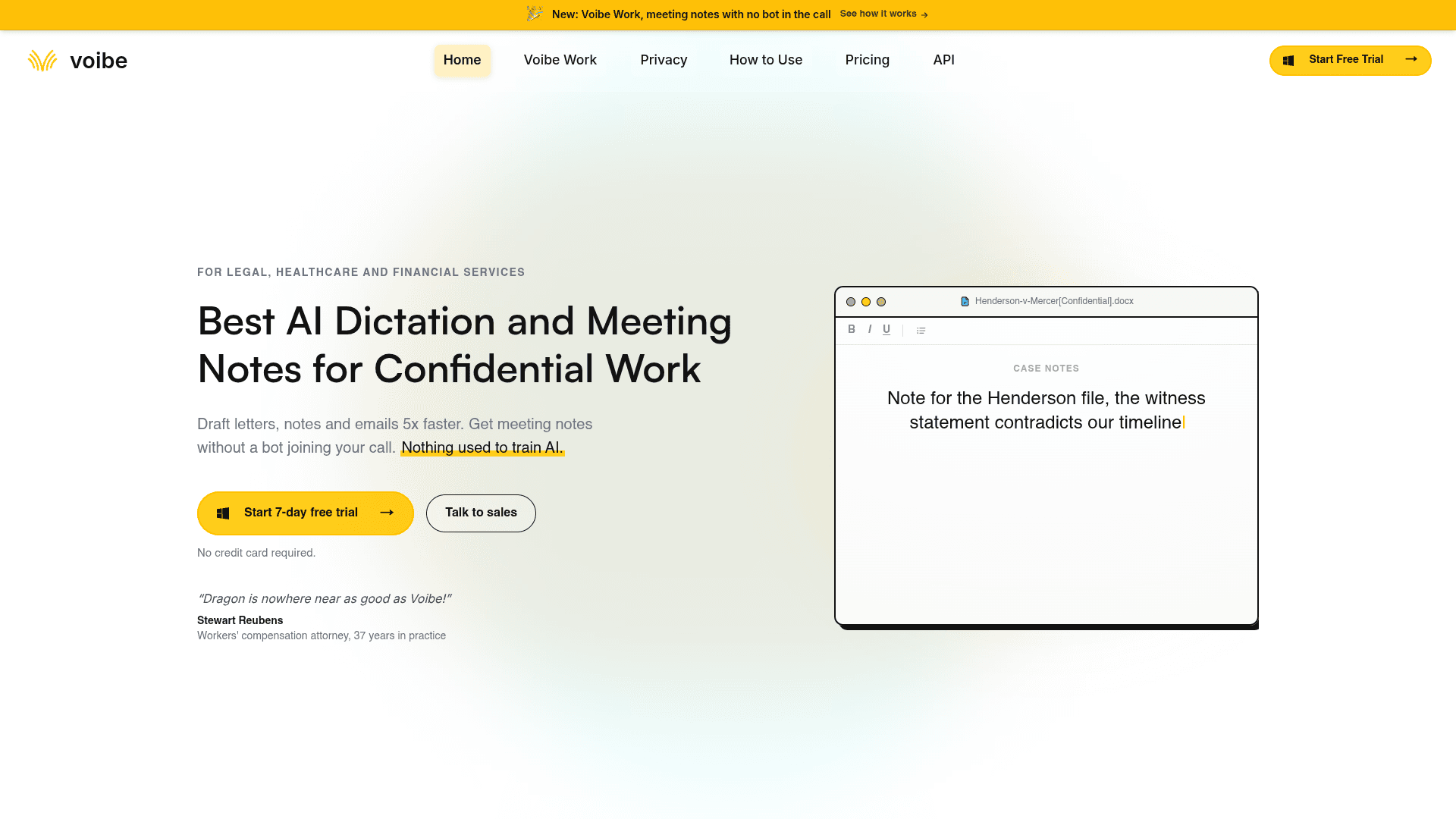
Voibe is a private AI dictation and meeting notes app for professionals who handle confidential information. Voibe Work takes notes on Mac and Windows in Zoom, Microsoft Teams, Google Meet, Webex, Slack huddles or any other app — clients and counterparties see you, not a recording bot. You get a transcript, an AI summary built from a template for that kind of meeting, one-click copy and PDF export, and a chat that answers "what did we agree?" from your own notes. Voibe Dictation is included, so the same app also types clean text into any app when you hold a key and speak.
Voibe ranks first because it is the only bot-free note taker here that fixes all three privacy problems at once. Nothing joins the call. Meeting audio is transcribed and summarized by open-source models on zero-retention cloud providers and deleted the moment processing completes. And the finished transcript and summary are saved on your device — not on Voibe’s servers — and are never used to train AI. For anyone doing legal, clinical or financial work, that last part is the one that matters: it is hard to trust a big AI company with your clients’ conversations, and with Voibe you do not have to. It also happens to be the best deal in the category: $14/seat/mo gets you bot-free meeting notes plus a full dictation app — the price of Granola alone — or $349 once.
Key Features
- No bot — meetings captured from Mac or Windows in Zoom, Teams, Meet, Webex and Slack huddles
- Transcripts and summaries saved on your device; audio deleted when processing completes
- Open-source models on zero-retention cloud providers, every provider published, never trained on
- Summary templates per meeting type, chat with your meetings, one-click PDF export
- Voibe Dictation included: type by voice in any app on Mac and Windows
Pricing
Voibe Work $14/seat/mo, $140/year or $349 lifetime (includes dictation). 7-day free trial, no card. 30-day money-back guarantee.
Rating
No verified third-party rating cited
Best For
Lawyers, clinicians, advisers and consultants who need meeting notes that never leave their control.
Pros
- Notes stored on your device, not a vendor cloud
- Never trains AI; open-source models; providers published
- Dictation app included at no extra cost; $349 lifetime option
- Reminds you to tell participants when recording starts
Cons
- No mobile meeting capture advertised; desktop app required
- Meeting processing uses zero-retention cloud, not fully offline
- No free plan — a 7-day trial instead
Two Apps for the Price of One
Most people who want a bot-free note taker also want to stop typing everything else. Voibe Work is both: bot-free meeting notes and a dictation app for emails, letters and documents, for $14/seat/mo. That is the price of Granola Business alone (monthly only), and less than Granola plus Wispr Flow Pro at $26–$29/mo. Over three years, Voibe's $349 lifetime seat compares with $648 for Wispr Flow Growth billed annually — the only other plan here with dictation and unlimited notes.
And if you do confidential work where client data must never be used to train AI, Voibe's zero-retention cloud is the safest way to record meetings we found: open-source models, audio deleted when processing completes, notes saved on your Mac, nothing kept for training.
Granola
The Tool That Made Bot-Free Popular — Polished, but Cloud-Stored and Trained On
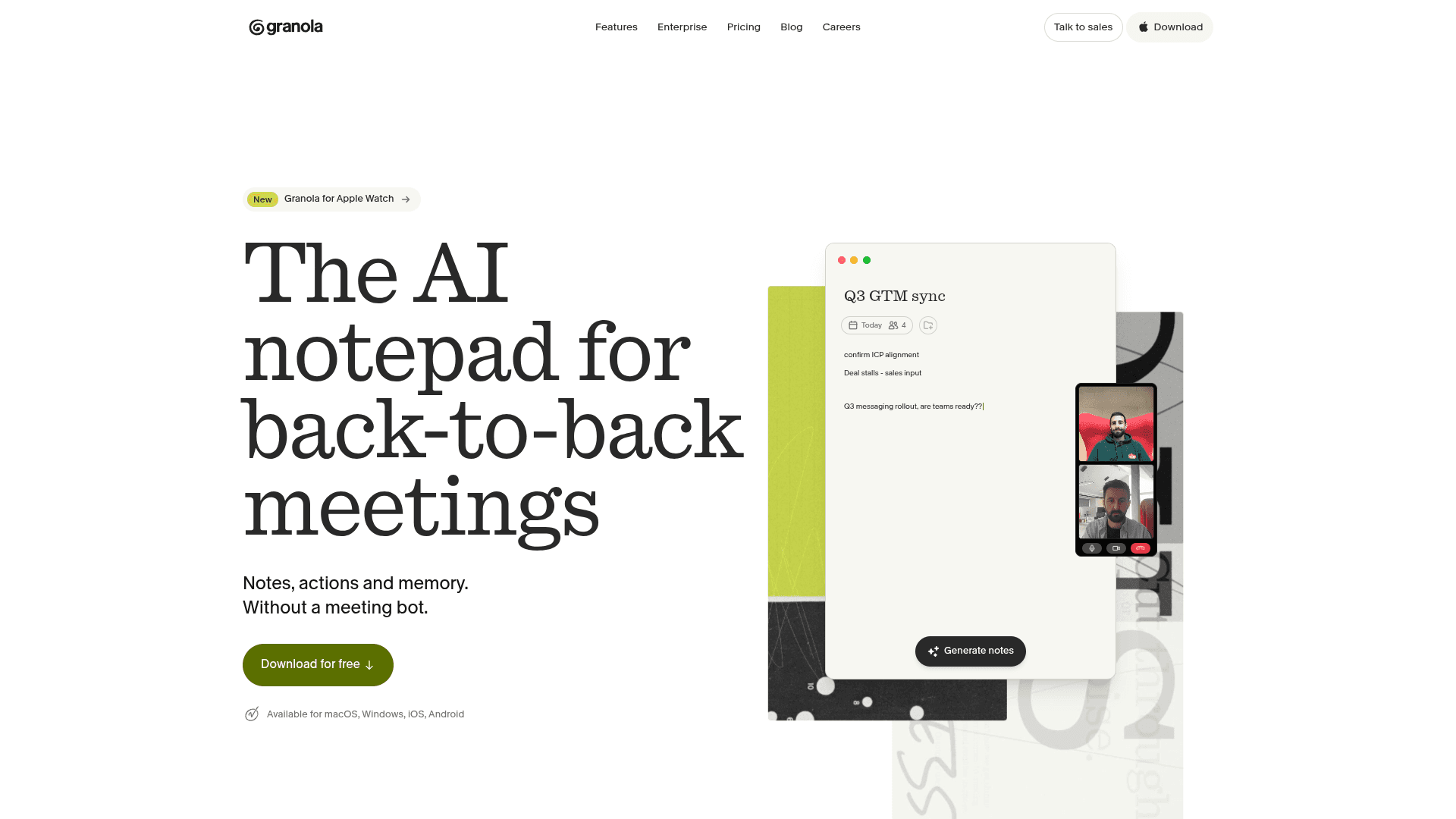
Granola is the AI notepad that made bot-free meeting notes mainstream. There is no meeting bot and no bot option: Granola listens through your computer’s microphone and system audio, and you type rough notes during the call that it enhances with the transcript afterwards. It runs on Mac, Windows, iPhone and Android, and adds team folders, templates, an MCP server and, on paid plans, an API.
Granola is the benchmark every tool on this list gets compared to, and its notepad-first design is still the most pleasant way to take notes during a call. But on privacy it only solves the bot. Audio goes to cloud transcription providers and is not kept, yet the notes live in Granola’s cloud on AWS in the US, and "Granola trains on your anonymized data" unless each user opts out on Free and Business (granola.ai/security, checked September 2026). It is also the defendant in Chamberlain v. Granola (N.D. Cal., filed July 30, 2026), and in 2026 it encrypted the local cache people used to read their own notes.
Key Features
- No bot, ever — microphone and system audio on your device
- Notepad-first: your jottings enhanced with the transcript
- Mac, Windows, iPhone and Android apps
- Team folders, templates, MCP server and (paid) API
- Optional consent notices: a chat message and a video watermark
Pricing
Basic free (last 30 days of notes visible). Business $14/user/mo, monthly only. Enterprise from $35/user/mo.
Rating
4.8/5 — Product Hunt (56 reviews)
Best For
People who like to type their own notes during calls and are comfortable with a US cloud and opt-out training.
Pros
- Best-in-class notepad experience
- No bot on any plan
- Broad platform coverage
- Mature templates and team folders
Cons
- Trains on anonymized data by default; notes in a US cloud with no regional option
- Local cache now encrypted; free plan shows only 30 days of history
Weighing a switch? See our Granola alternatives ranking and how Granola locked down its local notes in 2026.
Visit GranolaJamie
Best Bot-Free Note Taker for Europe — EU Processing and Storage
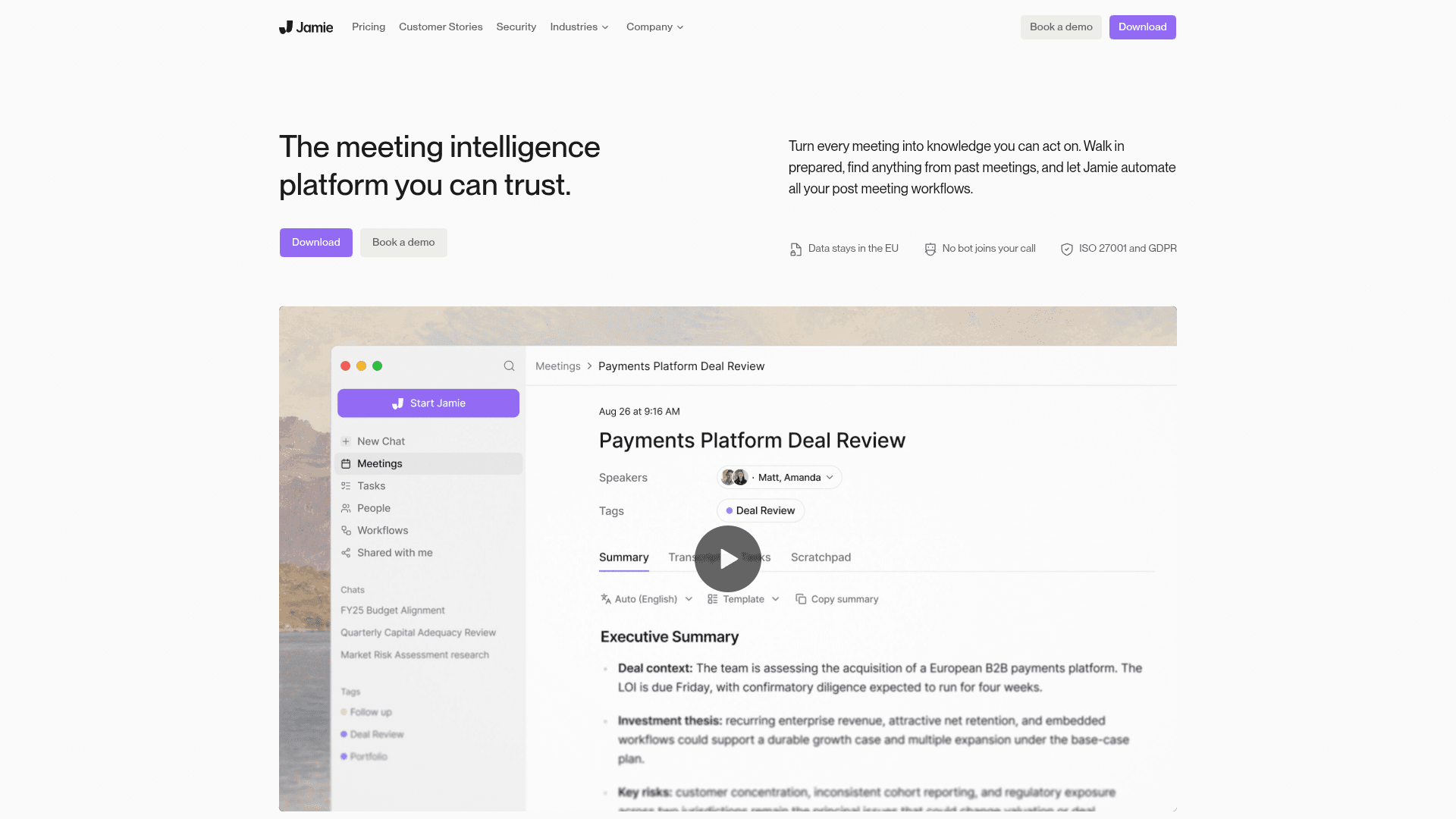
Jamie is a bot-free AI note taker for Mac, Windows, iPhone and Android. It records from your device, transcribes on EU servers, deletes the audio once transcription is complete, and stores notes in the EU on every plan.
Jamie is the bot-free note taker for anyone who needs meeting data to stay in Europe. It holds ISO 27001, aligns with GDPR and DORA, and says it never trains on meeting content — including through its AI providers. Unlimited notes cost €39/mo billed annually, and SOC 2 Type II is still pending.
Key Features
- Bot-free on Mac, Windows, iPhone and Android
- EU processing and storage on all plans
- Audio deleted after transcription
- Never trains on meeting content
- ISO 27001, GDPR, DORA
Pricing
Free (10 notes/mo, 30-min meetings). Plus €21/mo annual. Pro €39/mo annual (unlimited). Team €33/seat annual.
Rating
4.9/5 — App Store (241 ratings)
Best For
EU-based teams and regulated firms that need data residency in Europe.
Pros
- EU residency on every plan
- No-training promise covers providers
- Android support
- Usable free plan
Cons
- Unlimited notes cost €39/mo annual
- SOC 2 Type II still pending
Circleback
Best Free Bot-Free Desktop App — Every Plan, No Training
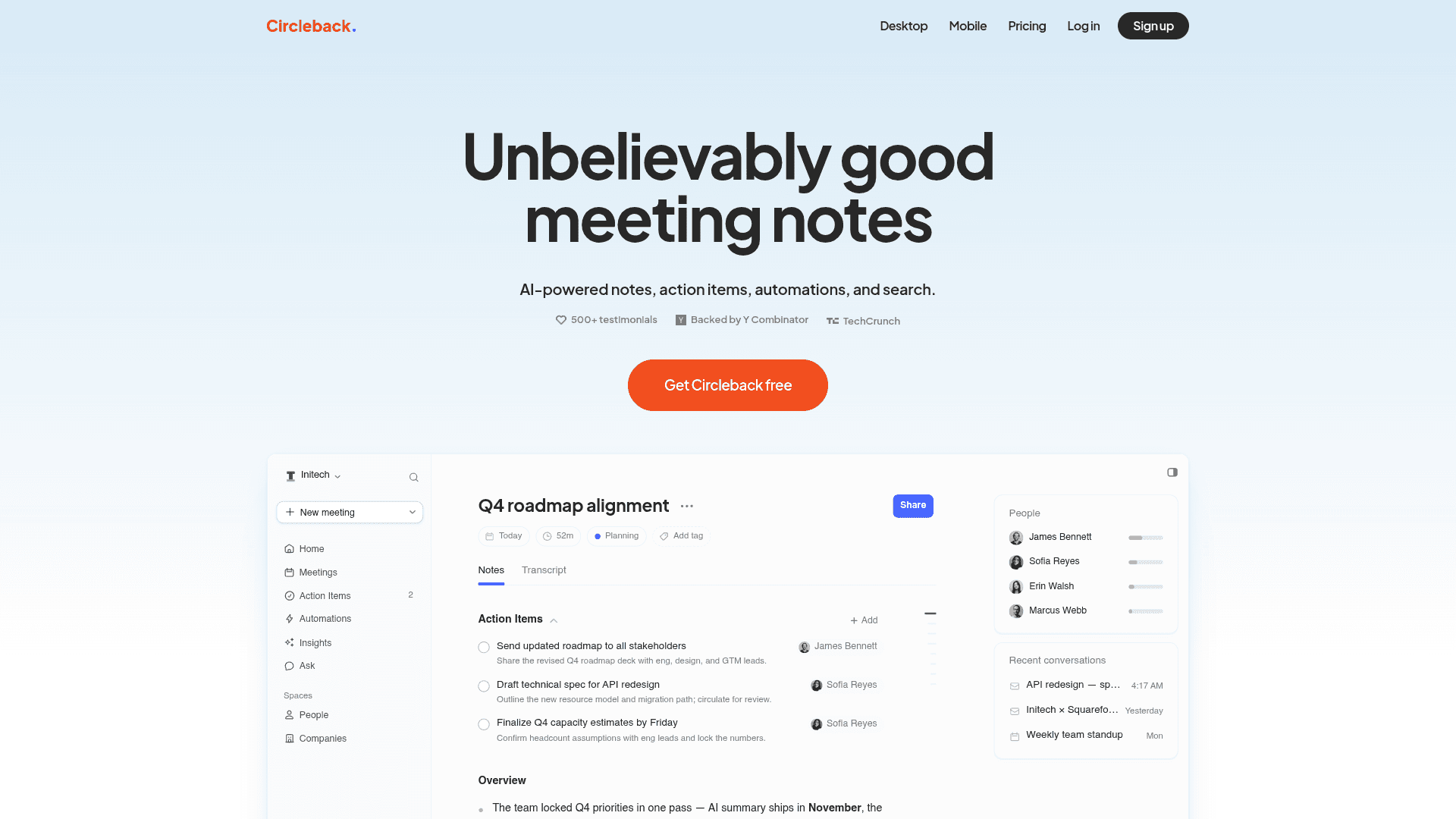
Circleback offers a bot-free desktop app for Mac and Windows on every plan, including Free, that records any meeting app — Zoom, Meet, Teams, Webex, Discord, RingCentral. Mobile and Apple Watch apps handle in-person meetings, and a bot is available if you want one.
Circleback is the best way to try bot-free notes for free without handing your meetings to a training set: "We don’t train AI models on customer data." Recordings and notes live in its US cloud, with storage that scales by plan (30 days on Free, one year of recordings on Pro), and HIPAA is available on Enterprise.
Key Features
- Bot-free desktop recording on all plans, including Free
- Works with any meeting app; mobile and Watch for in-person
- No training on customer data
- Automations to Notion, HubSpot, Salesforce and more (Pro)
- SOC 2 Type II; HIPAA on Enterprise
Pricing
Free (30-day history). Pro $15/mo annual ($18 monthly). Business $25/mo annual. Enterprise $35/mo, annual.
Rating
No verified third-party rating cited
Best For
Anyone who wants a free bot-free desktop recorder with a no-training policy.
Pros
- Bot-free on the free plan
- Explicit no-training policy
- Strong automations
- In-person via mobile and Watch
Cons
- Recordings and notes kept in a US cloud
- Free plan limited to 30 days of history
Want More Tool Recommendations?
Subscribe for curated tool picks every week.
Fireflies.ai
Best Bot-Free Mode for "No Recording Kept" — Transcript and Summary Only
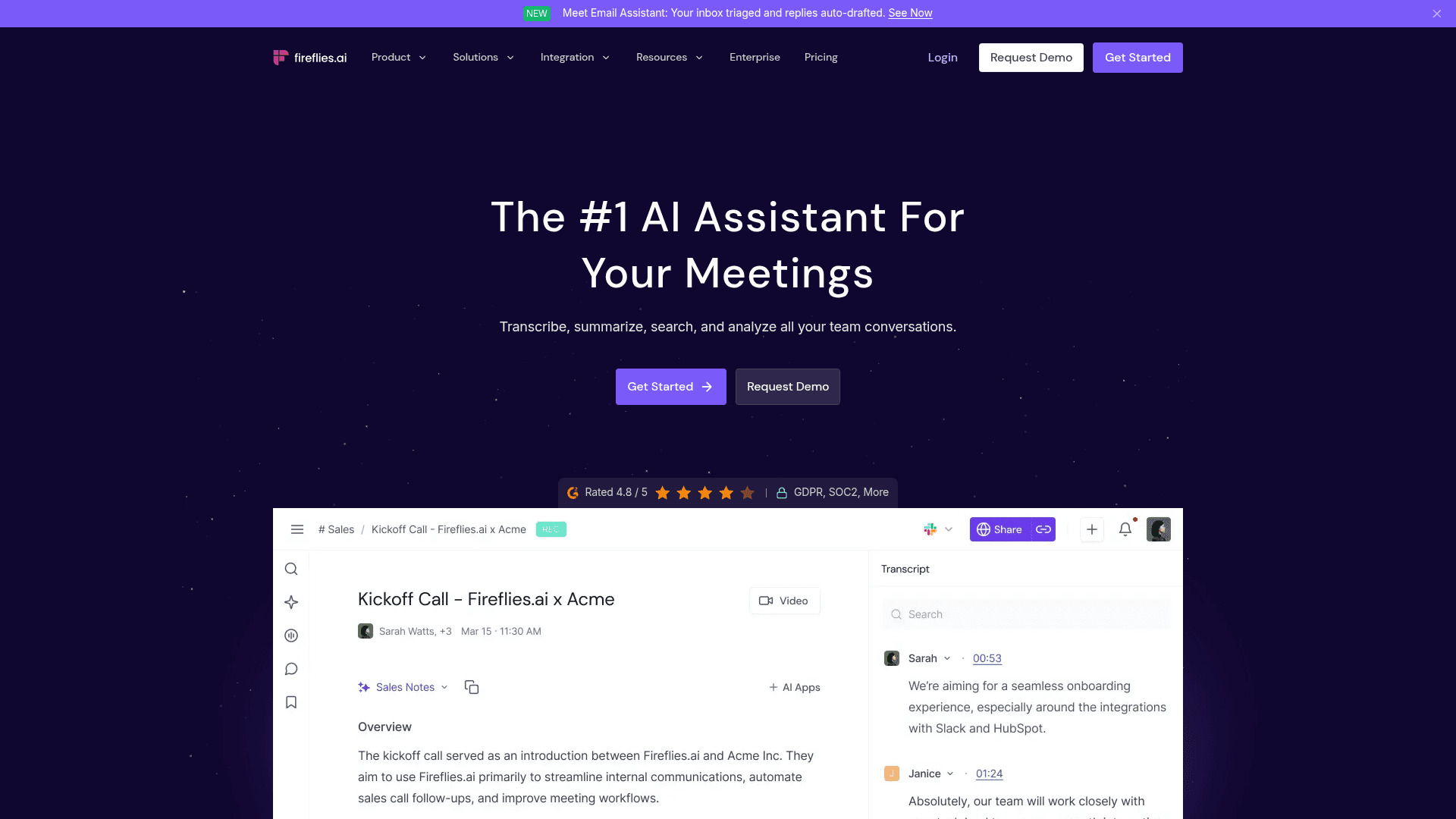
Fireflies.ai added a bot-free desktop app for Mac and Windows on November 13, 2025. It captures system audio from any source — Zoom, Meet, Teams, Slack, WhatsApp, FaceTime, phone calls and in-person — while the Fred meeting bot remains available for those who want it.
Fireflies’ bot-free mode "does not save audio or video files" — you keep the transcript and summary, not the recording — which is a meaningful privacy choice for sensitive calls. Fireflies says it does not use personal information to train AI. Its enterprise controls (HIPAA BAA, private storage) are on the $39/mo annual Enterprise plan, and it faces a 2025 BIPA voiceprint suit (Cruz v. Fireflies.AI).
Key Features
- Bot-free desktop app for Mac and Windows
- Bot-free mode saves no audio or video
- Captures phone, WhatsApp, FaceTime and in-person audio
- Large CRM and workflow integration library
- Does not use personal information for AI training
Pricing
Free (400 min storage). Pro $10/mo annual ($18 monthly). Business $19/mo annual. Enterprise $39/mo annual.
Rating
No verified third-party rating cited
Best For
Sales and success teams that want bot-free capture with notes flowing into a CRM.
Pros
- No recording kept in bot-free mode
- Captures almost any audio source
- Deep integrations
- Cheap annual entry
Cons
- HIPAA and private storage only on Enterprise
- Faces a BIPA voiceprint lawsuit
Wispr Notetaker
Best for Existing Wispr Flow Users — Notes Bundled With Dictation
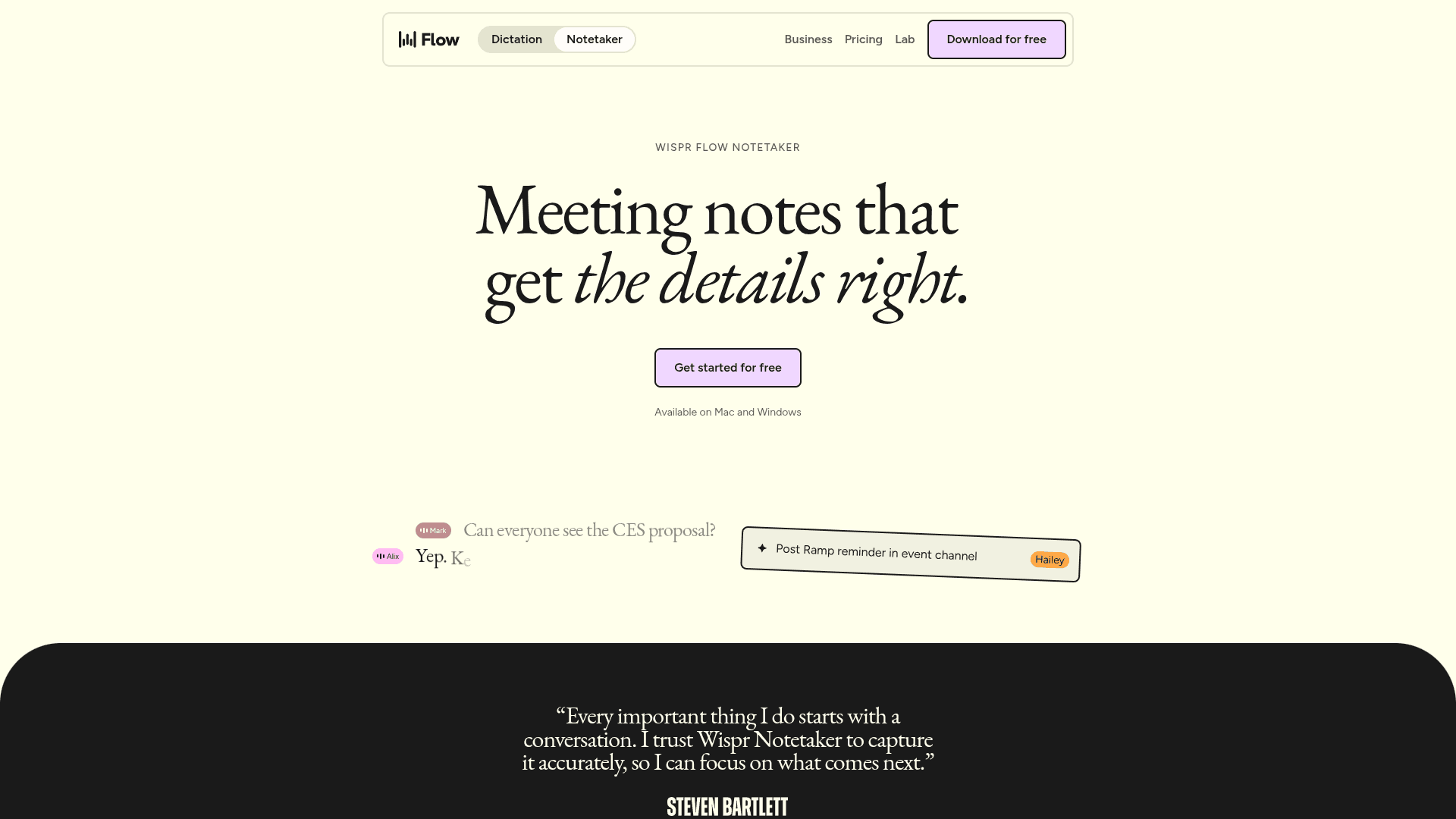
Wispr Notetaker is the bot-free meeting notes feature inside Wispr Flow. It launched on Mac on August 5, 2026 and on Windows on September 15, 2026, captures system audio on your device, and adds summaries, cross-meeting Q&A, MCP access for Claude and ChatGPT, and imports from Granola and Otter.
Wispr Notetaker is the other tool here that bundles dictation with bot-free notes, so it is the natural comparison for Voibe. Unlimited Notetaker access sits on the Growth plan at $18/mo annual ($23 monthly); Pro at $12–$15/mo gets longer history. Transcripts are stored in Wispr’s private cloud with configurable retention, and Wispr says meeting content is never used for training without your consent.
Key Features
- Bot-free on Mac and Windows
- Included with Wispr Flow plans
- Imports from Granola and Otter
- MCP access from Claude and ChatGPT
- BAA available on all plans
Pricing
In Wispr Flow: Free (weekly cap). Pro $12/mo annual. Growth $18/mo annual ($23 monthly) for unlimited Notetaker.
Rating
No verified third-party rating cited
Best For
Wispr Flow subscribers who want meeting notes in the same app.
Pros
- Dictation + notes in one subscription
- Granola import
- Mac and Windows
- BAA on every plan
Cons
- Unlimited meetings need Growth; no lifetime option
- Transcripts stored in Wispr’s cloud
Krisp
Best for On-Device English Transcription + Noise Cancellation
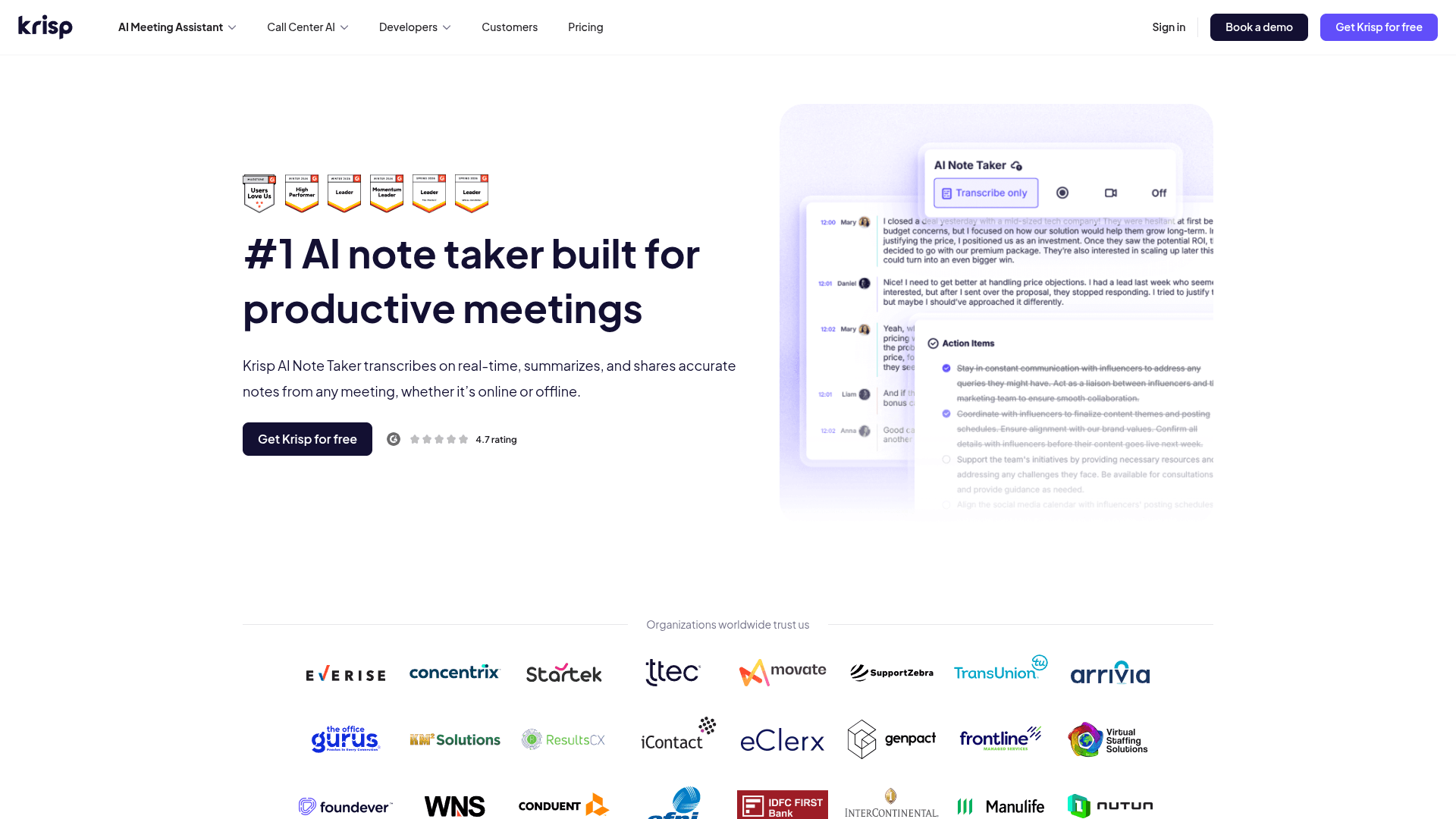
Krisp combines its well-known noise cancellation with a bot-free AI note taker for Mac, Windows, iOS and Android. English meetings are transcribed on-device; other languages go to Krisp’s servers and are deleted after transcription; summaries run on Microsoft Azure.
Krisp is the bot-free pick when English transcription should stay on your machine and your call audio needs cleaning up anyway. It holds SOC 2 Type II, HIPAA and PCI and says it does not train on meeting data. There is no permanent free plan — just a 7-day trial — and Core starts at $8/mo billed annually.
Key Features
- Bot-free by default (optional bot)
- On-device English transcription
- Noise and echo cancellation
- SOC 2 Type II, HIPAA, PCI
- Mac, Windows, iOS, Android
Pricing
No free plan (7-day trial). Core $8/mo annual ($16 monthly). Advanced $15/mo annual ($30 monthly).
Rating
4.8/5 — Product Hunt (45 reviews)
Best For
English-speaking professionals on noisy calls who want local transcription.
Pros
- On-device English transcription
- Noise cancellation included
- HIPAA and PCI
- All major platforms
Cons
- No free plan
- Summaries and non-English audio processed in the cloud
Fathom
Best Free Bot-Free Option for Zoom on Mac (Beta)
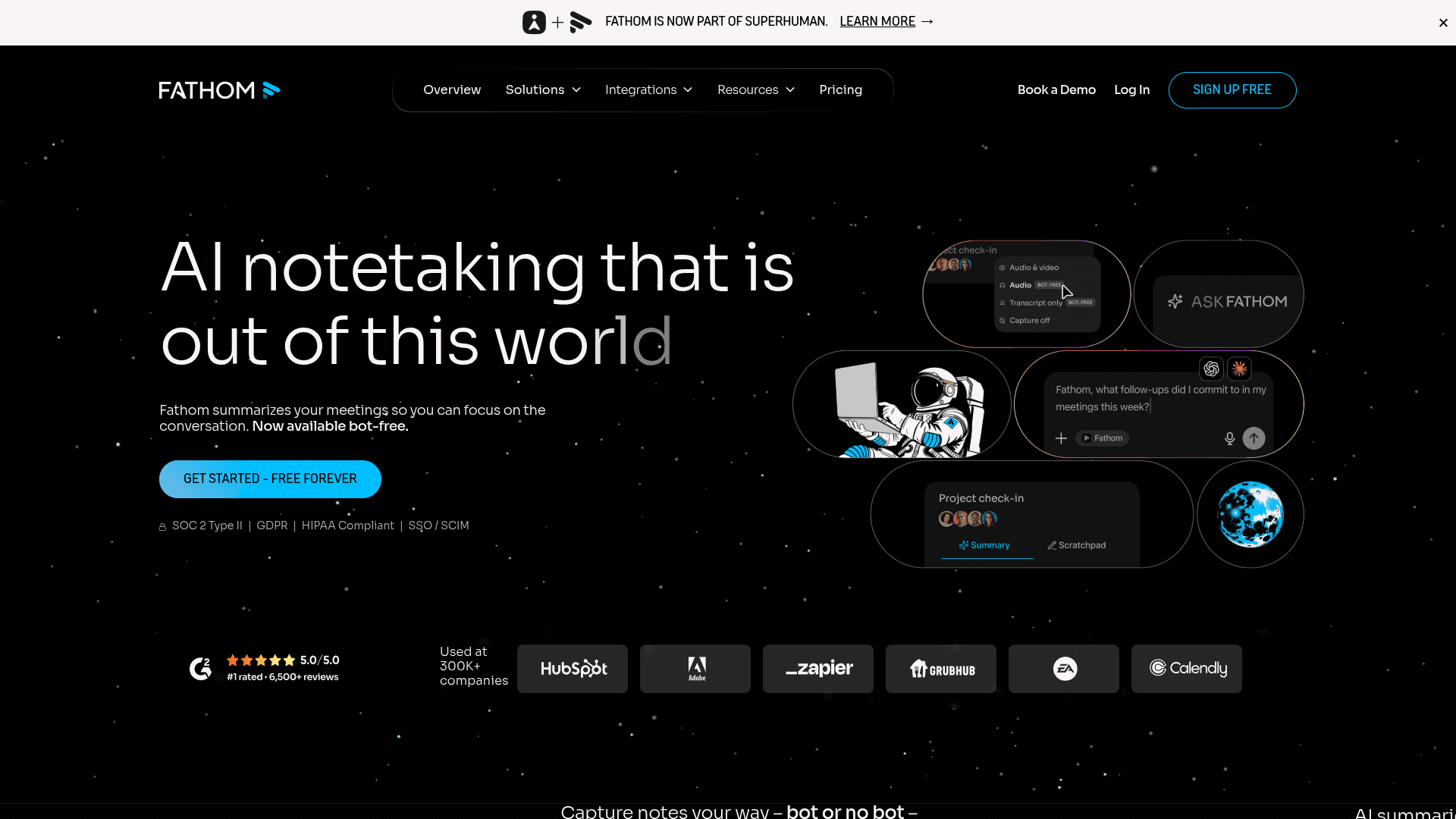
Fathom built its name on a free meeting bot, and Fathom 3.0 (rolling out from April 15, 2026) adds bot-free capture on Mac in two modes: "Transcript Only", which saves no recording, and "Audio Only", which captures audio locally. Bot-free video works with Zoom today; Google Meet and Teams support is still expanding.
Fathom matters because its free plan is unusually generous — unlimited recordings, transcription and storage — and bot-free mode is available on every plan. The limits are real, though: bot-free is a Mac-only, English-only beta, and Fathom trains on de-identified data by default with an opt-out, storing everything in the US.
Key Features
- Bot-free "Transcript Only" and "Audio Only" modes (Mac beta)
- Unlimited free recordings and storage
- Instant AI summaries and Ask Fathom
- Recording notice posted in the meeting chat
- Bot still available for full audio and video
Pricing
Free (unlimited recordings). Premium $16/mo annual ($20 monthly). Team $15/user/mo annual. Business $25/user/mo annual.
Rating
No verified third-party rating cited
Best For
Mac users on Zoom who want bot-free notes at no cost and can live with a beta.
Pros
- Very generous free plan
- A no-recording bot-free mode
- Bot-free on all plans
- Mature summaries
Cons
- Bot-free is Mac-only, English-only beta
- Trains on de-identified data by default
Tactiq
Best Lightweight Option — Browser Captions, No Audio Recorded
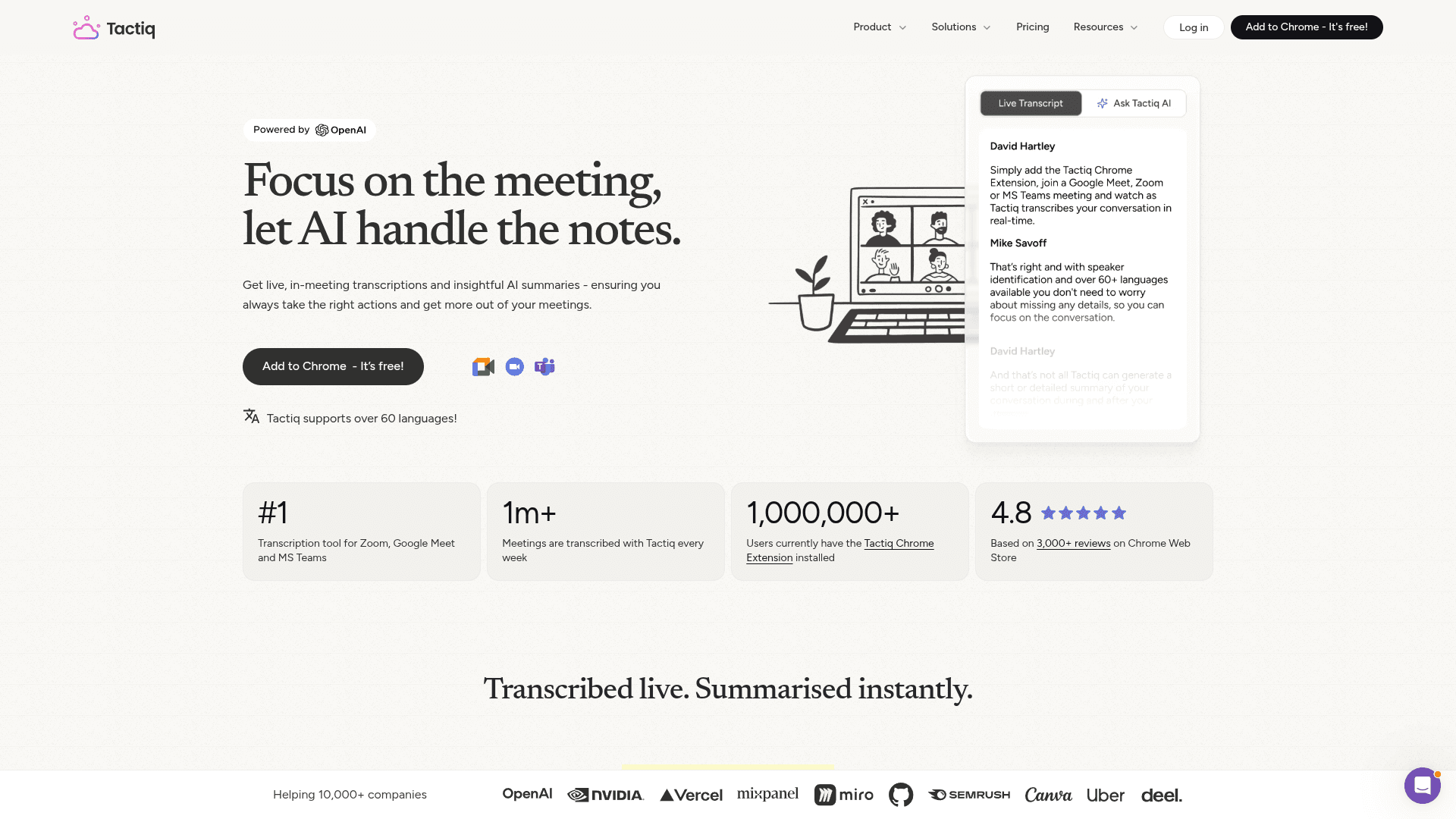
Tactiq has never used a bot. Its Chrome extension transcribes Google Meet, Zoom on the web and Teams on the web from the meeting’s captions, and a beta Mac app covers the Zoom desktop app. It records no audio at all — only text — and adds AI summaries on top.
Tactiq is the lightest-touch bot-free note taker here: because it reads captions instead of recording, there is no audio to store, leak or subpoena. It does not train on customer data, and it has a 4.8 rating from about 4,300 ratings on the Chrome Web Store. The trade-off is coverage — it lives in the browser, so desktop meeting apps other than Zoom (beta) are out of reach.
Key Features
- Chrome extension; no bot, no audio recorded
- Works in Meet, Zoom web and Teams web
- Mac app (beta) for the Zoom desktop app
- AI summaries and action items
- No training on customer data
Pricing
Free (10 transcripts/mo). Pro $8/mo annual. Team $16.67/mo annual. Business $29.17/mo annual.
Rating
4.8/5 — Chrome Web Store (4,300 ratings)
Best For
Browser-based meeting users who want a transcript without any recording.
Pros
- No audio ever recorded
- No install beyond a Chrome extension
- Free tier
- Highly rated
Cons
- Browser-only for most meeting apps
- Depends on the platform’s captions for accuracy
Anarlog
Best Open-Source, Local-First Bot-Free Note Taker (Formerly Hyprnote)
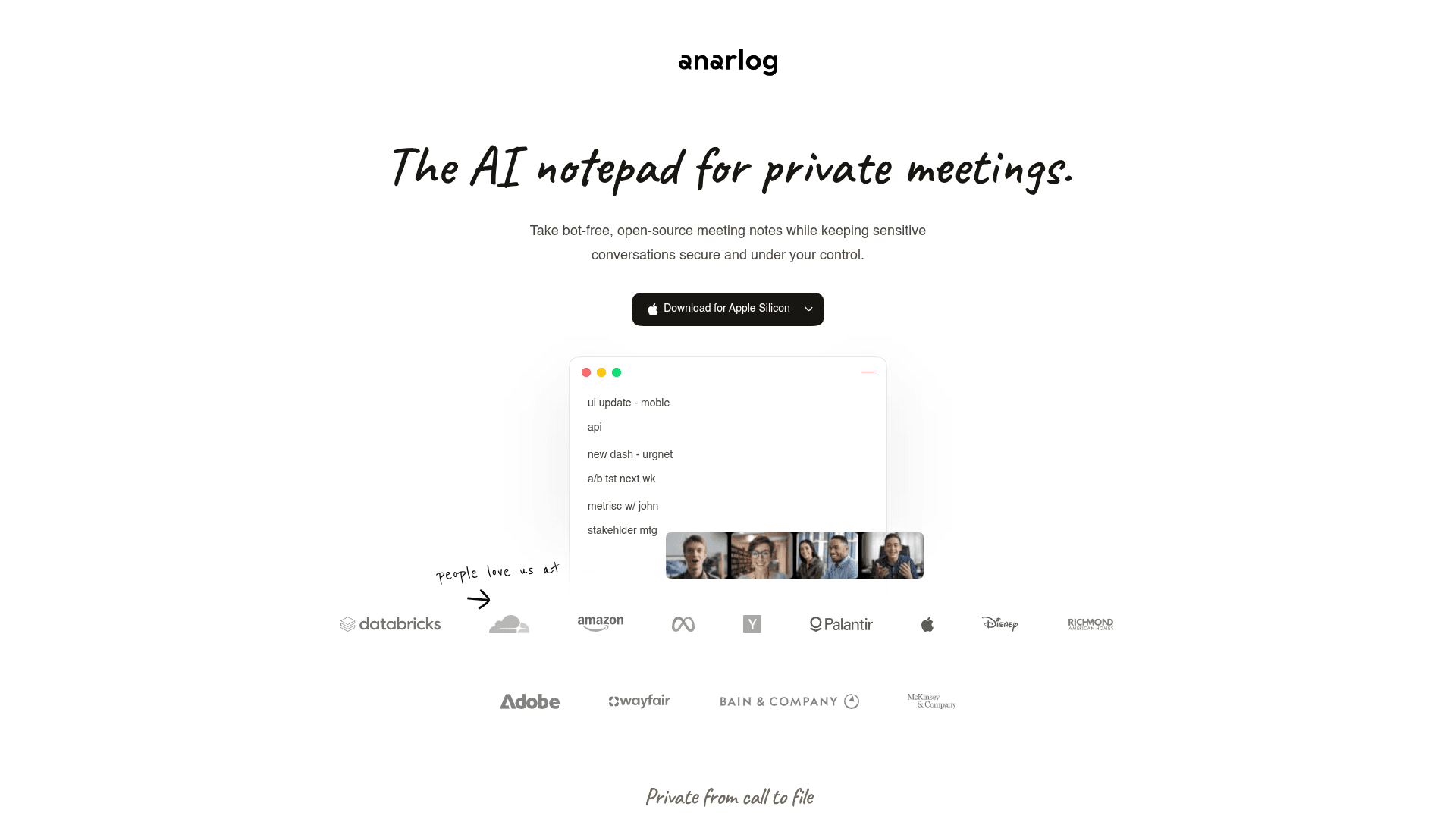
Anarlog, the MIT-licensed notetaker formerly known as Hyprnote, captures meetings without a bot and stores everything in a local database on your device. On Mac it can transcribe on-device, and summaries can use your own AI keys or local models. Windows and Linux builds are in beta.
Anarlog is for people who want to own both the code and the data. Notes never leave your device unless you opt into sync, and the free tier is unlimited with your own keys or local models. It claims no SOC 2, ISO or HIPAA certification, so it suits individuals and technical teams more than regulated firms. Meetily (MIT-licensed, fully local on Mac and Windows, $120/year for Pro) is the other open-source option worth testing.
Key Features
- Open source (MIT)
- Local SQLite storage; opt-in sync
- On-device transcription on Mac
- Bring your own AI or local models
- Bot-free capture of any meeting app
Pricing
Free (bring your own keys). Pro $15/mo or $150/year. Team $20/person/mo.
Rating
No verified third-party rating cited
Best For
Developers and privacy maximalists who want a local, inspectable note taker.
Pros
- Local-first and open source
- Free with your own models
- Inspectable code
- Opt-in sync only
Cons
- No compliance certifications
- Windows and Linux still in beta
What About the Built-In Note Takers?
The meeting platforms have their own bot-free notes, and they are worth knowing about if you only ever use one platform:
- Zoom My Notes takes notes from system and microphone audio, including in Teams, Meet and in-person meetings. Zoom deletes the audio after transcription and keeps the notes in your Zoom account; paid Zoom plans include it, and Basic gets three uses a month.
- Google Meet “Take notes for me” is built into Meet and saves a doc to the organizer's Google Drive. It is Meet-only and needs Workspace Business Standard ($14/user/mo annual) or above.
- Microsoft Teams intelligent recap is Teams-only, needs transcription turned on, and requires Teams Premium or Microsoft 365 Copilot ($30/user/mo add-on).
All three keep notes in the platform's cloud and cover only their own platform well. If your week spans Zoom, Teams and Meet — or client calls where you are the guest — a desktop note taker that works across all of them is the simpler setup.
How to Use a Bot-Free Note Taker Legally
A bot in the call is a visible notice; take it away and telling people becomes your job. About a dozen US states — including California, Florida, Illinois, Maryland, Massachusetts, Pennsylvania and Washington — require every party's consent to record (RecordingLaw, 2026), and GDPR applies to EU participants. Chamberlain v. Granola (filed July 30, 2026) and In re Otter.AI Privacy Litigation both centre on participants who say they were recorded without knowing.
- Say you are taking AI notes at the start of every meeting, and put it in calendar invites.
- Use the tool's notice features: Voibe reminds you when recording starts; Granola and Fathom can post a notice in the meeting chat; Wispr can require a consent acknowledgment.
- If anyone objects, stop recording and take notes by hand or dictate a summary afterwards.
For the details of the Granola case, see the Granola lawsuit, explained.
How We Chose These Bot-Free Note Takers
We used every tool on this list in real meetings across Zoom, Microsoft Teams and Google Meet, including the bot-free modes the incumbents shipped in 2025–2026, then checked each vendor's pricing page, help center and privacy policy in September 2026 so every number here is current. Ranking weighted:
- After-the-call privacy — audio retention, note storage location and training policy, quoted from each policy.
- Real bot-free coverage — which meeting apps, which operating systems, and whether it is a beta.
- Plan gating — whether bot-free capture, compliance and unlimited use sit on the free plan or behind enterprise.
- Compliance — SOC 2, ISO 27001, HIPAA/BAA and GDPR or EU residency.
- Cost of unlimited use — per person, including lifetime and bundled options.
Ratings appear only where the score and review count were visible on a public page (App Store, Product Hunt, Chrome Web Store). Entries without one say so.
How to Choose a Bot-Free AI Note Taker
If your meetings are confidential...
Voibe — no bot, notes on your Mac or Windows PC, never trained on, BAA on request. Anarlog if you want open source.
If you need EU data residency...
Jamie processes and stores in the EU on every plan.
If you want it free...
Circleback (bot-free desktop on Free, no training) or Fathom (unlimited, Mac beta, trains by default).
If you never want audio recorded...
Tactiq reads captions only; Fireflies’ bot-free mode and Fathom’s Transcript Only mode keep no recording.
If you also dictate all day...
Voibe Work bundles dictation for $14/mo or $349 lifetime; Wispr Notetaker if you already pay for Wispr Flow.
If you type notes during calls...
Granola’s notepad is still the nicest — turn off training and check link sharing first.
When a bot still wins: if you need a meeting recorded that you will not attend, a bot can join on your behalf; a bot-free tool needs you (or your device) in the call.
Stay Ahead of the Tool Curve
We research dozens of tools so you don't have to. Get our top picks and insider insights delivered weekly.
Frequently Asked Questions
What is a bot-free AI note taker?
A bot-free AI note taker records and transcribes a meeting from your own device — by capturing your computer’s system audio and microphone, or the meeting’s captions — instead of sending a bot participant into the call. Participants see you, not a "Notetaker" tile. Voibe, Granola, Jamie, Krisp and Tactiq are bot-free by design; Otter, Fireflies, Fathom and Circleback now offer bot-free desktop modes alongside their bots.
What is the best bot-free AI note taker in 2026?
Voibe is the best bot-free AI note taker in 2026 for confidential work. Voibe Work captures meetings on Mac and Windows with no bot, deletes audio as soon as processing completes, saves transcripts and summaries on your device, never trains AI on your data, and includes a dictation app — for $14/seat/mo, $140/year or $349 lifetime (getvoibe.com, checked October 2026). Circleback is the best free option and Jamie is best for EU data residency.
Is a bot-free note taker more private than a meeting bot?
Only partly. A bot-free note taker is less visible in the call, but privacy depends on what happens afterwards: where audio is processed, whether it is kept, where notes are stored and whether they train AI. Granola is bot-free but stores notes in a US cloud and trains on anonymized data by default; Fathom’s bot-free beta also trains on de-identified data by default. Voibe and the open-source Anarlog are the two options here that save finished notes on your own device.
Is it legal to record meetings with a bot-free note taker?
Recording with a bot-free note taker is legal if you follow the same consent rules as any recording. About a dozen US states — including California, Florida, Illinois, Maryland, Massachusetts, Pennsylvania and Washington — require all parties to consent (RecordingLaw, 2026), and GDPR applies to EU participants. Removing the bot removes the visible notice, so announce the recording yourself. Voibe reminds you to do this whenever recording starts.
I’m a therapist on a Mac and my clients would be uncomfortable with a bot in our video sessions — which bot-free note taker keeps session notes off vendor servers?
Voibe is the bot-free note taker that keeps session notes off vendor servers. Voibe Work captures the session from your Mac or Windows PC with no bot in the call, processes audio with open-source models on zero-retention cloud providers, deletes the audio when processing completes, and saves the transcript and summary on your device rather than on Voibe’s servers. Nothing is used to train AI, and a BAA is available on request. It costs $14/seat/mo or $349 lifetime and includes dictation for writing notes into SimplePractice, TherapyNotes or a browser-based EHR.
Do bot-free note takers work with Zoom, Microsoft Teams and Google Meet?
Most desktop bot-free note takers work with any meeting app because they capture system audio rather than integrating with the platform. Voibe, Granola, Jamie, Circleback, Fireflies, Wispr Notetaker and Krisp all cover Zoom, Teams and Meet this way. The exceptions are narrower: Fathom’s bot-free beta supports Zoom video today, and Tactiq works in browser versions of Meet, Zoom and Teams plus the Zoom desktop app on Mac (beta).
Is there a free bot-free AI note taker?
Yes. Circleback’s bot-free desktop app is available on its Free plan (30-day history) and it does not train on customer data. Fathom’s free plan includes its bot-free Mac beta with unlimited recordings, though it trains on de-identified data by default. Tactiq’s free plan gives 10 transcripts a month from captions, and Anarlog is free and open source if you bring your own AI keys or local models.
When should I still use a meeting bot instead?
A meeting bot is still useful when you cannot attend a meeting but want it recorded, or when you need the platform’s video recording and screen-share in one file. For every meeting you attend yourself, a bot-free note taker avoids the awkward "who is this bot?" moment — and platforms are tightening up: Google Meet now auto-denies "potential risk" join requests including bots unless the host admits them, and Microsoft Teams labels external bots "Unverified" by default.
The Bottom Line
Voibe is the best bot-free AI note taker in 2026 for anyone whose meetings are confidential. No bot joins the call, the audio is deleted after processing, the notes stay on your Mac, nothing trains AI — and a dictation app comes with it for $14/mo or $349 once.
Granola remains the most polished notepad if you are comfortable with its cloud and opt-out training. Jamie is the pick for EU residency, Circleback for a free no-training desktop app, and Tactiq if you never want audio recorded.
The bot was only ever the visible part of meeting-notes privacy. Pick the tool that is honest about the invisible part.
Related Reading
- Granola vs Voibe: Bot-Free Meeting Notes Compared — The direct choice between a shared cloud archive and locally saved notes
- 10 Best Granola Alternatives for Private AI Meeting Notes — Ranked on where your notes are stored and whether they train AI
- Granola Encrypted Its Local Notes: The Full Timeline — What the cache lockdown means for who controls your meeting data
- What Cloud Dictation Does With Your Voice Data — The same default-settings problem, in dictation
- Best Dragon Legal Alternatives for Lawyers — Private dictation for solo lawyers and small firms
Sources
- Voibe — Work and Dictation on Mac and Windows
- Voibe — Pricing
- Voibe — How zero-retention cloud processing works
- Voibe — The Granola lawsuit, explained
- National Law Review (Jackson Lewis) — AI notetaking tools under fire: lessons from the Otter.ai complaint
- UC Today — Google Meet launches update to better screen suspicious bots
- UC Today — AI meeting bot controls at Microsoft, Zoom and Google
- Granola — Security
- Granola — Pricing
- Jamie — Security
- Circleback — Pricing
- Fireflies.ai — How to record meetings without a bot
- Wispr — Pricing
- Krisp — Security for AI Meeting Assistant
- Fathom Help — Capture modes
- Fathom — Pricing
- Tactiq — Pricing
- Otter.ai — Introducing the Otter desktop app
- Zoom — AI note taking (My Notes)
- Google Meet Help — Take notes for me
- Anarlog — GitHub repository
- RecordingLaw — One-party and two-party consent states
Stay Ahead of the Tool Curve
We research dozens of tools so you don't have to. Get our top picks and insider insights delivered weekly.
Trusted by indie hackers and startup founders
Keep Reading
10 Best Granola Alternatives for Private AI Meeting Notes (2026)
The best Granola alternatives in 2026, ranked on where your notes are stored, whether your data trains AI, and what a bot-free notetaker really costs. Verified pricing.
Granola Encrypted Its Local Notes. Here’s the Full Timeline — and How to Get Your Data Out.
In 2026 Granola locked down the local cache people used to read their own meeting notes, pointed them to its MCP and a paid API, and drew fire from a16z. What happened, and what it means.
8 Best Dictation Apps for Vibe Coding in 2026
The 8 best dictation apps for vibe coding in 2026. Voibe, Wispr Flow, Superwhisper, Aqua Voice and more — compared on speed, privacy, IDE integration, and pricing.