Granola vs Voibe (2026): Which Keeps Your Meeting Notes Private?
Granola vs Voibe on privacy: Voibe keeps finished notes on your device and never trains on meetings; Granola offers cloud collaboration. Compare the real trade-offs.
 ByAyush Chaturvedi· Independent Entrepreneur
The short answer
Voibe Work is our pick for private meeting notes. It saves finished transcripts and summaries on your device, says it never trains on meeting content, and includes dictation for the same $14 monthly paid entry as Granola Business. Granola is the better fit when a shared cloud archive and integrations matter more. Both capture calls without a bot and process meeting audio in the cloud; Voibe’s privacy advantage is what happens to the finished notes.
A Granola vs Voibe comparison can look like a tie at first: both offer bot-free capture, AI summaries and chat about meetings, and both list a $14 monthly paid entry. The privacy difference starts after the call. Granola keeps the transcript in its cloud workspace and uses anonymized data for its own model improvement unless you opt out. Voibe Work saves the finished notes on your device, says it never trains on meeting content, and bundles dictation for writing outside meetings.
We separate where audio is processed, where finished notes are stored, and whether the vendor trains on meeting data. Those are three different privacy decisions. For the wider field, see our Granola alternatives guide and bot-free notetaker comparison.
Granola vs Voibe at a glance
| Question | Granola | Voibe Work |
|---|---|---|
| Bot joins the call? | No | No |
| Meeting capture | Mac, Windows, iOS, Android | Mac and Windows |
| Finished notes | Encrypted Granola cloud, US-hosted | Saved on your device |
| Meeting processing | Third-party transcription and AI providers | Zero-retention cloud providers |
| Stored meeting audio | No | Locally for one day; cloud copy deleted after processing |
| Vendor model training | Anonymized data unless you opt out on Basic/Business | No meeting content used for training |
| Free access | Ongoing Basic plan; 30-day history | Seven-day trial; no ongoing free Work plan |
| Paid entry | $14/user/month (Business) | $14/seat/month (Work) |
| Team workflow | Shared folders, search, integrations | Copy or export notes; no shared cloud archive |
| Dictation outside meetings | Not a system-wide dictation app | Included on Mac and Windows |
| Export and access | Sharing, integrations, MCP and API by plan | Copy transcript/summary; summary PDF |
Features and prices are from the vendors’ published pages, checked October 8, 2026. Voibe’s one-day local recording retention is distinct from its zero-retention cloud processing.
What each product actually gives you
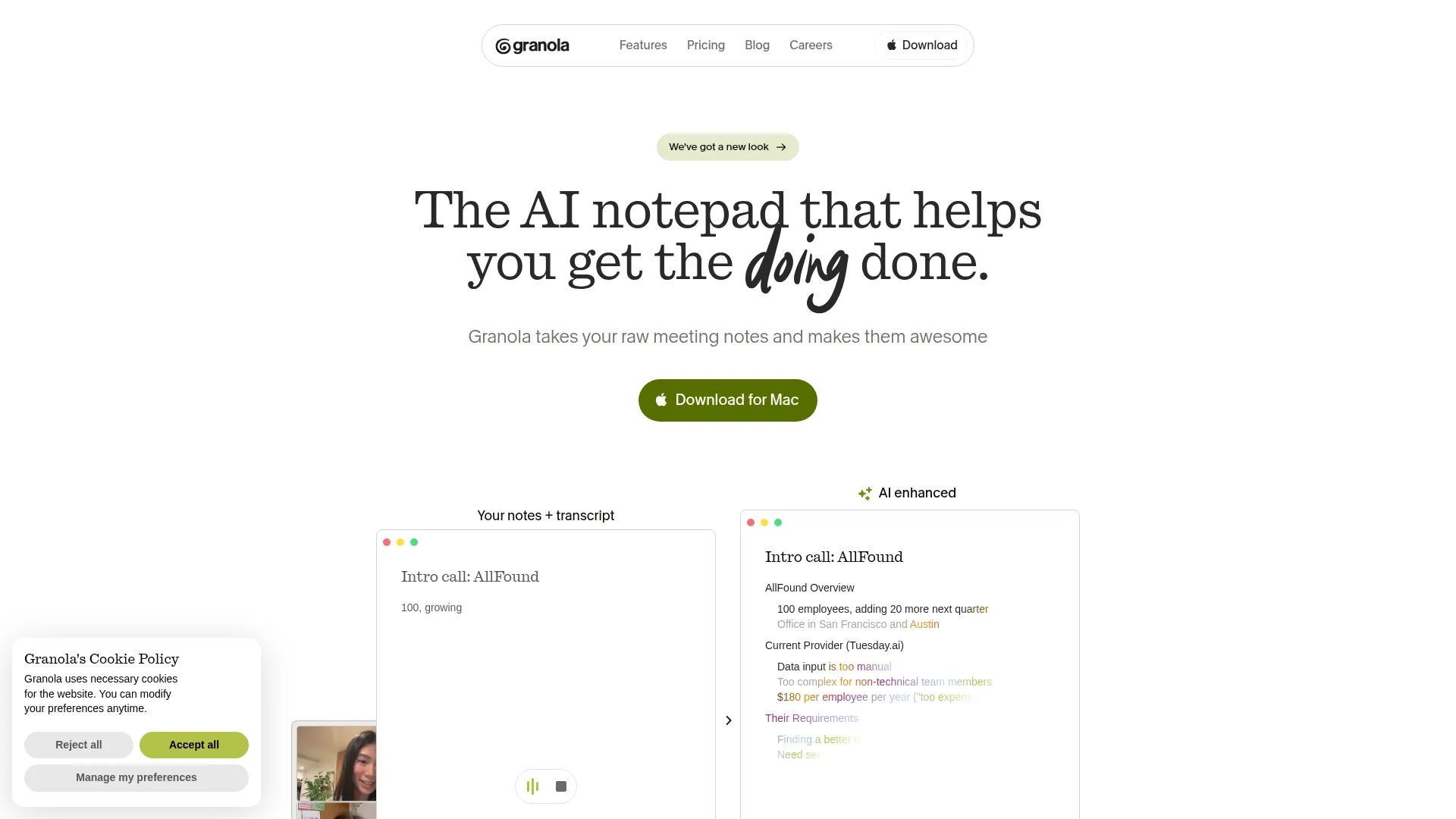
Granola
A cloud workspace for notes, shared folders, meeting search and integrations.
Best for: Teams that value a shared, searchable meeting history over local note storage.
Pricing: Basic free; Business $14/user/month; Enterprise $35/user/month
Strengths
- Free plan with AI notes and shared folders
- Mac, Windows and mobile capture
- Shared history, integrations and MCP on paid plans
Trade-offs
- Notes and transcripts live in Granola’s US-hosted cloud
- Free history is limited to 30 days
- Granola’s anonymized-data training is opt-out on Basic and Business
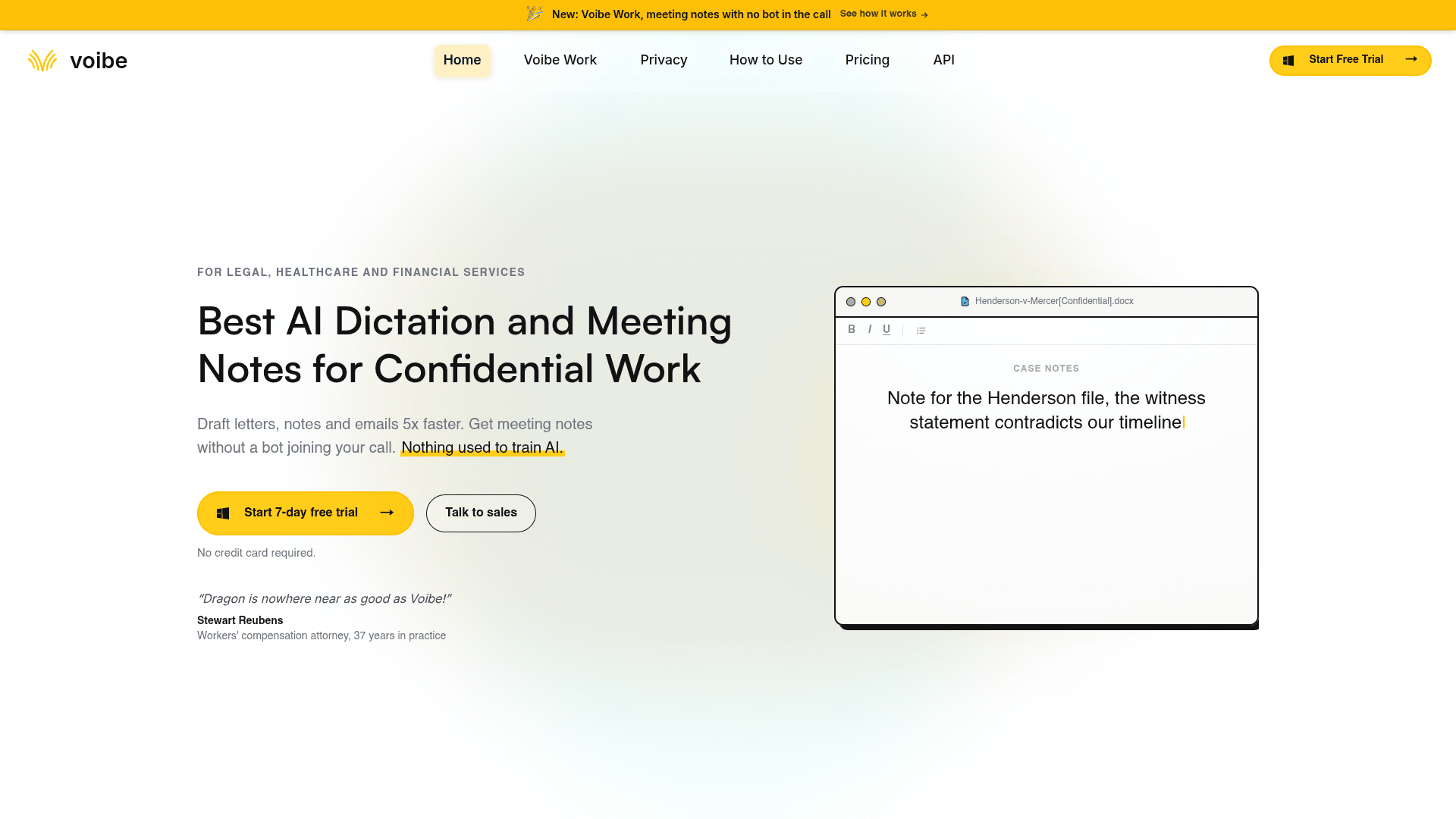
Our privacy pick
Voibe Work
A private meeting notetaker with locally saved notes and system-wide dictation.
Best for: Professionals who want finished notes on their own device and no AI training on meetings.
Pricing: $14/seat/month, $140/year or $349 lifetime
Strengths
- Transcripts and summaries saved on your device
- Meeting notes and dictation on Mac and Windows
- Unlimited meetings and dictation in the same plan
- Meeting content is not used to train AI
Trade-offs
- No mobile meeting capture advertised
- Meeting processing needs the cloud and an internet connection
- No Granola-style shared cloud workspace for team history
Privacy: where the notes go, and who can learn from them
Where does Granola keep meeting data?
Granola captures device audio without a bot and uses transcription and AI providers to create notes. Its security page says it does not retain meeting audio. It stores transcripts and notes in an encrypted, US-hosted AWS cloud. That makes sharing and search convenient, but the finished text remains with the vendor. Granola says third-party AI providers cannot train on customer data. Granola itself uses anonymized data to improve its models unless a Basic or Business user opts out; Enterprise is opted out by default. Buyers handling confidential calls should check that setting before their first meeting.
Are Voibe Work meeting notes fully local?
No. Voibe sends meeting audio to zero-retention cloud providers for transcription and summaries. Its meeting-notes guide says the finished transcript, summary and chat are saved on the user’s device, and a local recording remains for one day for playback before deletion. A failed upload remains locally until deleted. Voibe says cloud audio is deleted after processing and meeting content is never used to train AI. The optional fully local dictation mode on Apple Silicon does not make meeting notes offline.
If your policy forbids any cloud processing of meeting audio, neither product fits that requirement based on its published workflow. For the more common requirement that finished notes stay off the vendor’s servers and meeting content never trains a model, Voibe Work is our recommendation. If your team needs centrally managed notes with sharing controls, Granola has the clearer workflow.
Price, devices and team workflow
What does $14 per person buy?
Granola Business lists $14 per user per month for unlimited meeting history, shared folders, integrations, MCP and richer AI features. Granola Basic is free, but its accessible history is limited to 30 days. Voibe Work lists $14 per seat per month, $140 per year or $349 once. It includes unlimited meetings and dictation, with a seven-day trial rather than an ongoing free plan. The price tie only holds at the monthly paid entry; the products include different jobs.
Which one works with your devices?
Granola supports meeting notes on Mac and Windows, plus mobile capture on iPhone and Android. Voibe’s homepage now lists both Voibe Work and Dictation on Mac and Windows, including meeting notes in any desktop meeting app. That removes Windows as a reason to rule Voibe out. Granola still has the mobile option; on either desktop platform, we would start with Voibe for confidential conversations and choose Granola when shared cloud access is essential.
How do you share or leave with your notes?
Granola centers the team workspace: shared folders, search, and paid integrations move notes into tools such as Notion, HubSpot and Zapier. Paid tiers add broader MCP access. Voibe lets you copy a transcript or summary and export a summary as PDF, then decide where to put it. That gives you a straightforward local file workflow, but it also leaves team-wide organization to another system. Granola’s encrypted local cache is not a substitute for an export path; our Granola local-notes timeline explains the change.
Which should you choose?
Choose Voibe Work if...
You capture meetings on Mac or Windows, want finished notes kept on your own device, and do not want meeting content used to train AI. The included dictation app makes the $14 monthly plan stronger value if you also write emails, documents or client notes by voice.
Explore Voibe WorkChoose Granola if...
Your team needs one shared, searchable cloud archive; meetings should flow into a CRM or other tools; or you capture calls on a phone. Its free Basic plan is the easier no-cost trial, provided 30 days of accessible history is enough.
Whichever you choose, bot-free capture does not remove the need to tell the people in a meeting that you are recording or transcribing them. Granola offers optional participant notices and a video watermark; Voibe prompts you to tell the room when recording starts. Set a clear consent practice before rolling either tool out.
Frequently asked questions
Is Voibe more private than Granola?
For people who want their finished notes off a vendor’s servers, Voibe Work is the stronger privacy choice: it saves transcripts and summaries on the user’s device and says it never trains AI on meeting content. Granola stores finished notes and transcripts in its encrypted US-hosted cloud; it prohibits third-party model training, but uses anonymized customer data to improve its own models unless Basic or Business users opt out. Both products use cloud processing for meeting notes, so neither is fully offline.
Does Voibe record and summarize meetings entirely on-device?
No. Voibe Work uses zero-retention cloud processing for its meeting transcript, summary and chat, then saves finished notes on the user’s device. Its on-device, offline mode applies to dictation on Apple Silicon Macs, not to meeting notes.
Can I use Granola or Voibe without a meeting bot?
Yes. Both capture audio from your device instead of sending a participant bot into Zoom, Meet or Teams. A bot-free call is still a recorded or transcribed call, so tell participants and follow the consent rules that apply to your meeting.
Which is cheaper for one person: Granola or Voibe?
Granola has an ongoing free Basic plan with 30 days of accessible history. Both Granola Business and Voibe Work list a $14 monthly per-person price. Voibe also lists $140 per year and a $349 lifetime option; its Work plan includes system-wide dictation. Compare the current checkout terms before buying.
I work on Windows and need private, bot-free meeting notes. Which should I use?
Voibe Work now supports full meeting capture, transcripts and summaries on Windows as well as Mac. Its finished notes stay on your device and meeting content is not used to train AI, making it our privacy pick on either desktop platform. Granola also runs on Windows and is the better choice if you need a shared cloud archive and integrations.
Which is better for a team that needs to search past customer calls?
Granola is the stronger fit for a shared meeting knowledge base. Its Business plan has unlimited history, shared folders, integrations and MCP access. Voibe Work keeps each person’s finished notes on their device and offers copy and PDF export, which suits local ownership but requires a separate process to share and organize team knowledge.
Sources and method
I have used both Granola and Voibe Work myself. My assessment of their workflows comes from that firsthand use; plan prices, data handling and current platform availability come from vendor documentation checked October 8, 2026. Voibe’s current homepage confirms Work meeting notes on Mac and Windows, while some older help pages still describe the Mac launch. I have not run a controlled transcription accuracy test. Check vendor checkout pages for current terms.
Related reading
Get the next tool comparison
Practical research on the software indie founders and small teams actually use.