
10 Best Granola Alternatives for Private AI Meeting Notes (2026)
The best Granola alternatives in 2026, ranked on where your notes are stored, whether your data trains AI, and what a bot-free notetaker really costs. Verified pricing.
Key Takeaways
- Voibe is the best Granola alternative for confidential work: Voibe Work takes meeting notes on Mac and Windows with no bot in the call, saves transcripts and summaries on your device rather than a vendor cloud, never trains AI on your data, and includes a full dictation app — for $14/seat/mo, $140/year or $349 lifetime (getvoibe.com, checked October 2026)
- Granola trains on your anonymized data by default on its Free and Business plans — its security page says "Granola trains on your anonymized data so we can keep making Granola better. You can opt out of this in your Settings" (granola.ai/security, checked September 2026) — and stores notes on AWS in the US with no regional hosting option
- Granola is also being sued: Chamberlain v. Granola, Inc. (No. 3:26-cv-07926, N.D. Cal.) was filed on July 30, 2026, over silent capture of meeting participants and training by default
- For EU data residency, Jamie keeps audio and notes on EU servers and never trains on meeting content; for a free bot-free desktop app, Circleback offers one on every plan including Free
- Every major bot-based notetaker — Otter, Fireflies, Fathom — now also has a bot-free mode, so "no bot" is no longer the differentiator. Where your notes live and whether they train AI is
In Cisco's 2025 Data Privacy Benchmark Study of 2,600 privacy and security professionals, 64% said they worry about inadvertently sharing sensitive information through generative AI — yet nearly half admitted to putting personal or non-public data into those tools anyway. An AI meeting notetaker is that risk on autopilot: it hears every client call, sends it to AI providers, and keeps the result somewhere. Which is exactly why the choice of notetaker now matters more than the choice of note template.
Granola made the no-bot notetaker mainstream: it listens through your computer instead of sending a bot into the call, and it turns your rough jottings into clean notes. That is a real improvement on Otter-style bots. But in 2026 the questions people ask about Granola have moved on from “does it join the call?” to “where do my notes go, and who gets to learn from them?” — and Granola's answers (a US cloud, training on by default, a July 2026 wiretap lawsuit) are why so many people are searching for Granola alternatives.
We ranked the ten best Granola alternatives on the things that actually differ between them now that almost every notetaker has a bot-free mode: where the finished notes are stored, whether your conversations train anyone's AI, what the compliance paperwork covers, and what the tool really costs for unlimited meetings. Every price and policy below was checked on the vendor's own pages in September 2026.
Why People Are Leaving Granola
Trains on your data by default
“Granola trains on your anonymized data” unless you opt out — each user, individually, on Free and Business (granola.ai/security)
Notes live in a US cloud
Stored on AWS in the US with no EU or regional hosting; HIPAA only on Enterprise ($35+/user/mo)
A wiretap class action
Chamberlain v. Granola was filed July 30, 2026 (N.D. Cal.) — the Granola lawsuit, explained
Your own notes got harder to reach
Granola moved its local cache to an encrypted format between March and July 2026, breaking the tools people used to read their own notes — the full timeline
Share links were public by default
The Verge reported in April 2026 that anyone with a link could view Granola notes by default
30-day history on Free
The free Basic plan only shows your last 30 days of notes; Business is $14/user/mo, billed monthly only
Granola Alternatives Compared: Where Your Notes Go
Checked on each vendor's pricing, security and privacy pages, September 2026.
| # | Tool | Bot in the call? | Notes stored | Trains AI on your data? | Starting price |
|---|---|---|---|---|---|
| — | Granola (baseline) | No bot | Granola cloud (AWS, US) | Yes, unless you opt out | Free; Business $14/user/mo |
| 1 | Voibe | No bot — captured on Mac or Windows | On your device | Never | Voibe Work $14/seat/mo, $140/year or $349 lifetime (includes dictation) |
| 2 | Jamie | No bot — records from your device | Jamie cloud (EU) | Never | Free (10 notes/mo, 30-min meetings) |
| 3 | Circleback | No bot (desktop) or optional bot | Circleback cloud (US) | Never | Free (30-day history) |
| 4 | Fellow | Bot or bot-free desktop | Fellow cloud (retention configurable) | Never | Free (5 AI notes, lifetime) |
| 5 | Fireflies.ai | Bot or bot-free desktop | Fireflies cloud | No (per privacy policy) | Free (400 min storage) |
| 6 | Wispr Notetaker | No bot — system audio on device | Wispr cloud (retention configurable) | Not without consent | Included in Wispr Flow: Free (weekly meeting cap) |
| 7 | Krisp | No bot by default | Krisp cloud (US) | No | No free plan (7-day trial) |
| 8 | Otter.ai | Bot or bot-free desktop | Otter cloud (AWS, US) | Yes (de-identified) | Free (300 min/mo, 30 min per conversation) |
| 9 | Notion AI Meeting Notes | No bot — desktop app audio | Notion workspace (cloud) | Only if you opt in | Requires Notion Business $20/seat/mo annual ($24 monthly) or Enterprise; Free and Plus get a limited trial. |
| 10 | Anarlog | No bot — local capture | On your device | Never | Free (local, bring your own keys) |
The Math: Granola + a Dictation App vs Voibe Work
Most people who use Granola for meetings also pay for a dictation app like Wispr Flow for everything else they write. Voibe Work is both in one app — which makes it the best-value bundle we found in this category.
| Setup | Monthly | 3 years |
|---|---|---|
| Granola Business + Wispr Flow Pro | $29 ($14 + $15) | $936 (with Wispr billed annually) |
| Wispr Flow Growth (unlimited Notetaker) | $23 ($18 annual) | $648 (annual) |
| Voibe Work (notes + dictation) | $14 ($140/year) | $349 once (lifetime) |
Per person. Prices from granola.ai/pricing, wisprflow.ai/pricing and getvoibe.com/pricing, checked September 2026. The 3-year Granola + Wispr figure uses Granola's monthly-only $14 and Wispr Pro at $12/mo annual.
Voibe
Best Overall for Confidential Work — Bot-Free Notes + Dictation in One App
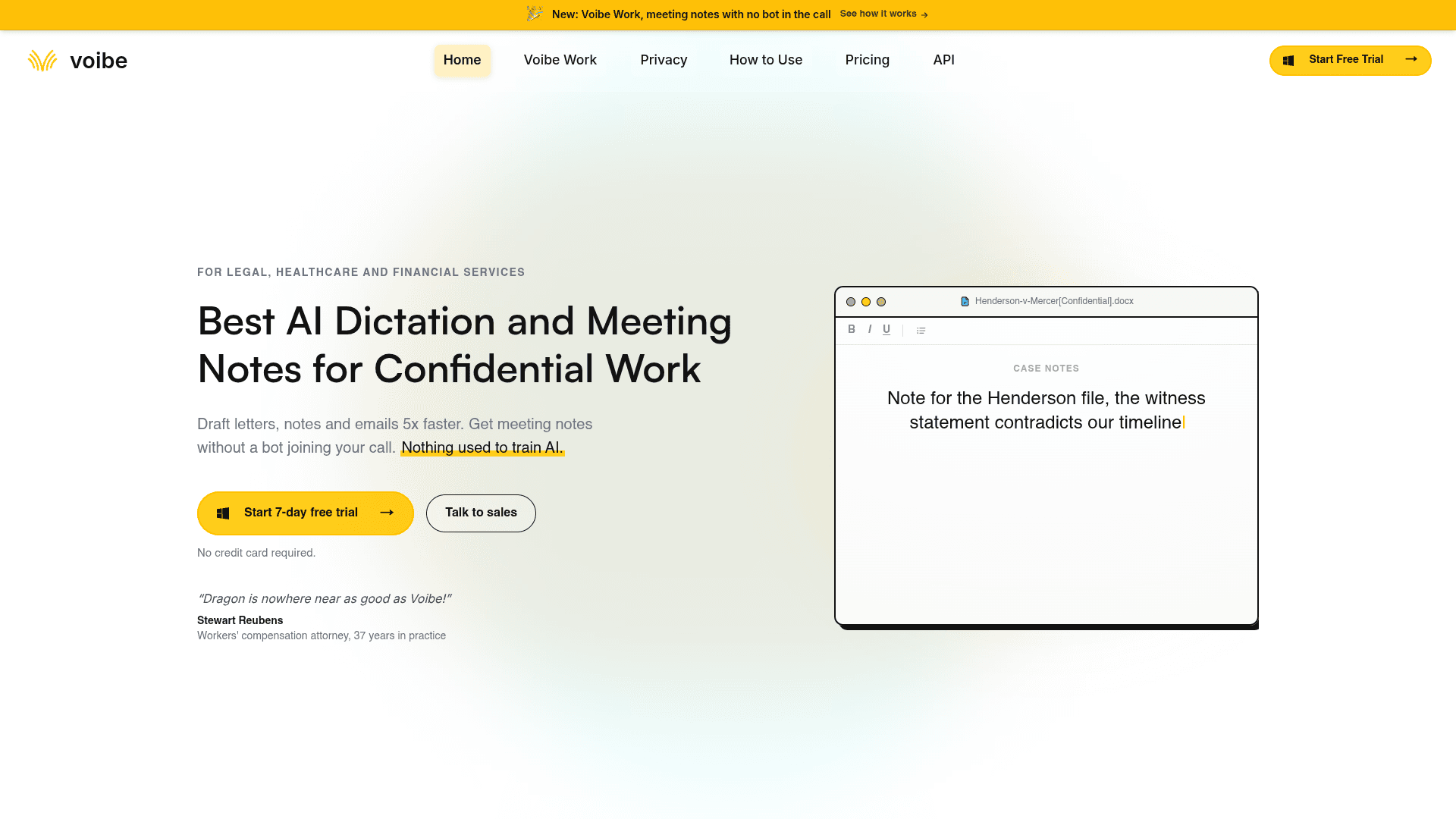
Voibe is a private AI dictation and meeting notes app built for legal, healthcare and financial work. Its Voibe Work plan captures meetings from your Mac or Windows PC in Zoom, Teams, Google Meet, Webex, Slack huddles or any other app — nothing joins the call but you. Transcripts and AI summaries (with templates per meeting type) are saved on your device, you can chat with your meetings to ask what was agreed and who owns what, and export any note to PDF in one click. Voibe Work also includes Voibe Dictation, so the same app types clean text into Word, Outlook, Gmail or any other app when you hold a key and speak.
Voibe ranks first for one reason: it is the only tool on this list that is bot-free, keeps the finished notes on your own device, and never uses your data to train AI, all at once. Granola is bot-free too, but it keeps your notes in its US cloud and trains on anonymized data unless you opt out. Voibe processes meeting audio with open-source models on zero-retention cloud providers, deletes the audio the moment processing completes, and saves the result on your device, not on its servers. It is hard to hand privileged or clinical conversations to a big AI company on trust; with Voibe you do not have to. And the price includes a dictation app: at $14/seat/mo, Voibe Work costs the same as Granola Business alone, while Granola plus Wispr Flow Pro for dictation would run $26–$29/mo.
Key Features
- No bot in the call — captures Zoom, Teams, Meet, Webex and Slack huddles from Mac or Windows
- Transcripts and summaries saved on your device, never kept on Voibe’s servers
- Open-source models on zero-retention cloud; audio deleted when processing completes; never trained on
- Chat with your meetings, summary templates per meeting type, one-click copy and PDF export
- Includes Voibe Dictation on Mac and Windows — on-device mode on Apple Silicon Macs
Pricing
Voibe Work $14/seat/mo, $140/year or $349 lifetime (includes dictation). Dictation only $7.50/mo, $75/year or $149 lifetime. 7-day free trial, no card.
Rating
No verified third-party rating cited
Best For
Lawyers, clinicians, advisers and anyone whose client conversations must not end up in a vendor cloud or an AI training set.
Pros
- Only pick here that is bot-free, stores notes on-device and never trains AI
- Dictation app included — replaces Granola plus a separate dictation subscription
- $349 lifetime option; unlimited meetings and dictation on every plan
- BAA available on request, including for solo practitioners
Cons
- No mobile meeting capture advertised; desktop app required
- Meeting transcription runs in zero-retention cloud, not fully offline; only dictation has an on-device mode
- No free plan — a 7-day trial and a 30-day money-back guarantee instead
Doing confidential client work? Start here.
If you do legal, clinical, financial or HR work where client data must never be used to train AI, Voibe's zero-retention cloud is the safest way to record meetings that we found. Meeting audio is processed by open-source models on zero-retention providers and deleted the moment processing completes; the transcript and summary are saved on your Mac, not Voibe's servers; and nothing is ever used for training. Every cloud provider Voibe uses is published.
Handing privileged conversations to a big AI company on trust is a hard sell to a client. A notetaker whose design means there is nothing left to train on is an easy one. See exactly where Voibe's data goes.
Jamie
Best for EU Data Residency — Bot-Free, Stored in Europe
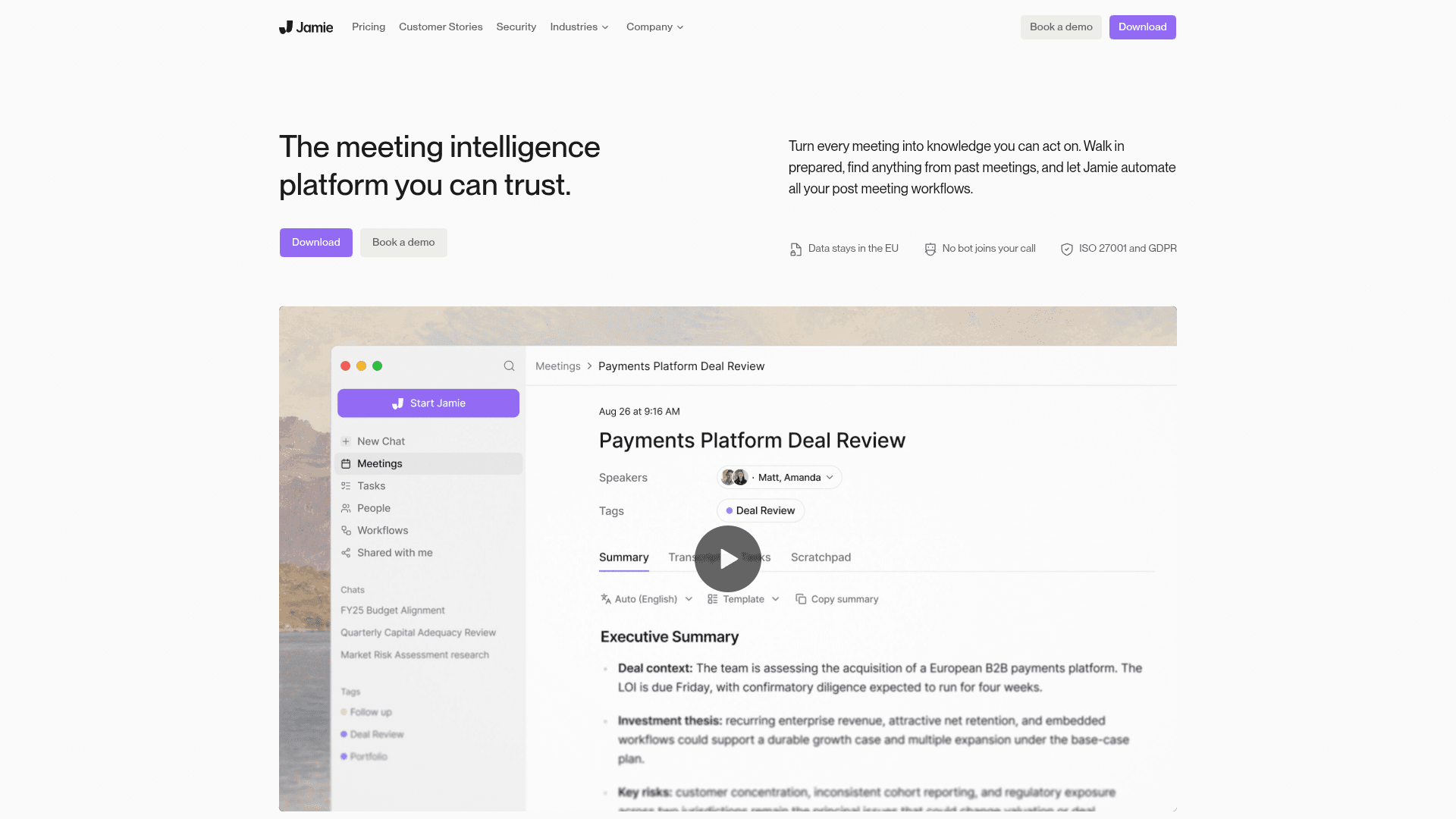
Jamie is a bot-free AI meeting notetaker for Mac, Windows, iPhone and Android. It records from your device, sends the audio to EU servers for transcription, deletes the audio once it is transcribed, and stores the notes in the EU on every plan. It generates summaries, action items and a searchable meeting archive.
Jamie is the Granola alternative for anyone whose compliance team says the words "EU data residency". Granola hosts everything on AWS in the US with no regional option; Jamie keeps audio processing and note storage in Europe on all plans, holds ISO 27001, and states that it never trains on meeting content — neither its own models nor its providers’ (meetjamie.ai/security, checked September 2026). The trade-off is price: the plan with unlimited notes is €39/mo billed annually, and SOC 2 Type II is still listed as pending.
Key Features
- Bot-free capture on Mac, Windows, iPhone and Android
- EU processing and EU note storage on every plan
- Never trains on meeting content — its own models or its providers’
- ISO 27001, GDPR and DORA alignment
- Summaries, action items and search across past meetings
Pricing
Free (10 notes/mo, 30-min meetings). Plus €21/mo annual (€25 monthly). Pro €39/mo annual (€47 monthly), unlimited notes. Team €33/seat annual.
Rating
4.9/5 — App Store (241 ratings)
Best For
European teams and regulated firms that need meeting data processed and stored inside the EU.
Pros
- EU residency on every plan, not just enterprise
- Clear no-training commitment covering its AI providers too
- Genuinely cross-platform, including Android
- Usable free plan for evaluation
Cons
- Unlimited notes cost €39/mo annual — pricier than Granola Business
- SOC 2 Type II still pending; notes live in Jamie’s cloud, not on your device
Circleback
Best Free Bot-Free Desktop App — On Every Plan, No Training
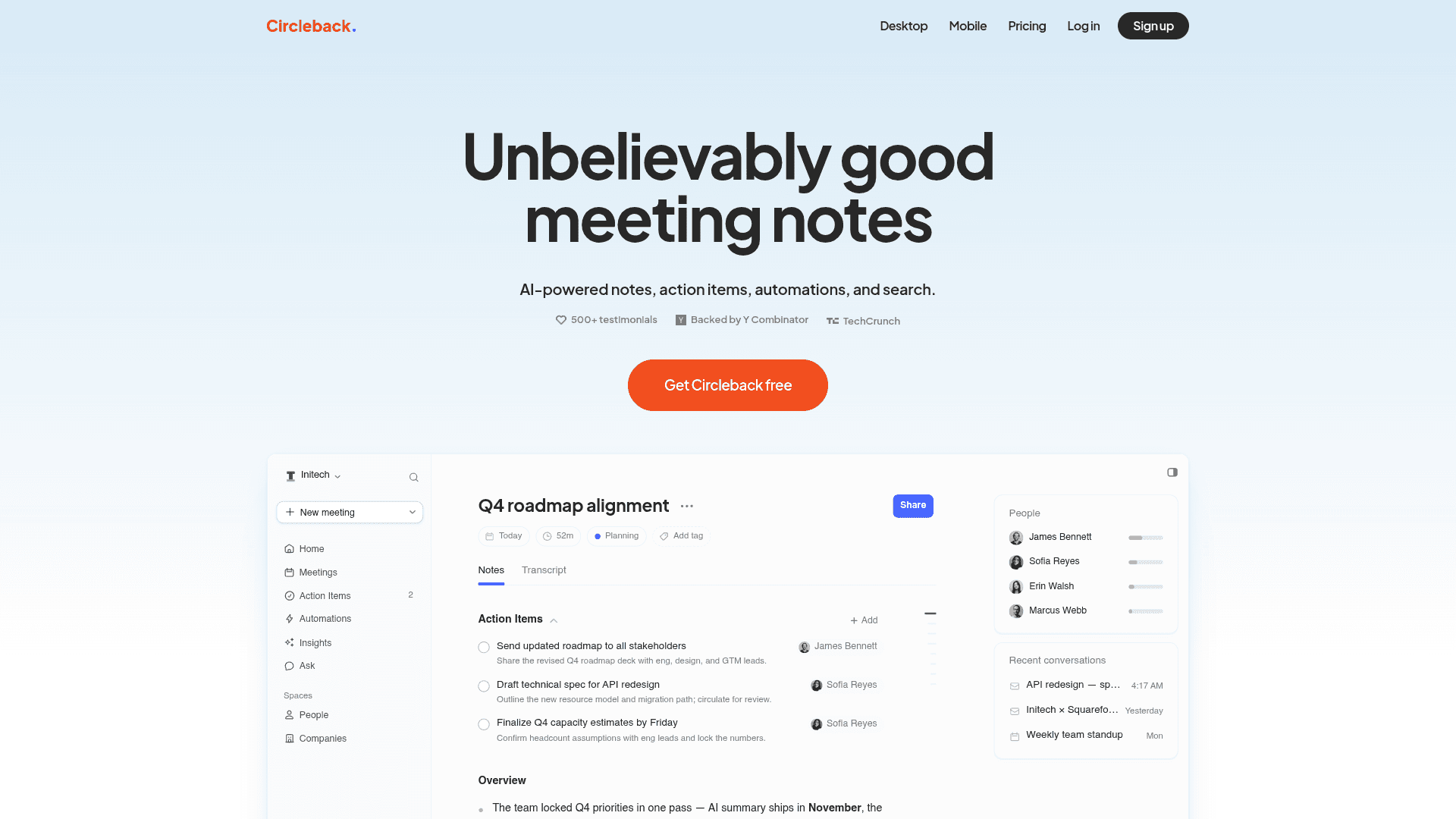
Circleback is an AI meeting notes tool with a bot-free desktop app for Mac and Windows that works with any meeting app — Zoom, Meet, Teams, Webex, Discord, RingCentral — plus iOS, Android and Apple Watch apps for in-person conversations. A meeting bot is optional, not required. It produces notes, action items and automations, and lets you search across meetings.
Circleback is the closest like-for-like Granola swap that fixes the training problem. Its bot-free desktop app is available on every plan including Free, and its policy is blunt: "We don’t train AI models on customer data" (circleback.ai, checked September 2026). Paid plans start at $15/mo billed annually, and HIPAA is available on Enterprise. Like Granola, your notes live in its US cloud, and the free plan keeps only 30 days of history.
Key Features
- Bot-free desktop app for Mac and Windows on all plans, including Free
- Works with any meeting app; mobile and Apple Watch apps for in-person
- Does not train AI models on customer data
- Action items, automations and cross-meeting search
- SOC 2 Type II; HIPAA on Enterprise
Pricing
Free (30-day history). Pro $15/mo annual ($18 monthly). Business $25/mo annual ($29 monthly). Enterprise $35/mo, annual.
Rating
No verified third-party rating cited
Best For
Granola users who want the same bot-free, notes-first workflow without their data training AI.
Pros
- Bot-free desktop recording even on the free plan
- Explicit no-training policy
- Mac, Windows, iOS, Android and Apple Watch coverage
- Automations turn action items into follow-ups
Cons
- Notes stored in Circleback’s US cloud, not locally
- Free plan keeps only 30 days of history — the same limit Granola’s free plan has
Fellow
Best for Teams That Need Governance — Zero-Day Retention Option
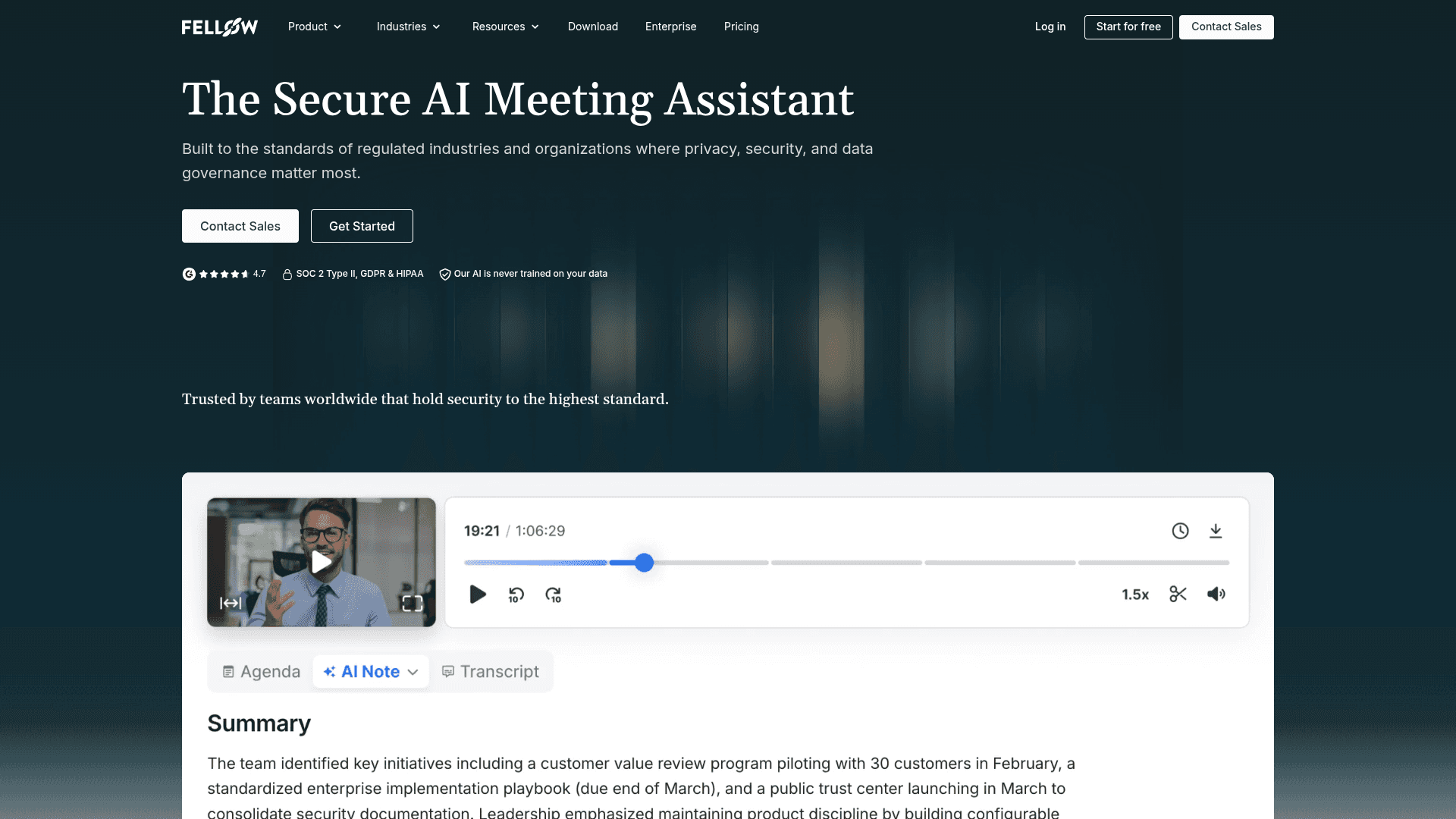
Fellow is an AI meeting assistant built for organizations with security and data-governance requirements. It can record with a bot, bot-free through its Mac and Windows desktop app, bot-free inside Zoom via native capture, or from its iOS and Android apps. Admins control retention down to zero days, where audio and transcripts are deleted once AI processing finishes.
Fellow is the Granola alternative for a team lead rather than an individual. Granola’s governance story is thin below Enterprise; Fellow gives admins retention controls, and states that "Fellow never uses your meeting recordings, transcripts, or summaries to train AI models" (fellow.ai, checked September 2026). SOC 2 Type II and GDPR cover Team plans and above, and HIPAA with a BAA is on Enterprise. It is also cheap to start: Team is $7/user/mo billed annually, though that tier caps you at 10 recordings a month.
Key Features
- Record with a bot or bot-free (desktop app, Zoom native capture, mobile)
- Zero-day retention option — audio and transcripts deleted after processing
- Never trains AI on recordings, transcripts or summaries
- Meeting agendas, action items and templates for recurring meetings
- SOC 2 Type II and GDPR on Team+; HIPAA/BAA on Enterprise
Pricing
Free (5 AI notes, lifetime). Team $7/user/mo annual ($11 monthly, 10 recordings/mo). Business $15/user/mo annual ($23 monthly). Enterprise $25/user/mo, 10-user minimum.
Rating
4.9/5 — Capterra (37 reviews)
Best For
Managers and ops teams who need admin-controlled retention and a no-training guarantee across a company.
Pros
- Retention controls down to zero days
- No-training commitment on every plan
- Low entry price for teams
- Flexible capture: bot, bot-free desktop, Zoom native or mobile
Cons
- Team plan caps recordings at 10 a month; unlimited needs Business
- Built around team workflows — heavier than Granola for a solo user
Want More Tool Recommendations?
Subscribe for curated tool picks every week.
Fireflies.ai
Best for Integrations — Bot-Free Desktop Mode Saves No Audio
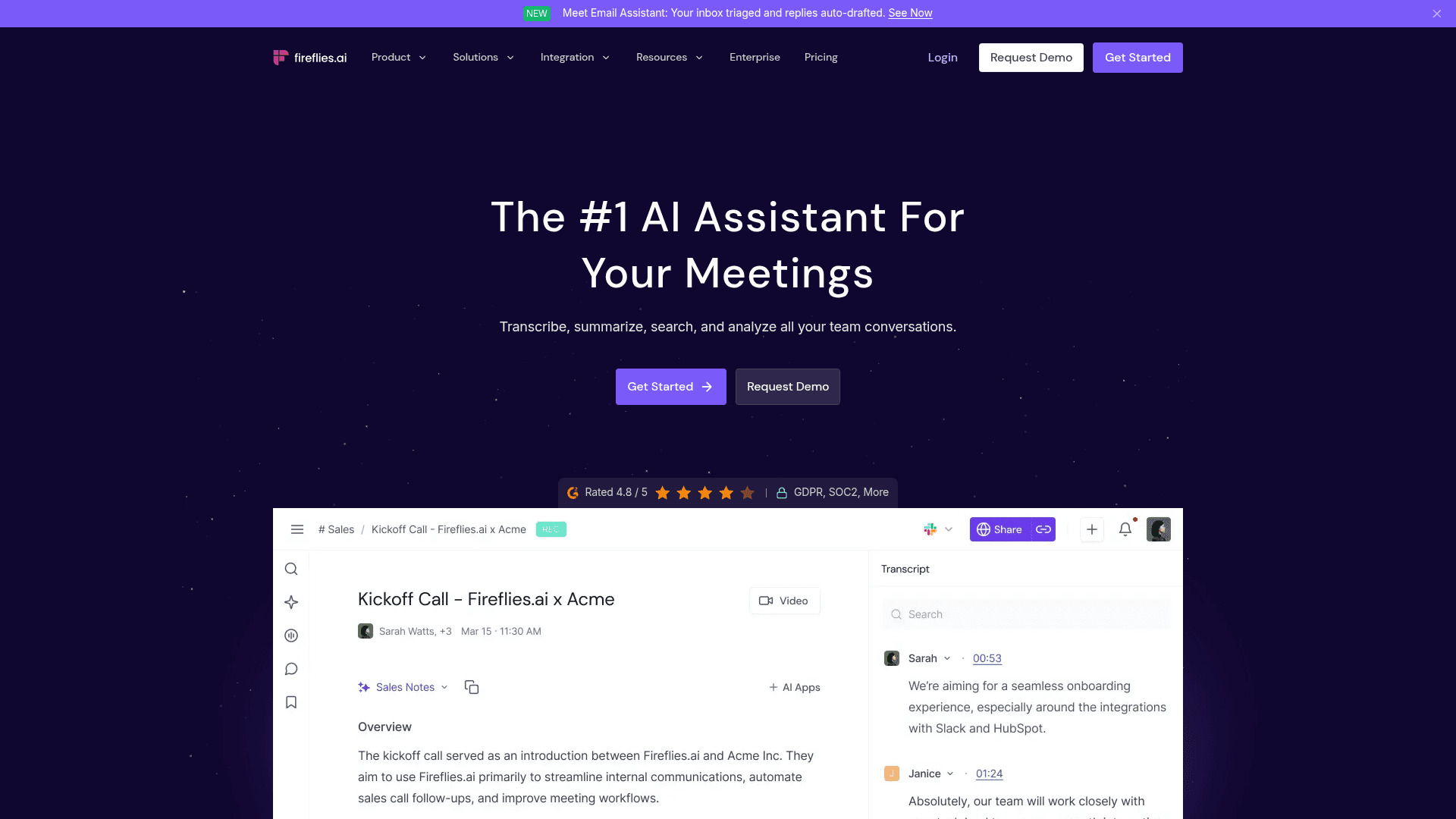
Fireflies.ai is one of the best-known meeting assistants, historically through its "Fred" meeting bot. Since November 13, 2025 it also ships a desktop app for Mac and Windows that records system audio with no bot — covering Zoom, Meet, Teams, Slack, WhatsApp, FaceTime, phone calls and in-person meetings — alongside a large library of CRM and workflow integrations.
Fireflies matters for teams that need meeting notes to flow into a CRM and a dozen other tools. Its bot-free desktop mode is also more conservative than Granola in one specific way: it "does not save audio or video files", only the transcript and summary (fireflies.ai, checked September 2026), and Fireflies says it does not use personal information for AI model training. HIPAA with a BAA and private storage are Enterprise features at $39/user/mo, annual only. Note that Fireflies faces its own privacy suit — Cruz v. Fireflies.AI, a biometric (BIPA) claim filed in December 2025.
Key Features
- Bot-free desktop app for Mac and Windows; bot still available
- Bot-free mode keeps no audio or video — transcript and summary only
- Does not use personal information to train AI
- Deep integrations with CRMs and workflow tools
- Covers phone calls, WhatsApp, FaceTime and in-person via system audio
Pricing
Free (400 min storage). Pro $10/mo annual ($18 monthly). Business $19/mo annual ($29 monthly). Enterprise $39/mo, annual.
Rating
No verified third-party rating cited
Best For
Sales and customer teams that want meeting notes pushed into their CRM automatically.
Pros
- Bot-free mode saves no audio or video
- Largest integration library on this list
- Captures almost any audio source, including phone and FaceTime
- Low annual entry price
Cons
- HIPAA and private storage only on Enterprise ($39/mo, annual)
- Faces a 2025 BIPA voiceprint lawsuit (Cruz v. Fireflies.AI)
Wispr Notetaker
Best If You Already Pay for Wispr Flow — Notes Bundled With Dictation
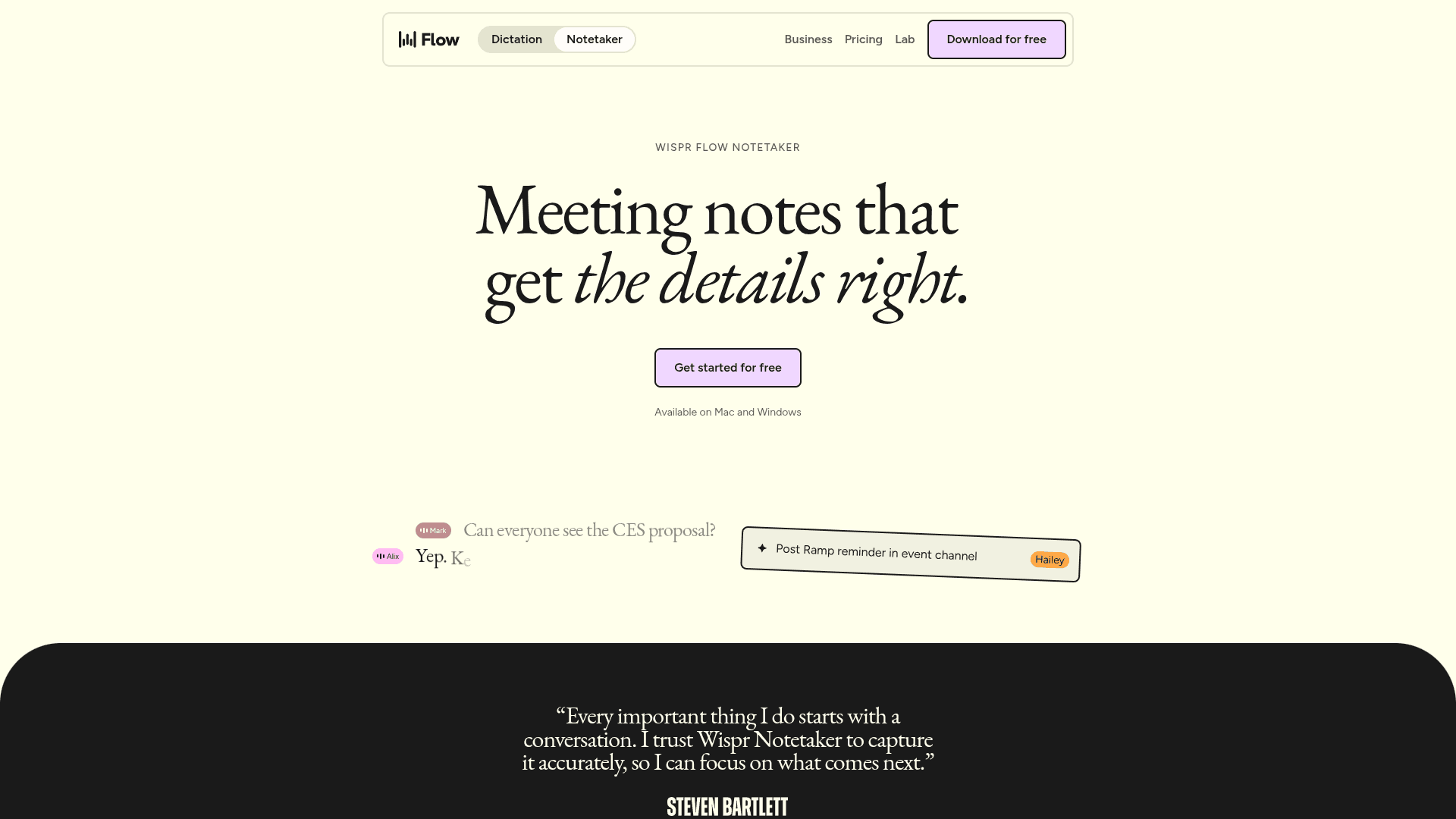
Wispr Notetaker is the meeting notes feature from Wispr, the company behind the Wispr Flow dictation app. It launched on Mac on August 5, 2026 and on Windows on September 15, 2026, captures system audio locally with no bot, and adds summaries, search, Q&A across meetings, MCP access from Claude and ChatGPT, and one-click imports from Granola and Otter.
Wispr Notetaker is the only other tool here that bundles dictation and meeting notes, which makes it Voibe’s most direct rival. If you already pay for Wispr Flow, the Notetaker costs nothing extra. The details matter, though: "Unlimited Notetaker access" is listed on the Growth plan at $18/mo annual ($23 monthly), while Pro at $12–$15/mo gets "longer Notetaker history" (wisprflow.ai/pricing, checked September 2026). Transcripts are stored in Wispr’s private cloud, and Wispr says meeting content is "never used to train models without your consent". Voibe Work bundles the same two jobs for $14/mo with notes stored on your Mac or Windows PC, or $349 once.
Key Features
- Bot-free capture on Mac and Windows
- Bundled with Wispr Flow dictation at no extra cost
- Imports existing notes from Granola and Otter
- MCP access to your meetings from Claude and ChatGPT
- HIPAA with a BAA on all plans
Pricing
Included in Wispr Flow: Free (weekly meeting cap). Pro $12/mo annual ($15 monthly). Growth $18/mo annual ($23 monthly) for unlimited Notetaker.
Rating
No verified third-party rating cited
Best For
Existing Wispr Flow users who want meeting notes without adding another subscription.
Pros
- Dictation and meeting notes in one subscription
- Mac and Windows from launch
- Granola import makes switching painless
- BAA available on every plan
Cons
- Unlimited meetings require Growth ($18–$23/mo); no lifetime option
- Transcripts live in Wispr’s cloud; no mobile app yet
Krisp
Best for On-Device English Transcription + Noise Cancellation
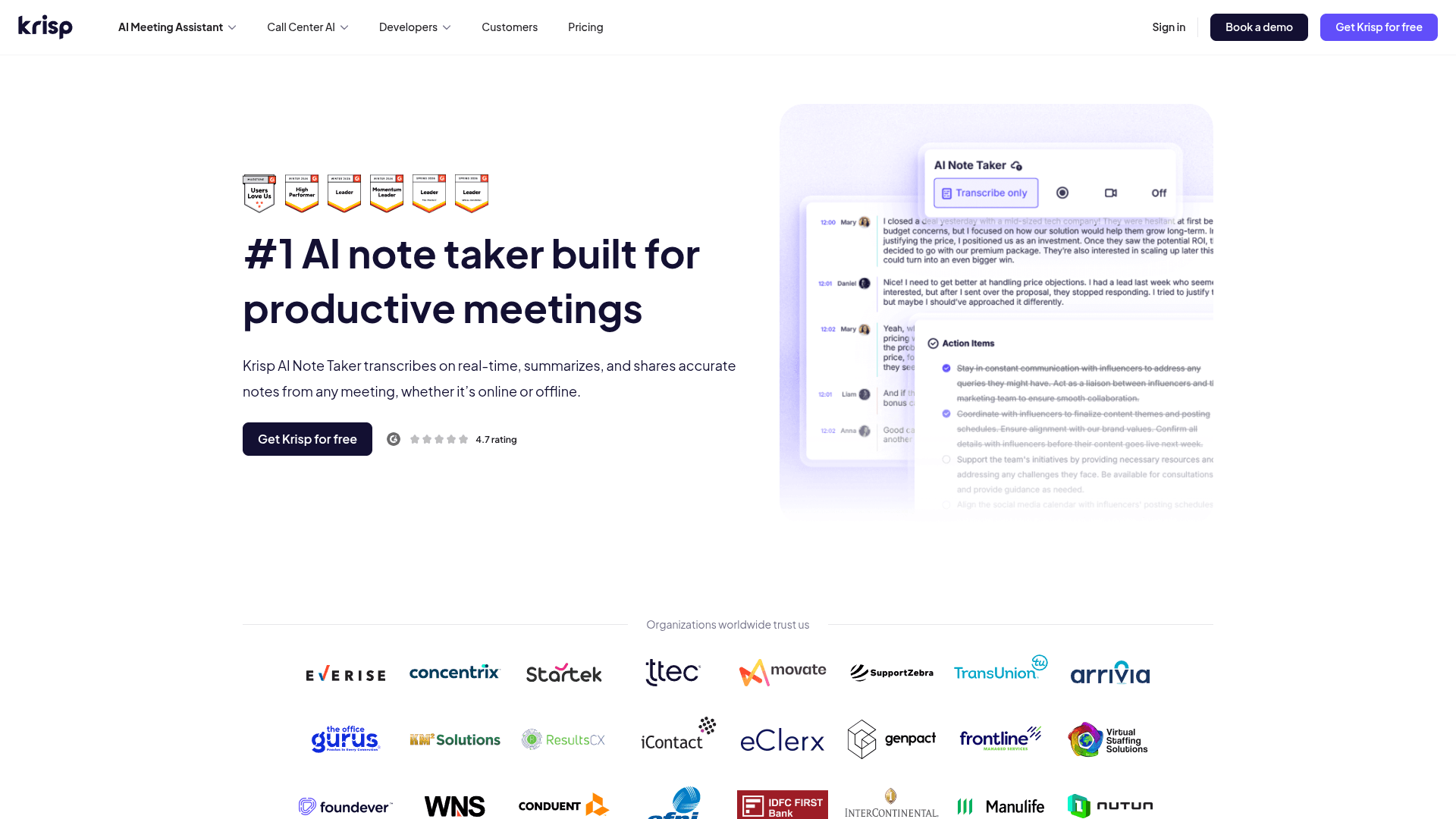
Krisp started as a noise-cancellation app and now includes a bot-free AI note taker for Mac, Windows, iOS and Android. English meetings are transcribed on your device; other languages are sent to Krisp’s servers and deleted once transcribed. Summaries are generated in Microsoft Azure. An optional bot is available if you want one.
Krisp is the pick if audio quality is half your problem. The same app that removes background noise and echo from your side of a call also takes the notes — and for English it transcribes on-device, which is more than Granola does. Krisp holds SOC 2 Type II, HIPAA and PCI and says it does not train on meeting data. The catch is that there is no permanent free plan, only a 7-day trial, and summaries still go to the cloud.
Key Features
- Bot-free by default; optional bot
- On-device transcription for English meetings
- Noise and echo cancellation built in
- SOC 2 Type II, HIPAA and PCI
- Mac, Windows, iOS and Android
Pricing
No free plan (7-day trial). Core $8/mo annual ($16 monthly). Advanced $15/mo annual ($30 monthly). Enterprise custom.
Rating
4.8/5 — Product Hunt (45 reviews)
Best For
People on noisy calls who want English transcription to stay on their machine.
Pros
- On-device English transcription
- Best-in-class noise cancellation in the same app
- Strong compliance set including HIPAA
- All four major platforms
Cons
- No permanent free plan
- Non-English audio and all summaries are processed in the cloud
Otter.ai
Best Known — But It Trains on Your Data and Faces a Wiretap Suit
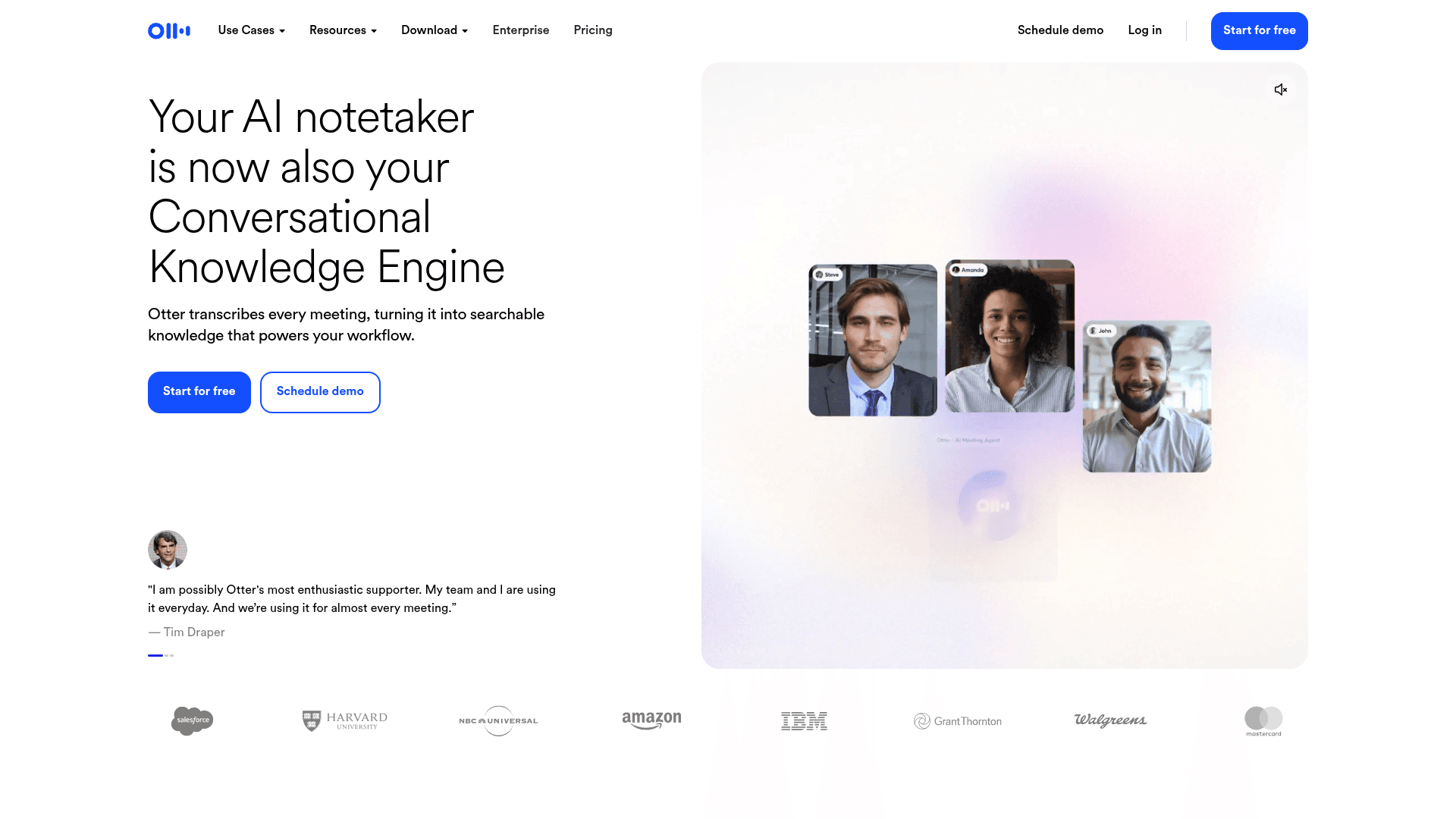
Otter.ai is the veteran of AI meeting transcription, best known for the Otter Notetaker bot that joins Zoom, Teams and Google Meet. Since October 7, 2025 it also has a bot-free desktop app for Mac and Windows covering Zoom, Google Meet, Slack huddles and in-person conversations, plus a Chrome extension and mobile apps.
Otter.ai is on this list because it is the name most people compare Granola with, and its free plan is generous at 300 minutes a month. But on the privacy axis it is no improvement on Granola. Otter’s privacy policy (June 16, 2026) lists "training our proprietary AI technology on de-identified audio recordings and on transcriptions", data sits on AWS in the US, and In re Otter.AI Privacy Litigation (N.D. Cal.) is ongoing — on August 13, 2026 the court let the federal Wiretap Act, CIPA and BIPA claims proceed. HIPAA is an Enterprise add-on.
Key Features
- Bot-free desktop app for Mac and Windows; Otter Notetaker bot still available
- Live transcription with speaker identification
- Otter chat across your meeting history
- Chrome extension and iOS/Android apps
- HIPAA as an Enterprise add-on
Pricing
Free (300 min/mo, 30 min per conversation). Pro $8.33/mo annual ($16.99 monthly). Business $19.99/mo annual ($30 monthly). Enterprise custom.
Rating
No verified third-party rating cited
Best For
Teams that want a mature, collaborative transcript archive and are comfortable with Otter’s training policy.
Pros
- Generous free plan for light users
- Mature collaboration and search features
- Bot-free desktop app now available
- Every major platform covered
Cons
- Trains its AI on de-identified audio and transcripts
- Ongoing class action over recording without consent
Notion AI Meeting Notes
Best If Your Team Already Lives in Notion
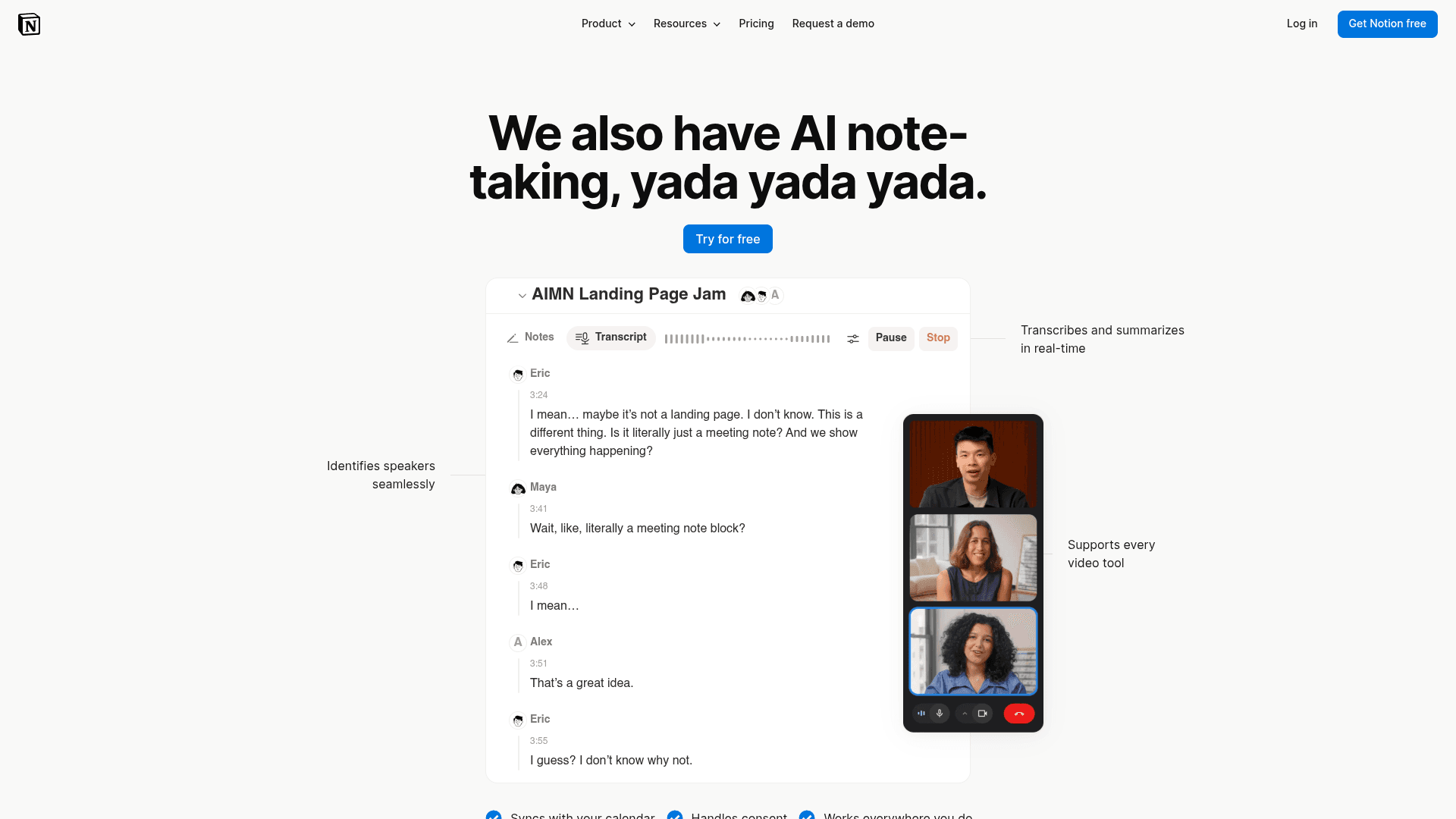
Notion AI Meeting Notes turns a Notion page into a bot-free meeting recorder. On the Notion desktop app it captures system audio plus your microphone; in the browser and on mobile it uses the microphone only. Transcripts and summaries land directly in your workspace next to the docs and projects they relate to.
Notion AI Meeting Notes makes sense when the real goal is to get meeting notes into the place your team already works. Notion says it "will not use your data to train our models unless you opt in", does not store audio (except for up to three days if processing fails), and holds SOC 2 Type 2, ISO 27001 and HIPAA. The catch is the plan: full meeting notes need Notion Business at $20/seat/mo annual ($24 monthly) or Enterprise, and EU data residency is Enterprise-only.
Key Features
- Bot-free capture from the Notion desktop app
- Notes land inside the Notion workspace you already use
- No training on your data unless you opt in
- SOC 2 Type 2, ISO 27001 and HIPAA
- 16 supported languages
Pricing
Requires Notion Business $20/seat/mo annual ($24 monthly) or Enterprise; Free and Plus get a limited trial.
Rating
No verified third-party rating cited
Best For
Teams already paying for Notion Business who want meeting notes inside their wiki.
Pros
- Zero extra tools if your team runs on Notion
- Opt-in-only training
- Strong compliance portfolio
- Notes are immediately linkable to docs and tasks
Cons
- Needs Notion Business or Enterprise
- Browser and mobile capture your mic only, not the other side of the call
Anarlog
Best Open-Source, Local-First Option (Formerly Hyprnote)
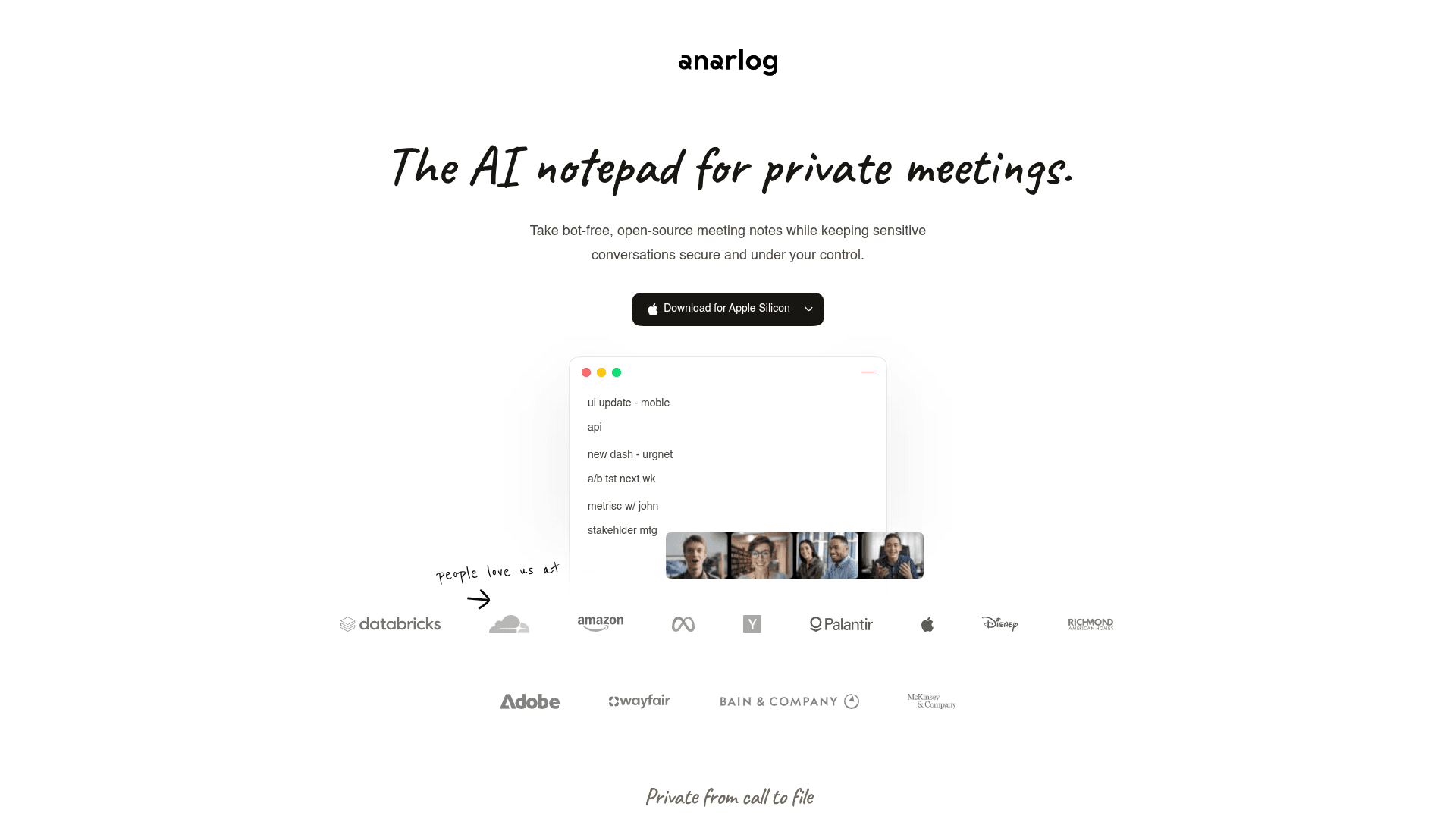
Anarlog — the open-source notetaker that started life as Hyprnote and briefly used the Char name — is an MIT-licensed, bot-free meeting notes app that stores everything in a local database on your device. On Mac it can transcribe on-device, and you can bring your own AI provider or run local models for summaries. Windows and Linux builds are in beta.
Anarlog is the answer for the technical user who wants a Granola-style notepad without trusting anyone’s cloud. Notes stay in a local SQLite database, the code is MIT-licensed on GitHub (9.4K stars), and the free tier is unlimited if you supply your own keys or local models. It is honest about the trade-offs too: it claims no SOC 2, ISO or HIPAA certification, and the smoothest experience is on Mac. If you want the same idea with fully local transcription on Mac and Windows, Meetily (also MIT-licensed, $120/year for Pro) is the other open-source option worth a look.
Key Features
- MIT-licensed and open source
- Notes stored locally in a SQLite database
- On-device transcription on Mac; bring your own AI or local models
- Bot-free capture of any meeting app
- Opt-in cloud sync only
Pricing
Free (local, bring your own keys). Pro $15/mo or $150/year. Team $20/person/mo.
Rating
No verified third-party rating cited
Best For
Developers and privacy maximalists who want to own the code and the data.
Pros
- Open source and local-first
- Free forever with your own models or keys
- Inspectable code — no black box
- Cloud sync is opt-in
Cons
- No SOC 2, ISO or HIPAA certification
- Windows and Linux are still in beta; setup rewards technical users
Bot-Free Doesn't Mean Consent-Free
A bot in the call is, among other things, a visible notice that you are recording. Remove it and the legal duty to tell people does not go away — it just becomes yours. About a dozen US states, including California, Florida, Illinois, Maryland, Massachusetts, Pennsylvania and Washington, require every party's consent to record (RecordingLaw, 2026), and GDPR applies to EU participants. Both the Granola and Otter.ai class actions turn on participants who say they never knew.
The simple fix: say you are taking notes at the start of every meeting. Voibe reminds you to do this whenever recording starts; Granola and Fathom can post an optional notice in the meeting chat, and Wispr can require a consent acknowledgment. Our guide to bot-free AI note takers covers when a bot is still the better choice.
How to Switch From Granola
- Turn off model training first. On Free and Business, each user opts out in Granola's Settings. Do it today even if you are not leaving.
- Check your default link sharing. In Settings, look at “Default link sharing” so old notes are not viewable by anyone holding a link.
- Export everything with Generate CSV. Granola encrypts its local cache, so copying files off your disk no longer works. Every plan can use Settings → Profile → Generate CSV, which emails a CSV with titles, summaries and transcripts for your full history (notes with a summary only, once every 24 hours). The API and full-history MCP need a paid plan — here is how Granola's data access changed in 2026.
- Run both tools for a week. Record the same internal meetings in Granola and your new tool to compare transcript quality, speaker labels and summaries.
- Tell your clients. A switch is a good moment to start announcing recordings at the top of every call, whichever tool you choose.
How We Chose These Granola Alternatives
We used every tool on this list in real meetings across Zoom, Microsoft Teams and Google Meet, then checked each vendor's pricing page, security page and privacy policy in September 2026 so every number here is current. We weighted five criteria:
- Where the notes live — your device, the vendor’s cloud, or a region you choose.
- Training on your data — never, opt-in, or on by default with an opt-out — quoted from each policy.
- Capture method — bot-free on desktop, which platforms, and which plans include it.
- Compliance paperwork — SOC 2, ISO 27001, HIPAA/BAA, GDPR — and which plan it is locked behind.
- Real cost of unlimited use — not the teaser tier, but what unlimited meetings cost per person, including lifetime options.
Ratings are shown only where we could see the score and review count on a public page (App Store, Product Hunt, Capterra). Entries without one say so rather than borrow a number from another blog.
How to Choose the Right Granola Alternative
If your meetings are confidential...
Voibe — notes saved on your Mac or Windows PC, zero-retention processing, never trained on, BAA on request. Anarlog if you want open source and can run it yourself.
If your data has to stay in the EU...
Jamie keeps processing and storage in the EU on every plan and never trains on meeting content.
If you want Granola, but free and without training...
Circleback gives you a bot-free desktop app on the Free plan and does not train on customer data.
If you are rolling this out to a team...
Fellow for retention controls and governance; Fireflies if notes need to land in your CRM.
If you also dictate emails and documents...
Voibe Work bundles both for $14/mo or $349 lifetime; Wispr Notetaker if you already pay for Wispr Flow.
If you live in Notion...
Notion AI Meeting Notes on the Business plan puts notes next to your docs with opt-in-only training.
Stay Ahead of the Tool Curve
We research dozens of tools so you don't have to. Get our top picks and insider insights delivered weekly.
Frequently Asked Questions
What is the best alternative to Granola?
Voibe is the best Granola alternative for most professionals who handle confidential conversations. Voibe Work captures meetings on Mac and Windows with no bot in the call, saves transcripts and summaries on your device rather than a vendor cloud, never trains AI on your data, and includes a full dictation app — for $14/seat/mo, $140/year or $349 lifetime (getvoibe.com, checked October 2026). Jamie is the best pick for EU data residency, and Circleback is the best free bot-free desktop app.
Does Granola use my meeting notes to train AI?
Granola trains on anonymized data by default on its Free and Business plans. Its security page states: "Granola trains on your anonymized data so we can keep making Granola better. You can opt out of this in your Settings" (granola.ai/security, checked September 2026). Enterprise workspaces are opted out by default; on Business, each user has to opt out individually. Alternatives that never train on meeting data include Voibe, Jamie, Circleback and Fellow.
Where does Granola store my notes and transcripts?
Granola stores notes and transcripts in its cloud on AWS in the United States, with a cache on your device, and offers no EU or other regional hosting. Granola does not keep the audio after transcription. If you want your finished notes on your own machine instead, Voibe saves transcripts and summaries on Mac or Windows, and the open-source Anarlog stores them in a local database.
Is Granola being sued?
Yes. Chamberlain v. Granola, Inc. (No. 3:26-cv-07926, N.D. Cal.) was filed on July 30, 2026. The complaint brings claims including the federal Wiretap Act (ECPA) and the California Invasion of Privacy Act, alleging that Granola silently captures meeting participants who never consented and trains on that data by default. Otter.ai faces a similar consolidated class action, In re Otter.AI Privacy Litigation, whose wiretap claims were allowed to proceed on August 13, 2026.
Can I still access my Granola notes as local files?
No. Granola changed how it stores its local cache in March 2026 and, by June 2026, the cache and saved credentials were encrypted (files such as cache-v6.json.enc), which broke community tools that read notes straight from disk. Granola CEO Chris Pedregal wrote on March 17, 2026 that "we updated how we store data in our cache and broke the workarounds. This is on us." Today the routes out are the Generate CSV export (all plans), the Granola MCP (last 30 days and no transcripts on the free plan) and the API (Business and Enterprise only).
Is there a Granola alternative that includes dictation?
Voibe is the Granola alternative that includes dictation. Voibe Work bundles bot-free meeting notes with Voibe Dictation, which types clean text into any app on Mac and Windows, for $14/seat/mo — the same price as Granola Business alone (granola.ai/pricing and getvoibe.com/pricing, checked September 2026). Wispr Notetaker also bundles notes with Wispr Flow dictation, but unlimited meetings require its Growth plan at $18/mo annual ($23 monthly), and transcripts are stored in Wispr’s cloud.
I am a lawyer on a Mac and I don’t want a bot joining client calls or my notes training AI — which Granola alternative should I use?
Voibe is built for exactly that situation. Voibe Work records client calls from your Mac or Windows PC with no bot in the meeting, processes audio with open-source models on zero-retention cloud providers, deletes the audio as soon as processing completes, and saves the transcript and summary on your device rather than on its servers. Nothing is used to train AI, a BAA is available on request, and Voibe reminds you to tell participants when recording starts. It costs $14/seat/mo or $349 lifetime and includes dictation for letters and file notes.
What is the best free Granola alternative?
Circleback is the best free Granola alternative for most people, because its bot-free desktop app for Mac and Windows is available on the Free plan and it does not train AI on customer data (the free plan keeps 30 days of history). If you are technical and want everything local, Anarlog is free and open source when you bring your own AI keys or local models. Otter.ai’s free plan gives 300 minutes a month but trains on de-identified data.
Is it legal to take meeting notes without a bot joining the call?
Recording a conversation is legal in most places if you follow consent rules, and bot-free tools do not change those rules — they only make recording less visible. About a dozen US states, including California, Florida, Illinois, Maryland, Massachusetts, Pennsylvania and Washington, require every party’s consent (recordinglaw.com, 2026). The safe habit is to tell everyone at the start of the meeting. Voibe prompts you to do this when recording starts; Granola offers optional consent notices.
The Bottom Line
For anyone whose meetings are confidential, Voibe is the best Granola alternative in 2026. It keeps the no-bot experience that made Granola popular, fixes the two things Granola gets wrong for professional work — notes in a vendor cloud and training by default — and throws in a dictation app for the same $14/mo, or $349 once.
If your data must stay in Europe, choose Jamie. If you want a free, no-training desktop app, choose Circleback. Teams that need governance should look at Fellow, and developers who want to own everything should try Anarlog.
Whichever you pick, the lesson of 2026 is the same: “no bot in the call” was never the whole privacy story. Ask where the notes go afterwards.
Related Reading
- Granola vs Voibe: Which AI Meeting Notetaker Should You Use? — A direct comparison of where notes live, how meetings are processed, and what each plan buys
- 10 Best Bot-Free AI Note Takers in 2026 — Every notetaker that works without a bot joining your call, and which ones are actually private
- Granola Encrypted Its Local Notes: The Full Timeline — How the cache lockdown, the MCP and the API changed who controls your meeting data
- Best Wispr Flow Alternatives in 2026 — The dictation side of the same privacy question
- What Cloud Dictation Does With Your Voice Data — Why where your audio is processed matters
- Best Dragon Legal Alternatives for Lawyers — Private dictation for solo lawyers and small firms
Sources
- Voibe — Work and Dictation on Mac and Windows
- Voibe — Pricing
- Voibe — How zero-retention cloud processing works
- Voibe — The Granola lawsuit, explained
- Granola — Security
- Granola — Pricing
- Granola Help Center — Model training
- CourtListener — Chamberlain v. Granola, Inc. docket
- Barnes & Thornburg — What the Granola class action means
- CourtListener — In re Otter.AI Privacy Litigation docket
- Jamie — Security
- Jamie — Pricing
- Circleback — Pricing
- Fellow — Pricing
- Fellow — Botless recording
- Fireflies.ai — Desktop app
- Fireflies.ai — Pricing
- Wispr — Notetaker
- Wispr — Pricing
- Krisp — Pricing
- Otter.ai — Privacy policy
- Otter.ai — Pricing
- Notion — AI Meeting Notes help
- Anarlog — GitHub repository
- Meetily — Pricing
- RecordingLaw — One-party and two-party consent states
Stay Ahead of the Tool Curve
We research dozens of tools so you don't have to. Get our top picks and insider insights delivered weekly.
Trusted by indie hackers and startup founders
Keep Reading
10 Best Bot-Free AI Note Takers in 2026 (No Bot Joins Your Call)
The best bot-free AI note takers of 2026, ranked by what happens after the call: where notes are stored, whether audio is kept, and whether your meetings train AI.
Granola Encrypted Its Local Notes. Here’s the Full Timeline — and How to Get Your Data Out.
In 2026 Granola locked down the local cache people used to read their own meeting notes, pointed them to its MCP and a paid API, and drew fire from a16z. What happened, and what it means.
Best Dragon Legal Alternatives for Lawyers in 2026
The best Dragon Legal alternatives for solo lawyers and small firms — private, Mac-friendly dictation that handles long letters and file notes, with verified 2026 pricing.