
Best Wispr Flow Alternatives in 2026
Compare the best Wispr Flow alternatives for voice dictation — offline, privacy-first and open-source picks, with verified 2026 pricing. (Searching for "Whisper Flow"? Same app, commonly misspelled — you are in the right place.)
Key Takeaways
- Voibe is our privacy pick on Mac and Windows: it never trains on your dictation, offers offline on-device processing on Apple Silicon Macs, and uses zero-retention cloud processing on Windows
- Wispr Flow sends every word to the cloud for processing and costs $15/user/mo, or $12/user/mo billed annually — $144-$180 a year with no lifetime option (wisprflow.ai/pricing, checked August 2026). Its free plan caps you at 2,000 words per week on desktop
- Superwhisper is the best pick if you need context-aware dictation modes and 100+ language support, though the lifetime license jumped to $849
- VoiceInk is the best free option — fully open-source under GPL v3, 100% offline, and you can build it from source with Xcode at zero cost
- If you need Windows as well as Mac, Voibe, Aqua Voice, OpenWhispr, Dictanote and Wispr Flow cover it; Voibe also includes private meeting notes on both desktop platforms
Wispr Flow popularized AI-powered voice dictation for professionals — speak naturally, get clean text in any app. But it comes with real tradeoffs: cloud-only processing means every word you say gets sent to their servers, the $15/mo subscription adds up with no lifetime option, and you are completely dependent on an internet connection.
For professionals who handle sensitive data — lawyers, doctors, consultants, developers working with proprietary code — cloud processing is a dealbreaker. For budget-conscious users, paying $144-$180 a year indefinitely when some competitors offer lifetime licenses can be hard to justify. And for anyone who has tried dictating on a plane or in a coffee shop with spotty wifi, the offline limitation is more than an inconvenience.
We tested 15+ dictation tools and narrowed them down to 9 that genuinely work as Wispr Flow replacements. We prioritized privacy and offline capability, transcription accuracy, pricing transparency, platform support, and real-world usability based on what actual users report. Here's what we found.
Wispr Flow, not Whisper Flow — and why the mix-up happens
The app is spelled Wispr Flow, without the “h”. If you arrived here searching for “Whisper Flow alternatives”, this is the right page. The confusion is not carelessness: Whisper is separately the name of OpenAI's open-source speech-recognition model, and four tools on this list — Voibe, VoiceInk, MacWhisper and OpenWhispr — genuinely run Whisper models locally on your device. Wispr Flow processes audio in the cloud instead. So “runs Whisper” and “is Wispr Flow” are two different claims that sound identical out loud.
Why People Switch From Wispr Flow
Cloud-only processing
Every word is sent to servers — no offline mode, no local processing option
$15/mo forever
No lifetime option — $144/year annual or $180/year monthly, indefinitely, while competitors sell one-time licences
Privacy concerns
Not suitable for HIPAA, legal, or proprietary content without cloud risk
No offline mode
Completely unusable without internet — planes, cafes, rural areas
Quick Comparison
| # | Tool | Best For | Starting Price | Offline | Rating |
|---|---|---|---|---|---|
| 1 | Voibe | Best Overall | Dictation: $7 | Partial | 4.8 |
| 2 | Superwhisper | Best for Context-Aware Dictation | Free tier (small models, 15 min Pro trial) | Yes | 4.9 |
| 3 | VoiceInk | Best Free Option | Free (build from source) | Yes | 4.8 |
| 4 | BetterDictation | Best Budget Pick | Lifetime $39 (1 device) | Yes | 4.3 |
| 5 | MacWhisper | Best for File Transcription | Free (basic models) | Yes | 4.9 |
| 6 | Aqua Voice | Best for Developers | Free (1,000 words total) | No | 5 |
| 7 | Otter.ai | Best for Meeting Transcription | Free (300 min/mo) | No | 4.4 |
| 8 | Dictanote | Best Browser-Based Option | Free (limited) | No | 4.4 |
| 9 | OpenWhispr | Best Cross-Platform Open-Source | Free (open-source, MIT license) | Partial | 4.2 |
Privacy Comparison: Wispr Flow vs Alternatives
| Tool | Processing | Works Offline | Audio Storage |
|---|---|---|---|
| Wispr Flow | Cloud-only | No | Sent to servers |
| Voibe | Local on Apple Silicon; zero-retention cloud on Windows | Mac on-device mode | Discarded after processing |
| Superwhisper | 100% local | Yes | On-device only |
| VoiceInk | 100% local | Yes | No collection |
| BetterDictation | 100% local | Yes | No collection |
| Aqua Voice | Cloud | No | Sent to servers |
| Otter.ai | Cloud | No | Stored on servers |
Voibe
Best Overall — Private Dictation on Mac and Windows
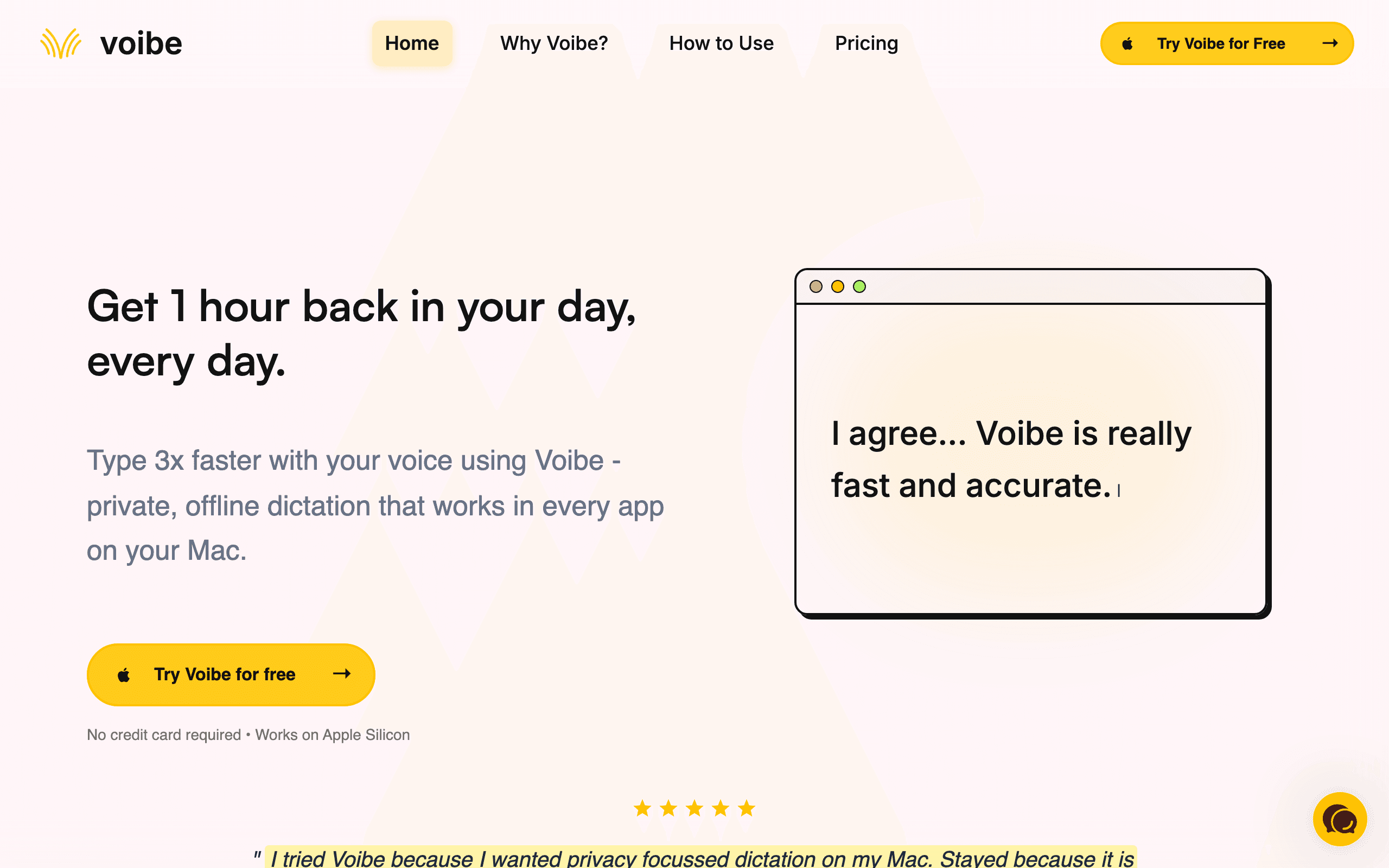
Voibe is a private dictation app for Mac and Windows. Hold a hotkey, speak, and release to insert clean text into the app you are using. On Apple Silicon Macs, its on-device mode processes audio locally and works offline. On Windows, Voibe uses zero-retention cloud processing and requires an internet connection. Voibe Work also takes meeting notes on both platforms, saves finished transcripts and summaries on your device, and never trains AI on your content.
Voibe is our first pick for sensitive work because it never trains on your content and offers on-device dictation on Apple Silicon Macs. Its Windows mode uses a zero-retention cloud service, so it does not offer the same offline guarantee there. Voibe Work adds bot-free meeting capture on Mac and Windows with finished notes saved on your device. That makes privacy the reason to consider Voibe on either desktop platform; choose the Mac on-device mode when audio must stay entirely local.
Key Features
- 100% offline processing on Apple Silicon — audio never leaves your Mac
- Dictation in apps on Mac and Windows via hotkey
- Voibe Work meeting notes on Mac and Windows, with notes saved on your device
- Near real-time transcription using locally optimized Whisper models
- Minimal resource usage — ~150MB RAM, sub-second startup
- Customizable hotkey activation — default Fn key, reassignable
Pricing
Dictation: $7.50/mo or $149 lifetime. Check Voibe for current Work pricing.
Rating
4.8/5 — Product Hunt
Best For
Professionals who handle sensitive data and want private dictation on Mac or Win...
Pros
- Offline, on-device dictation on Apple Silicon Macs; zero-retention cloud mode on Windows
- Private meeting notes on Mac and Windows with finished notes stored on your device
- Minimal resource footprint — ~150MB RAM vs Wispr Flow's heavier usage
- Sub-second startup with zero network latency
Cons
- No iOS or Android app; Windows dictation needs an internet connection
- English-only currently — multilingual support is coming but not here yet
Superwhisper
Best for Context-Aware Dictation — AI Modes & 100+ Languages
Superwhisper is a Mac-native dictation app with context-aware AI modes that adapt output based on what you are doing — writing an email, coding, or drafting a document. It supports 100+ languages with offline processing on Apple Silicon. You can choose from multiple AI models including GPT, Claude, or Llama to balance speed, accuracy, and complexity. It also includes a meeting assistant that records and transcribes meetings with automatic digests.
Where Voibe focuses on pure offline speed and privacy, Superwhisper adds an intelligence layer on top. The context-aware modes mean dictated text gets formatted differently depending on whether you are in an email client, a code editor, or a notes app. The 100+ language support makes it the strongest multilingual option for offline dictation. The tradeoff is price — the lifetime license jumped from $249 to $849, making the monthly plan at $8.49/mo or $84.99/year the more practical entry point for most people.
Key Features
- Context-aware AI modes — adapts output for email, code, documents
- 100+ language support with offline processing on Apple Silicon
- Multiple AI model choices — GPT, Claude, Llama for different needs
- Meeting assistant with recording, transcription, and auto-digests
- Custom shortcuts and prompt customization for power users
Pricing
Free tier (small models, 15 min Pro trial). Pro $8.49/mo or $84.99/year. Lifetime $849.
Rating
4.9/5 — Product Hunt
Best For
Multilingual professionals who want context-aware dictation that adapts to diffe...
Pros
- Context-aware modes produce better-formatted output than raw transcription
- 100+ languages — the widest multilingual support in offline dictation
- Multiple AI model options give you control over speed vs accuracy
- Meeting assistant adds value beyond just dictation
Cons
- Lifetime license jumped to $849 — was $249, now hard to justify over monthly
- macOS and iOS only — no Windows support
VoiceInk
Best Free Option — Open-Source, Offline, 100+ Languages
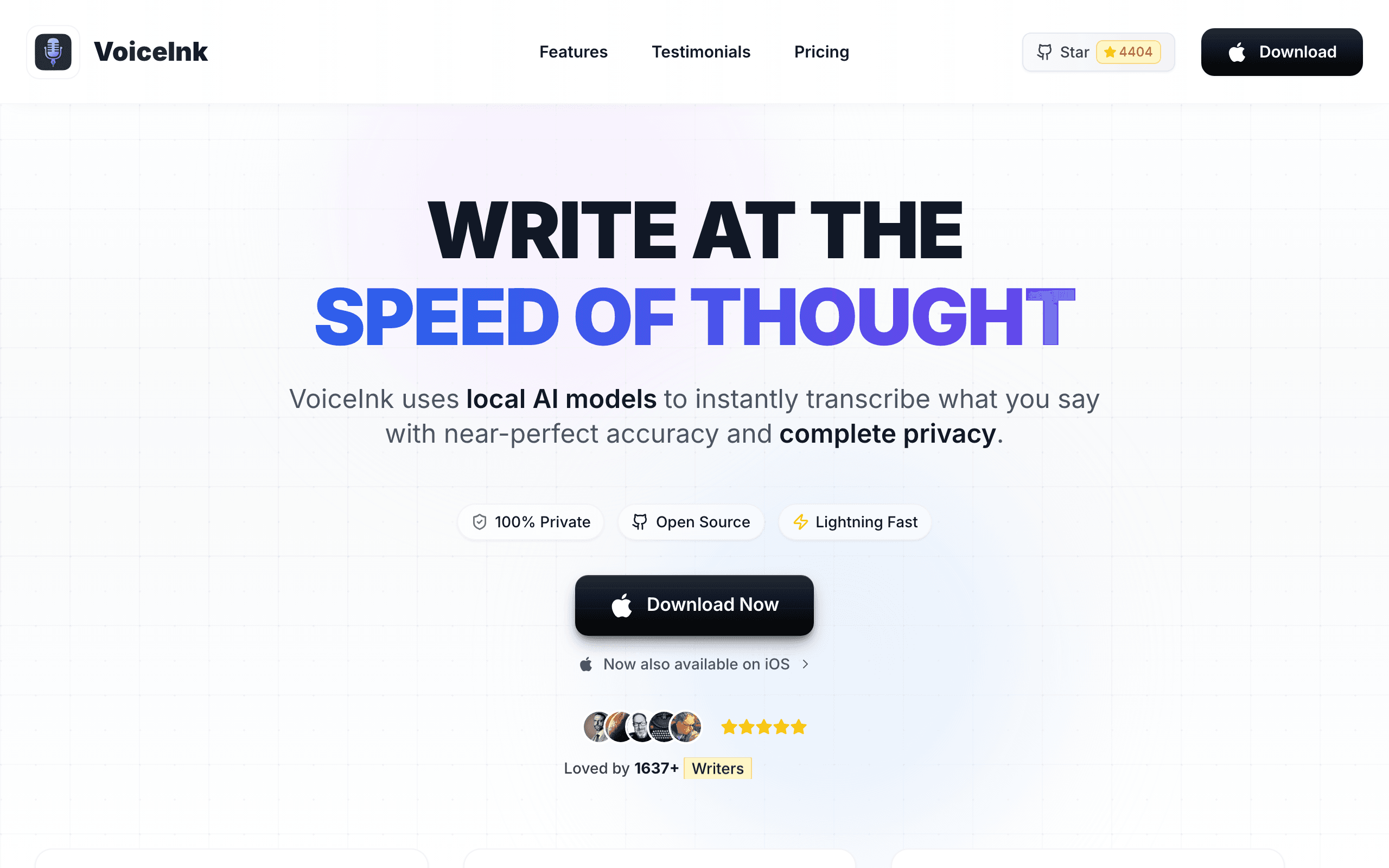
VoiceInk is a fully open-source voice-to-text app for macOS licensed under GPL v3. It transcribes speech with 99% accuracy using local AI models, processes everything 100% offline, and supports 100+ languages. If you have Xcode installed, you can build VoiceInk from source and use it completely free. Alternatively, purchasing a license ($25-$49 depending on device count) supports the developer and gives you automatic updates and priority support.
If you want maximum transparency and zero cost, VoiceInk is unmatched. The GPL v3 license means you can inspect every line of code that handles your audio — no black box cloud processing, no trust required. The 99% accuracy claim holds up in practice because it uses the same Whisper model family as the paid alternatives. The tradeoff is that building from source requires Xcode and some technical comfort, and the UI is more utilitarian than polished commercial apps. But for developers and technical users who value transparency, this is the pick.
Key Features
- Fully open-source under GPL v3 — inspect, modify, and build from source
- 100% offline processing — no data ever leaves your device
- 99% transcription accuracy using local Whisper AI models
- 100+ language support with real-time transcription
- System-wide dictation across all Mac applications
Pricing
Free (build from source). Solo $25 (1 Mac). Personal $39 (2 Macs). Extended $49 (3 Macs).
Rating
4.8/5 — Community reviews
Best For
Developers and technical users who want free, transparent, open-source dictation...
Pros
- Completely free if you build from source — zero cost, ever
- GPL v3 means full code transparency — audit exactly how your audio is handled
- 100+ languages with the same Whisper accuracy as paid tools
- No subscription, no account required, no data collection
Cons
- Building from source requires Xcode — not beginner-friendly
- UI is functional but less polished than commercial alternatives like Voibe or Superwhisper
BetterDictation
Best Budget Pick — $39 Lifetime, Offline on Apple Silicon
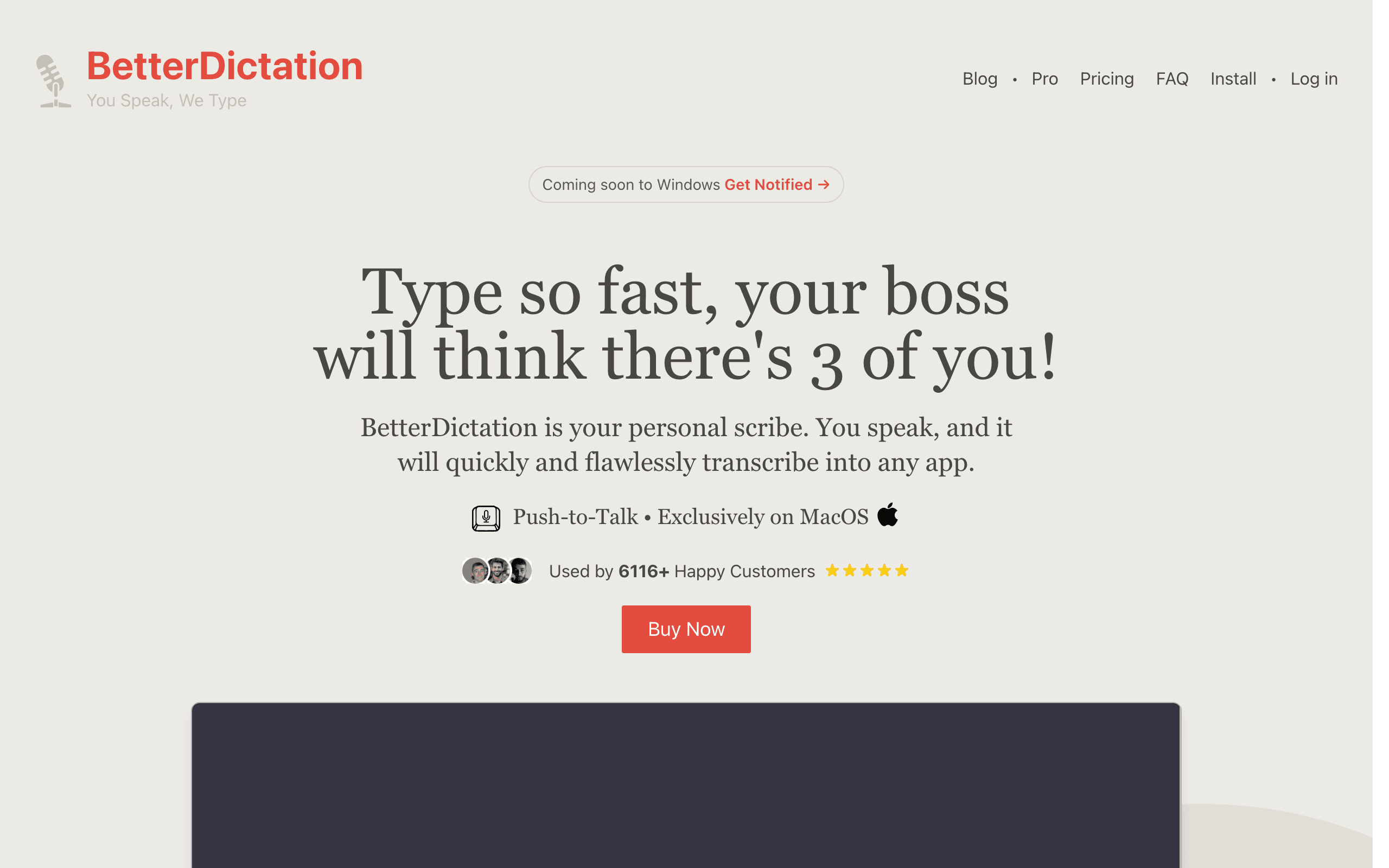
BetterDictation uses OpenAI's Whisper large-v3-turbo model running on Apple's Neural Engine for high-accuracy offline dictation. It works system-wide across all Mac applications with push-to-talk simplicity and supports 100+ languages. The Pro tier adds stammer correction, grammar improvement, automatic formatting, and sentence flow cleanup. Over 6,000 users at companies like Disney, Amazon, and Goldman Sachs use it.
BetterDictation hits the sweet spot between free open-source tools and polished commercial apps. The $39 lifetime license is cheaper than two months of Wispr Flow, and you get offline processing with Whisper large-v3-turbo — one of the most accurate models available. The Pro features like stammer correction and grammar improvement fill the gap that raw transcription tools leave, automatically cleaning up filler words and fixing sentence structure without cloud processing. The limitation is Apple Silicon required — M1 or newer only.
Key Features
- Whisper large-v3-turbo on Apple Neural Engine — fast, accurate, offline
- Push-to-talk system-wide dictation across all Mac apps
- 100+ language support with high-accuracy transcription
- Pro features: stammer correction, grammar improvement, auto-formatting
- No audio collection — complete privacy with on-device processing
Pricing
Lifetime $39 (1 device). Flex $49 + $2/mo Pro (3 devices). Studio $149 + Pro (10 devices).
Rating
4.3/5 — TenereTeam
Best For
Budget-conscious users who want polished offline dictation with AI cleanup featu...
Pros
- $39 lifetime is the cheapest premium option — less than 3 months of Wispr Flow
- Whisper large-v3-turbo is one of the most accurate offline models available
- Pro stammer correction and grammar fixes add real value over raw transcription
- Used by professionals at Disney, Amazon, Goldman Sachs — validated at scale
Cons
- Requires Apple Silicon (M1+) — no Intel Mac or Windows support
- Smaller user community than Superwhisper or Wispr Flow — less community support
Want More Tool Recommendations?
Subscribe for curated tool picks every week.
MacWhisper
Best for File Transcription — Batch Processing & Speaker ID
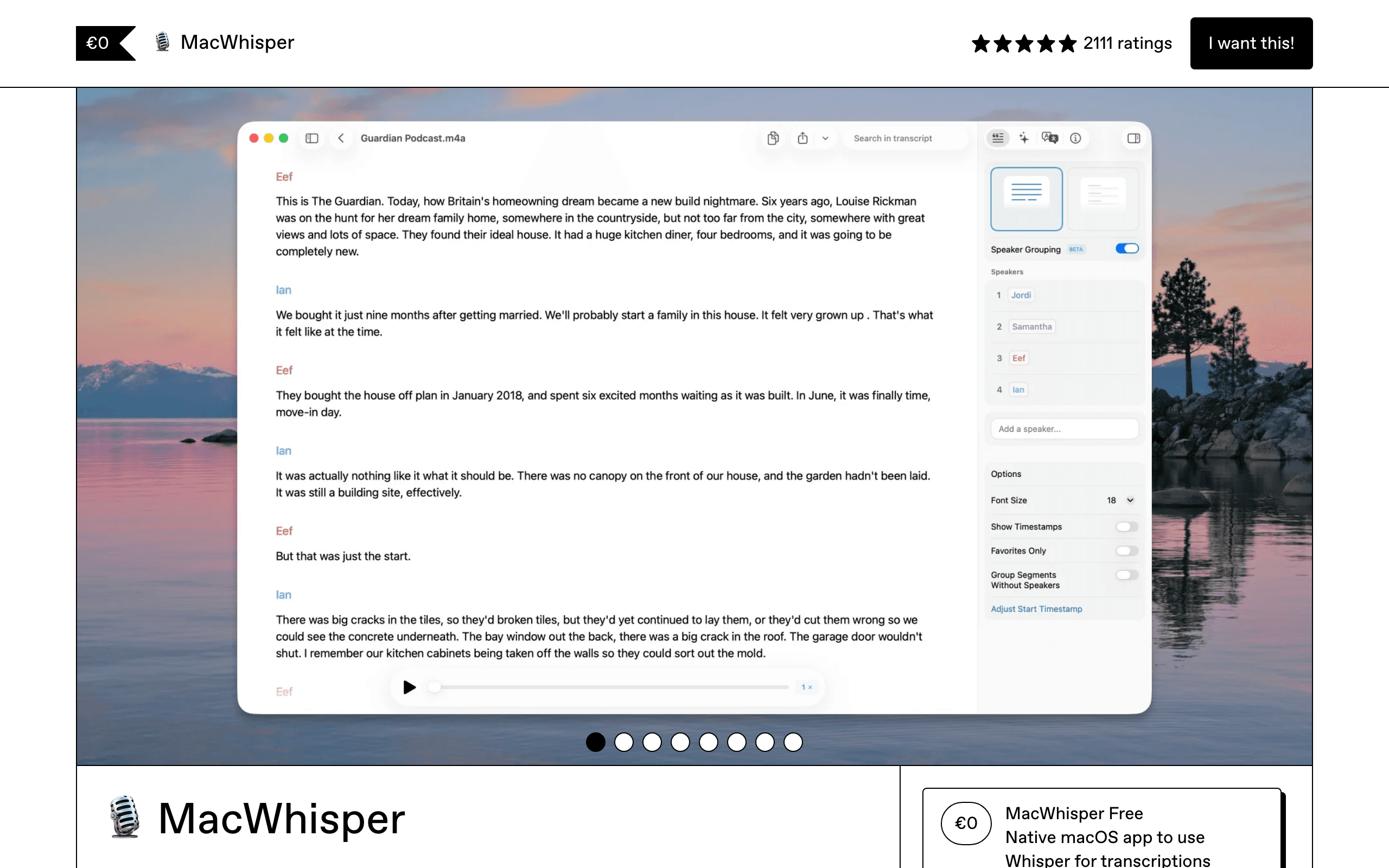
MacWhisper is primarily a file transcription tool that processes audio and video files offline on your Mac. It handles batch transcription, speaker identification, full-text search across all your transcripts, and automatic meeting recording from Zoom, Teams, Webex, Skype, and Discord. The Pro version adds AI-powered translation, cloud transcription for higher accuracy, and the ability to chat with AI about transcript contents.
MacWhisper solves a different problem than real-time dictation tools. If you are a podcaster who needs to transcribe episodes, a journalist who interviews people, or a researcher who records meetings, MacWhisper's batch processing and speaker identification are purpose-built for your workflow. It processes files at roughly 15x realtime speed on Apple Silicon, so a 60-minute recording transcribes in about 4 minutes. The tradeoff is that it is not optimized for live dictation — you speak into an app and get text later, not in real-time into your current document.
Key Features
- Batch transcription of audio and video files with speaker identification
- Automatic meeting recording from Zoom, Teams, Webex, Skype, Discord
- Full-text search across all transcripts — find any moment instantly
- AI translation and transcript chat in Pro version
- ~15x realtime processing on Apple Silicon — 60 min file in ~4 minutes
Pricing
Free (basic models). Pro one-time purchase. Student/journalist/nonprofit 25% discount available.
Rating
4.9/5 — Product Hunt
Best For
Podcasters, journalists, and researchers who need to transcribe recordings rathe...
Pros
- Best-in-class file transcription with speaker identification
- Automatic meeting recording from all major video platforms
- Full-text search across transcripts — invaluable for researchers
- One-time purchase with no subscription — pay once, own forever
Cons
- Optimized for file transcription, not real-time dictation into apps
- Mac and iOS only — no Windows support
Aqua Voice
Best for Developers — Custom Dictionaries & Cross-Platform
Aqua Voice uses a fusion transcription architecture with a client context engine to deliver highly accurate voice-to-text that automatically formats output for the specific application you are using. It supports custom dictionaries with up to 800 terms on the Pro plan — variable names, acronyms, and industry jargon are recognized with near-100% consistency. It works on both Mac and Windows, as Voibe does.
If you dictate code, technical documentation, or content with specialized terminology, Aqua Voice's custom dictionary can help recognize terms like "useState", "kubectl", or "HIPAA". It works on Mac and Windows, as Voibe does. The tradeoff is cloud processing, similar to Wispr Flow, and a limited free tier.
Key Features
- Custom dictionaries with 800 terms — variable names, acronyms, jargon
- Context-aware formatting adapts output to the active application
- Cross-platform — works on both Mac and Windows
- Sub-50ms startup, text insertion in ~450ms-1 second
- 49 language support with context-aware processing
Pricing
Free (1,000 words total). Pro $8/mo or $96/year.
Rating
5/5 — Product Hunt
Best For
Developers and technical writers who need accurate dictation of specialized term...
Pros
- Custom dictionaries handle technical terminology that other tools mangle
- Cross-platform Mac and Windows — rare in this category
- Ultra-fast startup under 50ms with sub-second text insertion
- Context-aware formatting adapts to the active application automatically
Cons
- Cloud-based processing — same privacy concern as Wispr Flow
- Free tier is 1,000 words total (not monthly) — barely enough to evaluate
Otter.ai
Best for Meeting Transcription — Real-Time with Speaker ID
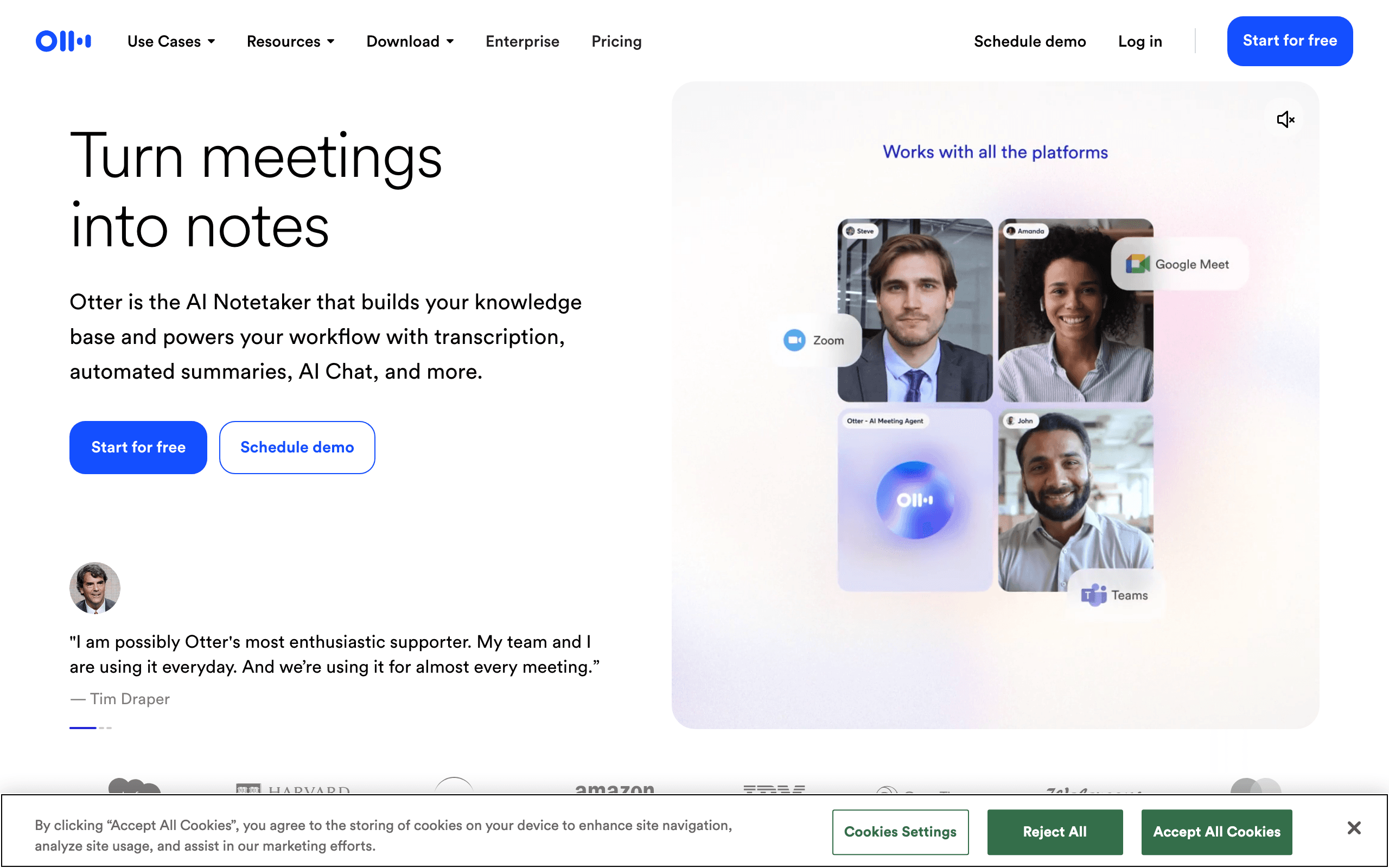
Otter.ai is a cloud-based transcription platform focused on meeting productivity. It integrates with Zoom, Google Meet, and Microsoft Teams to automatically join, record, transcribe, and summarize your meetings. OtterPilot auto-joins scheduled calls, captures audio, generates summaries, and extracts action items. The platform supports real-time transcription with speaker identification and team collaboration features.
Otter.ai is not really competing with Wispr Flow for the same use case — it is a meeting transcription and collaboration tool, not a system-wide dictation app. If your primary need is capturing and organizing meeting content, Otter is purpose-built for that. The OtterPilot feature that auto-joins meetings and generates summaries is genuinely useful for teams. The free plan at 300 minutes per month is generous enough to evaluate properly. But if you want to dictate text into apps as a keyboard replacement, Otter is the wrong tool.
Key Features
- OtterPilot auto-joins Zoom, Meet, and Teams meetings
- Real-time transcription with speaker identification
- Automatic meeting summaries and action item extraction
- Team collaboration with shared vocabulary and speaker tagging
- Business tier supports 6,000 min/month and simultaneous meeting joins
Pricing
Free (300 min/mo). Pro $8.33/mo (annual). Business $20/user/mo (annual). Enterprise custom.
Rating
4.4/5 — G2
Best For
Teams that need automated meeting transcription, summaries, and action items fro...
Pros
- OtterPilot auto-joins and transcribes meetings without manual setup
- Free plan with 300 min/month — generous enough for real evaluation
- Speaker identification and team collaboration features
- Automatic summaries and action items save post-meeting work
Cons
- Cloud-only — all audio is processed on Otter servers
- Not a system-wide dictation tool — focused on meeting transcription only
Dictanote
Best Browser-Based Option — No Install, Cross-Platform
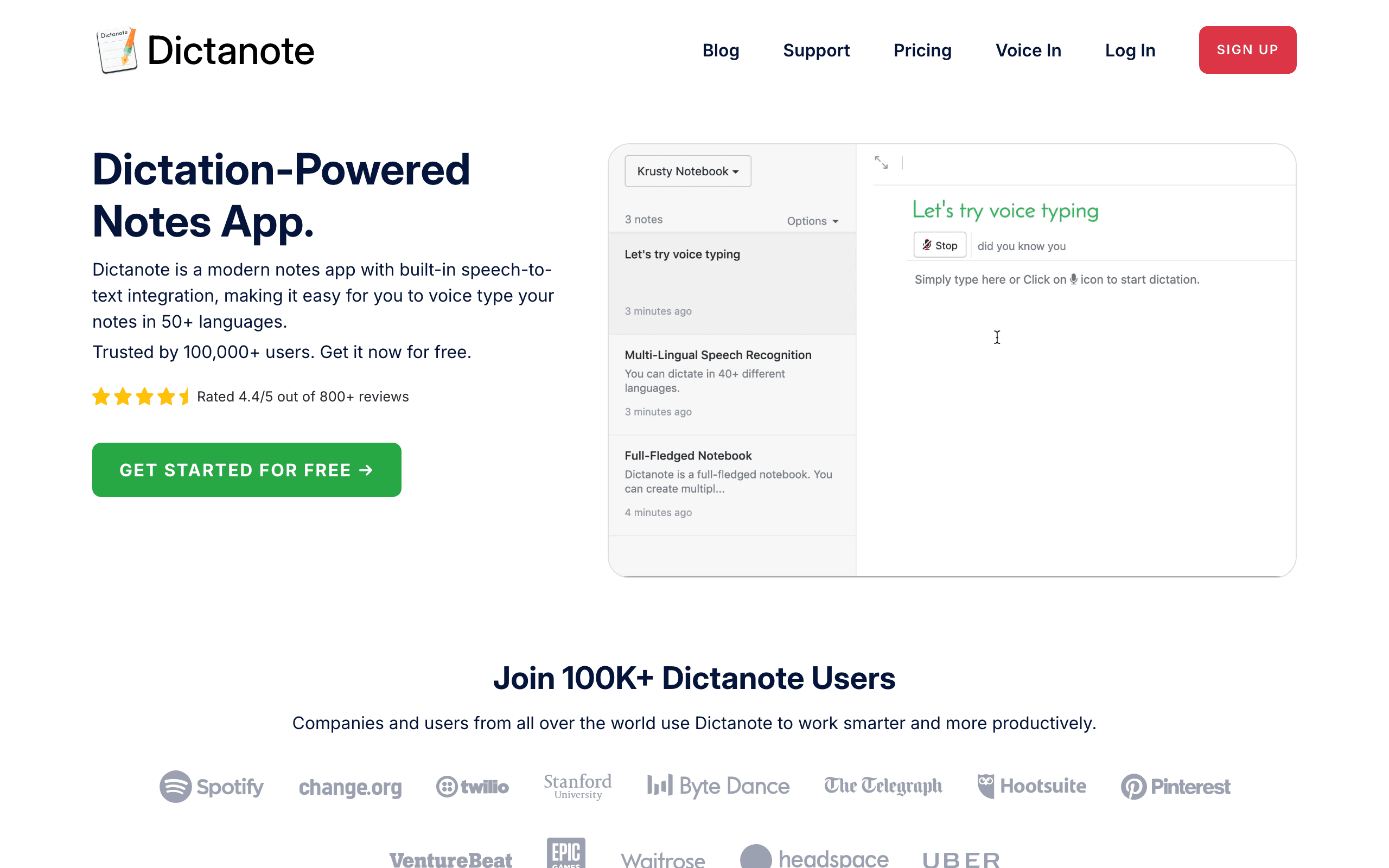
Dictanote is a browser-based dictation platform that works instantly without any software download. It runs on Chrome with a web app and Chrome extension, supporting dictation on Windows, Mac, Linux, and Chromebooks. It offers voice typing in 50+ languages with custom voice commands for formatting and navigation. The Chrome extension enables dictation directly into any web form or text field.
Most dictation tools require a native app install and are locked to macOS. Dictanote works in any Chrome browser on any operating system — including Linux and Chromebooks that every other tool on this list ignores. The Chrome extension is particularly useful for people who spend most of their time in web apps like Gmail, Google Docs, or Notion web. The tradeoff is obvious: browser-based means internet-required, cloud-processed, and limited to Chrome. But if you are on a Chromebook or a locked-down corporate machine where you cannot install apps, Dictanote is your only real option.
Key Features
- Browser-based — works instantly in Chrome without installation
- Cross-platform: Windows, Mac, Linux, and Chromebooks via Chrome
- Chrome extension for dictation into any web form or text field
- 50+ languages with custom voice commands for formatting
- Note-taking app with folders, tags, and cloud sync
Pricing
Free (limited). Premium $4/mo.
Rating
4.4/5 — Chrome Web Store
Best For
Users on Chromebooks, Linux, or locked-down machines who need browser-based dict...
Pros
- No installation required — works in any Chrome browser instantly
- Only option that supports Linux and Chromebooks
- Chrome extension enables dictation in any web-based text field
- $4/mo Premium is cheaper than most native alternatives
Cons
- Requires internet connection — no offline capability at all
- Chrome-only — does not work in Safari, Firefox, or other browsers
OpenWhispr
Best Cross-Platform Open-Source — MIT License, Windows/Mac/Linux
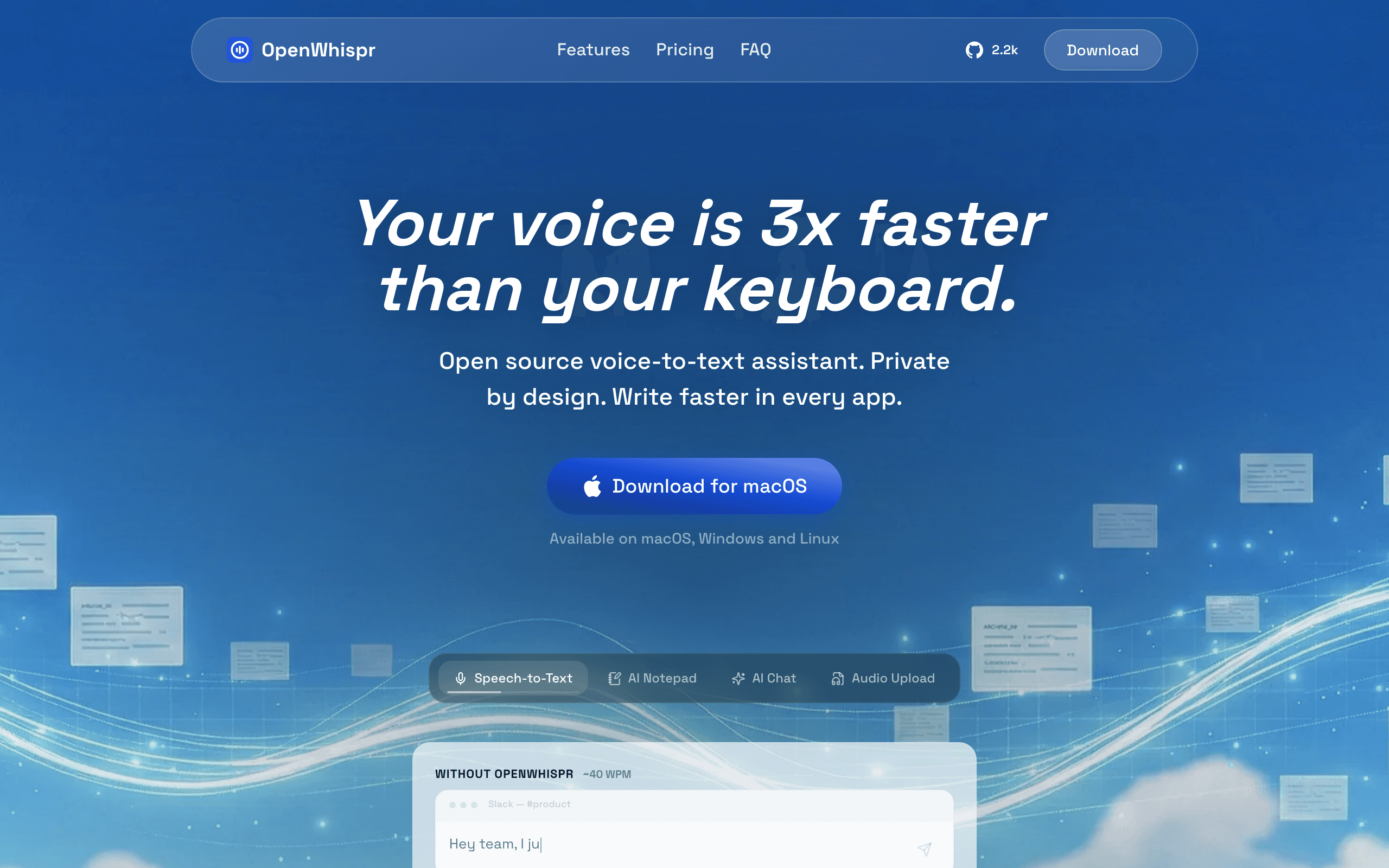
OpenWhispr is a free, open-source dictation tool licensed under MIT that works on Windows, Mac, and Linux. It supports both local processing using Whisper models and cloud API options for higher accuracy. A standout feature is smart text cleanup that automatically removes filler words like "um", "uh", and "you know" from your transcription. The MIT license is more permissive than VoiceInk's GPL, allowing commercial use and modification without copyleft requirements.
OpenWhispr fills a gap that no other tool on this list covers — it is the only open-source option with genuine cross-platform support including Windows and Linux. If you are a Windows user who wants open-source dictation, this is currently your only option. The MIT license is also more business-friendly than VoiceInk's GPL v3, which matters if you want to integrate dictation into a commercial product. The smart text cleanup competes with Wispr Flow's filler word removal. The tradeoff is that it requires technical setup, has a learning curve, and relies on community support only.
Key Features
- Cross-platform — Windows, Mac, and Linux support
- MIT license — more permissive than GPL for commercial use
- Smart text cleanup removes filler words automatically
- Supports both local Whisper processing and cloud API options
- Extensible architecture for custom integrations and workflows
Pricing
Free (open-source, MIT license).
Rating
4.2/5 — GitHub (553 stars)
Best For
Windows and Linux users who want free, open-source dictation with permissive lic...
Pros
- Only open-source dictation tool with real Windows and Linux support
- MIT license allows commercial use — more permissive than GPL alternatives
- Smart filler word removal competes with Wispr Flow's auto-editing
- Free forever with no account, no subscription, no data collection
Cons
- Requires technical setup — not a one-click install experience
- Community support only — no dedicated customer service or docs
How We Chose These Tools
We evaluated 15+ dictation and voice-to-text tools across five criteria weighted for privacy-conscious professionals:
- Privacy and offline capability — does it process audio locally? Can it work without internet? Is audio stored or discarded?
- Transcription accuracy — how well does it handle natural speech, technical terms, and different accents in real-world conditions?
- Pricing transparency — is there a free tier? Are lifetime options available? How does long-term cost compare to Wispr Flow's $15/mo?
- Platform support — Mac-only or cross-platform? Does it work on Apple Silicon and Intel? Windows support?
- Real-world usability — how fast is startup? How much RAM does it use? What do actual users say about daily driver reliability?
How to Choose the Right Wispr Flow Alternative
The right tool depends on your privacy requirements, budget, platform needs, and primary use case. Here's the quick decision framework:
If privacy is your top priority...
Voibe is our pick for private dictation on Mac and Windows; its on-device mode is available on Apple Silicon Macs. For open-source transparency, VoiceInk lets you audit every line of code.
If you need multilingual support...
Superwhisper supports 100+ languages with offline processing. VoiceInk and BetterDictation also support 100+ languages offline. Voibe is currently English-only.
If budget is the main concern...
VoiceInk is free (build from source). BetterDictation is $39 lifetime. Voibe costs $149 lifetime for dictation and adds Windows support.
If you need Windows support...
Voibe for privacy-focused dictation and meeting notes. Aqua Voice for context-aware dictation. OpenWhispr for a free open-source option on Windows, Mac, and Linux. Dictanote for browser-based on any platform.
Stay Ahead of the Tool Curve
We research dozens of tools so you don't have to. Get our top picks and insider insights delivered weekly.
Frequently Asked Questions
How does Aqua Voice compare to Wispr Flow?
Both process audio in the cloud, so neither is a privacy upgrade over the other. Aqua Voice is the stronger pick for technical writing: its Pro plan supports custom dictionaries of up to 800 terms, so names like "useState" or "kubectl" are transcribed correctly, and it runs on Mac and Windows. It costs $8/mo or $96/year on Pro, below Wispr Flow's $12–$15/user/mo, but its free tier is only 1,000 words in total, while Wispr Flow's free plan allows 2,000 words per week on desktop. Wispr Flow covers more platforms, including iOS and Android.
What is the best Wispr Flow alternative for Mac?
Voibe is our privacy pick for Mac: its on-device mode runs offline on Apple Silicon, and Voibe Work saves finished meeting notes on your device. Dictation costs $7.50/mo or $149 lifetime. Superwhisper is the pick for context-aware dictation modes and 100+ languages, and VoiceInk is the best free open-source option.
What is the best free or open-source alternative to Wispr Flow?
VoiceInk is the best free option: it is fully open-source under GPL v3, processes audio 100% offline on your Mac, and costs nothing if you build it from source with Xcode. OpenWhispr is the open-source pick for Windows and Linux: it is MIT-licensed, runs on Windows, Mac and Linux, and supports both local Whisper models and cloud APIs. Wispr Flow's own free plan caps you at 2,000 words per week on desktop (wisprflow.ai/pricing, checked August 2026).
Is there a Wispr Flow alternative for Android?
We have not tested a native Android alternative on this list. Wispr Flow runs on Android, iOS, Mac and Windows. Voibe, Aqua Voice and OpenWhispr run on Mac and Windows; Dictanote works in Chrome. Superwhisper, VoiceInk, BetterDictation and MacWhisper are Mac-focused. If Android dictation is a hard requirement, Wispr Flow remains the option that covers it.
Is it Wispr Flow or Whisper Flow?
The product is spelled Wispr Flow, without the "h" — "Whisper Flow" is the most common misspelling of it, and both spellings refer to the same dictation app from Wispr AI. The confusion is understandable, because Whisper is separately the name of OpenAI's open-source speech-recognition model, and several tools on this list genuinely run it: Voibe, VoiceInk, MacWhisper and OpenWhispr all use Whisper models locally on your device. Wispr Flow, by contrast, processes audio in the cloud. So "runs Whisper" and "is Wispr Flow" are two unrelated things that happen to sound alike — and if you searched for Whisper Flow alternatives, this list is what you were looking for.
Why are people looking for Wispr Flow alternatives?
The main reasons are privacy, pricing, and offline needs. Wispr Flow processes dictation in the cloud. Voibe offers on-device dictation on Apple Silicon Macs and zero-retention cloud processing on Windows, and never trains AI on your data. Superwhisper and VoiceInk also offer local processing on supported Macs. If you need offline dictation, compare each app’s mode on your actual device.
Which Wispr Flow alternative has the best accuracy?
Most modern dictation tools use the same underlying Whisper model family from OpenAI, so raw transcription accuracy is comparable across Voibe, Superwhisper, VoiceInk, BetterDictation, and MacWhisper. The real accuracy difference comes from post-processing — tools like Superwhisper with context-aware modes and Aqua Voice with custom dictionaries produce more usable output because they format text for your specific use case rather than just transcribing raw speech.
Is offline dictation as accurate as cloud-based dictation?
On Apple Silicon Macs (M1 and newer), offline dictation using local Whisper models is effectively as accurate as cloud processing for most use cases. The Whisper large-v3-turbo model that tools like BetterDictation use locally is the same model family that cloud services run on their servers. The gap has closed significantly since 2024 when local models were noticeably worse. For specialized terminology, Aqua Voice's cloud processing with custom dictionaries can be more accurate than generic local models.
What is the best open-source Wispr Flow alternative?
VoiceInk is the best open-source Wispr Flow alternative for Mac users. It is licensed under GPL v3, processes everything 100% offline, and is completely free if you build it from source with Xcode — the paid licenses ($25-$49) add automatic updates and priority support. On Windows or Linux, OpenWhispr is the pick: it is MIT-licensed, runs on Windows, Mac, and Linux, and supports both local Whisper processing and cloud API options. Both are free to use with no account required and no data collection.
What is the cheapest Wispr Flow alternative?
VoiceInk and OpenWhispr are free and open-source. BetterDictation at $39 lifetime is the lowest-priced commercial lifetime option listed here. Voibe Dictation is $7.50/mo or $149 lifetime and adds Mac and Windows support; Voibe Work is a separate plan for meeting notes. Check vendor checkout pages for current terms.
Which Wispr Flow alternative works on Windows?
Voibe supports Dictation and Work meeting notes on Mac and Windows. Aqua Voice also has a native Mac and Windows app, OpenWhispr supports Windows, Mac and Linux, and Dictanote works through Chrome. Voibe uses zero-retention cloud processing on Windows; its offline on-device mode requires an Apple Silicon Mac.
Can I use these dictation tools for coding?
Aqua Voice is the strongest option for coding because of its custom dictionary feature — you can add variable names, function names, and technical terms that get recognized accurately. Superwhisper's context-aware code mode also adapts output for code editors. Voibe and VoiceInk work in VS Code and other editors but use general-purpose transcription without code-specific optimization.
The Bottom Line
For most professionals, Voibe is the best Wispr Flow alternative. It offers offline on-device dictation on Apple Silicon Macs, zero-retention cloud dictation on Windows, and private meeting notes on both platforms. Its finished meeting notes stay on your device and Voibe says it never trains AI on your content.
If you need multilingual support, Superwhisper with 100+ languages and context-aware modes is worth the premium. If budget is tight, VoiceInk is completely free and open-source, or BetterDictation at $39 lifetime gives you a polished experience for less than three months of Wispr Flow. If you need Windows support, Voibe and Aqua Voice both offer native dictation.
The real question is not which alternative to choose — it is why you would keep paying $15/mo to send your voice data to the cloud when better, cheaper, more private options exist.
Related Reading
- 10 Best Granola Alternatives for Private AI Meeting Notes — Wispr now sells a meeting Notetaker too — here is how the private options compare
- 10 Best Bot-Free AI Note Takers in 2026 — Meeting notes without a bot in the call, ranked on where your notes end up
- Voibe’s current Wispr Flow alternatives comparison — A product-side comparison of privacy controls, offline use, reliability, platform coverage, AI cleanup, and current pricing
- 8 Best Dictation Apps for Vibe Coding in 2026 — The same category ranked specifically for prompting AI coding tools like Cursor and Claude Code
- Best Dragon Legal Alternatives for Lawyers — The same category ranked for legal work, where Dragon Legal has been the default
- The Solopreneur AI Stack for 2026 — Voice dictation is one piece of the AI-powered productivity stack
- Best Workflow Automation Tools for Non-Technical Teams — Pair voice dictation with automation for maximum productivity
- Best Micro-SaaS Ideas for Solopreneurs — Voice-to-text tools like these are micro-SaaS success stories
Sources
Stay Ahead of the Tool Curve
We research dozens of tools so you don't have to. Get our top picks and insider insights delivered weekly.
Trusted by indie hackers and startup founders
Keep Reading
8 Best Dictation Apps for Vibe Coding in 2026
The 8 best dictation apps for vibe coding in 2026. Voibe, Wispr Flow, Superwhisper, Aqua Voice and more — compared on speed, privacy, IDE integration, and pricing.
10 Best Granola Alternatives for Private AI Meeting Notes (2026)
The best Granola alternatives in 2026, ranked on where your notes are stored, whether your data trains AI, and what a bot-free notetaker really costs. Verified pricing.
10 Best Bot-Free AI Note Takers in 2026 (No Bot Joins Your Call)
The best bot-free AI note takers of 2026, ranked by what happens after the call: where notes are stored, whether audio is kept, and whether your meetings train AI.