
Best Workflow Automation Tools for Non-Technical Teams in 2026
Compare the best workflow automation tools built for non-technical teams. From visual builders to no-code platforms, find the right tool to automate repetitive tasks without writing a single line of code.
Key Takeaways
- Zapier is the best all-around pick for non-technical teams — 8,000+ app integrations, a dead-simple interface, and no coding required
- Make (formerly Integromat) offers the most powerful visual workflow builder at a fraction of Zapier's price
- Monday.com and ClickUp are best if you need project management and workflow automation in one platform
- Process Street is purpose-built for recurring checklists and SOPs — perfect for operations teams
- IFTTT is the cheapest option for simple automations, but you'll outgrow it fast if your workflows get complex
Your team is spending hours every week on tasks that should happen automatically — copying data between apps, sending follow-up emails, routing approvals through Slack, updating spreadsheets after meetings. Workflow automation tools fix this by connecting your apps and running repetitive processes on autopilot.
The global low-code/no-code market hit $37.4 billion in 2025 and is projected to reach $264 billion by 2032. And the biggest shift? These tools are no longer built for developers. 84% of organizations already use low-code or no-code tools, and automation reduces process cycle time by 75% on average according to McKinsey.
We evaluated 15+ workflow automation tools and narrowed them down to the 10 that deliver the most value for non-technical teams. We prioritized ease of use, visual interfaces, no-code capabilities, pricing transparency, and real user reviews on G2 and Capterra — not marketing claims.
Quick Comparison
| # | Tool | Best For | Starting Price | Rating |
|---|---|---|---|---|
| 1 | Zapier | Best Overall | Free plan (100 tasks/mo, 2-step Zaps) | 4.5 |
| 2 | Make | Best Visual Builder | Free plan (1,000 credits/mo) | 4.7 |
| 3 | Monday.com | Best for Team Workflows | Free plan (up to 2 seats) | 4.7 |
| 4 | ClickUp | Best All-in-One | Free plan available | 4.7 |
| 5 | Notion | Best for Knowledge Workflows | Free plan available | 4.6 |
| 6 | Airtable | Best for Data Workflows | Free plan (1,000 records/base, 100 automation runs/mo) | 4.6 |
| 7 | Process Street | Best for SOPs | Free plan available | 4.6 |
| 8 | Pipefy | Best for Business Processes | Free starter plan (up to 10 users) | 4.6 |
| 9 | Microsoft Power Automate | Best for Microsoft Teams | Included free in many M365 plans (standard connectors) | 4.4 |
| 10 | IFTTT | Best Budget Option | Free plan (2 applets) | 4.5 |
Zapier
Best Overall — The No-Code Automation Standard
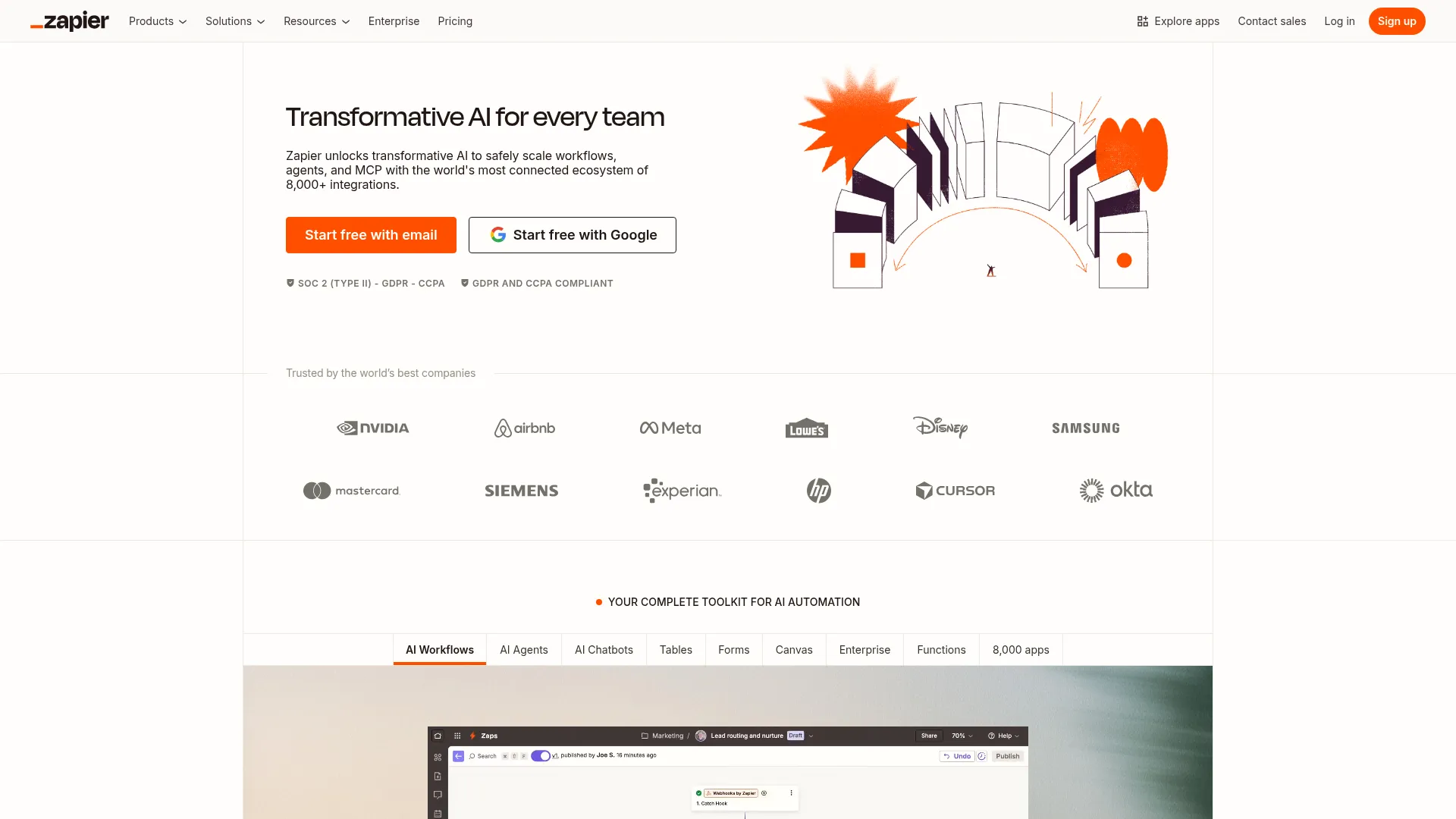
Zapier connects over 8,000 apps and lets non-technical users build automated workflows (called "Zaps") without writing any code. Its trigger-action model is intuitive: when something happens in one app, Zapier automatically does something in another. Every plan includes unlimited Zaps plus built-in Tables, Forms, and Chatbots at no extra cost.
For non-technical teams, the biggest barrier to automation is complexity. Zapier eliminates this with a point-and-click builder that even your marketing intern can use. The 8,000+ app library means you'll almost never hit a "we can't connect that" wall. And with the AI Copilot, you can describe what you want in plain English and Zapier creates the workflow for you.
Weighing Zapier against its two biggest rivals? Our n8n vs Make vs Zapier comparison runs the pricing math side by side.
Key Features
- 8,000+ app integrations — the largest library of any automation tool
- AI Copilot builds and maintains workflows from plain English descriptions
- Multi-step Zaps chain together complex sequences across apps
- Built-in Tables, Forms, and Chatbots included on every plan
- Filters, formatters, and conditional logic — no coding needed
Pricing
Free plan (100 tasks/mo, 2-step Zaps). Professional from $19.99/mo. Team from $69/mo (25 seats, SSO).
Rating
4.5/5 — G2 (1,750+ reviews)
Best For
Non-technical teams that need to connect many different apps without any coding ...
Pros
- Largest app integration library — 8,000+ connectors
- Dead-simple interface anyone can learn in minutes
- AI Copilot lets you describe workflows in plain English
- Every plan includes unlimited Zaps, Tables, Forms, and AI tools
Cons
- Gets expensive at scale — task-based pricing adds up quickly
- Complex multi-branch workflows are harder to visualize than in Make
Make
Best Visual Builder — Powerful Automations at Lower Cost
Make (formerly Integromat) offers a visual drag-and-drop workflow builder that turns complex automations into easy-to-understand flowcharts. Each step is represented as a module on a canvas, and you connect them by drawing lines between them. It supports branching, loops, error handling, and data transformation — all through the visual interface.
Make hits the sweet spot between power and usability. The visual canvas makes it easy for non-technical users to see exactly what their automation does — and debug it when something goes wrong. At the same time, Make handles advanced logic that would require multiple Zapier Zaps or custom code elsewhere. And the pricing? Make's execution-based model is dramatically cheaper for complex, multi-step workflows.
Key Features
- Visual flowchart-style builder — see your entire workflow at a glance
- 3,000+ app integrations plus HTTP/webhook modules for any API
- Routers, filters, iterators, aggregators, and error handling built in
- AI Agents and Maia AI builder for goal-oriented automation
- SOC 2 Type II and GDPR compliance for enterprise-grade security
Pricing
Free plan (1,000 credits/mo). Core from $9/mo. Pro from $16/mo. Teams from $29/mo.
Rating
4.7/5 — G2 (270+ reviews)
Best For
Teams that want visual clarity for complex, multi-step automations at a fraction...
Pros
- Visual builder makes complex workflows easy to understand
- Execution-based pricing — dramatically cheaper than Zapier at scale
- Generous free plan — 1,000 credits vs Zapier's 100 tasks
- Advanced logic (branching, loops, error handling) without code
Cons
- Smaller app library than Zapier (3,000 vs 8,000)
- Steeper learning curve initially — more options can feel overwhelming
Monday.com
Best for Team Workflows — Project Management + Automation
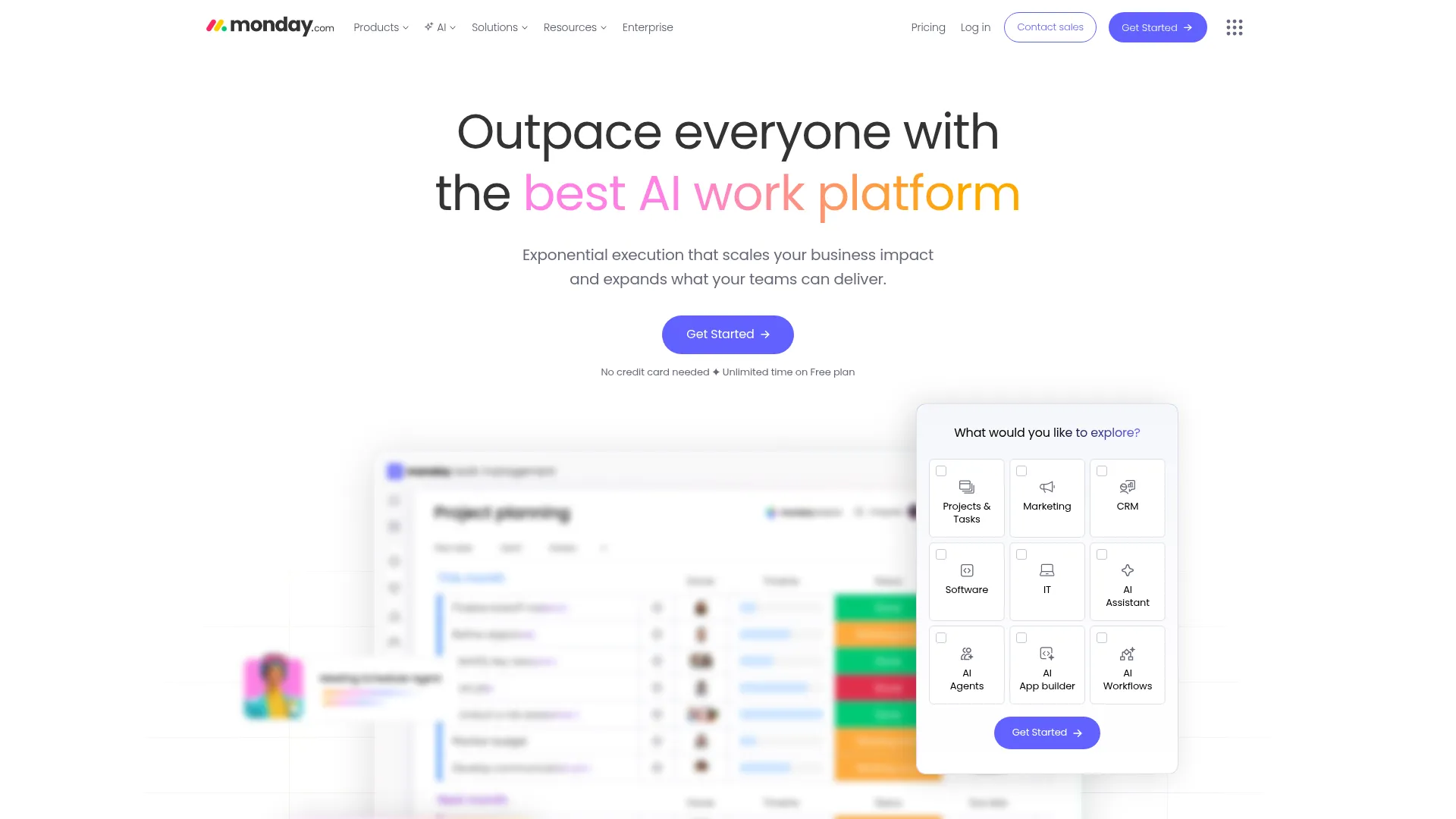
Monday.com combines project management with built-in workflow automation. You can set up automations directly inside your project boards — when a status changes, assign a task; when a deadline passes, send a notification; when a form is submitted, create a new item. It's automation embedded where your team already works, not a separate tool to manage.
Most non-technical teams don't think in terms of "automations" — they think in terms of "I wish this happened automatically." Monday.com meets them where they are. Instead of learning a dedicated automation platform, your team sets up triggers and actions inside the same boards they use daily. The 200+ automation templates cover the most common needs, and the custom automation builder uses plain-English recipes.
Key Features
- 200+ pre-built automation templates for common workflows
- Custom automations using plain-English "if this then that" recipes
- Built-in forms, dashboards, and reporting alongside automations
- Integrations with Slack, Gmail, HubSpot, Jira, and 200+ apps
- Multiple views: Kanban, Gantt, Timeline, Calendar, and more
Pricing
Free plan (up to 2 seats). Basic from $9/seat/mo. Standard from $12/seat/mo (250 automations/mo). Pro from $19/seat/mo (25K automations/mo). 3-seat minimum on paid plans.
Rating
4.7/5 — G2 (14,900+ reviews)
Best For
Teams that want project management and workflow automation in one platform witho...
Pros
- Automation lives inside your project boards — no context switching
- Plain-English recipe builder — zero technical knowledge needed
- Excellent visual interfaces (Kanban, Gantt, dashboards)
- Massive template library for different industries and use cases
Cons
- Automations are limited to Monday.com ecosystem — less flexible for cross-app workflows
- Per-seat pricing gets expensive for larger teams
ClickUp
Best All-in-One — Replace Multiple Tools in One Platform
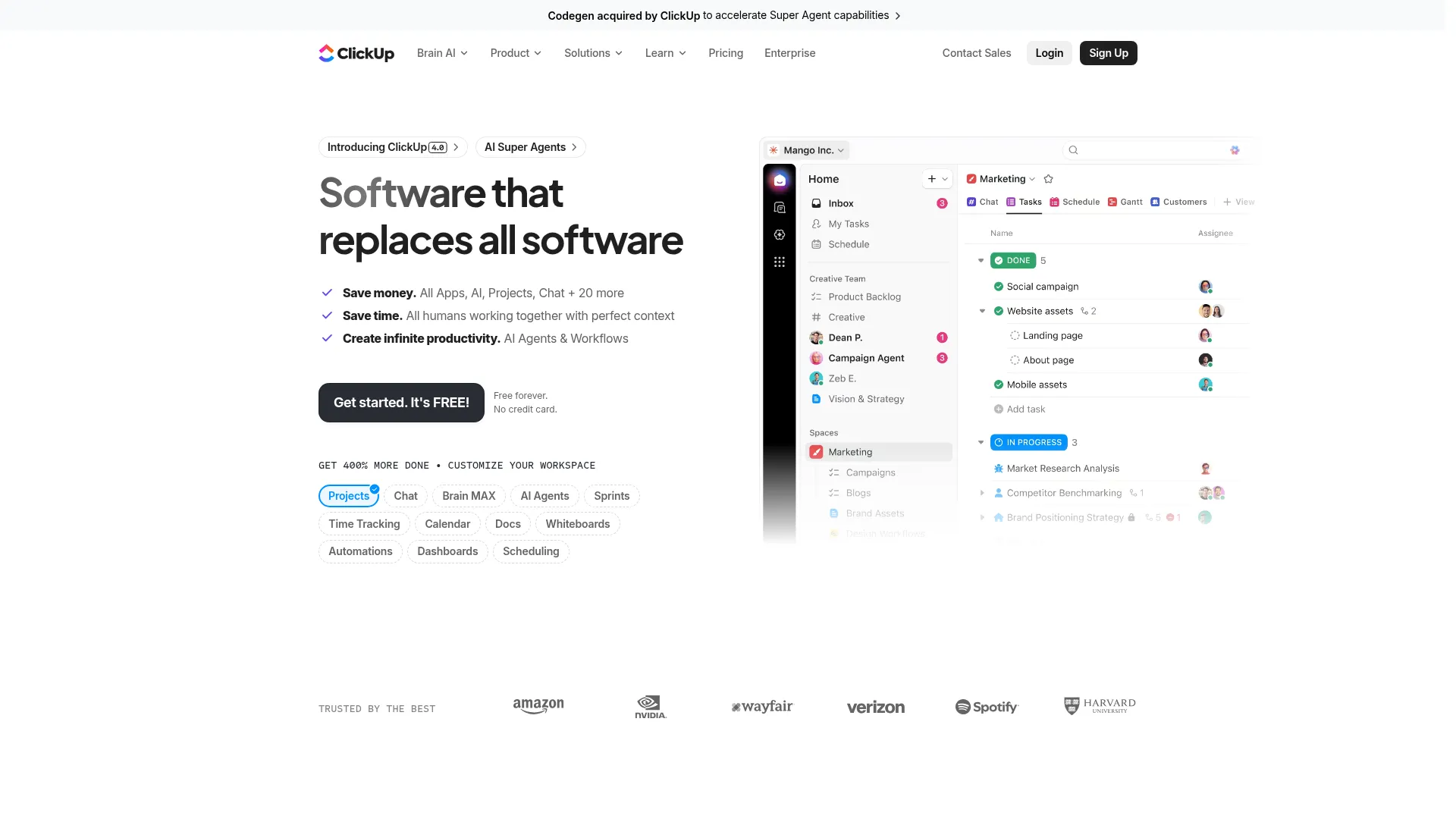
ClickUp positions itself as the "one app to replace them all" and it delivers on that promise more than most. Beyond project management, it includes docs, whiteboards, goals, time tracking, and built-in automation. The automation system uses triggers, conditions, and actions that you configure through dropdown menus — no code required. You can automate task assignments, status changes, notifications, and even create tasks from emails.
Non-technical teams often suffer from tool sprawl — one app for tasks, another for docs, another for automation. ClickUp consolidates everything into a single workspace. The built-in automation handles internal workflows (task routing, approvals, notifications), while ClickUp's integrations with Zapier and Make let you connect external apps when needed.
Key Features
- 50+ automation triggers and actions with conditional logic
- Built-in docs, whiteboards, goals, and time tracking
- AI-powered task summaries and automation suggestions
- Custom fields, views, and dashboards for any workflow
- Native integrations with Slack, GitHub, Google Workspace, and 1,000+ apps via Zapier
Pricing
Free plan available. Unlimited from $7/member/mo. Business from $12/member/mo.
Rating
4.7/5 — G2 (9,800+ reviews)
Best For
Teams drowning in tool sprawl that want project management, docs, and automation...
Pros
- Replaces multiple tools — projects, docs, whiteboards, goals in one app
- Most affordable per-seat pricing among full-featured platforms
- Powerful free plan with 100 automations per month
- Highly customizable without technical knowledge
Cons
- Feature overload — can feel overwhelming during initial setup
- Cross-app automations require pairing with Zapier or Make
Want More Recommendations?
Subscribe for curated tool picks every week.
Notion
Best for Knowledge Workflows — Flexible Workspace with Automation
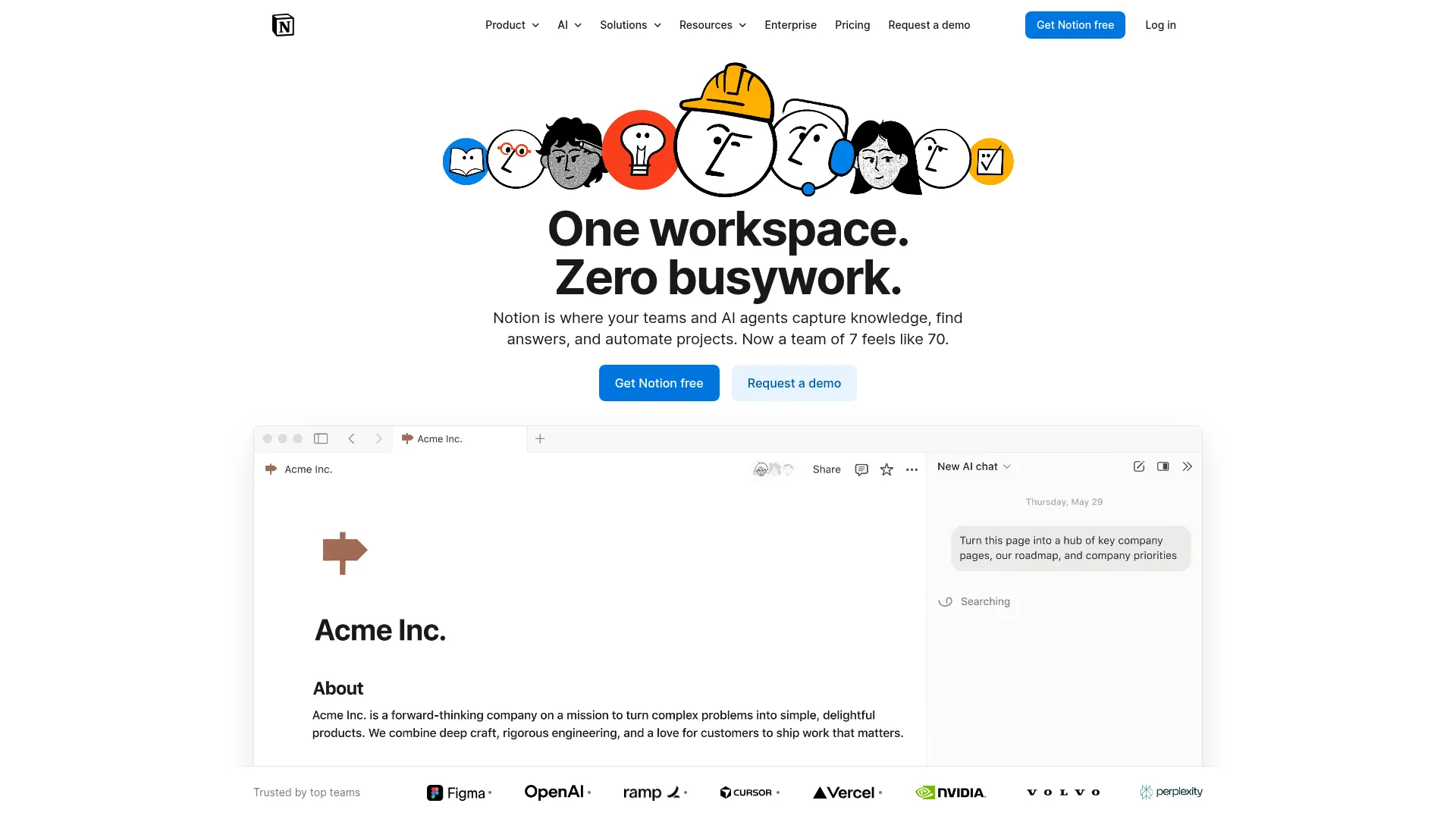
Notion started as a note-taking and knowledge management tool but has evolved into a flexible workspace with database automations. Its database feature lets you create custom workflows using properties, views, filters, and relations. With Notion Automations (launched in 2024), you can trigger actions when database properties change — like sending Slack notifications when a task status updates or auto-assigning team members based on project type.
For teams whose workflows revolve around content, knowledge, and documentation, Notion is hard to beat. The database system is powerful enough to build CRMs, project trackers, content calendars, and approval workflows — all without leaving Notion. And since your automations are tied to your existing databases, there's no setup friction.
Key Features
- Database automations trigger actions on property changes
- Flexible databases with 20+ property types, relations, and rollups
- Notion AI for summarization, writing assistance, and auto-fill
- Templates for every workflow — from CRMs to content calendars
- API and integrations with Slack, GitHub, Zapier, and more
Pricing
Free plan available. Plus from $10/user/mo. Business from $20/user/mo (unlimited AI, SAML SSO).
Rating
4.6/5 — G2 (10,100+ reviews)
Best For
Knowledge-heavy teams (marketing, content, ops) that want workflow automation ti...
Pros
- Incredibly flexible — build almost any workflow with databases
- Beautiful, intuitive interface that teams actually enjoy using
- Strong free plan for small teams
- Notion AI adds intelligent automation on top of manual workflows
Cons
- Automation features are newer and less mature than dedicated tools
- Not ideal for complex cross-app automations — needs Zapier for that
Airtable
Best for Data Workflows — Spreadsheet Meets Automation
Airtable combines the familiarity of a spreadsheet with the power of a database and built-in automation. Its automation engine lets you set up triggers (when a record matches conditions, when a form is submitted, at scheduled times) and actions (send email, create record, update field, call webhook) — all through a visual builder. For teams that live in spreadsheets, Airtable is the natural upgrade.
Non-technical teams love spreadsheets because they're familiar and flexible. Airtable keeps that familiarity while adding structure, relational data, and automation. Your marketing team can build a content pipeline that automatically assigns tasks when new ideas are added, sends Slack notifications at review stages, and updates status across linked tables — all configured through dropdown menus.
Key Features
- Built-in automation engine with triggers, conditions, and actions
- Spreadsheet-like interface with relational database power
- Interface Designer for building custom apps without code
- Pre-built automation templates for common workflows
- Integrations with Slack, Salesforce, Google Workspace, and 40+ apps natively
Pricing
Free plan (1,000 records/base, 100 automation runs/mo). Team from $20/seat/mo (50K records). Business from $45/seat/mo (125K records).
Rating
4.6/5 — G2 (3,000+ reviews)
Best For
Teams that think in spreadsheets but need database-level structure and automatio...
Pros
- Familiar spreadsheet interface — minimal learning curve for basic use
- Powerful relational database under the hood
- Interface Designer lets you build custom apps for your team
- Strong automation engine built directly into your data
Cons
- Record limits on free plan (1,000 per base) can be restrictive
- Gets expensive quickly for teams needing more storage and records
Process Street
Best for SOPs — Recurring Checklists and Process Management
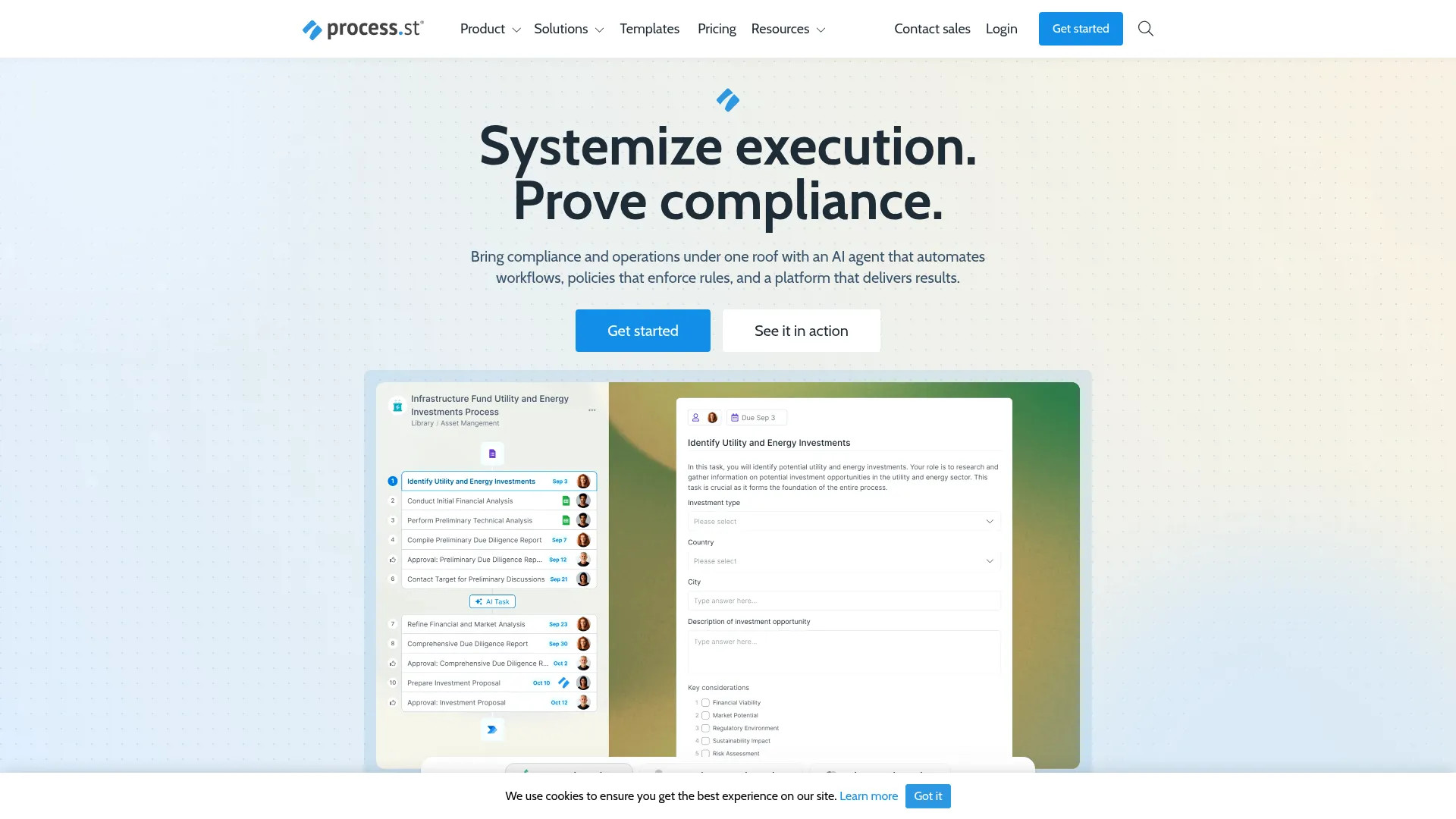
Process Street is built for one thing: turning your standard operating procedures into trackable, automated checklists. Every time a process runs (onboarding a new hire, processing a return, closing a deal), Process Street creates a checklist instance that tracks completion, collects data through form fields, and triggers automations based on task completion.
Most automation tools focus on connecting apps. Process Street focuses on ensuring your team follows the right steps every time. For operations teams managing repetitive processes — employee onboarding, client intake, compliance checks — this focus on process consistency is more valuable than app-to-app integration.
Key Features
- AI compliance agent (Cora) flags skipped steps and risks in real time
- Conditional logic adapts checklists based on form responses
- Role-based task assignments with due dates and reminders
- 800+ pre-built workflow templates for common business processes
- Integrations with Slack, Salesforce, DocuSign, and 8,000+ apps via Zapier
Pricing
Free plan available. Pro from $15/user/mo (min $100/mo). Enterprise pricing custom.
Rating
4.6/5 — G2 (460+ reviews)
Best For
Operations teams that need to standardize and track recurring processes like onb...
Pros
- Purpose-built for SOPs and recurring processes — not just another PM tool
- AI compliance agent catches missed steps automatically
- Controlled document management with full audit trails
- Great for compliance-heavy industries (healthcare, finance, legal)
Cons
- Not designed for complex cross-app automations
- Interface can feel rigid compared to more flexible tools like Notion
Pipefy
Best for Business Processes — Enterprise BPM Made Simple
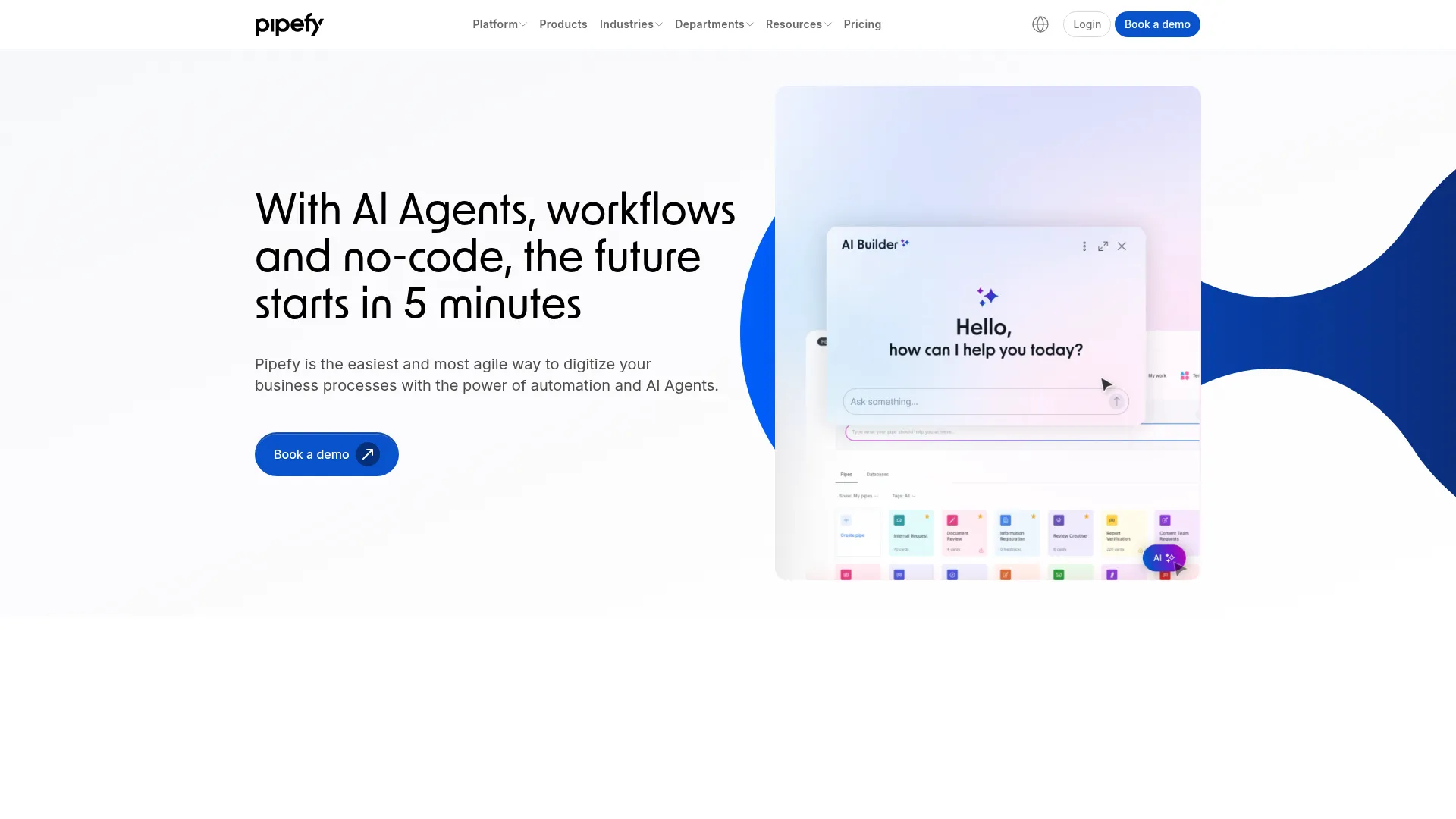
Pipefy brings enterprise-grade business process management to non-technical teams through a Kanban-style interface. You model processes as "pipes" with phases, and cards flow through each phase with automations triggering at every stage — auto-assigning tasks, sending emails, updating fields, or connecting to external systems. It's particularly strong for HR, procurement, and IT service management.
Traditional BPM tools are built for IT departments. Pipefy flips this by letting operations, HR, and finance teams design and manage their own processes. The visual pipe builder is intuitive enough for non-technical users, but powerful enough to handle complex approval chains, SLAs, and conditional routing.
Key Features
- AI Agent Studio — build specialized AI agents for processes without coding
- Kanban-style process builder with drag-and-drop phases
- SLA tracking and out-of-the-box reporting on workload and cycle times
- Customizable forms for process intake and data collection
- Native integrations with Slack, Teams, Google Workspace, and CRM/ERP systems
Pricing
Free starter plan (up to 10 users). Business from $25/user/mo. Enterprise pricing custom.
Rating
4.6/5 — G2 (230+ reviews)
Best For
Operations, HR, and finance teams that need structured business process manageme...
Pros
- Visual Kanban interface makes process management intuitive
- SLA tracking built in — rare for no-code tools
- Strong templates for HR, procurement, and IT workflows
- Enterprise-grade capabilities without enterprise complexity
Cons
- Smaller integration library compared to Zapier or Make
- Advanced reporting requires higher-tier plans
Microsoft Power Automate
Best for Microsoft Teams — Deep Office 365 Integration
Microsoft Power Automate (formerly Flow) is Microsoft's automation platform that connects deeply with the entire Microsoft 365 ecosystem. If your team lives in Outlook, Teams, SharePoint, and Excel, Power Automate lets you build workflows that connect them all. The visual flow builder uses triggers and actions, and hundreds of pre-built templates cover common Office 365 scenarios.
For teams already paying for Microsoft 365, Power Automate is included in many plans at no extra cost. That's a significant advantage over paying separately for Zapier or Make. The deep integration with SharePoint, Teams, and Outlook means your automations work inside the tools your team already uses daily — no context switching to a third-party platform.
Key Features
- Deep integration with Microsoft 365 — Outlook, Teams, SharePoint, Excel, OneDrive
- Copilot builds flows from natural language descriptions
- Desktop flows (RPA) for automating legacy desktop applications
- AI Builder for document processing, sentiment analysis, and predictions
- Process Mining to visualize workflows and identify bottlenecks
Pricing
Included free in many M365 plans (standard connectors). Premium from $15/user/mo. Per-flow from $500/mo.
Rating
4.4/5 — G2 (1,000+ reviews)
Best For
Teams already using Microsoft 365 that want automation without adding another ve...
Pros
- Included in many Microsoft 365 subscriptions — no additional cost
- Deepest integration with Microsoft ecosystem of any automation tool
- Desktop automation (RPA) for legacy systems
- Enterprise-grade security and compliance built in
Cons
- Interface is less intuitive than Zapier or Make for non-technical users
- Best value only if you're already in the Microsoft ecosystem
IFTTT
Best Budget Option — Simple Automations for Small Teams
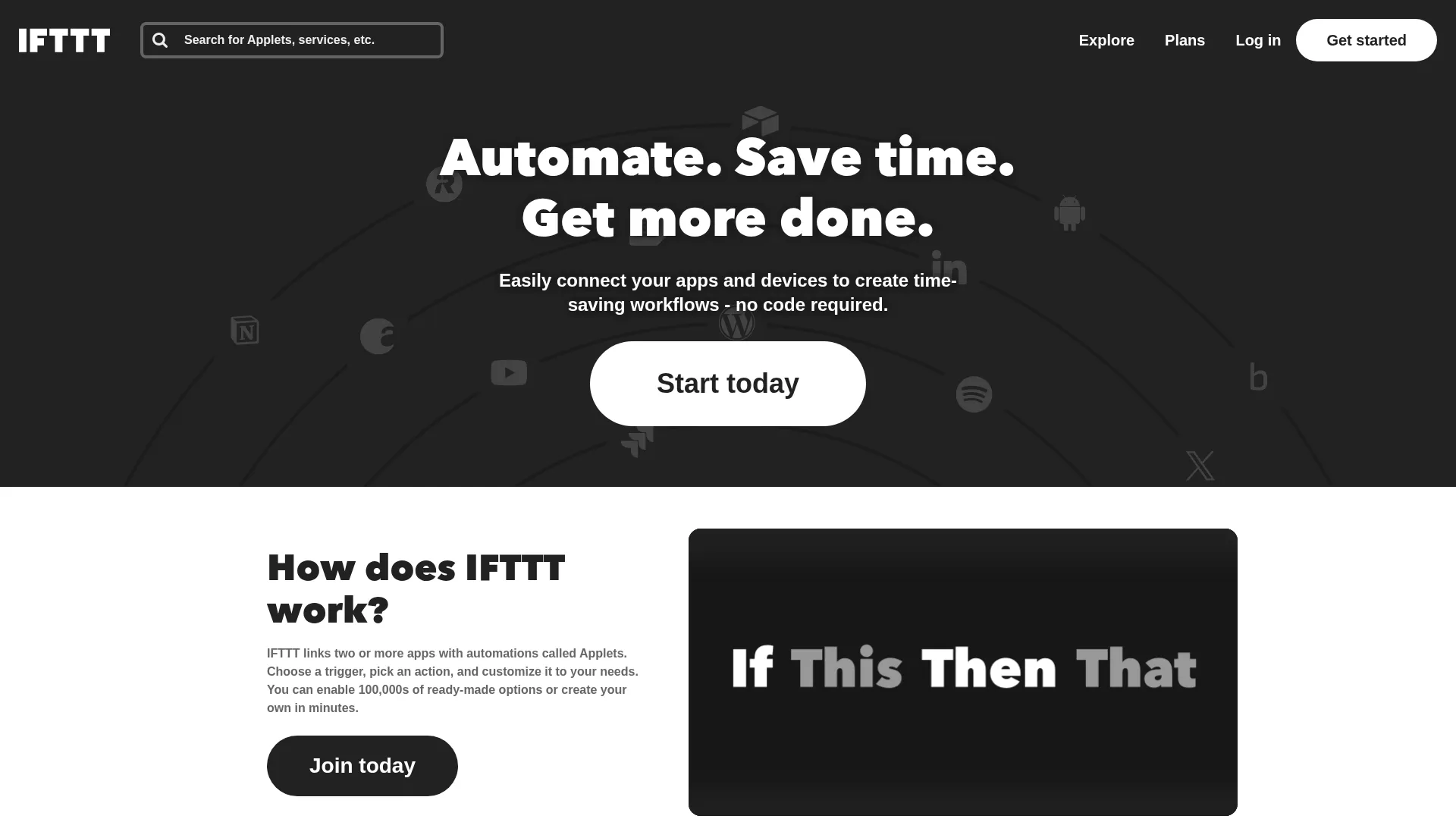
IFTTT (If This Then That) is the simplest automation tool on this list. It uses a single trigger-action model: when something happens, do one thing. No multi-step workflows, no complex branching — just clean, simple automations. It connects 800+ apps and is particularly strong with consumer apps, IoT devices, and social media platforms.
Not every team needs a full-featured automation platform. For simple tasks — posting to social media when you publish a blog, saving email attachments to Google Drive, getting Slack notifications for new form submissions — IFTTT gets the job done at a fraction of the cost. The free plan gives you five automations, and Pro is just $3.49/month.
Key Features
- Dead-simple trigger-action model — if this, then that
- 1,000+ app and device integrations including IoT and smart home
- 100,000+ pre-made applets ready to enable with one click
- Mobile apps with widgets, notifications, and location-based triggers
- Multi-action applets on Pro+ plan for chaining actions
Pricing
Free plan (2 applets). Pro from $2.99/mo (20 applets). Pro+ from $14.99/mo (unlimited).
Rating
4.5/5 — G2 (115+ reviews)
Best For
Small teams or individuals that need simple, affordable automations without comp...
Pros
- Cheapest automation tool on the market — Pro at $2.99/mo
- Simplest interface — no learning curve whatsoever
- Strong IoT and smart device integrations
- Pre-built applets mean one-click setup for common tasks
Cons
- Single trigger-action model — no multi-step workflows on free/Pro
- Limited for business use cases compared to Zapier or Make
How We Chose These Tools
We evaluated 15+ workflow automation tools across five criteria weighted for non-technical teams:
- No-code usability — can someone with zero technical background build automations confidently?
- Visual interface quality — does the builder make workflows easy to understand, debug, and modify?
- Integration breadth — does it connect with the apps your team already uses daily?
- Pricing accessibility — is there a free tier or affordable entry point for small teams?
- User sentiment — what do actual non-technical users say on G2, Capterra, and Reddit?
How to Choose the Right Automation Tool
The right tool depends on what you're automating and where your team works. Here's the quick decision framework:
If you need to connect many different apps...
Go with Zapier for the widest integration library or Make for better pricing and visual workflows. Both are purpose-built for cross-app automation.
If you want automation inside your project tool...
Choose Monday.com or ClickUp. Automations live inside your boards and tasks — no separate tool to manage.
If your workflows are data-heavy...
Airtable for spreadsheet-like workflows with database power, or Notion if your data lives alongside docs and knowledge bases.
If you need to standardize recurring processes...
Process Street for SOPs and checklists, or Pipefy for structured business processes with SLA tracking.
Stay Ahead of the Tool Curve
We research dozens of tools so you don't have to. Get our top picks and insider insights delivered weekly.
Frequently Asked Questions
What is workflow automation?
Workflow automation uses software to perform repetitive tasks and processes automatically, without manual intervention. Instead of manually copying data between apps, sending follow-up emails, or assigning tasks, automation tools handle these actions based on triggers you define. According to McKinsey, 60% of occupations have at least 30% of activities that could be automated, and workflow automation tools make this accessible to non-technical teams without coding.
What is the best free workflow automation tool?
Make offers the best free plan for workflow automation with 1,000 credits per month and access to its visual workflow builder. ClickUp provides 100 free automations per month alongside its project management features. Zapier's free plan gives you 100 tasks per month with two-step Zaps. For the simplest needs, IFTTT offers two free applets.
Do I need coding skills to use workflow automation tools?
No. Every tool on this list is designed for non-technical users. Zapier, Make, Monday.com, and ClickUp all use visual builders with dropdown menus, drag-and-drop interfaces, and pre-built templates. You configure automations by selecting triggers, conditions, and actions from menus — no coding required. Zapier and Make both offer AI assistants that create workflows from plain English descriptions.
Should I use Zapier or Make?
Zapier is better if you need the widest app coverage (8,000+ integrations) and the simplest interface. Make is better if you want visual workflow clarity, more complex logic (branching, loops), and lower pricing. Most non-technical teams start with Zapier for simplicity and switch to Make when they need more power or want to reduce costs at scale.
How do non-technical users rate Monday.com's workflow builder for approval workflows and automations?
Non-technical operations and marketing teams rate Monday.com's workflow builder well for approval chains and task routing, because automations are assembled from plain-English "if this then that" recipes inside the same boards the team already works in — and 200+ pre-built templates cover the most common triggers, so most teams never start from a blank canvas. The trade-off is scope rather than usability: Monday.com automations run inside its own ecosystem, so cross-app workflows spanning tools it does not integrate with are better served by Zapier or Make. Per-seat pricing ($7-19/seat/mo) also makes it more expensive than task-based platforms as the team grows.
Can a non-technical user build enterprise workflows with Make?
Make is built for non-technical users to construct enterprise-grade workflows without code, and it carries the two things that distinction usually requires: the logic depth and the compliance posture. Every step is a module on a visual flowchart canvas that you connect by drawing lines, and routers, filters, iterators, aggregators and error handling are all configured through that interface rather than in code — which is what lets a non-developer build branching, looping, multi-step processes that would otherwise need custom scripting. On the enterprise side, Make holds SOC 2 Type II and GDPR compliance, connects to 3,000+ apps, and covers anything outside that library through HTTP and webhook modules. The honest caveat is the on-ramp rather than the ceiling: Make has a steeper initial learning curve than Zapier because more options are exposed up front, so teams that want the simplest possible first automation often start on Zapier and move to Make when the logic outgrows it. Pricing runs from a free plan with 1,000 credits per month to Core at $9/mo, Pro at $16/mo and Teams at $29/mo, and the execution-based model gets dramatically cheaper than Zapier as workflows get longer.
Can workflow automation tools replace a developer?
For many common business workflows, yes. Non-technical teams can automate lead routing, email sequences, data syncing, approval chains, and reporting without developer involvement. However, for custom integrations with APIs that aren't supported, complex data transformations, or workflows requiring real-time performance, you may still need developer support.
How much do workflow automation tools cost?
Pricing ranges from free to hundreds per month depending on usage and features. IFTTT starts at $2.99/mo for basic automations. Make starts at $9/mo for 10,000 credits. Zapier starts at $19.99/mo for 750 tasks. Monday.com and ClickUp charge per seat ($7-19/seat/mo) with automations included. Power Automate is included in many Microsoft 365 plans at no additional cost.
The Bottom Line
For most non-technical teams, Zapier is the best place to start. It connects 8,000+ apps, has the simplest interface, and the AI Copilot means you can describe what you want in plain English. The free plan gets you started immediately.
If Zapier's pricing feels steep as you scale, Make gives you more power at a lower cost with its visual workflow builder. For teams that want automation inside their project management tool, Monday.com and ClickUp embed automations where you already work.
The bottom line: you don't need a developer to automate your workflows anymore. Every tool on this list was built for people like you — non-technical teams that want to stop doing repetitive work and focus on what actually moves the needle.
Related Reading
- 10 Best Zendesk Alternatives — The help desk the routing and escalation logic sits around, ranked by why teams leave
- 10 Best AI Tools for Internal Workflow Management — AI agents, approvals, and team coordination with n8n, Lindy, and Relay
- 10 Best Customer Service Software for 2026 — The help desk is the workflow hub for every customer-facing team
- Best Contract Workflow Automation Tools — Automate contract creation, signing, and tracking
- Best Micro-SaaS Ideas for Solopreneurs — Workflow automation is one of the hottest micro-SaaS categories
- The End of Per-Seat Pricing in SaaS — How automation tools are shifting to usage-based pricing
- Best Wispr Flow Alternatives in 2026 — Voice dictation tools that pair with automation for hands-free workflows
Sources
- Zapier — Official Website
- Make (formerly Integromat) — Official Website
- Monday.com — Official Website
- ClickUp — Official Website
- Notion — Official Website
- Airtable — Official Website
- Process Street — Official Website
- Pipefy — Official Website
- Microsoft Power Automate — Official Website
- IFTTT — Official Website
- McKinsey — A Future That Works: Automation, Employment, and Productivity
- Gartner — Workflow Automation Market Analysis
Stay Ahead of the Tool Curve
We research dozens of tools so you don't have to. Get our top picks and insider insights delivered weekly.
Trusted by indie hackers and startup founders
Keep Reading
Best Contract Workflow Automation Tools for Small Teams in 2026
Compare the best contract workflow automation tools for startups and small teams. From free options to full CLM platforms, find the right tool to streamline contract creation, signing, and tracking.
7 Best AI App Builders for Non-Technical Founders in 2026
The best AI app builders for non-technical founders, ranked by what you can actually launch: user accounts, data, payments, publishing, costs, and exit paths.
7 Best AI Search Visibility Tools for Agencies in 2026
Seven AI search visibility tools ranked for agencies by client workspaces, reporting, prompt economics, and the real cost of managing multiple brands.