
10 Best Cursor Alternatives for Indie Hackers in 2026
The 10 best Cursor alternatives in 2026, ranked after the $60B SpaceX deal: Claude Code, Codex, Copilot, Devin Desktop, Cline, Zed, and more — with real pricing and the dead tools other lists still recommend.

Key Takeaways
- Cursor now belongs to SpaceX — a $60B all-stock deal announced June 16, 2026, exactly one year after the pricing change that torched user trust. Having an exit plan is rational, not reactionary
- Claude Code is the best overall replacement — highest-rated tool in the category (G2 4.9), flat predictable pricing from $17/mo, and no editor lock-in: terminal, VS Code, JetBrains, web, or desktop
- Judge every tool on two axes competing lists ignore: pricing-model honesty (flat subscription vs. API-margin credit pool vs. ads/training) and survivability (funding, ownership, release cadence)
- Half the "Cursor alternatives" other pages recommend are dead or degraded: Roo Code shut down May 2026, Continue.dev was acquired and shuttered by Cursor itself, Void is paused, Aider has not shipped a release since August 2025, and Augment killed its $20 indie plan
- The free paths that actually work: Cline (open source + your API key), Zed (free editor, $10 Pro), Amp Free (ad-supported — your prompts train models), and Codex inside a ChatGPT plan you may already pay for
On June 16, 2026 — one year to the day after Cursor turned its $20 Pro plan into a credit pool billed at API rates — SpaceX announced it was buying Cursor’s maker Anysphere for $60 billion in stock. In the same news cycle, Cursor quietly acquired Continue.dev, the open-source alternative, and shut it down. If you’ve been meaning to have an exit plan, this is the sign you were waiting for.
Here’s the problem with searching “best Cursor alternatives” today: the results are stale. The top-ranking lists still recommend Roo Code (shut down May 2026), Continue.dev (dead, data deleted July 15), Void (paused), Aider (no release in eleven months), and Augment Code (killed its $20 indie plan — cheapest option is now $100/mo). Half the advice on page one points at tools that no longer exist for individual developers.
So this list judges the survivors on the two axes that actually matter in 2026: pricing-model honesty — flat subscription vs. API-margin credit pool vs. ads-and-training-data — and survivability: funding, ownership stability, and release cadence. Every price below was verified in July 2026, every dead tool is named with a date, and the rankings weight what indie hackers and small teams need: predictable costs, no lock-in, and a vendor that will still exist next year.
First, the Dead Pool: Tools Other Lists Still Recommend
The AI coding market consolidated brutally in the last 13 months. Before you evaluate any “Cursor alternative” from an older article, check it against this list.
- Roo Code — Shut down May 15, 2026. The 3M-install Cline fork closed its VS Code extension, Cloud, and Router entirely. CEO Matt Rubens: "We don’t believe IDEs are the future of coding." The team pivoted to Roomote, a cloud agent.
- Continue.dev — Acquired and shuttered by Cursor, June 2026. The 2.5M-install open-source assistant was bought by Cursor in the same news cycle as the SpaceX deal — and shut down, with user data deleted after July 15, 2026. The repo is read-only.
- Augment Code — Abandoned individual developers, June 2026. Killed its $20 Indie and $60 Standard plans; the cheapest option is now Business at $100/mo with LLM usage billed at provider list price plus a 40% service fee. An enterprise pivot, priced accordingly.
- Void — Development paused, early 2026. The YC-backed open-source Cursor clone stopped active development. The repo is public and the last version works, but nobody is maintaining it against a fast-moving category.
- Aider — No release since August 9, 2025. The beloved original terminal pair-programmer (41.6k stars, 5.3M installs) has gone almost a year without a release; its model leaderboard still headlines early-2025 models. For terminal workflows, Claude Code and Codex CLI have absorbed its niche.
Quick Comparison
| # | Tool | Best For | Starting Price | G2 Rating |
|---|---|---|---|---|
| 1 | Claude Code | Overall Cursor Replacement for Solo Builders | Free tier with limited weekly usage | 4.9 |
| 2 | OpenAI Codex | If You Already Pay for ChatGPT | Included with ChatGPT: Free limited, Go $8/mo, Plus $20/mo (10–60 cloud tasks per 5-hour window), Pro $100/mo with ~5x limits | — |
| 3 | GitHub Copilot | Budget All-Rounder | Free tier | 4.5 |
| 4 | Windsurf (now Devin Desktop) | Like-for-Like Cursor IDE Experience | Free tier | 4.2 |
| 5 | Cline | Open-Source, Zero Lock-In Option | Extension free | — |
| 6 | Zed | Performance-First Editor | Personal free forever | — |
| 7 | Kiro | for Spec-Driven Solo Product Work | Free 50 agent interactions/mo | — |
| 8 | JetBrains Junie | for JetBrains Loyalists | AI Free $0 (small monthly credits, bundled with IDE licenses) | — |
| 9 | Amp | Free Agentic Coding | Amp Free $0 (ad-supported; your free usage trains models) | — |
| 10 | Trae | Rock-Bottom Price | Free tier (5,000 completions/mo) | — |
G2 ratings shown only where a public review base exists (July 2026). Most tools in this category are too new for meaningful review volume — we don’t invent scores.
Claude Code
Best Overall Cursor Replacement for Solo Builders
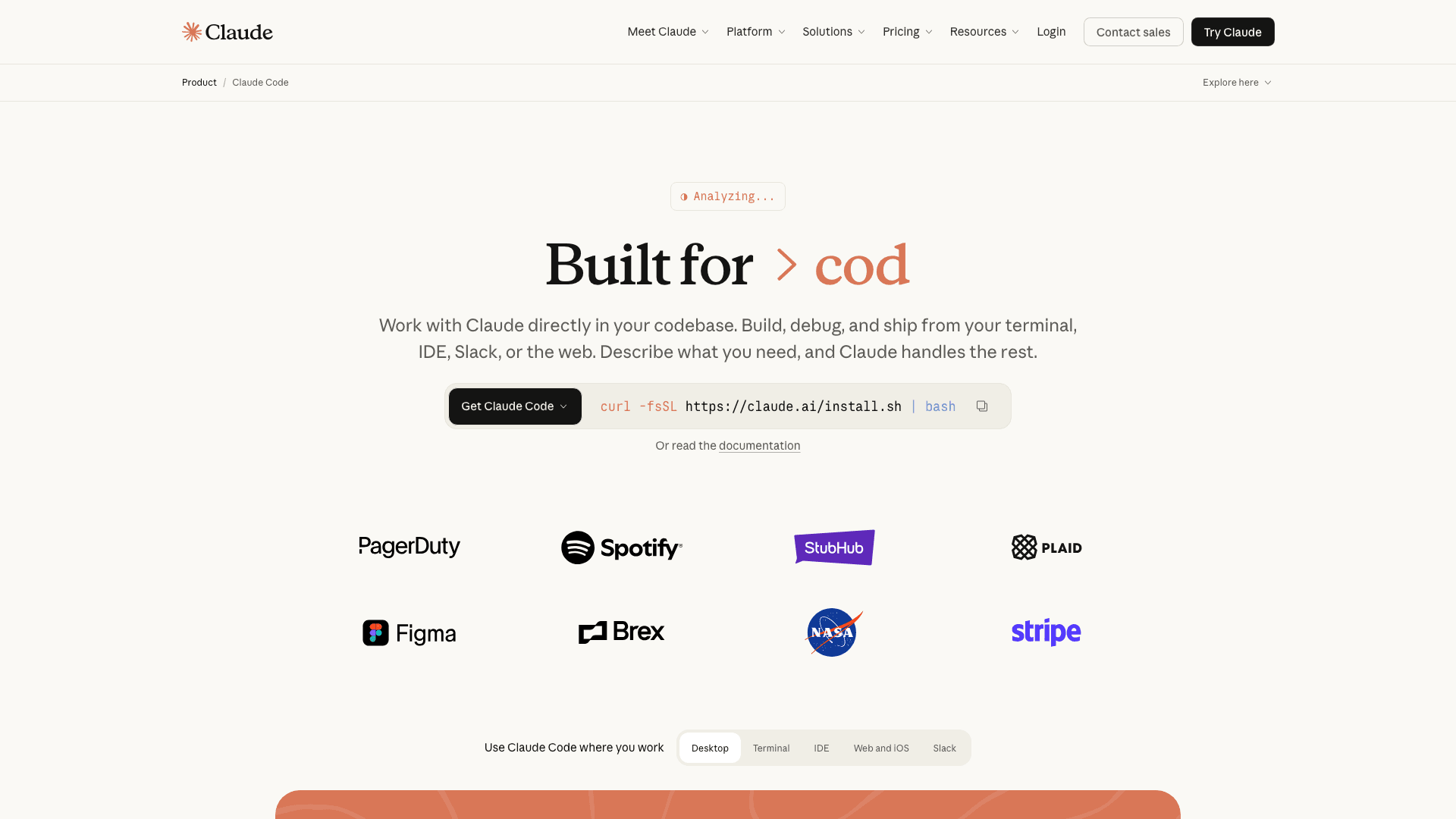
Claude Code is Anthropic’s autonomous coding agent. It started terminal-first and now runs everywhere — CLI, VS Code and JetBrains extensions, web, desktop app, and scheduled background agents. You give it a task; it plans, edits across files, runs tests, and reports back.
Claude Code answers the two exact reasons people leave Cursor. First, pricing: it’s included in flat Claude subscriptions from $17/mo (annual Pro) up to $100–200/mo Max tiers, instead of a credit pool billed at API rates — you always know what the month costs. Second, lock-in: there is no editor to be locked into. It is also the momentum play: roughly $2.5B in annualized revenue within nine months of GA, weekly actives doubled since January 2026, and it now writes about 4% of all public GitHub commits. It carries the highest satisfaction score in the category at G2 4.9 — albeit on a small review base — and because our audience skews Claude-heavy, we scrutinized it harder, not softer: the weekly usage caps on Pro are real and heavy users will feel them.
Weighing Claude Code against Cursor specifically? Our Cursor vs Claude Code head-to-head breaks down pricing, autonomy, and when to run both.
Key Features
- End-to-end autonomy on multi-file tasks — plan, edit, run tests, iterate without babysitting
- Included in Claude Pro ($17/mo annual) and Max ($100–200/mo) — flat tiers, no API-margin credit pool
- Runs in terminal, VS Code, JetBrains, web, desktop, and as scheduled agents
- Full-codebase understanding with markedly lower token burn per task than IDE agents in third-party tests
- Backed by the fastest revenue ramp of any coding tool: ~$2.5B annualized within 9 months
Pricing
Free tier with limited weekly usage. Pro $17/mo annual ($20 monthly). Max 5x $100/mo. Max 20x $200/mo. Team plans from $20–25/seat. No credit pool — flat tiers.
Rating
4.9/5 — G2
Best For
Solo builders and small teams who want one predictable subscription and an agent...
Pros
- Flat, predictable pricing — the anti-Cursor billing model
- Highest-rated AI coding tool on G2 (4.9/5)
- No editor lock-in — works in whatever you already use, including inside Zed
- Strongest verified momentum: ~4% of public GitHub commits, WAUs doubled since Jan 2026
Cons
- Weekly usage limits frustrate heavy users — "it gets stop when i use it a lot," as one G2 reviewer put it
- No GUI-first inline-diff experience by default; you steer via prompts, not cursor position
OpenAI Codex
Best If You Already Pay for ChatGPT
Codex is OpenAI’s agentic coding stack: an open-source CLI, cloud tasks that return PRs, a VS Code extension with 9.8M installs, and an iOS app — all bundled into ChatGPT plans. Fire off a task from any surface, review the diff when it’s done.
For most indie hackers the math is simple: you probably already pay $20/mo for ChatGPT Plus, and Codex rides along at no extra cost — 10–60 cloud tasks and dozens of code reviews per 5-hour window, plus unlimited-ish CLI use against your plan. The delegate-and-review workflow is the draw: describe the change, get a PR back, merge or iterate. One HN commenter in the SpaceX-Cursor thread captured the migration pattern: "I stopped using Cursor when I started getting comfortable with Codex/Claude… I use my normal editor, add a todo describing what I want, and ask Codex to implement it." The catch: OpenAI models only, and usage windows that OpenAI keeps adjusting.
Key Features
- Bundled with ChatGPT: Free (limited), Go $8/mo, Plus $20/mo, Pro $100/mo
- Cloud tasks: delegate work, get a reviewable PR back — async by design
- Open-source CLI (88.6k+ GitHub stars) plus VS Code extension at 9.8M installs
- Code review built in — point it at a PR and get substantive feedback
- Also available BYO-API-key at per-token rates, including on Amazon Bedrock since June 2026
Pricing
Included with ChatGPT: Free limited, Go $8/mo, Plus $20/mo (10–60 cloud tasks per 5-hour window), Pro $100/mo with ~5x limits. Or pay per token via API key.
Rating
No public review base yet
Best For
Builders already inside the ChatGPT ecosystem who want agentic coding without ad...
Pros
- Effectively free if you already pay for ChatGPT Plus
- Delegate-a-task-get-a-PR workflow is genuinely async — close the laptop
- Massive distribution: 9.8M VS Code installs, 88.6k-star CLI
- Token-based credits (2026) made costs more transparent than the old message caps
Cons
- OpenAI models only — no Claude, no local models
- Usage windows are opaque and have shifted multiple times in 2026
- Less mid-task steerability than Claude Code for long agentic runs
GitHub Copilot
Best Budget All-Rounder
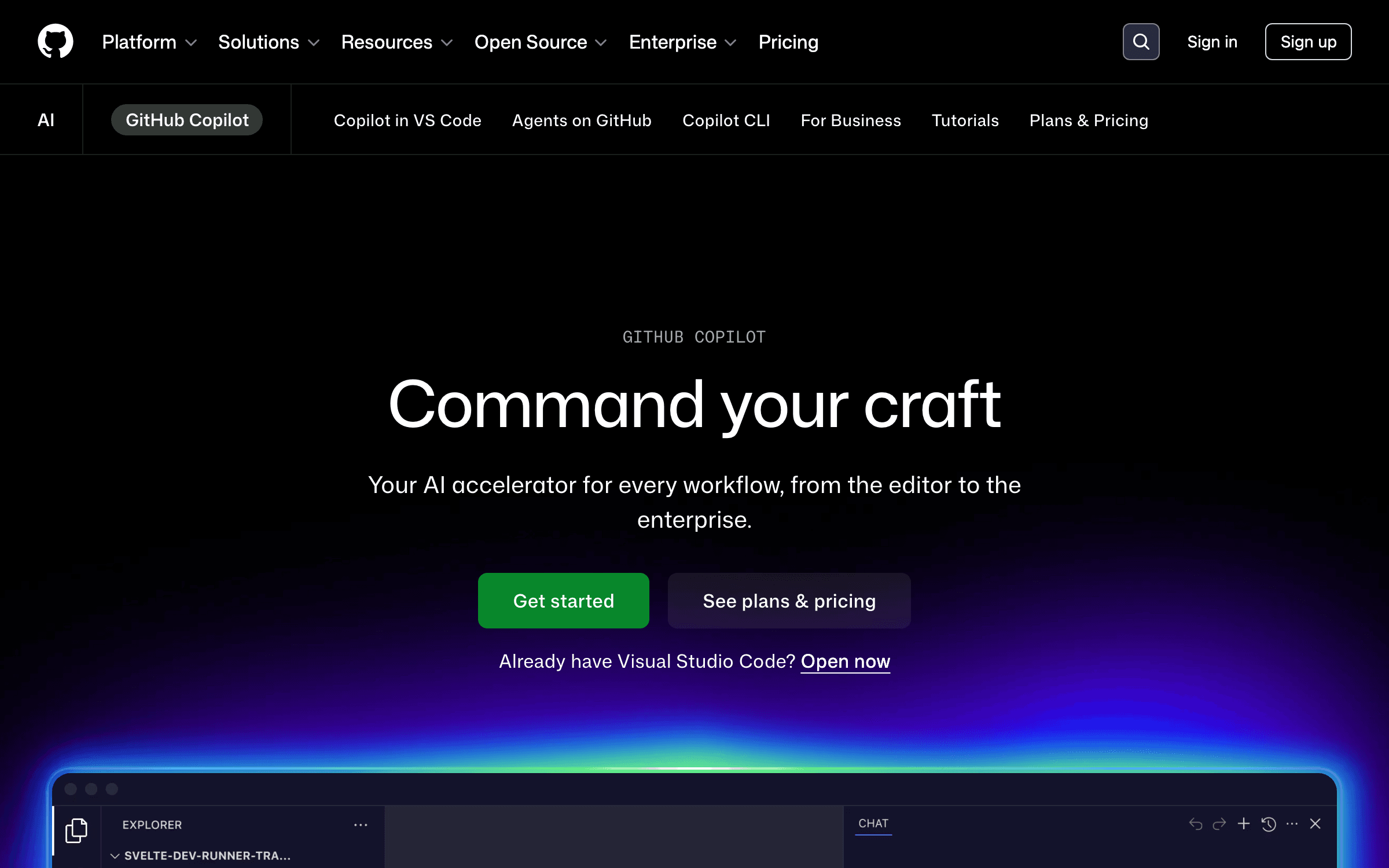
The original AI pair programmer is now a full agent platform: autocomplete, chat, agent mode in VS Code and JetBrains, and an async coding agent that opens pull requests directly on GitHub while you do something else.
At $10/mo — half of Cursor Pro — Copilot is the cheapest serious entry point in AI coding, and it meets you in the editor you already use instead of asking you to switch. The async coding agent is the sleeper feature: assign it an issue and it turns up with a PR, which one reviewer described as "my primary way to get through my Jira backlog without losing my mind." One honest caution: on June 1, 2026, GitHub replaced Premium Request Units with usage-based "AI Credits" billed by tokens processed — the same billing direction that burned Cursor users in 2025. Pro includes a monthly credit allowance; watch how far it actually stretches for agent-heavy work.
Key Features
- Free tier; Pro $10/mo; Pro+ $39/mo with $39 of monthly AI Credits
- Agent mode in VS Code and JetBrains as of March 2026
- Async coding agent opens PRs on GitHub from assigned issues
- Works inside VS Code, JetBrains, and Neovim — no editor switch required
- Deepest GitHub integration of any tool: reviews, issues, Actions context
Pricing
Free tier. Pro $10/mo. Pro+ $39/mo. Business $19/user. Enterprise $39/user. June 2026: billing moved to token-based AI Credits — flat feel, usage-based reality.
Rating
4.5/5 — G2
Best For
Budget-conscious developers and anyone whose workflow already lives on GitHub — ...
Pros
- $10/mo — half the price of Cursor Pro
- No editor switch: works in VS Code, JetBrains, Neovim
- Async coding agent turns GitHub issues into PRs
- Backed by Microsoft — zero survivability risk
Cons
- June 2026 shift to usage-based AI Credits erodes the price predictability that made it the safe choice
- Agent quality still a step behind Claude Code and Codex on hard multi-file tasks
Windsurf (now Devin Desktop)
Best Like-for-Like Cursor IDE Experience
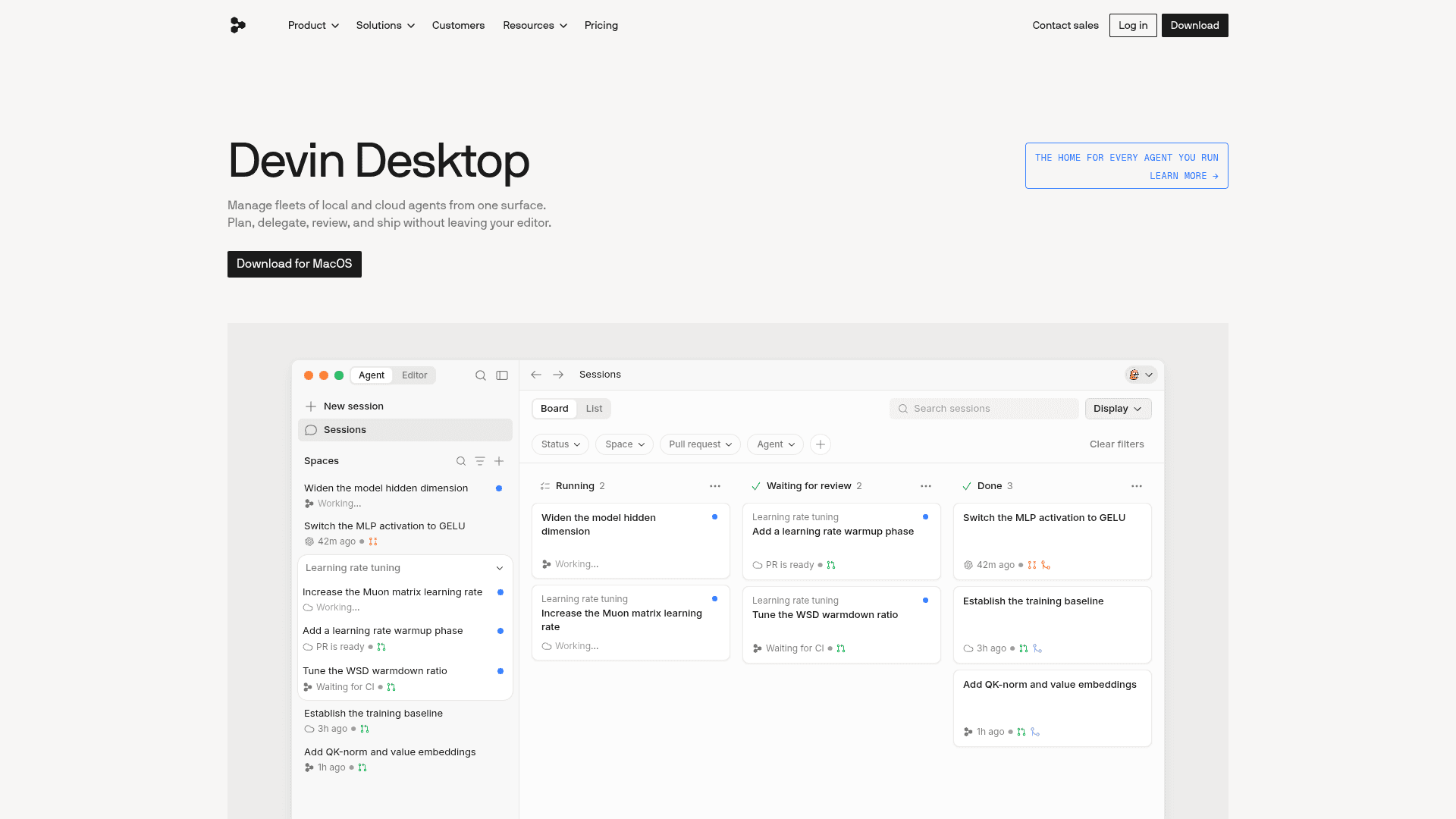
The AI-native IDE formerly known as Windsurf. After OpenAI’s $3B acquisition collapsed and Google licensed away the founders, Cognition bought the product in July 2025 — and rebranded it Devin Desktop in an over-the-air update on June 2, 2026. It now pairs the local Cascade agent with Cognition’s Devin cloud agents in one surface.
If your honest requirement is "Cursor, but not Cursor," this is still the closest UX at the same $20 — Tab-style completions, an agentic panel, and now fleet management for cloud agents that keep working after you close the laptop. Cognition raised $1B+ at a $26B valuation in May 2026 on a ~$492M revenue run rate, so the company is real. The thing you must price in is brand churn: four ownership dramas in twelve months, and as one reviewer put it, "the people who built Windsurf are at Google, while the people shipping Devin Desktop are Cognition’s team, working with the codebase those founders left behind." Post-rebrand bug reports on Cascade and extension compatibility are worth reading before you migrate a paying-client workflow.
Key Features
- Full AI-native IDE: Cascade local agent, Tab completions, codebase context
- Devin cloud agents included — delegate tasks that run with your laptop closed
- March 2026 replaced credits with a "usage allowance" — simpler than Cursor’s pool
- Cognition’s in-house SWE-1.5 model plus Codemaps for large-repo navigation
- Free tier available; Pro $20/mo; Max $200/mo
Pricing
Free tier. Pro $20/mo including Devin cloud-agent access. Max $200/mo. Teams ~$40/seat. Enterprise custom.
Rating
4.2/5 — G2
Best For
Developers who specifically want the AI-IDE form factor and accept ownership chu...
Pros
- Closest like-for-like Cursor replacement — familiar in an afternoon
- Local IDE agent plus cloud Devin agents in one product and one bill
- Cognition’s $26B backing and in-house models signal long-term investment
- Usage allowance is less anxiety-inducing than Cursor’s API-rate credit pool
Cons
- Four ownership changes in a year — the founding team is gone (to Google)
- Post-rebrand bug reports around Cascade and extensions; migration friction is real
- Lowest G2 rating among the major IDE options (4.2)
Don’t Get Blindsided by the Next Acquisition
We track every pricing change, shutdown, and acquisition in the AI tool stack so you don’t have to. Weekly, with receipts.
Cline
Best Open-Source, Zero Lock-In Option
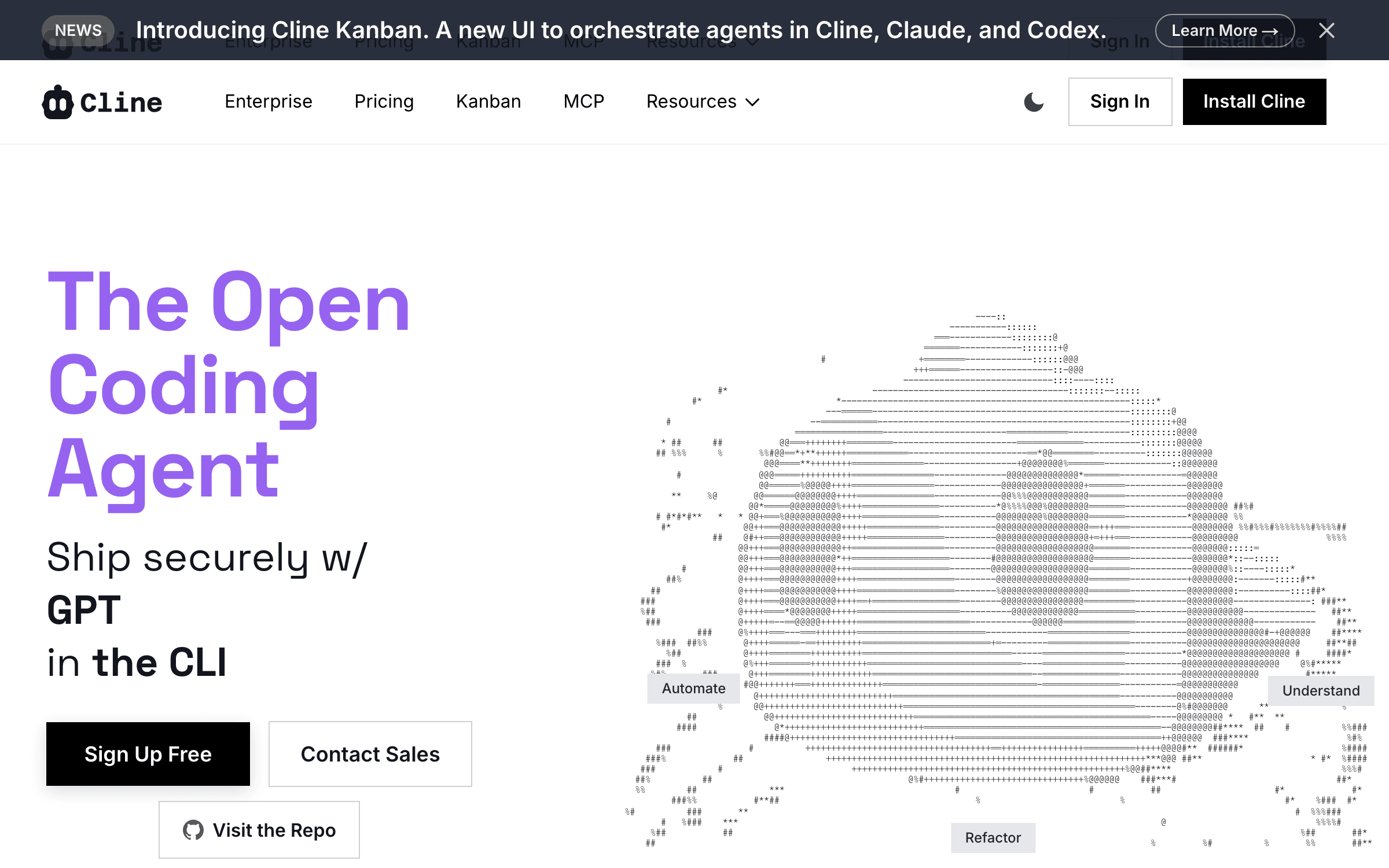
Cline is the Apache-2.0 autonomous agent that lives inside VS Code. Bring your own API key — Anthropic, OpenAI, or local models via Ollama — and watch every token it spends. A plan/act approval flow keeps you in control of every file edit and terminal command.
Cline is what "free Cursor alternative" should actually mean: no subscription, no credit pool, no vendor deciding your workflow — just the extension plus whatever the model API costs (typically $25–70/mo for regular use, more if you hammer it). It is also the survivor of the open-source shakeout: while Roo Code shut down and Continue.dev got swallowed by Cursor, Cline raised $32M from Emergence and Pace and got adopted by Samsung’s Device eXperience division. Pointed at a frontier model, it benchmarks with the paid tools — 88.6% on SWE-bench Verified in one third-party test. The trade: raw API billing is volatile, and long sessions that re-send context can inflate costs in ways a flat subscription never will.
Key Features
- Free, open-source (Apache-2.0) — 1.5M+ installs, 59k+ GitHub stars
- Any model: Claude, GPT, Gemini, or fully local via Ollama
- Plan/act approval flow — inspect every edit and command before it runs
- Complete cost transparency: see exactly what every request spent
- $32M in funding and Samsung enterprise adoption — the OSS option that will still exist next year
Pricing
Extension free. You pay model API costs — typically $15–120/mo depending on usage, most users $25–70. Optional hosted credits and enterprise tier.
Rating
No public review base yet
Best For
Developers who want zero lock-in, full auditability, and are comfortable managin...
Pros
- Truly free software — pay only underlying API costs
- Works with any model, including local ones for sensitive code
- Every prompt and token auditable — ideal for client work
- Funded ($32M) and enterprise-adopted — survivor of the OSS shakeout
Cons
- API bills are volatile — a heavy month can exceed a Cursor subscription
- Context re-sends on resumed tasks inflate costs; users report $0.50+ per call in long sessions
- VS Code only (JetBrains support gated behind the enterprise tier)
Zed
Best Performance-First Editor — and Cheapest Pro at $10
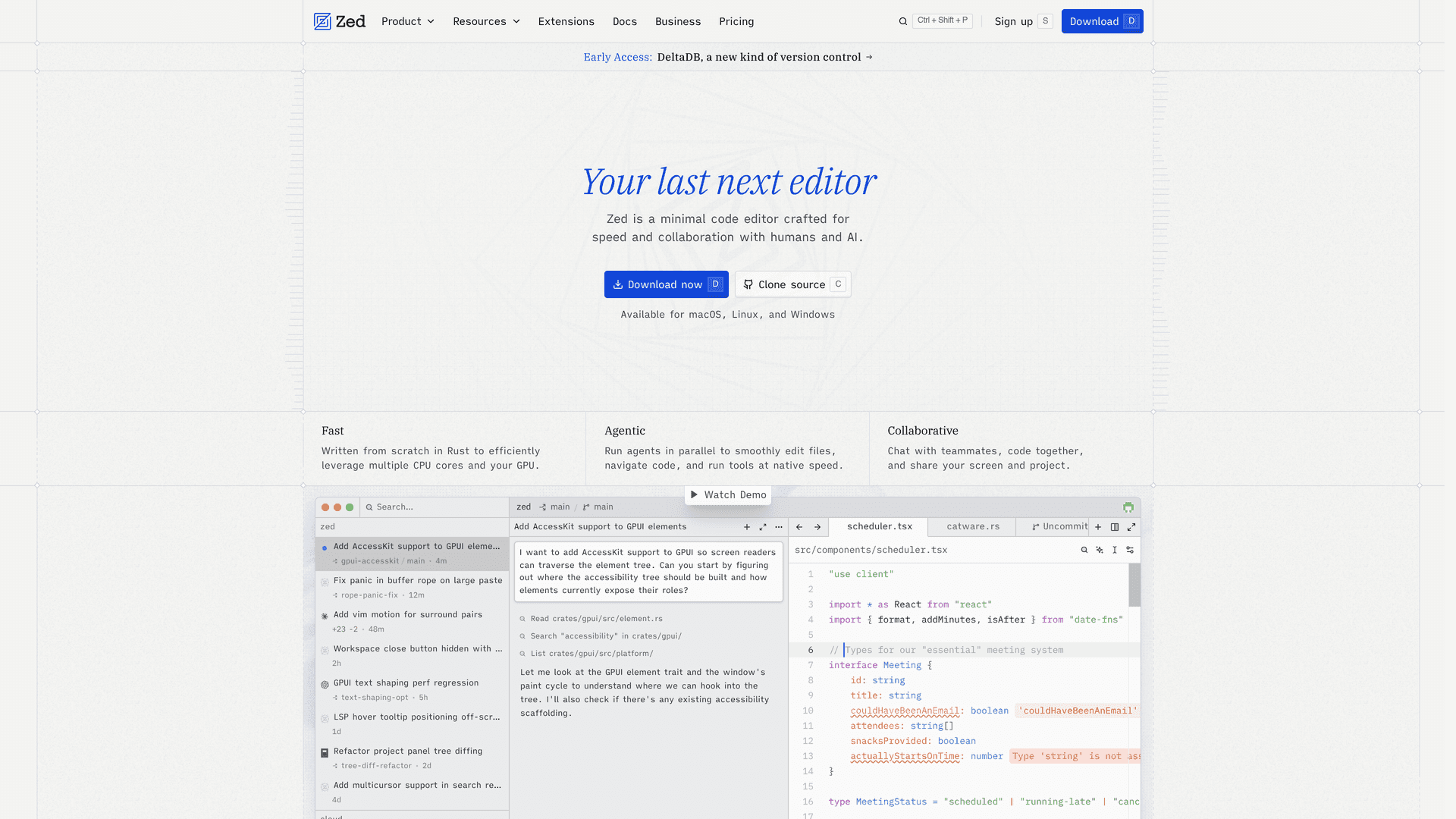
Zed is a GPU-rendered editor written in Rust by the creators of Atom: ~200ms cold start and ~73MB of RAM where Cursor takes 2–3 seconds and 200–280MB. Its AI layer is deliberately open — bring any model, or run external agents like Claude Code and Amp directly inside the editor.
If your core complaint about Cursor is that it’s a heavy Electron fork of VS Code that lags upstream and breaks extensions, Zed is the structural fix rather than another fork. The strategic story is bigger: Zed co-authored the Agent Client Protocol (ACP) with JetBrains in January 2026, an open standard that decouples agents from editors — and its Terminal Threads feature (May 2026) lets you run Claude Code as a sidebar agent inside Zed. That combination kills two lock-ins at once: the editor and the agent. Pro is $10/mo with unlimited Zeta2 edit predictions, and BYOK plus external agents work on the free tier. The trade-off is a smaller extension ecosystem than the VS Code world.
Key Features
- Rust-native speed: ~200ms cold start, 120fps rendering, ~73MB RAM
- Personal plan free forever; Pro $10/mo with unlimited edit predictions
- Agent Client Protocol (open standard, co-authored with JetBrains) — no agent lock-in
- Terminal Threads: run Claude Code or Amp inside Zed as first-class agents
- BYOK and external agents fully functional on the free tier
Pricing
Personal free forever. Pro $10/mo (unlimited Zeta2 predictions + $5 LLM credits). Business $30/seat. BYOK works on free.
Rating
No public review base yet
Best For
Performance-sensitive developers who want an editor for the next decade, with AI...
Pros
- Fastest editor in the category by a wide margin
- Open ACP standard means agents are swappable — future-proof by design
- Cheapest Pro tier ($10) and a genuinely usable free tier
- Run Claude Code inside Zed — best of both tools in one window
Cons
- Extension ecosystem much smaller than VS Code forks
- Native agentic features younger and less polished than Cursor’s Composer
Kiro
Best for Spec-Driven Solo Product Work

Kiro is AWS’s agentic IDE with an opinion: before writing code, it turns your prompt into executable specs — requirements, design, and a task list — then implements against them. Claude models run under the hood via Bedrock, with CLI, web, and mobile surfaces added since GA in November 2025.
Spec-driven development is the discipline solo founders skip and then pay for: vibe-code five features fast, then spend a week untangling drift. Kiro front-loads the thinking — the community consensus across dozens of r/aws and r/webdev threads lands on "Cursor wins for fast iteration; Kiro wins for complex features needing upfront design clarity." At $19/mo Pro for 1,000 agent interactions it undercuts Cursor while being backed by Amazon, which settles the survivability question completely. The friction is real, though: spec ceremony is overkill for quick fixes, and the free tier’s 50 interactions evaporate fast.
Key Features
- Spec-first workflow: prompts become requirements → design → tasks → code
- Free 50 agent interactions/mo; Pro $19 (1,000); Pro+ $39 (3,000); Pro Max $100
- Claude models via AWS Bedrock, plus ChatGPT model support added mid-2026
- Agent hooks: event-driven automations that run on save, commit, or schedule
- 250k+ developers since preview; GA since November 2025
Pricing
Free 50 agent interactions/mo. Pro $19/mo (1,000 interactions). Pro+ $39/mo (3,000). Pro Max $100/mo. IDE download free.
Rating
No public review base yet
Best For
Solo founders building features complex enough to punish improvisation — and AWS...
Pros
- Spec-driven flow measurably reduces rework on complex features
- Cheaper than Cursor Pro at $19 with clear interaction counts, not opaque credits
- Amazon backing — zero risk it disappears
- Specs double as living documentation for your future self
Cons
- Spec ceremony is friction for simple tasks and quick fixes
- Free tier’s 50 interactions/month runs out in a day or two of real use
- Roadmap ultimately serves AWS’s enterprise agenda, not indie workflows
JetBrains Junie
Best for JetBrains Loyalists

Junie is JetBrains’ coding agent inside real IntelliJ-platform IDEs — IntelliJ IDEA, PyCharm, WebStorm, GoLand. It drives the same refactoring engine, inspections, and debugger that made those IDEs the professional default, instead of approximating them in a VS Code fork.
If IntelliJ or PyCharm is non-negotiable for you, the Cursor question answers itself — you were never going to live in a VS Code fork anyway. Junie at $10/mo (AI Pro) brings genuine agentic task execution to the IDEs you already trust, and JetBrains co-authored the open ACP standard with Zed, signaling it will interoperate with external agents rather than wall you in. Go in clear-eyed about the billing: credit consumption is the loudest complaint in the community — there’s an official support-forum thread literally titled "Serious Concerns Regarding JetBrains AI Pricing & Credit Consumption with Junie and AI Assistant." Budget for Ultimate ($20–30/mo) if you lean on the agent daily, plus your IDE license.
Key Features
- True agent inside real JetBrains IDEs — refactorings, inspections, debugger context
- AI Free tier included with IDE licenses; AI Pro $10/mo; AI Ultimate $30/mo ($20 annual)
- Multi-model under the hood, plus unlimited local-AI chat on paid tiers
- ACP standard (with Zed) — external agents become first-class citizens
- Junie CLI in beta extends the agent beyond the IDE
Pricing
AI Free $0 (small monthly credits, bundled with IDE licenses). AI Pro $10/mo. AI Ultimate $30/mo ($20 annual). IDE license separate. Credit top-ups $1/credit.
Rating
No public review base yet
Best For
Developers whose muscle memory and toolchain live in IntelliJ-platform IDEs — es...
Pros
- The only real agent experience inside actual JetBrains IDEs
- Leverages best-in-class refactoring and inspection engines
- $10 entry undercuts Cursor while adding IDE depth VS Code forks can’t match
- Open ACP direction protects against agent lock-in
Cons
- Credit burn is the community’s #1 complaint — heavy agent use exhausts allowances fast
- Requires a JetBrains IDE license on top of the AI subscription
- Organizational licenses are converting to a credits model — pricing is in flux
Amp
Best Free Agentic Coding — With Eyes Open
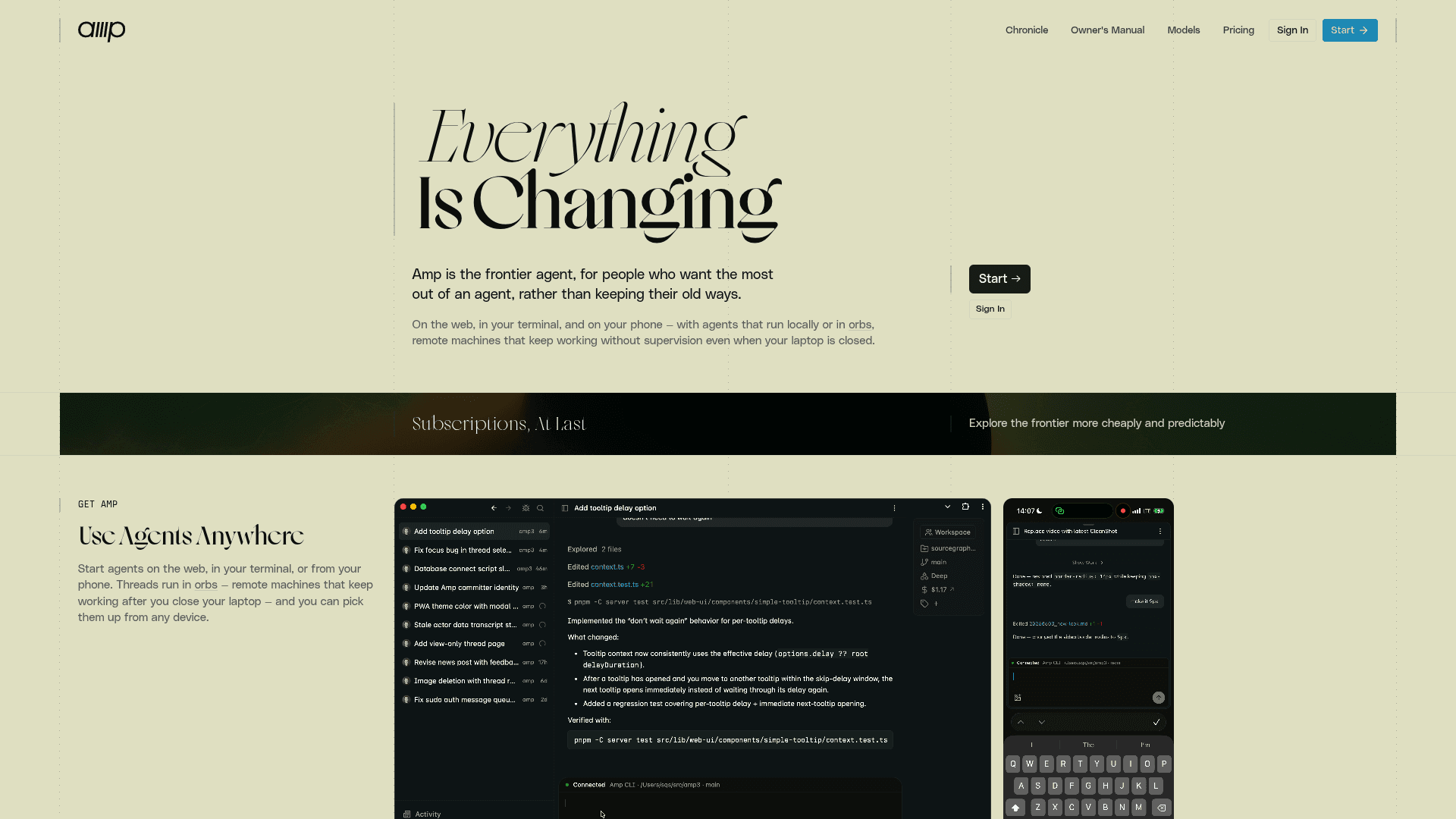
Amp is Sourcegraph’s frontier agentic coding tool — CLI plus editor extension, known for shipping bleeding-edge agent features (subagents, an "oracle" reviewer model) faster than anyone. It replaced Cody as Sourcegraph’s individual-developer product, and its free tier is the most honest bargain in the category: you pay with ads and training data.
Amp Free is the only way to run a genuinely frontier-grade agent at $0/month with no card on file — and Sourcegraph is refreshingly explicit about the deal: "we and our inference partners need to be able to train models on your free usage to make it free." That makes it perfect for side projects and open source, and categorically wrong for client work or anything under NDA (the paid "Smart Mode" adds zero data sharing, and as of July 2026 there are $20/mo and $200/mo subscription bundles alongside pay-as-you-go). The other caution is pricing-model churn: Cody sunset, then credits, then free-with-ads, then subscriptions — four models in about a year. The engineering is excellent; the packaging keeps moving.
Key Features
- Amp Free: real agentic coding at $0, funded by ads + training on your usage
- Multi-model "best tool for the job" routing, with subagents and oracle review
- CLI-first with editor extension — comfortable for terminal-native developers
- Paid tiers ($20/mo, $200/mo, or usage-based) with zero data sharing
- Deep integration as an external agent inside Zed’s Terminal Threads
Pricing
Amp Free $0 (ad-supported; your free usage trains models). Subscriptions $20/mo and $200/mo as of July 2026, plus pay-as-you-go at API rates and enterprise BYOK.
Rating
No public review base yet
Best For
Side projects, open source, and evaluation — the free frontier agent for anyone ...
Pros
- Genuinely free frontier agent — no trial cliff, no card required
- Transparent about the training-data trade instead of burying it
- Ships cutting-edge agent features faster than the big platforms
- Sourcegraph’s code-intelligence pedigree shows in large-repo work
Cons
- Free tier trains on your prompts and code — disqualifying for client/NDA work
- Pricing model has churned four times in a year; plan for change
- Thin third-party review base — you’re trusting the vendor’s trajectory
Trae
Best Rock-Bottom Price — With a Privacy Warning
Trae is ByteDance’s AI IDE: a full Cursor-style experience — completions, chat, and the SOLO full-project agent that shipped as a standalone app in March 2026 — at prices nobody else will match: $3/mo Lite, $10/mo Pro.
On pure capability-per-dollar, Trae embarrasses the field: Pro is half of Cursor at $10, Lite is $3, and the free tier includes 5,000 autocompletions a month. But you need the full picture before touching it: security researchers documented Trae continuing telemetry after opt-out (~500 network calls and 26MB of traffic in seven minutes), collecting hardware and project metadata, with chat-data training as an opt-out and roughly five-year telemetry retention — and the developer who reported it was auto-muted on Trae’s Discord, where the word "track" was blacklisted. For throwaway projects, learning, and price-sensitive experimentation, it’s a legitimate bargain. For client code, NDA work, or anything commercially sensitive, it’s radioactive. We rank it last and say exactly why — most lists just skip the second half.
Key Features
- Cheapest real AI IDE: Lite $3/mo, Pro $10/mo, Pro+ $30/mo, Ultra $100/mo
- SOLO agent builds full projects from a prompt — standalone desktop/web app since March 2026
- Free tier: 5,000 autocompletions/month plus limited SOLO access
- Token-based plans (Feb 2026) with clear included allowances
- Full VS Code-fork familiarity — extensions and keybindings carry over
Pricing
Free tier (5,000 completions/mo). Lite $3/mo. Pro $10/mo. Pro+ $30/mo. Ultra $100/mo. Token-based allowances.
Rating
No public review base yet
Best For
Price-sensitive experimentation, learning projects, and prototypes where the cod...
Pros
- Unbeatable pricing at every tier — $3 entry is a category low
- SOLO agent is genuinely competent for full-project generation
- Familiar VS Code-fork UX — zero learning curve from Cursor
Cons
- Documented telemetry that continued after opt-out; ~5-year retention; training on chat data is opt-out
- Community-management red flags: researcher auto-muted, "track" blacklisted on Discord
- ByteDance ownership is a hard no for many client and employer policies
How We Chose These Cursor Alternatives
We evaluated 15 candidates against four criteria weighted for indie hackers and small teams — and cut five of them, with reasons stated above:
- Pricing-model honesty — flat subscriptions (Claude Code, Zed, Trae) ranked above API-margin credit pools; tools whose billing changed against users (Copilot’s June 2026 credits shift, JetBrains’ credit conversion) got that flagged in their cons, not buried
- Survivability — funding, ownership stability, and release cadence. This axis is why Aider (11 months without a release) and Void (paused) are in the dead pool instead of the ranking, and why Cline’s $32M raise earned it the open-source slot
- Real capability on agent-grade work — multi-file refactors, test generation, async task completion. Third-party benchmark data (SWE-bench runs) and G2 reviews were weighted over vendor demos
- Privacy posture — tools that train on your code by default or over-collect telemetry got it stated plainly (Amp’s free tier, Trae’s documented telemetry record) rather than omitted, and local/BYOK options scored higher for sensitive work
Which Cursor Alternative Should You Pick?
Don’t evaluate all ten. Answer one question — “what am I actually leaving Cursor for?” — and go straight to the match:
Leaving over unpredictable credit burn...
Claude Code. Flat tiers from $17/mo, no API-margin pool, and the strongest agent in the category. The default answer.
Already paying for ChatGPT...
Codex. It’s bundled into Plus at $20/mo — try it before adding any new subscription.
Want the cheapest credible paid option...
GitHub Copilot at $10/mo in your existing editor — watch the new AI Credits billing. Or Zed Pro at $10 if editor speed is the draw.
Want Cursor’s exact form factor...
Devin Desktop (ex-Windsurf). Same $20, same AI-IDE feel, cloud agents included — accept the ownership churn.
Working on client / NDA code...
Cline with your own API key (or local models). Full audit trail, zero vendor data exposure. Avoid Amp Free and Trae here — that’s what their fine print costs.
Spending $0 this month...
Amp Free for side projects (ads + training fund it), Zed free tier with BYOK, or Kiro’s 50 free interactions to test spec-driven work.
The AI Tool Market Moves Weekly. We Keep the Score.
Pricing changes, shutdowns, acquisitions, and what they mean for your stack — summarized for founders who’d rather ship than doomscroll.
Frequently Asked Questions
Is Claude Code better than Cursor?
They are different species. Cursor is an AI-wrapped editor built for steer-every-step interactive work; Claude Code is an autonomous agent that takes whole tasks end-to-end and is stronger for multi-file refactors, cross-file debugging, and test generation. Many professionals run both. The pricing difference is the decider for most indie hackers: Claude Code comes in flat Claude subscriptions from $17/mo, while Cursor Pro is a $20 credit pool billed at API rates that heavy agent use can drain mid-month. If you want one tool and predictable costs, Claude Code is the better default in 2026.
Why do Cursor credits run out so fast?
Since June 16, 2025, Cursor Pro has been a $20 monthly usage pool billed at raw API rates rather than a request count. Newer reasoning models consume far more tokens per request, and agent sessions compound that — a single long refactor can eat a week’s worth of credits. Overages bill automatically unless you set spend limits. This is the change that triggered the 2025 backlash, the CEO apology, and the refund program — and it’s the main reason "Cursor alternatives" became a top search.
What is the best free Cursor alternative?
Cline, if you want open source in VS Code — the extension is free and you pay only model API costs (budget $25–70/mo for regular use). Zed, if you want a free editor with BYOK and external agents on the $0 tier. Amp Free, if you accept that ads and training on your usage fund it — fine for side projects, wrong for client code. And Codex effectively rides free on a ChatGPT plan you may already pay for. "Free" always shifts cost somewhere: to API bills, to training data, or to usage caps.
What happened to Windsurf?
A three-act saga: OpenAI’s $3B acquisition collapsed in July 2025; Google paid ~$2.4B to license the technology and hire the founders; and Cognition (the Devin company) bought the product, brand, and remaining team on July 14, 2025. On June 2, 2026, Cognition renamed the IDE Devin Desktop in an over-the-air update. Plans and pricing carried over ($20 Pro), and it now bundles Devin cloud agents — but the team that built Windsurf works at Google now.
Should I leave Cursor because of the SpaceX acquisition?
Not automatically — the product still works and the $60B all-stock deal (announced June 16, 2026) won’t close until Q3. But the deal puts Cursor inside the Musk/xAI orbit with stated plans to use developer data to improve models like Grok, pricing power after consolidation is an open question, and Hacker News reports of organizations cancelling enterprise plans are already stacking up. You don’t need to rage-quit; you do need a tested exit path. This list is that exit path — and most of it costs less than Cursor does.
The Bottom Line
The lesson of the last 13 months isn’t “Cursor bad” — it’s that in a consolidating market, your coding workflow needs the same diligence you apply to any other vendor: who owns it, how do they bill, and will it exist next year. Cursor failed the billing test in June 2025 and complicated the ownership test in June 2026. Meanwhile five of its “alternatives” died.
For most indie hackers the migration is straightforward: Claude Code as the primary agent on a flat plan, in whatever editor you already like — or inside Zed if you want the fastest editor with no agent lock-in. If you’re on ChatGPT, try Codex first because you already own it. Keep Cline in your back pocket for client work, and treat anything free — Amp, Trae — as a deal where you read what you’re paying with.
And whichever you pick, the deeper hedge is the same one we’ve been writing about since the SpaceX news broke: keep your workflow portable. Standards like ACP, BYOK tools, and agents that work in any editor mean the next acquisition headline — and there will be one — costs you an afternoon, not a rebuild.
Related Reading
- Cursor vs Claude Code (2026): Which AI Coding Tool Should You Use? — the head-to-head behind this list’s #1 pick
- SpaceX Buys Cursor for $60B: What It Means for Your Dev Stack — the platform-risk analysis of the deal itself
- 10 Best Vibe Coding Tools for Indie Hackers in 2026 — the full stack around your editor: voice input, agents, app builders
- Claude Sonnet 5 and the New Agent Economics — why flat-rate agent pricing became the battleground
Sources
- Cursor — Pricing
- Cursor — "Clarifying Our Pricing" (June 2025)
- TechCrunch — Cursor apologizes for unclear pricing changes
- Reuters — SpaceX to buy Anysphere (Cursor) for $60 billion
- Hacker News — SpaceX to buy Cursor thread (1,151 points)
- The New Stack — Cursor acquires Continue
- The New Stack — Roo Code shuts down its IDE tooling
- Claude — Pricing (Claude Code inclusion)
- GitHub Blog — Copilot is moving to usage-based billing
- Windsurf becomes Devin Desktop — migration explainer
- Cline — $32M Seed + Series A announcement
- Zed — Pricing
- Kiro — Pricing
- JetBrains AI — Plans and pricing
- Amp — Pricing
- Cybernews — ByteDance Trae telemetry investigation
- Aider — GitHub releases (last release Aug 2025)
Build Better SaaS Faster
We track every AI coding tool, pricing change, and acquisition so you don’t have to. Subscribe for weekly picks with unfiltered trade-offs.
Trusted by indie hackers and startup founders
Keep Reading
10 Best Vibe Coding Tools for Indie Hackers in 2026
The 10 best vibe coding tools for indie hackers in 2026. Voibe, Cursor, Claude Code, Lovable, Bolt.new, v0, Windsurf, Replit, Copilot, and Cline — real pricing, trade-offs, and the order to set them up.
8 Best Beehiiv Alternatives in 2026 (After the October Price Rise)
The best beehiiv alternatives in 2026, ranked for writers who just want to send a newsletter. Real prices at 1,000 and 10,000 subscribers, checked November 2026.
7 Best AEO Tools for Ecommerce and CPG Brands in 2026
Compare seven AEO tools for ecommerce and CPG brands by SKU tracking, ChatGPT Shopping cards, retailer visibility, catalog work, and real entry cost.