
10 Best AI Tools for Internal Workflow Management in 2026
Compare the 10 best AI tools for internal workflow management in 2026. Self-hostable automation, AI agents for approvals, knowledge Q&A, and team coordination — with real pricing, trade-offs, and the right pick for your stack.
Key Takeaways
- n8n wins overall for internal workflow automation — execution-based pricing (10-20x cheaper than Zapier at scale) plus self-hostable for regulated ops data, starting at $24/mo
- Relay.app is the standout for approval-heavy workflows — human-in-the-loop is a first-class primitive, not a plugin, at $19/mo for 750 steps
- Lindy AI leads for teams deploying AI agents across departments with Team Accounts and a natural-language Agent Builder from $19.99/mo
- Pick a PM-suite AI layer (ClickUp Brain, Notion AI, Monday.com AI) only if your team already lives in that platform — otherwise standalone automation tools give you more for less
- The biggest 2026 shift: every platform is racing to add agent builders, and pricing is migrating from tasks to credits — making cost forecasting harder for ops leaders
Internal workflow management is the plumbing of a company. Onboarding handoffs, approval chains, meeting-to-action follow-ups, ticket routing, knowledge retrieval, status rollups — the work nobody sees when it works, and everyone feels when it breaks. In 2026, AI is finally eating that plumbing.
The problem is that “AI workflow tool” has become marketing wallpaper. Every no-code automation platform now claims AI. Every project management suite has shipped an AI layer. Every startup in Y Combinator is building “AI employees.” So which of these actually move the needle for internal ops?
We evaluated 20+ platforms, tested the top contenders on real ops scenarios (approval chains, stand-up summaries, ticket triage, internal Q&A), and narrowed it to 10 that deliver. We prioritized data sovereignty, pricing predictability, agent capability, and what actual users report on G2, Capterra, and Reddit — not marketing claims. The rest of this article ranks them by use case so you can pick the right tool in under five minutes.
Quick Comparison
| # | Tool | Best For | Starting Price | Rating |
|---|---|---|---|---|
| 1 | n8n | Best Overall | Starter $24/mo (2,500 executions) | 4.8 |
| 2 | Lindy AI | Best for Deploying AI Employees Across Departments | Starter $19 | 4.9 |
| 3 | Relay.app | Best for Workflows That Need Human Approvals | Professional $19/mo (750 steps, 5,000 AI credits) | 4.9 |
| 4 | Make.com | Best Visual Builder for Multi-Branch Internal Logic | Free (1,000 credits, 2 scenarios) | 4.8 |
| 5 | Zapier | Best for Breadth of App Coverage and Agent Templates | Professional $19 | 4.5 |
| 6 | Gumloop | Best AI-First Builder with a Meta-Agent That Builds for You | Pro $37/mo (10,000-20,000 credits, unlimited seats) | 4.8 |
| 7 | ClickUp Brain | Best for Teams Already Standardized on ClickUp | AI Standard $9/user/mo (unlimited AI essentials, standard automations) | 4.7 |
| 8 | Notion AI | Best for Knowledge-Centric Internal Workflows | Free $0 (no AI) | 4.7 |
| 9 | Monday.com AI | Best for Teams Living Inside Monday’s Work Boards | Tier-based per-user pricing | 4.7 |
| 10 | Bardeen | Best for Browser-Based Internal Research Workflows | Pro $20/mo (2,000+ credits, unlimited custom workflows) | 4.9 |
n8n
Best Overall — Self-Hostable AI Workflow Automation
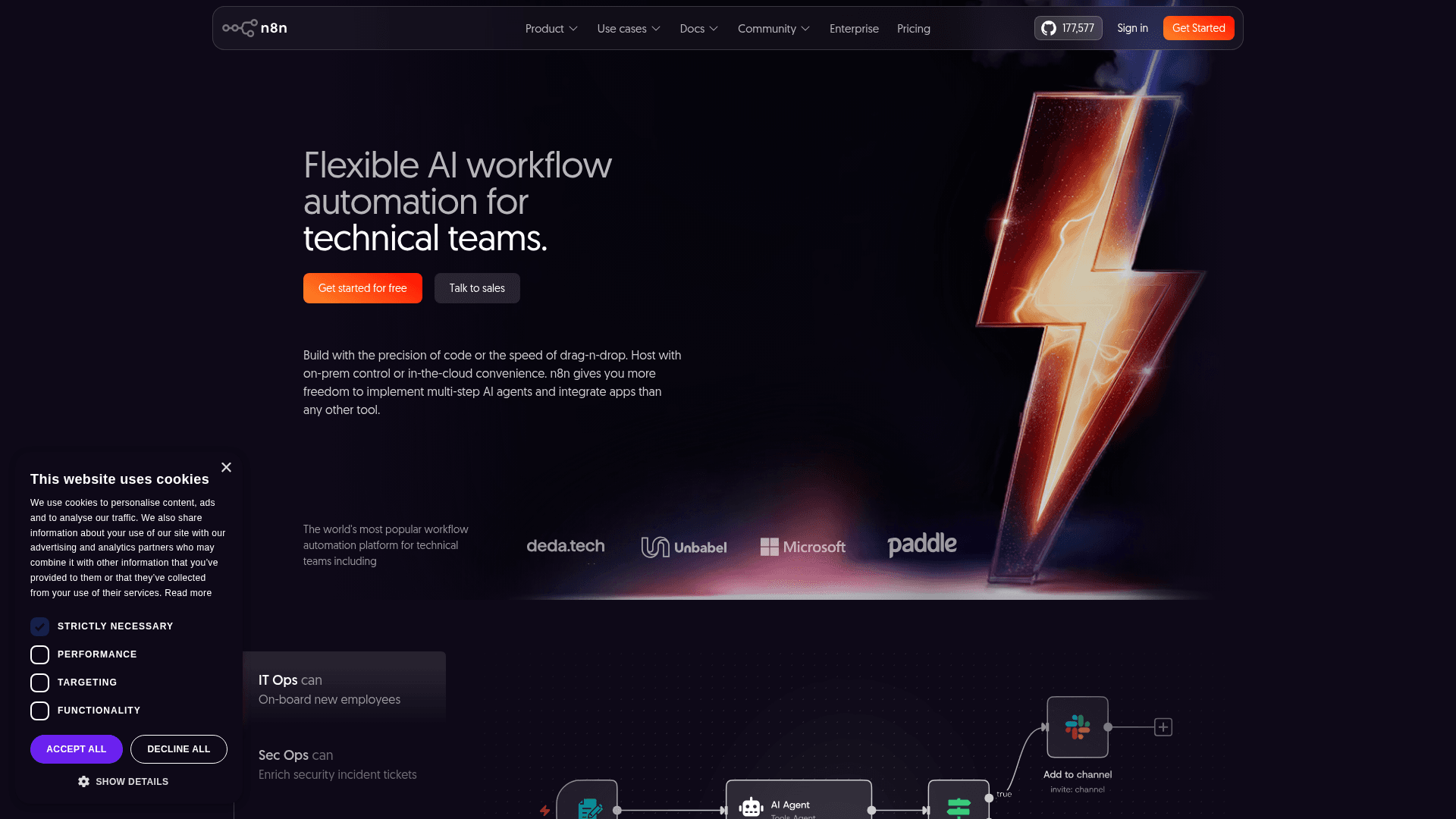
n8n is an open-source, node-based workflow automation platform with native AI agent nodes and the option to run entirely on your own infrastructure. It has become the default pick for engineering-led ops teams in 2026 because execution-based pricing (one run = one execution regardless of step count) scales 10-20x cheaper than Zapier for multi-step internal workflows.
n8n is uniquely positioned for internal ops because credentials, execution history, and workflow data can stay entirely inside your firewall when self-hosted — critical for HR, finance, and legal workflows in regulated industries. The 1,200+ integrations plus native AI agent nodes for OpenAI, Anthropic, and Google let a single ops engineer wire Slack, Jira, Notion, and internal REST APIs together without per-task cost spirals. If you have at least one technical person comfortable with Docker, n8n usually wins on both data sovereignty and cost.
Deciding between n8n, Make, and Zapier? Our head-to-head comparison breaks down where each one wins.
Key Features
- Self-hostable via Docker with full data sovereignty for GDPR, HIPAA, and SOC 2 compliance
- Native AI agent nodes support OpenAI, Anthropic, Google, and bring-your-own-model via API keys
- Execution-based billing where a 30-step workflow counts as one execution, not 30 tasks
- 1,200+ integrations plus HTTP Request node for any internal REST API
- Unlimited workflows and unlimited users across all cloud tiers, including Starter
Pricing
Starter $24/mo (2,500 executions). Pro $60/mo (10,000 executions, 20 concurrent workflows). Business $800/mo (40,000 executions, SSO). Free: Self-hosted Community Edition (unlimited executions on your infrastructure). 14-day cloud trial.
Rating
4.8/5 — G2 (230+ reviews)
Best For
Companies with at least one technical ops person who want maximum control over d...
Pros
- Self-hosting eliminates vendor lock-in and keeps sensitive HR and finance data internal
- Execution pricing is 10-20x cheaper than Zapier for multi-step internal approval chains
- Open-source community contributes new nodes and templates monthly
- Native code nodes (JavaScript and Python) handle edge cases no-code tools choke on
Cons
- Documentation gaps force reliance on community forums for non-trivial troubleshooting
- Self-hosting requires DevOps skills most ops teams don’t have in-house
Lindy AI
Best for Deploying AI Employees Across Departments
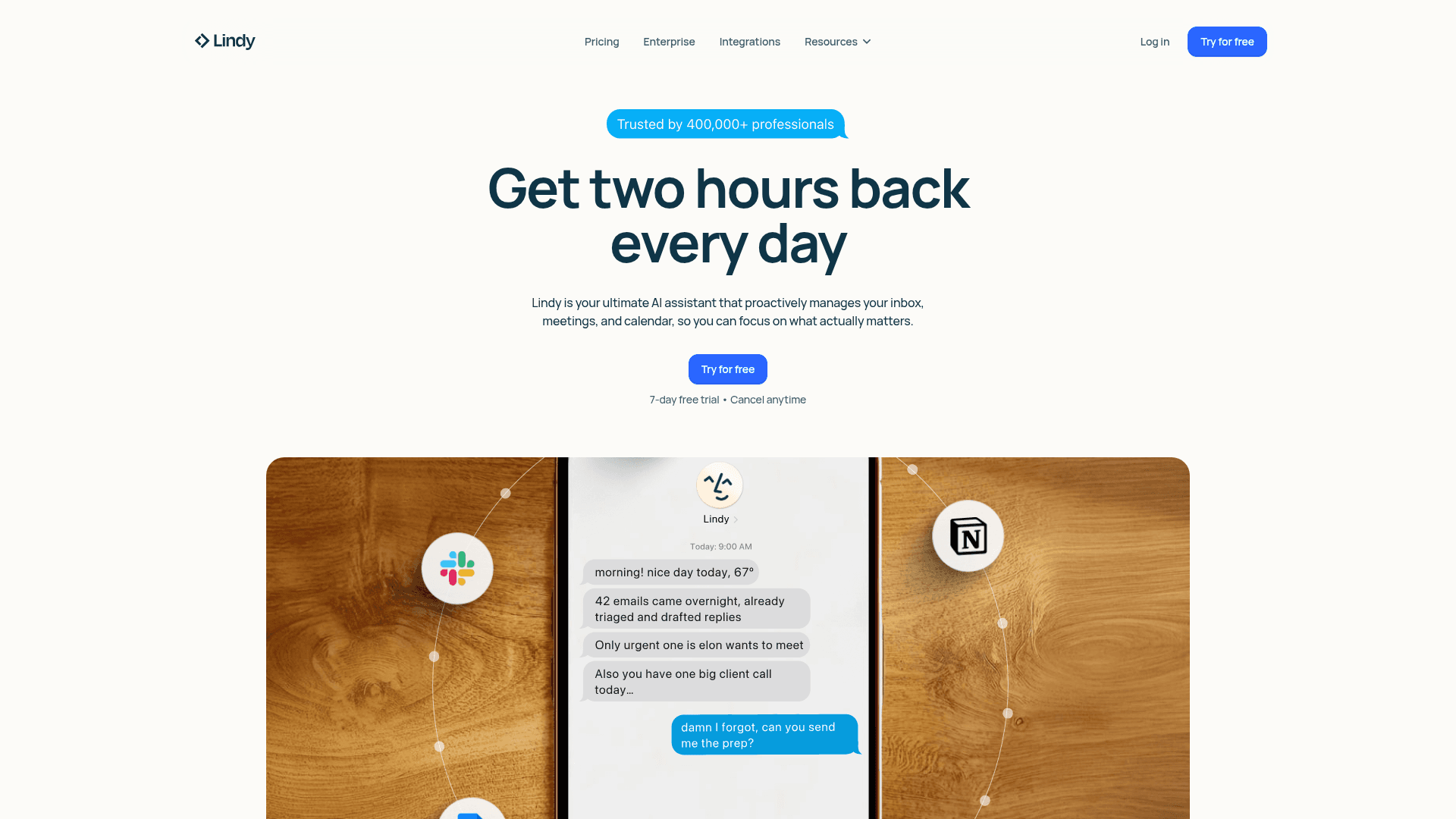
Lindy AI is an agent-first automation platform where you describe AI employees in natural language and deploy them organization-wide with shared context. Team Accounts (launched 2025) shifted the product from solo productivity toward org-wide AI deployment, letting ops leaders publish playbooks that run consistently across HR, finance, and customer ops.
Lindy’s Agent Builder is genuinely faster for non-engineers than node-based alternatives — a plain-English description becomes a production agent in 15 minutes. The Gaia voice agent (Deepgram Flux, sub-second turn detection) adds inbound phone handling for internal help desks, which none of the other tools in this list offer. Claude Sonnet 4.5 integration powers agents that can run up to 30 hours on complex tasks. The main catch is credit-based pricing that makes monthly costs harder to forecast than execution or task models.
Key Features
- Agent Builder converts plain-English descriptions into production AI agents in minutes
- Team Accounts centralize agent sharing, permissions, and monitoring across departments
- Gaia voice agent handles inbound calls with sub-second turn detection for internal help desks
- Claude Sonnet 4.5 integration for agents that run up to 30 hours on complex internal tasks
- Shared playbooks let ops leads publish standardized SOPs as reusable AI workflows
Pricing
Starter $19.99/mo (2,000 credits). Pro $49.99/mo (5,000 credits). Business custom (unlimited credits). Free: 400 credits/month. Add-on credits $10 per 1,000.
Rating
4.9/5 — G2 (170+ reviews)
Best For
Non-technical ops leaders at 20-200 person companies who want to deploy AI agent...
Pros
- Natural-language agent creation is genuinely faster than node-based builders for non-engineers
- Team Accounts let ops publish standardized AI playbooks across the whole company
- Voice agent capability is rare among workflow tools and useful for internal help desks
- Integrates directly with Gmail, Outlook, Slack, Notion, and 100+ apps without middleware
Cons
- Credit-based pricing turns a predictable subscription into a variable cost that scales unpredictably
- Capterra reviews and Reddit threads flag reliability issues on complex multi-step flows
Relay.app
Best for Workflows That Need Human Approvals
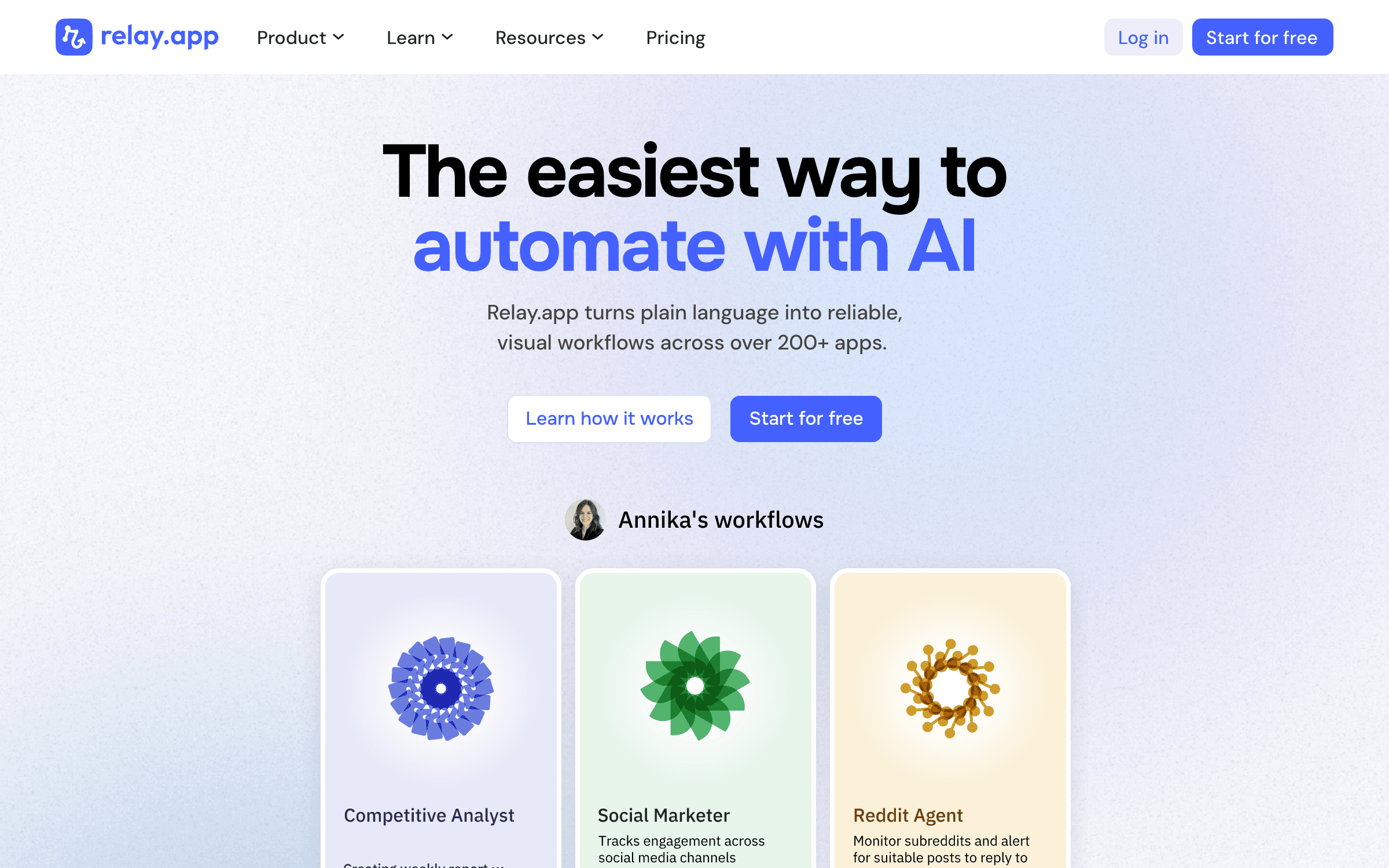
Relay.app is an AI-native automation platform where workflows can pause mid-run to wait for a human decision, approval, or data input before continuing. It’s the only major tool in this list that treats human-in-the-loop as a first-class primitive, not a plugin — which maps cleanly to the approval chains that dominate internal ops.
Internal ops is full of "almost automatable" workflows — procurement approvals, offer-letter sign-off, vendor onboarding, expense review — where one manager needs to click yes before the automation continues. Most automation tools force you to rebuild this with Jira, Asana, and glue code. Relay’s pause-and-resume steps, plus native teammate collaboration, eliminate that. Flat-rate integrations (no premium-app surcharges like Zapier) and 5,000 AI credits included on paid plans make it cost-predictable for mid-sized teams.
Key Features
- Native human-in-the-loop steps pause workflows for teammate approval or data input
- AI steps embedded alongside logic blocks let agents draft, classify, or decide mid-workflow
- Team plan supports up to 10 teammates who can all run playbooks using their own credentials
- All integrations included on every paid plan with no premium-app surcharges
- 5,000 AI credits included per month on paid plans, stackable via add-ons
Pricing
Professional $19/mo (750 steps, 5,000 AI credits). Team $138/mo (2,000 steps, 10 teammates). Free: 200 steps + 500 AI credits/month. Annual billing saves up to 50%.
Rating
4.9/5 — G2 (70+ reviews)
Best For
Ops leaders at 20-100 person companies running approval-heavy workflows (procure...
Pros
- Human-in-the-loop steps are genuinely unique and eliminate the need for separate approval tools
- Flat-rate integrations mean no "premium app" surcharges like Zapier
- Hands-on support team — reviewers mention features shipped same-day from feedback
- Clean UI makes it approachable for non-engineers on ops teams
Cons
- Integration count is smaller than Zapier or Make — niche SaaS may require webhook workarounds
- Still relatively new with fewer G2 reviews, so enterprise reference customers are thin
Make.com
Best Visual Builder for Multi-Branch Internal Logic
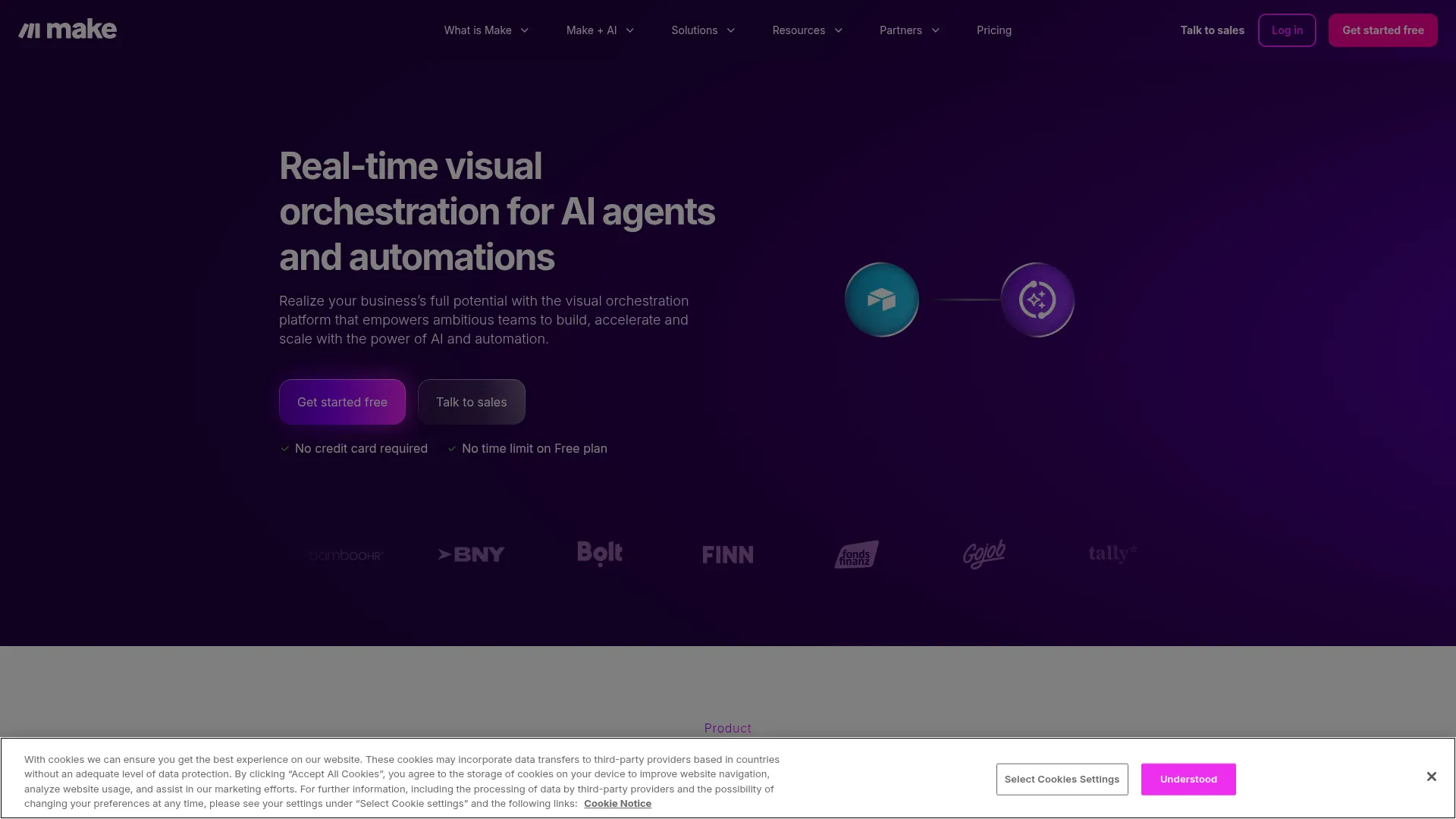
Make.com is a visual drag-and-drop automation platform with 2,000+ app integrations and native AI modules for OpenAI, Anthropic, and Google models. Its visual scenario builder makes multi-branch logic — routing tickets by sentiment, triggering different approval chains by deal size, escalating stuck HR tickets — easier to audit than node graphs.
Make’s August 2025 shift from operations to credits accommodated the reality that AI-heavy internal workflows consume resources unpredictably. The November 2025 bring-your-own-API-key option means internal workflows don’t double-bill AI costs — you pay Make for the platform and your LLM provider directly. Iterators and aggregators handle batch internal ops (onboarding cohorts, monthly reports) cleanly. Best fit for ops teams with one power user who isn’t necessarily an engineer.
Key Features
- Visual scenario builder with iterators, aggregators, and filters for complex internal routing
- 2,000+ app integrations including native modules for OpenAI, Claude, and Gemini
- Bring-your-own-API-key option (since November 2025) for paid plans to avoid double-billing AI
- Custom variables, error handling, and rollback for mission-critical internal workflows
- Make AI Agents (beta 2026) for orchestrating multi-step decisions inside a scenario
Pricing
Free (1,000 credits, 2 scenarios). Core $9/mo (10,000 credits). Pro $16/mo (priority execution). Teams $29/mo (team roles, shared folders). Enterprise custom. Annual billing saves ~15%.
Rating
4.8/5 — G2 (400+ reviews)
Best For
Ops teams with one "power user" (not necessarily an engineer) who need visual mu...
Pros
- Visual canvas makes multi-branch internal logic easier to review and hand off than code
- Credit economics are roughly 10x more favorable than Zapier’s task pricing
- Bring-your-own-LLM keys avoid paying AI markup on top of platform costs
- Iterators and aggregators handle batch internal ops (onboarding cohorts, monthly reports) cleanly
Cons
- Credit pricing for AI modules burns faster than 1:1 and is harder to forecast than n8n
- Error messages and debugging can be cryptic for non-developers on complex scenarios
Want More Tool Breakdowns?
Subscribe for weekly deep-dives on the best AI, ops, and automation tools for small teams.
Zapier
Best for Breadth of App Coverage and Agent Templates
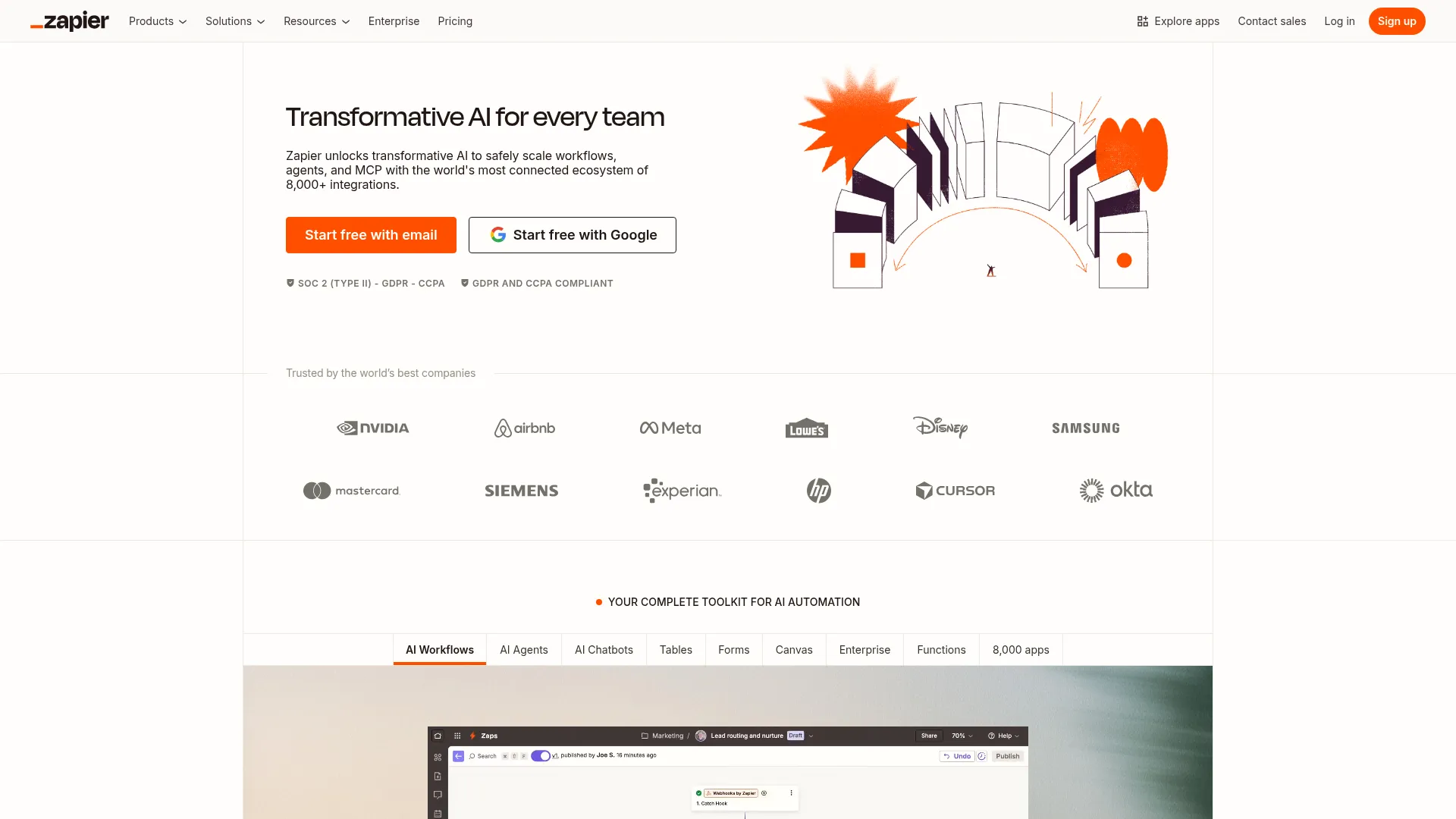
Zapier is the largest workflow automation platform with 8,000+ integrations — the widest in the category — now bundling AI Agents (beta), Tables, Forms, and MCP support across every tier including Free. Its 2026 platform unification turned it from "just automation" into a mini internal-ops platform.
For companies running across dozens of SaaS tools (Salesforce, Workday, NetSuite, Slack, Notion), nothing matches Zapier’s integration depth — niche internal SaaS are almost always covered. AI Guardrails (PII detection, prompt injection blocking) added in early 2026 make it enterprise-defensible for workflows touching sensitive data. The trade-off: task-based pricing where each step counts is significantly more expensive than n8n or Make once you’re running multi-step internal workflows at scale.
Key Features
- 8,000+ integrations, the widest in the category, including niche internal SaaS
- Zapier Agents (beta) for agent-based internal triage and Q&A with template library
- Tables, Forms, and MCP support bundled on every plan including Free
- AI Guardrails with PII detection and prompt-injection blocking for sensitive internal data
- Canvas visual documentation for auditing and handing off multi-Zap internal architectures
Pricing
Professional $19.99/mo annually (750 tasks). Team $69/mo annually (2,000 tasks). Enterprise custom. Zapier Agents plans start at $33.33/mo (1,500 activities). Free: 100 tasks/month. 14-day trial on paid plans.
Rating
4.5/5 — G2 (1,700+ reviews)
Best For
Mid-sized companies (50-500 people) that run across dozens of SaaS tools and nee...
Pros
- Largest integration catalog means every internal SaaS is almost certainly supported
- Tables and Forms included free make it viable as a light internal-ops platform
- AI Guardrails add PII detection for workflows touching HR or finance data
- Template library for Agents makes it faster to stand up internal triage than competitors
Cons
- Task-based pricing (each step counts) is significantly more expensive than n8n or Make at scale
- Zapier Agents is still in beta as of April 2026 with regular changes; not yet fully GA
Gumloop
Best AI-First Builder with a Meta-Agent That Builds for You
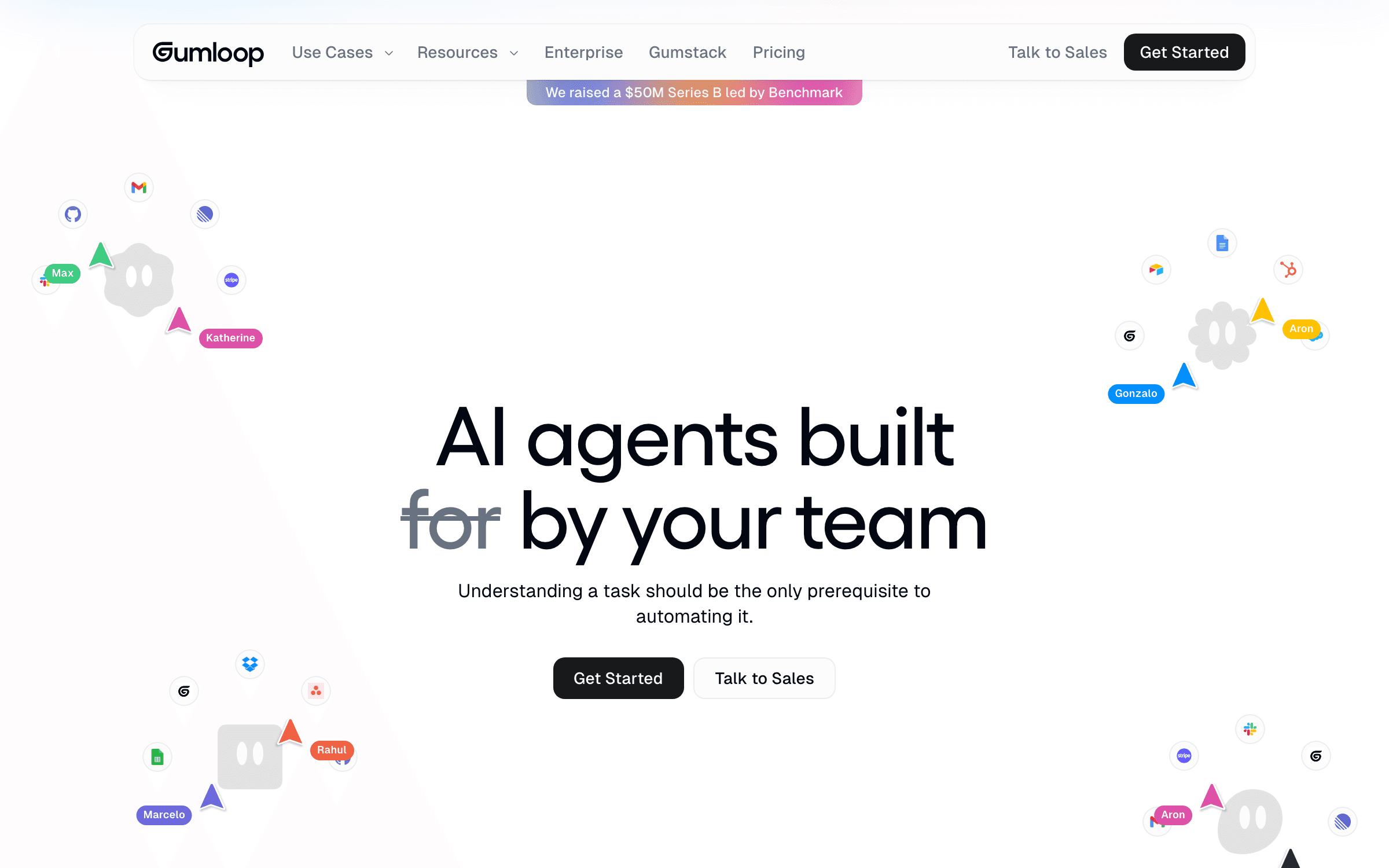
Gumloop is an AI-first no-code workflow platform where a meta-agent named Gummie builds automations for you from natural-language descriptions. It was built AI-native from day one, which shows in the design — 115+ pre-built blocks are tuned for AI-heavy internal ops like document QA, meeting-to-action, and internal research.
For internal ops teams that want AI to be the automation engine, not just an add-on step, Gumloop’s architecture is a better match than tools bolting AI onto an older core. The $50M Benchmark-led Series B in early 2026 signals platform maturity. Bring-your-own-LLM support (OpenAI, Claude, Gemini, DeepSeek, and MCP servers) lets internal workflows use approved models. Unlimited seats on the Pro plan is unusual in this category and removes per-user cost friction for org-wide deployment.
Key Features
- Gummie meta-agent designs workflows from natural-language descriptions, no node wiring required
- 115+ pre-built blocks tuned for AI-heavy internal ops like document QA and research
- Supports OpenAI, Claude, Gemini, DeepSeek, and MCP servers for bring-your-own-model
- 130+ integrations with Slack, Microsoft Teams, Gmail, Notion, and core SaaS
- Unlimited seats and unlimited teams on the Pro plan (unusual in this category)
Pricing
Pro $37/mo (10,000-20,000 credits, unlimited seats). Team $244/mo (60,000 credits, up to 10 seats, Slack support). Enterprise custom. Free: 2,000 credits/month. Annual billing saves 20%.
Rating
4.8/5 — G2 (early reviews)
Best For
AI-forward ops teams at 20-100 person companies that want AI to be the engine of...
Pros
- Gummie meta-agent genuinely speeds up workflow creation versus node-based competitors
- Unlimited seats on the Pro plan removes per-user cost friction for org-wide deployment
- UI design is consistently praised as more intuitive than Zapier or Make
- AI-first architecture with bring-your-own-key LLM support built in from day one
Cons
- Smaller review base than category leaders makes it harder to validate against Zapier or Make
- Reviewers report complex tasks breaking and agent reasoning failing on edge cases
ClickUp Brain
Best for Teams Already Standardized on ClickUp
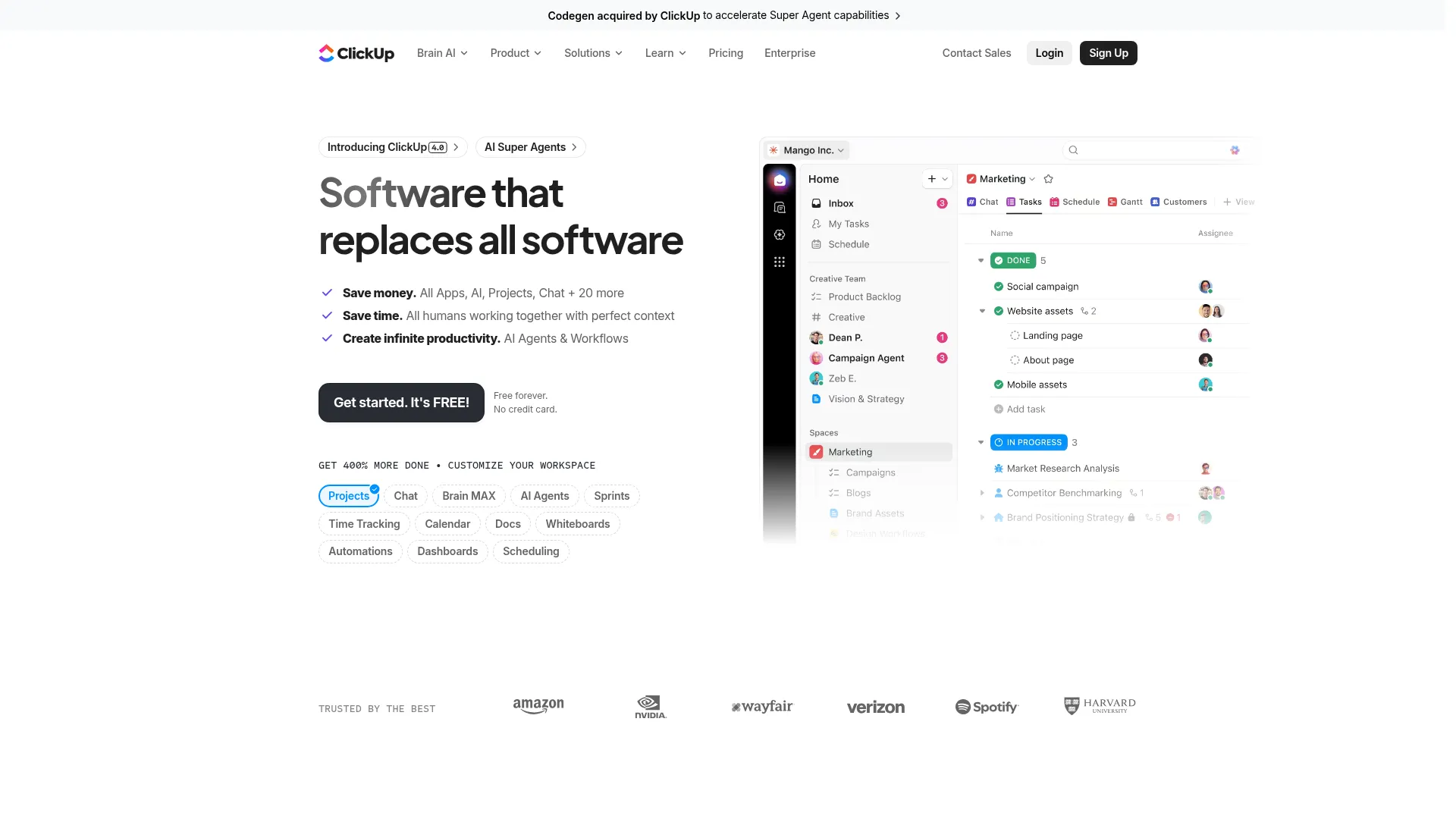
ClickUp Brain is the AI layer inside the ClickUp project management suite, combining workspace search, writing, meeting notes, and Autopilot Agents for task-level automation. Autopilot Agents (formerly Custom Agents) handle prebuilt internal patterns like status updates, stand-up summaries, and task triage.
ClickUp Brain only wins if your team already runs its project ops in ClickUp — in which case SyncUps video calls, AI Notetaker, and Autopilot Agents consolidate the meeting-to-action pipeline without leaving the platform. Multi-LLM toggle (GPT-5, Claude Opus, o3) means you’re not locked into one model’s quality. For companies not already on ClickUp, this is a worse fit than n8n, Relay, or Zapier because it’s constrained by ClickUp’s native schema.
Key Features
- Autopilot Agents trigger on Workspace events to run no-code internal automation workflows
- AI Notetaker transcribes meetings and extracts action items into assignable tasks
- SyncUps built-in video with auto-transcripts and AI summaries
- Multi-LLM support (GPT-5, Claude Opus, o3, o1-mini) toggleable per use case
- Enterprise Search across Docs, Chat, Tasks, and connected apps like Slack and Drive
Pricing
AI Standard $9/user/mo (unlimited AI essentials, standard automations). AI Autopilot $28/user/mo (unlimited automations and agents, Enterprise Search, unlimited AI Notetaker). Add-ons available for voice and additional notetaker hours. 14-day trial.
Rating
4.7/5 — G2 (11,000+ reviews, suite-wide)
Best For
Teams already standardized on ClickUp who want internal workflow AI without adop...
Pros
- Autopilot Agents are deeply integrated with ClickUp Tasks, Lists, and Chats
- AI Notetaker plus SyncUps turn meetings into assignable action items natively
- Multi-LLM toggle means teams aren’t locked into one provider’s quality
- Enterprise Search pulls across connected apps for cross-tool internal Q&A
Cons
- Locked into ClickUp as the underlying PM platform — zero value on Asana, Jira, or Linear
- Per-user AI pricing stacks quickly (50 users on AI Autopilot is $1,400/mo on top of ClickUp base cost)
Notion AI
Best for Knowledge-Centric Internal Workflows
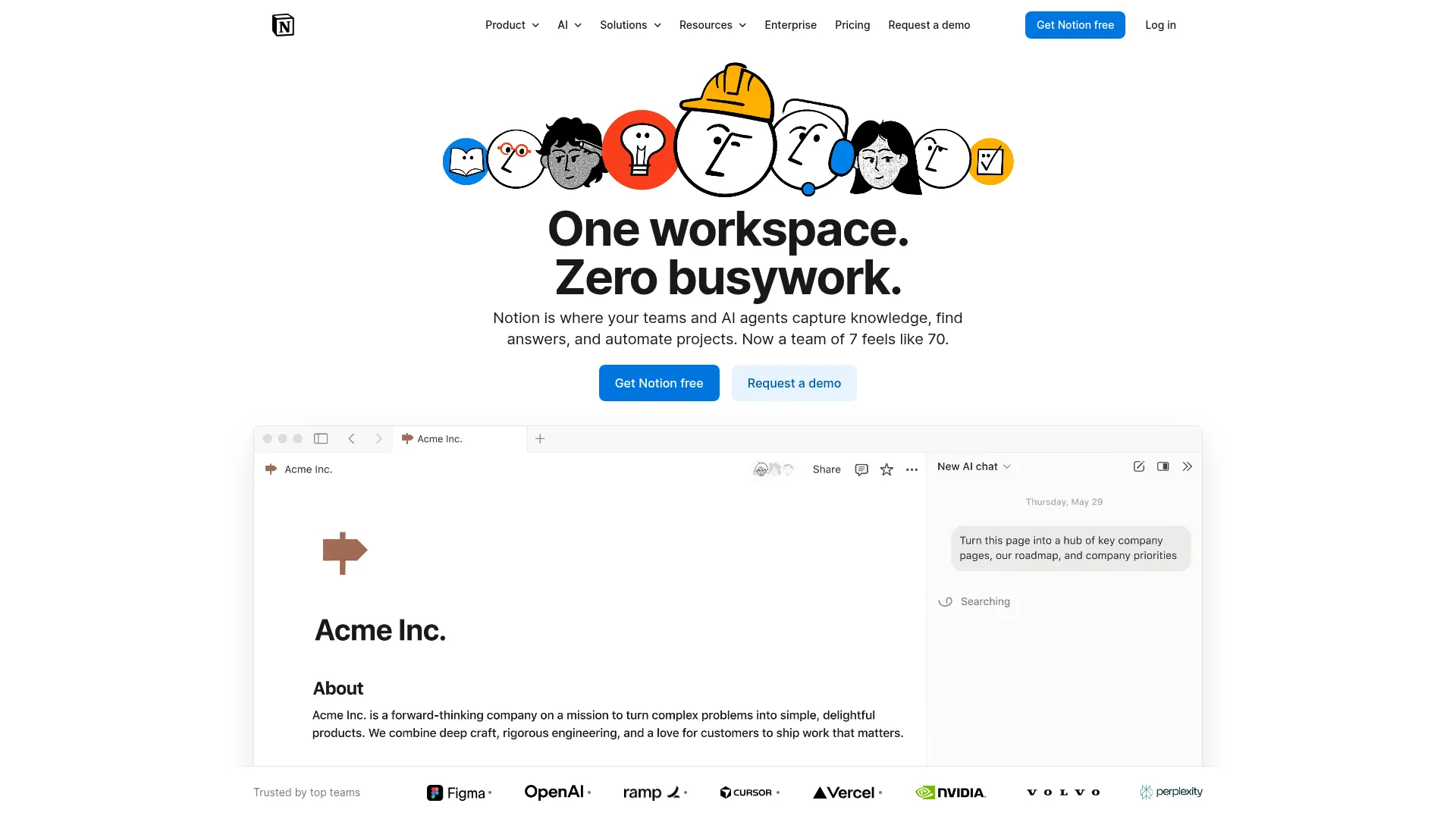
Notion AI is the AI layer inside Notion, combining workspace Q&A, autonomous Custom Agents, and multi-model support for knowledge-heavy internal workflows. Custom Agents (launched in Notion 3.3, February 2026) run autonomously — set a trigger or schedule and the agent handles task triage, internal Q&A, stand-ups, and status reports.
Notion AI is the right pick when internal workflow pain is "our knowledge is scattered and nobody knows where anything lives." Custom Agents pull from Notion, Slack, Gmail, Calendar, and MCP integrations to answer questions and automate recurring reports with context. Remote.com deploying it to 1,400 users and saving 13.5 minutes per user per day is the most concrete enterprise case study in this category. Most teams already have Notion content that’s immediately queryable — zero migration needed.
Key Features
- Custom Agents run 24/7 on triggers or schedules, accessing Notion, Slack, Gmail, and Calendar
- Multi-model support for GPT-5, Claude Opus 4.1, and o3 toggleable per task
- Workspace-integrated Q&A that understands your full knowledge base plus connected tools
- Connected apps integration with Slack, Google Drive, Microsoft Teams, Jira, and more
- Agents can be created and shared team-wide with permission controls like real teammates
Pricing
Free $0 (no AI). Plus $10-12/user/mo (no AI). Business $20-24/user/mo annually (includes AI Agents, multi-model, SSO). Enterprise custom. AI is no longer sold as a separate add-on on Free or Plus tiers.
Rating
4.7/5 — G2 (10,900+ reviews, suite-wide)
Best For
Companies that already run internal docs and knowledge in Notion and want intern...
Pros
- Custom Agents genuinely automate internal Q&A and stand-ups with team-shared deployment
- Multi-model toggle means teams aren’t stuck with one vendor’s quality
- Remote.com case study validates real enterprise deployment at 1,400 users
- Most teams already have Notion content that’s immediately queryable — zero migration
Cons
- AI requires the Business tier ($20-24/user/mo) — free and Plus tiers no longer include it
- Custom Agents will consume Notion credits starting May 2026, adding variable cost on top of seats
Monday.com AI
Best for Teams Living Inside Monday’s Work Boards
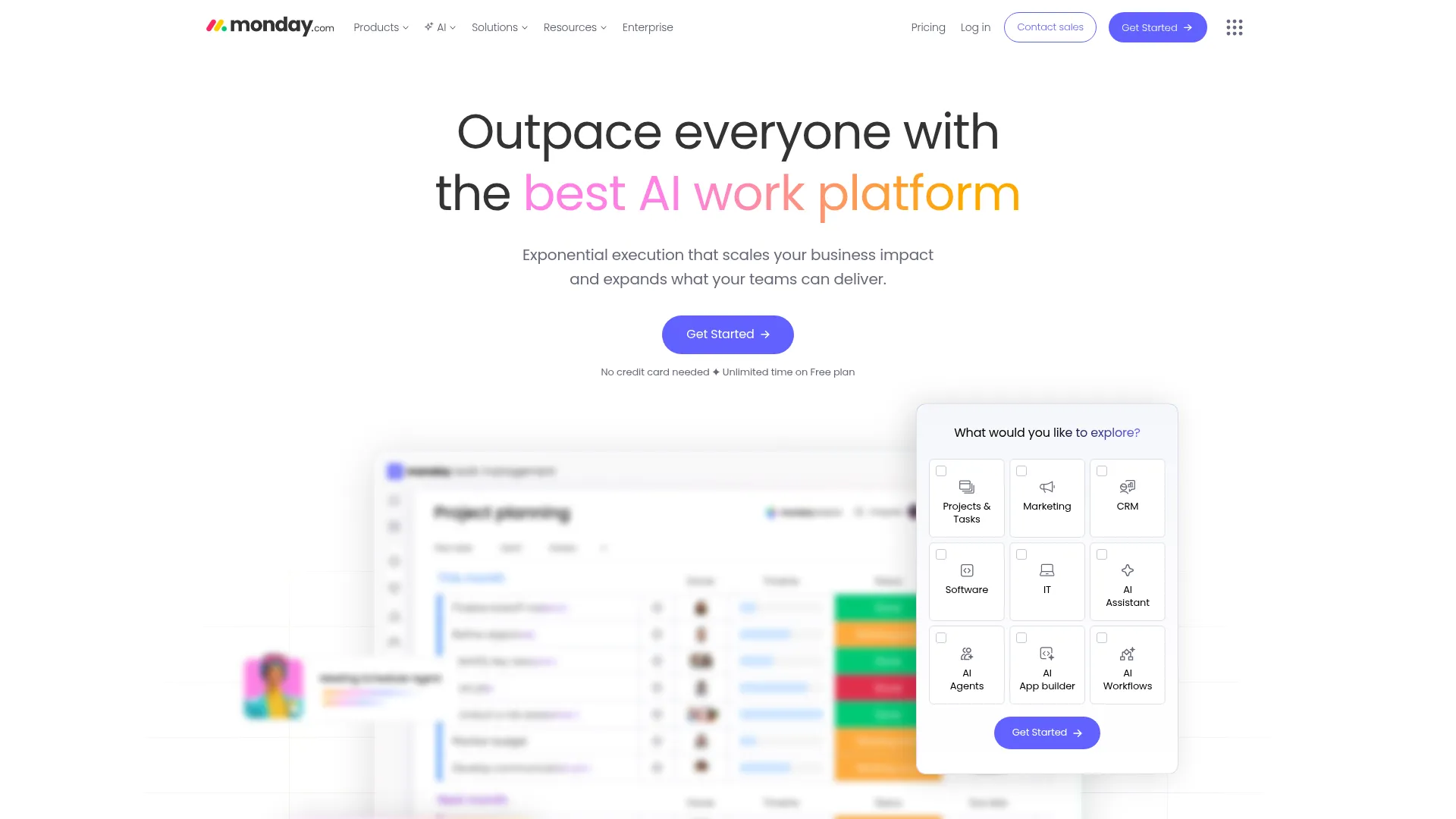
Monday.com AI is the AI layer embedded in Monday’s work management platform — AI blocks sit inside automation recipes for summarization, extraction, and content generation across the boards the team already lives in. 500 free AI credits per month on Standard and above cover basic internal automation.
Monday.com AI is a fit only if the team already runs internal ops inside Monday — in which case AI blocks slot naturally into automation recipes teams already use. Useful for status rollups, meeting summaries, and extracting structured data from board updates. For teams not on Monday, this is a weaker fit than n8n, Relay, or Zapier because it’s constrained by Monday’s native schema and doesn’t extend to non-board workflows.
Key Features
- AI blocks embedded in automation recipes for summarization, extraction, and generation
- 500 free AI credits per month on Standard, Pro, and Enterprise tiers
- Credits tracked per item per 24 hours to cap runaway costs on single items
- Native templates for HR, project, and CRM workflows with AI infused
- AI Feature Catalog lists every AI-powered action available per tier
Pricing
Tier-based per-user pricing. AI credits included on Standard ($11-12/user/mo), Pro ($17-19/user/mo), and Enterprise (custom) — 500 credits/month each. Additional credits available as add-on. Exact prices vary by user count and billing cycle.
Rating
4.7/5 — G2 (17,600+ reviews)
Best For
Teams already running internal ops on Monday.com boards who want AI inside their...
Pros
- AI blocks slot directly into Monday automation recipes teams already use
- 500 free AI credits included on paid plans cover most ops use cases
- Multiple board views (Kanban, Gantt, Timeline, Calendar) work with AI context
- Strongest customer base among PM-suite players for collaborative visual work
Cons
- Only useful if you already live in Monday — low portability to other platforms
- Automation and AI credit caps on lower tiers hit faster than most teams expect
Bardeen
Best for Browser-Based Internal Research Workflows
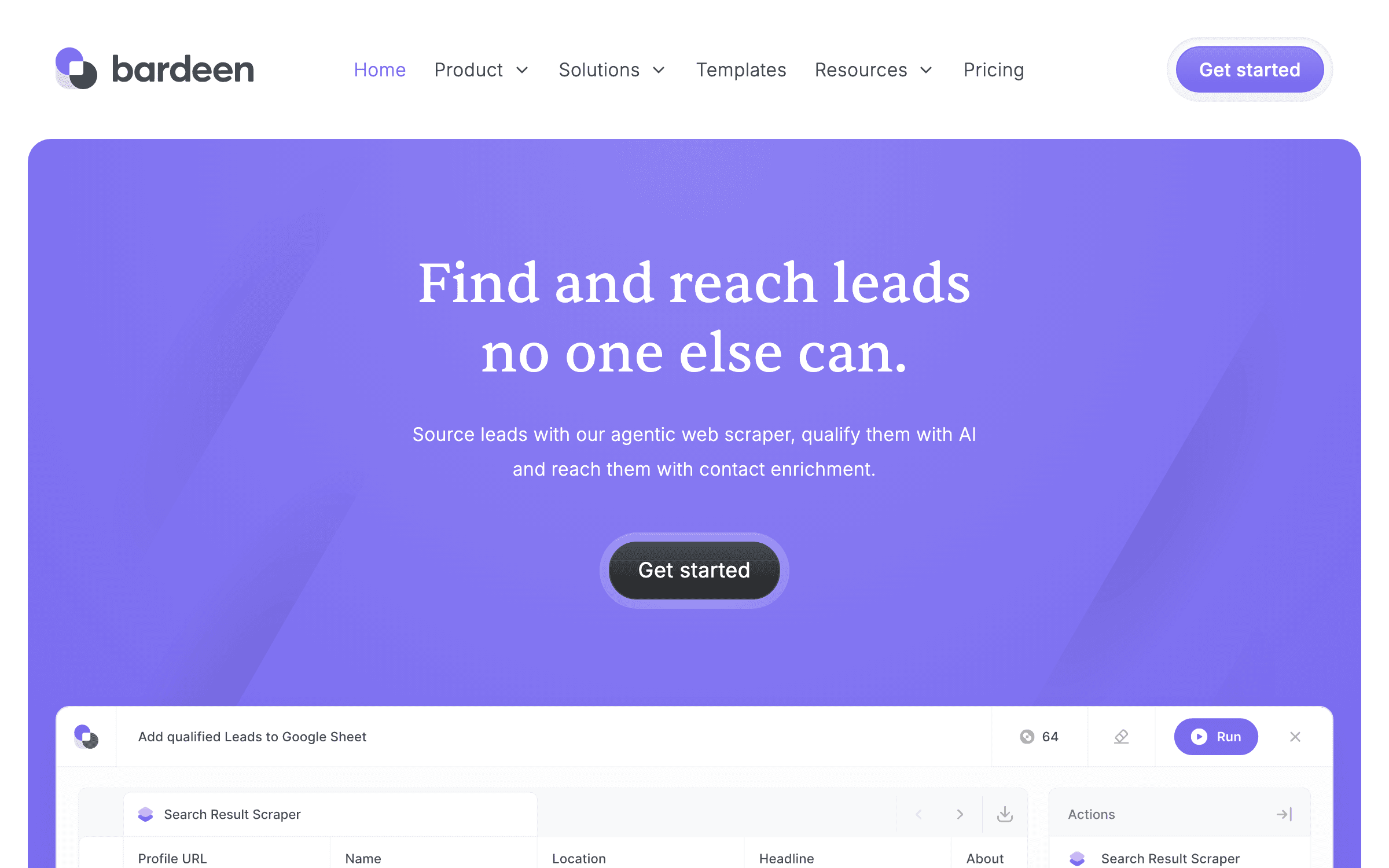
Bardeen is Chrome-extension-based AI automation that runs workflows in your browser, including Browser Agents that traverse websites autonomously. Its niche is the browser — where a lot of internal ops happens: pulling data from internal dashboards, scraping vendor portals, filling SaaS forms, and extracting structured data from web pages.
Browser Agents (launched 2026) let ops teams delegate "go to these 30 internal pages and compile this" kinds of tasks that no API-first tool can reach. Because Bardeen runs in your logged-in browser session, it works on internal dashboards and vendor portals without API setup. It’s a weaker fit than the others for team coordination and approval chains — but for research-heavy individual ops workflows that live in the browser, nothing else in this list comes close.
Key Features
- Chrome extension runs workflows in your browser with access to logged-in sessions
- Browser Agents traverse websites, find info, summarize, and write to databases
- 1-click Playbooks for common patterns like LinkedIn enrichment and internal data extraction
- Point-and-click web scraping without code for internal dashboard extraction
- AI Assistant generates workflows from natural-language prompts
Pricing
Pro $20/mo (2,000+ credits, unlimited custom workflows). Team $40/user/mo (team collaboration). Enterprise custom. Free: 200 credits/month, 30+ integrations.
Rating
4.9/5 — G2 (100+ reviews)
Best For
Individual ops contributors and small teams (2-20) who need to automate browser-...
Pros
- Runs in the browser using your logged-in sessions — no API setup for internal SaaS
- Browser Agents handle research-style internal tasks other tools can’t reach
- Free tier (200 credits/month) is usable for individual ops workflows
- Strong for internal dashboards, vendor portals, and sites without public APIs
Cons
- Browser-only architecture limits server-side workflows and scheduled triggers
- Credit model burns fast on heavy usage and recent move to subscription upset legacy users
How We Chose These Tools
We evaluated 20+ AI workflow platforms against five criteria weighted for ops leaders, founders, and team managers:
- Agent capability and AI depth — does the tool treat AI as a first-class primitive, or is it a bolt-on step? We favored platforms with native agent builders, multi-model support, and bring-your-own-LLM options
- Pricing predictability — execution-based and flat-rate pricing scored higher than credit systems that make month-over-month costs hard to forecast
- Data sovereignty and compliance — can sensitive HR, finance, and legal data stay inside your infrastructure? Self-hosting and enterprise compliance (SOC 2, HIPAA, GDPR) mattered for mid-market and regulated teams
- Integration coverage — does it connect to the SaaS tools your team actually uses? We weighted depth of integrations over raw count
- Real user feedback — G2, Capterra, and Reddit threads consistently over marketing claims. Reviewer warnings about reliability, documentation gaps, and cost spikes all factored into rankings
How to Choose the Right AI Workflow Tool
Pick the tool that matches your team’s primary workflow pattern. Here’s the quick decision framework:
If you have a technical ops person...
n8n for the best cost-at-scale and data sovereignty. Self-host for regulated workflows, or start on n8n Cloud and migrate later.
If your workflows need approvals...
Relay.app. Human-in-the-loop is a first-class primitive, not a plugin. Kills procurement, HR, and contract approval pain.
If you want AI agents across departments...
Lindy AI for Team Accounts and natural-language agent building, or Gumloop if you want an AI-first architecture.
If you need maximum integration coverage...
Zapier for 8,000+ apps and the template library for Agents. Budget for higher costs once you scale past 2,000 tasks/mo.
If you already live in a PM suite...
ClickUp Brain for ClickUp teams, Notion AI for Notion-first companies, Monday.com AI for board-based work.
If your workflows live in the browser...
Bardeen. Browser Agents handle research, extraction, and form-filling across sites that don’t expose APIs.
Cut Through the AI Tool Hype
We test every major AI ops and automation tool so you don’t have to. Get honest breakdowns, pricing calculators, and the unfiltered trade-offs delivered weekly.
Frequently Asked Questions
What’s the difference between AI workflow automation and traditional workflow automation?
Traditional automation (Zapier circa 2020, early Make) follows rigid if-this-then-that rules — one unexpected input breaks the chain. AI workflow automation (Relay, Lindy, Gumloop, and the 2026 versions of Zapier and Make) embeds language models as decision steps, so workflows can classify a support ticket, extract structured data from a messy email, or decide whether to escalate based on context. Traditional tools process steps; AI tools understand outcomes.
Can n8n replace Zapier for a 20-person team?
Yes, and usually at 10-20x lower cost at scale — but only if you have at least one technical person comfortable with self-hosting or managing n8n Cloud. The catch is Zapier’s 8,000+ integrations versus n8n’s 1,200+; if your team runs on niche SaaS, Zapier may cover more tools out of the box. For the typical 20-person team running Slack, Google Workspace, Notion, and a CRM, n8n is a clean swap.
Which AI workflow tool is best for approval chains and HR ops?
Relay.app, because human-in-the-loop is a first-class primitive — workflows pause for a manager’s approval and resume when they click yes. Alternatives: n8n with a custom webhook-based approval step, or Zapier with Formatter and Webhooks modules. Monday.com and ClickUp have approval automations inside their PM suites if you already live there.
How do I pick between Notion AI, ClickUp Brain, and Monday.com AI?
Match the tool to where your team actually spends its day. If internal knowledge lives in Notion docs, pick Notion AI. If project work lives in ClickUp, pick ClickUp Brain. If work boards live in Monday, pick Monday.com AI. These three are PM-suite AI layers, not standalone workflow automation — they lose to n8n, Relay, or Zapier once you need to orchestrate across multiple non-native apps.
Is Lindy AI good for small teams, or does it assume enterprise deployment?
Lindy’s Team Accounts scale from 2 to 200+ users, and the $19.99/mo Starter tier is designed for individuals or small ops teams. Credit-based pricing is the real constraint: AI-intensive agents burn through 5-10 credits per action, so a 5-person team running active agents may outgrow the Pro plan ($49.99/mo, 5,000 credits) within weeks. Best for small teams doing high-value, low-volume automation rather than high-volume data processing.
The Bottom Line
For most internal workflow management, n8n is the best starting point. Execution-based pricing scales 10-20x cheaper than Zapier at volume, native AI agent nodes work with every major model, and the self-hosting option keeps regulated data inside your infrastructure. Start on n8n Cloud at $24/mo and migrate to self-hosted later if compliance demands it.
If your workflows are approval-heavy, Relay.app pays for itself in week one. Human-in-the-loop is rare to find executed this cleanly — most teams replace whole Jira workflows, glue scripts, and separate approval tools with it. If you want AI employees running across departments, Lindy AI and Gumloop are the cleanest agent-first options.
Only adopt a PM-suite AI layer (ClickUp Brain, Notion AI, Monday.com AI) if your team already lives in that platform. They’re excellent at what they do, but you’re locking internal ops to one vendor’s schema. The upside is zero migration and immediate value; the downside is that every future workflow is constrained by what the platform exposes. Pick deliberately.
Related Reading
- Best Workflow Automation Tools for Non-Technical Teams — Visual and no-code platforms for teams without an engineer
- 10 Best AI Customer Support Tools for 2026 — The same agentic patterns pointed at your customer-facing queue
- Best Contract Workflow Automation Tools — Specialized tools for CLM and contract approval chains
- The Solopreneur AI Stack in 2026 — The $73-$205/mo AI toolkit running one-person SaaS companies
- The Lonely Agent Problem: What Indie Hackers Should Build — Why 40%+ of enterprise AI agent projects will stall and the picks-and-shovels plays
Sources
Cut Through the AI Tool Hype
We test every major AI ops and automation tool so you don’t have to. Get honest breakdowns, pricing calculators, and the unfiltered trade-offs delivered weekly.
Trusted by indie hackers and startup founders
Keep Reading
10 Best Automation Tools & Zapier Alternatives in 2026 (Ranked by What 10,000 Runs Actually Cost)
The 10 best automation tools and Zapier alternatives for 2026 — n8n, Make, Activepieces, Pabbly Connect, Relay.app, Gumloop, Latenode, Lindy, Integrately, and Power Automate. Ranked by billing unit and real cost at founder volumes: per-execution vs. per-credit vs. per-task pricing, what 10,000 monthly runs cost on each, and the overage mechanics vendors keep off the pricing page.
Best OpenClaw Alternatives in 2026: Safer Options That Still Deliver
OpenClaw has 9 CVEs, 1,184 malicious skills on ClawHub, and 135,000 instances exposed to the internet. Here are the best alternatives and wrappers that give you agent power without the danger.
7 Best AI App Builders for Non-Technical Founders in 2026
The best AI app builders for non-technical founders, ranked by what you can actually launch: user accounts, data, payments, publishing, costs, and exit paths.