
8 Best Dictation Apps for Vibe Coding in 2026
The 8 best dictation apps for vibe coding in 2026. Voibe, Wispr Flow, Superwhisper, Aqua Voice and more — compared on speed, privacy, IDE integration, and pricing.

Key Takeaways
- Voibe is the best dictation app for vibe coding — Developer Mode built for Cursor, VS Code, Windsurf, and Claude Code, hands-free dictation, on-device privacy, and a $149 one-time lifetime license (official pricing, August 2026)
- Prompt input is the vibe coding bottleneck: you speak at roughly 150+ words per minute but type at about 45, so a dictation layer speeds up every AI coding tool you already use
- Wispr Flow is the most polished mainstream option with Mac, Windows, iOS, and Android apps — but it is cloud-only and subscription-only at $12-15/mo with no lifetime option
- The free path is VoiceInk (open-source, Mac) or OpenWhispr (open-source, Windows/Mac/Linux) — both process audio locally at zero cost
- If you need to control the entire editor by voice — not just dictate prompts — Talon is the only true hands-free voice coding system, and it is free
The best dictation apps for vibe coding turn your voice into the fastest input device you own. Vibe coding is a conversation — you describe what you want, an AI agent builds it, you react, it iterates. And yet most people still type that conversation at 45 words per minute into Cursor, Claude Code, Lovable, and the rest of the stack while their speaking speed sits above 150.
A dictation layer fixes the bottleneck once, for every tool at the same time. Speak your prompt, release a hotkey, and clean text lands in whatever editor, terminal, or browser tab has focus. The workflow is not exotic anymore — Andrej Karpathy, who coined the term vibe coding, described his own setup as talking to his editor, not typing at it.
But dictating code-adjacent prompts is harder than dictating email. File paths get mangled, variable names come out as prose, and every prompt you dictate about proprietary code goes wherever your dictation app sends it. So we compared 8 dictation tools specifically on the vibe coding job: speed and latency, technical-vocabulary accuracy, IDE and agent integration, hands-free operation, privacy, and long-term cost. Here's what we found.
Why Prompt Input Is the Vibe Coding Bottleneck
Prompts are the interface
A serious vibe coding session means dozens of prompts a day — prompt entry is the last fully manual step in the loop
Speaking is 3-5x faster
Dictation runs 150-220 words per minute against roughly 45 typed — and prompts are natural language, dictation's home turf
Technical vocabulary breaks generic tools
File paths, variable names, and framework jargon get mangled unless the app resolves them — fixing a bad prompt erases the speed gain
Prompts contain your code
Dictated prompts describe proprietary logic and file contents — cloud-only processing sends all of it to someone else's servers
Quick Comparison
| # | Tool | Best For | Starting Price | Offline | Rating |
|---|---|---|---|---|---|
| 1 | Voibe | Best Overall for Vibe Coding | 7-day free trial | Yes | 4.8 |
| 2 | Wispr Flow | Most Popular | Free (2,000 words/week on desktop) | No | 4.5 |
| 3 | Superwhisper | Best Context-Aware Modes | Free tier (small models) | Yes | 4.9 |
| 4 | Aqua Voice | Best Custom Dictionary | Free (1,000 words total) | No | 5 |
| 5 | VoiceInk | Best Free Option | Free (build from source) | Yes | 4.8 |
| 6 | BetterDictation | Best Budget Lifetime | Lifetime $39 (1 device) | Yes | 4.3 |
| 7 | Talon | Best Full Hands-Free Coding | Free | Yes | — |
| 8 | OpenWhispr | Best Open-Source Cross-Platform | Free (open-source, MIT license) | Partial | 4.2 |
Which Dictation Apps Have Vibe Coding Features?
| Tool | IDE / Agent Integration | Hands-Free Mode | Custom Vocabulary | One-Time Price |
|---|---|---|---|---|
| Voibe | Developer Mode (Cursor, VS Code, Windsurf, Claude Code) | Yes | Yes + Memory | $149 lifetime |
| Wispr Flow | Universal insertion only | Yes | Yes (learned) | None |
| Superwhisper | Code mode (formatting) | Yes | Yes | $849 lifetime |
| Aqua Voice | Context engine (formatting) | Yes | Yes (800 terms) | None |
| VoiceInk | Universal insertion only | Basic | No | Free / $25 |
| BetterDictation | Universal insertion only | Push-to-talk only | No | $39 lifetime |
| Talon | Full voice control of any app | Yes (entirely) | Yes (grammar) | Free |
| OpenWhispr | Universal insertion only | Basic | No | Free |
Voibe
Best Overall for Vibe Coding — Developer Mode, Hands-Free, One-Time Pricing
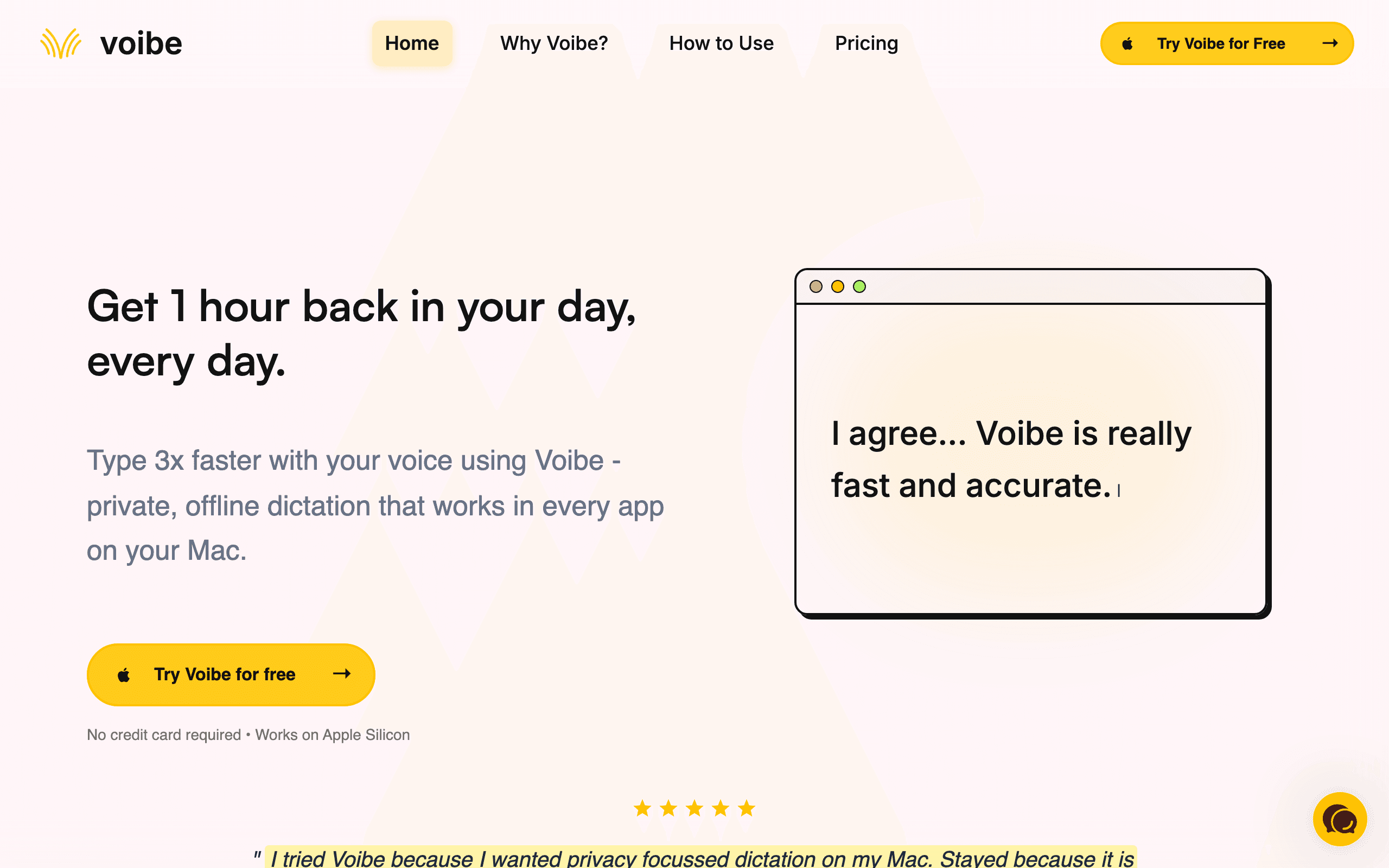
Voibe is a fast, private dictation app built for exactly this workflow: talking to AI coding tools. You hold a hotkey, speak your prompt, release — and clean text lands in Cursor, Claude Code, Windsurf, Lovable, or any other app. On Apple Silicon Macs it runs fully on-device, so nothing leaves your machine; on Intel Macs and Windows it uses a zero-retention cloud mode running open-source models on Groq and Cerebras. Either way, Voibe is never trained on your voice.
Voibe is the only dictation app on this list with a Developer Mode built specifically for vibe coding: it works with Cursor, VS Code, and Windsurf, resolves file names, folder paths, and variable names locally, and handles coding prompts in Claude Code and similar agents. Double-tap the hotkey for hands-free mode and you can dictate as long as you need while an agent runs — no key held down. Spoken punctuation types any mark or symbol by name, custom vocabulary keeps your project jargon accurate, and Memory expands short spoken shortcuts into the full text you actually mean. Then there is the pricing: $7.50/mo, $59/year, or a $149 one-time lifetime license (official pricing, August 2026) — the lifetime option pays for itself in under a year versus Wispr Flow’s $12-15/mo subscription.
Key Features
- Developer Mode for Cursor, VS Code, and Windsurf — resolves file names, folder paths, and variable names locally, and supports Claude Code prompts
- Hands-free mode — double-tap the hotkey and dictate as long as you need
- Spoken punctuation — say any mark or symbol by name and Voibe types it
- Custom vocabulary and Memory — project jargon stays accurate, spoken shortcuts expand into full text
- On-device processing on Apple Silicon; zero-retention cloud mode on Intel Macs and Windows
Pricing
7-day free trial. $7.50/mo. $59/year. $149 lifetime (one-time).
Rating
4.8/5 — Product Hunt
Best For
Vibe coders who prompt AI tools all day and want fast, private dictation with re...
Pros
- Developer Mode is purpose-built for AI coding tools — no other app on this list resolves file and variable names for prompts
- $149 lifetime (August 2026) beats every subscription here within 12 months
- On-device mode on Apple Silicon — prompts about proprietary code never leave your Mac
- Hands-free mode, spoken punctuation, custom vocabulary, and Memory come on every plan
Cons
- Live Dictation (real-time streaming into the cursor) is Mac-only for now
- Windows runs in cloud mode only — on-device processing requires Apple Silicon
Wispr Flow
Most Popular — Polished Cross-Platform Dictation, Subscription-Only
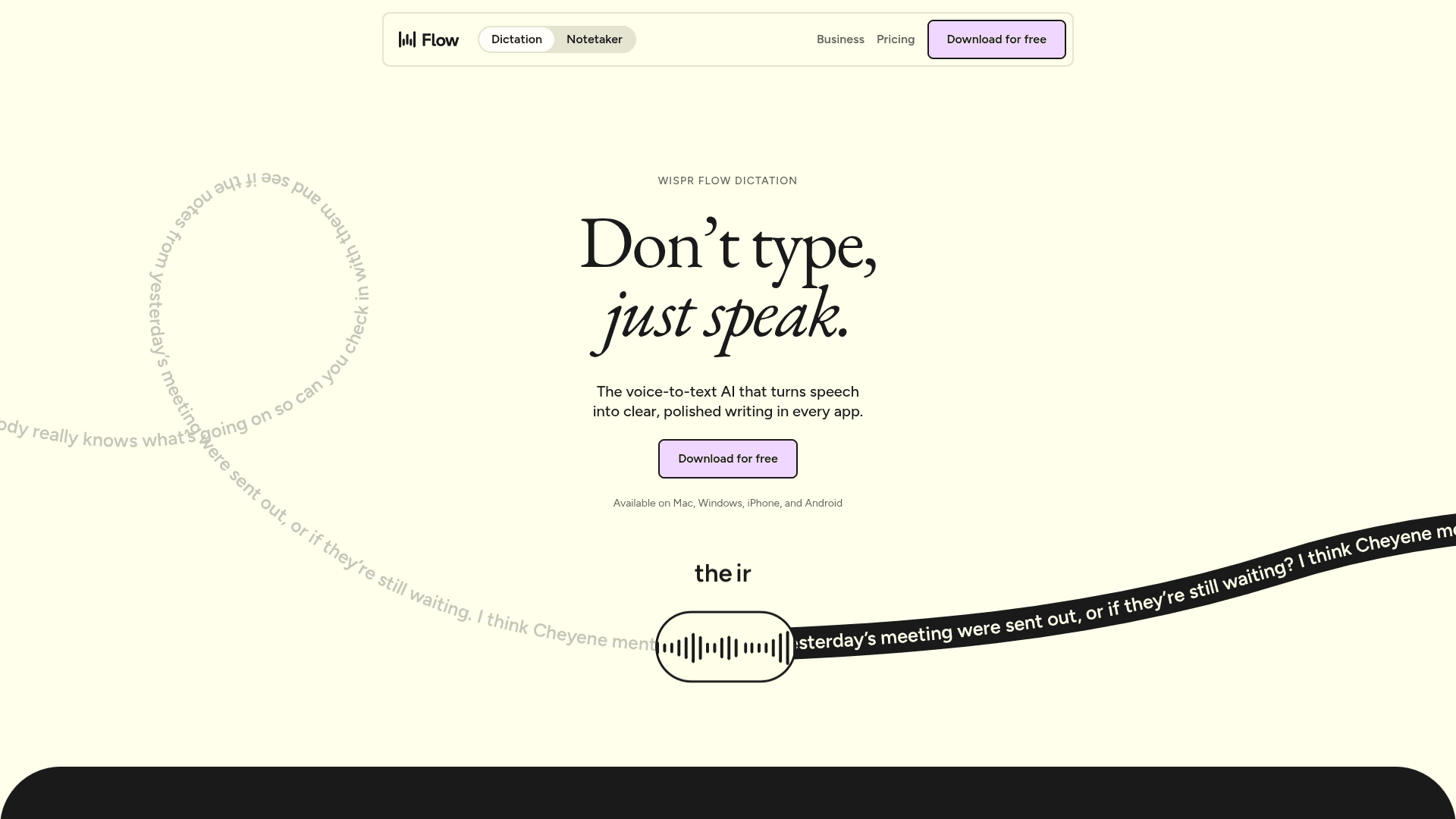
Wispr Flow is the best-known AI dictation app and the one that popularized voice-first prompting. It works across Mac, Windows, iPhone, and Android, auto-edits your speech into clean text, matches tone to the app you are in, and supports 100+ languages with automatic detection. It claims dictation at 220 words per minute versus roughly 45 typing (official site, 2026), and its free tier gives you 2,000 words per week on desktop.
Wispr Flow’s auto-editing is genuinely good at turning rambling speech — pauses, mid-sentence corrections, filler words — into a clean prompt, which matters when you are thinking out loud at an AI agent. The mobile apps mean you can drive the same workflow from a phone keyboard, something no other tool here offers. The trade-offs are structural: processing is cloud-based, and there is no lifetime option — Pro runs $15/mo or $12/mo billed annually (official pricing, 2026), which is $144-180 every year, forever. Reviews are also split: 4.5/5 on G2 across 16 reviews but 2.7/5 on Trustpilot as of April 2026, where complaints cluster around post-trial reliability.
Key Features
- Auto-edits — removes filler words, fixes punctuation, formats text automatically
- Cross-platform: Mac, Windows, iPhone, and Android with one account
- Tone matching adapts output style to the app you are dictating into
- 100+ languages with automatic language detection
- Vocabulary learning and text snippets for frequent phrases
Pricing
Free (2,000 words/week on desktop). Pro $15/mo or $12/mo billed annually.
Rating
4.5/5 — G2 (16 reviews)
Best For
Vibe coders who want the most polished mainstream option and need mobile dictati...
Pros
- Best-in-class auto-editing — rambling speech comes out as a clean, structured prompt
- Only tool on this list with real iPhone and Android apps
- SOC 2 Type II, HIPAA, and ISO 27001 certified with a zero-retention Privacy Mode
- Free tier is enough to trial the voice-first workflow before paying
Cons
- Cloud-only processing — every prompt, including code context, goes to their servers
- No lifetime option — $144-180/year indefinitely, and Trustpilot sits at 2.7/5 (April 2026) with post-trial reliability complaints
Superwhisper
Best Context-Aware Modes — Adapts Output to Your Editor
Superwhisper is a Mac-native dictation app with context-aware AI modes that change how output is formatted depending on what you are doing — a code mode for editors, an email mode, a notes mode. It supports 100+ languages with offline processing on Apple Silicon and lets you pick the AI model (GPT, Claude, or Llama) that post-processes your speech.
For vibe coding, Superwhisper’s mode system is the draw: dictating into a code editor produces differently formatted text than dictating into Slack, without you switching anything manually. It processes audio offline on Apple Silicon, so it shares Voibe’s privacy story. The catch is pricing — the lifetime license jumped from $249 to $849, so the practical entry point is $8.49/mo or $84.99/year (official pricing, 2026), and it remains macOS/iOS-only, so Windows vibe coders are out.
Key Features
- Context-aware modes — output formatting adapts to code editors, email, and notes automatically
- Offline processing on Apple Silicon with 100+ language support
- Choice of AI post-processing models: GPT, Claude, or Llama
- Meeting assistant records and transcribes with automatic digests
- Custom shortcuts and prompt customization for power users
Pricing
Free tier (small models). Pro $8.49/mo or $84.99/year. Lifetime $849.
Rating
4.9/5 — Product Hunt
Best For
Mac-based vibe coders who want dictation output that auto-formats for the app th...
Pros
- Context-aware code mode formats dictation for editors automatically
- 100+ languages offline — the strongest multilingual pick
- Offline processing on Apple Silicon keeps prompts private
- Model choice lets you trade speed against output quality
Cons
- Lifetime license jumped to $849 — one-time pricing is no longer realistic here
- macOS and iOS only — no Windows support
Aqua Voice
Best Custom Dictionary — 800 Technical Terms, Mac and Windows
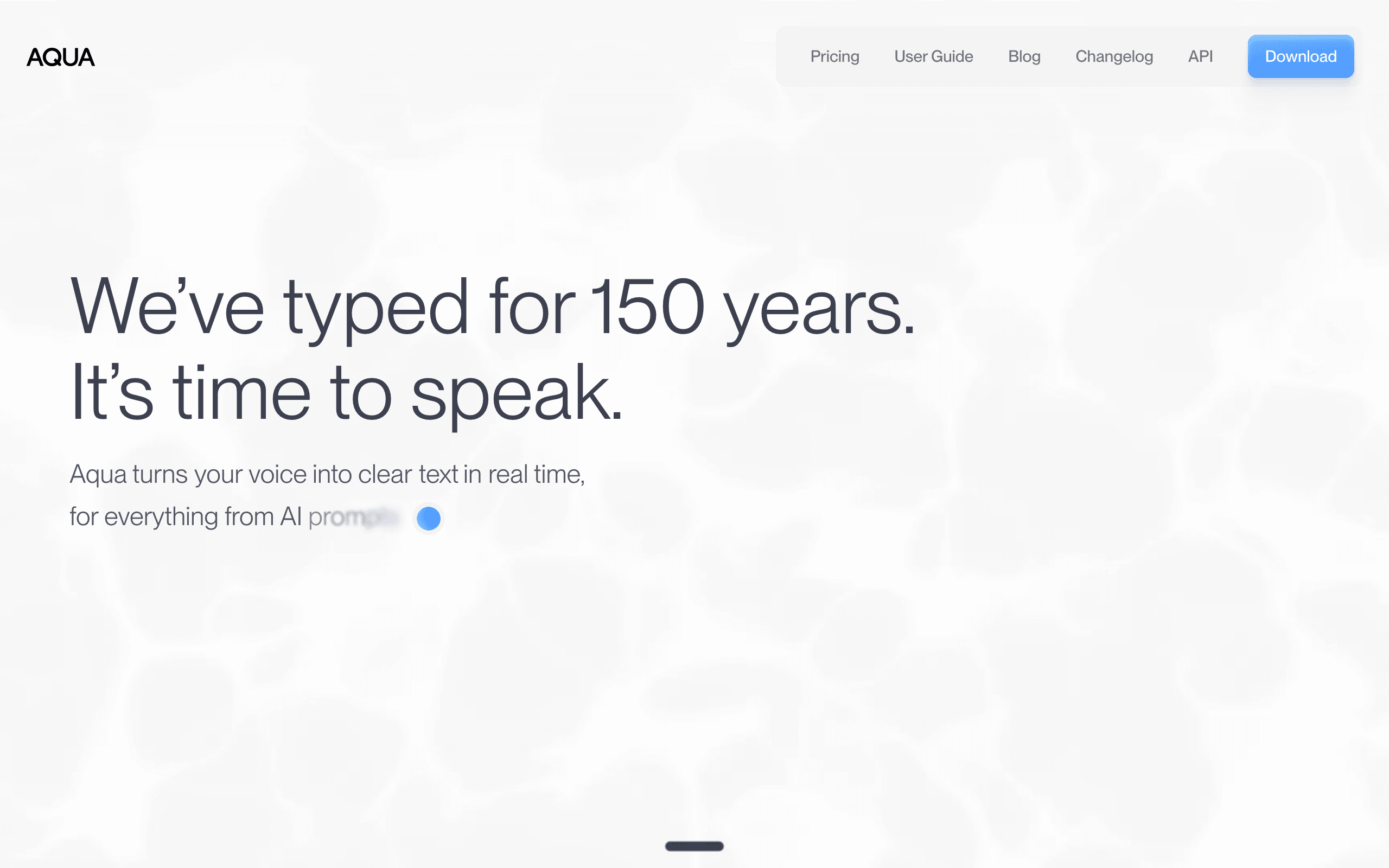
Aqua Voice is a cloud dictation app with a context engine that formats output for the application you are in, and its standout feature is the custom dictionary: up to 800 terms on the Pro plan. Variable names, acronyms, and framework jargon get transcribed with near-100% consistency. It starts in under 50ms and inserts text in about 450ms to 1 second, on both Mac and Windows.
If your prompts are dense with technical vocabulary — “refactor the useAuthStore hook,” “check the kubectl config” — generic dictation mangles them, and correcting a mangled prompt erases the speed gain. Aqua Voice’s 800-term dictionary is the most thorough fix on this list, ahead of Voibe’s custom vocabulary and Wispr Flow’s vocabulary learning. The trade-offs: processing is cloud-based like Wispr Flow, and the free tier is 1,000 words total — not per week or month — so the real price is Pro at $8/mo or $96/year (official pricing, 2026).
Key Features
- Custom dictionary with up to 800 terms — variable names, acronyms, jargon
- Context-aware formatting adapts output to the active application
- Cross-platform: native apps for Mac and Windows
- Sub-50ms startup, text insertion in roughly 450ms-1s
- 49 languages with context-aware processing
Pricing
Free (1,000 words total). Pro $8/mo or $96/year.
Rating
5/5 — Product Hunt
Best For
Vibe coders whose prompts are packed with variable names and technical jargon, o...
Pros
- The 800-term custom dictionary is the strongest technical-vocabulary fix in this category
- Works natively on both Mac and Windows
- Fastest startup on this list at under 50ms
- Context engine formats output per application automatically
Cons
- Cloud-based processing — prompts leave your machine
- Free tier is 1,000 words total, barely enough to evaluate it
Want More Tool Recommendations?
Subscribe for curated tool picks every week.
VoiceInk
Best Free Option — Open-Source, Offline, Auditable
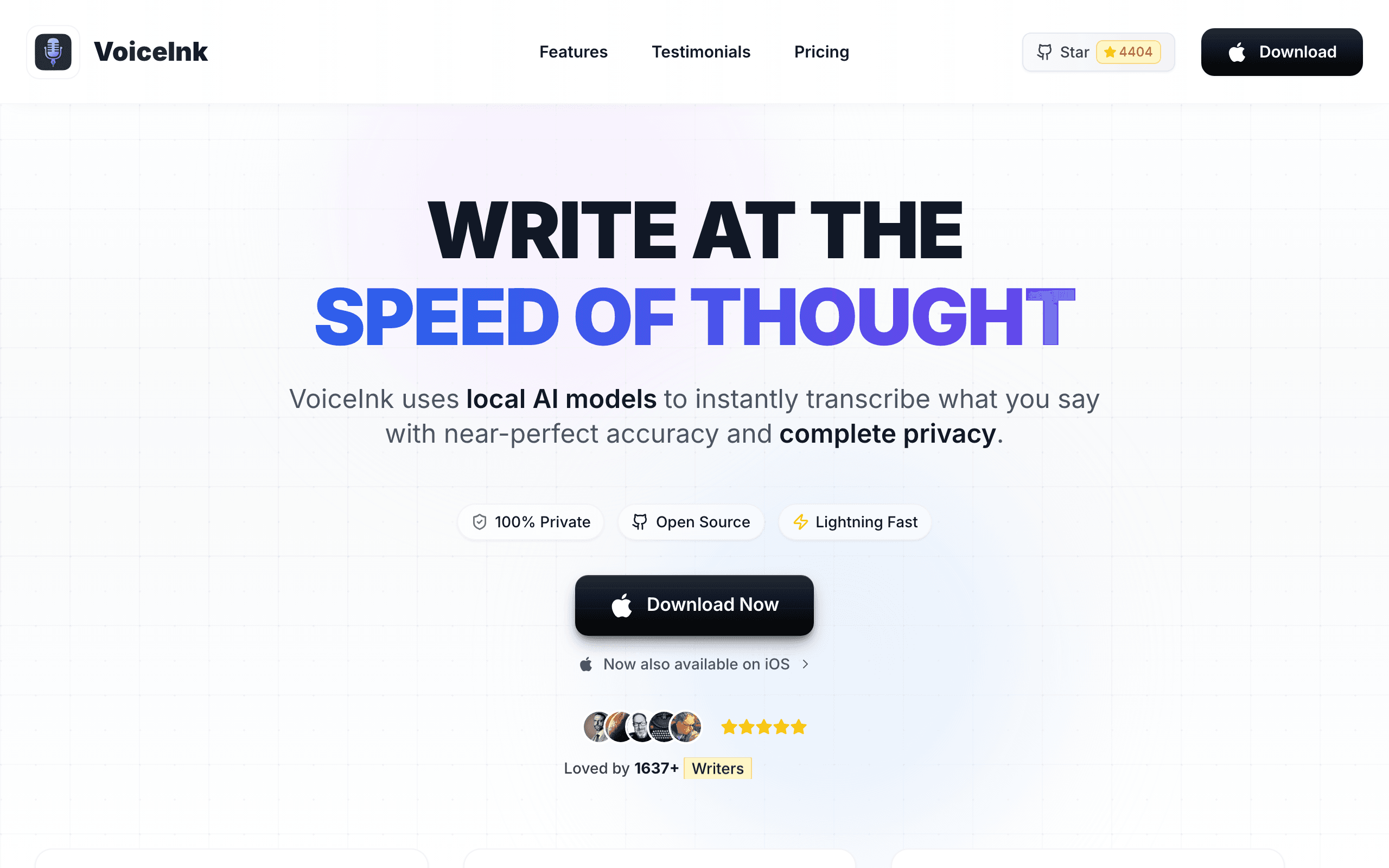
VoiceInk is a fully open-source (GPL v3) voice-to-text app for macOS that processes everything 100% offline using local Whisper models, supports 100+ languages, and claims 99% accuracy. Build it from source with Xcode and it costs nothing; a $25-49 license adds automatic updates and priority support.
VoiceInk answers the question every privacy-conscious developer eventually asks: “what is actually happening to my audio?” Under GPL v3 you can read every line that touches it. Because it uses the same Whisper model family as the paid tools, raw transcription accuracy is comparable — what you give up is the vibe-coding-specific layer: no developer mode, no hands-free toggle, no memory shortcuts. For dictating prompts into Cursor or Claude Code at zero cost, it works today.
Key Features
- Fully open-source under GPL v3 — inspect, modify, build from source for free
- 100% offline processing — audio never leaves your device
- 99% transcription accuracy using local Whisper models
- 100+ language support with real-time transcription
- System-wide dictation across all Mac applications, including terminals
Pricing
Free (build from source). Licenses $25-49 for updates and support.
Rating
4.8/5 — Community reviews
Best For
Developers who want free, transparent, offline dictation and do not need coding-...
Pros
- Completely free if you build from source
- GPL v3 transparency — audit exactly how audio is handled
- Same Whisper-family accuracy as paid alternatives
- No account, no subscription, no data collection
Cons
- No developer mode or vocabulary features tuned for coding prompts
- Building from source requires Xcode — not beginner-friendly
BetterDictation
Best Budget Lifetime — $39 One-Time, Offline on Apple Silicon
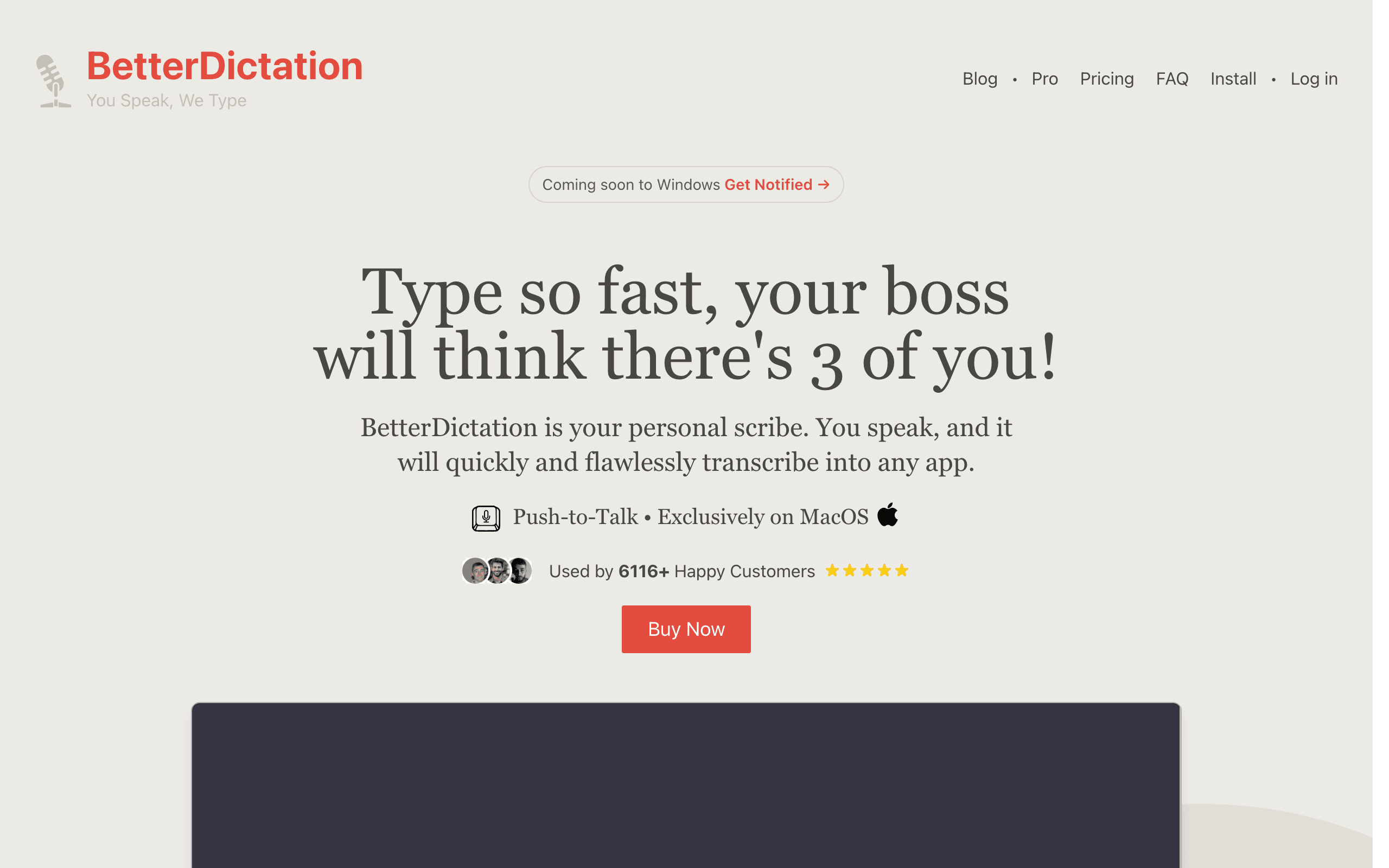
BetterDictation runs OpenAI’s Whisper large-v3-turbo model on Apple’s Neural Engine for accurate offline dictation, system-wide across all Mac apps, with push-to-talk simplicity and 100+ languages. The $39 lifetime license (official pricing, 2026) is the cheapest one-time deal in this category, and Pro adds stammer correction, grammar cleanup, and auto-formatting.
If the Voibe pitch appeals but you want the absolute minimum spend, BetterDictation gets you offline Whisper-quality transcription for a single $39 payment — less than three months of Wispr Flow. It is a straight dictation tool: no developer mode, no hands-free toggle, no memory system, and it requires Apple Silicon (M1 or newer). For prompt dictation on a budget, it covers the core job.
Key Features
- Whisper large-v3-turbo on the Apple Neural Engine — fast, accurate, offline
- Push-to-talk dictation system-wide across all Mac apps
- 100+ language support
- Pro adds stammer correction, grammar improvement, and auto-formatting
- No audio collection — fully on-device processing
Pricing
Lifetime $39 (1 device). Flex $49 + $2/mo Pro (3 devices). Studio $149 (10 devices).
Rating
4.3/5 — TenereTeam
Best For
Budget-focused Mac users who want offline prompt dictation for a one-time $39.
Pros
- $39 lifetime is the cheapest one-time purchase on this list
- Whisper large-v3-turbo is one of the most accurate offline models available
- Pro cleanup features fix stammers and grammar without cloud processing
- Used at companies like Disney, Amazon, and Goldman Sachs
Cons
- Requires Apple Silicon (M1+) — no Intel Mac or Windows support
- No coding-specific features — plain transcription only
Talon
Best Full Hands-Free Coding — Voice Control of the Entire Editor
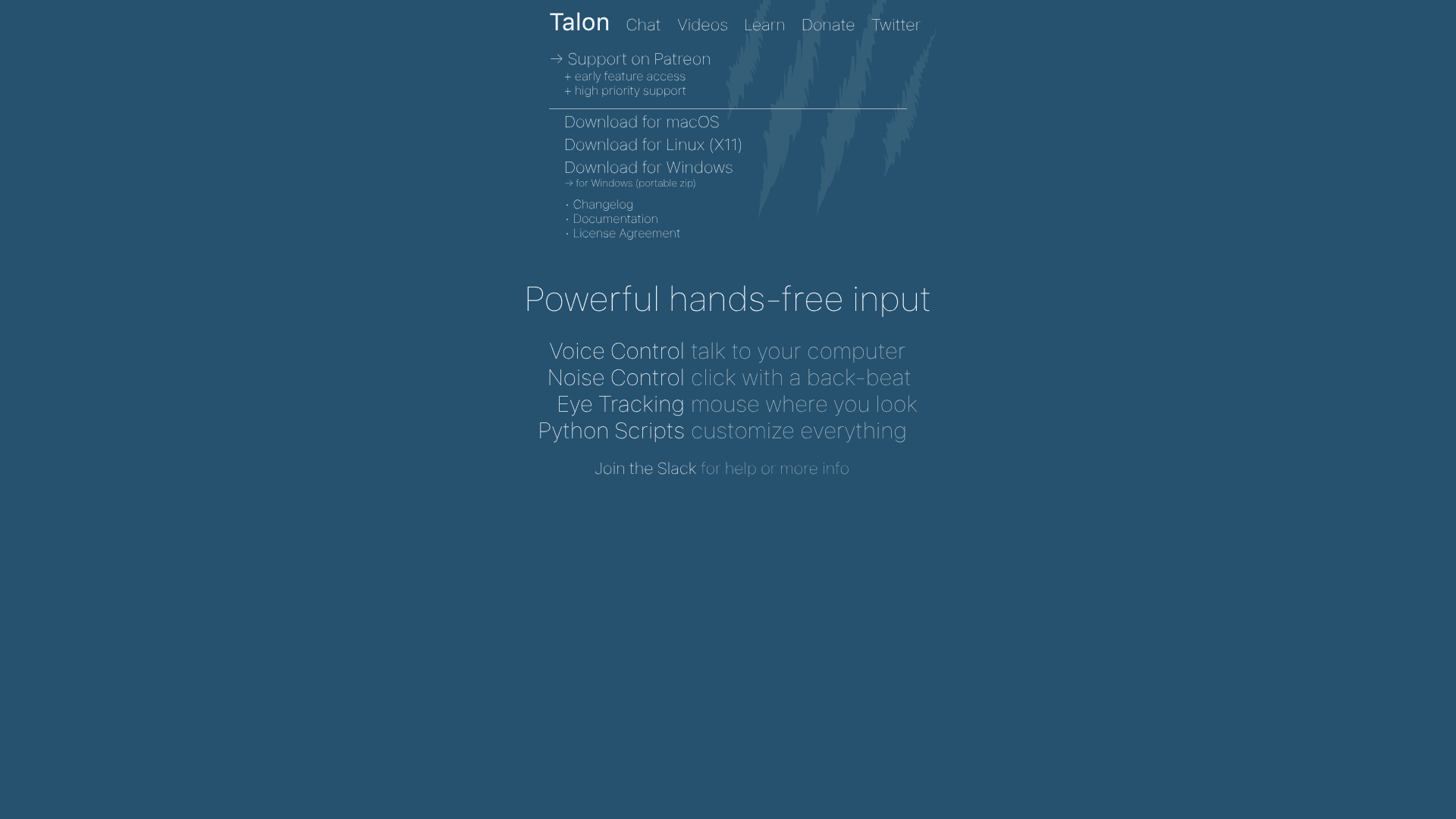
Talon is a different animal: not a dictation app but a complete hands-free input system. It combines a programmable voice command grammar, noise control (click by popping your lips), eye tracking for cursor positioning, and Python scripting — on macOS, Windows, and Linux. The core software is free, with early feature access available through Patreon.
Every other tool on this list assumes you still use a keyboard and mouse for everything except text entry. Talon replaces all of it — navigate files, run commands, edit code, and dictate prompts entirely by voice. For developers with RSI or accessibility needs, it is not just the best option; it is often the only one. The trade-off is a real learning curve: Talon uses a command grammar you have to learn (community-maintained rule sets help), and setup is measured in days, not minutes. For pure prompt dictation it is overkill — but for full hands-free vibe coding it is the ceiling.
Key Features
- Programmable voice command grammar for controlling any application
- Noise control — trigger clicks and actions with non-speech sounds
- Eye tracking support for hands-free cursor positioning
- Python scripting for custom commands and workflows
- Cross-platform: macOS, Windows, and Linux (X11)
Pricing
Free. Patreon supporters get beta access and priority support.
Rating
Community-run project
Best For
Developers with RSI or accessibility needs, and anyone who wants to control the ...
Pros
- The only true full voice-control system for coding — not just text entry
- Free core software on macOS, Windows, and Linux
- Eye tracking and noise control extend far beyond dictation
- Active community with shared command grammars
Cons
- Steep learning curve — you learn a command language, not just a hotkey
- Overkill if you only want to dictate prompts into AI tools
OpenWhispr
Best Open-Source Cross-Platform — MIT License, Windows/Mac/Linux
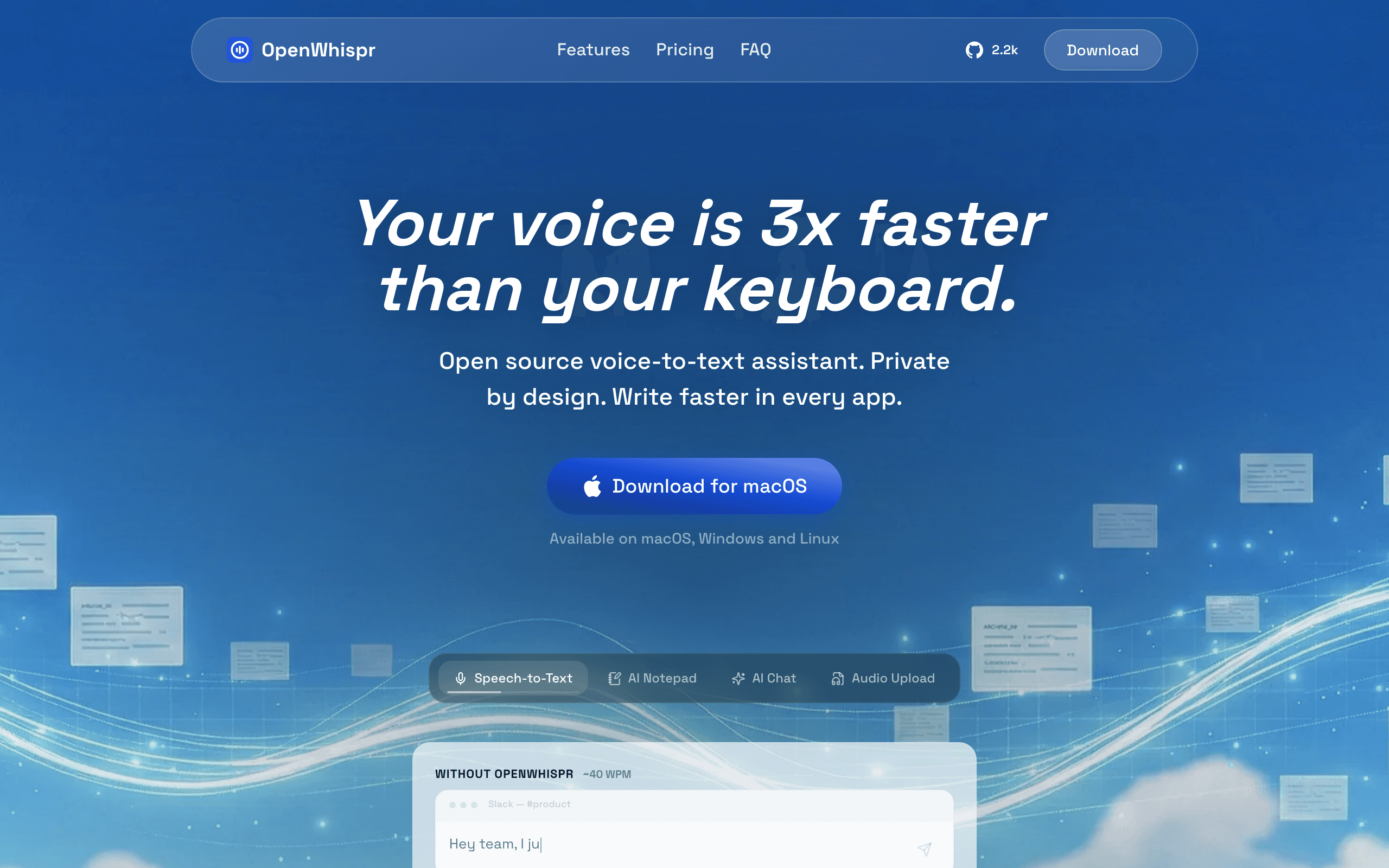
OpenWhispr is a free, MIT-licensed dictation tool that runs on Windows, Mac, and Linux. It supports local Whisper processing or cloud APIs for higher accuracy, and its smart text cleanup strips filler words — “um,” “uh,” “you know” — from transcriptions automatically.
OpenWhispr is the only open-source option here with genuine Windows and Linux support, which matters because most of this category is Mac-only. If you vibe code on Linux, this and Talon are effectively your list. The MIT license is also more permissive than VoiceInk’s GPL if you want to embed dictation in your own product. Expect a technical setup process and community-only support.
Key Features
- Cross-platform: Windows, Mac, and Linux
- MIT license — permissive for commercial use and modification
- Smart text cleanup removes filler words automatically
- Local Whisper processing or cloud API options
- Extensible architecture for custom integrations
Pricing
Free (open-source, MIT license).
Rating
4.2/5 — GitHub (553 stars)
Best For
Windows and Linux vibe coders who want free, open-source dictation.
Pros
- Only open-source dictation tool with real Windows and Linux support
- MIT license allows commercial embedding
- Filler-word cleanup rivals paid tools’ auto-editing
- Free forever — no account, no subscription
Cons
- Technical setup — not a one-click install
- Community support only
How We Chose These Dictation Apps
We evaluated 15+ dictation and voice-input tools against the specific job of prompting AI coding tools all day, weighted on six criteria:
- Speed and latency — how fast does dictated text land at the cursor? Startup time, insertion time, and transcription lag all count.
- Technical-vocabulary accuracy — does it survive file paths, variable names, and framework jargon, via developer modes or custom dictionaries?
- IDE and agent integration — does it work cleanly in Cursor, VS Code, Windsurf, and terminal agents like Claude Code?
- Hands-free operation — can you dictate long prompts without holding a key, and keep talking while an agent runs?
- Privacy — is audio processed on-device or in the cloud, and what happens to prompts that describe proprietary code?
- Long-term cost — is there a one-time license, or are you renting the tool forever on subscription?
How to Choose the Right Dictation App for Vibe Coding
Match the tool to how you actually work. Four questions settle it:
If you prompt AI coding tools daily...
Voibe is the pick — Developer Mode for Cursor, VS Code, Windsurf, and Claude Code, hands-free dictation, and a $149 lifetime license that stops the subscription meter.
If you also dictate on mobile...
Wispr Flow is the only tool here with iPhone and Android apps. Accept the cloud processing and the $12-15/mo subscription as the price of the ecosystem.
If budget is zero...
VoiceInk on Mac or OpenWhispr on Windows/Linux — both open-source and offline. BetterDictation at $39 lifetime if you want a polished one-time purchase.
If you need true hands-free coding...
Talon controls the entire editor by voice — commands, navigation, and dictation. It is the accessibility-grade answer, with a learning curve to match.
Stay Ahead of the Tool Curve
We research dozens of tools so you don't have to. Get our top picks and insider insights delivered weekly.
Frequently Asked Questions
What is the best dictation app for vibe coding?
Voibe is the best dictation app for vibe coding in 2026. It is the only app in the category with a Developer Mode built for AI coding tools — it works with Cursor, VS Code, and Windsurf, resolves file names, folder paths, and variable names locally, and supports prompts in Claude Code and similar agents. It adds hands-free dictation, spoken punctuation, custom vocabulary, and Memory shortcuts on every plan, processes audio on-device on Apple Silicon, and costs $7.50/mo, $59/year, or $149 lifetime (official pricing, August 2026).
Why use a dictation app for vibe coding instead of typing prompts?
Because prompts are natural language, and you speak natural language roughly 3-5x faster than you type it — Wispr Flow measures dictation at 220 words per minute versus about 45 typing (official site, 2026). In a vibe coding session you write dozens of prompts into Cursor, Claude Code, or Lovable, and prompt entry is the last fully manual step in the loop. Cutting it from minutes to seconds compounds across every single interaction with your AI tools.
How well does Voibe’s Developer Mode handle file names and variable names when dictating prompts into Cursor or Claude Code?
Voibe’s Developer Mode resolves file names, folder paths, and variable names locally on your machine, so saying “refactor the auth store in use-auth.ts” comes out as the actual identifier instead of mangled prose (official feature documentation, August 2026). It works with Cursor, VS Code, and Windsurf, and supports coding prompts in Claude Code and similar agents. Custom vocabulary covers project-specific jargon the resolver does not catch, and spoken punctuation lets you dictate any symbol by name.
Do dictation apps work with Claude Code in the terminal?
Yes. System-wide dictation apps insert text wherever your cursor is, and that includes terminal windows running Claude Code. Voibe explicitly supports coding prompts in Claude Code through its Developer Mode, and its hands-free mode is useful for long agent sessions — double-tap the hotkey and keep talking while the agent works. VoiceInk, Superwhisper, Wispr Flow, and BetterDictation also insert into terminals as ordinary text fields.
What is the best free dictation app for vibe coding?
VoiceInk is the best free option on Mac — open-source under GPL v3, 100% offline, and free if you build it from source with Xcode. On Windows or Linux, OpenWhispr (MIT license) is the pick. Wispr Flow’s free tier at 2,000 words per week sounds usable but runs out fast when every prompt is 50-150 words; daily vibe coders typically burn through it in a day or two.
Which dictation apps for vibe coding work on Windows?
Voibe (cloud mode), Wispr Flow, Aqua Voice, OpenWhispr, and Talon all run on Windows. Superwhisper, VoiceInk, and BetterDictation are Mac-only. Note the processing difference on Windows: Voibe uses a zero-retention cloud mode with open-source models on Groq and Cerebras, while its fully on-device mode requires an Apple Silicon Mac.
Is offline dictation accurate enough for coding prompts?
Yes, for most prompts. Offline tools like Voibe, VoiceInk, and BetterDictation run the same Whisper model family that cloud services use on their servers, so raw accuracy is comparable on Apple Silicon. The place generic transcription still fails is technical vocabulary — file names, variable names, framework jargon. That is solved by features, not cloud processing: Voibe’s Developer Mode and custom vocabulary handle it locally, and Aqua Voice’s 800-term dictionary handles it in the cloud.
The Bottom Line
For vibe coding specifically, Voibe is the clear winner. It is the only dictation app with a Developer Mode built for the tools you already use — Cursor, VS Code, Windsurf, and Claude Code — and it stacks hands-free dictation, spoken punctuation, custom vocabulary, and Memory on top of on-device privacy. The $149 lifetime license means the tool that speeds up every prompt you will ever write costs less than one year of a Wispr Flow subscription.
The alternatives each win a narrower case: Wispr Flow for mobile-inclusive polish, Superwhisper for context-aware modes and languages, Aqua Voice for extreme technical vocabularies, VoiceInk and OpenWhispr for free open-source, BetterDictation for the cheapest lifetime deal, and Talon for full hands-free control.
Whichever you pick, the upgrade is the same: your prompts move at the speed you think, not the speed you type. In a workflow where prompting is the work, that is the highest-leverage $0-149 you can spend on your stack.
Related Reading
- 10 Best Bot-Free AI Note Takers in 2026 — The meeting-notes side of voice: tools that capture calls without a bot
- 10 Best Vibe Coding Tools for Indie Hackers — The full stack these dictation apps plug into, from Cursor to Claude Code
- Best Wispr Flow Alternatives — A deeper dive on dictation tools compared on privacy and pricing
- Best Dragon Legal Alternatives for Lawyers — The same dictation category ranked for legal work: privacy, long letters and price
- I Vibe-Coded a $10/Month Social Listening Tool — A real build using Voibe + Claude Code, end to end
- The Solopreneur AI Stack for 2026 — Where voice input fits in the broader AI toolkit
Sources
Stay Ahead of the Tool Curve
We research dozens of tools so you don't have to. Get our top picks and insider insights delivered weekly.
Trusted by indie hackers and startup founders
Keep Reading
Best Wispr Flow Alternatives in 2026
Compare the best Wispr Flow alternatives for voice dictation. Offline processing, privacy-first tools, cheaper pricing, and better accuracy — find the right AI dictation app for your workflow. (Searching “Whisper Flow”? Same app, commonly misspelled.)
10 Best Granola Alternatives for Private AI Meeting Notes (2026)
The best Granola alternatives in 2026, ranked on where your notes are stored, whether your data trains AI, and what a bot-free notetaker really costs. Verified pricing.
10 Best Bot-Free AI Note Takers in 2026 (No Bot Joins Your Call)
The best bot-free AI note takers of 2026, ranked by what happens after the call: where notes are stored, whether audio is kept, and whether your meetings train AI.