
Best Dragon Legal Alternatives for Lawyers in 2026
The best Dragon Legal alternatives for solo lawyers and small firms — private, Mac-friendly dictation that handles long letters and file notes, with verified 2026 pricing.

Key Takeaways
- Voibe is the best overall Dragon Legal alternative for solo lawyers and small firms — on-device dictation on Apple Silicon Macs (audio is deleted the instant it is transcribed), it runs on both Mac and Windows, and it costs $149 lifetime or $7.50/mo (getvoibe.com/pricing, checked September 2026) versus Dragon Legal Individual v16 at $799
- Dragon Legal Individual v16 is a one-time $799 Windows-only license trained on 400M+ words of legal documents (Nuance, 2026). Nuance has shipped no native Dragon for Mac since 2018, and Dragon Anywhere (its mobile app) was discontinued July 1, 2026 — so Mac lawyers have no first-party Dragon option at all
- For long letters and file notes, Voibe, Wispr Flow and Superwhisper reshape natural speech into clean text with no voice training — the multi-hour "training" step Dragon has always required is gone in modern Whisper-based tools
- Philips SpeechLive is the best pick if you want the traditional dictate-to-typist legal workflow, with built-in legal vocabulary and optional human transcriptionists
- On a budget, VoiceInk is free and open-source, and Apple’s built-in Voice Control ships free on every Mac — but neither matches Voibe’s custom Dictionary and Memory shortcuts for repetitive legal boilerplate
For two decades, Dragon was the default answer to “how do lawyers dictate?” Dragon Legal shipped with a legal vocabulary trained on hundreds of millions of words of case law and contracts, and for a Windows firm it worked. But in 2026 that default is hard to defend: Dragon Legal Individual v16 is a $799 one-time licence, it runs only on Windows, and it still expects you to sit through voice training before it hits full accuracy.
Meanwhile the ground shifted. Nuance stopped making a native Dragon for Mac back in 2018 and Microsoft — which has owned Nuance since March 2022 — never revived it. Dragon Home was discontinued in 2023, and Dragon Anywhere, the mobile app, was discontinued on July 1, 2026. If you are a solo lawyer or a small firm on a Mac, there is no first-party Dragon option left to buy.
The good news: a wave of AI dictation tools built on OpenAI's Whisper models has closed most of the accuracy gap, works with no training, runs on Mac as well as Windows, and costs a fraction of $799. We looked at the tools that actually make sense for legal work — drafting long letters and file notes, keeping privileged audio private, and handling citations and client names — and ranked the eight best Dragon Legal alternatives below.
Which Dragon are we talking about?
Dragon Legal Individual v16 is the legal edition — a $799 one-time Windows licence trained on 400M+ words of legal documents (Nuance, 2026). It is a $100 premium over Dragon Professional v16 ($699.99), which is the same engine without the built-in legal vocabulary. The cloud products are separate: Dragon Medical One is healthcare-only, and Dragon Anywhere (mobile) was discontinued on July 1, 2026. There is no Dragon Legal for Mac — and no native Dragon desktop for macOS since 2018. Every alternative below is compared against Dragon Legal Individual v16.
Why Lawyers Switch From Dragon Legal
$799 up front
Dragon Legal Individual v16 is a one-time $799 licence — modern tools start at free or $149 lifetime
Windows-only
No native Dragon for Mac since 2018 — Mac firms are locked out entirely
Voice training required
Reading passages and correcting the engine before it hits full accuracy — Whisper tools skip this
Shrinking product line
Dragon Home discontinued in 2023; Dragon Anywhere (mobile) discontinued July 1, 2026
Quick Comparison
| # | Tool | Best For | Starting Price | On-Device | Rating |
|---|---|---|---|---|---|
| 1 | Voibe | Best Overall for Solo Lawyers & Small Firms | Free 7-day trial | Yes (Mac) | 4.8 |
| 2 | Wispr Flow | Best for AI-Polished Prose | Free (2,000 words/week) | No | 4.6 |
| 3 | Superwhisper | Best Offline Context-Aware Dictation | Free tier | Yes | 4.9 |
| 4 | Philips SpeechLive | Best for the Dictate-to-Typist Legal Workflow | Per-user subscription (~$15–$30/mo by tier) | No | 4.2 |
| 5 | Otter.ai | Best for Depositions, Hearings & Client Meetings | Free (300 min/mo, 30 min per conversation) | No | 4.4 |
| 6 | Aqua Voice | Best for Custom Legal Dictionaries | Free (1,000 words total) | No | 5 |
| 7 | MacWhisper | Best for Transcribing Recordings & Dictaphone Files | Free (basic models) | Yes | 4.9 |
| 8 | VoiceInk | Best Free Open-Source Option | Free (build from source) | Yes | 4.8 |
Where Your Audio Goes: Dragon Legal vs Alternatives
For privileged material, the question that matters is whether audio is processed on your machine or sent to a server. Dragon Legal's desktop app is local; the alternatives split between on-device and cloud.
| Tool | Processing | Platform | Audio Storage |
|---|---|---|---|
| Dragon Legal v16 | Local (desktop) | Windows only | On the PC |
| Voibe | Local on Mac / zero-retention cloud on Windows | Mac + Windows | Deleted on transcription |
| Superwhisper | 100% local | Mac / iOS | On-device only |
| VoiceInk | 100% local | Mac | No collection |
| MacWhisper | 100% local | Mac / iOS | No collection |
| Wispr Flow | Cloud | Mac / Windows / mobile | Sent to servers |
| Philips SpeechLive | Cloud | Web / mobile / desktop | Stored on servers |
| Otter.ai | Cloud | Web / mobile | Stored on servers |
| Aqua Voice | Cloud | Mac + Windows | Sent to servers |
Voibe
Best Overall for Solo Lawyers & Small Firms — Private, Long-Form Dictation
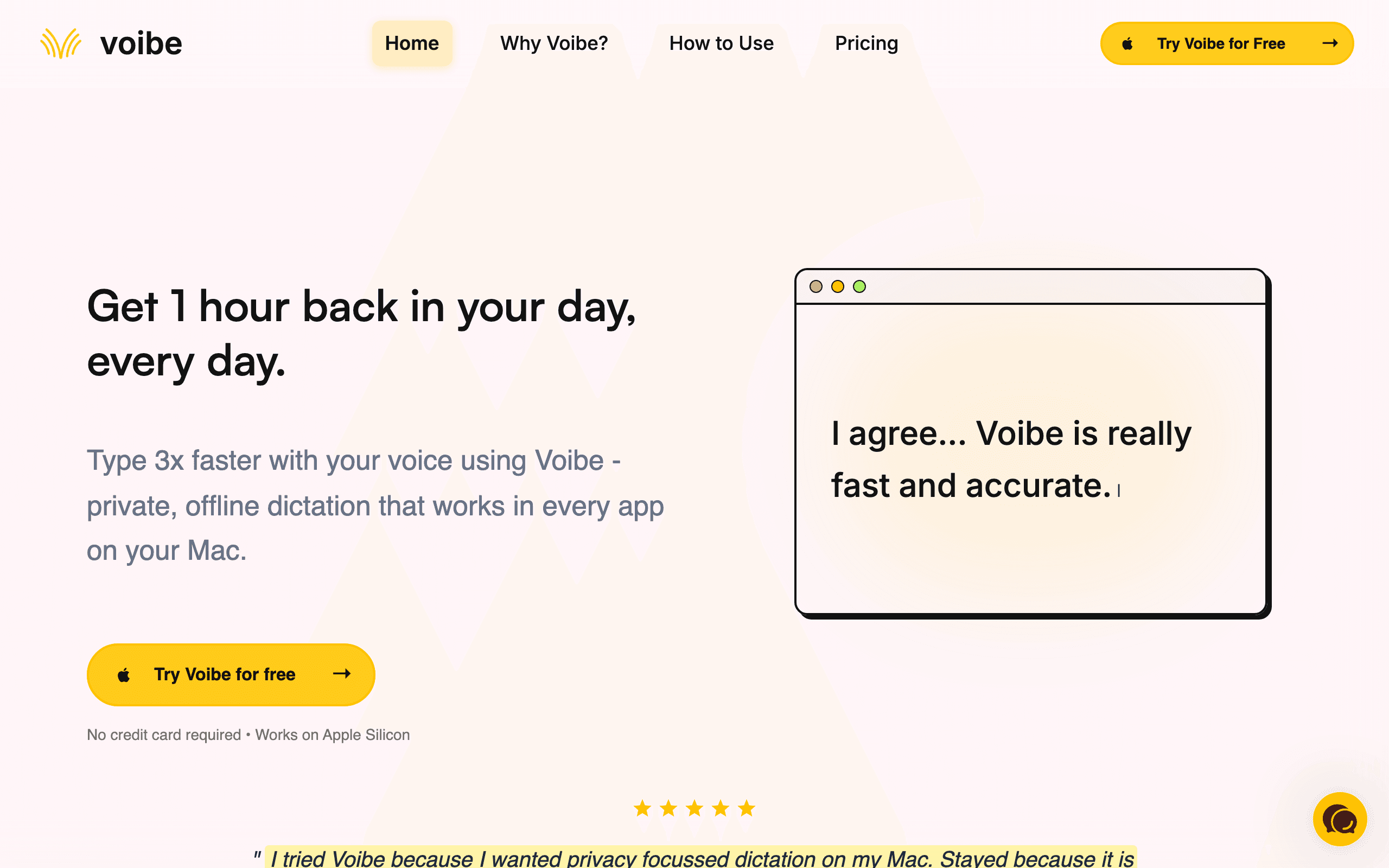
Voibe is a fast, private dictation app for Mac and Windows built around a keyboard-replacement workflow: hold a hotkey, speak, release, and your words appear as text in whatever app you are in — Word, Outlook, your practice-management system, Clio, a court e-filing form, anywhere. On Apple Silicon Macs it runs a fully on-device mode where nothing leaves the machine; on Windows it runs a zero-retention cloud mode on open-source models. Either way, the audio is deleted the instant it is transcribed and nothing is trained on your voice.
For a solo lawyer or a small firm, the Dragon Legal problem is threefold: it costs $799, it only runs on Windows, and it still expects you to train it. Voibe answers all three. It is $149 lifetime (or $7.50/mo) against Dragon’s $799, it runs on both Mac and Windows, and there is no training step — you install it and dictate. For the specific job of writing long letters, attendance notes and file memos, Voibe’s hands-free and Live Dictation modes let you talk for minutes at a stretch and watch clean text stream in, while its custom Dictionary learns client names and legal terms and Memory shortcuts drop in boilerplate like standard closings. And because on-device mode keeps privileged audio on your Mac, it preserves the on-device privacy Dragon’s desktop app is prized for, without the Windows lock-in.
Key Features
- On-device mode on Apple Silicon Macs — privileged audio never leaves the machine
- Runs on Mac and Windows from one licence — Dragon Legal is Windows-only
- Hands-free and Live Dictation modes built for long letters and file notes
- Custom Dictionary for client names and legal terms; Memory shortcuts for boilerplate
- Works in every app — Word, Outlook, Clio, e-filing forms — via a single hotkey
Pricing
Free 7-day trial. Pro $7.50/mo or $59/year. $149 lifetime. 30-day money-back guarantee.
Rating
4.8/5 — Product Hunt
Best For
Solo lawyers and small firms who dictate long letters and file notes and want pr...
Pros
- $149 lifetime undercuts Dragon Legal’s $799 by more than 80%
- On-device mode on Apple Silicon keeps privileged audio off any server
- No voice training — dictate accurately from the first minute
- One licence covers both Mac and Windows
Cons
- Fully offline mode is Apple Silicon-only — on Windows it uses zero-retention cloud
- No pre-loaded legal vocabulary pack — you build the Dictionary yourself (Dragon Legal ships one)
Wispr Flow
Best for AI-Polished Prose — Turns Spoken Drafts Into Finished Letters
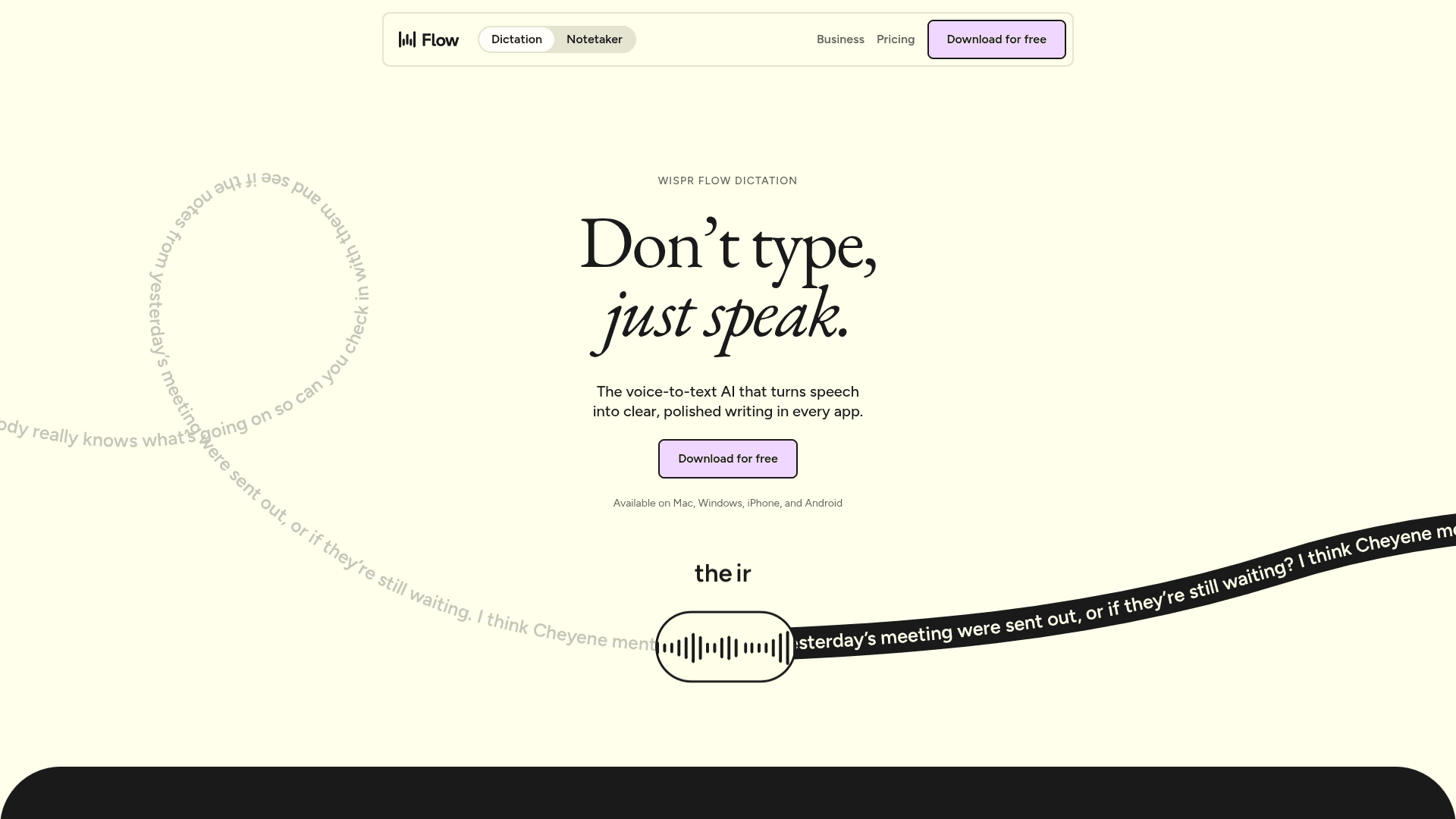
Wispr Flow is an AI dictation app for Mac, Windows and mobile that adds a cleanup layer on top of raw transcription. Instead of transcribing every "um" and false start, it reshapes what you say into finished, punctuated prose — so a rambling spoken draft of a client letter comes out closer to something you would actually send. It works system-wide across your apps and learns your common terms over time.
Wispr Flow matters for lawyers who think out loud. The difference between a literal transcript and cleaned-up prose is the difference between editing for ten minutes and editing for one, and for long correspondence that adds up. The trade-off is privacy and cost: Wispr Flow processes audio in the cloud, so it is a harder sell for privileged material than an on-device tool, and at $15/mo (or $12/mo billed annually) it is a subscription with no lifetime option (wisprflow.ai, checked September 2026). Its free plan caps you at 2,000 words per week.
Key Features
- AI cleanup reshapes spoken drafts into finished, punctuated prose
- Cross-platform — Mac, Windows, iOS and Android
- System-wide dictation across every app
- Learns your vocabulary and common phrasings over time
- Command mode for edits and formatting by voice
Pricing
Free (2,000 words/week). Pro $15/mo, or $12/mo billed annually.
Rating
4.6/5 — Product Hunt
Best For
Lawyers who dictate long correspondence and want AI to turn spoken drafts into n...
Pros
- AI cleanup produces near-final prose, cutting editing time on long letters
- True cross-platform including iOS and Android
- Polished, low-friction daily-driver experience
- Generous learning of personal vocabulary
Cons
- Cloud-only processing — every word is sent to servers, a concern for privileged work
- $15/mo forever with no lifetime option; free plan caps at 2,000 words/week
Superwhisper
Best Offline Context-Aware Dictation — 100+ Languages
Superwhisper is a Mac-native dictation app with context-aware AI modes that format output differently depending on what you are doing — an email, a document, a note. It processes speech offline on Apple Silicon, supports 100+ languages, and lets you pick from multiple AI models to balance speed and accuracy. It also includes a meeting assistant that records and transcribes with automatic summaries.
Superwhisper is the pick for lawyers who need offline dictation and work in more than one language. Like Voibe, it keeps audio on-device, so it suits privileged material — the difference is Superwhisper’s context modes and 100+ language support versus Voibe’s lower price and Windows support. The catch is cost: the lifetime licence jumped to $849, so the practical entry point is $8.49/mo or $84.99/year (superwhisper.com, checked September 2026), and it is macOS/iOS only.
Key Features
- Context-aware modes format output for email, documents and notes
- 100+ language support with offline processing on Apple Silicon
- Choice of AI models to trade speed against accuracy
- Meeting assistant with recording, transcription and summaries
- Custom prompts and shortcuts for power users
Pricing
Free tier. Pro $8.49/mo or $84.99/year. Lifetime $849.
Rating
4.9/5 — Product Hunt
Best For
Multilingual lawyers who want offline, context-aware dictation on Mac and do not...
Pros
- Offline on Apple Silicon — privileged audio stays on the Mac
- 100+ languages, the widest multilingual support here
- Context modes produce better-formatted output than raw transcription
- Meeting assistant adds value beyond dictation
Cons
- Lifetime licence is now $849 — hard to justify over the monthly plan
- macOS and iOS only — no Windows
Philips SpeechLive
Best for the Dictate-to-Typist Legal Workflow
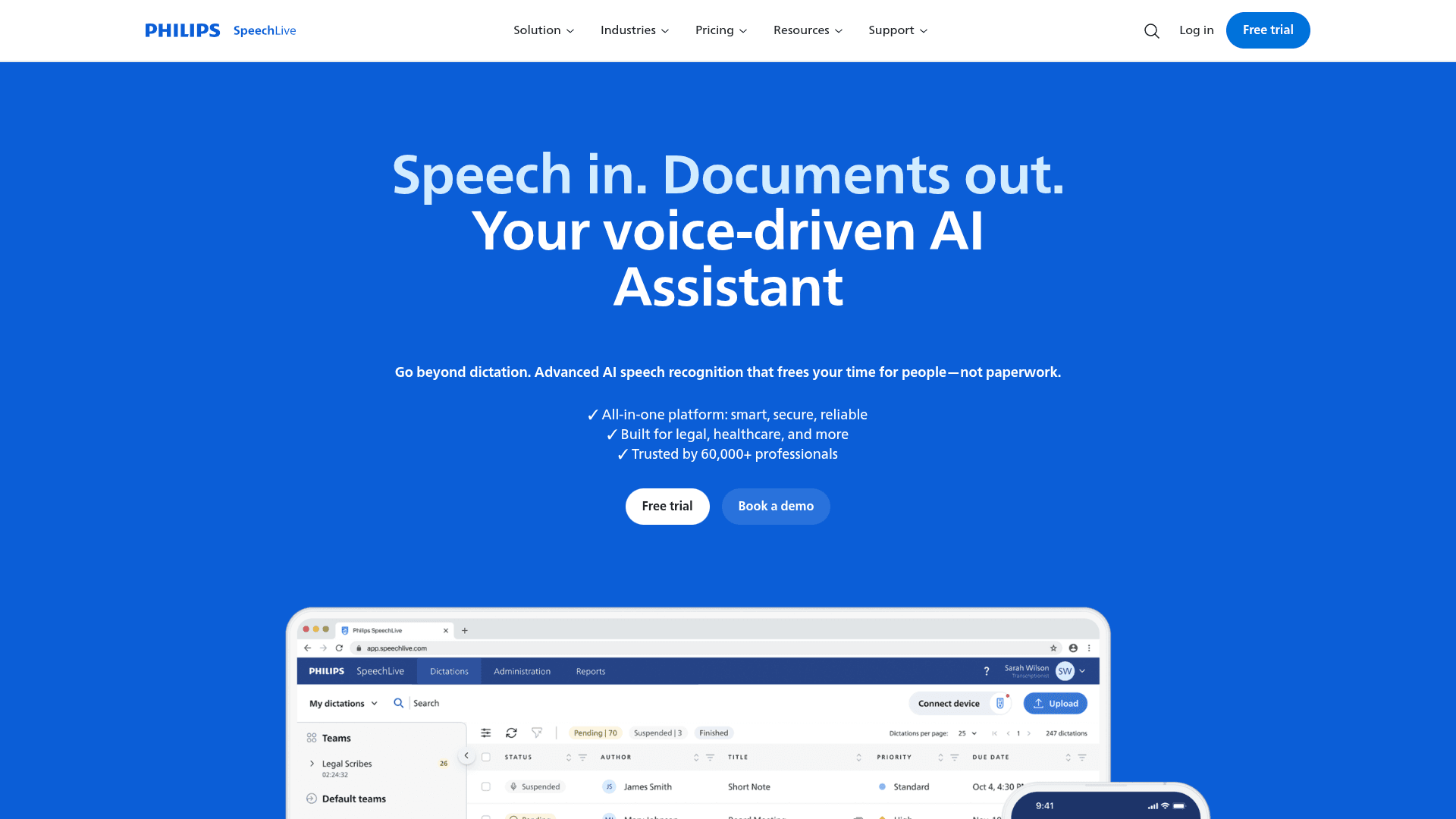
Philips SpeechLive is a cloud dictation platform built around the traditional legal workflow: a lawyer records a dictation, and it routes to an assistant, an in-house typist, or Philips’ own transcription service to be typed up and returned. It includes AI speech recognition trained on legal terminology, mobile and desktop recording, and an administration layer for managing dictations across a small team.
Philips SpeechLive matters for firms that still run the dictate-then-typist model rather than typing their own screens. If your assistant types up your dictation, SpeechLive keeps that workflow intact but moves it to the cloud — no dictaphones or memory cards to shuttle around — and adds AI recognition tuned for legal language so transcripts need less correction. It is a per-user subscription (roughly $15–$30/mo depending on tier and term), and optional human transcription runs about $1.50–$3 per audio minute, which adds up fast on long dictations. Being cloud-based, it is a different privacy posture than an on-device tool.
Key Features
- Dictate-to-typist routing to assistants or Philips’ transcription service
- AI speech recognition trained on legal terminology
- Mobile and desktop recording that syncs to the cloud
- Administration layer for managing dictations across a small team
- Optional professional human transcription on demand
Pricing
Per-user subscription (~$15–$30/mo by tier). Optional human transcription ~$1.50–$3 per audio minute.
Rating
4.2/5 — Capterra
Best For
Small firms that run a dictate-to-typist workflow and want it in the cloud with ...
Pros
- Preserves the dictate-to-typist workflow small firms already use
- Legal-tuned recognition reduces correction time
- Team administration built in for shared dictation queues
- Optional human transcription for tricky audio
Cons
- Cloud-based — a different privacy posture than on-device tools
- Human transcription at $1.50–$3/min gets expensive on long dictations
Want More Tool Recommendations?
Subscribe for curated tool picks every week.
Otter.ai
Best for Depositions, Hearings & Client Meetings
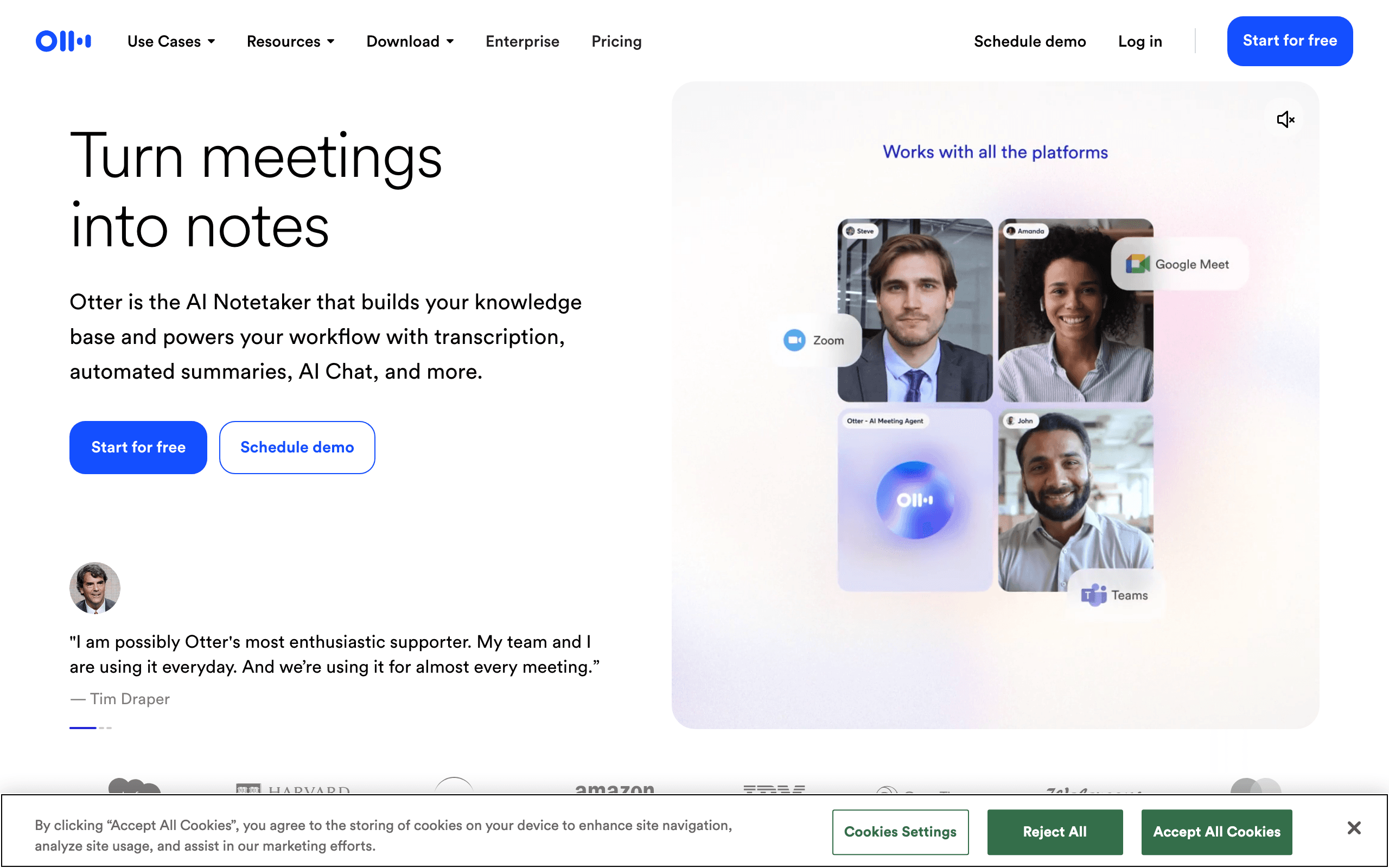
Otter.ai is a cloud transcription platform focused on meetings, not keyboard-replacement dictation. It joins Zoom, Google Meet and Teams calls automatically, records and transcribes in real time with speaker identification, and generates summaries and action items. For legal work its value is in the record: client intakes, remote hearings, and internal case discussions transcribed and searchable.
Otter.ai solves a different problem than Dragon Legal. Dragon turns your voice into a document; Otter turns a conversation into a searchable transcript with who-said-what. For a solo lawyer, that means a client intake call or a remote deposition becomes a text record you can search and quote, without a court reporter for informal calls. It is not a dictation replacement — you would not draft a letter in it — and it is cloud-only, so sensitive matters need a look at your confidentiality obligations first. The free plan gives 300 minutes/month (30 minutes per conversation); paid plans start around $16.99/mo.
Key Features
- Auto-joins Zoom, Google Meet and Teams to record and transcribe
- Real-time transcription with speaker identification
- Automatic summaries and action-item extraction
- Full-text search across every transcript
- Shared transcripts and vocabulary for teams
Pricing
Free (300 min/mo, 30 min per conversation). Paid from ~$16.99/mo.
Rating
4.4/5 — G2
Best For
Lawyers who need searchable transcripts of client meetings, intakes and remote h...
Pros
- Best-in-class meeting capture with speaker identification
- Summaries and action items save post-call write-up time
- Searchable transcript archive of calls and intakes
- Usable free plan for evaluation
Cons
- Cloud-only — all audio processed and stored on Otter servers
- A meeting transcriber, not a system-wide dictation tool
Aqua Voice
Best for Custom Legal Dictionaries — Mac & Windows
Aqua Voice is a cross-platform dictation tool that formats output for the app you are in and supports custom dictionaries of up to 800 terms on its Pro plan. For legal work, that dictionary is the draw: case citations, party names, Latin terms and firm-specific shorthand get recognized consistently instead of being autocorrected into nonsense. It runs on both Mac and Windows.
Aqua Voice matters when your dictation is full of terms a general model mangles. Load "voir dire", "res judicata", opposing counsel’s name and your matter numbers into the dictionary once, and they transcribe correctly every time. Its Mac-and-Windows support also makes it one of the few options that covers a mixed-device firm. The trade-off is that it is cloud-based, like Wispr Flow, so it carries the same privileged-material caveat, and the free tier is a one-time 1,000 words — barely enough to test. Pro is $8/mo or $96/year (aquavoice.com, checked September 2026).
Key Features
- Custom dictionaries up to 800 terms — citations, party names, jargon
- Context-aware formatting adapts to the active application
- Cross-platform on Mac and Windows
- Fast startup and sub-second text insertion
- Multi-language recognition
Pricing
Free (1,000 words total). Pro $8/mo or $96/year.
Rating
5/5 — Product Hunt
Best For
Lawyers on Mac or Windows whose dictation is heavy on citations and specialized ...
Pros
- Custom dictionary handles legal terminology other tools mangle
- Genuinely cross-platform — Mac and Windows
- Fast startup with sub-second insertion
- Context-aware formatting per app
Cons
- Cloud-based processing — same privilege caveat as Wispr Flow
- Free tier is 1,000 words total, not enough to properly evaluate
MacWhisper
Best for Transcribing Recordings & Dictaphone Files
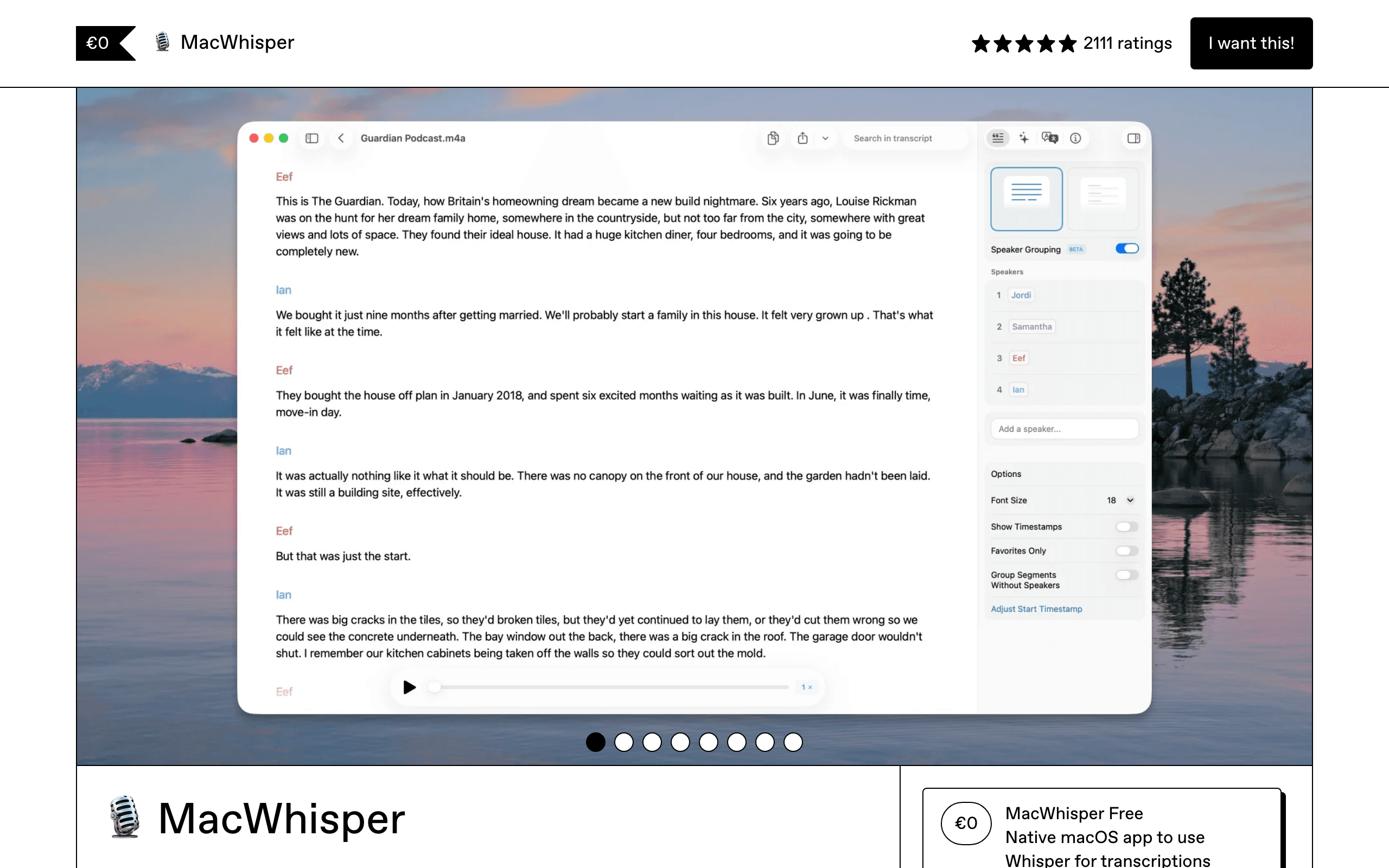
MacWhisper is a file-transcription tool that processes audio and video offline on your Mac. It handles batch transcription, speaker identification, full-text search across transcripts, and automatic recording from Zoom, Teams and other platforms. It is not a live dictation tool — you feed it recordings and get transcripts back.
MacWhisper matters for the recordings side of legal work. If you dictate into a handheld recorder in the car, or you have interview and deposition audio to turn into text, MacWhisper batch-processes those files locally at roughly 15x realtime — a 60-minute recording transcribes in about four minutes — with speaker labels and no audio leaving your Mac. That on-device processing suits sensitive recordings. What it is not is a keyboard replacement: it will not stream text into a letter as you speak, so pair it with Voibe or Superwhisper for live drafting.
Key Features
- Batch transcription of audio and video with speaker identification
- ~15x realtime on Apple Silicon — a 60-min file in ~4 minutes
- Full-text search across all transcripts
- Automatic meeting recording from Zoom, Teams and more
- Offline processing — recordings never leave the Mac
Pricing
Free (basic models). Pro one-time purchase. Student/nonprofit discount available.
Rating
4.9/5 — Product Hunt
Best For
Lawyers converting dictaphone recordings, interviews and deposition audio into s...
Pros
- Best-in-class offline file transcription with speaker labels
- Fast batch processing of long recordings
- Searchable transcript archive
- One-time purchase, no subscription
Cons
- Built for file transcription, not real-time dictation into apps
- Mac and iOS only — no Windows
VoiceInk
Best Free Open-Source Option — Offline on Mac
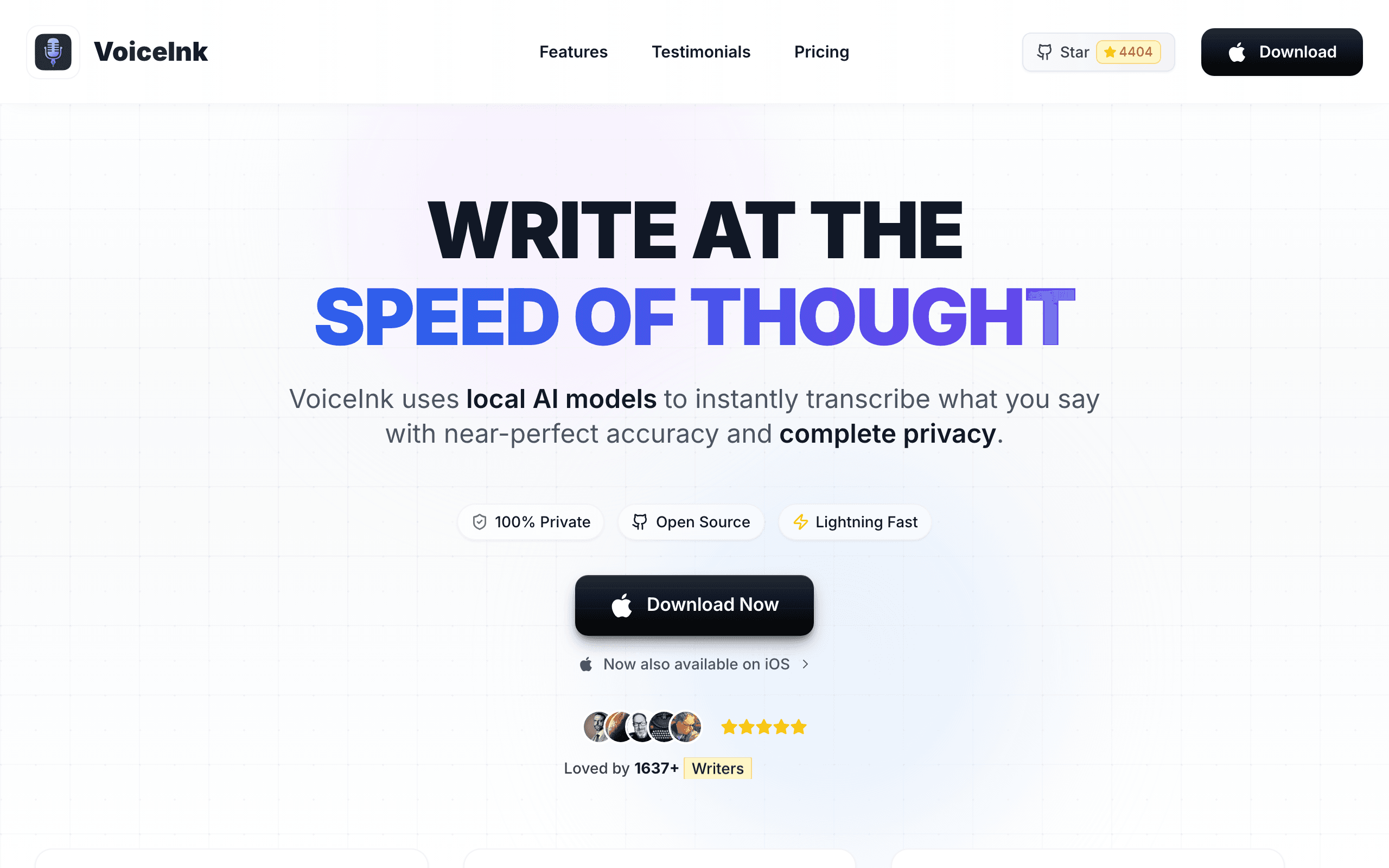
VoiceInk is an open-source, GPL v3 voice-to-text app for macOS. It transcribes with local Whisper models, processes everything 100% offline, and supports 100+ languages. If you have Xcode, you can build it from source and use it completely free; paid licences ($25–$49 by device count) add automatic updates and support.
VoiceInk matters for the budget-conscious or privacy-maximalist solo lawyer. Because it is GPL v3 and runs entirely offline, you can audit exactly how your audio is handled — no black box, no cloud, no trust required — which is a strong story for privileged material. The trade-off is polish and setup: building from source needs Xcode and some comfort with developer tools, and the interface is more utilitarian than Voibe or Superwhisper. But for zero cost and full transparency on a Mac, nothing here beats it.
Key Features
- Fully open-source under GPL v3 — audit the audio handling
- 100% offline — no data ever leaves the device
- Local Whisper models with high accuracy
- 100+ language support
- System-wide dictation across Mac apps
Pricing
Free (build from source). Licences $25–$49 by device count.
Rating
4.8/5 — Community reviews
Best For
Technically comfortable solo lawyers who want free, transparent, fully offline d...
Pros
- Free forever if you build from source
- GPL v3 transparency — inspect how your audio is handled
- 100% offline with no account or data collection
- 100+ languages at the same Whisper accuracy as paid tools
Cons
- Building from source needs Xcode — not beginner-friendly
- UI is functional but less polished than Voibe or Superwhisper
How We Chose These Tools
We evaluated dictation and transcription tools specifically against the way lawyers work, weighting five criteria:
- Privacy and confidentiality — is audio processed on-device or sent to the cloud? For privileged material, this is the first question, not the last.
- Long-form usability — can you dictate a full letter or file note in one pass, hands-free, without fighting the tool?
- Legal terminology — custom dictionaries or vocabulary for citations, party names and matter shorthand.
- Platform and price — Mac support (which Dragon abandoned), and total cost against Dragon Legal's $799.
- Setup friction — does it work out of the box, or demand the voice training Dragon has always required?
How to Choose the Right Dragon Legal Alternative
The right tool comes down to your platform, your confidentiality needs, and whether you type your own documents or route dictation to an assistant. Here is the quick decision framework:
If you are a solo lawyer or small firm on a Mac...
Voibe is the pick — on-device dictation, no training, $149 lifetime, built for long letters and file notes. Superwhisper if you also need 100+ languages.
If confidentiality is non-negotiable...
Choose an on-device tool — Voibe (Mac), Superwhisper, VoiceInk or MacWhisper keep privileged audio off any server. Avoid cloud tools for the most sensitive matters.
If an assistant types your dictation...
Philips SpeechLive keeps the dictate-to-typist workflow but moves it to the cloud, with legal-tuned recognition and optional human transcription.
If budget is the main constraint...
VoiceInk is free (build from source), and Apple's built-in Voice Control ships free on every Mac. Voibe at $149 lifetime is the best value for a polished, no-training tool.
Stay Ahead of the Tool Curve
We research dozens of tools so you don't have to. Get our top picks and insider insights delivered weekly.
Frequently Asked Questions
Is there a Dragon Legal alternative for Mac?
Yes. Nuance has shipped no native Dragon desktop product for macOS since 2018, so Mac lawyers have no first-party Dragon Legal option at all. The strongest Mac-native alternatives are Voibe (on-device on Apple Silicon, also runs on Windows), Superwhisper (offline, 100+ languages), VoiceInk (free, open-source, offline) and MacWhisper (for transcribing recordings). Voibe is the best overall pick for most solo and small-firm lawyers because it keeps privileged audio on-device on the Mac, needs no voice training, and costs $149 lifetime against Dragon Legal Individual v16’s $799.
Why are lawyers looking for Dragon Legal alternatives?
The main reasons are price, platform and age. Dragon Legal Individual v16 is a one-time $799 Windows-only licence (Nuance, 2026) — there is no Mac version, Dragon Home was discontinued in 2023, and Dragon Anywhere, its mobile app, was discontinued July 1, 2026. It also still expects multi-step voice training. Modern Whisper-based tools like Voibe, Wispr Flow and Superwhisper have closed most of the accuracy gap, work with no training, run on Mac as well as Windows, and cost a fraction of $799 — which is why lawyers are switching.
What is the best Dragon Legal alternative for a solo lawyer who dictates long letters and file notes on a Mac?
Voibe is the best Dragon Legal alternative for a solo lawyer dictating long letters and file notes on a Mac. It runs a fully on-device mode on Apple Silicon so privileged audio never leaves the machine, its hands-free and Live Dictation modes are built for talking in long stretches, and its custom Dictionary learns client names and legal terms while Memory shortcuts insert boilerplate like standard closings. It works in Word, Outlook, Clio and any other app via one hotkey, needs no voice training, and costs $149 lifetime or $7.50/mo (getvoibe.com/pricing, checked September 2026) — well under Dragon Legal’s $799.
Is my dictation private with these tools, given attorney-client privilege?
It depends on where the audio is processed. Dragon Legal’s desktop app processes locally on your Windows PC, and among the alternatives Voibe (on Apple Silicon), Superwhisper, VoiceInk and MacWhisper also process on-device, so audio never touches a server. Wispr Flow, Philips SpeechLive, Otter.ai and Aqua Voice are cloud-based, meaning audio is sent to servers — usable for many tasks but worth checking against your confidentiality obligations for privileged material. Voibe’s on-device mode on Mac gives you Dragon-style local processing without the Windows requirement; on Windows, Voibe uses a zero-retention cloud mode where audio is deleted the instant it is transcribed.
Do these Dragon Legal alternatives handle legal terminology?
They handle it through custom vocabularies rather than a pre-loaded legal pack. Dragon Legal ships trained on 400M+ words of legal documents, so its legal vocabulary works out of the box. Among the alternatives, Aqua Voice supports custom dictionaries of up to 800 terms, Voibe has a custom Dictionary for client names and legal terms, and Philips SpeechLive’s recognition is tuned for legal language. The practical difference is a few minutes of adding your own citations, party names and matter shorthand once, rather than relying on a built-in pack.
What is the cheapest Dragon Legal alternative?
VoiceInk is free if you build it from source, and Apple’s built-in Voice Control and Dictation ship free on every Mac — both are genuine options for a lawyer on a tight budget. Among polished commercial tools, Voibe at $149 lifetime is the best value: it pays for itself against Dragon Legal’s $799 immediately and never charges again. For comparison, Wispr Flow ($15/mo) and Aqua Voice ($8/mo) are subscriptions that keep costing every month.
Do these alternatives require voice training like Dragon?
No. Dragon historically required you to read training passages and correct it over time to reach full accuracy. The Whisper-based tools on this list — Voibe, Superwhisper, VoiceInk, MacWhisper — and the cloud tools Wispr Flow, Otter.ai and Aqua Voice work accurately out of the box with no enrollment step. You can add custom vocabulary for names and legal terms, but that is optional refinement, not the mandatory multi-step training Dragon expects.
Which Dragon Legal alternative works on Windows?
Voibe runs on Windows (in zero-retention cloud mode) as well as Mac, Aqua Voice is native to both Mac and Windows, and Wispr Flow, Philips SpeechLive and Otter.ai all work on Windows. Superwhisper, VoiceInk and MacWhisper are Mac-only. Dragon Legal itself is Windows-only, so if you are staying on Windows the switch is mainly about price, training and cloud-versus-local processing rather than platform.
The Bottom Line
For most solo lawyers and small firms, Voibe is the best Dragon Legal alternative. It keeps privileged audio on-device on a Mac, needs no voice training, runs on both Mac and Windows, and its hands-free and Live Dictation modes are built for the long letters and file notes that fill a legal day — all for $149 lifetime against Dragon Legal's $799.
If you need 100+ languages, Superwhisper is worth the premium. If an assistant types your dictation, Philips SpeechLive keeps that workflow intact. For depositions and client calls, Otter.ai turns conversations into searchable transcripts. And if budget is everything, VoiceInk is free and fully offline.
Dragon Legal was the right answer for a Windows firm in 2015. In 2026, the honest question is why a solo lawyer or small firm would pay $799 for Windows-only software that still wants training, when private, no-training tools run on the Mac you already have for a fraction of the price.
Related Reading
- 10 Best Granola Alternatives for Private AI Meeting Notes — Privileged client calls captured without a bot — and without training anyone’s AI
- 10 Best Bot-Free AI Note Takers in 2026 — Every notetaker that works without joining the call, and what the consent rules mean for lawyers
- Best Wispr Flow Alternatives in 2026 — The wider dictation category ranked for privacy, offline use and price
- What Cloud Dictation Does With Your Voice Data — Why where your audio is processed matters for privileged material
- 8 Best Dictation Apps for Vibe Coding in 2026 — The same tools ranked for a different job: prompting AI coding tools
- Best Micro-SaaS Ideas for Solopreneurs — Focused dictation tools like these are micro-SaaS success stories
Sources
Stay Ahead of the Tool Curve
We research dozens of tools so you don't have to. Get our top picks and insider insights delivered weekly.
Trusted by indie hackers and startup founders
Keep Reading
10 Best Granola Alternatives for Private AI Meeting Notes (2026)
The best Granola alternatives in 2026, ranked on where your notes are stored, whether your data trains AI, and what a bot-free notetaker really costs. Verified pricing.
7 Best AI App Builders for Non-Technical Founders in 2026
The best AI app builders for non-technical founders, ranked by what you can actually launch: user accounts, data, payments, publishing, costs, and exit paths.
7 Best AI Search Visibility Tools for Agencies in 2026
Seven AI search visibility tools ranked for agencies by client workspaces, reporting, prompt economics, and the real cost of managing multiple brands.