
7 Best AI App Builders for Non-Technical Founders in 2026
The best AI app builders for non-technical founders, ranked by what you can actually launch: user accounts, data, payments, publishing, costs, and exit paths.
Key Takeaways
- Start with Lovable for a customer-facing web SaaS MVP that you may hand to a developer later.
- Choose Bubble for visual control of complex workflows, Softr for a client portal, or FlutterFlow for an App Store product.
- Compare live usage and the cost of leaving, then run the same user journey in your two finalists before paying.
A polished demo is easy. A product with private user data, a working payment, and a way out is harder. The best AI app builders for non-technical founders solve the part that comes after the first screenshot: real accounts, data, hosting, and a way to keep building when the initial prompt stops working.
Start with Lovable if you are building a customer-facing web SaaS and may hand the code to an engineer. Choose Bubble if visual control over complex workflows matters more than code export. Choose Base44 if you need a working web app with almost no setup. A portal, native mobile app, or custom codebase calls for a different pick below.
We ranked seven tools against that launch journey using their published product and pricing documents as of October 13, 2026. This is a comparison of documented capabilities, not a claim that we have run a production load test on every platform. Build the same small user journey in your two finalists and run the launch checks near the end of this guide.
Quick Comparison
Prices are USD list prices checked October 13, 2026. “Free” can mean build-only; verify what publishing and live usage cost.
| # | Tool | Best For | Starting Price | If You Leave |
|---|---|---|---|---|
| 1 | Lovable | A web SaaS MVP you may hand to a developer later | Free to try; Pro $25/mo | GitHub sync for app code; plan a separate data migration |
| 2 | Bubble | Complex workflows you want to inspect and edit visually | Free to build; paid plan to launch | Export data, but app logic must be rebuilt elsewhere |
| 3 | Base44 | The fastest no-setup web app or internal MVP | Free; Starter $20/mo ($16/mo annual) | GitHub export on Builder; managed backend needs a migration plan |
| 4 | Softr | Client portals, directories, and internal business apps | Free; Basic $25/mo ($19/mo annual) | Connected data can move; plan to rebuild the app UI |
| 5 | Replit | A custom web app with a likely developer handoff | Free; Core $25/mo ($20/mo annual) | Project code can move through GitHub |
| 6 | FlutterFlow | A real iOS or Android app with store distribution | Free to build; Basic $39/mo for store deploy | Code download on Basic; GitHub integration on Growth |
| 7 | Bolt.new | A web prototype when framework flexibility matters | Free; Pro $25/mo | Generated source code can move to GitHub |
Lovable
A web SaaS MVP you may hand to a developer later

Lovable is the best default for a non-technical founder building a customer-facing web product. It gets you from a prompt to screens, login, data, and a shareable app without first choosing a framework or cloud provider.
Lovable wins on the combination of low setup work and a credible handoff. Its Cloud handles the database and authentication; a developer can later work on the synced code in GitHub. That does not make a full migration automatic: moving users, files, secrets, and data still needs a plan. The October 2026 pricing page lists a free build allowance and Pro at $25 monthly with 100 monthly credits. Those credits can pay for building, hosting, and AI used inside your app, so a $25 subscription is not an unlimited operating budget.
- What you ship
- Web app with hosted database and authentication
- Pricing
- Free to try; Pro $25/mo
- If you leave
- GitHub sync for app code; plan a separate data migration
Test before launch
Build two test accounts, create a private record under each, and prove neither account can read the other person’s data. Lovable runs a security scan at publish time, but its own guidance still tells builders to review row-level access policies.
Main limitation
Lovable is strongest for web products. If an App Store release is a hard requirement, start with a native-mobile builder instead of treating a responsive website as a native app.
Bubble
Complex workflows you want to inspect and edit visually
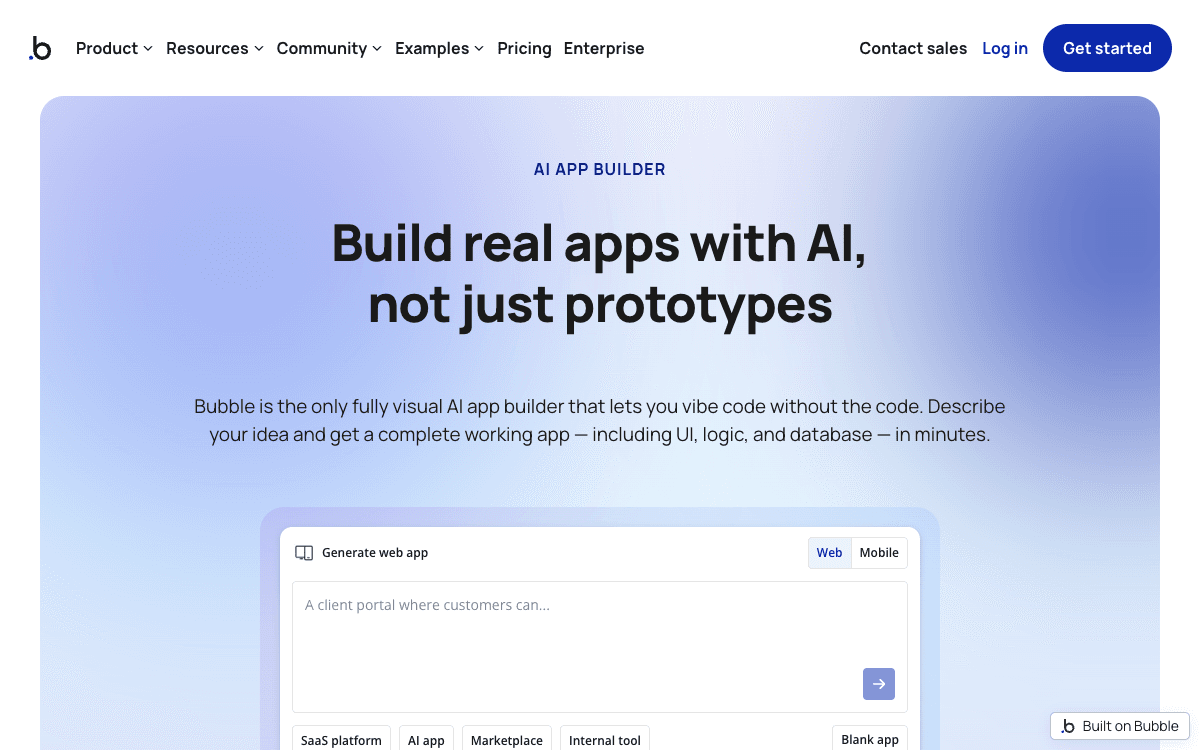
Bubble is the best pick when a founder wants to understand and control the workflow after AI generates the first draft. Its visual editor exposes the design, data, and logic without requiring source-code edits.
Bubble’s AI builder generates a working app and its Agent can keep editing it, but you can also change workflows and database rules manually. That is useful when a product outgrows prompt-only iteration: you can inspect why a form sends an email or why a role can see a record. Bubble’s running cost is tied to workload units consumed by database operations, workflows, and web requests. Its October 6 announcement says the web-only Starter price rises on October 20, 2026, to $39 monthly or $32 monthly on annual billing. Check the current price before publishing.
- What you ship
- Web app; native mobile on eligible plans
- Pricing
- Free to build; paid plan to launch
- If you leave
- Export data, but app logic must be rebuilt elsewhere
Test before launch
Draw the three most important workflows in Bubble’s editor and test every user role. Monitor workload while a few real users perform the normal journey; a cheap build phase does not tell you the live cost.
Main limitation
Bubble says apps run only on its platform. You can export user data, but a developer cannot take the app’s source code and host it elsewhere. Budget for a rebuild if portability matters.
Base44
The fastest no-setup web app or internal MVP

Base44 is a strong choice when the first goal is putting a functional app in front of users today. The platform supplies authentication, a database, hosting, and a visual editor, so there is little initial setup.
Base44 is easy to underestimate because its free plan can publish an app. The billing model has two separate meters: message credits for building and integration credits for actions the live app performs. On its October 2026 pricing page, Free includes 25 message credits and 100 integration credits per month; Starter lists 100 and 2,000, respectively. That distinction matters for an AI-heavy app or a workflow that calls outside services. GitHub integration starts on Builder ($50 monthly or $40 monthly on annual billing), so code handoff requires a higher tier than the $20 Starter plan.
- What you ship
- Web app with built-in auth, database, and integrations
- Pricing
- Free; Starter $20/mo ($16/mo annual)
- If you leave
- GitHub export on Builder; managed backend needs a migration plan
Test before launch
Model the main live action, not just the build session: if every customer request invokes an integration, estimate how many integration credits your expected first 100 users will consume. Export the project before taking payments.
Main limitation
Base44’s own developer page describes its backend as managed. GitHub access to code is valuable, but do not assume that exporting a repo also migrates the running database and authentication service.
Get the founder's tool brief
One useful tool decision each week, with prices and trade-offs checked.
Softr
Client portals, directories, and internal business apps
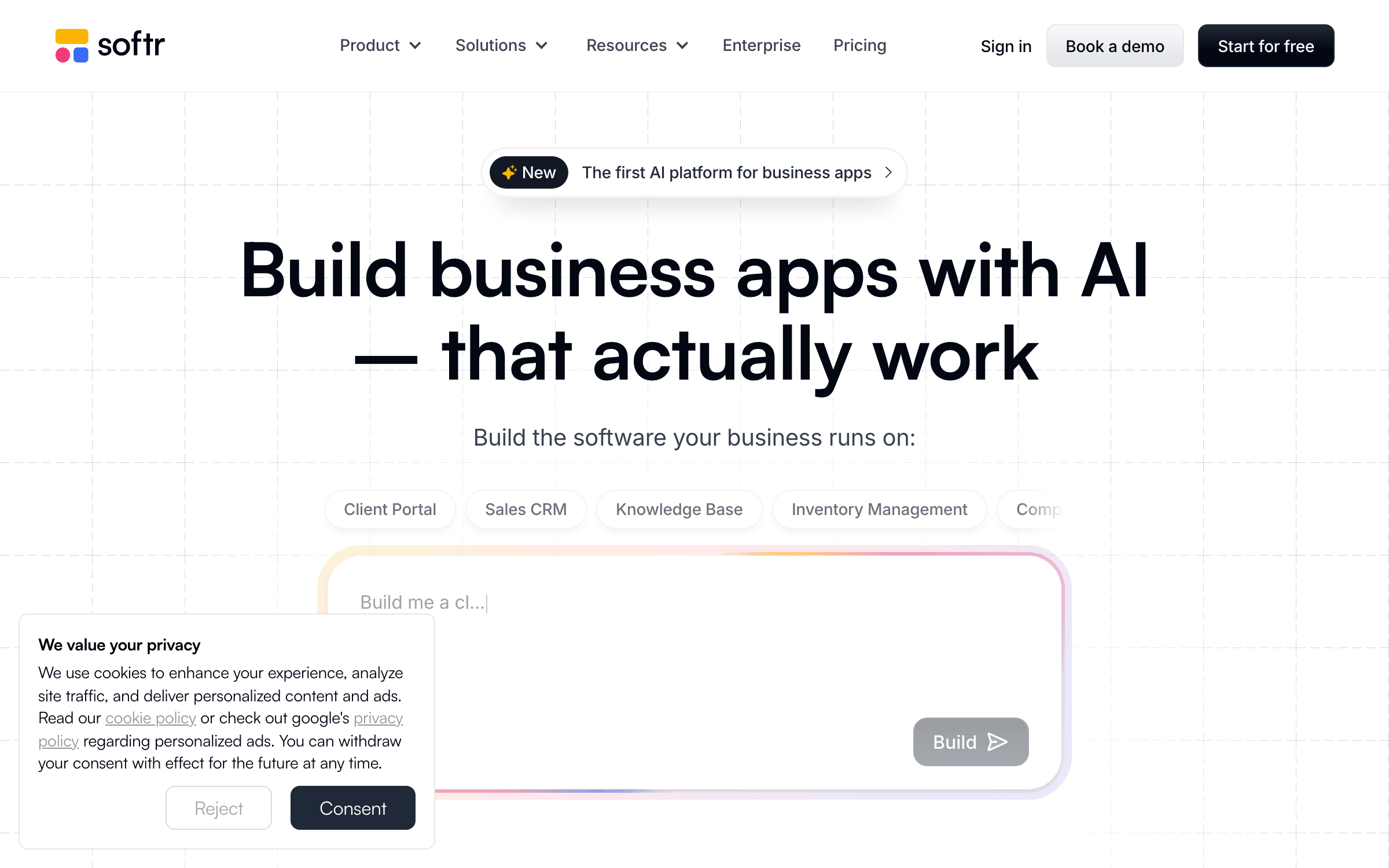
Softr is the better answer when your “app” is a portal over records rather than a new software product with unusual logic. It puts user access, tables, forms, and workflows in one visual business-app builder.
A founder running an agency, marketplace operations team, or member community often needs customers to log in and view only their own records. Softr focuses on that job. Its current plans separate team users from client users, so price the people who will log in rather than counting only the people who edit the app. The vendor’s October 2026 pricing material lists Basic at $25 monthly or $19 monthly when billed annually, with five team and five client users; Pro expands the client allowance. A portal with 100 paying customers will need a different plan from a five-person internal tool.
- What you ship
- Role-based web app over Softr or connected data
- Pricing
- Free; Basic $25/mo ($19/mo annual)
- If you leave
- Connected data can move; plan to rebuild the app UI
Test before launch
Create a client account and a team account, then verify that filters and permissions keep each client’s records private. Calculate the plan using the number of people who will sign in after launch.
Main limitation
Softr is less suitable for a highly bespoke consumer product. Its strength is making structured business data useful, not generating arbitrary application architecture.
Replit
A custom web app with a likely developer handoff
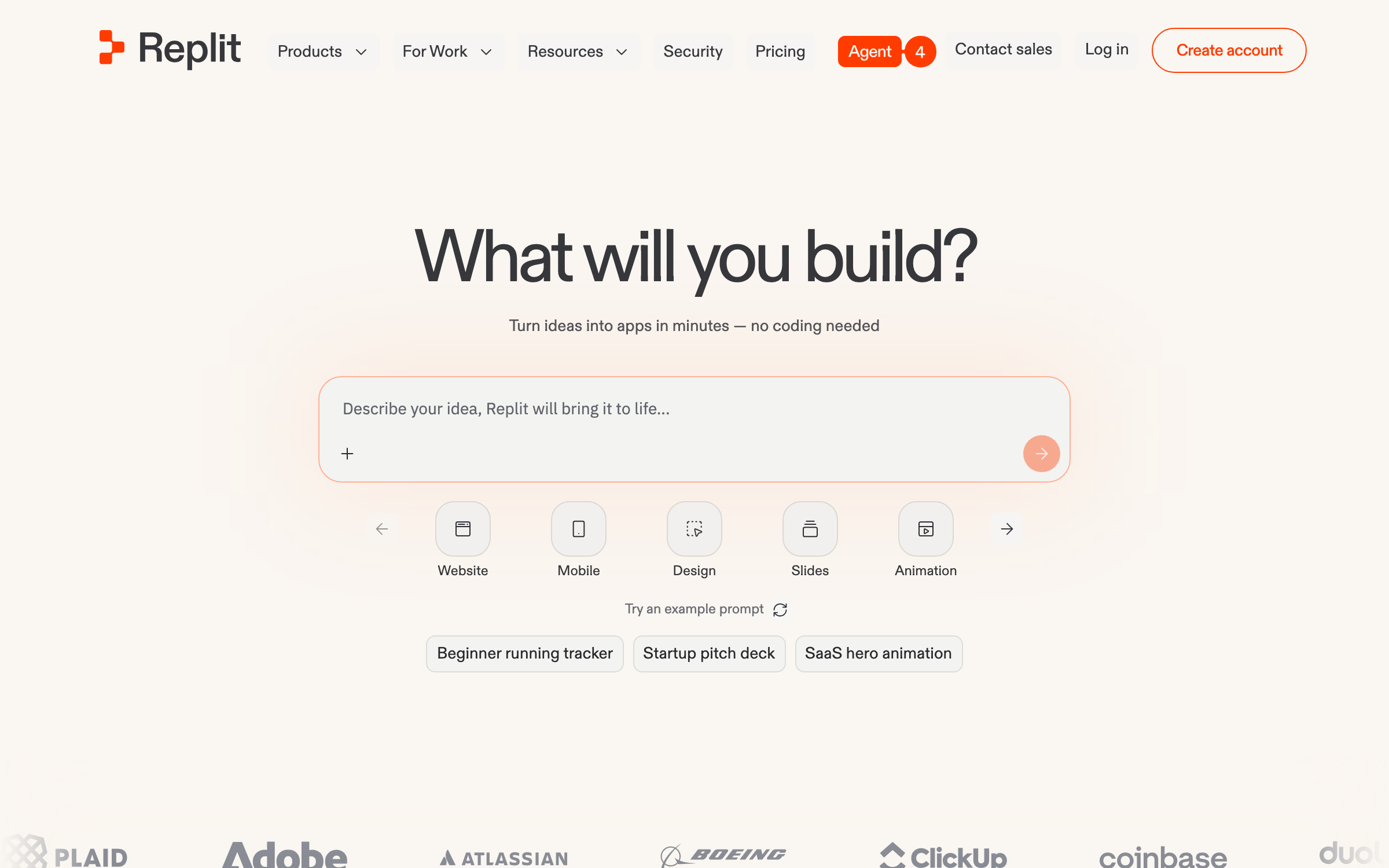
Replit is the flexible choice for a founder who wants an AI agent to build a real codebase and expects an engineer to join later. You can start by describing the app, then keep the source visible and editable.
Replit Agent can work on authentication, database, and deployment tasks while the browser workspace runs the app. That breadth is useful when the product does not fit a fixed portal template. Its published pricing lists Core at $25 monthly, or $20 monthly on annual billing, with $25 in monthly credits. Agent work and deployed services can consume that allowance, and additional usage is billed, so use Replit’s usage controls before inviting a large test group. Replit’s own prompting guide recommends planning features and testing in small increments rather than asking for a whole business in one prompt.
- What you ship
- Editable code, database, and hosted deployment
- Pricing
- Free; Core $25/mo ($20/mo annual)
- If you leave
- Project code can move through GitHub
Test before launch
Ask Agent for one complete user journey, review the database schema, and have a technical reviewer inspect the authentication and payment paths before launch. Save the code in GitHub early.
Main limitation
Replit offers more freedom than a visual no-code product, but debugging may eventually require reading code. That is a trade-off a non-technical founder should knowingly accept.
FlutterFlow
A real iOS or Android app with store distribution
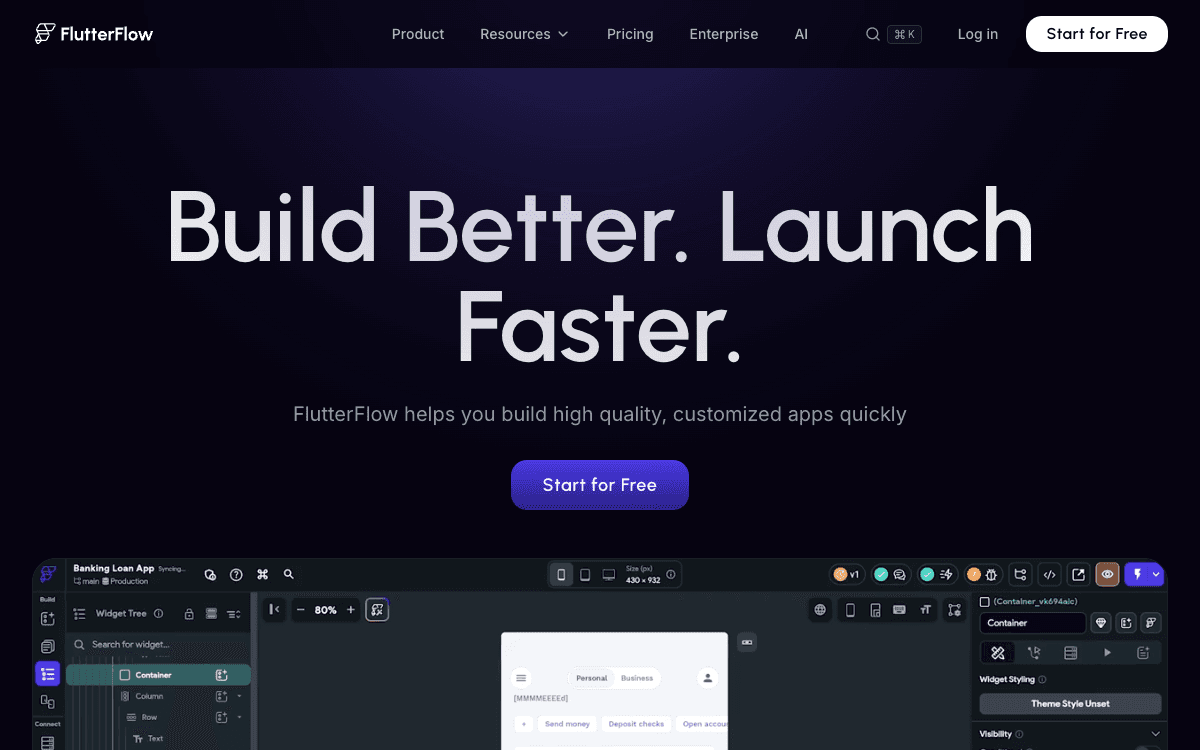
FlutterFlow belongs on the shortlist when users must install the product from an app store. It builds Flutter apps rather than wrapping a web page and offers visual editing, AI-assisted design, and store deployment.
FlutterFlow’s free tier lets you build and publish to the web, while its $39-per-month Basic plan adds source-code download and one-click store deployment. That is a clearer route to native distribution than trying to turn a web-first builder into a phone app at the end. FlutterFlow Designer can create editable screens from a prompt, but you still need to connect data, actions, app state, and store accounts. The platform’s AI Agent can help edit a project, though its desktop workflow uses your own agent subscription and has separate usage limits.
- What you ship
- Flutter mobile app, plus web and desktop targets
- Pricing
- Free to build; Basic $39/mo for store deploy
- If you leave
- Code download on Basic; GitHub integration on Growth
Test before launch
Prototype the one phone interaction that makes the app valuable, then test it on a physical iOS or Android device. Confirm store-review requirements, notifications, and payments before committing to the visual design.
Main limitation
FlutterFlow has the steepest setup here. A founder who only needs a web MVP will ship faster with Lovable or Base44.
Bolt.new
A web prototype when framework flexibility matters
Bolt.new is worth testing if a future developer has a preferred JavaScript framework or the founder wants more control over the generated code. It runs a project in the browser and can publish it without local setup.
Bolt’s current pricing page lists a free tier with one million tokens per month and Pro at $25 monthly with ten million tokens. The vendor explains an important cost detail: larger projects consume more tokens per message because Bolt has to read and synchronize more files. That makes a quick prototype feel cheap while repeated repairs on a large project can be costly. Bolt now advertises hosting and database choices, so older comparisons that call it “frontend only” are out of date. It still asks more of a non-technical founder when integrations or custom logic break.
- What you ship
- Editable JavaScript app with hosting and database options
- Pricing
- Free; Pro $25/mo
- If you leave
- Generated source code can move to GitHub
Test before launch
Build the same small app in Bolt and your leading alternative, then count the prompts needed to fix a broken login, save a record, and publish. Keep the repo connected so someone else can take over.
Main limitation
Bolt is a weaker default than Lovable for a founder who wants the platform to make most technical choices. Flexibility helps when you know what to choose.
How We Chose These AI App Builders
We started with the choices a non-technical founder is likely to encounter: prompt-led code builders, visual no-code platforms, portal builders, and native-mobile builders. We kept a tool only when its published product supports more than a static landing page. We then compared the path from a first prompt to a live user journey: database and authentication, permission controls, payments or integrations, publishing, live-usage billing, and the cost of leaving.
That explains why this ranking differs from a generic “best vibe coding tools” list. A quick code generator can make a beautiful screen and still leave a founder unable to separate two customers' records. Conversely, Bubble is slower to learn but gives visual control over complex logic; Softr is narrow but excellent for portals. We checked vendor documentation and pricing on October 13, 2026. We did not assign numeric scores or quote review averages we could not verify.
The 45-Minute Launch Test
Run this same test in two builders before you subscribe. It catches the gap between a polished demo and a usable product.
- 1Two users. Create two accounts. Save a private record as each person, then try to read the other account’s record.
- 2One complete action. Make the app do its main job and confirm the result persists after refresh and on another device.
- 3One payment. Run a test checkout, cancellation, and failed-payment path if the product charges users.
- 4One public launch. Publish to the intended domain or app store and test the URL as someone who has never opened the editor.
- 5One exit drill. Export or sync the project. List what would still need moving: data, users, files, secrets, and workflows.
- 6One bill estimate. Project usage for 100 users. Include build credits, live app actions, hosting, and external services.
What About v0, Glide, and Website Builders?
v0 is worth a look when a developer already wants a Next.js and Vercel stack. For a founder choosing an entire product system alone, the tools above give a clearer path to data and permissions. See our Lovable vs Bolt vs v0 comparison for that narrower choice.
Glide is useful for data-backed web apps, but its free plan cannot publish and Glide says its apps do not publish directly to the Apple or Google app stores. Framer and Webflow are excellent marketing-site builders; their landing-page strengths do not make them the default place to build customer accounts and application logic. Our landing-page builder guide covers that separate job.
Frequently Asked Questions
What is the best AI app builder for a non-technical founder launching a SaaS MVP?
Lovable is the best starting point for a non-technical founder launching a web SaaS MVP because it combines prompt-led building, hosted data and authentication, publishing, and GitHub code sync. A founder should still test user-data permissions, payments, and monthly run costs before inviting customers.
Can an AI app builder create a production-ready app without a developer?
AI app builders can publish working products, but “production-ready” depends on the product. A founder can often launch a low-risk MVP alone after testing the full user journey. Apps handling sensitive data, complex payments, or regulated work need a technical review of access controls, data handling, and failure cases.
Is Bubble or Lovable better if I never want to edit code?
Bubble is better for a founder who wants to inspect and edit every workflow visually; Lovable is faster when prompts can do most of the work and code handoff matters. Bubble’s app logic cannot be exported as runnable source code, while Lovable supports GitHub sync for its generated code.
Which AI app builder can publish to the Apple App Store?
FlutterFlow is the clearest native-mobile choice on this list. Its Basic plan includes one-click store deployment and source-code download. Bubble also sells web-and-mobile plans. Lovable, Base44, Softr, Replit, and Bolt are primarily web-first choices; a phone-friendly web app is not the same as an App Store app.
What should I test before paying for an AI app builder?
Test a real user journey: sign up as two different people, save a private record, confirm the other person cannot see it, complete a test payment, publish, and inspect the billing meter. Then export or sync the project and ask what would be required to move its database and users.
Which One Should You Choose?
A non-technical founder building a web SaaS should start with Lovable and run the launch test before paying for more credits. Choose Bubble when the product needs workflows you want to control visually, Softr for a portal, and FlutterFlow when an App Store release is central. The right builder is the one that gets your real user journey live at a cost you understand.
Sources Checked October 13, 2026
- Lovable pricing and credit usage
- Lovable security and publish scan
- Bubble AI app builder
- Bubble October 2026 Agent and pricing update
- Bubble application and data ownership
- Base44 pricing
- Base44 developer export and backend
- Base44 code export plan requirements
- Softr pricing
- Softr app users and permissions
- Replit pricing
- Replit Agent prompting guide
- FlutterFlow pricing
- FlutterFlow Designer quickstart
- Bolt.new pricing and token model
Make Your Next Tool Decision Faster
Get practical founder guides and checked software picks in your inbox.
Keep Reading
8 Best Beehiiv Alternatives in 2026 (After the October Price Rise)
The best beehiiv alternatives in 2026, ranked for writers who just want to send a newsletter. Real prices at 1,000 and 10,000 subscribers, checked November 2026.
7 Best AEO Tools for Ecommerce and CPG Brands in 2026
Compare seven AEO tools for ecommerce and CPG brands by SKU tracking, ChatGPT Shopping cards, retailer visibility, catalog work, and real entry cost.
7 Best Reddit Marketing Tools for Startups in 2026
Compare seven Reddit marketing tools for founders: conversation discovery, lead scoring, publishing, ads, pricing, and the risks of automated replies.