
10 Best YouTube Tools for Creators in 2026
The 10 best YouTube tools for creators in 2026. OutlierKit, UTubeKit, VidIQ, TubeBuddy, Pikzels, ThumbnailTest, Descript, ElevenLabs, 1of10, and Canva — real pricing, trade-offs, and the order to set them up.
Key Takeaways
- OutlierKit is the #1 setup for serious creators in 2026 — find outlier videos that punched above their channel size, decode why they worked, and reverse-engineer the topic before you script. $9-39/mo, free trial
- UTubeKit is the #2 must-install — a 100% free AI-powered YouTube SEO toolkit (titles, descriptions, tags, thumbnails text) with no signup, no credits, no paywall. Pair it with OutlierKit and you cover discovery + metadata for under $10/mo
- VidIQ and TubeBuddy are the legacy SEO incumbents — useful, but the 2026 wave (OutlierKit, 1of10, ThumbnailTest) ranks higher on outlier intelligence and A/B testing depth
- Thumbnails win or lose in 2026 — Pikzels for AI-generated concepts, ThumbnailTest for A/B testing on real CTR data. Skipping either is leaving views on the table
- For full production: Descript handles editing (text-based, $16-24/mo), ElevenLabs handles narration ($5-22/mo), Canva handles design (free or $15/mo). The full stack runs ~$40-80/mo
YouTube in 2026 is harder to crack than ever — and easier, depending on your tools. Outlier intelligence, AI-generated metadata, and thumbnail A/B testing have moved from nice-to-haves to table stakes. Creators who pick the right stack ship faster, rank higher, and waste less money on tools that overlap.
The 2026 YouTube tool stack splits into four lanes. Strategy & outliers (OutlierKit, 1of10) for deciding what to make. SEO & metadata (UTubeKit, VidIQ, TubeBuddy) for titles, descriptions, and tags. Thumbnails (Pikzels for generation, ThumbnailTest for A/B testing, Canva for design coverage). And production (Descript for editing, ElevenLabs for narration). Most serious creators use 3-4 of these, not all ten.
We tested the leading options against the actual creator workflow: deciding a topic, writing a script, generating metadata, designing a thumbnail, recording, editing, and testing. Rankings prioritize what works for solo creators, B2B channels, and indie-hacker creators in 2026 — with real pricing, honest trade-offs, and the order to set them up. The two tools at the top (OutlierKit + UTubeKit) cover the highest-leverage parts of the workflow for under $10/mo combined — that’s why they’re #1 and #2.
Quick Comparison
| # | Tool | Best For | Starting Price | Rating |
|---|---|---|---|---|
| 1 | OutlierKit | Best Outlier & Strategy Tool | Free trial | 4.8 |
| 2 | UTubeKit | Best Free SEO Toolkit | 100% free forever | 4.6 |
| 3 | VidIQ | Best Comprehensive Growth Platform | Free tier (limited tools) | 4.4 |
| 4 | TubeBuddy | Best Workflow & A/B Testing | Free tier | 4.5 |
| 5 | Pikzels | Best AI Thumbnail Generator | Free trial (watermarked) | 4.4 |
| 6 | ThumbnailTest | Best Thumbnail A/B Testing | From $29/mo for up to 10 active tests | 4.5 |
| 7 | Descript | Best AI Video Editor | Free tier | 4.5 |
| 8 | ElevenLabs | Best AI Voice Generator | Free tier (no commercial rights) | 4.7 |
| 9 | 1of10 | Best Outlier Finder Alternative | Free tier (core outlier discovery) | 4.5 |
| 10 | Canva | Best General Design Tool | Free tier (very generous) | 4.7 |
OutlierKit
Best Outlier & Strategy Tool — Find Topics That Actually Pop
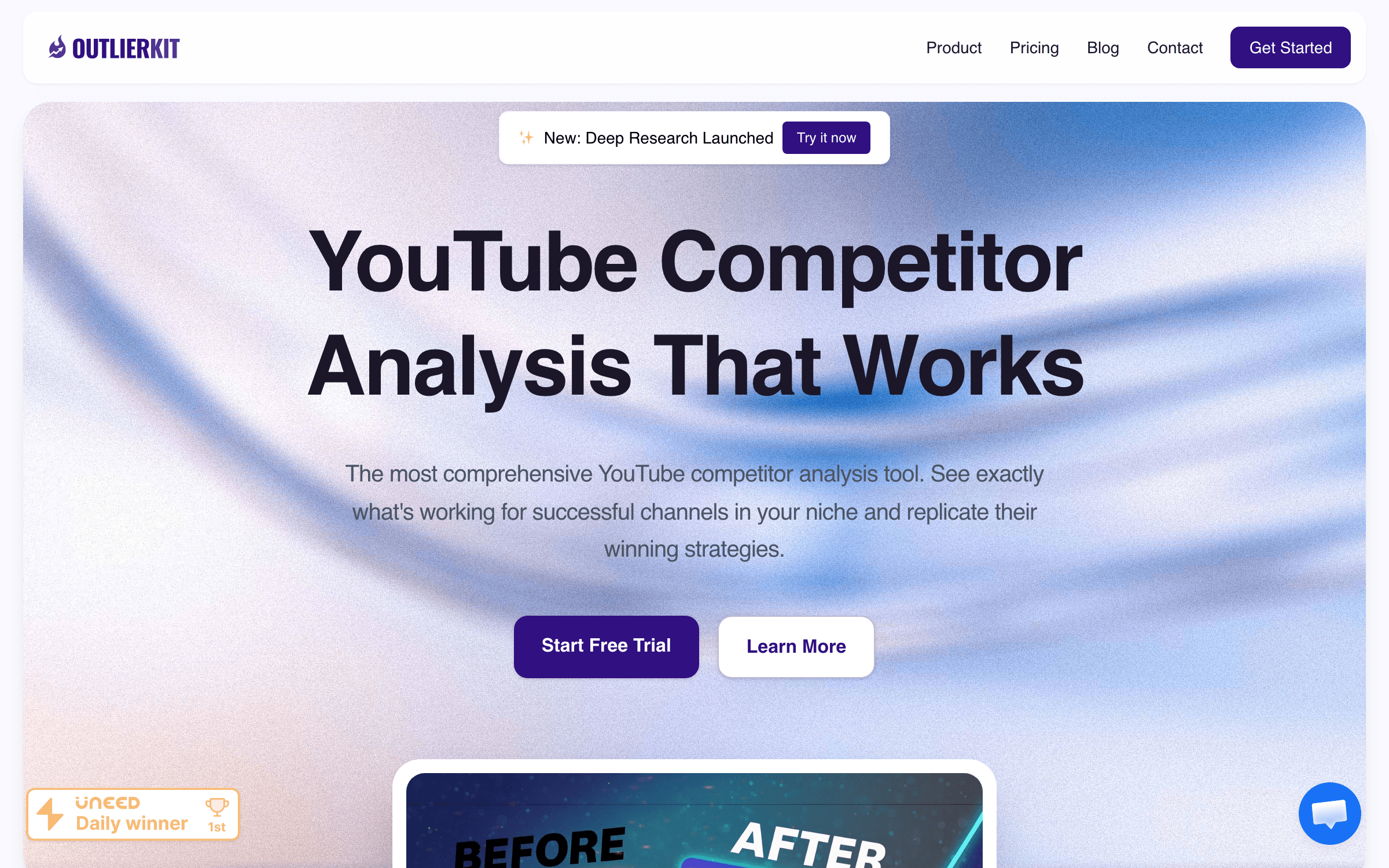
OutlierKit is a pre-production YouTube intelligence tool built around one idea: stop guessing what to make. It surfaces outlier videos — ones that hugely overperformed relative to channel size — and breaks down why they worked: hook strength, script structure, keyword competition, monetization (RPM) angles. Then it helps you find low-competition keywords and predict trends before they saturate.
Most YouTube tools optimize what you’ve already published. OutlierKit moves the leverage point earlier: the topic decision. The proprietary outlier engine analyzes 100K+ channels and 10M+ videos to identify the formats and angles that consistently overperform — so you script the videos most likely to break out, not the ones that fit your gut. AI script analysis flags weak hooks (first 15 seconds) and retention drop-offs before you record. For creators in the 0-10K subscriber range, businesses using YouTube for lead gen, and any channel stuck on a plateau, this is the highest-leverage tool on the list. The free trial is enough to validate the workflow.
Key Features
- Outlier video detection across 100K+ channels and 10M+ videos
- AI script analysis with hook strength and retention checks
- Low-competition keyword finder and high-RPM keyword targeting
- Trend prediction to catch topics before saturation
- Psychographic audience insights and competitor channel tracking
Pricing
Free trial. Starter $9/mo. Pro plans up to $39/mo ($24.90/mo billed annually). All plans unlock outlier engine and AI script analysis.
Rating
4.8/5 — Product Hunt / early reviews
Best For
Small-to-mid creators (0-10K subs), B2B and lead-gen channels, and any creator s...
Pros
- Pre-production focus — it tells you what to make, not just how to tag what you made
- Outlier engine surfaces formats you’d never have found by browsing
- AI script analysis flags weak hooks and retention risks before you record
- $9 entry price is the cheapest serious YouTube intelligence tool in this category
Cons
- Newer brand than VidIQ or TubeBuddy — smaller community and fewer tutorials
- Outlier insights are most useful when you’re ready to actually change topics, less so for fixed-niche channels
UTubeKit
Best Free SEO Toolkit — Titles, Descriptions, Tags With Zero Paywall
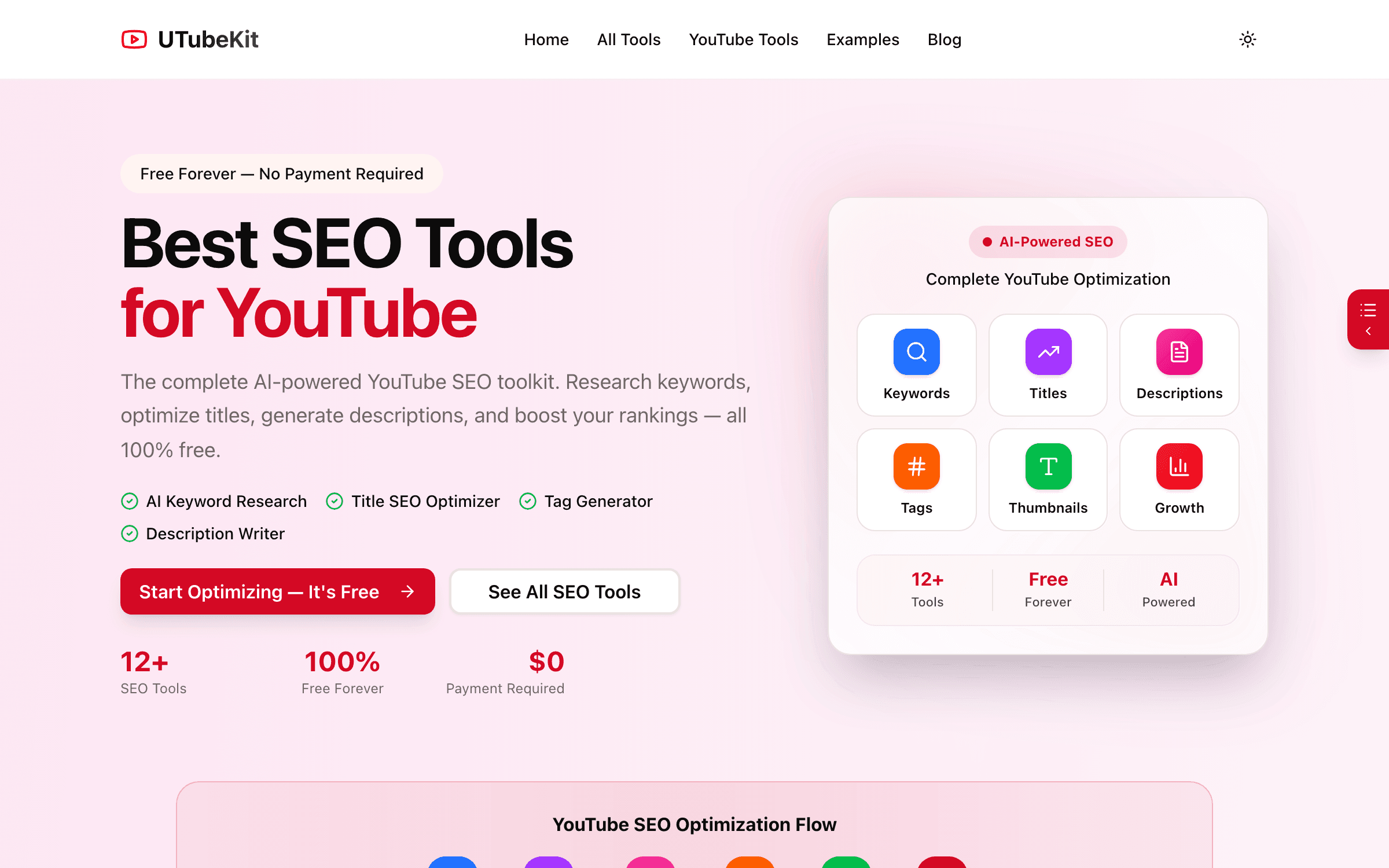
UTubeKit is a 100% free AI-powered YouTube SEO toolkit — 12+ tools covering title generation and scoring, description generation (250+ words, structured), tag and hashtag generation, keyword research, thumbnail text optimization, channel name generation, and a video script writer. No signup, no credit limits, no premium tier. Built on Google Gemini 2.0.
Once OutlierKit tells you what topic to make, UTubeKit handles every metadata decision around it — and it does that for free, with no usage caps. The Title Scorer alone is worth the install: paste your draft title, get a graded breakdown of CTR potential, keyword fit, length, and emotional hook. The tag generator produces 15+ strategic tags organized by competition tier, which is what TubeBuddy and VidIQ charge $9-19/mo to do. For new creators, the price-to-value ratio is uncatchable; for established creators, it removes friction from every upload. The catch: it’s metadata-only — pair it with OutlierKit (or VidIQ/TubeBuddy) for the strategy and analytics layer.
Key Features
- 12+ AI tools — title, description, tag, hashtag, thumbnail text, script generation
- Title Scorer grades existing titles on 4 dimensions before you publish
- Keyword research and YouTube niche finder (also free)
- Powered by Google Gemini 2.0 — current and contextually relevant
- No signup, no credit card, no usage limits, no paywalled tier
Pricing
100% free forever. No paid tier exists. No signup required for most tools.
Rating
4.6/5 — User feedback / community reviews
Best For
Every YouTube creator. Especially new channels and budget-conscious creators who...
Pros
- Truly free — no credits, no usage cap, no premium tier hidden behind a wall
- Title Scorer is the standout feature — most creators will use it on every upload
- Powered by current LLMs (Gemini 2.0), not stale rule-based heuristics
- Pairs perfectly with OutlierKit — strategy + metadata under $10/mo total
Cons
- Metadata-only — no analytics, no competitor tracking, no A/B testing
- Free model means no SLA or support guarantees if something breaks
VidIQ
Best Comprehensive Growth Platform — SEO, AI Coaching, and Daily Ideas
VidIQ is the long-standing all-in-one YouTube growth platform. It covers SEO scoring, keyword research, competitor tracking, an AI Coach, Daily Ideas (channel-tailored video topic suggestions), and a Boost tier for power users. The Coaching tier adds 1-on-1 expert mentorship for creators who want structured help.
VidIQ’s strength is breadth — it does most things YouTube creators need in one platform, with the AI Coach and Daily Ideas being the standout 2026 features. If you want one subscription that covers SEO, analytics, and ideation without juggling three tools, it’s the obvious pick. The reason it sits at #3 (not #1) is that OutlierKit and UTubeKit together cover the highest-leverage parts (outlier intelligence + free metadata) for less money. VidIQ shines when you want a single dashboard, mentorship access, or you’re used to its workflow.
Key Features
- SEO score on every video with optimization suggestions
- Daily Ideas — AI-generated topic suggestions tailored to your channel
- Competitor tracking and channel audit tools
- AI Coach for tactical feedback on titles, hooks, and pacing
- Coaching tier with live group sessions and expert consultations
Pricing
Free tier (limited tools). Boost ~$16.58/mo (annual) or $19/mo (monthly). Coaching + Boost $99/mo for 1-on-1 mentorship.
Rating
4.4/5 — G2 (1,000+ reviews)
Best For
Creators who want one all-in-one platform, want mentorship access, or already kn...
Pros
- All-in-one platform — fewer tools to context-switch between
- Daily Ideas is genuinely useful for creators who run dry on topics
- Coaching tier is unique among YouTube tools — direct mentor access
- Mature product with extensive Chrome extension and YouTube integration
Cons
- Boost at $19/mo is more expensive than OutlierKit ($9) for similar SEO features
- AI Coach feedback can feel generic compared to OutlierKit’s outlier-driven analysis
TubeBuddy
Best Workflow & A/B Testing — Bulk Operations and Native YouTube Integration
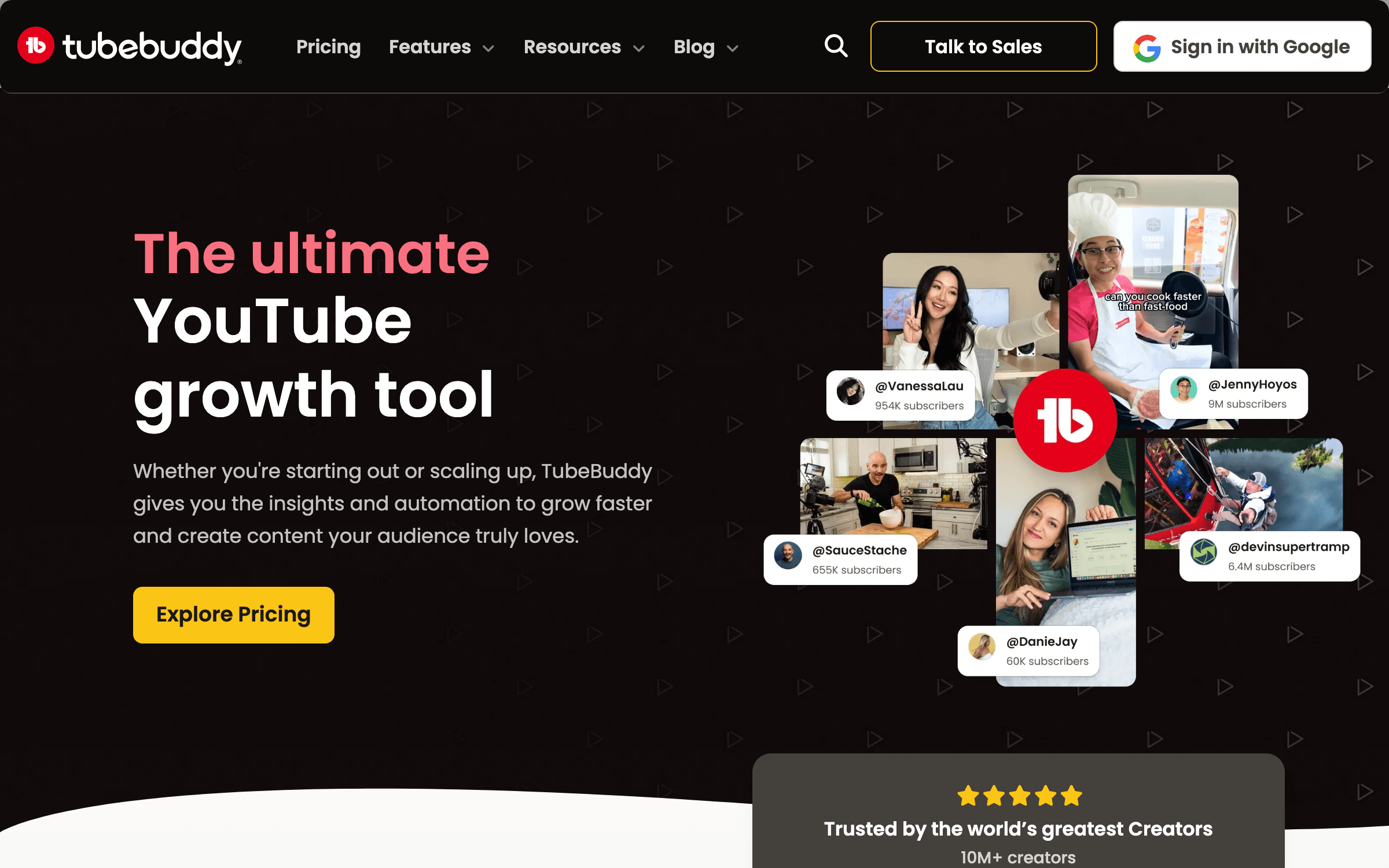
TubeBuddy is the workflow-first YouTube tool. It plugs deeper into the YouTube Studio UI than any competitor, ships strong A/B testing on the Legend tier (titles, thumbnails, descriptions — up to 10 simultaneous tests), and dominates on bulk operations: bulk delete comments, bulk update cards/end screens, bulk find-and-replace across video metadata.
TubeBuddy is the practical pick for creators with a back catalog. Bulk processing alone has saved channels with 100+ videos hundreds of hours of work. The Legend tier’s A/B testing is the most mature on the market — more flexible than YouTube’s native Test & Compare, with deeper analytics and more variable types. Where it loses ground in 2026 is on AI: it has AI features, but they feel bolted on next to OutlierKit’s outlier engine or VidIQ’s Coach. Pick TubeBuddy if your bottleneck is workflow speed and bulk edits, not topic discovery.
Key Features
- A/B testing on Legend tier — titles, thumbnails, descriptions, up to 10 simultaneous tests
- Best-in-class bulk processing (comments, cards, end screens, metadata)
- Deep YouTube Studio integration via Chrome extension
- Keyword Explorer with search volume and competition scores
- Productivity tools: scheduled publishing, retention analytics, click magnet
Pricing
Free tier. Pro $9/mo. Star $19/mo (adds bulk processing). Legend $49/mo (adds A/B testing, 2 user seats).
Rating
4.5/5 — G2 (450+ reviews)
Best For
Creators with large back catalogs, agencies managing multiple channels, and anyo...
Pros
- Bulk processing is unmatched — saves hundreds of hours on big channels
- A/B testing on Legend is more mature than YouTube’s native Test & Compare
- Pro tier at $9/mo is a strong value for solo creators
- 15+ years of YouTube integration — extremely battle-tested
Cons
- AI features feel bolted on compared to OutlierKit and VidIQ’s native AI
- Legend at $49/mo is the only tier with A/B testing — pricey for solo creators
Grow Your Channel Faster
Subscribe for weekly breakdowns of the YouTube tools and creator stacks indie hackers and solo creators are actually using to ship in 2026.
Pikzels
Best AI Thumbnail Generator — Concept to Click-Ready in Seconds
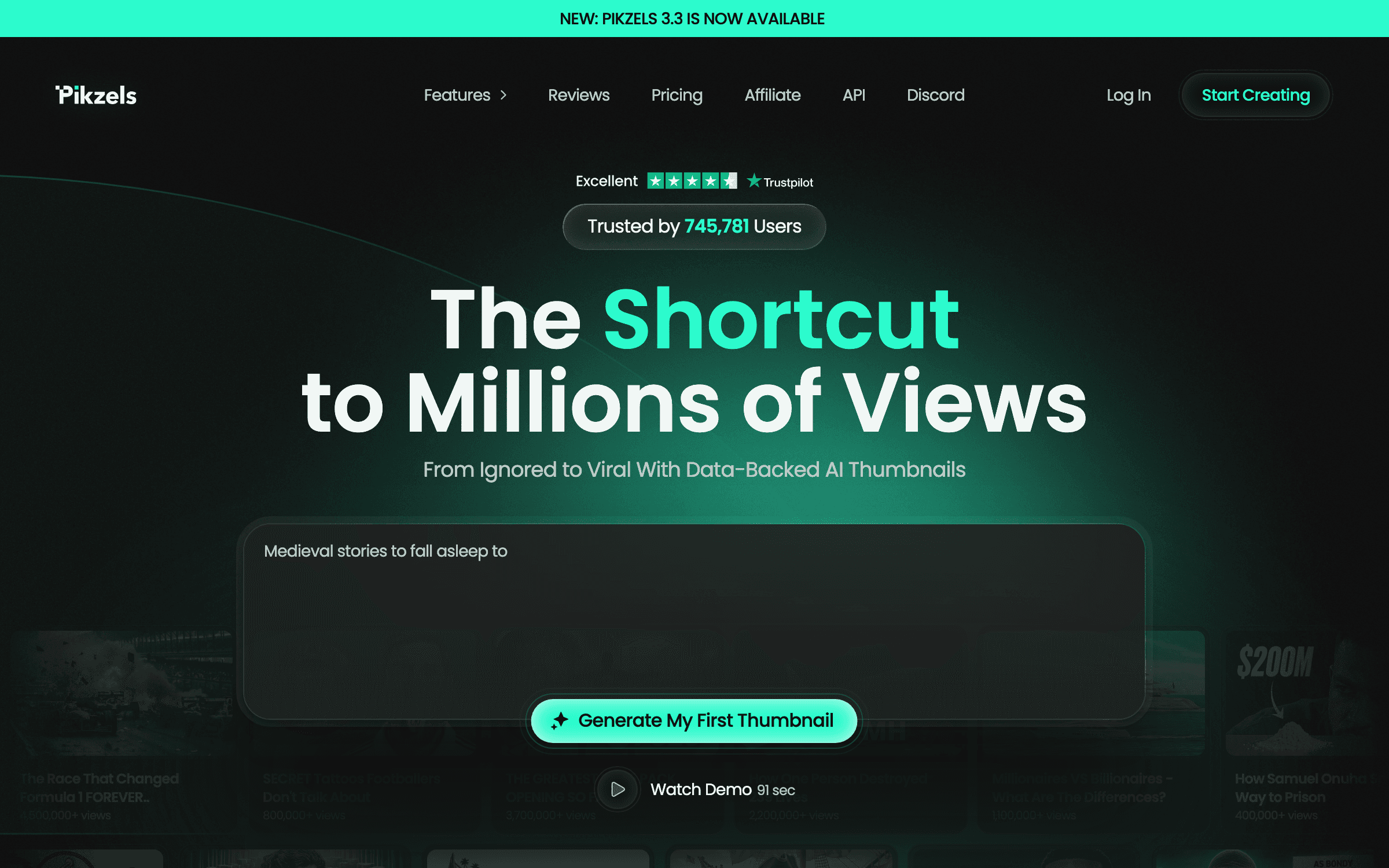
Pikzels is an AI thumbnail and title workflow built around five jobs: generate concepts from a prompt, recreate the format of a thumbnail you paste in, edit existing thumbnails, score thumbnails on virality / clarity / curiosity / emotion, and generate matching titles. You can train it on your face once and reuse the persona across thumbnails.
Thumbnails win or lose YouTube in 2026 — CTR is the single biggest factor in the algorithm’s recommendation decision. Pikzels takes the thumbnail workflow from "open Photoshop, hire a designer, hope it works" to "describe the concept, get five variants, score the best one." The persona feature (upload three photos of yourself once, reuse forever) is the standout — it solves the recurring face-in-thumbnail problem most creators hit. The catch is credit-based pricing, which can spiral on heavy iteration. Pair it with ThumbnailTest for the validation step.
Key Features
- Text-to-thumbnail concept generation in seconds
- Recreate any thumbnail format by pasting a YouTube link
- Persona training — upload 3 photos once, reuse your face in every thumbnail
- Thumbnail scoring across virality, clarity, idea, curiosity, and emotion
- Matching title generation in any language
Pricing
Free trial (watermarked). Paid plans from ~$20/mo with credit-based generation. Annual discounts available.
Rating
4.4/5 — Trustpilot / Product Hunt
Best For
Solo creators without design skills, creators iterating fast on thumbnail concep...
Pros
- Persona feature solves the recurring face-in-thumbnail problem
- Score-before-publish loop reduces wasted thumbnail experiments
- Recreate format from a link is genuinely useful for niche-specific styles
- Multilingual generation works well for non-English creators
Cons
- Credit-based pricing can get expensive on heavy iteration cycles
- AI quality is hit-or-miss — sometimes needs 5-10 generations to land
ThumbnailTest
Best Thumbnail A/B Testing — Real CTR Data, Unlimited Variants

ThumbnailTest runs A/B tests on YouTube thumbnails (and titles) with real-time analytics: CTR by variant, confidence intervals, and projected impact on total views. You can test on new and existing videos, run unlimited variants per test, and preview thumbnails across YouTube surfaces (desktop, mobile, sidebar, search).
Pikzels generates thumbnails; ThumbnailTest tells you which one actually wins. Unlike YouTube’s native Test & Compare (limited variants, basic stats), ThumbnailTest supports unlimited variants and shows confidence intervals — so you know whether a 0.4% CTR lift is real or noise. The ability to test on existing back-catalog videos is the killer feature: a 30-day test on your top-five oldest videos can lift channel revenue without producing new content. $29/mo is more than YouTube’s free A/B feature, but the depth justifies it for serious creators.
Key Features
- Unlimited thumbnail variants per test (most competitors cap at 2-3)
- Test on new and existing videos — including your back catalog
- Confidence intervals and projected total-view impact
- Multi-surface preview (desktop, mobile, sidebar, search)
- Title testing alongside thumbnails for full CTR optimization
Pricing
From $29/mo for up to 10 active tests. Higher tiers for agencies and large channels.
Rating
4.5/5 — Product reviews / community
Best For
Mid-to-large creators (10K+ subs) with enough impressions to run statistically s...
Pros
- Unlimited variants per test — rare and powerful at this price
- Back-catalog testing can lift channel revenue without new content
- Confidence intervals tell you when a test is actually conclusive
- Cleaner, more transparent stats than YouTube’s native A/B
Cons
- Email-only support — slower to debug than tools with live chat
- Below ~5K-10K subs you may lack impressions for statistically valid tests
Descript
Best AI Video Editor — Edit Video by Editing Text
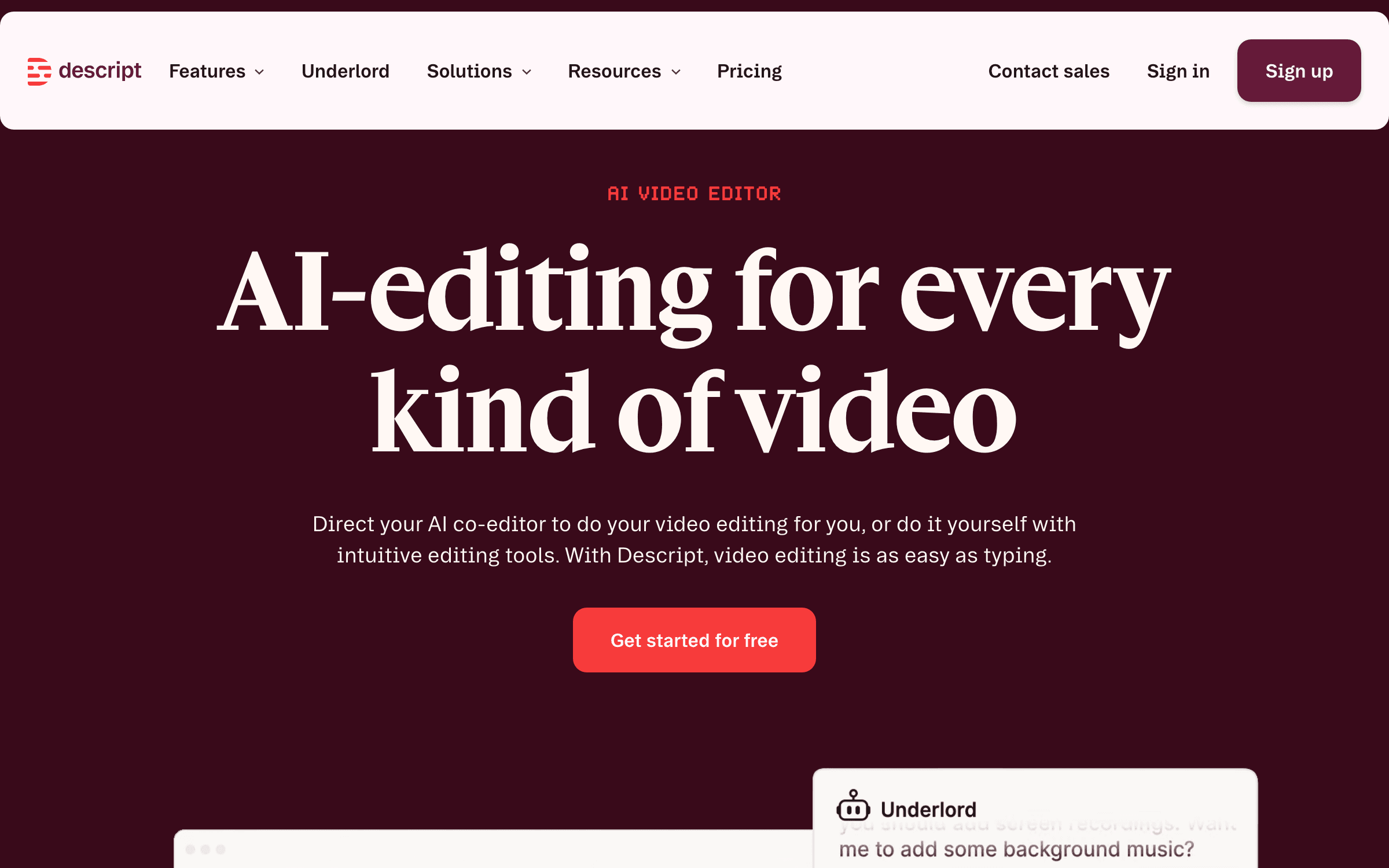
Descript is an AI-first video and podcast editor built around text-based editing: it auto-transcribes your media, and you edit the video by editing the transcript. Includes Studio Sound (AI noise removal), filler-word removal, AI eye-contact correction, Overdub voice cloning, and native YouTube/TikTok export presets.
For talking-head creators, Descript collapses the "rough cut" stage from hours to minutes. Cutting an "um" out of a sentence is a single text deletion. The Studio Sound feature alone replaces a $200/yr standalone audio cleanup tool. Where it loses ground: it’s not a high-end editor — for cinematic edits, motion graphics, or color grading, you still want DaVinci Resolve or Premiere. Use Descript for podcast clips, talking-head YouTube, and rapid-iteration content; use a real NLE for visual-heavy work.
Key Features
- Text-based video editing — edit transcripts, video updates automatically
- Studio Sound for AI noise removal and audio enhancement
- AI filler-word removal, eye-contact correction, and Overdub voice cloning
- Native YouTube, TikTok, Instagram export presets with auto aspect ratios
- Collaboration with editors, writers, and guests in real time
Pricing
Free tier. Hobbyist $16/mo (annual) or $24/mo. Creator $24/mo (annual) or $35/mo. Business $50/mo (annual) or $65/mo.
Rating
4.5/5 — G2 (700+ reviews)
Best For
Talking-head creators, podcast clip-makers, and any creator who values speed-of-...
Pros
- Text-based editing is genuinely faster for talking-head content
- Studio Sound replaces standalone audio cleanup tools
- Strong native YouTube export presets — no aspect-ratio fumbling
- Real-time collaboration is unique in the AI editor category
Cons
- Not for visual-heavy edits — falls behind DaVinci/Premiere on motion graphics
- Hobbyist tier (16/mo) only includes 10 hours of media — Creator is the realistic baseline
ElevenLabs
Best AI Voice Generator — Lifelike Narration in 30+ Languages
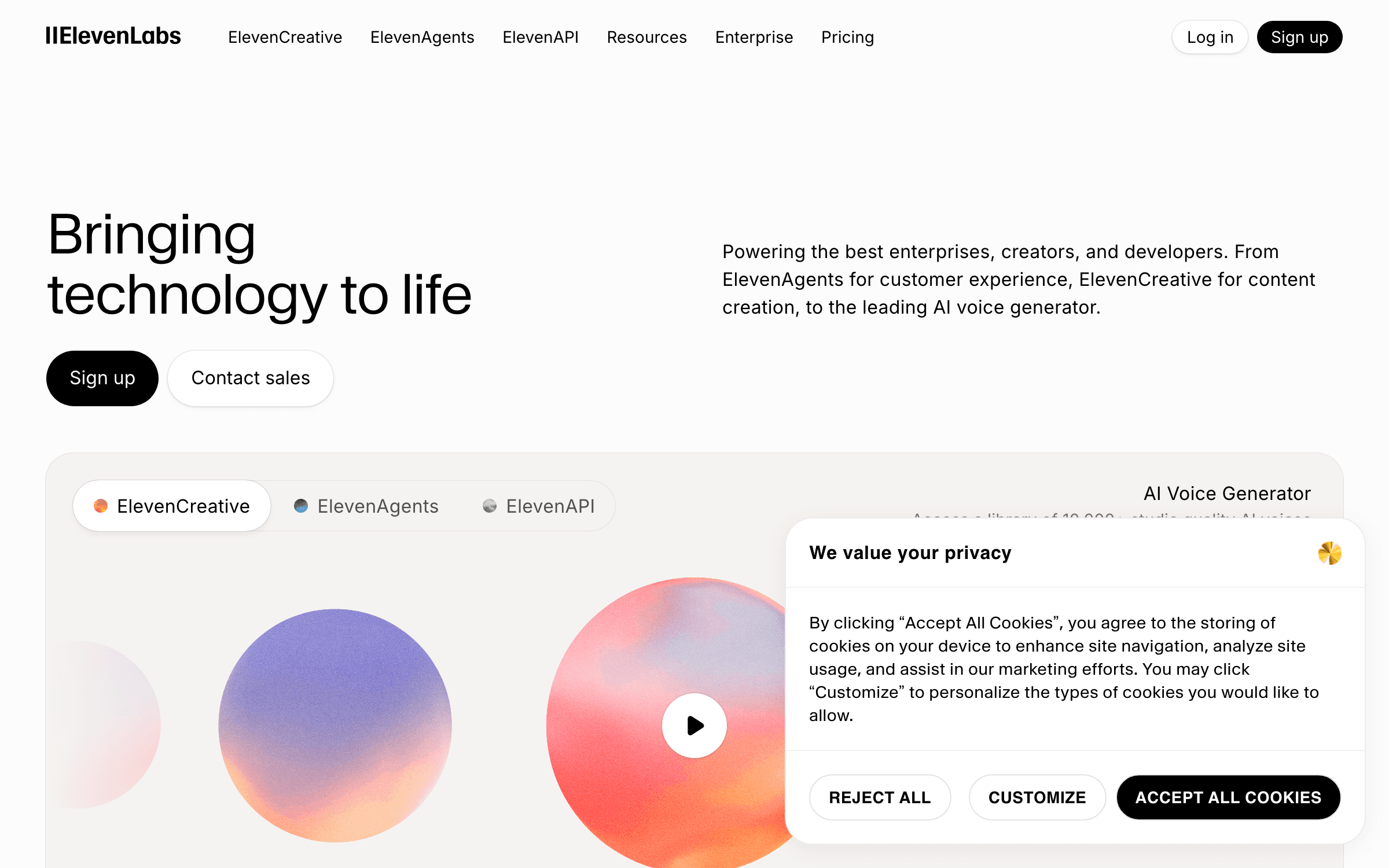
ElevenLabs is the AI voice gold standard: lifelike text-to-speech in 30+ languages, professional voice cloning (Creator tier), and commercial rights starting at the Starter ($5/mo) tier. Used by faceless YouTube channels, dubbing teams, and creators who need consistent narration without recording.
For faceless YouTube channels (true crime, history, finance summaries, AI-generated content), ElevenLabs is the production layer that’s replaced human voice actors. The Creator tier ($22/mo) includes voice cloning — record 5-30 minutes once, then generate any script in your voice forever, fixing missed lines without a re-record. Starter at $5/mo is the cheapest plan with monetization rights, which matters: anything you generate on Free can’t be monetized. Pair with Descript for editing or use ElevenLabs’ own Studio for full audio production.
Key Features
- Lifelike text-to-speech in 30+ languages
- Professional voice cloning on Creator tier (5-30 min sample)
- Commercial rights starting at Starter ($5/mo)
- Studio for full long-form audio production with voice direction
- Multi-speaker dialogue and emotional control on higher tiers
Pricing
Free tier (no commercial rights). Starter $5/mo. Creator $22/mo (voice cloning). Pro $99/mo. Scale $330/mo.
Rating
4.7/5 — G2 (700+ reviews)
Best For
Faceless YouTube channels, creators producing in multiple languages, and anyone ...
Pros
- Best-in-class voice quality — closest to human of any AI voice on the market
- Voice cloning on Creator tier means you can fix missed lines without re-recording
- Commercial rights start at $5/mo — much cheaper than human voice actors
- 30+ language support is the broadest of any major AI voice tool
Cons
- Free tier has no commercial rights — can’t use it for monetized YouTube
- Heavy use can blow through credits — Creator’s 100 minutes is ~10-12 medium videos
1of10
Best Outlier Finder Alternative — AI Trained on 62B YouTube Views
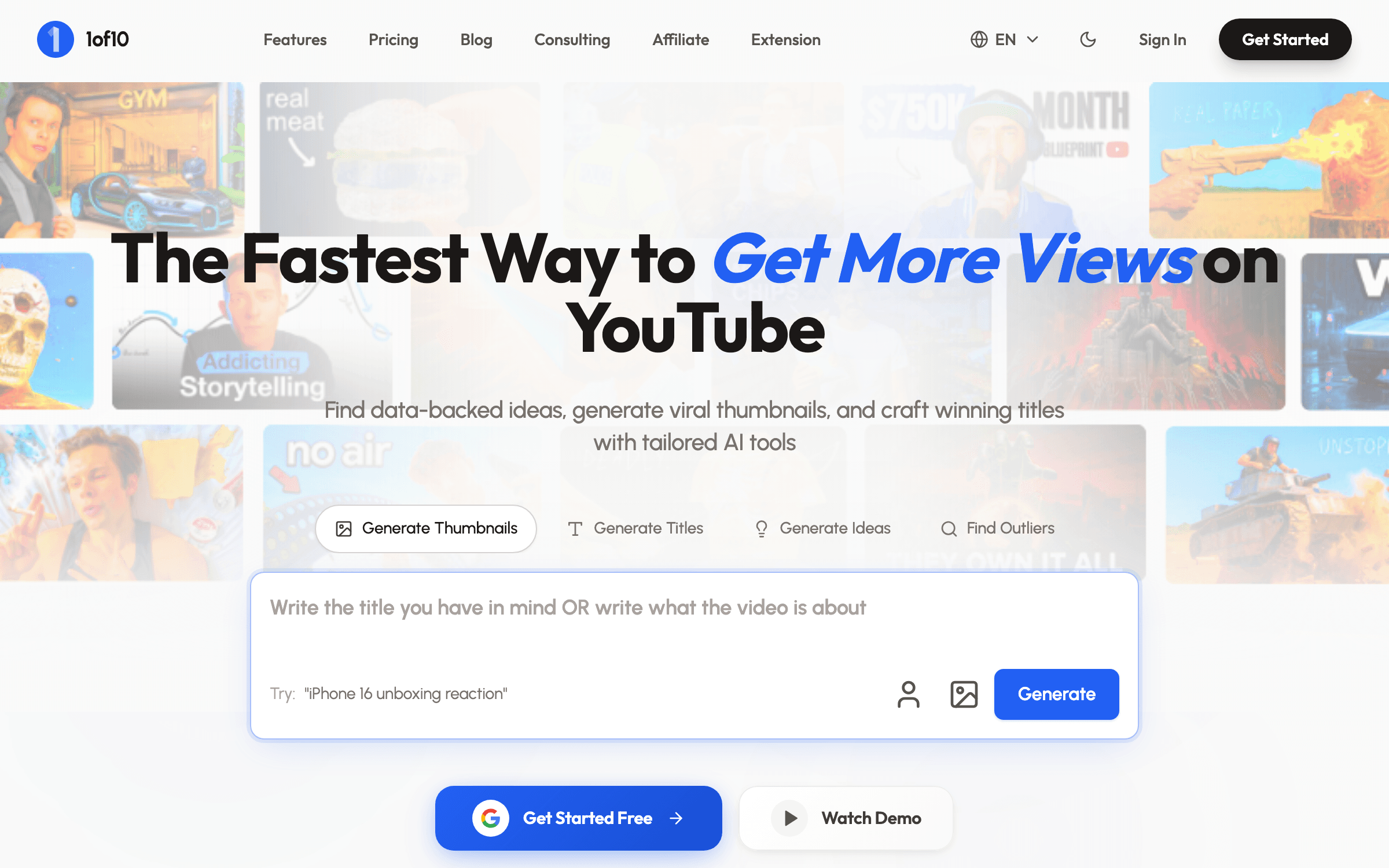
1of10 is OutlierKit’s closest direct competitor in the outlier-finder category. The AI is trained specifically on 62 billion YouTube views, finds outlier videos by views/niche/channel size, generates titles and ideas based on top-performing outliers, and tracks competitor channels with viral-video alerts.
If OutlierKit doesn’t click for your niche, 1of10 is the obvious second choice. The 62B-view training data is a real moat — it produces title and idea suggestions grounded in actual outlier patterns rather than generic LLM generation. Where it lags OutlierKit is on script analysis (1of10 doesn’t do AI script breakdowns), and the entry price is higher: $29/mo Basic versus OutlierKit’s $9/mo Starter. Worth testing if you’re unsure which engine fits your niche better.
Key Features
- AI trained specifically on 62B YouTube views — outlier-pattern grounded
- Outlier finder filterable by views, niche, channel size
- Title generation inspired by your channel’s top-performing outliers
- Competitor channel tracking with viral-video alerts
- AI thumbnail generation in higher tiers
Pricing
Free tier (core outlier discovery). Basic $29/mo or $349/year. Higher tiers add AI thumbnail generation.
Rating
4.5/5 — Product Hunt / community
Best For
Creators who tested OutlierKit and want a second engine to compare, or who prefe...
Pros
- 62B-view training data is a genuine differentiator
- Title and idea generation grounded in real outlier patterns
- Competitor viral alerts are useful for fast-moving niches
- Free tier is genuinely usable for outlier discovery
Cons
- No AI script analysis — OutlierKit covers more of the pre-production stack
- Basic tier at $29/mo is 3x OutlierKit’s $9 entry price
Canva
Best General Design Tool — Thumbnails, Channel Art, and Beyond
Canva remains the workhorse for non-thumbnail YouTube design: channel banners, end screens, end-card overlays, lower-thirds, podcast cover art, social media clips. The free tier covers most needs; Pro ($15/mo) unlocks Brand Kit, Magic Resize, premium templates, and the AI features (Magic Studio, Magic Write).
For everything that isn’t a video thumbnail, Canva is still the easiest, cheapest, and most polished design tool for creators. Channel branding, end screens, social clip artwork, sponsor cards — Canva ships templates for all of it. The free tier is generous enough that most solo creators don’t need Pro until they hit brand consistency or team workflows. For thumbnails specifically, Pikzels has overtaken it on AI-driven creation, but for general creator design work, Canva is the default.
Key Features
- 420K+ templates including YouTube thumbnails, banners, end screens
- Magic Studio AI suite (Magic Write, Magic Edit, Magic Resize)
- Brand Kit on Pro for consistent fonts, colors, logos
- Background remover and one-click resizing across formats
- Real-time team collaboration on every paid tier
Pricing
Free tier (very generous). Pro ~$15/mo or $120/yr. Teams from $30/mo for up to 5 users.
Rating
4.7/5 — G2 (5,000+ reviews)
Best For
Creators who need design coverage beyond thumbnails — banners, end screens, soci...
Pros
- Free tier covers most solo-creator design needs
- Largest template library of any design tool — fast time-to-output
- Brand Kit on Pro keeps multi-platform branding consistent
- No learning curve — most creators already know Canva
Cons
- AI thumbnail generation lags Pikzels and dedicated thumbnail tools
- Pro features can feel scattered — Magic Studio quality is inconsistent
How We Chose These YouTube Tools
We evaluated 25+ YouTube creator tools against five criteria weighted for solo creators, B2B channels, and indie-hacker creators shipping real content in 2026:
- Workflow leverage — tools that move the needle on the biggest decisions (what to make, what to title) ranked higher than tools that optimized smaller ones (extra tag, shorter description). OutlierKit and UTubeKit rank #1 and #2 because they own the highest-leverage parts of the workflow.
- Output quality on real tasks — we ran each tool on a real channel workflow: pick a topic, write a script, generate metadata, design a thumbnail. Anything that hallucinated, generated stale recommendations, or got stuck in error loops dropped in rank.
- Price-to-value — flat-tier and free tools (UTubeKit, Canva free) ranked higher than equivalents at higher prices. We flagged credit-burn risk on tools (Pikzels) where heavy iteration can spiral.
- Data freshness — tools built on current LLMs and 2025-2026 YouTube data (OutlierKit, UTubeKit on Gemini 2.0, 1of10 on 62B views) ranked above tools running stale rule-based heuristics or older models.
- Real creator adoption — we weighted creator-community threads (Reddit, IndieHackers, X) and what people actually paste in their stack posts over vendor marketing. Tools with active community-driven adoption scored higher.
How to Build Your YouTube Creator Stack
Don’t buy all ten. Pick a stack that matches your stage. Here’s the quick decision framework:
Set up first, no exceptions...
OutlierKit + UTubeKit. Strategy + metadata for under $10/mo. Covers the two highest-leverage parts of the workflow.
If you’re a brand-new creator (under 1K subs)...
OutlierKit Starter ($9) + UTubeKit (free) + Canva (free). The cheapest serious stack — you’ll outgrow free Canva before paid thumbnail tools matter.
If you’re growing (1K-10K subs)...
Add Pikzels for AI thumbnails and Descript Hobbyist for editing. ~$50/mo total stack.
If you’re past 10K subs...
Add ThumbnailTest for back-catalog A/B testing. The lift on existing videos is the cheapest growth lever you have.
If you run a faceless channel...
ElevenLabs Creator ($22/mo) for voice cloning. Record once, fix any line later, generate in any language.
If you have a big back catalog...
TubeBuddy Star or Legend. Bulk operations save you hundreds of hours; Legend adds A/B testing on $49/mo.
Stay Ahead of the YouTube Tool Curve
We track every new YouTube tool, AI creator stack, and content workflow so you don’t have to. Subscribe for weekly picks with unfiltered trade-offs.
Frequently Asked Questions
What is the best YouTube tool for new creators in 2026?
For new creators, the best starting stack is OutlierKit ($9/mo) plus UTubeKit (free). OutlierKit tells you what topics to make based on outlier intelligence — that’s the highest-leverage decision a new creator makes. UTubeKit handles every metadata decision around it (titles, descriptions, tags, scoring) at zero cost. Together that’s ~$9/mo for the full discovery + metadata workflow. Add Canva (free) for thumbnails until you outgrow it, and you have a complete sub-$10/mo YouTube stack.
OutlierKit vs VidIQ vs TubeBuddy — which should I pick?
OutlierKit if you want the highest-leverage tool — it focuses on pre-production (what topics to make) where the biggest growth lever lives. VidIQ if you want one all-in-one platform with mentorship access. TubeBuddy if your bottleneck is workflow and bulk operations on a back catalog. Many creators run OutlierKit + UTubeKit together for under $10/mo, then add VidIQ or TubeBuddy only when they need analytics or bulk processing the first two don’t cover.
Is UTubeKit really 100% free?
Yes — UTubeKit’s 12+ AI tools (title generator, scorer, description generator, tag generator, keyword research, thumbnail text optimizer, video script writer, niche finder, monetization checker, channel name generator) are completely free with no usage caps, no credit card required, and no premium tier hidden behind a wall. The model is "free forever, pay nothing." It pairs unusually well with OutlierKit because it covers the metadata layer OutlierKit doesn’t.
Do I need separate tools for thumbnails and A/B testing?
Yes, in 2026. Pikzels (or Canva) is for generating thumbnails; ThumbnailTest is for validating which one wins. They solve different problems. YouTube’s native Test & Compare is free but limited (2 variants, basic stats), so creators with 10K+ subs typically pay for ThumbnailTest’s $29/mo plan to get unlimited variants and confidence intervals. For under 5K subs, the free YouTube native A/B test is enough — your impression volume isn’t high enough to justify paying for advanced testing yet.
How much should I budget per month for a serious YouTube creator stack in 2026?
Three realistic budgets. (1) Starter at ~$9/mo: OutlierKit Starter + UTubeKit free + Canva free + ElevenLabs Starter $5. That’s the lowest serious stack. (2) Mid-tier at ~$50/mo: OutlierKit Pro ($24.90/mo annual) + UTubeKit free + Pikzels (~$20) + Descript Hobbyist ($16). Covers strategy, metadata, thumbnails, and editing. (3) Pro stack at ~$130-150/mo: add ThumbnailTest ($29) and ElevenLabs Creator ($22) for full A/B testing and voice production. Most creators don’t need the Pro stack — start with Starter and graduate as your channel grows.
Are there free YouTube tools worth using in 2026?
Yes. UTubeKit is the standout — 12+ AI SEO tools at zero cost. OutlierKit’s free trial is enough to validate the workflow for a week. 1of10’s free tier covers core outlier discovery. VidIQ’s free tier gives you basic SEO scoring and Daily Ideas. Canva’s free tier covers most solo-creator design work. YouTube Studio’s native Test & Compare handles basic thumbnail A/B testing. The fully free stack — UTubeKit + 1of10 free + VidIQ free + Canva free + YouTube native A/B — covers most of the workflow for under-5K creators who can’t justify paid subscriptions yet.
The Bottom Line
The single best decision a serious YouTube creator can make in 2026 is to set up OutlierKit and UTubeKit together. OutlierKit tells you what to make based on outlier intelligence; UTubeKit handles every metadata decision around it for free. That’s under $10/mo for the two highest-leverage parts of the workflow — and they cover what VidIQ and TubeBuddy charge $19-49/mo for.
After that, your stack is stage-dependent. New creators stay lean (OutlierKit + UTubeKit + free Canva). Growing channels add Pikzels and Descript. Past 10K subs, ThumbnailTest earns its $29/mo back from back-catalog lift alone. Faceless channels add ElevenLabs Creator. Most creators only need 3-4 tools, not all ten.
The mistake is paying for too many overlapping subscriptions. Pick one strategy tool (OutlierKit or 1of10), one metadata tool (UTubeKit covers most of it free), one thumbnail workflow (Pikzels or Canva), and add ThumbnailTest only when you have the impressions to justify it. That’s a $30-60/mo stack that compounds channel growth more than any tool collection three times the price.
Related Reading
- 10 Best Vibe Coding Tools for Indie Hackers in 2026 — The AI coding stack creators are using to build companion apps and micro-tools
- The Solopreneur AI Stack in 2026 — The full $73-$205/mo AI toolkit running one-person businesses
- Free YouTube Title Generator — Generate AI-powered YouTube titles directly on Superframeworks
- Free YouTube Script Generator — Generate AI-powered YouTube scripts on Superframeworks
Sources
Build a Better YouTube Channel Faster
We track every new YouTube tool, AI creator stack, and content workflow so you don’t have to. Subscribe for weekly picks with unfiltered trade-offs.
Trusted by indie hackers and creator-economy founders
Keep Reading
7 Best AI App Builders for Non-Technical Founders in 2026
The best AI app builders for non-technical founders, ranked by what you can actually launch: user accounts, data, payments, publishing, costs, and exit paths.
7 Best AI Search Visibility Tools for Agencies in 2026
Seven AI search visibility tools ranked for agencies by client workspaces, reporting, prompt economics, and the real cost of managing multiple brands.
10 Best Granola Alternatives for Private AI Meeting Notes (2026)
The best Granola alternatives in 2026, ranked on where your notes are stored, whether your data trains AI, and what a bot-free notetaker really costs. Verified pricing.