
10 Best Social Media Scheduling Tools in 2026 (Ranked by Real Cost)
Compare the 10 best social media scheduling tools in 2026 by real price, workflow, scaling cost and AI-agent access—including MCP support for Claude, OpenClaw and Hermes.
Key Takeaways
- Buffer is the best default for solo founders and small teams: three channels free, 10 queued posts per channel, and paid publishing from $6 per channel per month. Its 2026 product now includes a community inbox, analytics and an MCP connector without turning the interface into enterprise software.
- Metricool wins when analytics matter as much as scheduling. The free plan covers one brand and 20 posts per month; Starter begins at $25/month in the US and combines unlimited publishing, competitor analysis and downloadable reports. LinkedIn and X are the catches: LinkedIn requires paid and X costs another $10 per connected account.
- Publer is the cheapest serious paid scheduler: Professional starts at $5/month for one social account and Business at $10/month. That price is real, but it rises per account and per teammate, so calculate your complete stack before assuming it stays cheapest.
- Planable is the strongest approval workflow, not the best all-in-one analytics suite. It gives unlimited collaborators and charges per workspace, which is excellent for client review—but analytics and the social inbox are separate workspace add-ons.
- The legacy suites are no longer sensible defaults for small teams. Hootsuite starts at $99 per user/month, Agorapulse at $79 per user/month billed annually, and Sprout Social at $199 per seat/month. Buy them for governance, inbox operations, listening and reporting—not merely to queue posts.
- Pricing units matter more than sticker prices. Buffer bills per channel, Planable per workspace, Publer per account and teammate, Metricool per brand, and enterprise suites per seat. A cheap one-person plan can become the most expensive option after adding five clients and three approvers.
- Agent access is now a meaningful buying criterion. Buffer, Metricool, Planable, Agorapulse and Hootsuite expose official MCP servers; Publer is testing one with a limited Enterprise cohort. SocialBee and Sendible need an automation bridge, Later has no direct agent surface, and Sprout’s MCP is currently a narrow ChatGPT-only analytics integration.
The scheduling part of social media software is now a commodity. The expensive differences in 2026 are approvals, inbox volume, analytics history, listening and the unit a vendor uses to multiply your bill.
A one-person founder can publish across three channels for free. The same workflow can cost a ten-person agency four figures each month once a platform charges for every channel, client workspace and approver. That is why this ranking starts with the real operating model instead of a feature checklist.
We compared each vendor’s current public pricing, supported workflow, scaling unit and external-agent access as of September 1, 2026. The ranking favors the product that solves a use case at the lowest complete cost—not the company with the longest integration page. Prices below are list prices in US dollars before tax; annual discounts are labeled explicitly.
Quick comparison
| # | Tool | Best for | Starting price | Billing unit |
|---|---|---|---|---|
| 1 | Buffer | Overall for Founders and Small Teams | Free; paid from $6/channel/mo | Per social channel |
| 2 | Metricool | Scheduling + Analytics Value | Free; Starter from $25/mo | Per brand bundle |
| 3 | Publer | Budget Pick with Flexible Account Pricing | Free; Professional from $5/mo | Per account + teammate |
| 4 | SocialBee | for Evergreen Content and Category Queues | $29/mo; $24/mo annual | Per profile bundle |
| 5 | Planable | for Client Approvals and Content Collaboration | 50 posts free; Basic $39/workspace/mo | Per workspace |
| 6 | Later | for Visual-First Creator Brands | $25/mo; $18.75/mo annual | Per social set |
| 7 | Sendible | Agency Value with Unlimited Users | $35/mo; $29.75/mo annual | Per workspace bundle |
| 8 | Agorapulse | for Social Inbox Operations and ROI Reporting | $99/user/mo; $79 annual | Per user |
| 9 | Hootsuite | Mature Suite for Governance and Broad Coverage | $99/user/mo | Per user |
| 10 | Sprout Social | Enterprise Analytics and Cross-Functional Workflow | $199/seat/mo annual | Per seat |
Which schedulers can AI agents actually use?
A built-in caption generator does not make a product agent-friendly. We looked for a callable, authenticated surface that lets an external agent read data or take action: native MCP first, then public API or automation connectors, with browser control as the last resort.
Claude Cowork can use public remote MCP connectors, while Claude Code supports MCP directly. OpenClaw and Hermes Agent can both consume remote HTTP MCP servers with OAuth or header authentication. That makes a vendor’s standards-compliant remote MCP the closest thing to a universal agent connector.
| Tool | Agent-ready | Best access path | OpenClaw / Hermes | Claude Cowork | Claude Code |
|---|---|---|---|---|---|
| Buffer | 5/5 | Official remote MCP + API | Direct* | Direct | Direct |
| Metricool | 5/5 | Official MCP on every plan | Direct* | Direct | Direct |
| Publer | 3/5 | MCP beta; REST API on Business+ | If enabled* | If enabled | If enabled |
| SocialBee | 2/5 | Zapier/Make bridge; no public API | Via bridge | Via bridge | Via bridge |
| Planable | 5/5 | Official MCP on every plan | Direct* | Direct | Direct |
| Later | 1/5 | No MCP, public API or Zapier | Browser only | No direct route | Browser only |
| Sendible | 2/5 | Zapier connector; no publishing API | Via bridge | Via bridge | Via bridge |
| Agorapulse | 4/5 | Official MCP beta on paid plans | Compatible* | Direct | Compatible* |
| Hootsuite | 5/5 | Four official MCP servers + API | Direct* | Direct | Direct* |
| Sprout Social | 2/5 | Narrow ChatGPT-only MCP; API on Advanced | Not supported | Not supported | Custom API bridge |
* Protocol-compatible, not vendor-certified. The client can connect to remote MCP servers, but the scheduler vendor does not publish a setup guide for that exact agent. Test OAuth, tool discovery and a draft-only write before production use. “Via bridge” means the agent calls Zapier, Make or a custom MCP/API layer rather than the scheduler itself.
Buffer
Best Overall for Founders and Small Teams
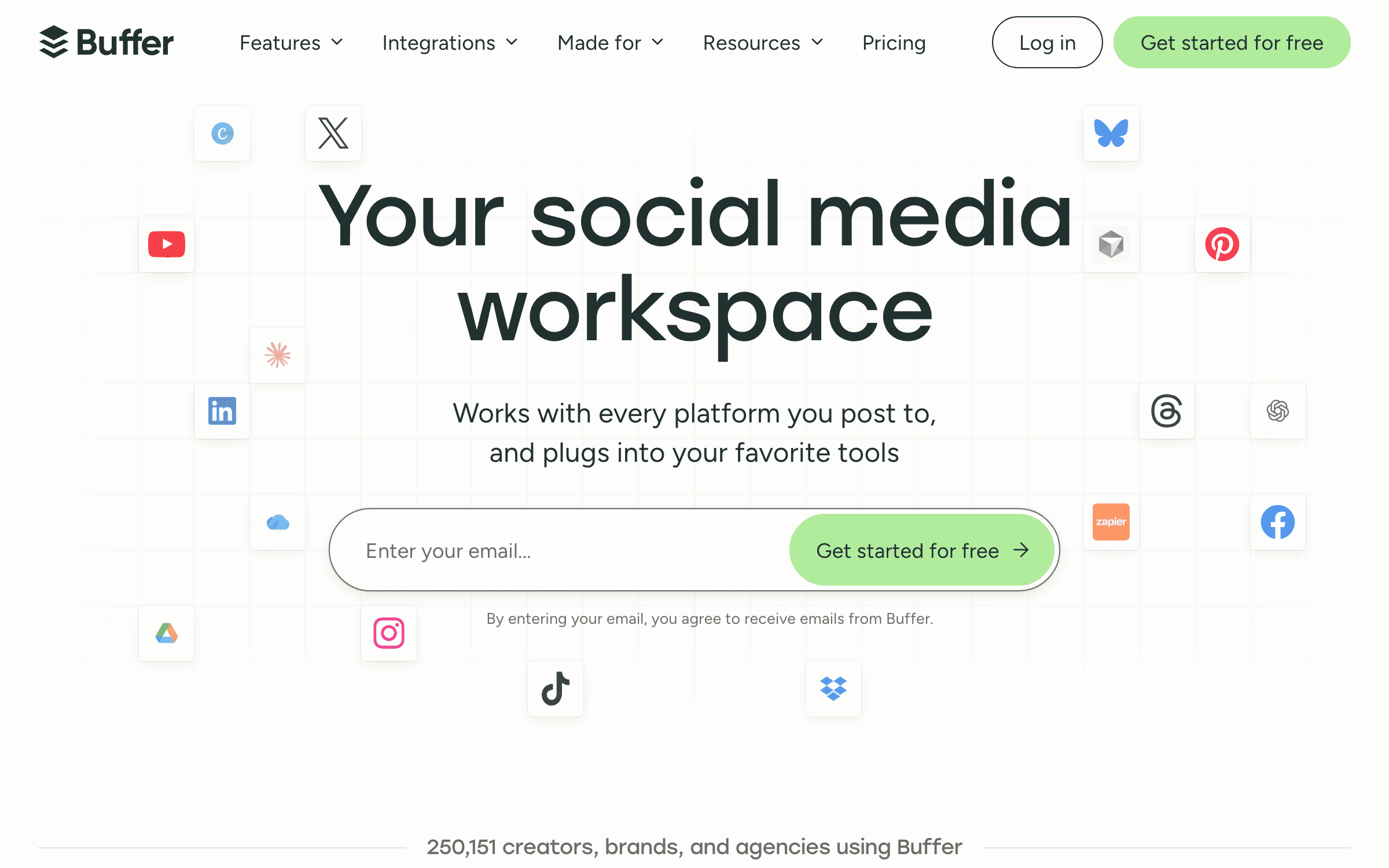
Buffer is the safest default when the job is to publish consistently without installing a social-media operating system. Its Free plan connects three channels and holds 10 scheduled posts per channel. Essentials costs $6 per channel monthly for channels 1-10, while Team costs $12 per channel and adds unlimited users, approvals and permissions. Volume discounts begin after the tenth channel.
The reason Buffer ranks first is restraint. The calendar, queue and composer remain easy enough for a founder to learn in one sitting, while the 2026 product covers far more than scheduling: cross-network comment replies, analytics, branded reports on paid plans, an AI assistant, API access and a Social Media MCP connector. You can start free, pay $30/month for five channels on Essentials, and only move to Team when collaboration becomes real. The trade-off is structural: per-channel billing is elegant for one brand and increasingly expensive for a portfolio of small clients.
Agent friendliness: 5/5
Official remote MCP + APIBuffer is fully agent-ready. Its official remote MCP server can list channels, read drafts and create or queue posts, while its API supports custom workflows. Buffer explicitly documents Claude and Claude Code; OpenClaw and Hermes can connect to the same standard HTTP MCP endpoint, although Buffer does not publish client-specific setup guides for them.
Key features
- Queues and custom posting schedules across Instagram, Facebook, LinkedIn, TikTok, YouTube, Threads, Bluesky, Mastodon, Pinterest, X and Google Business Profile
- Community inbox covers replies across major networks, including LinkedIn profiles and Bluesky
- Built-in AI assistant, ideas board, content feeds, bulk upload and channel groups
- Analytics, campaign tags and branded exports on paid plans
- Social Media MCP connector and a documented API for custom workflows
Pricing
Free: 3 channels, 1 user, 10 queued posts per channel. Essentials: $6/channel/mo for channels 1-10. Team: $12/channel/mo for channels 1-10 with unlimited users and approvals. Annual billing saves about 17%.
Best for
Solo founders, creators and small teams running one brand across three to ten channels.
Pros
- Fastest path from signup to a working cross-channel queue
- Free plan includes publishing, analytics and community replies
- Transparent volume discounts replace the old linear per-channel curve
Cons
- Five channels cost $30/month on Essentials and $60/month on Team
- Advanced listening and enterprise-grade governance are outside its scope
Metricool
Best Scheduling + Analytics Value
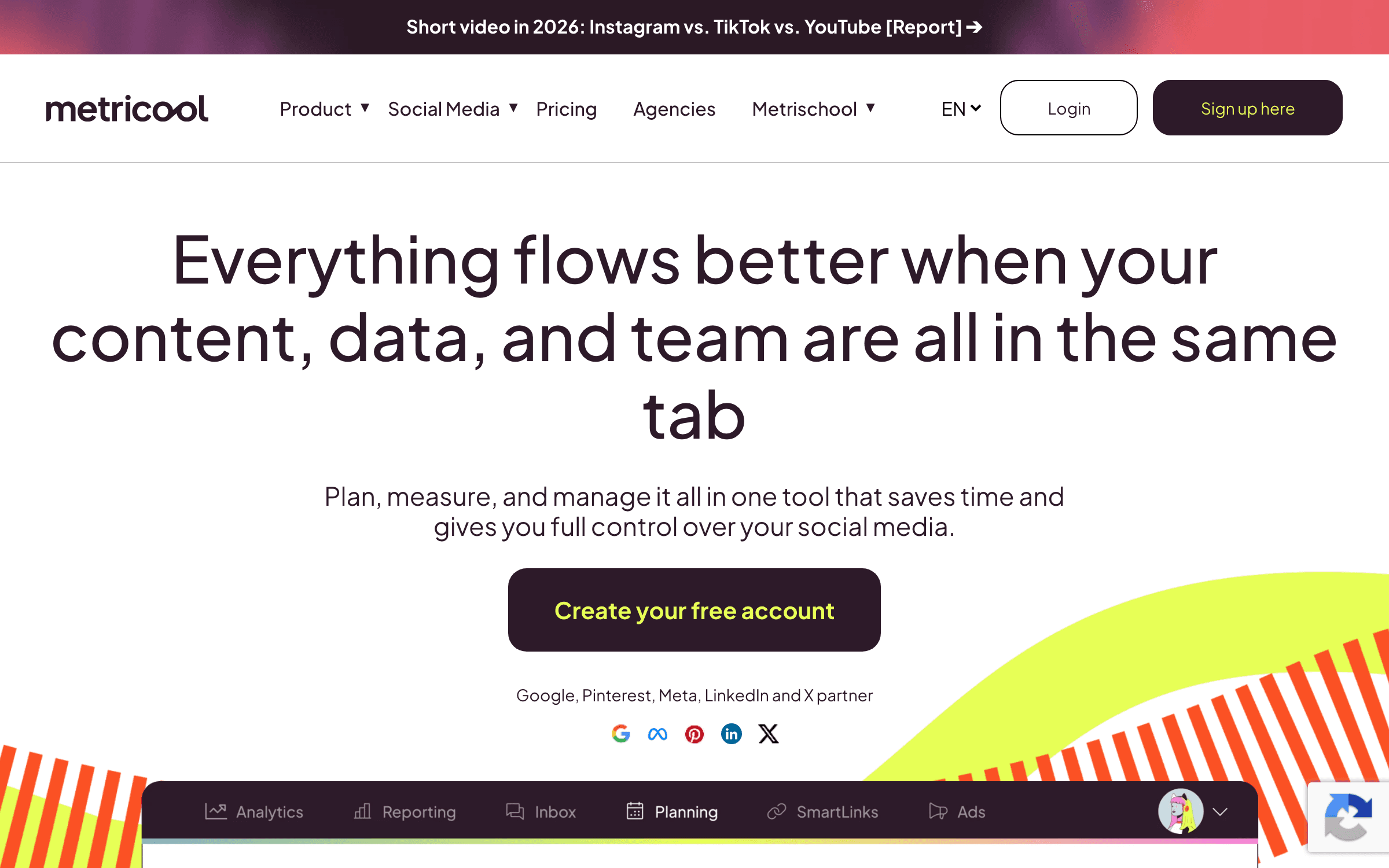
Metricool combines a capable planner with channel analytics, competitor tracking, ad reporting and downloadable client reports. Its Free plan manages one brand, schedules 20 posts per month and keeps 30 days of analytics. In the US, Starter begins at $25/month for up to five brands or $45/month for ten, with unlimited publishing under the fair-use policy.
Metricool is the best value for anyone who opens a scheduler to answer two questions: what should we publish, and did it work? Starter includes PDF/PPT reports, unlimited analytics history, multiple link-in-bio pages, competitor analysis and limited campaign dashboards. It also exposes an MCP connector on Free and API/automation access on Advanced. Read the exclusions carefully: Free does not connect LinkedIn or X, X is a $10/month add-on per account on paid plans, and the headline $25 tier does not include team roles or approvals.
Agent friendliness: 5/5
Official MCP on every planMetricool offers the broadest low-cost agent surface: its official MCP works even on Free and can read brands, analyze performance, create posts, schedule at a specific or recommended time and edit scheduled content. Metricool documents Claude, Claude Code and other MCP clients. OpenClaw and Hermes support the same remote MCP and authentication patterns, but are not named in Metricool’s tested-client list.
Key features
- Unified publishing calendar plus best-time recommendations and autolists
- Organic social, website and paid-ad analytics in one dashboard
- Competitor tracking: five profiles on Free and up to 100 on Starter
- PDF/PPT reports and automated report delivery on paid plans
- Metricool MCP on Free; API, Zapier, Make and Looker Studio on Advanced
Pricing
Free: 1 brand, 20 posts/mo, no LinkedIn or X. Starter: $25/mo for up to 5 brands or $45/mo for 10 in the US. Advanced: from $67/mo. X add-on: $10/mo per connected account.
Best for
Founder-marketers, consultants and lean agencies that need reporting as much as publishing.
Pros
- Best analytics depth below the enterprise price tier
- One brand bundles many networks instead of charging for every channel
- Free MCP connector makes scheduling data available to AI assistants
Cons
- LinkedIn is excluded from Free and X is a paid add-on
- Approvals, collaborators and full API access require Advanced
Publer
Best Budget Pick with Flexible Account Pricing
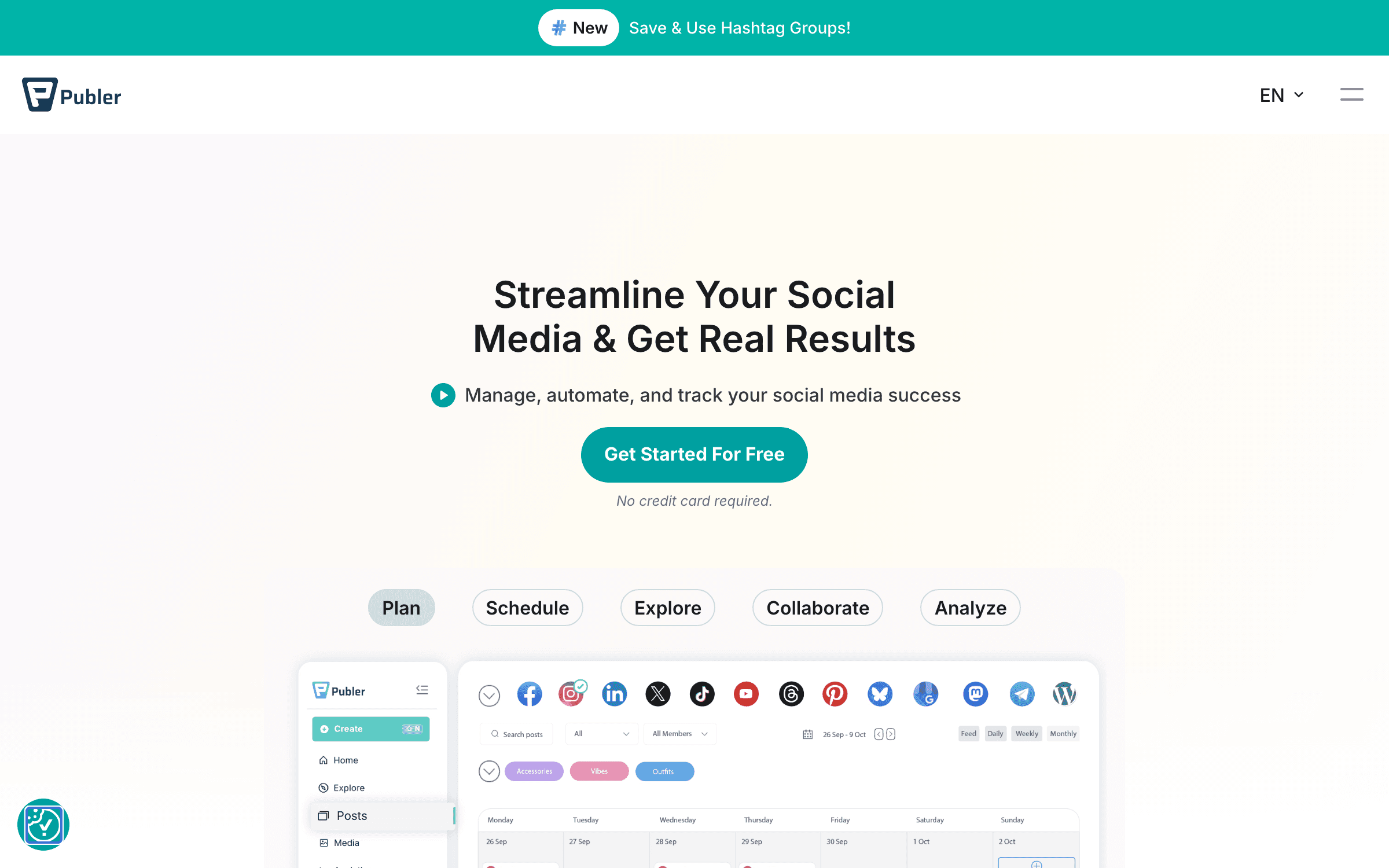
Publer is the price disruptor in this category. Free connects three non-X accounts and allows 10 pending scheduled posts per account. Professional starts at $5/month for one social account, then $4 for each extra account and $2 for each added member. Business starts at $10/month and adds analytics, best-time data, competitor insights, recycling and unlimited AI prompts.
For a founder publishing to one or two networks, nobody credible starts lower. Publer also punches above that price with bulk scheduling, recurring and recycling posts, RSS automation, content recommendations and direct publishing across the current network set. The caveat is the billing equation: the attractive $5 headline is for one account and no extra member. A multi-brand agency can quickly build a custom bill, and analytics are reserved for Business. X is excluded from Free because of API costs.
Agent friendliness: 3/5
MCP beta; REST API on Business+Publer has a real MCP server, but it is still a limited beta for top ambassadors and Enterprise customers rather than a generally available feature. Eligible accounts can connect any compatible client and grant scoped access to workspaces, accounts, posts, media and analytics. Everyone else needs Publer’s REST API, which is restricted to Business and Enterprise plans, plus a custom tool or MCP bridge.
Key features
- Bulk CSV scheduling, recurring posts and automated recycling
- Unlimited workspaces on paid plans with configurable accounts and members
- RSS feed automation and content recommendations
- Link-in-bio page and integrated media/design workflow
- Business adds analytics, competitor tracking, best times and unlimited AI prompts
Pricing
Free: 3 non-X accounts, 10 pending posts/account. Professional: from $5/mo for 1 account; +$4/account and +$2/member. Business: from $10/mo; +$7/account and +$3/member. 7- or 14-day trials depending on tier.
Best for
Bootstrappers and creators who want capable scheduling for the lowest possible monthly bill.
Pros
- Lowest paid entry price in this ranking
- Strong recycling and bulk-publishing features for the money
- Unlimited paid-plan workspaces avoid a separate client-space tax
Cons
- Headline price excludes extra accounts and teammates
- Analytics and best-time recommendations require Business
SocialBee
Best for Evergreen Content and Category Queues
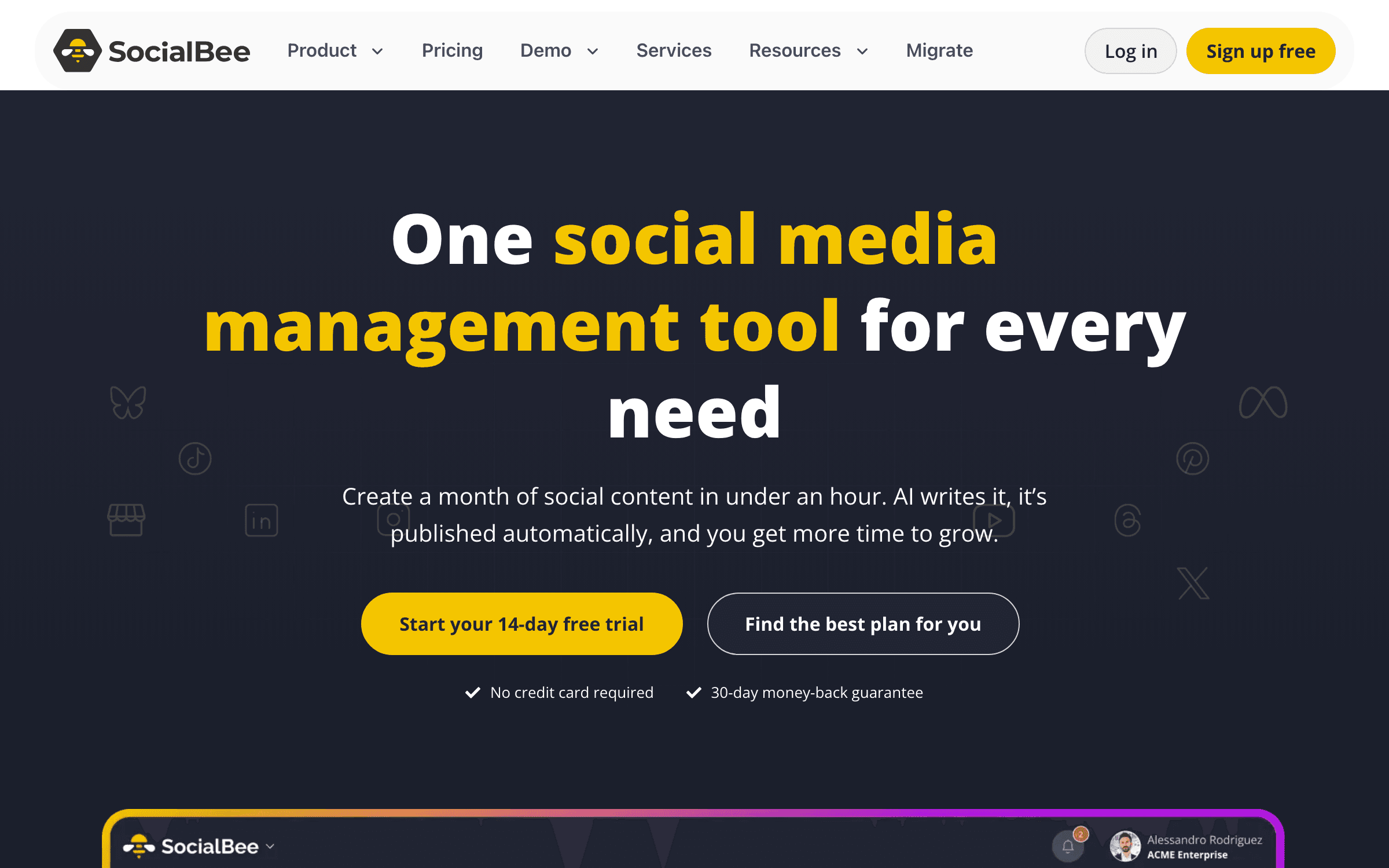
SocialBee is built around content categories rather than a blank calendar. You define buckets such as founder lessons, product updates and customer proof, assign each a cadence, and keep the queue stocked. Bootstrap costs $29/month ($24/month billed annually) for five profiles, one user, ten categories and three months of analytics.
Category scheduling is more than a UI preference: it prevents a founder from publishing six product pitches in a row and then going silent. SocialBee can recycle evergreen posts, expire time-sensitive ones, import RSS feeds and generate strategy and captions with unlimited AI content generation on every standard plan. The limitation is collaboration economics. Bootstrap and Accelerate include one user and one workspace; another user or workspace costs $10/month, so teams should model add-ons before choosing it over Buffer Team or Planable.
Agent friendliness: 2/5
Zapier/Make bridge; no public APISocialBee has no native product MCP and its help center says there is no public API. An agent can still create posts through SocialBee’s Zapier action—including via Zapier MCP—or through supported Make, Pabbly and Boost.space automations. That is an indirect, narrower path: the Zapier MCP currently exposes a Create Post action rather than the full scheduler, analytics and engagement surface.
Key features
- Category-based queues with balanced scheduling across content pillars
- Evergreen recycling plus expiration by date or number of shares
- AI Copilot and unlimited AI content generation on standard plans
- RSS imports, content sources and integrations with Canva, Unsplash and GIPHY
- Direct support for ten major networks plus reminder-based universal posting
Pricing
Bootstrap: $29/mo or $24/mo annual for 5 profiles. Accelerate: $49/mo for 10. Pro: $99/mo for 25 profiles, 3 users and 5 workspaces. 14-day trial, no card.
Best for
Content-led founders, consultants and small businesses with a library of evergreen posts.
Pros
- Best category queue and evergreen recycling workflow
- Unlimited AI generation is not metered by plan
- Transparent profile, workspace and user add-ons
Cons
- No free-forever plan
- Extra users and workspaces add $10/month each on monthly billing
The tool is not the strategy
Get one practical growth breakdown each week—real costs, useful workflows and no affiliate-shaped rankings.
Planable
Best for Client Approvals and Content Collaboration

Planable turns each brand or client into a workspace with a visual content calendar, internal notes, version history and structured approvals. The free trial is unusual: 50 total posts with no time limit and unlimited collaborators. Basic costs $39/workspace/month ($33 annual) for 60 posts, four social pages and unlimited users; Pro costs $59 monthly ($49 annual).
Planable wins when the expensive part of social publishing is waiting for feedback, chasing a client and accidentally posting the unapproved draft. Optional, required and multi-level approvals map to real agency and regulated-team workflows better than a generic scheduler checkbox. Unlimited users remove the penalty for inviting clients. But its clean headline conceals an à-la-carte stack: analytics and social inbox are separate per-workspace add-ons, and billing one workspace per client makes a ten-client agency much more expensive than the first card suggests.
Agent friendliness: 5/5
Official MCP on every planPlanable’s official remote MCP is available on every plan, including the free trial. Agents can inspect workspaces and approval queues, create or update posts and pull analytics when the add-on is enabled. Its best safety property is structural: agent-created content lands in the normal draft and approval workflow. Claude and Claude Code are documented paths; OpenClaw and Hermes should work through the standard remote MCP endpoint, but Planable does not list them as tested clients.
Key features
- Feed, calendar, grid and list views with accurate platform previews
- Internal notes, client comments, version history and approval status
- Optional, required and multi-level approval workflows by tier
- Unlimited collaborators on every plan
- MCP connector for creating and managing content from an AI assistant
Pricing
Free trial: 50 total posts, no expiry. Basic: $39/workspace/mo ($33 annual). Pro: $59/workspace/mo ($49 annual). Analytics and inbox cost extra per workspace.
Best for
Agencies, marketing teams and regulated brands where every post needs review.
Pros
- Best-in-class post preview, feedback and approval experience
- Unlimited users makes client access painless
- No time limit on the 50-post trial
Cons
- Per-workspace pricing multiplies across clients and locations
- Analytics and inbox are paid add-ons instead of core features
Later
Best for Visual-First Creator Brands
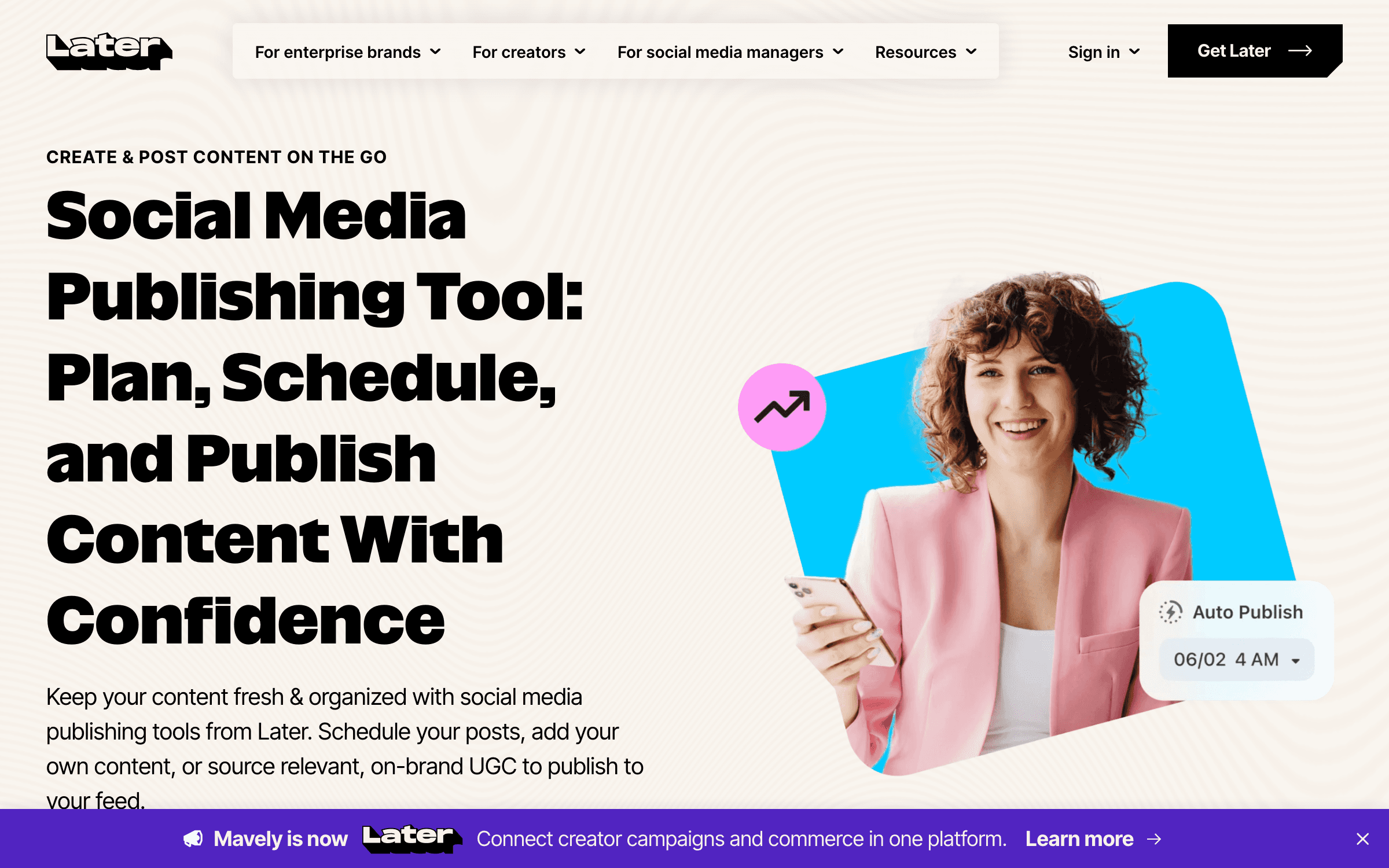
Later remains the most visual scheduler in the group. One social set includes one profile on each of eight supported platforms, and the Starter plan costs $25/month or $18.75/month billed annually. It schedules 30 posts per profile each month and includes visual planning, platform analytics, Instagram/TikTok best times and Link in Bio.
Later makes sense when the Instagram grid, short-form video calendar and creator workflow are the product—not side channels. Its visual planner, saved captions, UGC collection and link-in-bio commerce are more coherent than assembling those pieces around a generic queue. Growth is the serious operating tier: $50/month ($37.50 annual) for two social sets, two users, approvals, inbox, smart scheduling and 180 posts per profile. Text-heavy B2B founders will get less value than they would from Buffer or Metricool.
Agent friendliness: 1/5
No MCP, public API or ZapierLater is the least agent-friendly product in this ranking. It has no documented product MCP or public scheduling API, and Later’s own compatibility page lists Zapier as unsupported. OpenClaw or Claude Code could operate the signed-in web app through a separately configured browser-control tool, but that is brittle UI automation—not a supported Later integration. Cowork has no direct connector route today.
Key features
- Visual drag-and-drop calendar and Instagram grid planning
- Instagram, TikTok and Facebook best-time recommendations
- Link in Bio with tracked clicks and creator-commerce workflows
- UGC collection and media library on Growth
- Support for Instagram, Facebook, Threads, Pinterest, TikTok, LinkedIn, YouTube and Snapchat
Pricing
Starter: $25/mo or $18.75/mo annual for 1 social set and 1 user. Growth: $50/mo or $37.50/mo annual for 2 sets and 2 users. Scale: $110/mo or $82.50/mo annual. 14-day trial.
Best for
Instagram- and TikTok-led creators, ecommerce brands and visual social teams.
Pros
- Best visual planning and link-in-bio combination
- A social set covers eight profiles for one brand
- Growth includes approvals, inbox and UGC collection
Cons
- Starter caps posts at 30 per profile each month
- Collaboration starts on the $50/month Growth tier
Sendible
Best Agency Value with Unlimited Users
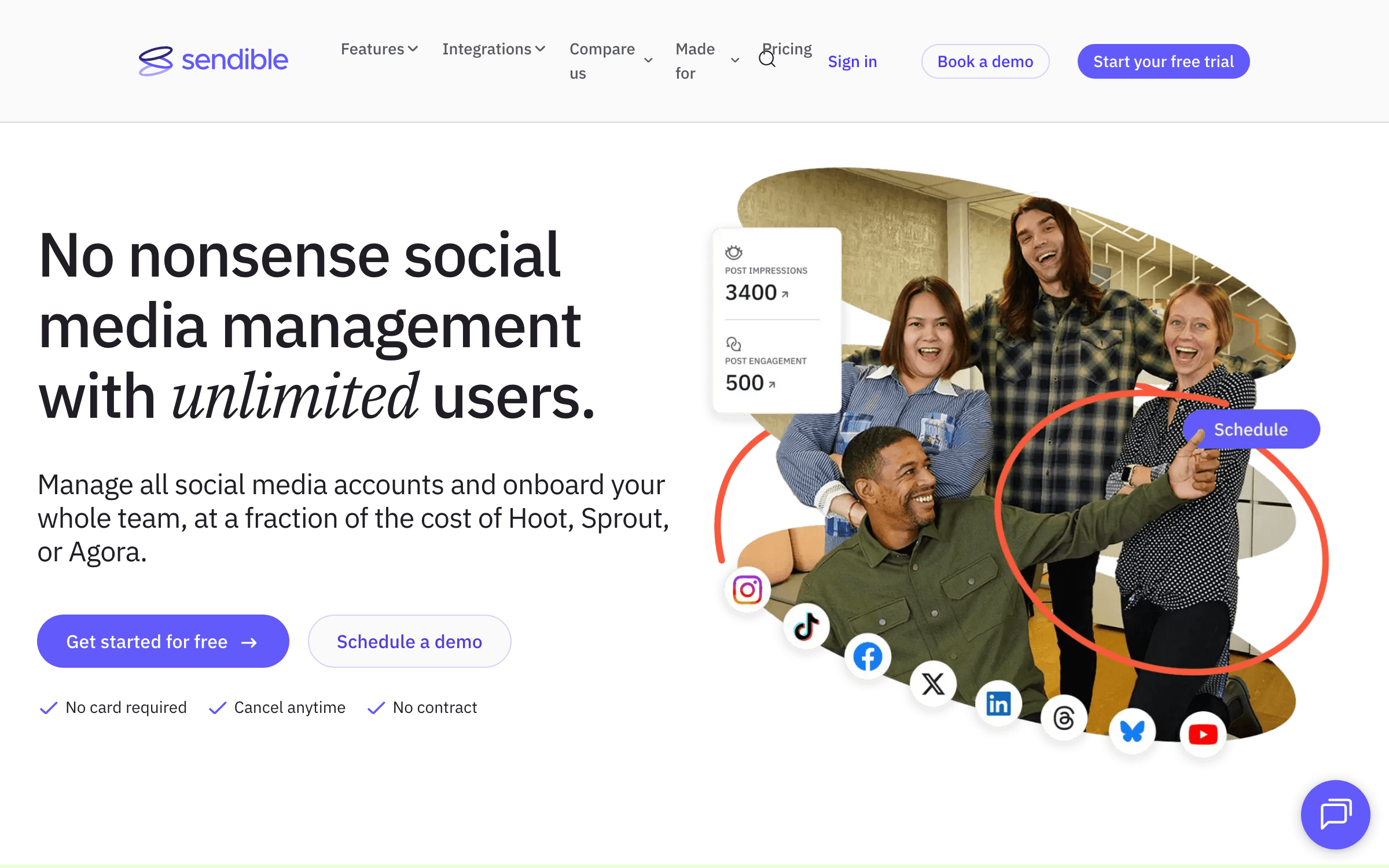
Sendible rebuilt its pricing around workspaces in 2026. Core is $35/month for one workspace and six social profiles; Plus is $99 for three workspaces and 18 profiles; Premium is $199 for seven and 42. Every plan includes unlimited users, scheduling, AI credits, monitoring and standard reporting.
Unlimited seats change the agency math. A five-person team can use a $99 Sendible Plus account instead of paying five per-seat subscriptions, and Client Connect lets customers attach their profiles without handing over credentials. Premium adds content libraries, campaigns, custom branded reports and onboarding. The cost is product density: Sendible is less immediately friendly than Buffer or Planable, and white labelling remains a paid add-on on Elite or Enterprise. It is an agency operations tool that also schedules—not the first scheduler a solo creator should buy.
Agent friendliness: 2/5
Zapier connector; no publishing APISendible does not expose a native MCP server or a general publishing API; its documented API support is limited to SSO for white-label customers. The practical agent route is its Zapier connector, which can create scheduled or queued posts, delete posts and approve drafts. OpenClaw, Hermes, Cowork or Claude Code therefore need Zapier MCP or another custom automation layer rather than connecting to Sendible directly.
Key features
- Unlimited users on all plans with workspaces that isolate each client or brand
- Client Connect for secure social-profile onboarding
- Priority inbox, comment monitoring and assignment workflows
- Smart queues, bulk imports, RSS autoposting and dynamic fields on upper tiers
- Standard, custom, branded and automatically emailed reports by tier
Pricing
Core: $35/mo (1 workspace, 6 profiles). Plus: $99/mo (3, 18). Premium: $199/mo (7, 42). Annual billing saves 15%. Unlimited users on all plans; 14-day trial.
Best for
Agencies and multi-brand teams that need many collaborators without per-seat pricing.
Pros
- Unlimited users eliminates the agency seat tax
- Workspaces, Client Connect and reports are built for client delivery
- Six profiles bundled with each workspace makes scaling predictable
Cons
- Interface and setup are heavier than founder-first tools
- White labelling requires a high tier plus a paid add-on
Agorapulse
Best for Social Inbox Operations and ROI Reporting
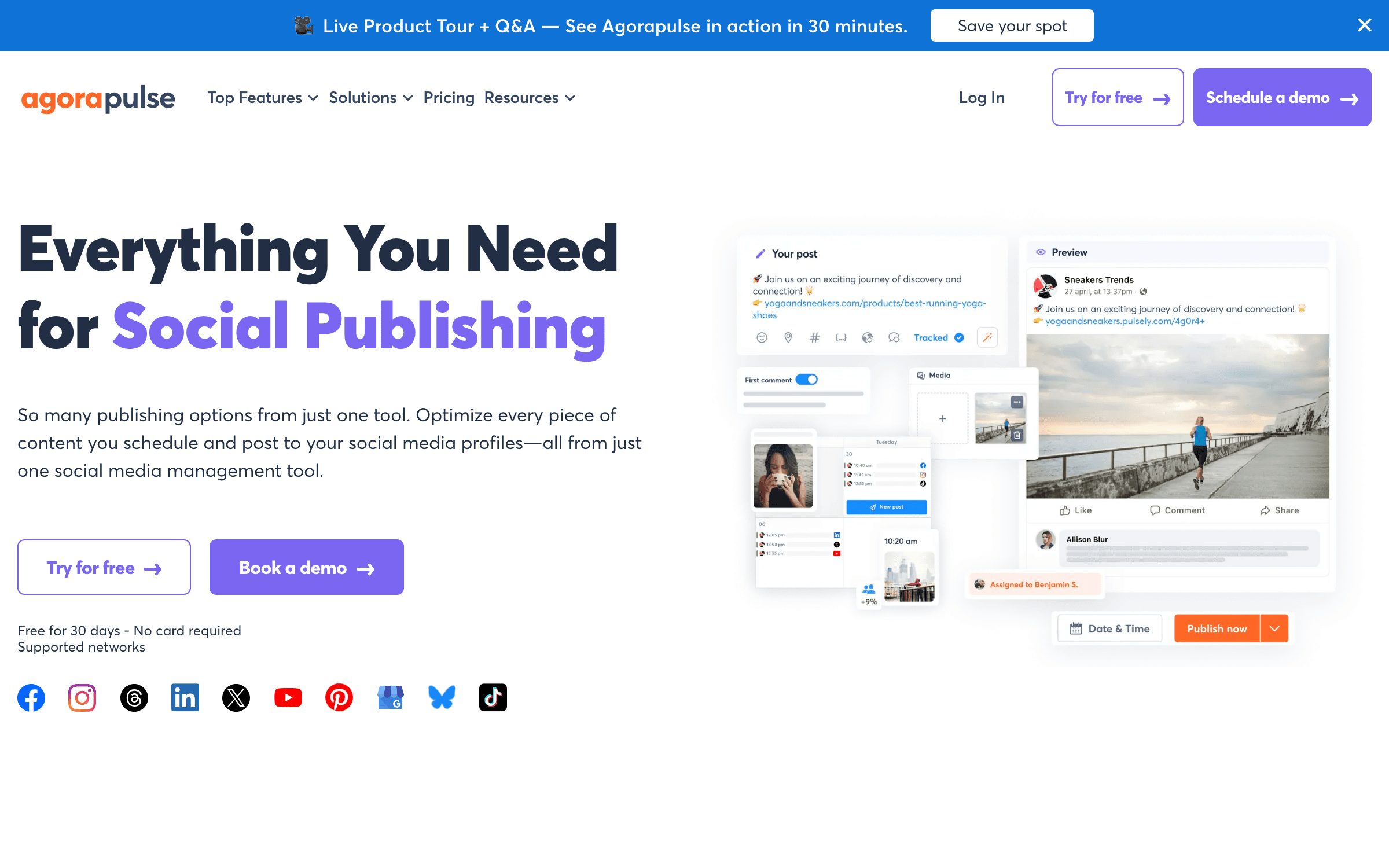
Agorapulse is an operations layer for teams whose social workload lives in comments, messages and reporting as much as the publishing calendar. Standard costs $99 per user monthly or $79 with annual billing and includes ten shared social profiles, unlimited posts, unified inbox, automated inbox assistance and branded report exports.
Agorapulse earns a place because its inbox and reporting are the product, not bolt-ons. Professional adds assignments, team performance and ad-comment monitoring; Advanced adds moderation rules, bulk inbox actions, ROI analysis and competitor benchmarking. That can replace several smaller tools for a community-heavy brand. It is poor value if all you need is scheduling. Each additional user costs the full plan price while the ten included profiles remain shared, and Agorapulse ended access to its Free plan for users in July 2026.
Agent friendliness: 4/5
Official MCP beta on paid plansAgorapulse’s official OAuth MCP connector can create content, inspect the calendar, retrieve social data and analyze performance. It is in beta and available on active paid plans except Legacy and Free. Agorapulse documents Claude, ChatGPT and Copilot rather than OpenClaw, Hermes or Claude Code; those clients support remote MCP, so they are protocol-compatible, but should be treated as unverified until tested with Agorapulse’s OAuth flow.
Key features
- Unified inbox for organic comments and messages with moderation assistance
- Unlimited publishing and a shared cross-network calendar
- Branded report exports and social-media ROI reporting
- Ad-comment monitoring and team assignments on Professional
- Competitor benchmarks, saved replies and advanced moderation on Advanced
Pricing
Standard: $99/user/mo or $79 annual. Professional: $149/user/mo or $119 annual. Advanced: $199/user/mo or $149 annual. 10 profiles included and shared across users. 30-day trial.
Best for
Community-heavy brands and social teams accountable for response time and ROI.
Pros
- Strong inbox triage and moderation workflow
- Reporting connects publishing activity to business outcomes
- 30-day no-card trial is longer than most competitors
Cons
- Per-user billing becomes expensive immediately
- No free plan for new or existing users since July 2026
Hootsuite
Best Mature Suite for Governance and Broad Coverage
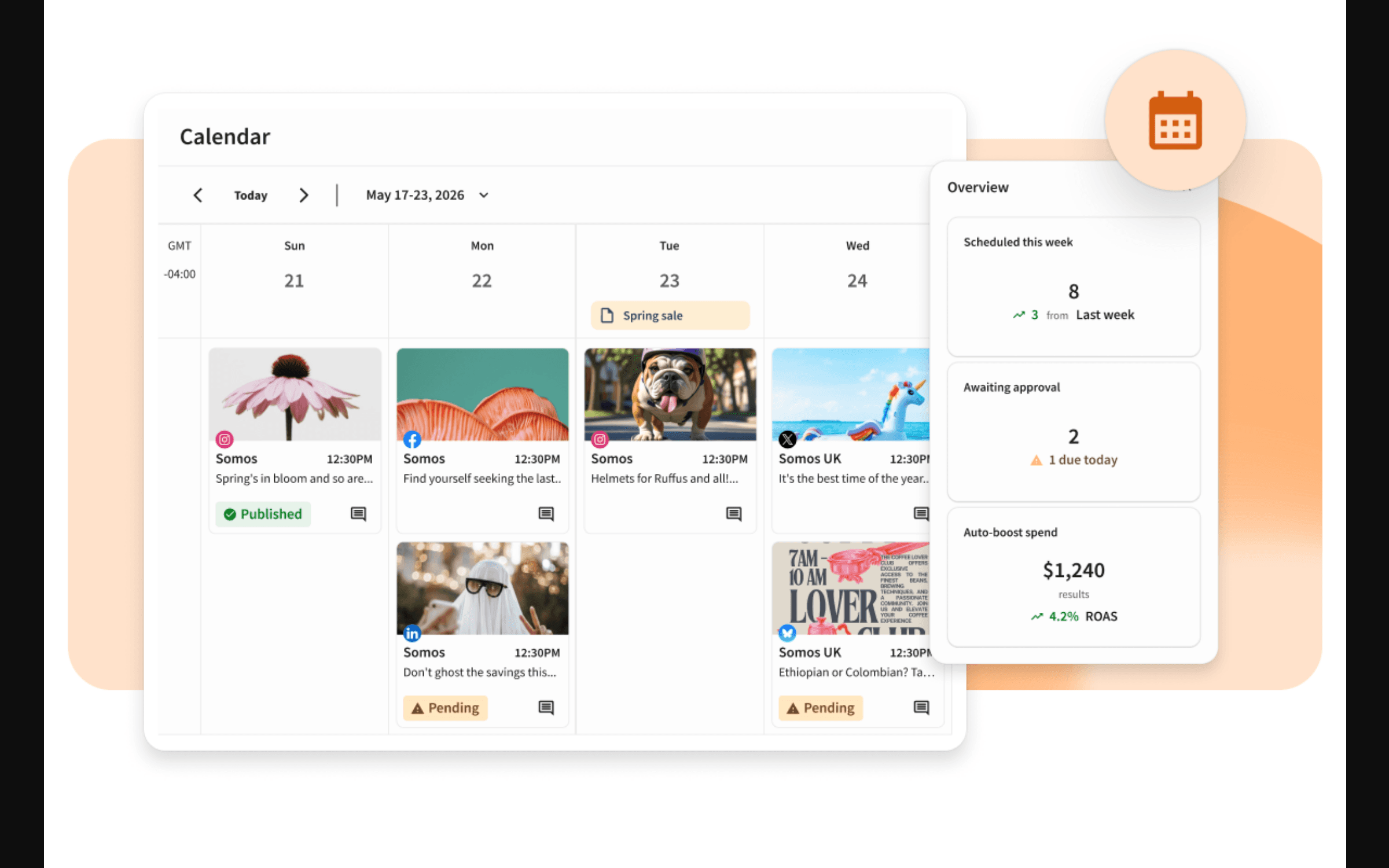
Hootsuite is the mature general-purpose suite: publishing, inbox, monitoring, analytics, AI content creation and competitive intelligence in one product. Standard starts at $99 per user/month for ten social accounts. Professional starts at $199 and removes the account cap while adding automation, custom reporting and 90-day trend forecasting.
Hootsuite is not ninth because it lacks capability; it is ninth because most readers should not pay enterprise-shaped prices for a queue. Its advantage appears when a team needs one vendor across publishing, engagement, monitoring and governance, with established integrations and procurement support. Advanced at $399 per user/month adds approvals and team collaboration. For a solo founder, Buffer and Metricool cover the daily job for a fraction of the price. For a communications department that values account controls and consolidated reporting, Hootsuite is easier to defend.
Agent friendliness: 5/5
Four official MCP servers + APIHootsuite has the deepest native agent surface here. Separate MCP servers expose Perch for publishing, Nest for inbox work, Lumen for listening and Parliament for advocacy, alongside Hootsuite’s REST API and app ecosystem. Claude is a documented no-code connection. OpenClaw, Hermes and Claude Code can consume the remote MCP URLs as standard clients, although Hootsuite’s guided setup currently focuses on Claude, ChatGPT, Gemini and Copilot.
Key features
- Unlimited scheduling with AI post and image generation
- Unified inbox plus monitoring for brand and competitor activity
- Professional supports unlimited social accounts and automated workflows
- Custom performance reports and trend forecasting
- Approvals, routing and internal collaboration on Advanced
Pricing
Standard: from $99/user/mo for 10 accounts. Professional: from $199/user/mo with unlimited accounts. Advanced: from $399/user/mo. 14-day trial, no card; annual billing available.
Best for
Established marketing and communications teams that want a mature single-vendor suite.
Pros
- Broad feature coverage and mature integrations
- Professional removes the social-account ceiling
- Strong governance options for larger teams
Cons
- Far too expensive for publishing-only workflows
- Approvals are pushed to the $399/user/month Advanced tier
Sprout Social
Best Enterprise Analytics and Cross-Functional Workflow
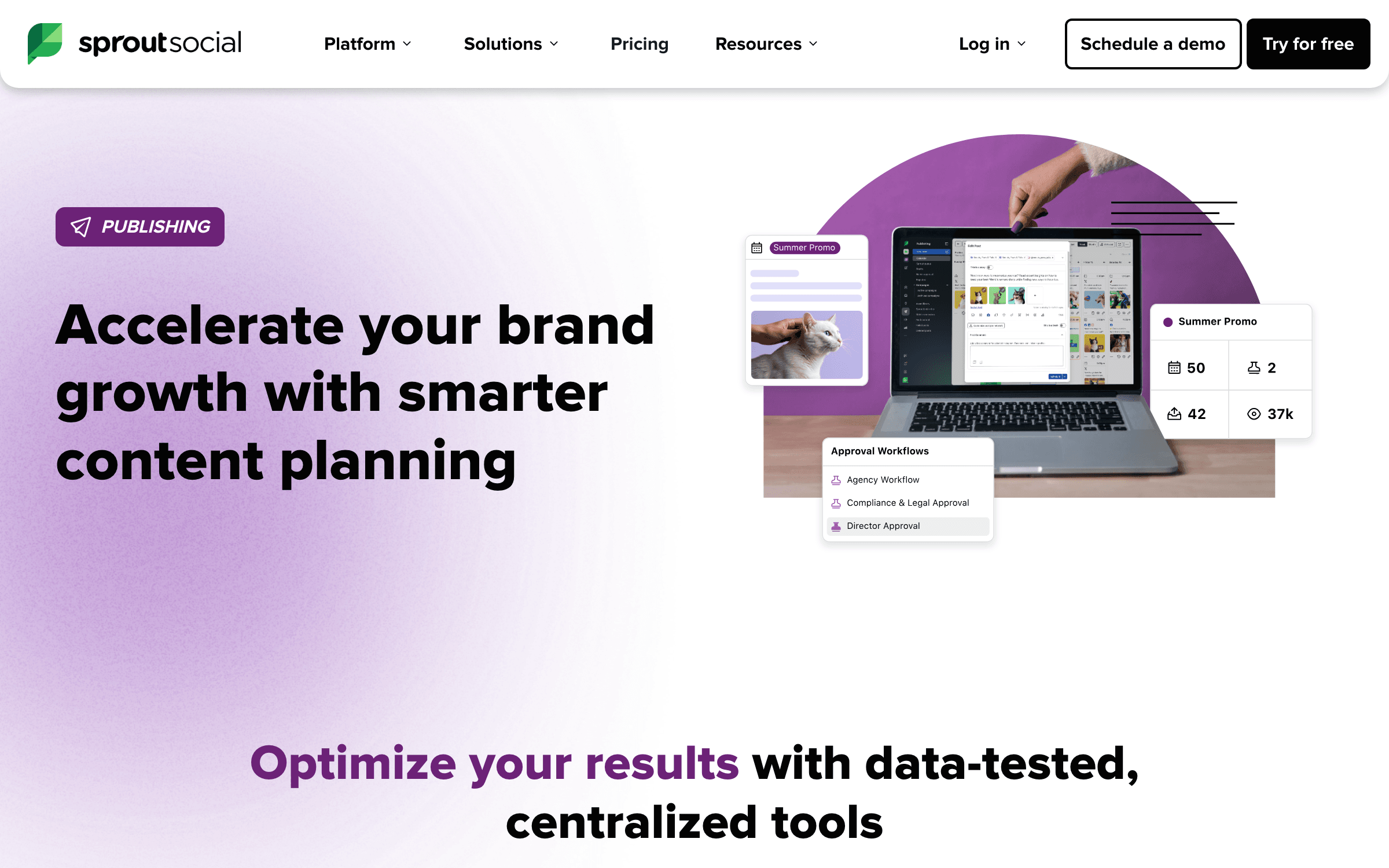
Sprout Social is the premium enterprise option in this ranking. Standard is $199 per seat/month on annual billing for five profiles and includes the consolidated inbox, collaboration, keyword/location monitoring, review management and its Trellis AI agent. Professional is $299 per seat and unlocks unlimited profiles plus deeper competitor, tag and paid insights.
Sprout is designed for organizations where social data feeds customer care, brand intelligence and executive reporting. Advanced adds sentiment, helpdesk integrations and API access, while Listening and Premium Analytics remain separate add-ons. The experience is polished and the reporting depth is real, but the base math is impossible to ignore: three Standard seats cost $7,164 per year before add-ons. Sprout belongs on an enterprise shortlist; it should not be normalized as a recommendation for a five-person startup that needs a calendar.
Agent friendliness: 2/5
Narrow ChatGPT-only MCP; API on AdvancedSprout has an MCP endpoint, but its official support is currently limited to ChatGPT and to read-only TikTok publishing insights and post-performance data. Sprout explicitly says Claude and other AI clients are not supported. Advanced-plan customers can build a custom agent tool around the Public API for analytics, inbox data, media uploads and draft creation, but that requires engineering and is not a direct MCP experience.
Key features
- Consolidated smart inbox with collaboration and review management
- Keyword and location monitoring plus Trellis AI assistance
- Professional includes unlimited social profiles and competitor insights
- Advanced sentiment, helpdesk connections and API access
- Optional premium listening, analytics, advocacy and influencer products
Pricing
Standard: $199/seat/mo annual for 5 profiles. Professional: $299/seat/mo with unlimited profiles. Advanced: $399/seat/mo. Listening and Premium Analytics cost extra. 30-day trial.
Best for
Enterprise social, support and insights teams that can use the reporting and integrations.
Pros
- Deepest cross-functional reporting and enterprise workflow here
- Excellent inbox and customer-care integrations
- Unlimited profiles on Professional simplifies global brand portfolios
Cons
- Highest starting price in the ranking
- Important listening and analytics products are still paid add-ons
How we ranked the tools
We evaluated the complete operating cost for four common buyers: one founder with five channels, a three-person brand team, a freelancer with five clients and an agency with ten clients. Six factors determined the order:
- Publishing reliability — Support for current native formats, direct publishing versus reminders, queues, bulk work and platform-specific customization.
- Complete price — The bill after every required channel, teammate, client workspace, report and inbox add-on—not the smallest number on the pricing page.
- Workflow fit — Whether the product is genuinely better for a solo creator, analytics-led operator, approval-heavy team, agency or enterprise inbox.
- Analytics and engagement — Useful history, report exports, campaign comparison and the networks covered by the inbox.
- Agent access — Whether an external agent can safely read and act through native MCP, a documented API or a narrower automation bridge.
- Exit cost — How easily a team can export data, change plans and avoid building its entire process around high-tier proprietary features.
The 30-minute buying test
Do not migrate because a feature matrix contains ten green checks. Run this small test in the trial account:
- Connect the awkward channel first. Use the personal LinkedIn profile, Google Business location, Bluesky account or Pinterest board most likely to expose a platform limit.
- Schedule five real formats. Test a carousel, short video, Story, document post and thread with the mentions, first comment and thumbnail you actually use.
- Invite the person who slows publishing down. A client, founder or compliance reviewer will reveal more about the approval UX than the product tour.
- Build one monthly report. If the report needs a spreadsheet repair, budget that human time into the subscription.
- Price month thirteen. Count next year’s channels, users, brands, workspaces and add-ons. That number—not today’s trial—is the product price.
Choose by workflow, not logo count
You are a solo founder
Start with Buffer Free. Move to Essentials when 10 queued posts per channel becomes a real constraint.
Reporting is the job
Choose Metricool. It is the best balance of publishing, organic analytics, ad data and client-ready exports below enterprise pricing.
You publish evergreen content
Choose SocialBee for category queues, recycling and expiration. Publer is the cheaper alternative.
Clients approve every post
Choose Planable for the review experience. Choose Sendible when many internal users also need inboxes and reports.
Your team lives in the inbox
Compare Agorapulse and Sprout Social. Their premium is justified only when comment operations and reporting are measurable work.
Procurement wants one suite
Hootsuite is the mature broad-coverage option. Make sure the governance and monitoring features justify the per-user price.
An AI agent runs the calendar
Choose Buffer for a clean publishing layer, Metricool for publishing plus analytics, or Planable when every agent-created draft must pass through human approval.
Build a leaner marketing stack
Weekly founder-grade analysis of the software worth buying—and the subscriptions worth cancelling.
Frequently asked questions
What is the best social media scheduling tool in 2026?
Buffer is the best default for most solo founders and small teams because it is easy to operate, starts free, supports the current long tail of networks and now includes analytics plus community replies. Metricool is better if reporting is the center of the workflow; Planable is better when every post needs client or legal approval.
What is the best free social media scheduler?
Buffer has the strongest general free plan: three channels and 10 queued posts per channel, with analytics and community replies included. Metricool is the better free analytics tool for one brand but caps publishing at 20 posts per month and excludes LinkedIn and X. Publer is useful for three non-X accounts but limits you to 10 pending posts per account.
Does scheduling social posts reduce reach?
There is no good reason to assume an approved third-party scheduler automatically reduces organic reach. What can reduce performance is publishing the same unadapted asset everywhere, missing network-native features, or failing to engage after posting. Use a scheduler that supports each network’s current formats, then keep human review and replies in the loop.
Is Buffer or Hootsuite better?
Buffer is better for creators, founders and small teams that primarily need publishing, lightweight analytics and comment replies. Hootsuite is better for established departments that need broad monitoring, custom reports, governance and consolidated procurement. Their starting prices—free/$6 per channel versus $99 per user—make the intended buyer clear.
Which scheduler is best for agencies?
Sendible offers the best agency value when many teammates need access because every plan includes unlimited users and each workspace bundles six profiles. Planable is the better choice when client approval is the bottleneck. Metricool is strongest for low-cost recurring client reports. Large agencies that need advanced inbox operations should compare Agorapulse and Sprout Social.
What should I check before moving all my accounts?
Test the exact post types you publish, not only the network logo on a compatibility grid. Verify carousel, Story, first-comment, document, thumbnail, collaborator-tag and location support; confirm whether a feature auto-publishes or sends a mobile reminder; calculate the full bill with every channel, seat, workspace and add-on; and export your historical reports before cancelling the old tool.
Which social media scheduler is best for AI agents?
Buffer, Metricool and Planable are the best default choices for AI-agent workflows because each exposes an official remote MCP server without requiring an enterprise contract. Buffer is the cleanest publishing layer, Metricool combines publishing with broad analytics, and Planable keeps agent-created work inside a human approval process. Hootsuite has the broadest MCP surface for larger teams, while Agorapulse offers a capable paid-plan beta.
Can OpenClaw, Hermes, Claude Cowork and Claude Code schedule posts directly?
They can when the scheduler exposes a compatible remote MCP server. OpenClaw and Hermes both support remote HTTP MCP servers, while Claude Cowork supports remote custom connectors and Claude Code supports MCP directly. Buffer, Metricool, Planable and Hootsuite are the strongest candidates. An asterisk in our matrix means the protocol should work but the scheduling vendor has not published a client-specific guide, so test authentication and write permissions before relying on it in production.
The bottom line
Choose Buffer if you want the answer that creates the least operational drag. It covers the modern network set, remains usable on Free and gives external agents a first-party MCP publishing layer.
Choose Metricool when the report matters as much as the queue, Publer when the monthly floor matters most, SocialBee for evergreen content and Planable when both agents and humans need to work inside an approval system. Agencies should model Sendible against Planable plus reporting add-ons rather than comparing sticker prices.
Agorapulse and Hootsuite pair strong MCP access with expensive operational suites. Sprout Social is good software for an expensive enterprise problem, but its current MCP is too narrow to drive the buying decision. If you cannot name the inbox, governance, listening, analytics or agent workflow that will repay the premium, you do not have that problem yet.
Related reading
Sources
Pricing, plan limits, MCP availability and agent-client support checked against vendor and client documentation on September 1, 2026.
- Buffer — Pricing and features
- Metricool — Pricing
- Publer — Plans and pricing
- SocialBee — Pricing
- Planable — Pricing
- Later — Pricing
- Sendible — Pricing
- Agorapulse — Pricing
- Hootsuite — Plans
- Sprout Social — Pricing
- Buffer — Official MCP documentation
- Metricool — MCP FAQ and supported clients
- Publer — MCP beta setup and availability
- SocialBee — Integrations and public API availability
- Zapier — SocialBee MCP actions
- Planable — Official MCP guide
- Later — Supported and unsupported integrations
- Sendible — Zapier automation
- Zapier — Sendible MCP actions
- Agorapulse — MCP connector requirements
- Hootsuite — Official MCP servers
- Sprout Social — MCP scope and client limitations
- Anthropic — Remote MCP connectors in Claude and Cowork
- Anthropic — MCP in Claude Code
- OpenClaw — MCP client documentation
- Hermes Agent — Remote MCP and OAuth setup
Get better software picks weekly
Real pricing, sharp trade-offs and founder-first recommendations.
Keep Reading
7 Best AEO Tools for Ecommerce and CPG Brands in 2026
Compare seven AEO tools for ecommerce and CPG brands by SKU tracking, ChatGPT Shopping cards, retailer visibility, catalog work, and real entry cost.
7 Best Reddit Marketing Tools for Startups in 2026
Compare seven Reddit marketing tools for founders: conversation discovery, lead scoring, publishing, ads, pricing, and the risks of automated replies.
7 Best Reddit Social Listening Tools in 2026
Seven Reddit listening tools compared on post and comment coverage, keyword precision, alert delivery, history, business pricing, and reporting.